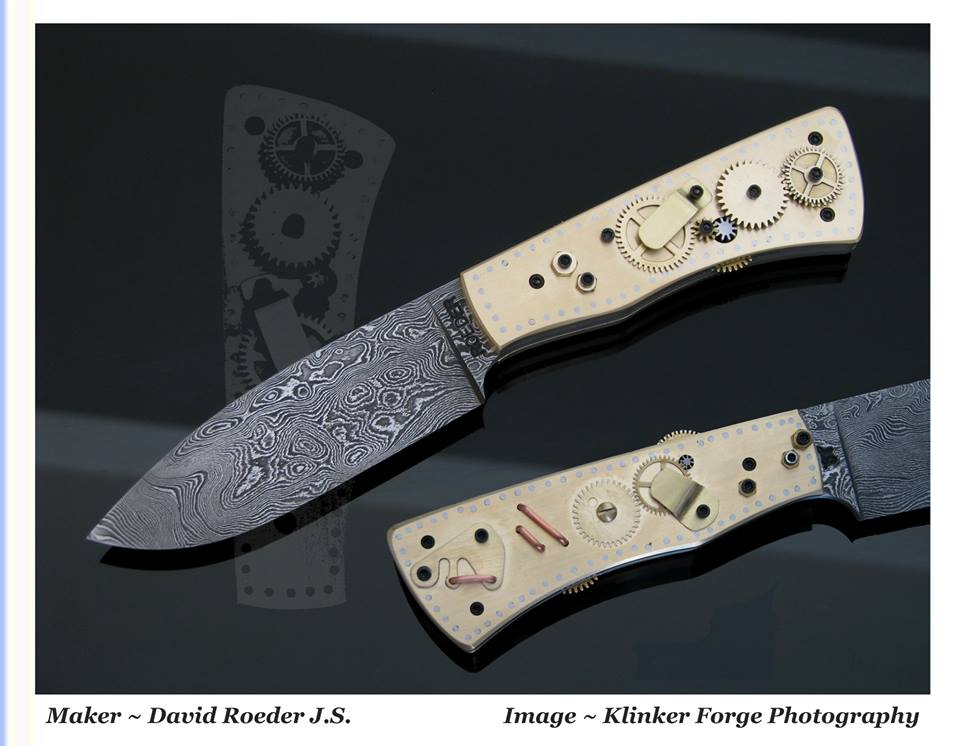
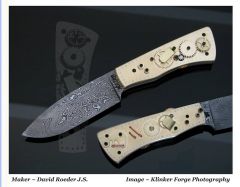
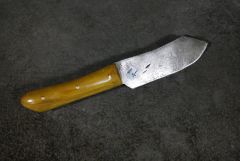
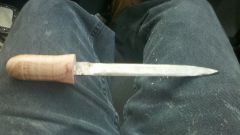
18 Years in Knifemaking dasmascus david roeder david roeder j.s. knifemaking steampunk Share https://www.iforgeiron.com/gallery/image/38559-18-years-in-knifemaking/ Share on LinkedIn Share on X Share on Facebook {lang="reddit_text" Share via email Share on Pinterest More sharing options... Followers September 2014 marked my 18th year in knifemaking. To celebrate I made something not from the normal. This is a Damascus "Steampunk" The handle has on both sides, fully functional gears. This was a great challenge, and super fun to make.

Recommended Comments
Join the conversation
You can post now and register later. If you have an account, sign in now to post with your account.