#1

By Ten Hammers
- 3,654 views
- View Ten Hammers's images
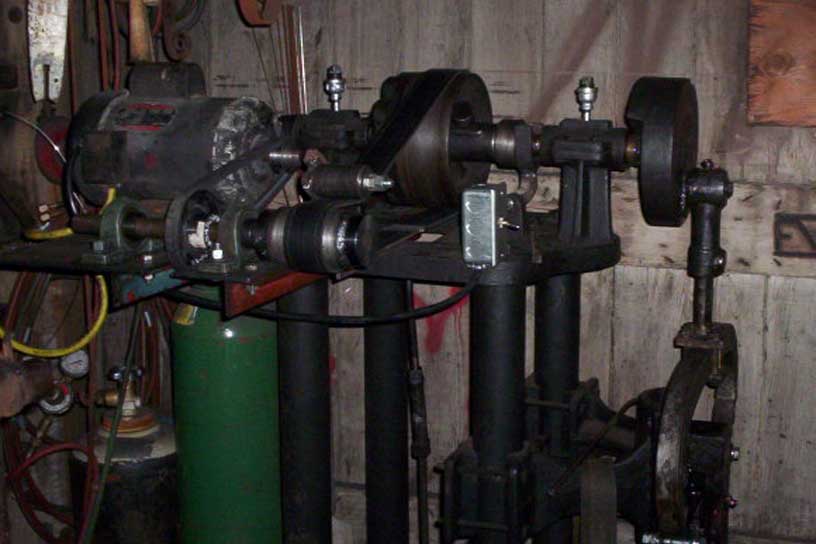
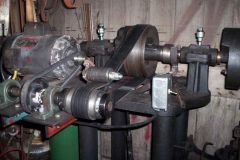
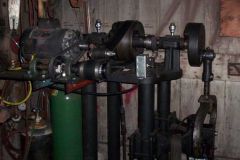
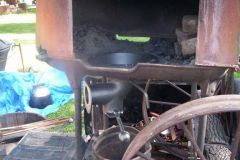
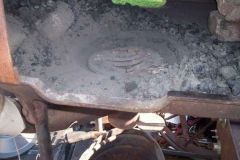
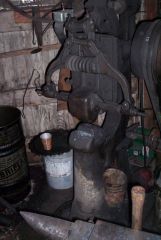
I really have no before pics. The hammer was in rough shape. I built the jackshaft and geared the tranny to get somewhere around 260 bpm. These pics are from the rebuild. The hammer has been at Joes place for I guess couple years. No real space in the shop for it. I knew that eventually the time would come that I would either rebuild the Kerrihard or move it to the Threshers shop. That time has now come. The Boss will come home when the Kerrihard makes the trip to the new Threshers shop and sit where the Kerrihard sits. some shelving behind will be re-worked to allow the hammer to fit further into the corner. The Boss is now setting (in these pictures) where the 55 gallon slack tub normally sits.
Recommended Comments
Join the conversation
You can post now and register later. If you have an account, sign in now to post with your account.