
Sam Kent
Members
-
Joined
-
Last visited
Everything posted by Sam Kent
-
Hey. I have a vice that has no clear branding. I have been told that it is a Colombian from the seller, but I don’t see a confirmation. the stationary jaw has the date 1912 on the outside, and on the inside is a 4 (but it’s jaw is 4 3/4”) the underside of the mounting plate has a 2 with a “ below it. That is all I really know, photos for more. Few pieces aren’t in the full photo but they shouldn’t help?


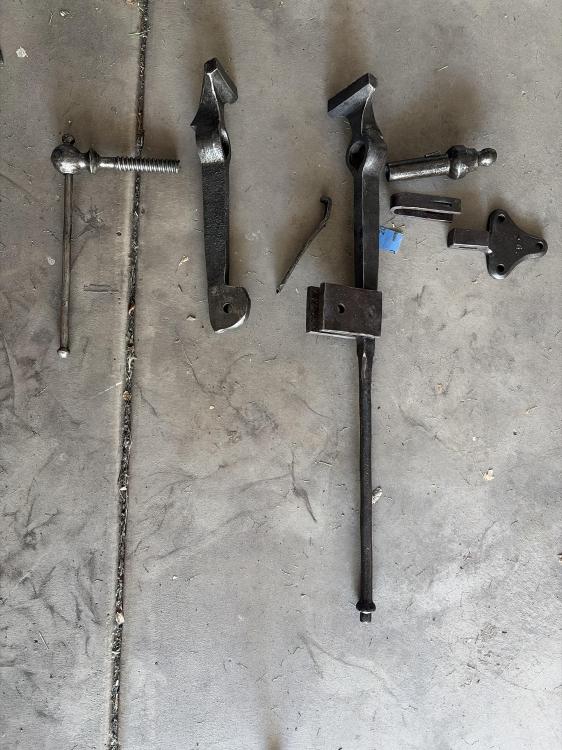
-
Thanks! This will be smart.
-
Hello. I have a small post vice that I have started to restore. I really have two, that I bought for $75 each. Anyways. One is missing a mounting plate, but has a spring. Can I get any suggestions on making a mounting plate? The hardware like the retainer and the wedge are things I know how to do, but the plate itself is what confuses me. Thanks.


