Skip to content
View in the app

A better way to browse. Learn more.

I Forge Iron

A full-screen app on your home screen with push notifications, badges and more.

To install this app on iOS and iPadOS
  1. Tap the Share icon in Safari
  2. Scroll the menu and tap Add to Home Screen.
  3. Tap Add in the top-right corner.
To install this app on Android
  1. Tap the 3-dot menu (⋮) in the top-right corner of the browser.
  2. Tap Add to Home screen or Install app.
  3. Confirm by tapping Install.

Casteel_Ironworks

Members
  • Joined

  • Last visited

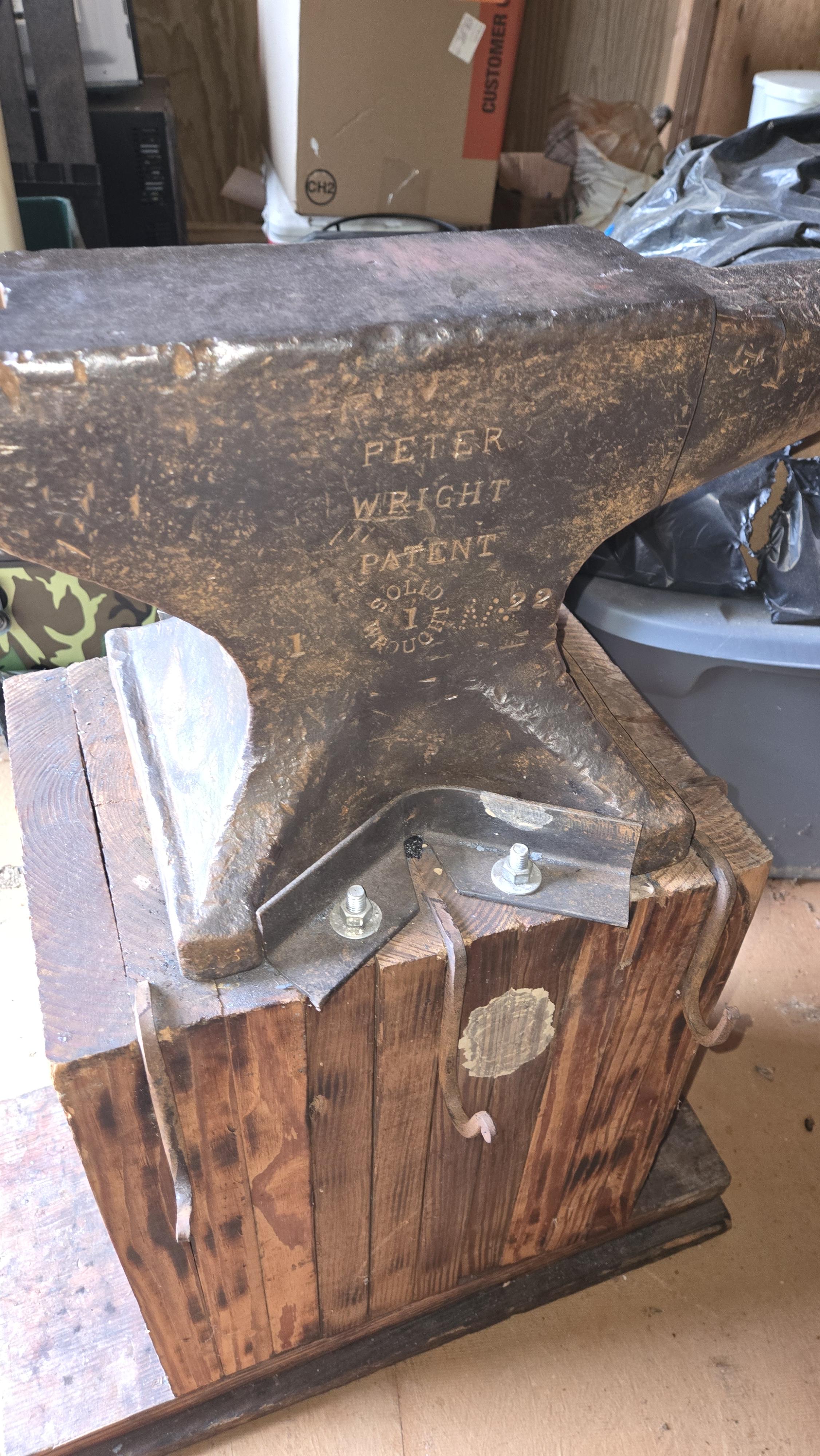
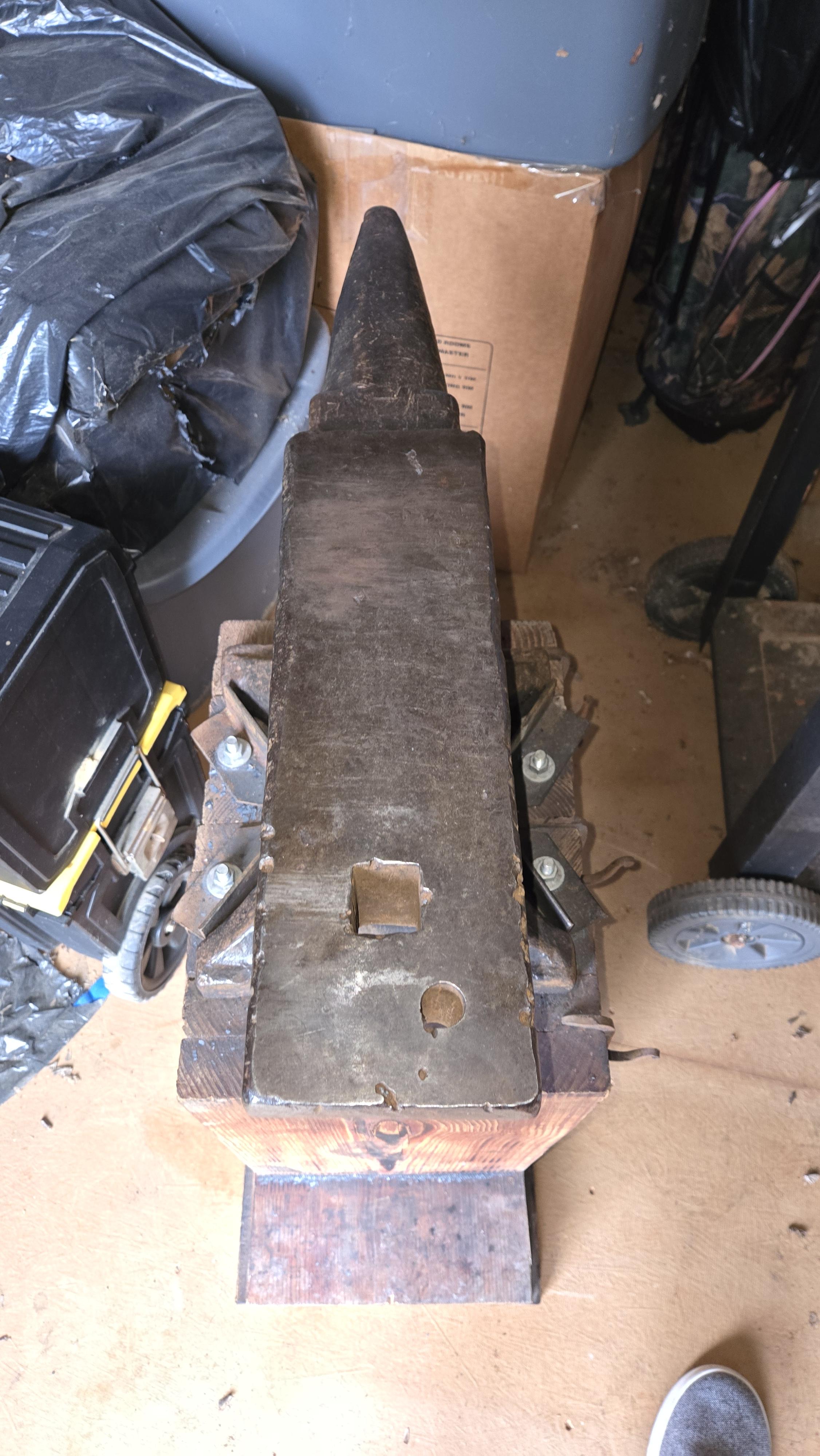
  1. Meet Haelga. I got this PW about 3 years ago, found her in flea market outside of Conway, AR called "Rusty Gold Antiques" (they've had others in recent years). She's about 160# once you acount for metal loss and sits on a few spruce 2x6s that were the cutoffs from floor joists of my parents house. If anyone asks yes she has been to the mill for her face was marred and scarred from the abuse she has suffered. She has may holes from likely drill bit testing on her face, but she sings beautiful and works hard nowadays.
Account

Navigation

Search

Search

Configure browser push notifications

Chrome (Android)
  1. Tap the lock icon next to the address bar.
  2. Tap Permissions → Notifications.
  3. Adjust your preference.
Chrome (Desktop)
  1. Click the padlock icon in the address bar.
  2. Select Site settings.
  3. Find Notifications and adjust your preference.