BobG
Members
-
Joined
-
Last visited
Everything posted by BobG
-
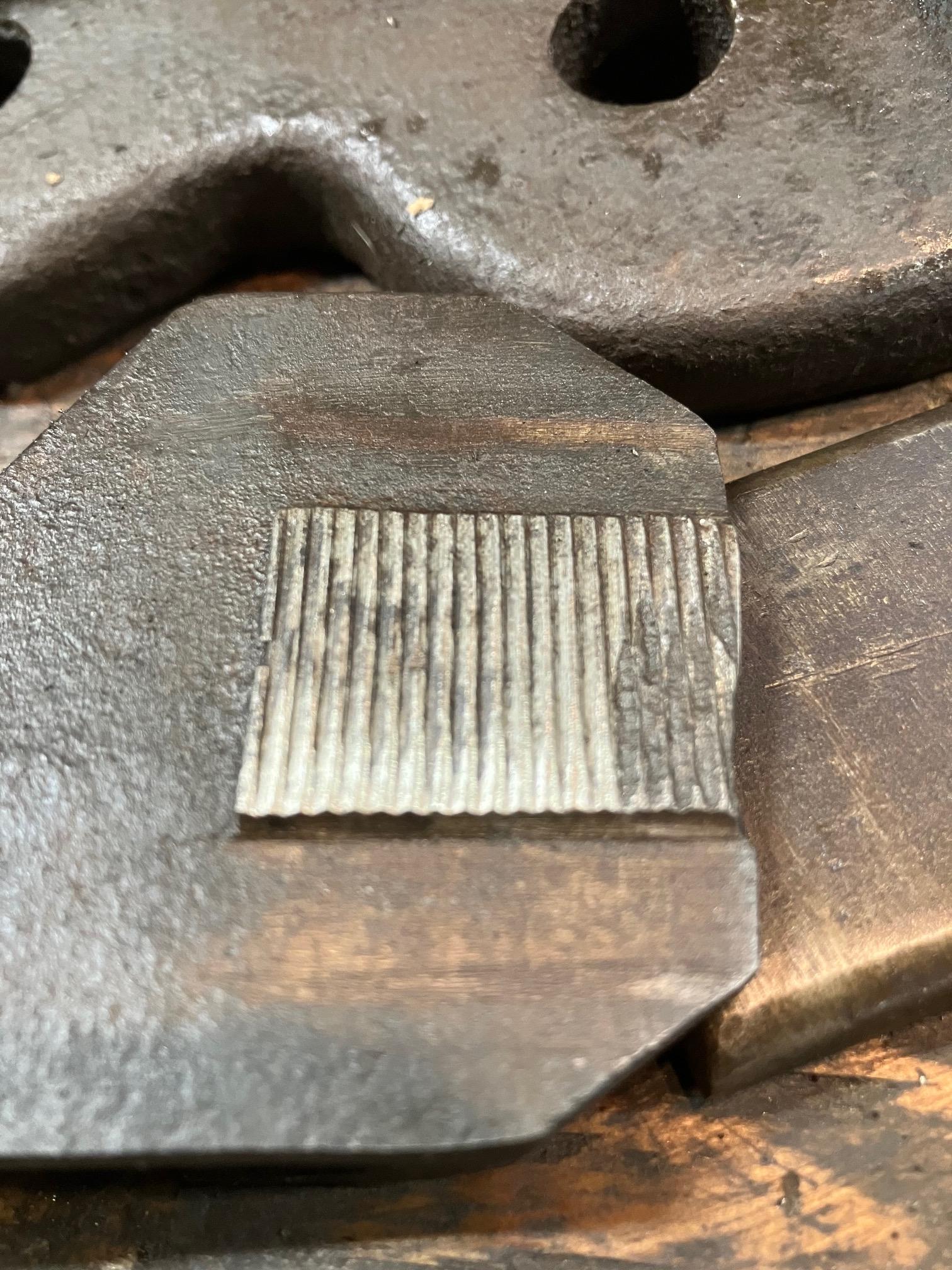
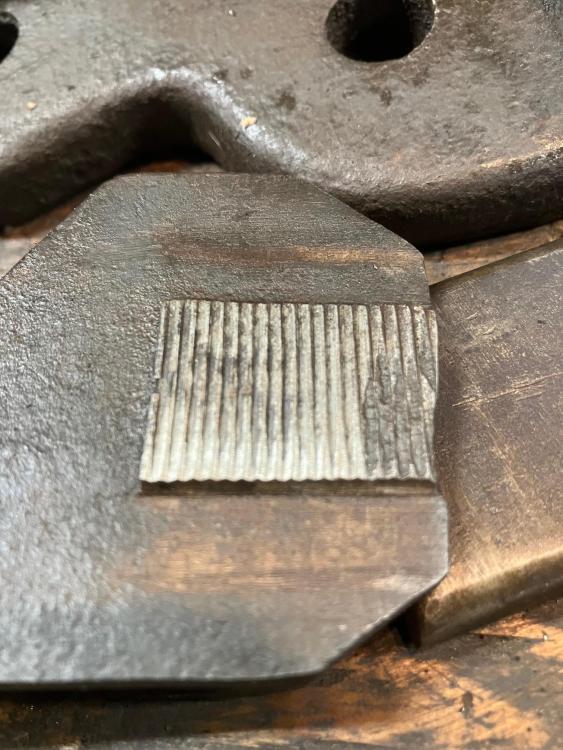
Hello Flynn. With the help of the patent, I was able to reassemble the lever vise. It went together and seemed to function normally until I tried to tighten it on something but it wouldn't tighten. When I started looking closely at each piece to see if there was anything wrong, I found the teeth on the internal mechanism were goobered up. If you look at the last picture I included, those teeth are on the back side of the bottom part. I am not sure I have the technology to fix this problem, nor will I be able to go on Amazon to get a replacement part!!! The teeth on the sliding part of the vise are perfect... Any thoughts?
-
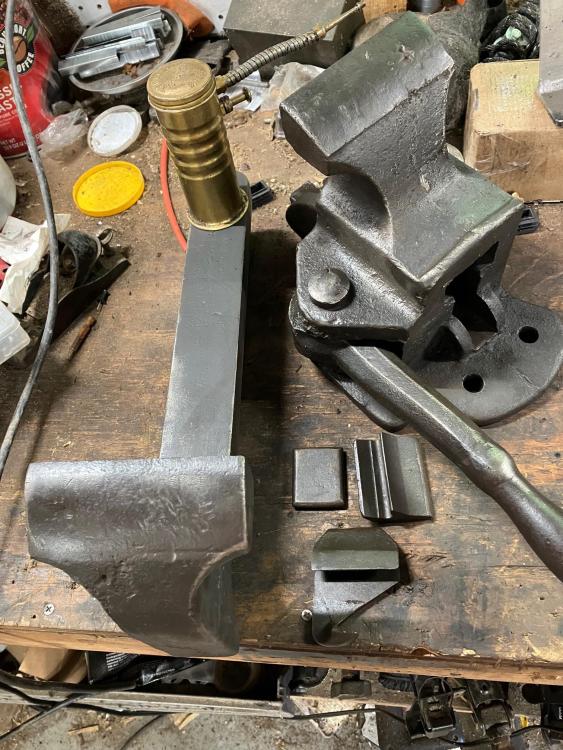
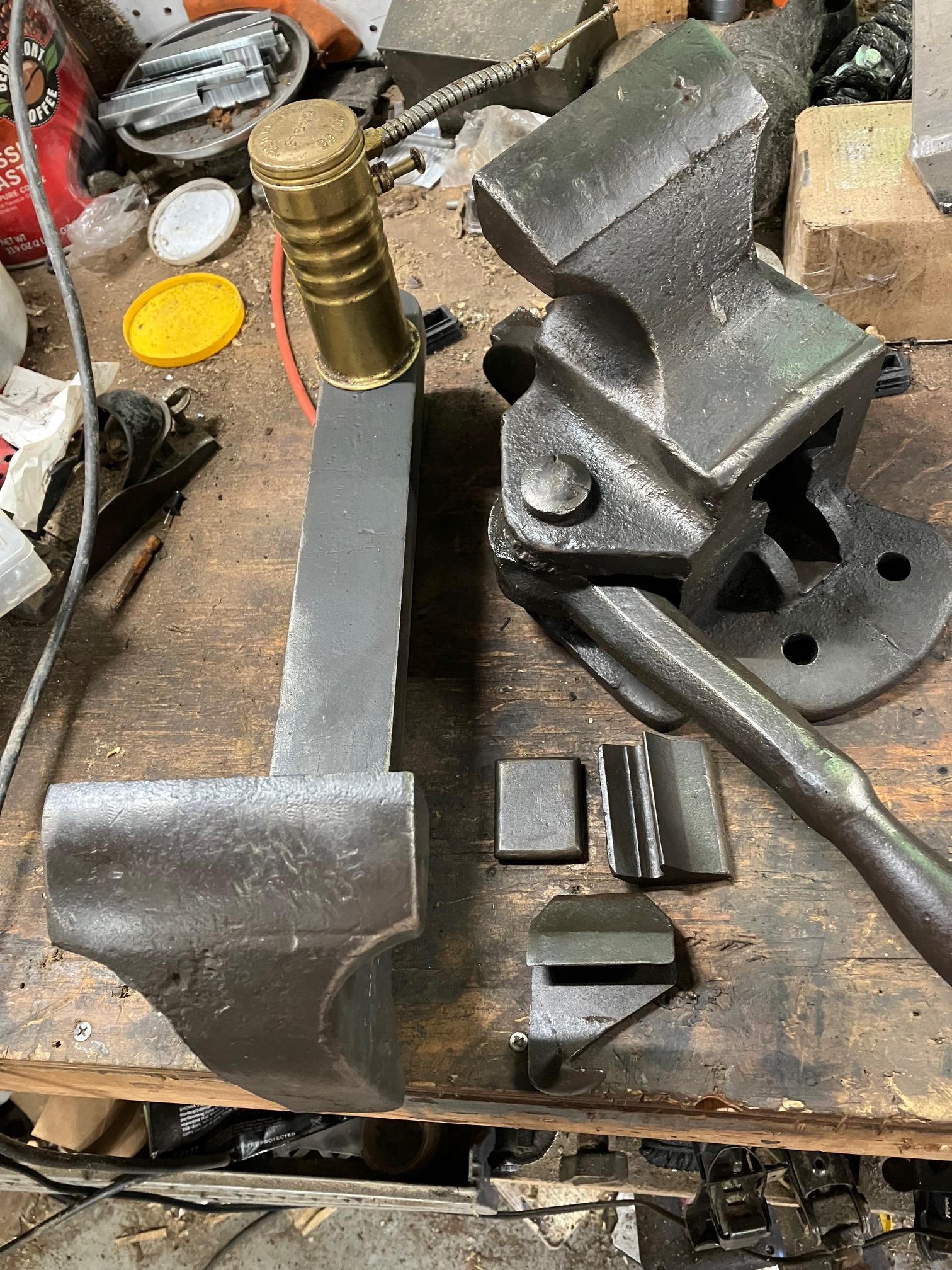
Hello Flynn. I hope you are still willing to chat about your Stevens Lever Vise (or is it "Stephens" as the patent indicates?). I just acquired one the other day. In the process of restoring it (I was just going to do a surface cleaning) the guts fell out of the vise. I tried every conceivable way to reassemble the parts but failed. Last night I found the patent for this vise that you spoke of and it gave me a diagram of how those parts are supposed to fit in there. As soon as I get a minute, I will work on the reassembly process. Naturally, since I now have the entire vise disassembled, I will shine and oil every millimeter, inside and out. I will keep you posted. Also... There is so little information out there about this vise, I want to launch you a big THANK YOU for helping me figure out what I was in possession of. I am still not sure if this vise will be the one in my shop or one for the shelf. I really want to use it as it was made for.