Saul Nicholas
Members
-
Joined
-
Last visited
-
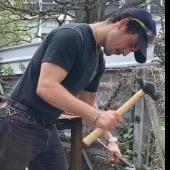
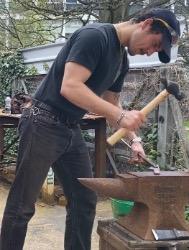
Hello, I am in urgent need of some assistance in continuing my practice. I have graduated Brighton university with a degree in 3D design and craft. Whilst studying I discovered my love for smithing kitchen knives and have produced a few different designs of finished blades. Whilst I am pleased to have finished, the fact remains that I do not have the facilities to continue to practice my craft. I am very keen to continue making and learning and would greatly appreciate any advice for grants/jobs/schemes or contacts of people that have forge workspace/need help with their forge/are willing to let me come watch and help them out. I am living in Brighton but am willing to relocate and travel to anywhere at all. This craft is my passion and at this pivotal moment in my career I want to take every opportunity I can. Thank you for your time and I hope you all have a great day ! -Saul Showell Nicholas