Skip to content
View in the app

A better way to browse. Learn more.

I Forge Iron

A full-screen app on your home screen with push notifications, badges and more.

To install this app on iOS and iPadOS
  1. Tap the Share icon in Safari
  2. Scroll the menu and tap Add to Home Screen.
  3. Tap Add in the top-right corner.
To install this app on Android
  1. Tap the 3-dot menu (⋮) in the top-right corner of the browser.
  2. Tap Add to Home screen or Install app.
  3. Confirm by tapping Install.

Cleat

Members
  • Joined

  • Last visited

  1. Thank you everyone! Way more information and replies than I expected!
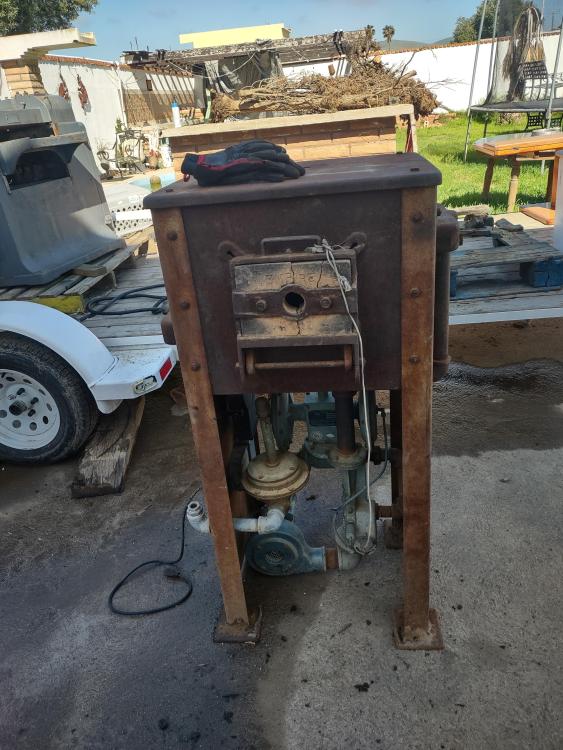
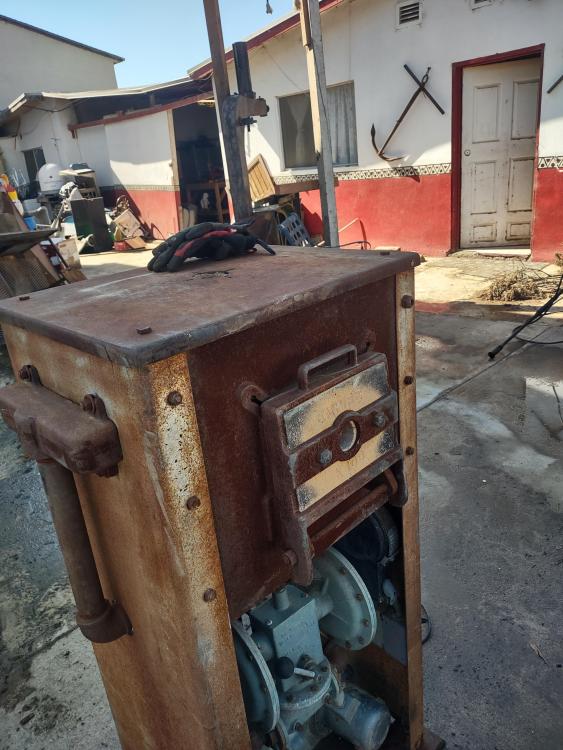
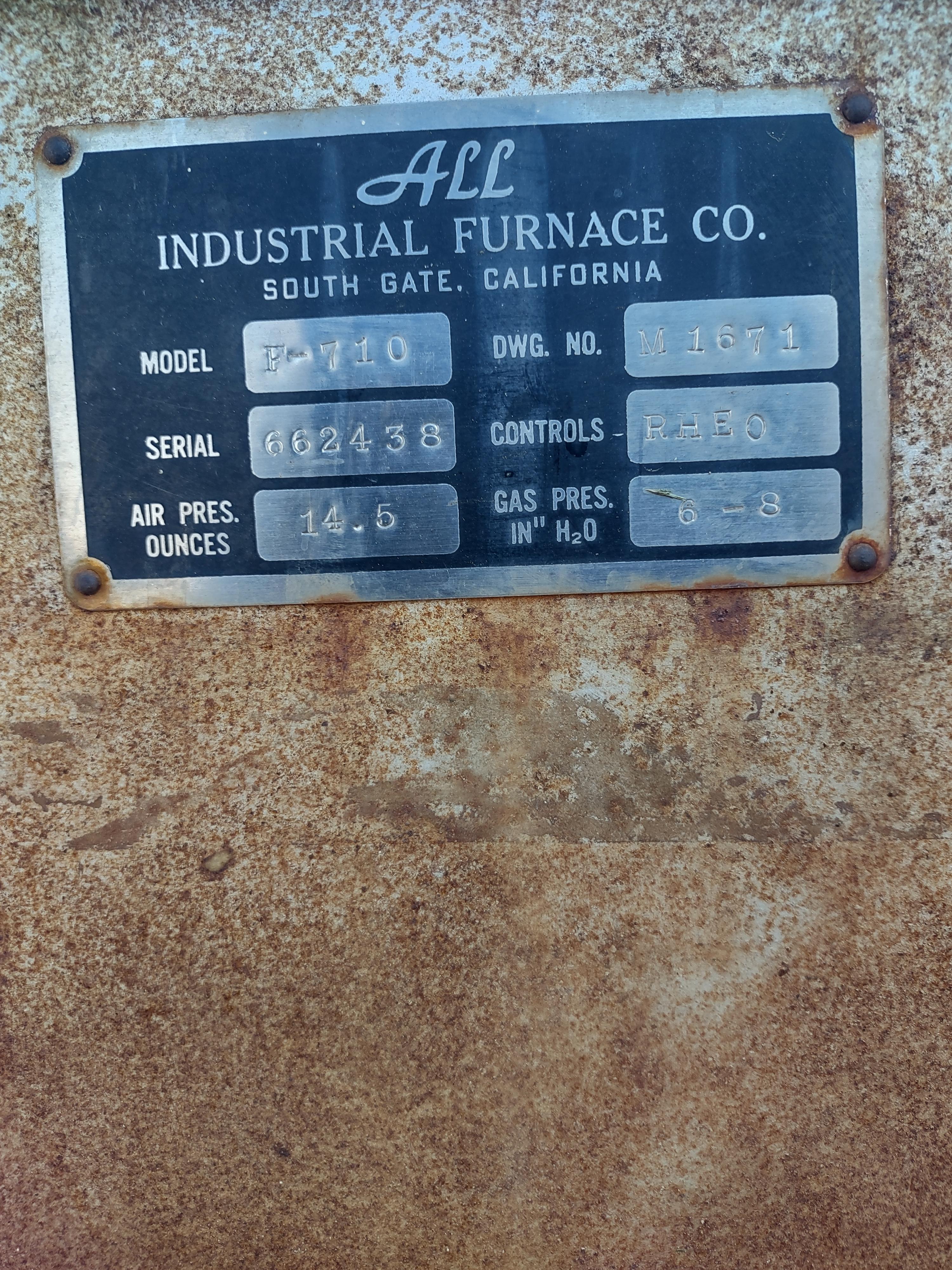
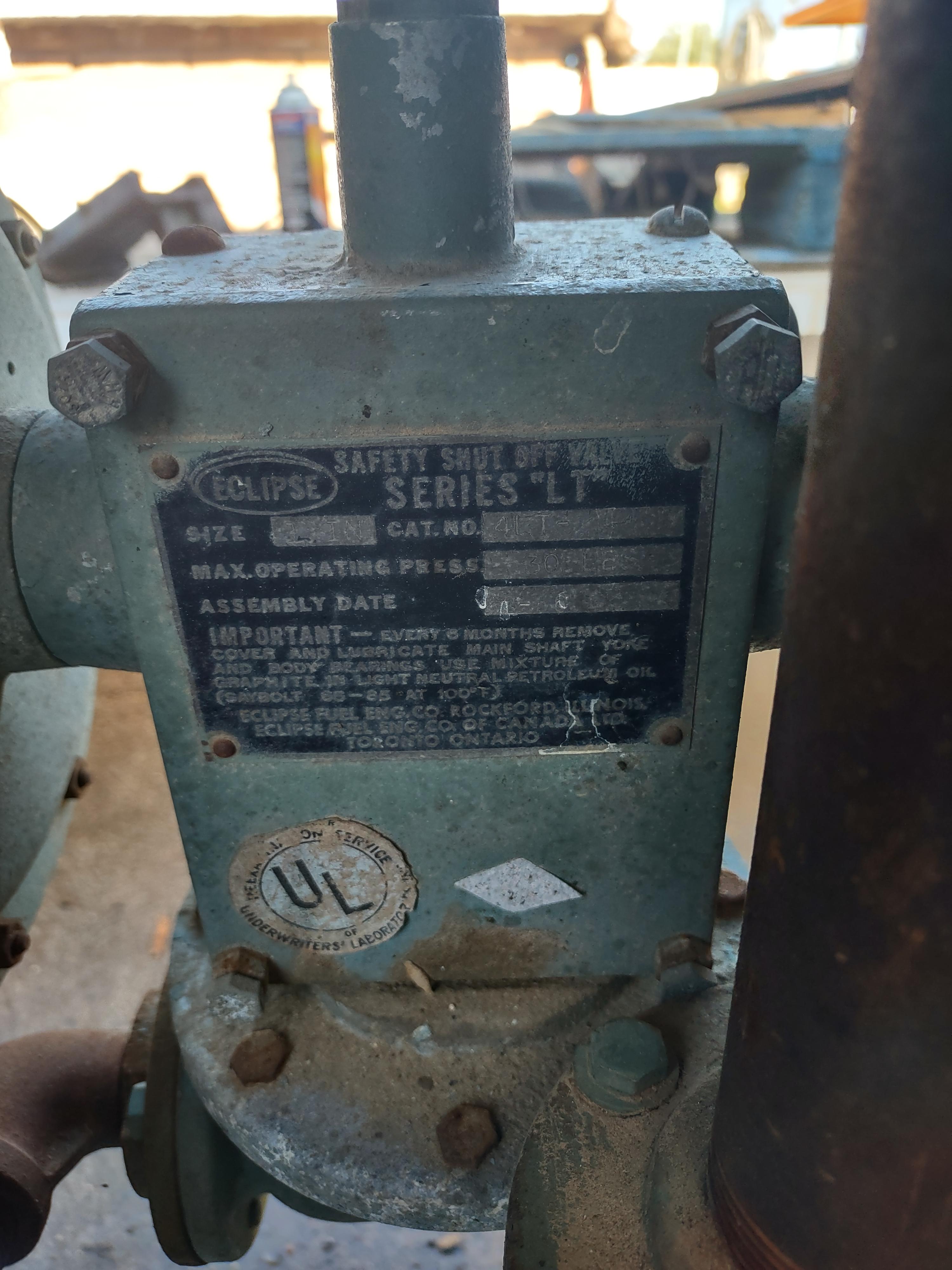
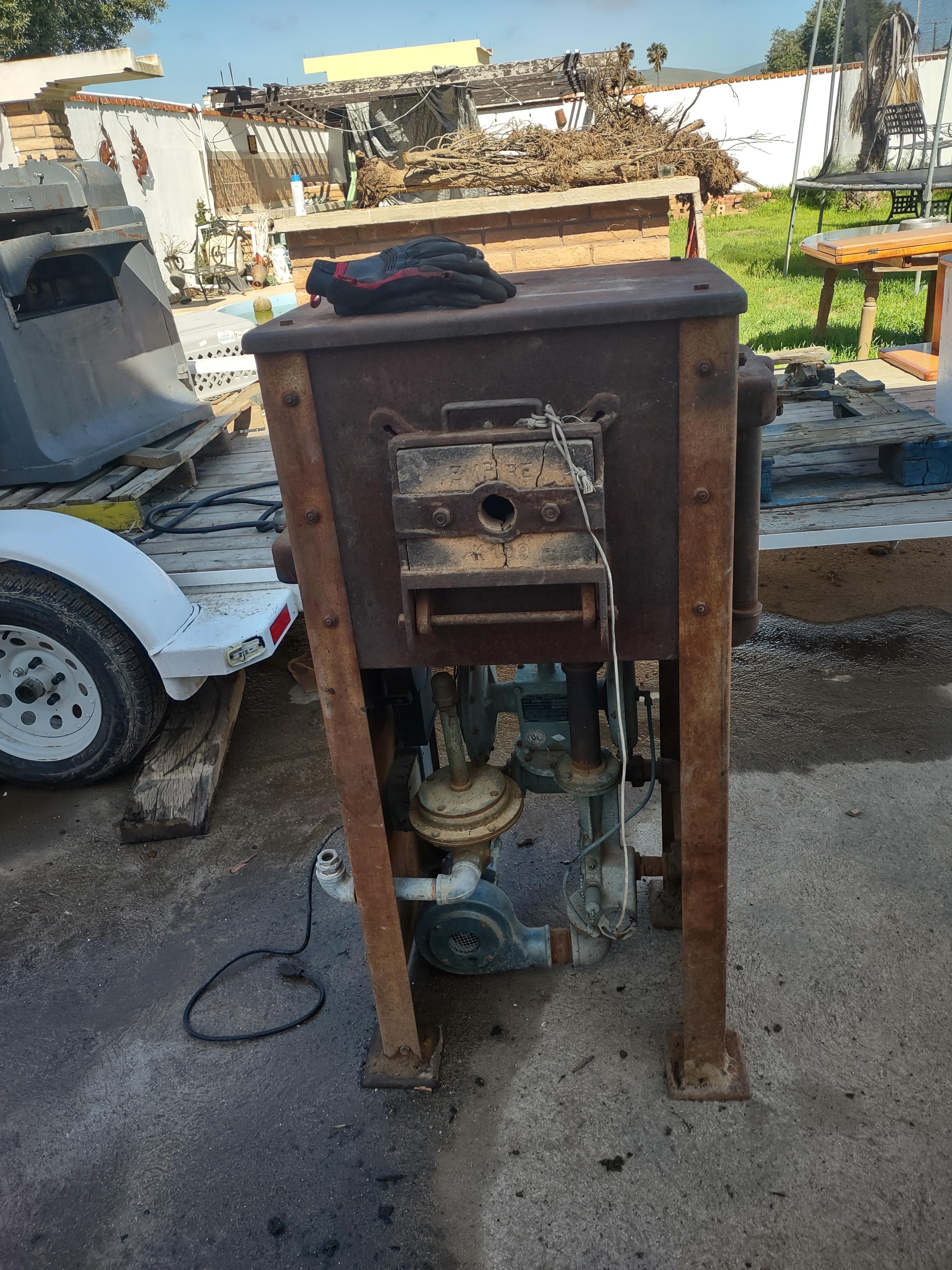
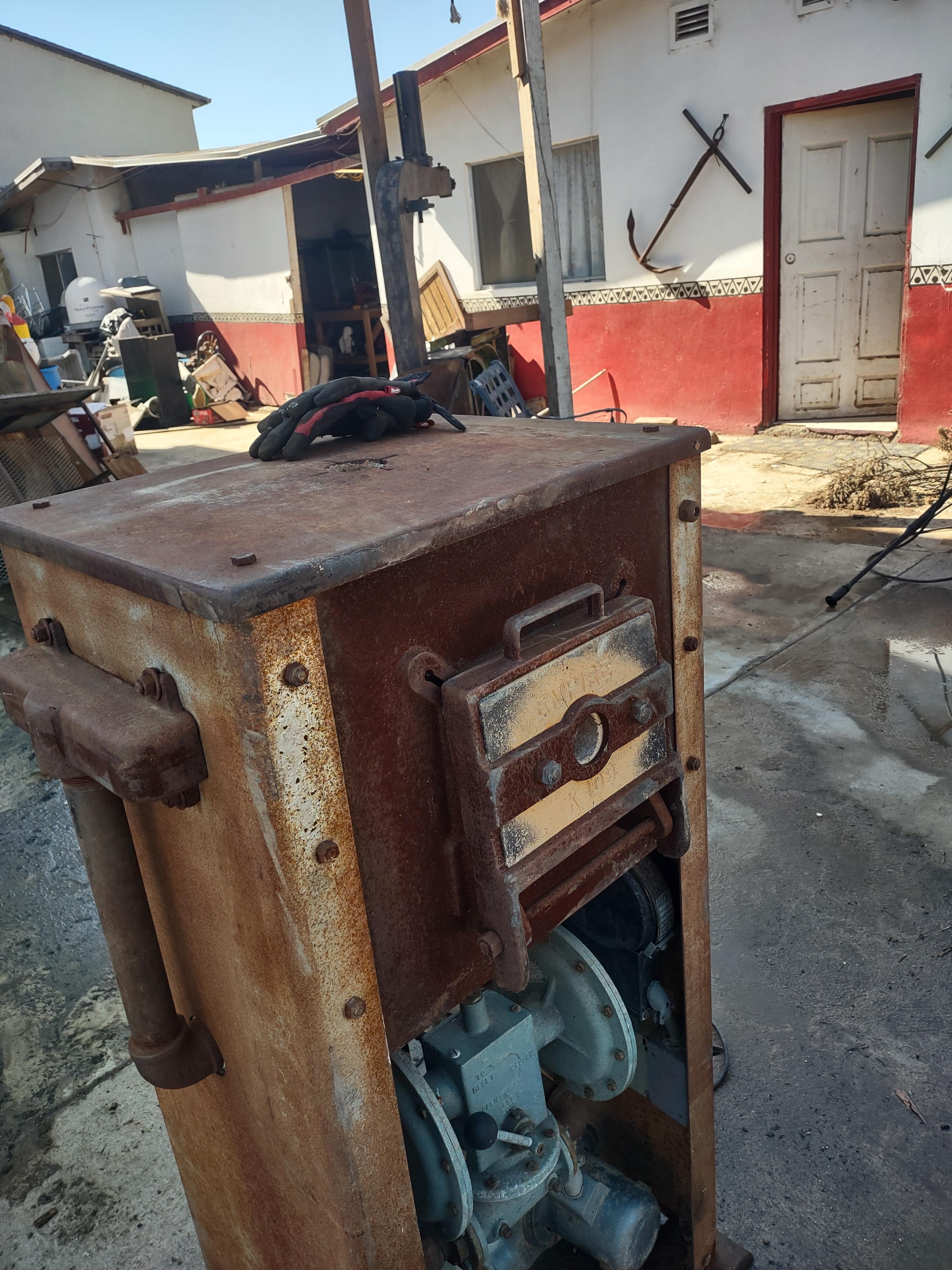
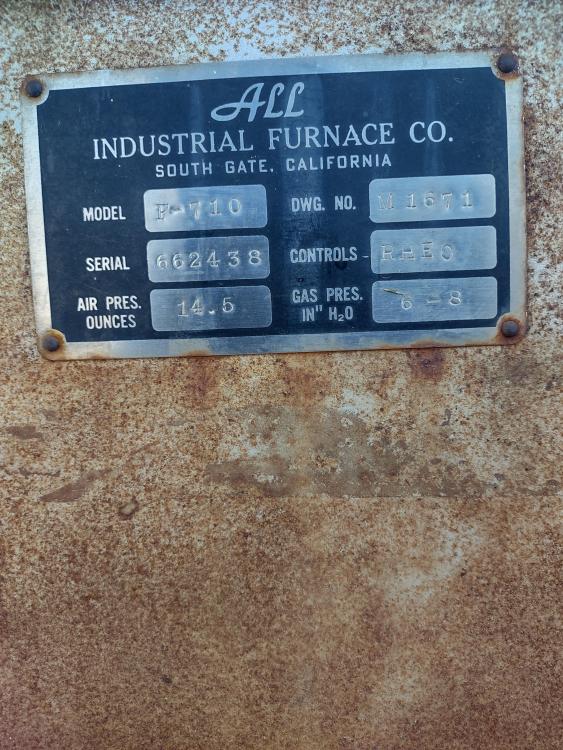
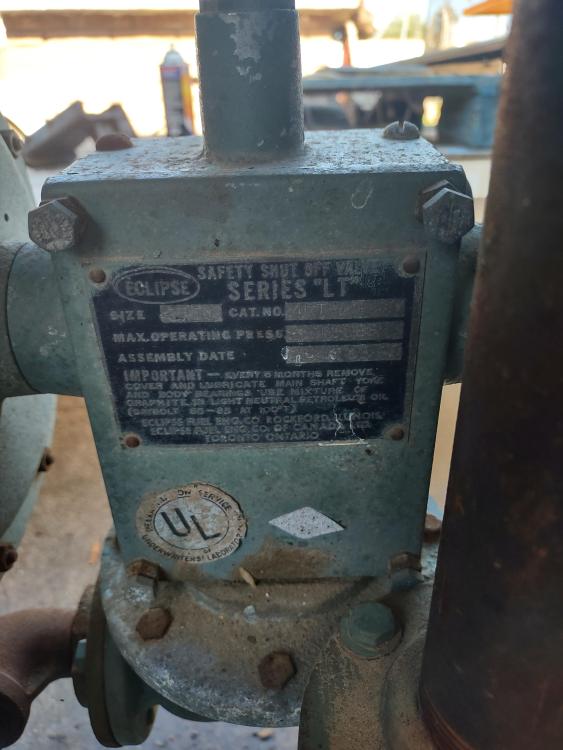
  2. Hello All, I just picked up an Empire forge made in Los Angeles I don't know anything about this type of burner. I work with silicone bronze for boat hardware and just kind of dropped into my lap for cheap $. I plugged it in and tried the blower and it worked smoothly with the variable speed knob. I don't know how much propane it will require as far as cubic meters per hour and I don't know how to light it. The only regulators that I have found here in Mexico run around 1 cubic meters/hour no different than a BBQ or turkey fryer. I don't know how to light it and I want to any help would be appreciated Thank you, George
Account

Navigation

Search

Search

Configure browser push notifications

Chrome (Android)
  1. Tap the lock icon next to the address bar.
  2. Tap Permissions → Notifications.
  3. Adjust your preference.
Chrome (Desktop)
  1. Click the padlock icon in the address bar.
  2. Select Site settings.
  3. Find Notifications and adjust your preference.