
Texas99
Members
-
Joined
-
Last visited
-
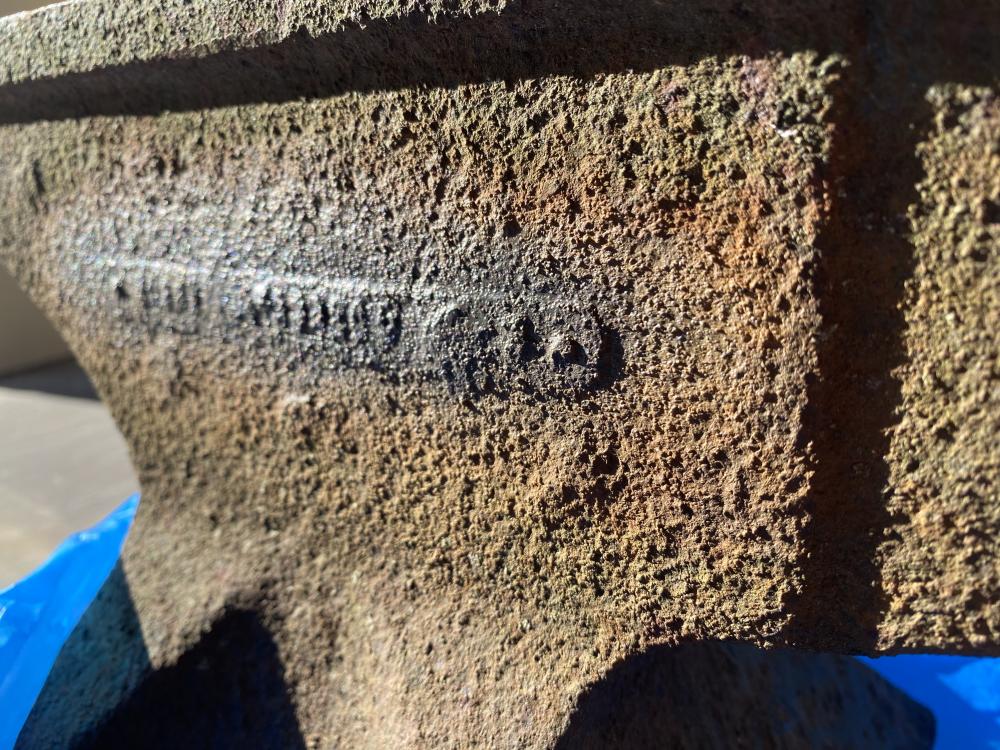
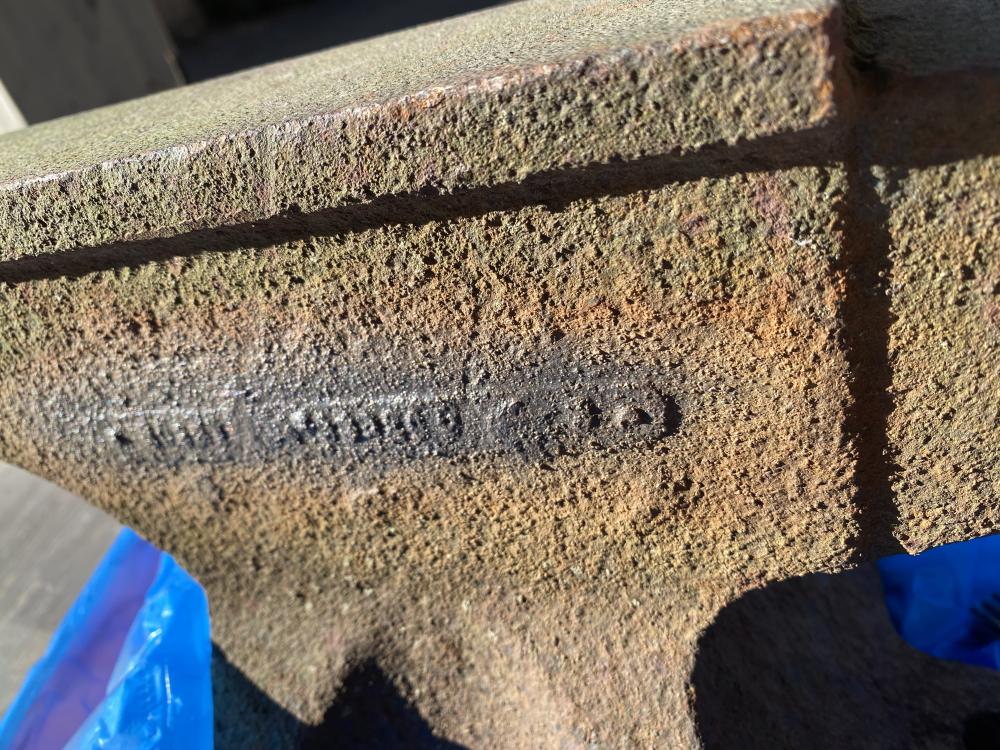
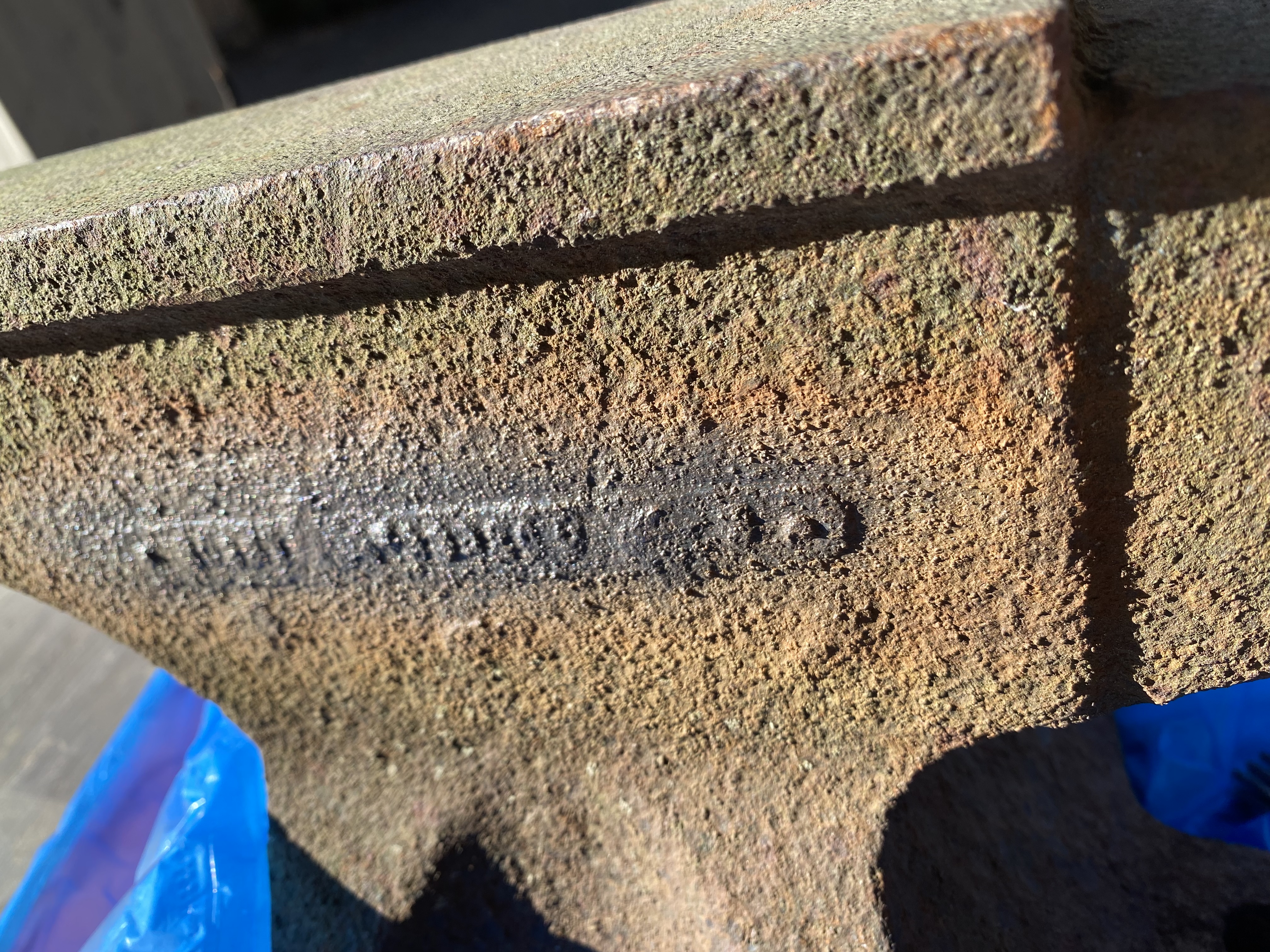
I tried to clean off with wire brush but I am scared to wear down the letters / numbers. What is the best way to remove the rust while keeping the name or numbers intact? The attached photos is the best I could get. Its a wild guess but looks like a year 4 numbers, than a space and another series of numbers like serial numbers. Seem like a plate attached to the anvil? The anvil is definitely cast steel.
-
Thanks everyone i will try to do some more light brushing and use flour or powder to see if i can bring out the text. Looking at it now it looks like just numbers? almost like a serial number.
-
I am starting to think its cast steel it sings if i hit it anywhere.
-
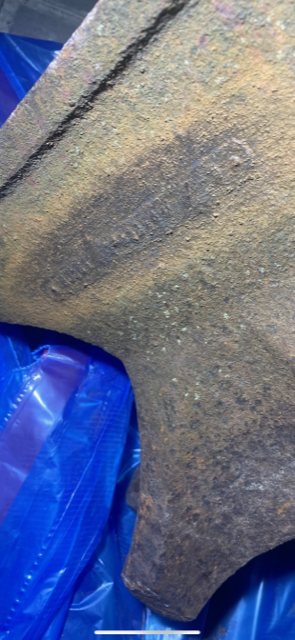
I am a newbie but the anvil gives off a high pitched nice ping or ring no matter where you hit it? Side, legs... Can this be a forged anvil? Below is another pic did some gentle steel wire but still can't make it out?
-
There are no mouse holes so assuming cast, feet look like fisher? Definitely makes a very nice high pitch ping that resonates. Thanks Actually located in New York, Texas was my home town.
-
It makes a very high pitch ping and resonates when you hit it. Not sure about weight have not weighed it yet, the length is 20 inches front to back.
.thumb.jpeg.8ea5dd54644176d6669c8d07771b69dd.jpeg)
.thumb.jpeg.db79fcecb432e1c7b21356e5c28744ca.jpeg)
.thumb.jpeg.611cfef18a132d4ddbbcd3a56d77309b.jpeg)
-
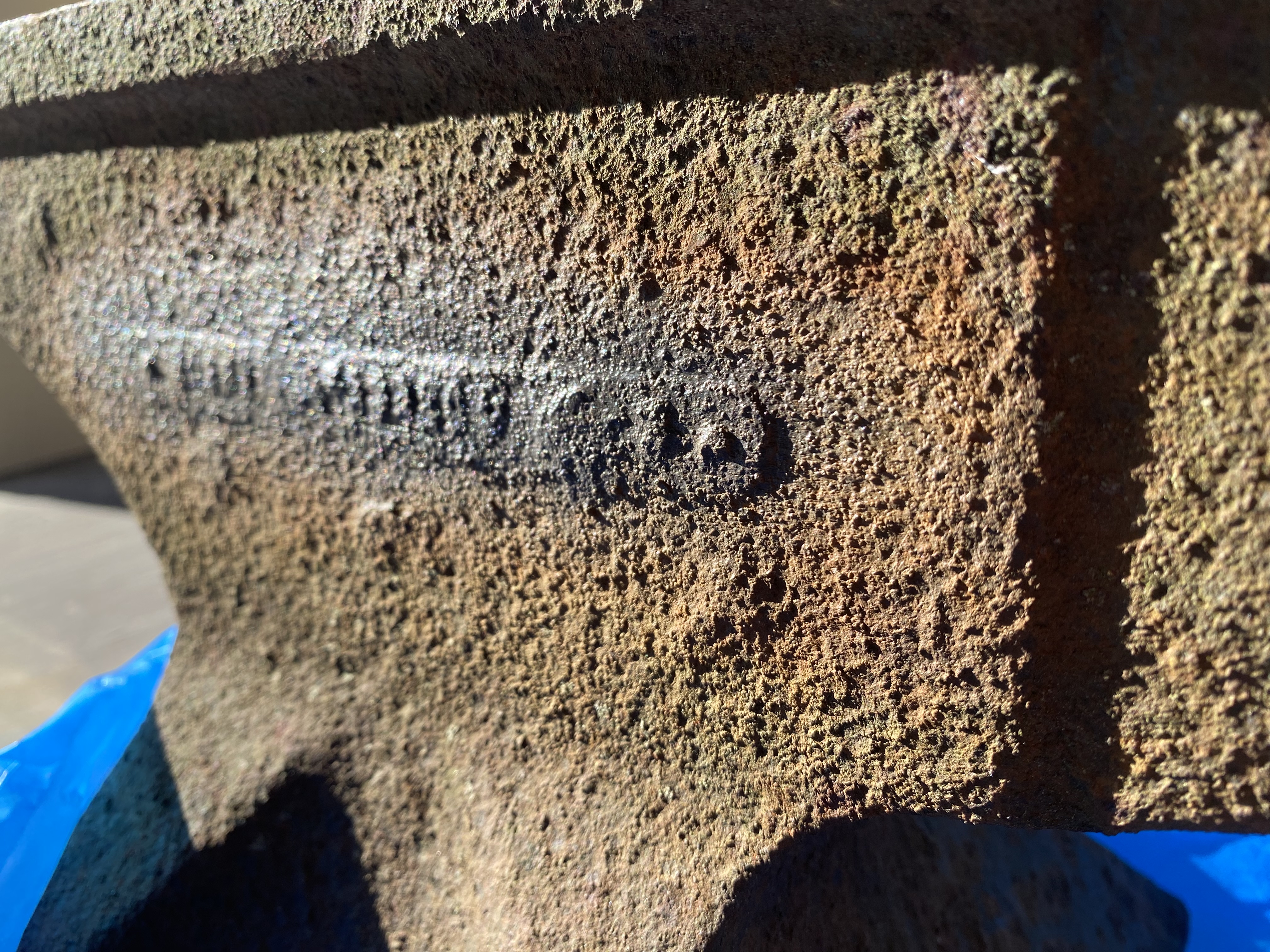
Have this anvil and not sure what it is? There is a mark but it is very rusted hard to make out?
.thumb.jpeg.a5d37b9ffe54c0647ad8299aef83d420.jpeg)
.jpeg.e3dd27e4025d3030fe6c50de212e3831.jpeg)
.jpeg.261c364aad938c52eae2c50ee470875d.jpeg)
.jpeg.611979ccfc1c7d42f5b9e46a52760c6c.jpeg)
.jpeg.298e487fb3fd90f3ef5e7001aaff1ea2.jpeg)