Musclecarman1
Members
-
Joined
-
Last visited
Everything posted by Musclecarman1
-
-
Awesome thanks for that knowledge I appreciate that! I will find a scale and a ball bearing and go from there! Have a good day! Howdy! It's always nice to find another okie on here! I definitely appreciate you looking that info up for me I've been searching a lot and havent really come up with research on what this might be brand wise or a time this might have been casted! Thanks and have a great day!
-
Hey Frosty I definitely appreciate getting my attachments and post in order I had no idea it posted a bunch of extra stuff that was not needed. I will add my location in the header next time and pay a little closer attention to what's happening and where the post is going.. thanks again and have a great day!
-
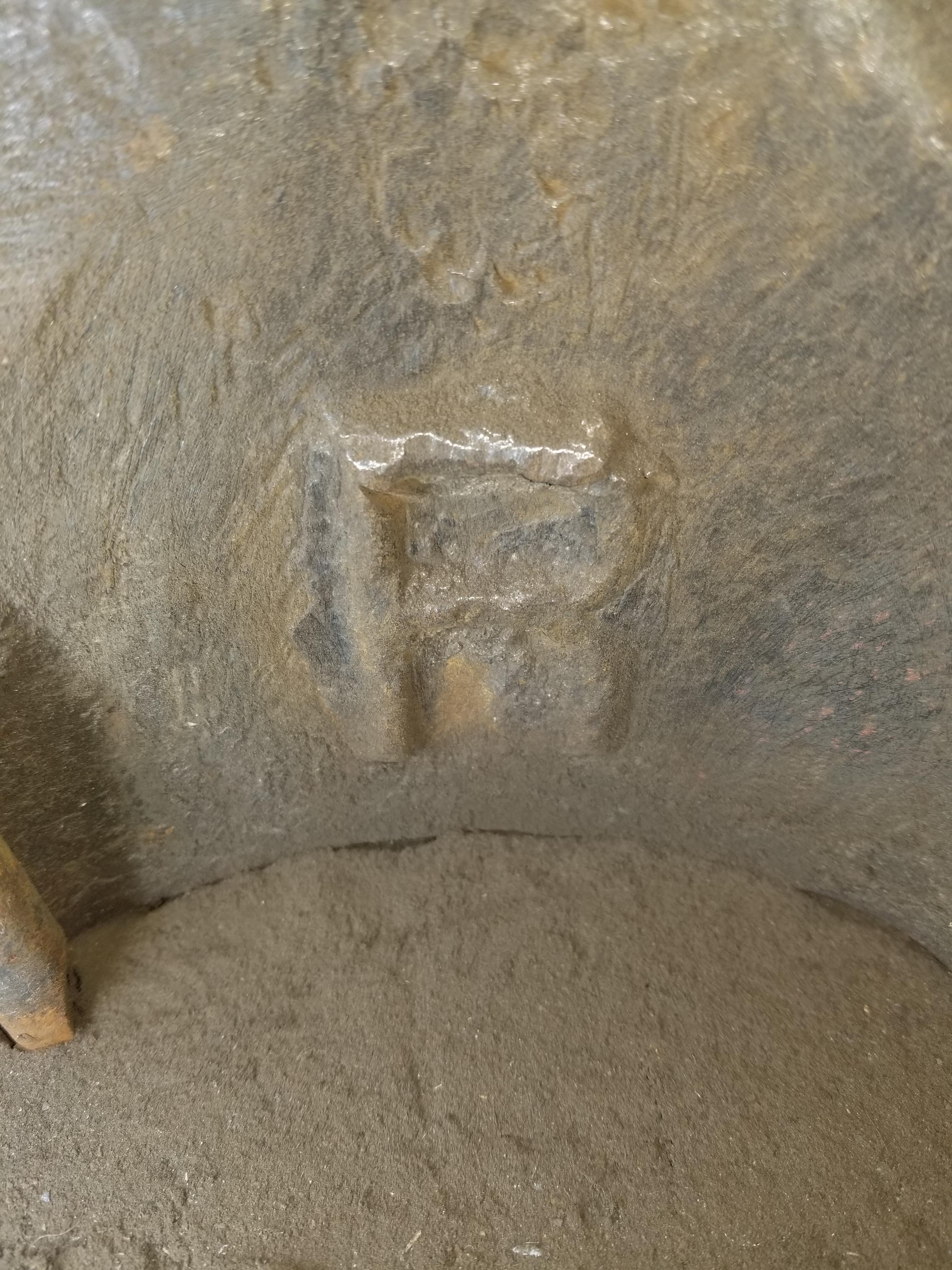
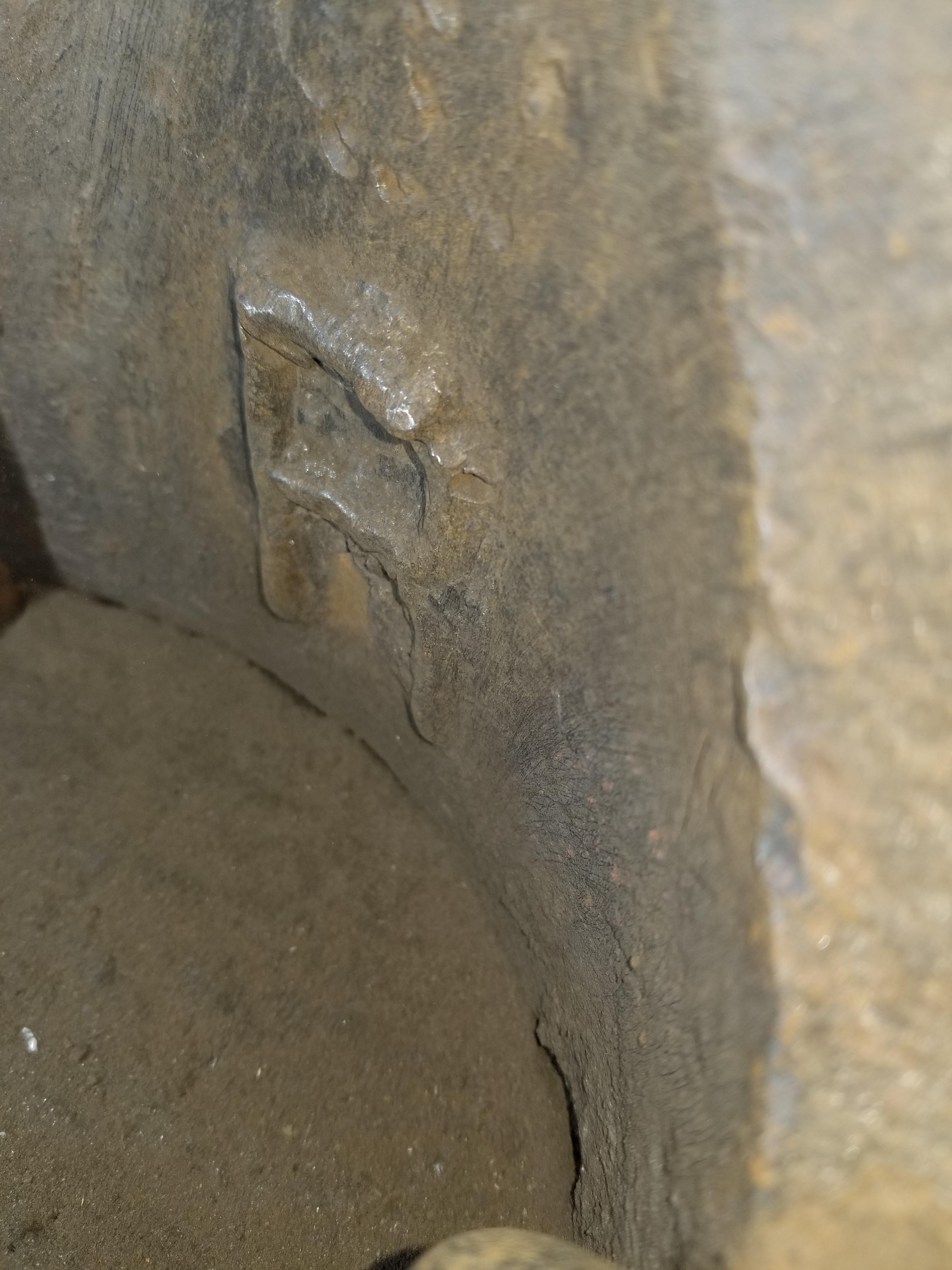
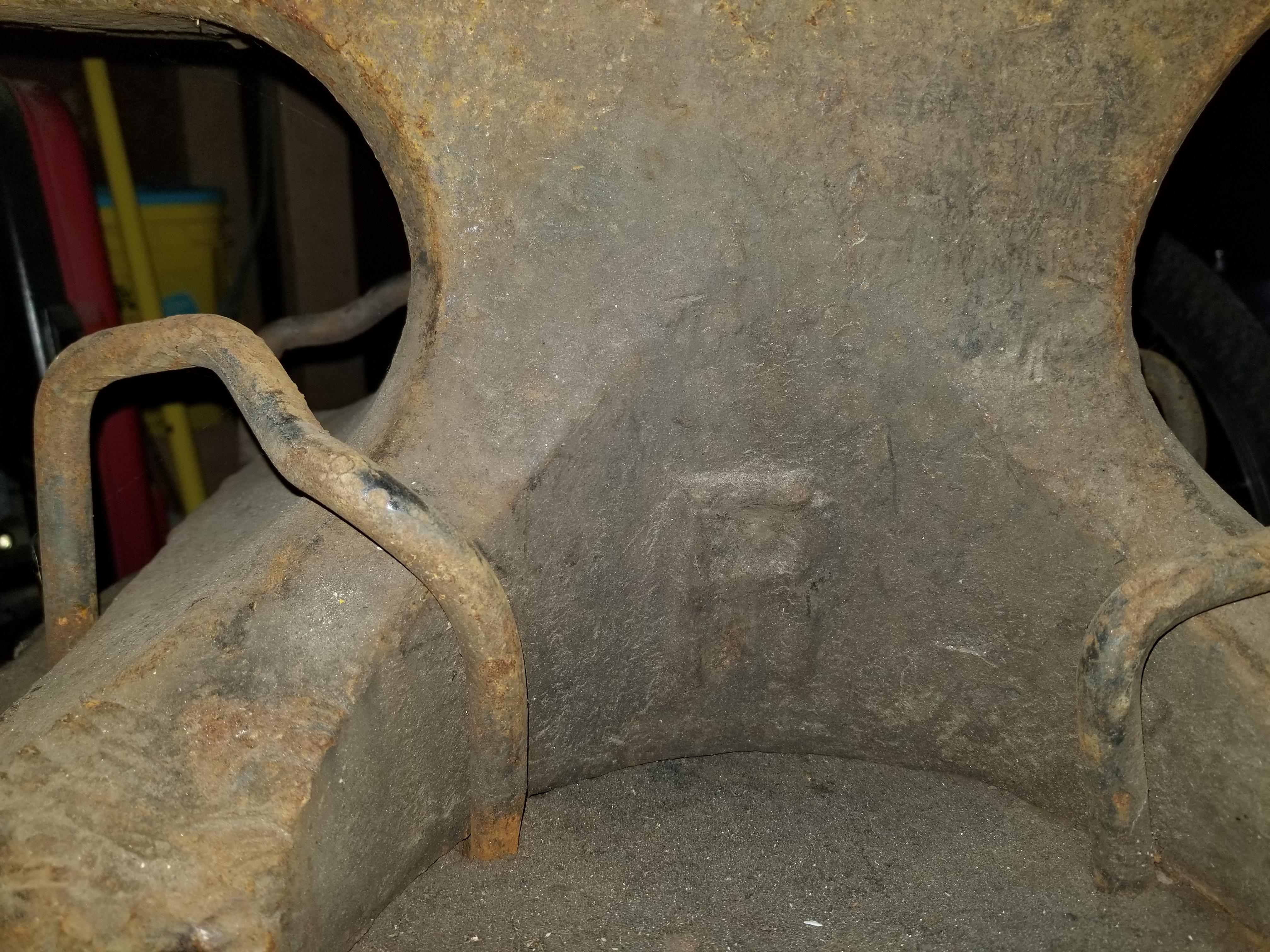
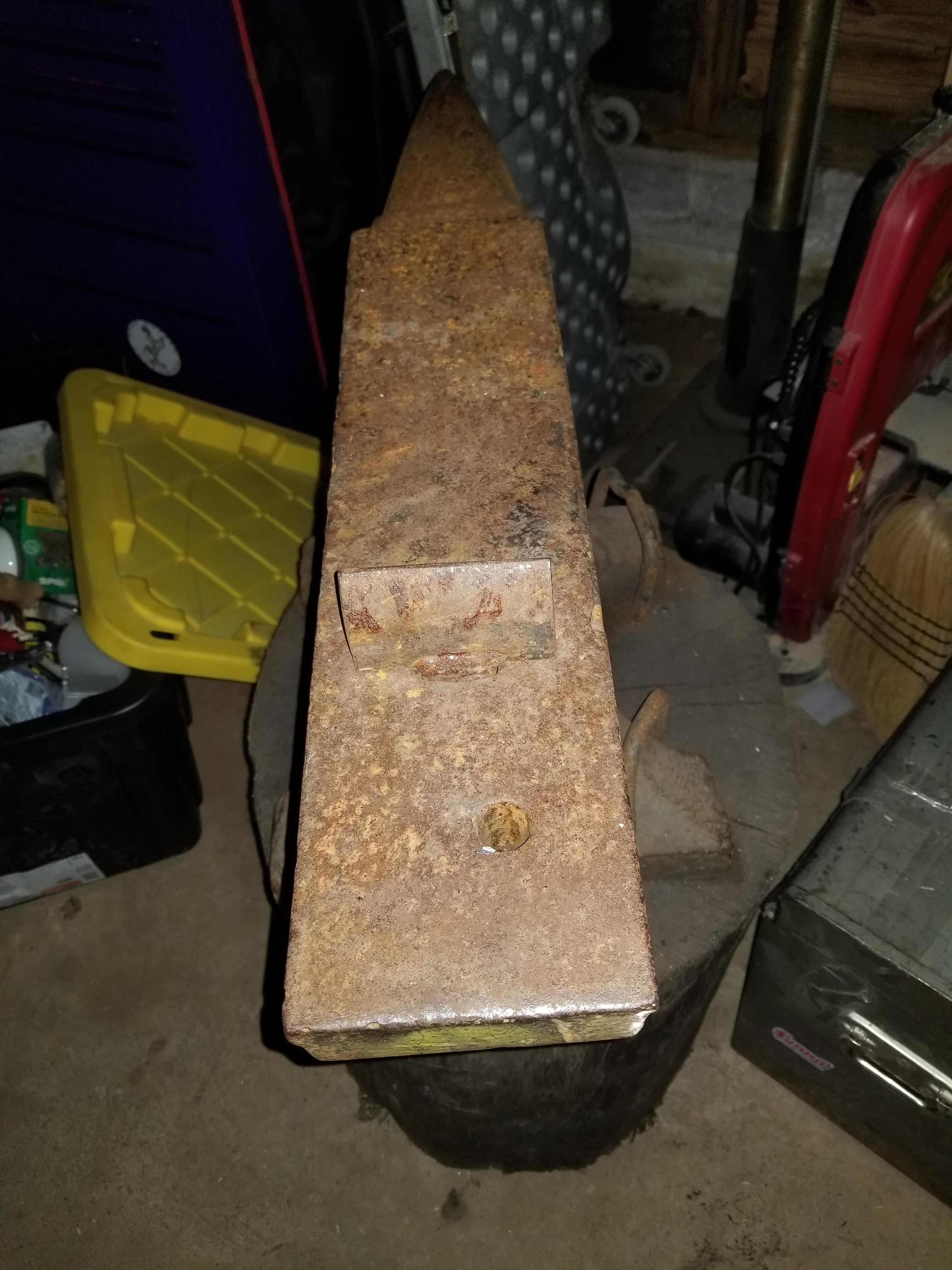
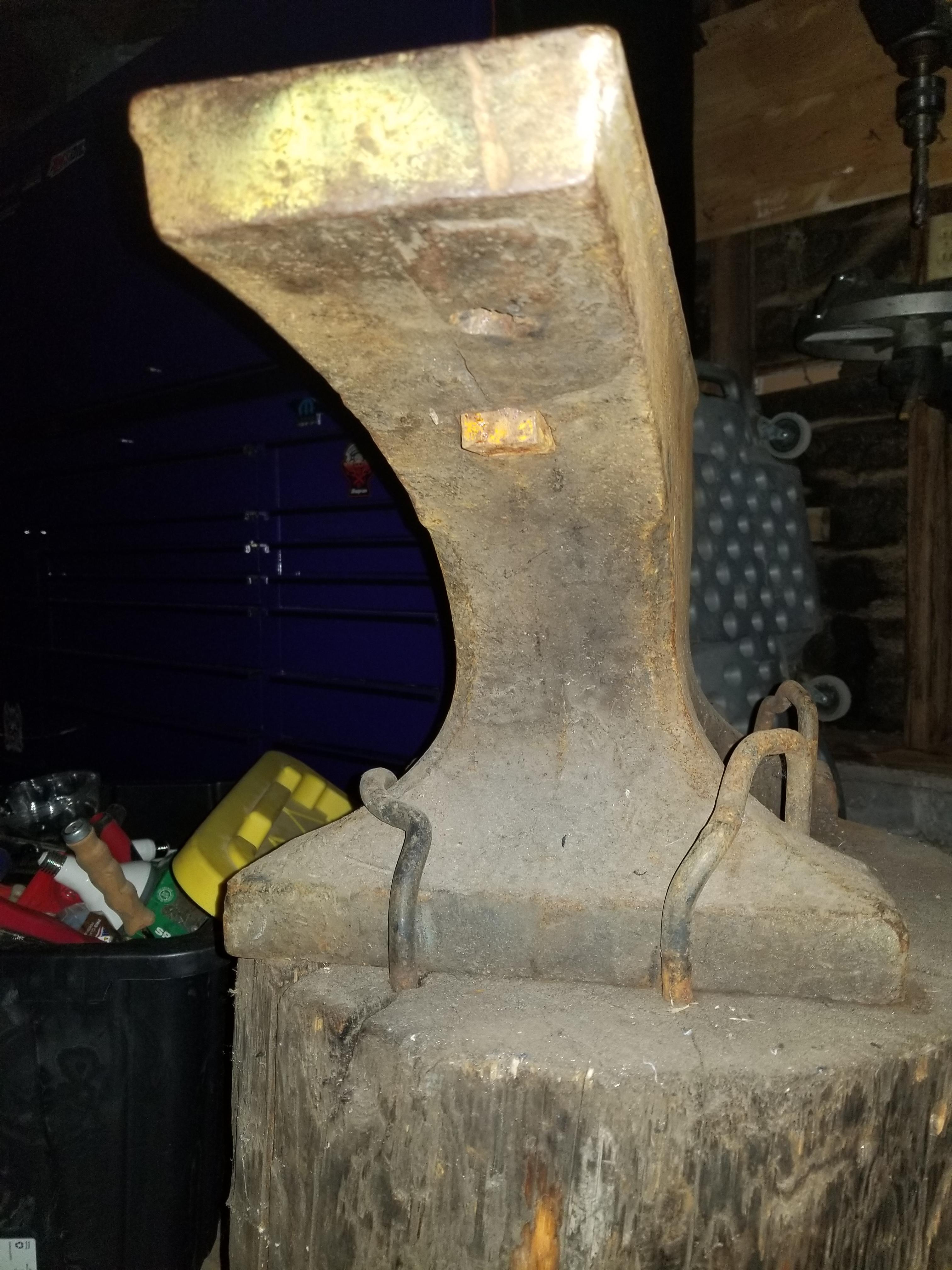
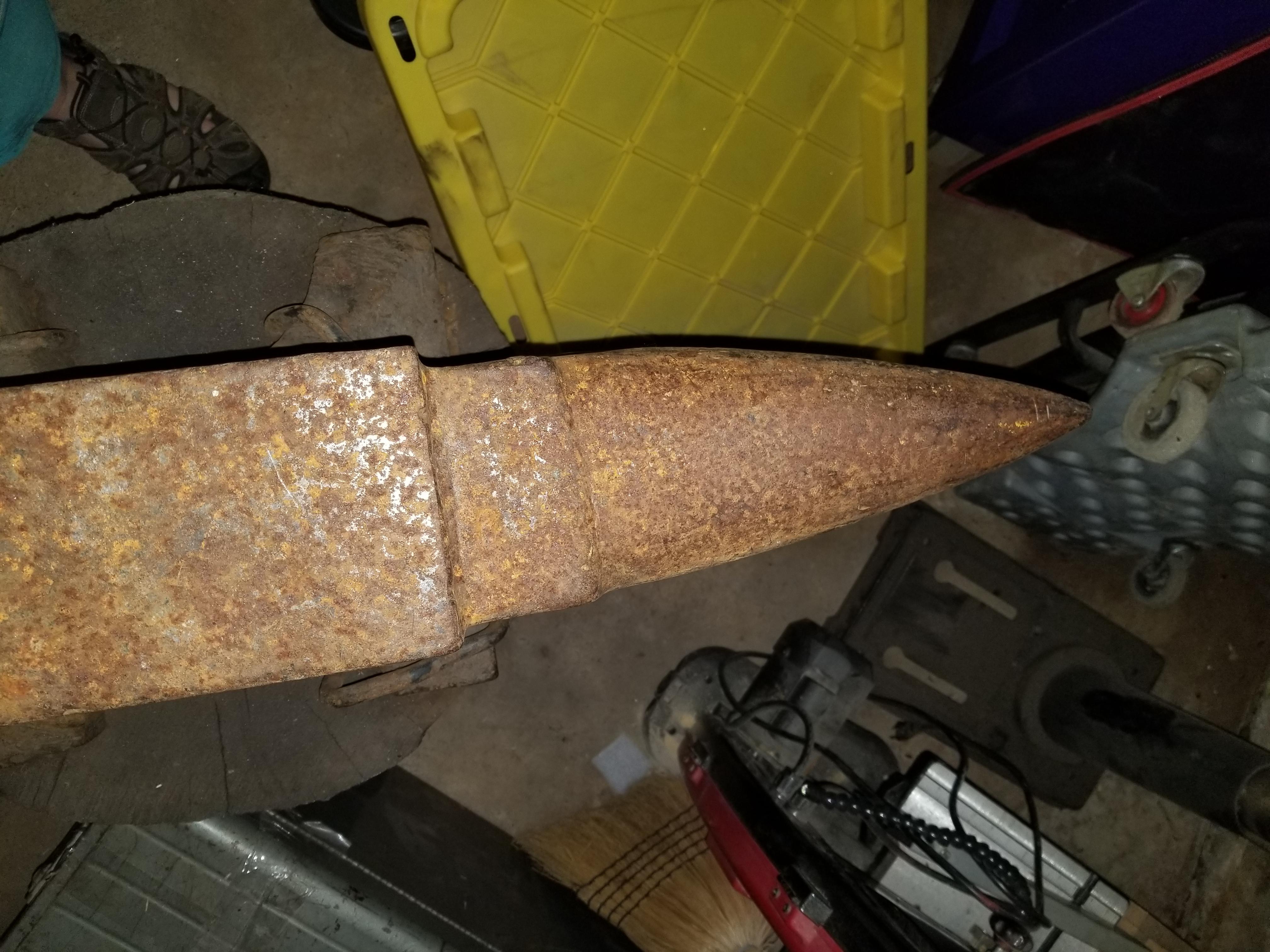
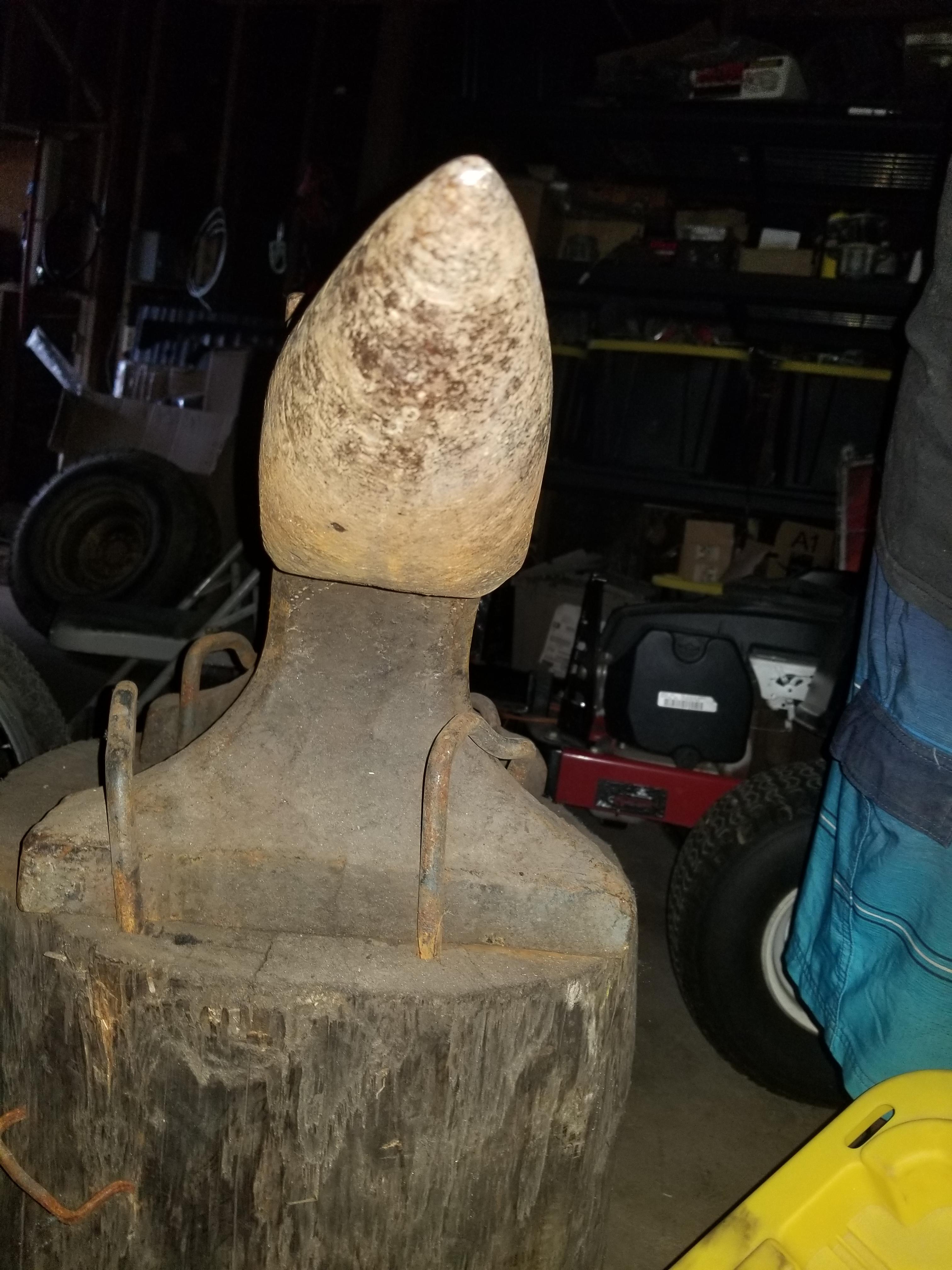
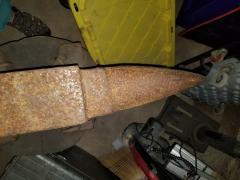
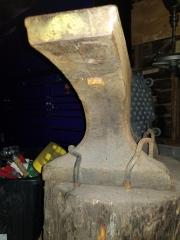
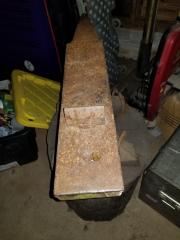
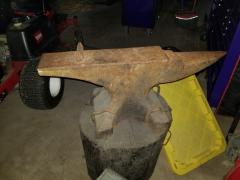
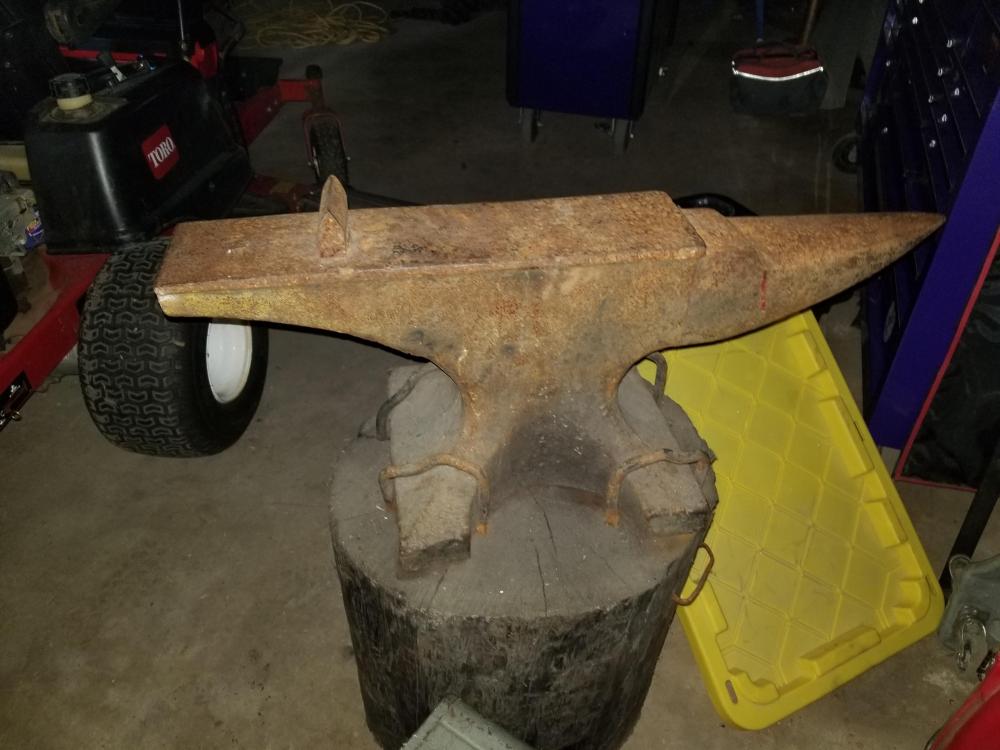
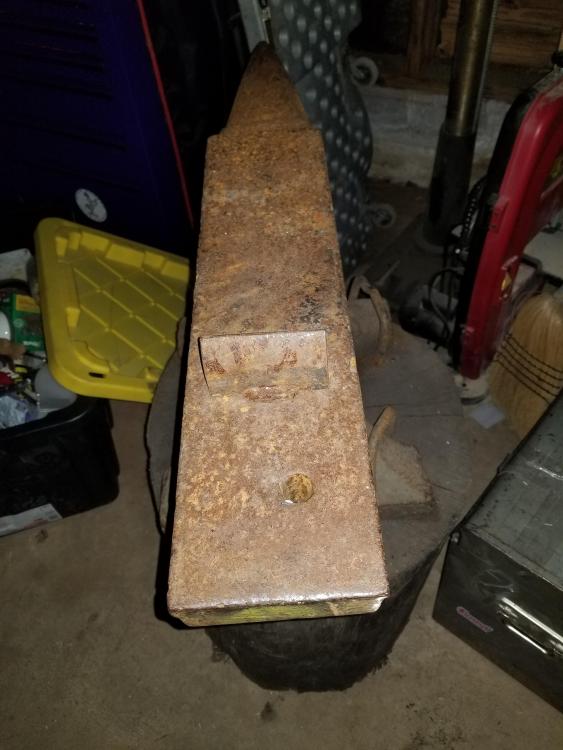
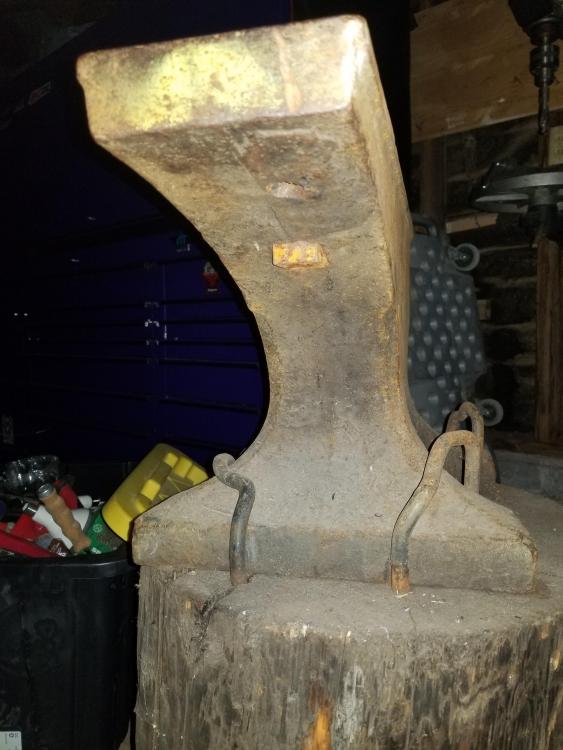
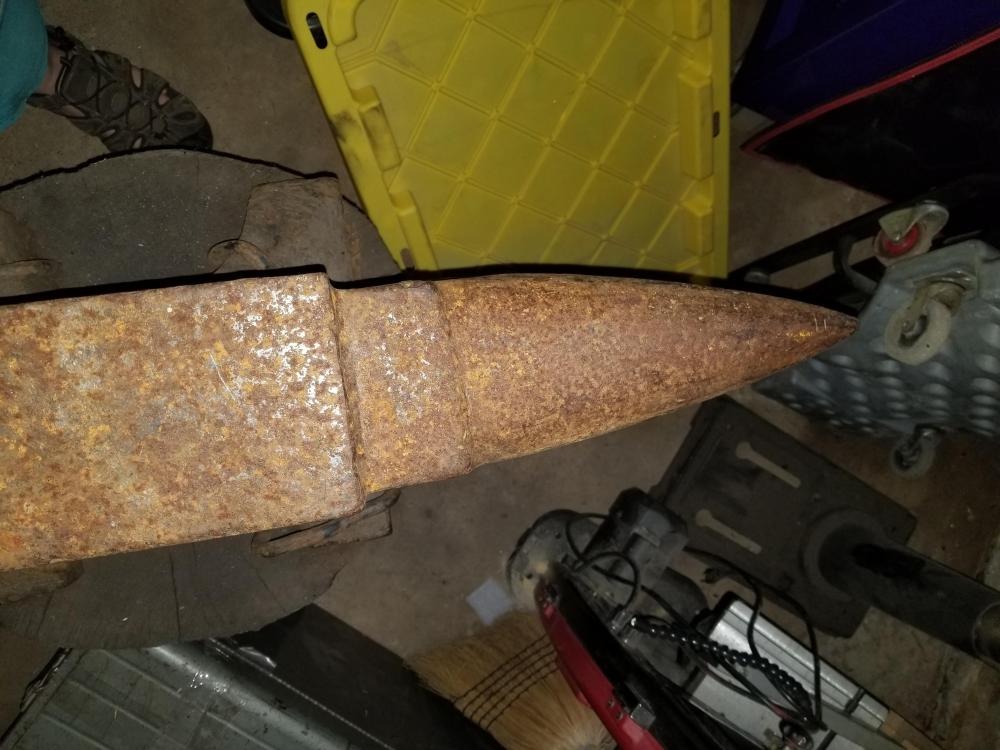
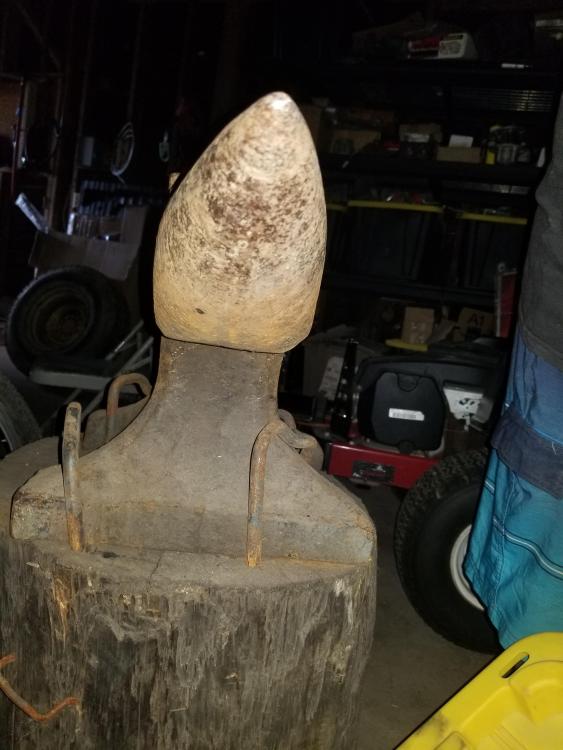
I have this anvil I inherited from my uncle and I'm trying to identify this beast. The anvil has to weigh atleast over 200 pounds and the only identifying mark it has is a "R" on the base of it. I'm also looking to sell and downsize this anvil since I would only be making smaller blades. What would be a good fair price for this as well. Located in Duncan,Oklahoma
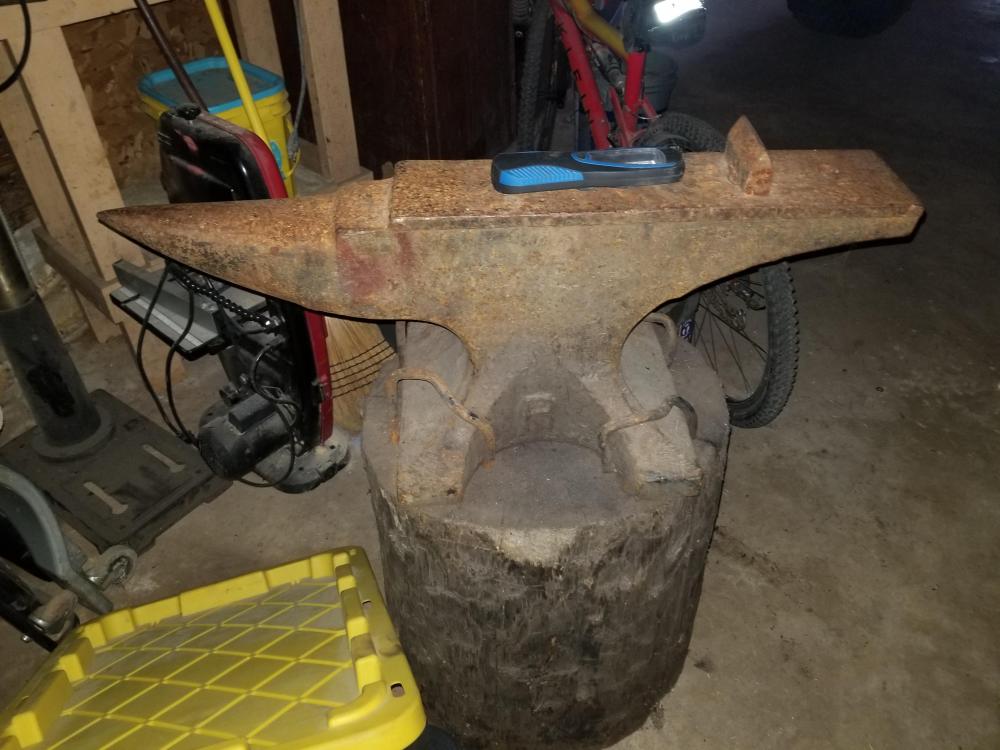
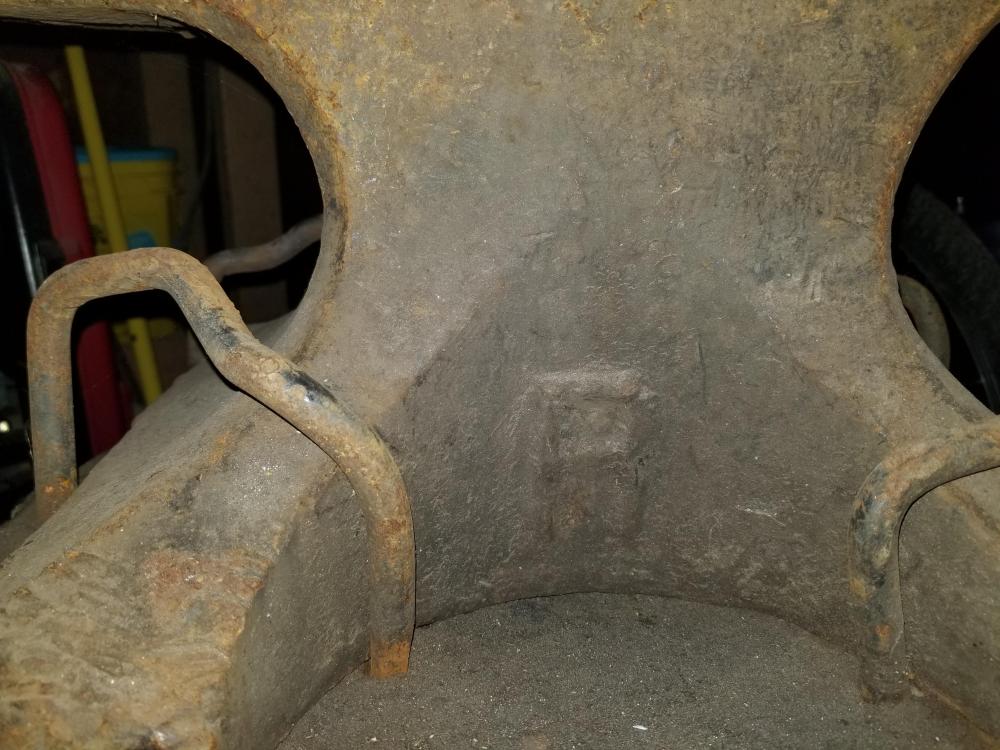
-
-
-
-
-
-
-