Spanky
Members
-
Joined
-
Last visited
Everything posted by Spanky
-
Thank you, that’s helpful. As an old striking tool I’m guessing it’s 4140 or so & should make a tough punch if not a particularly heat-resistant one. Thoughts?
-
I bought this to use the metal to make some punches ala ABANA level 1 curriculum. What was this “plus sign” ended chisel originally for?

-
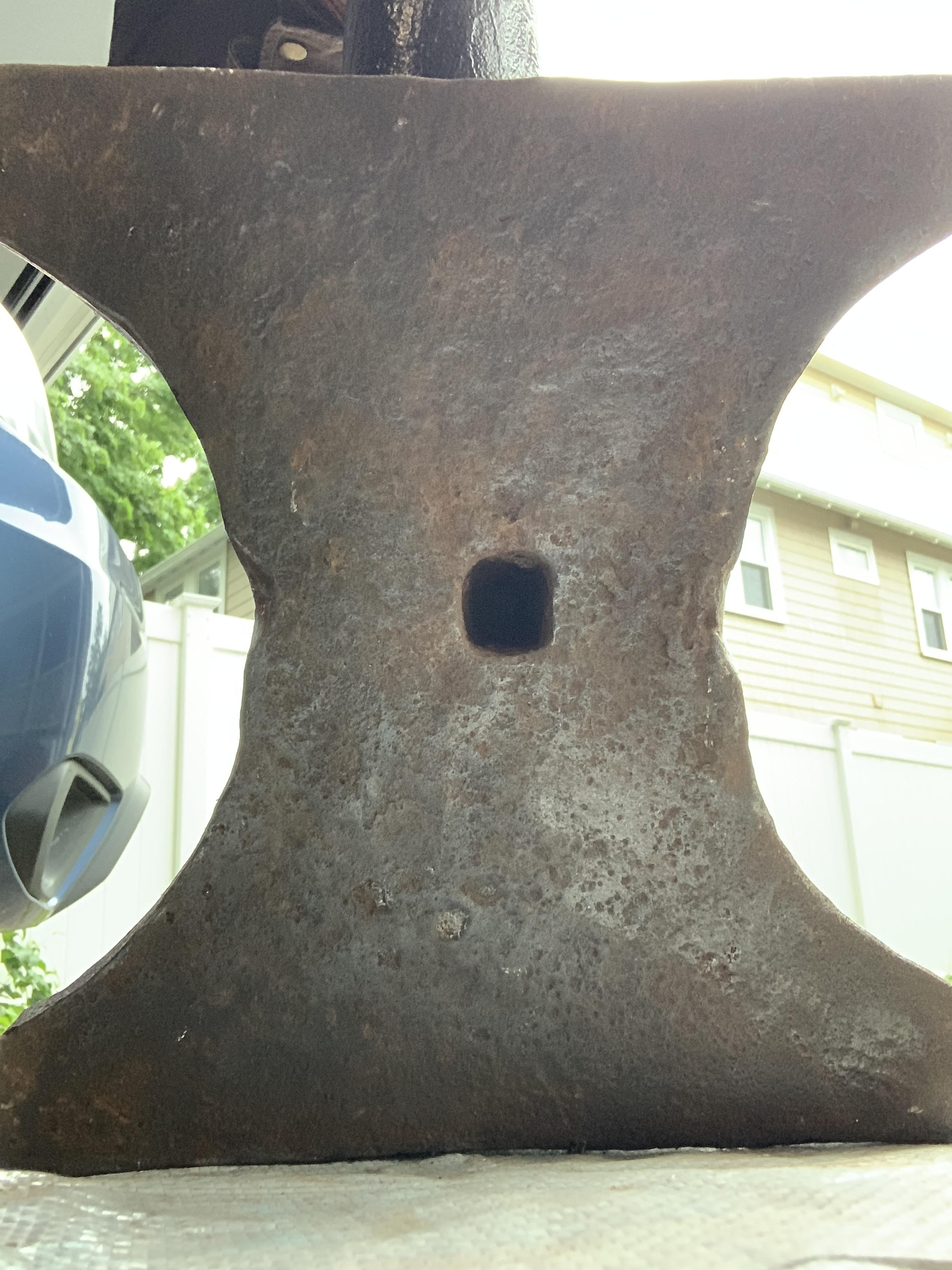
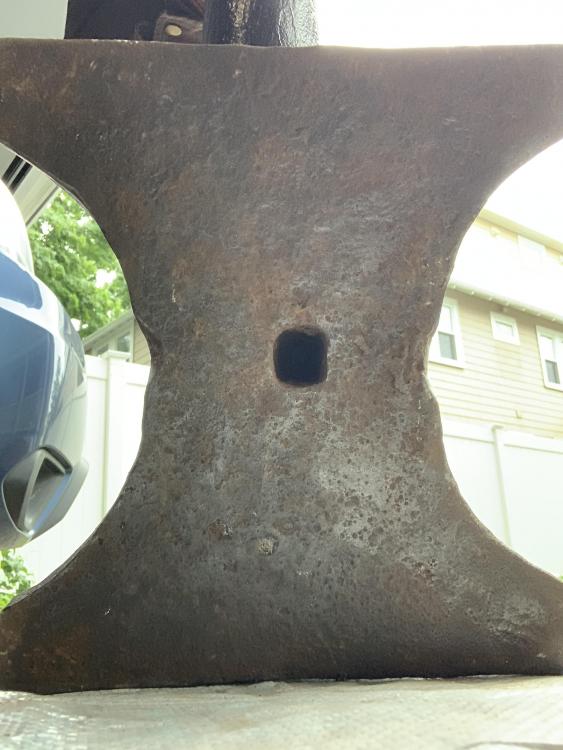
Here’s the bottom of the anvil. Does it help to identify?
-
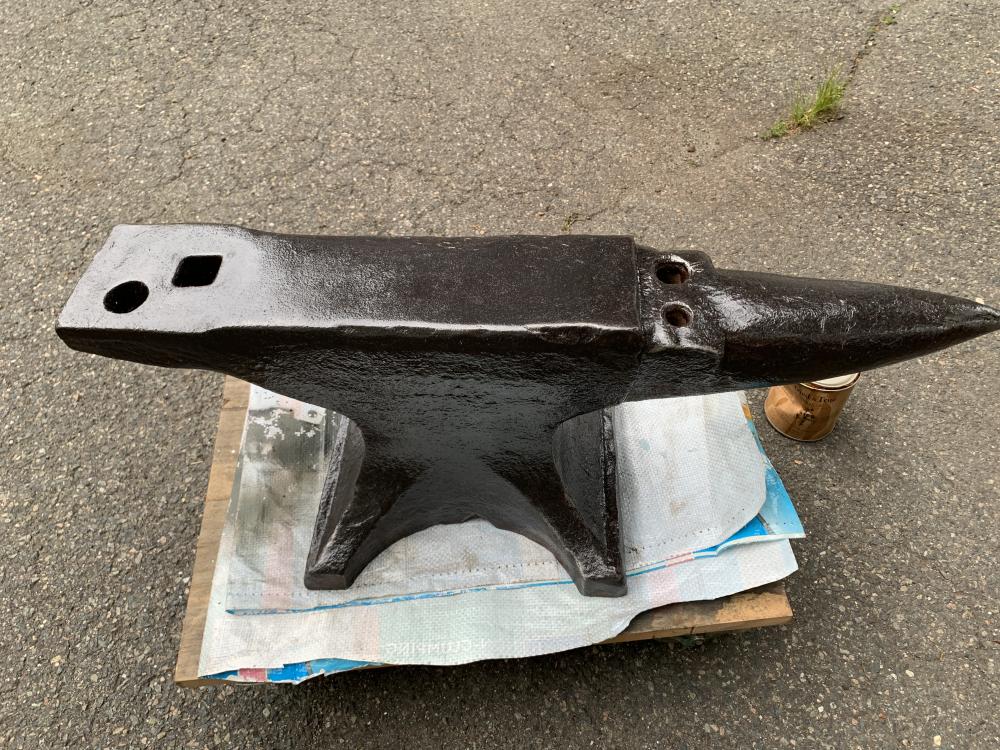
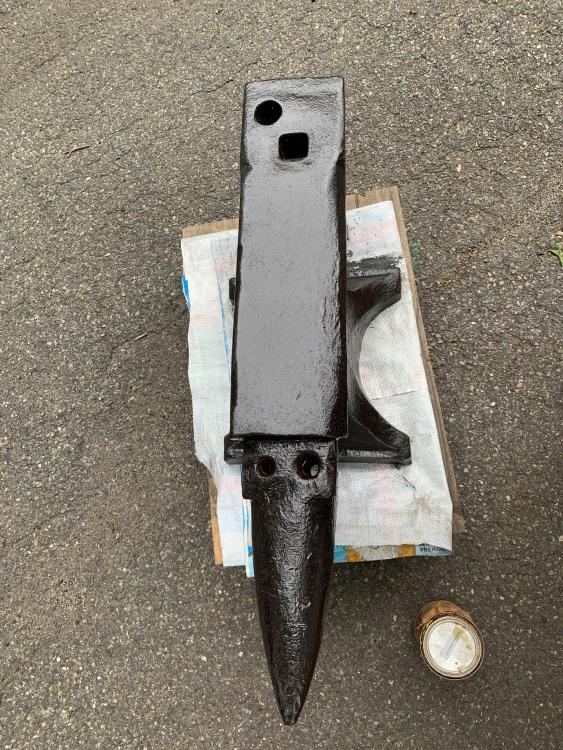
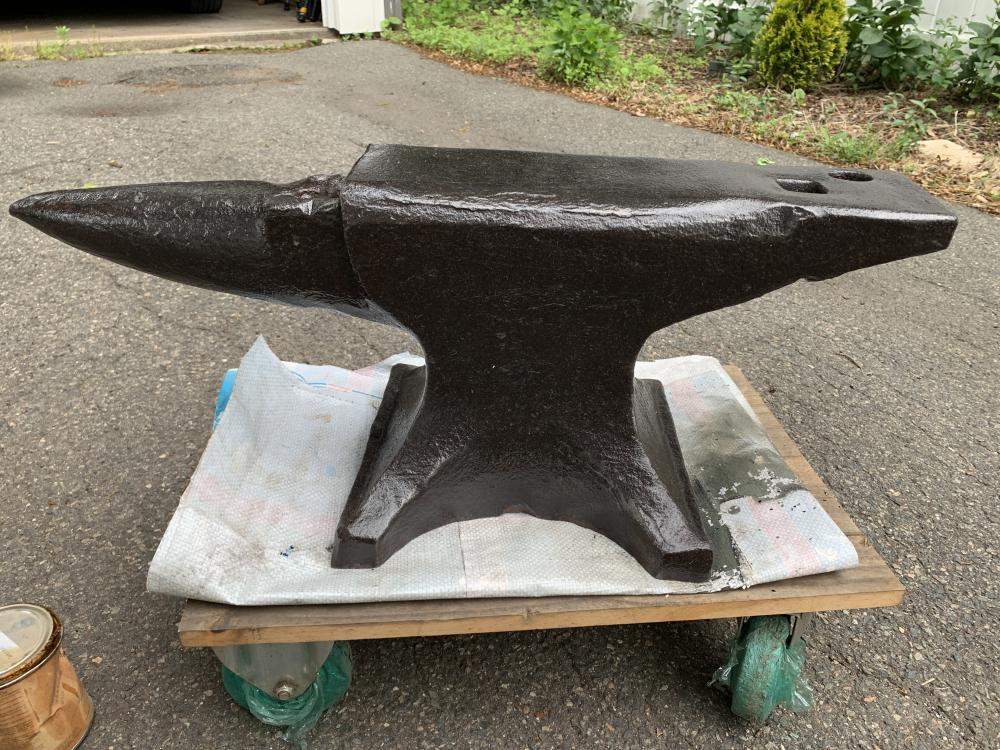
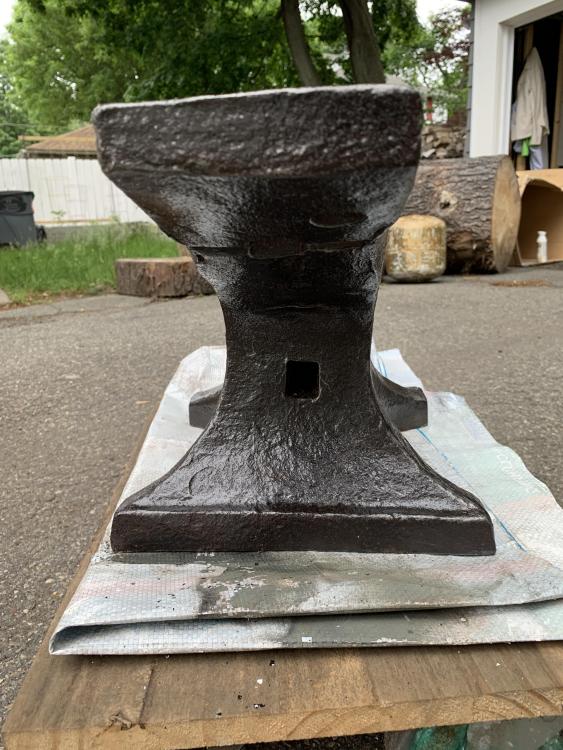
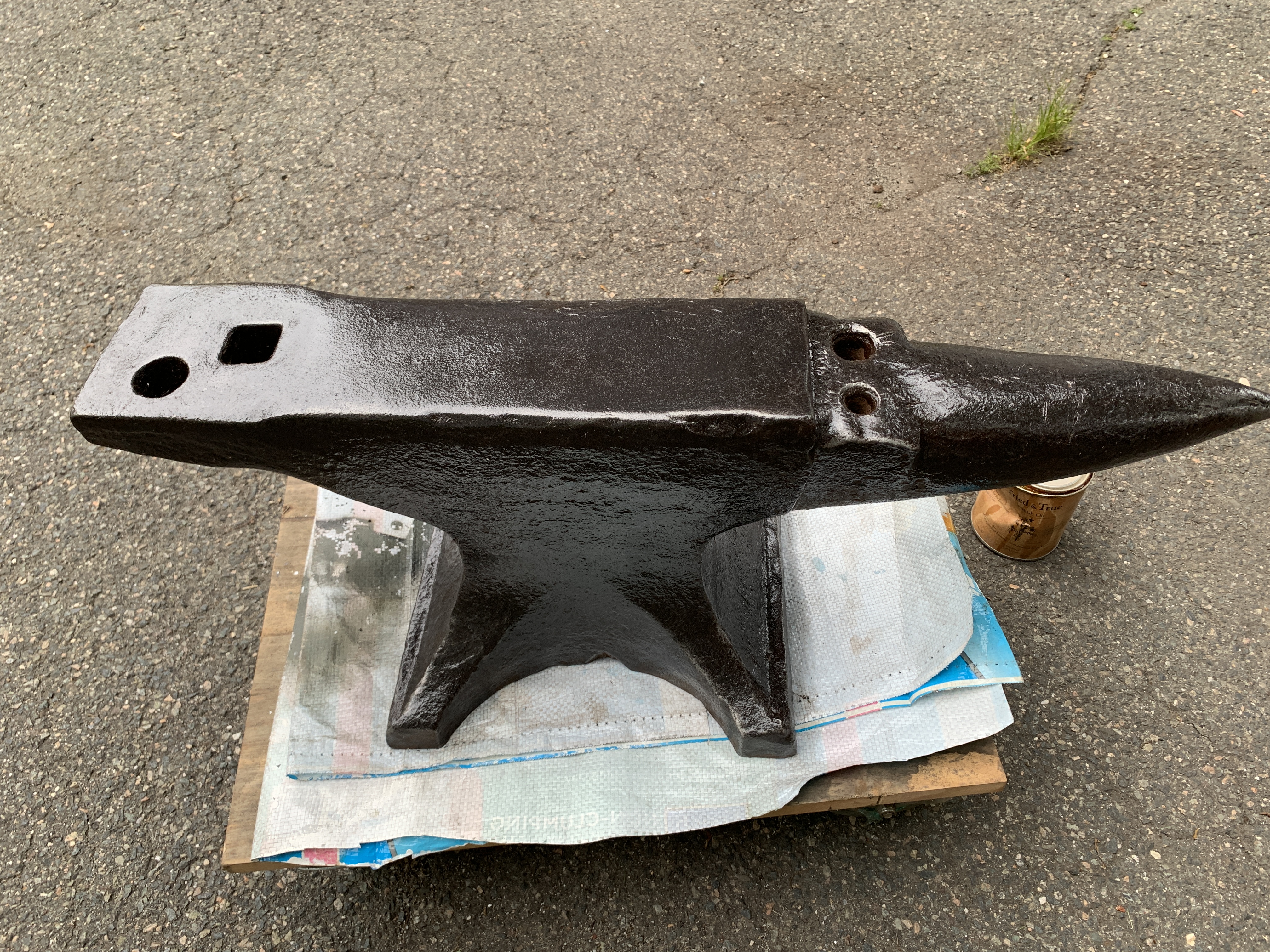
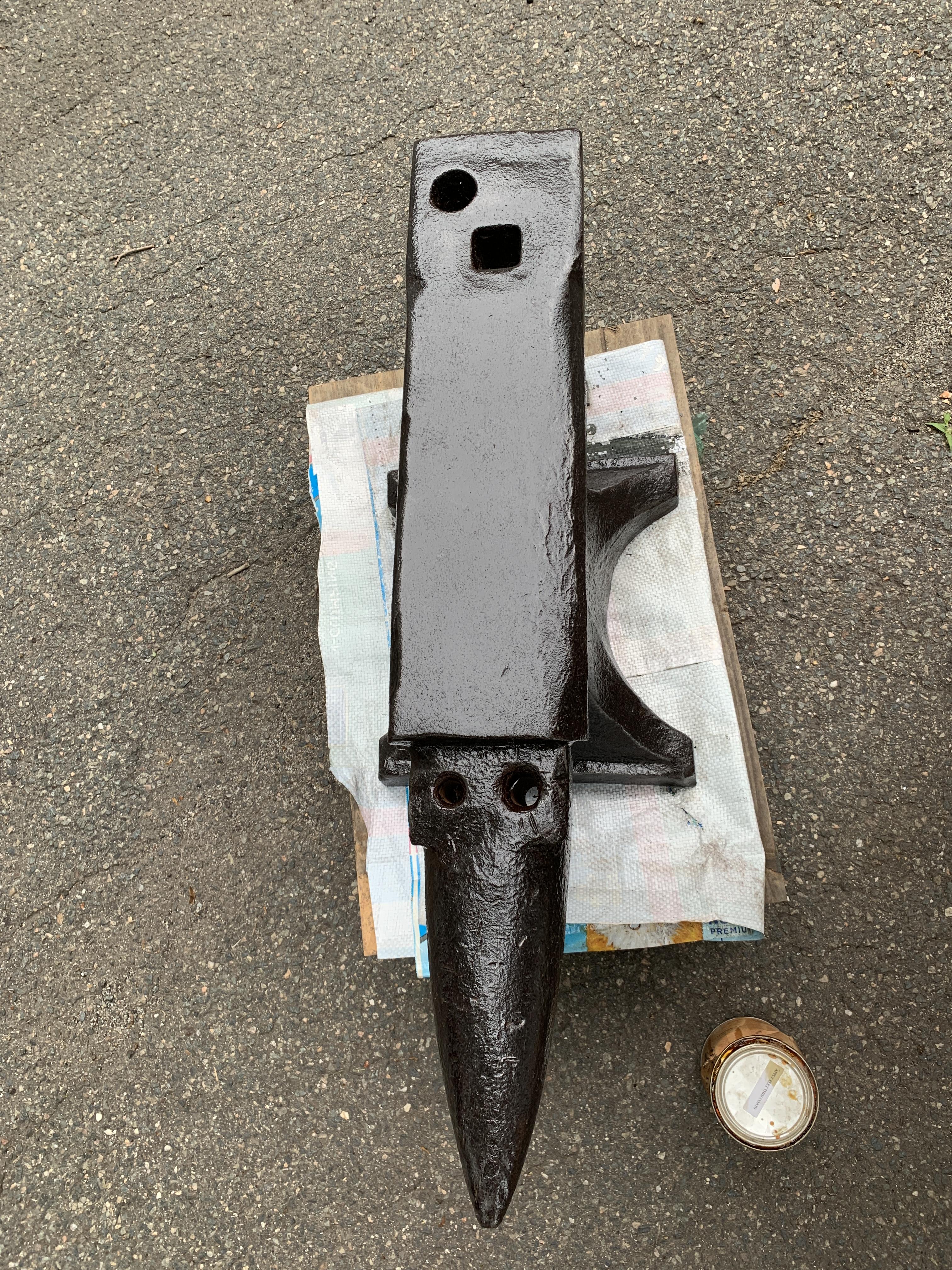
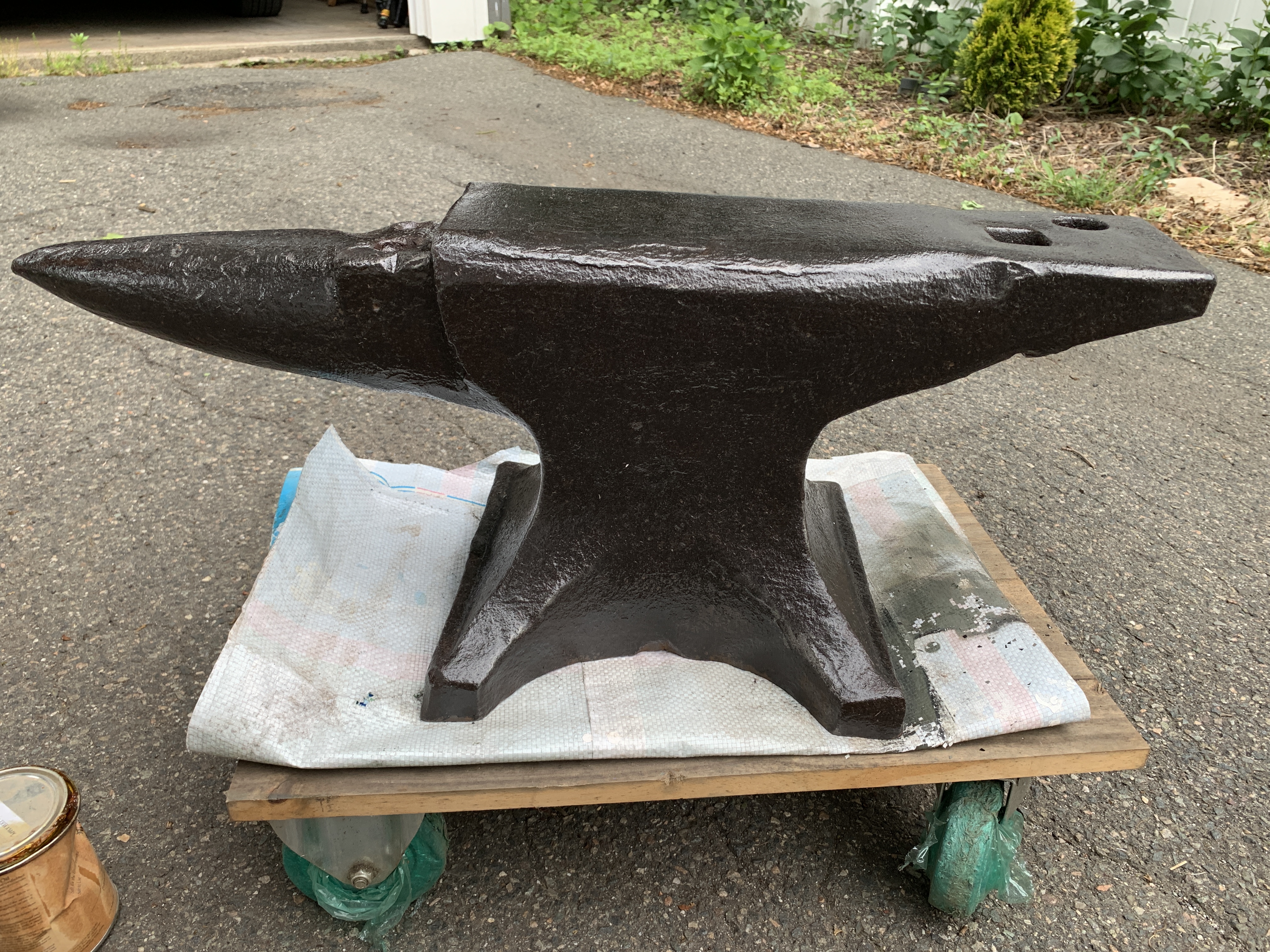
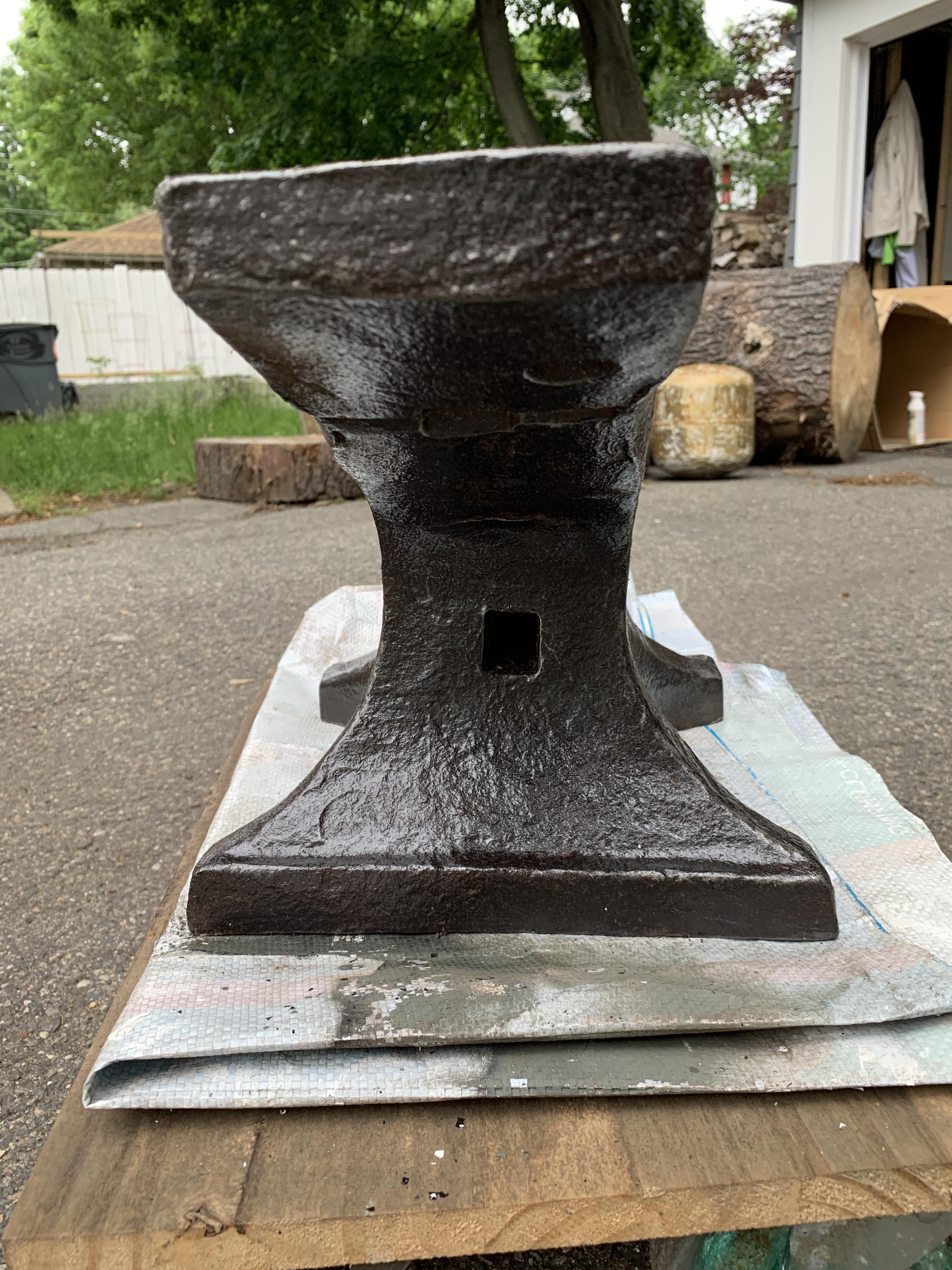
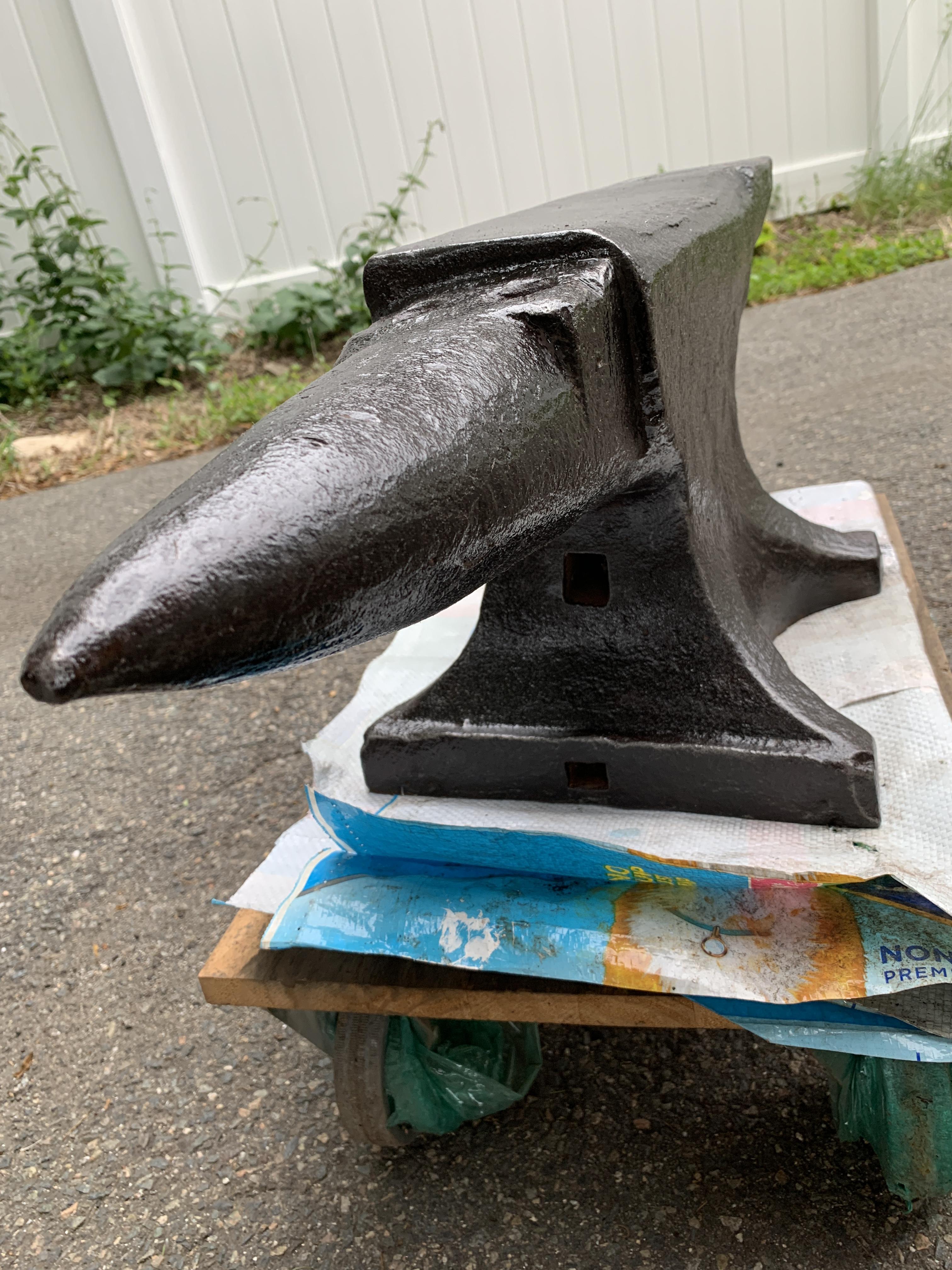
Thanks for the warm welcome! Yes, I’m in Massachusetts; the man who sold me the anvil told me it had belonged to his grandfather in Tewksbury. To my (decidedly inexpert) testing it has a lovely ring and excellent rebound. The two extra Pritchel holes are very cleanly drilled through several inches of steel and it’s hard for me to imagine they were added later (did they have hardened steel bits that would do that 75-100 years ago?) but I suppose they could be. I didn’t see any markings on the underside of the base when I brushed it up but I can try check again & post a picture tomorrow. What am I looking for? (PS - still having rotator cuff trouble from the last time I took my anvil bowling. Be warned!)
-
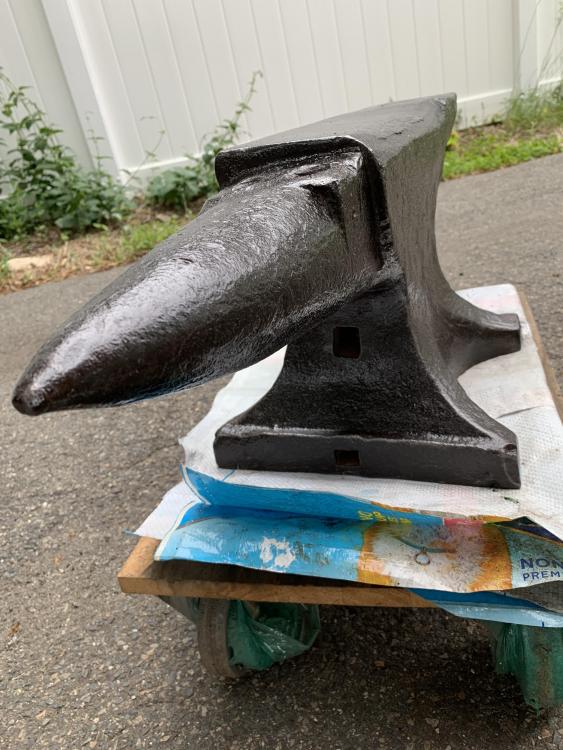
I just obtained this anvil from Craigslist. After a good brushing I see no identifying marks. There are three (3) Pritchel holes which makes me think “ferrier” but I would love it if anyone could help me identify it?