Skip to content
View in the app

A better way to browse. Learn more.

I Forge Iron

A full-screen app on your home screen with push notifications, badges and more.

To install this app on iOS and iPadOS
  1. Tap the Share icon in Safari
  2. Scroll the menu and tap Add to Home Screen.
  3. Tap Add in the top-right corner.
To install this app on Android
  1. Tap the 3-dot menu (⋮) in the top-right corner of the browser.
  2. Tap Add to Home screen or Install app.
  3. Confirm by tapping Install.

Johnsnor

Members
  • Joined

  • Last visited

Everything posted by Johnsnor

  1. Hi Frosty the Lucky, Thanks very much for the tips! Haven’t done a rebound test yet, but I'm definitely going to do it. First I have to find a bearing ball
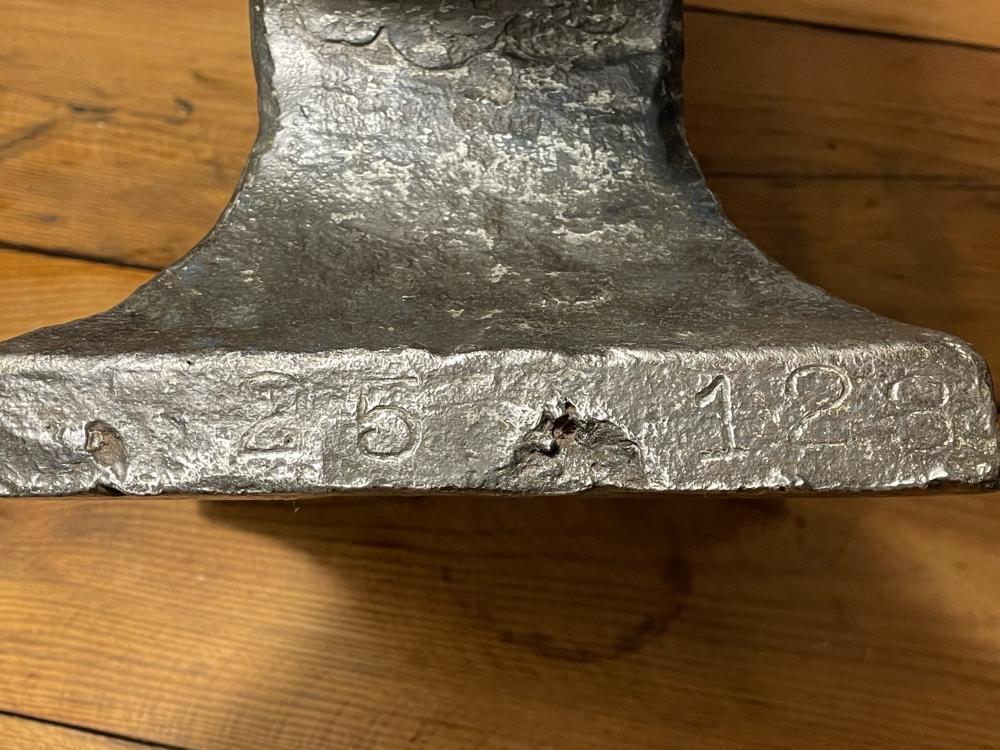
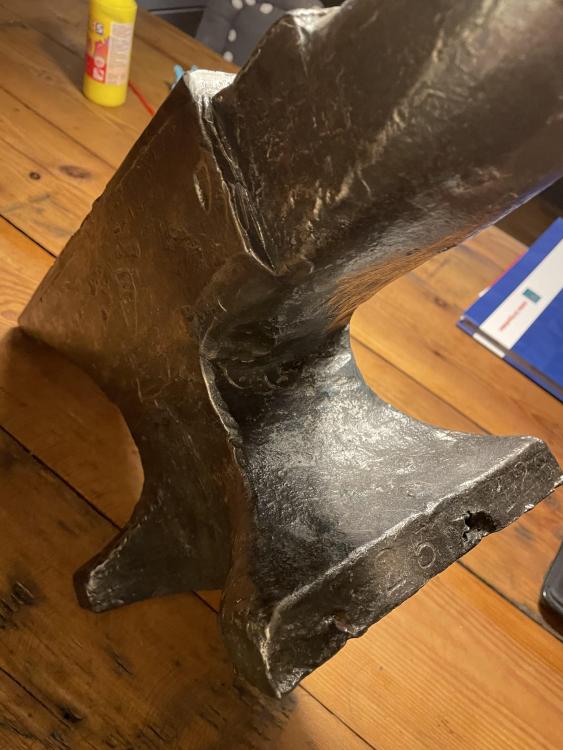
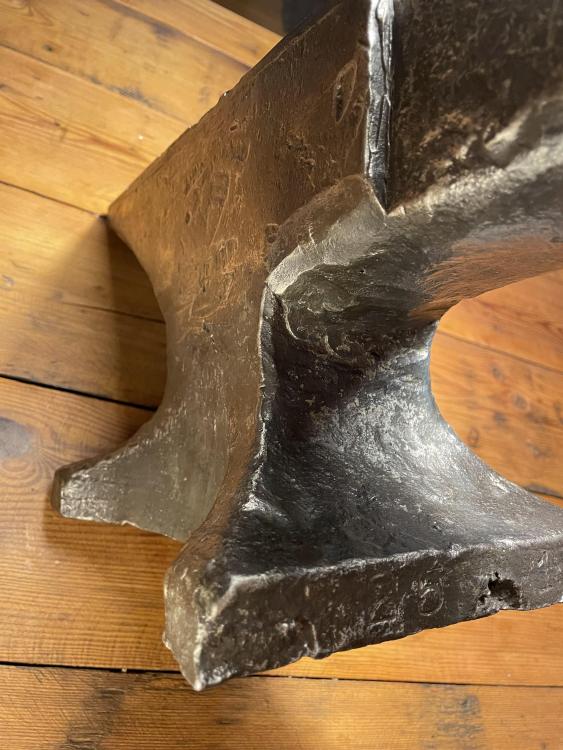
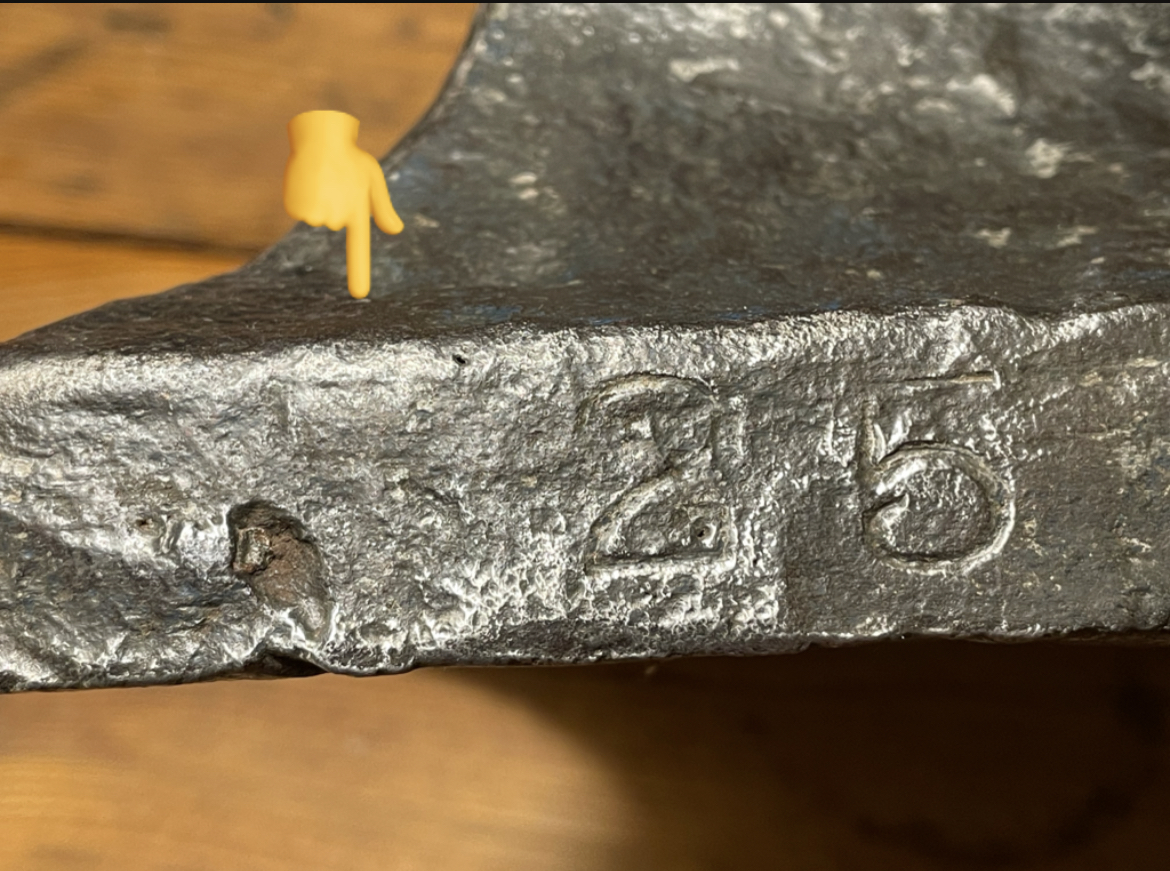
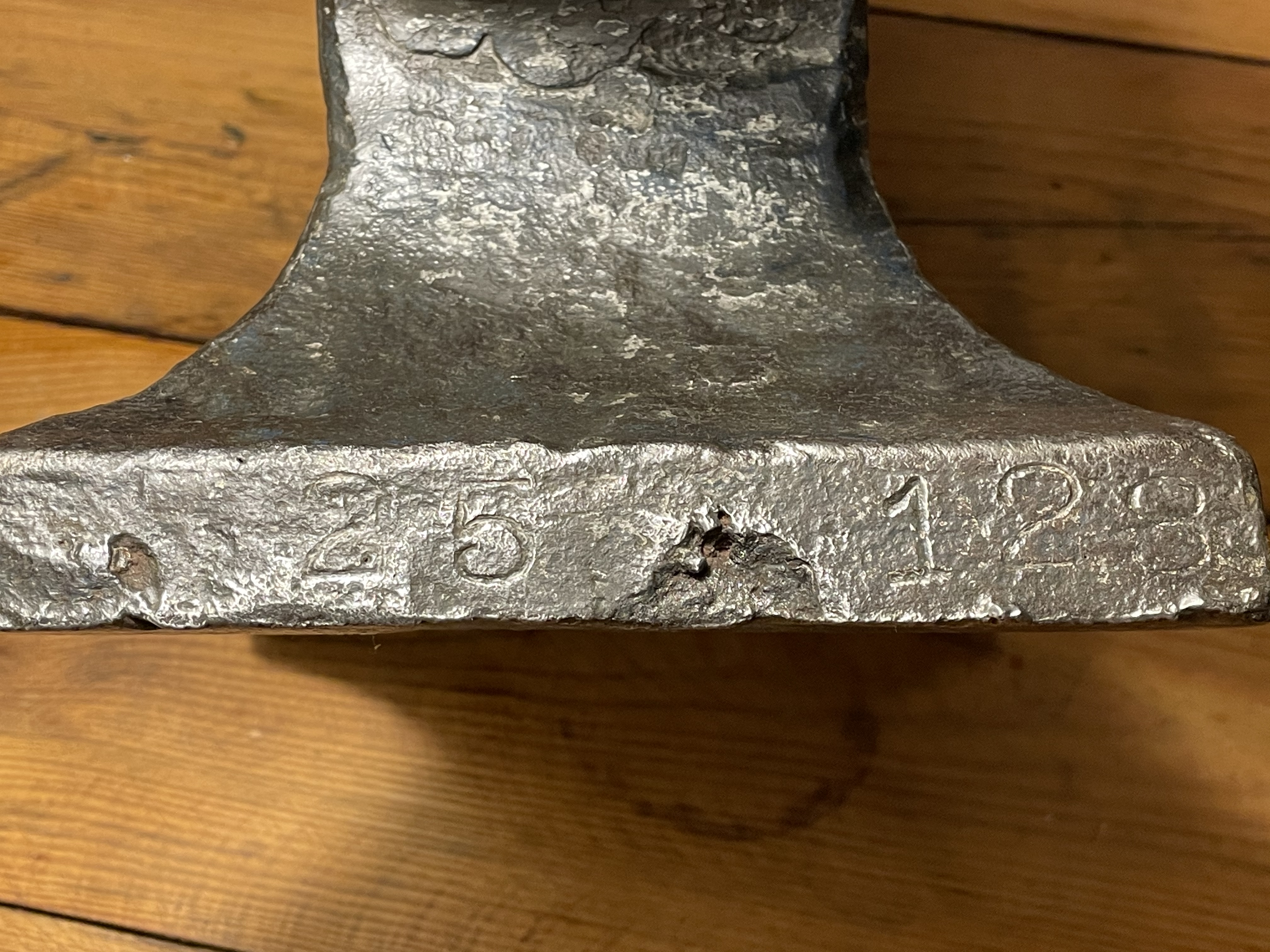
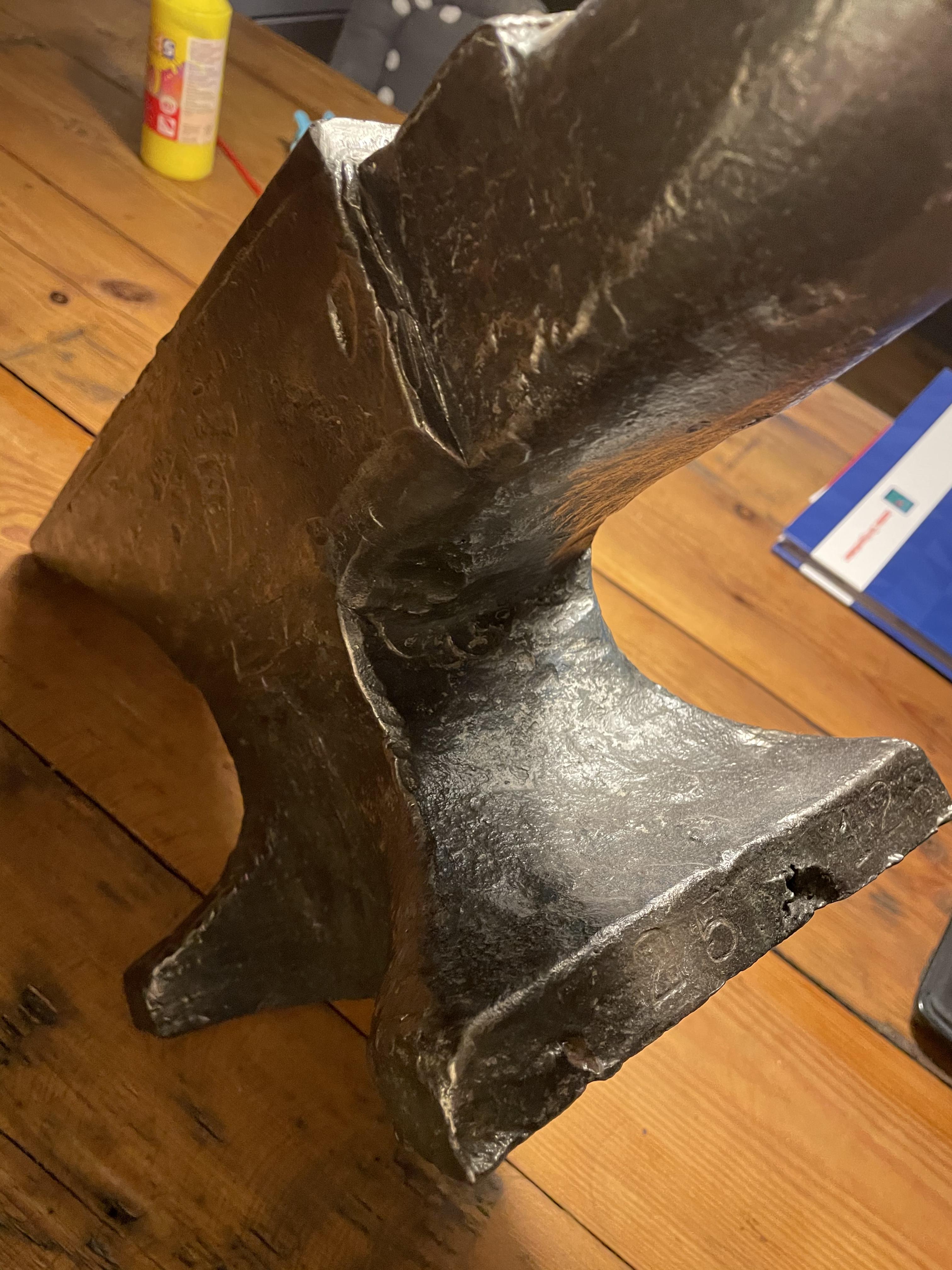
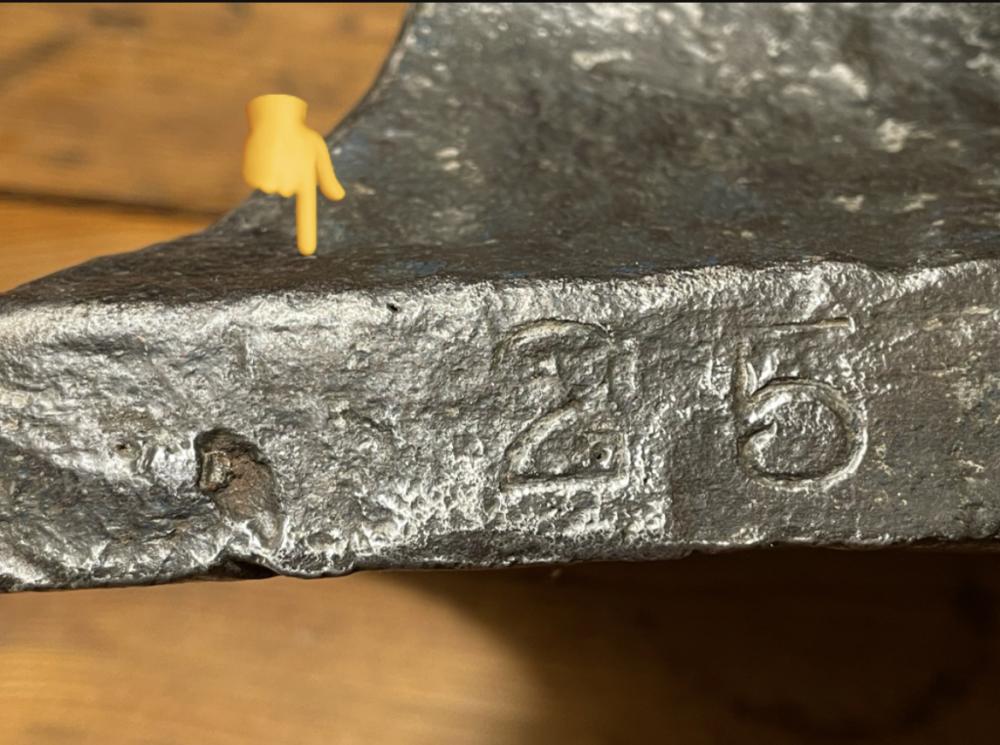
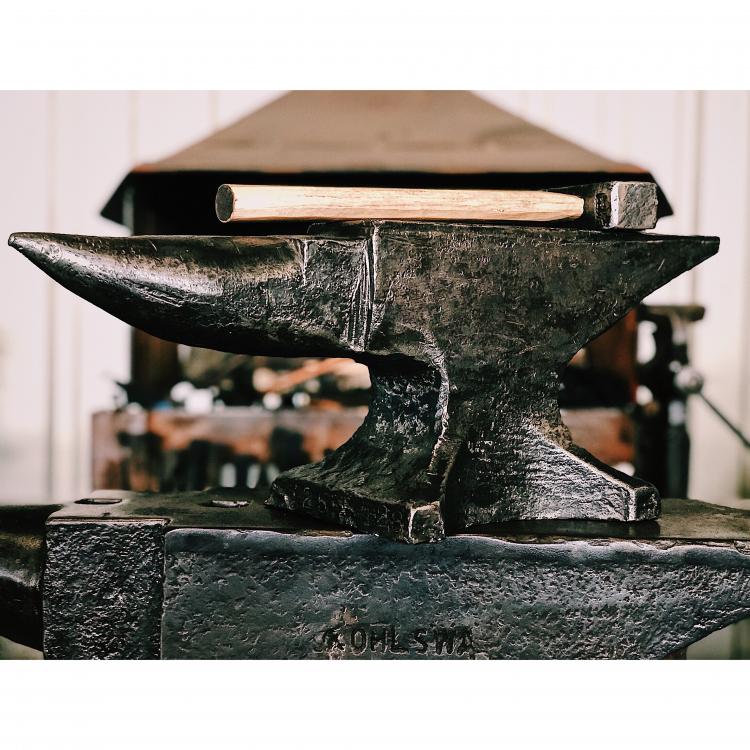
  2. Hi Thomas, thanks a lot for the information! Very much appreciated!! Sounds like a good find:) any idea how old it is? I thought I could see a 5 next to the 25 (see photo) but I’m not certain.
  3. Soest, in the middle.. good idea! sounds like fun. someone on instagram? Grtz
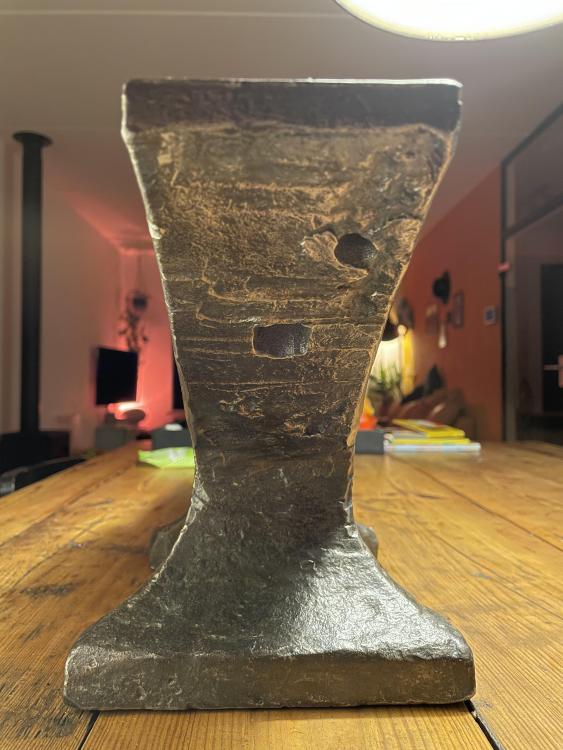
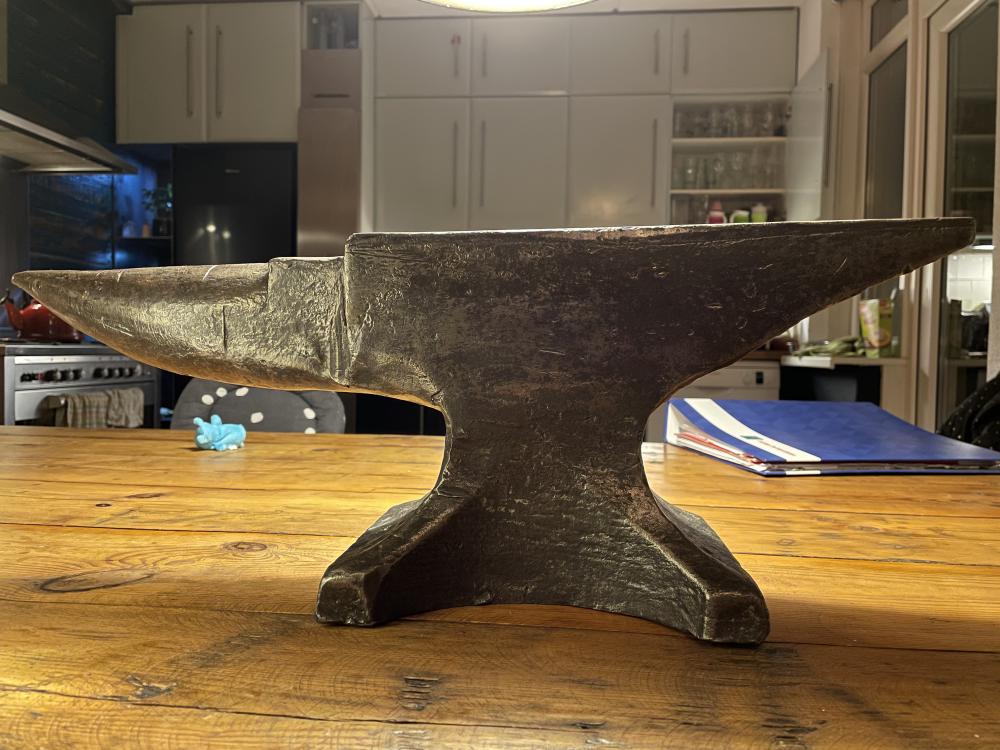
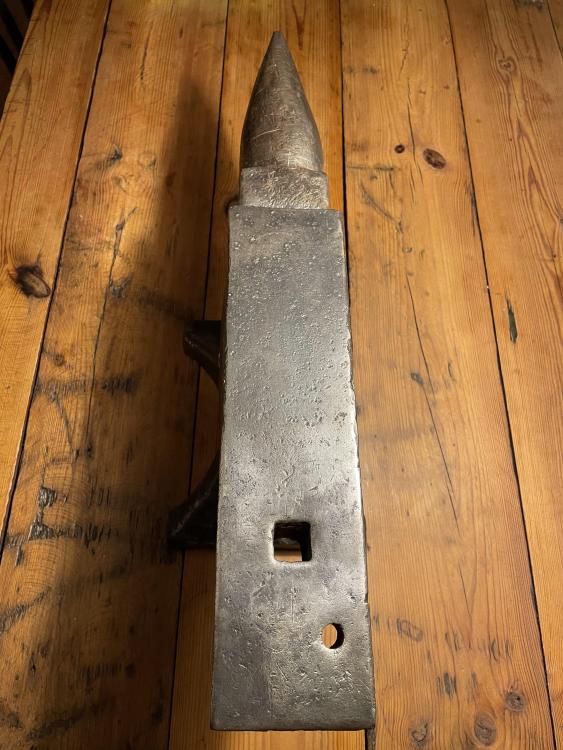
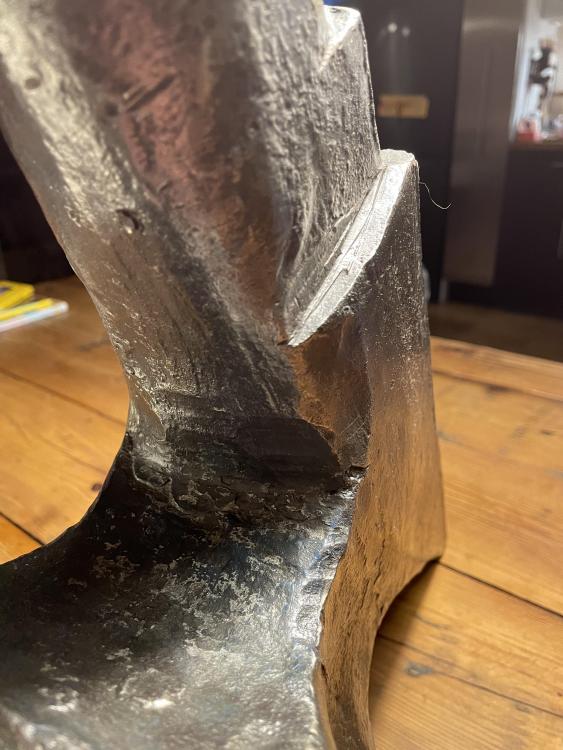
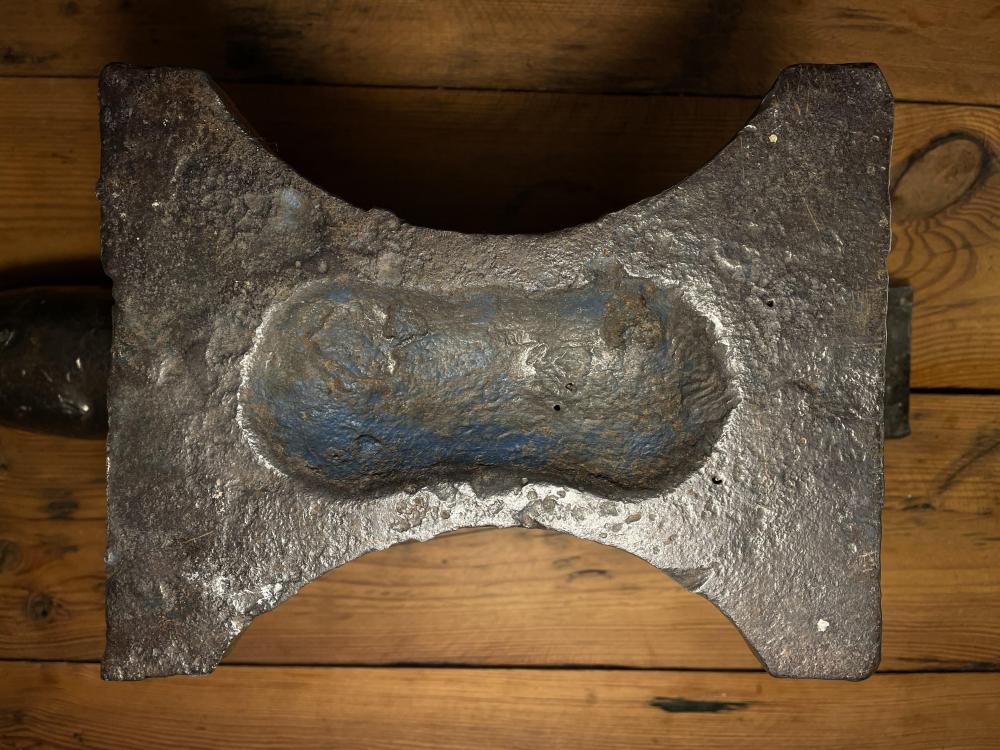
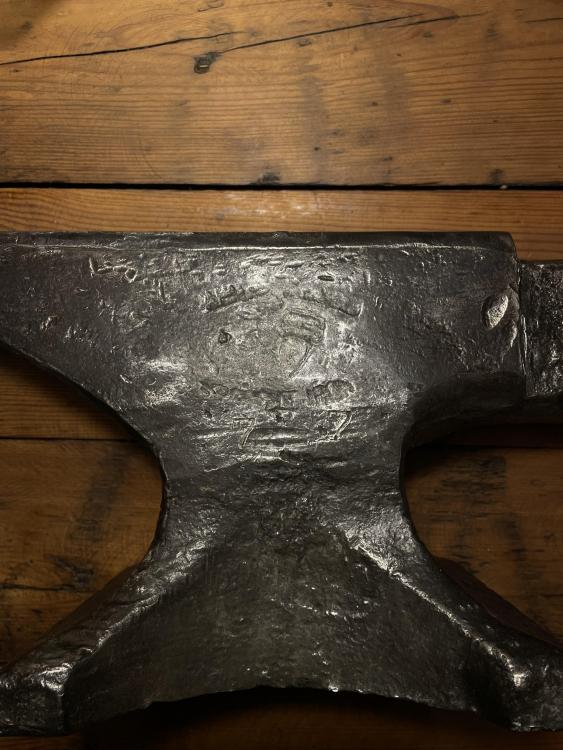
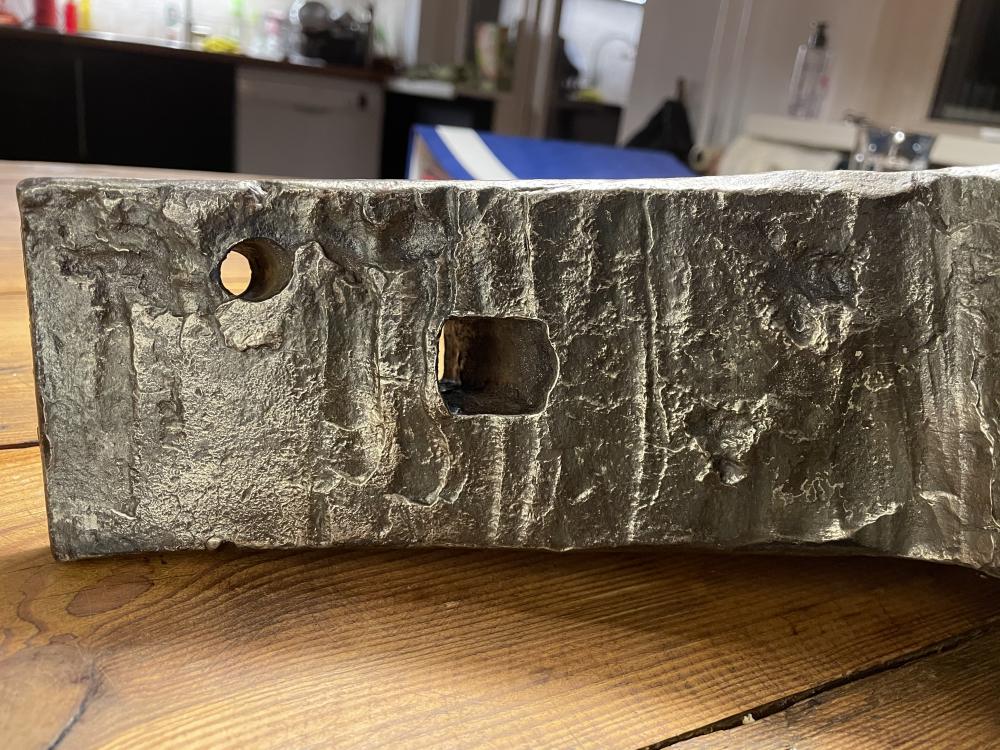
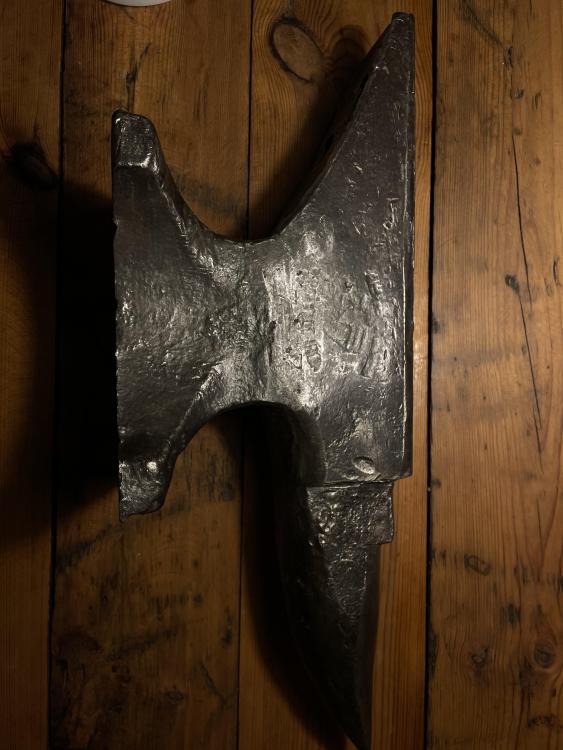
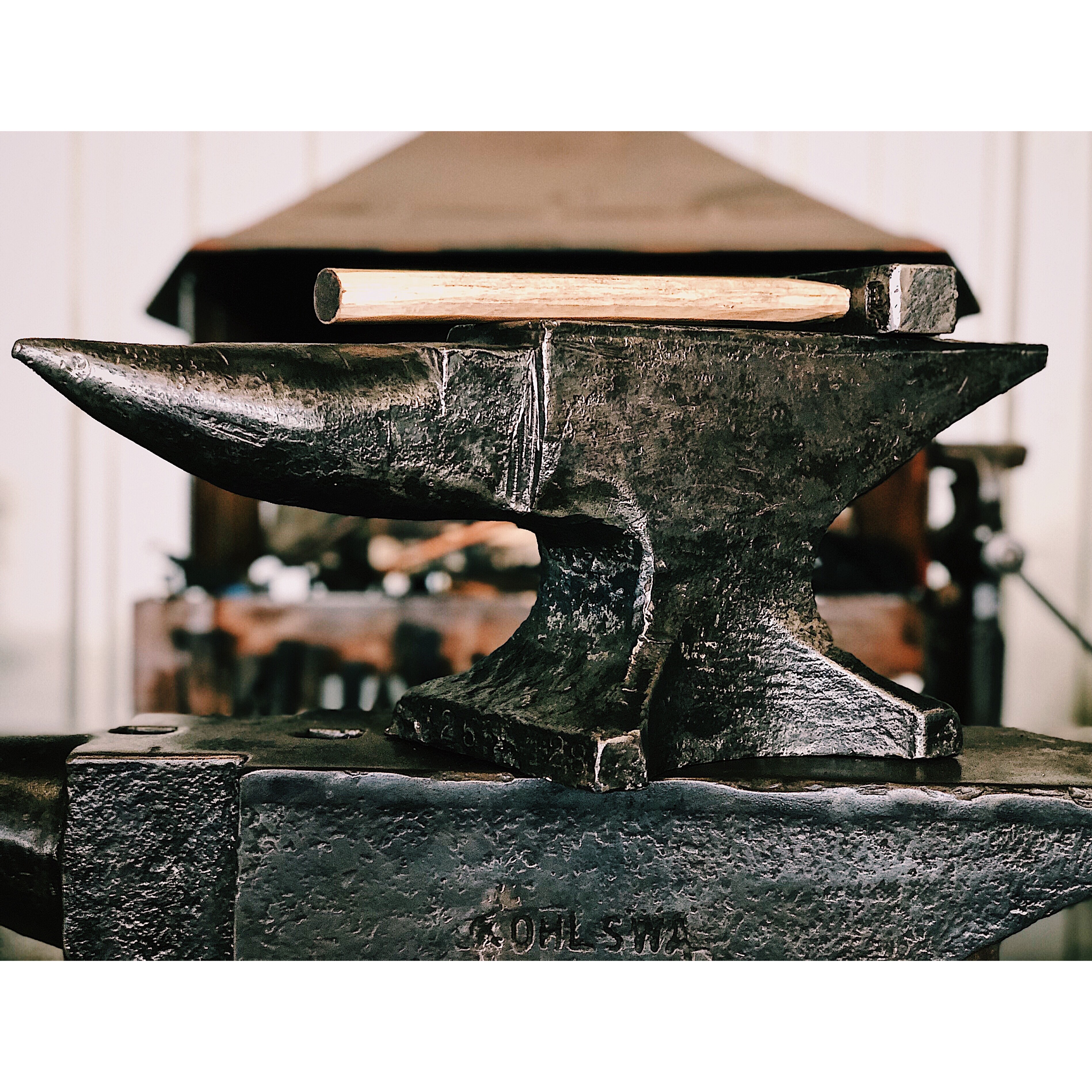
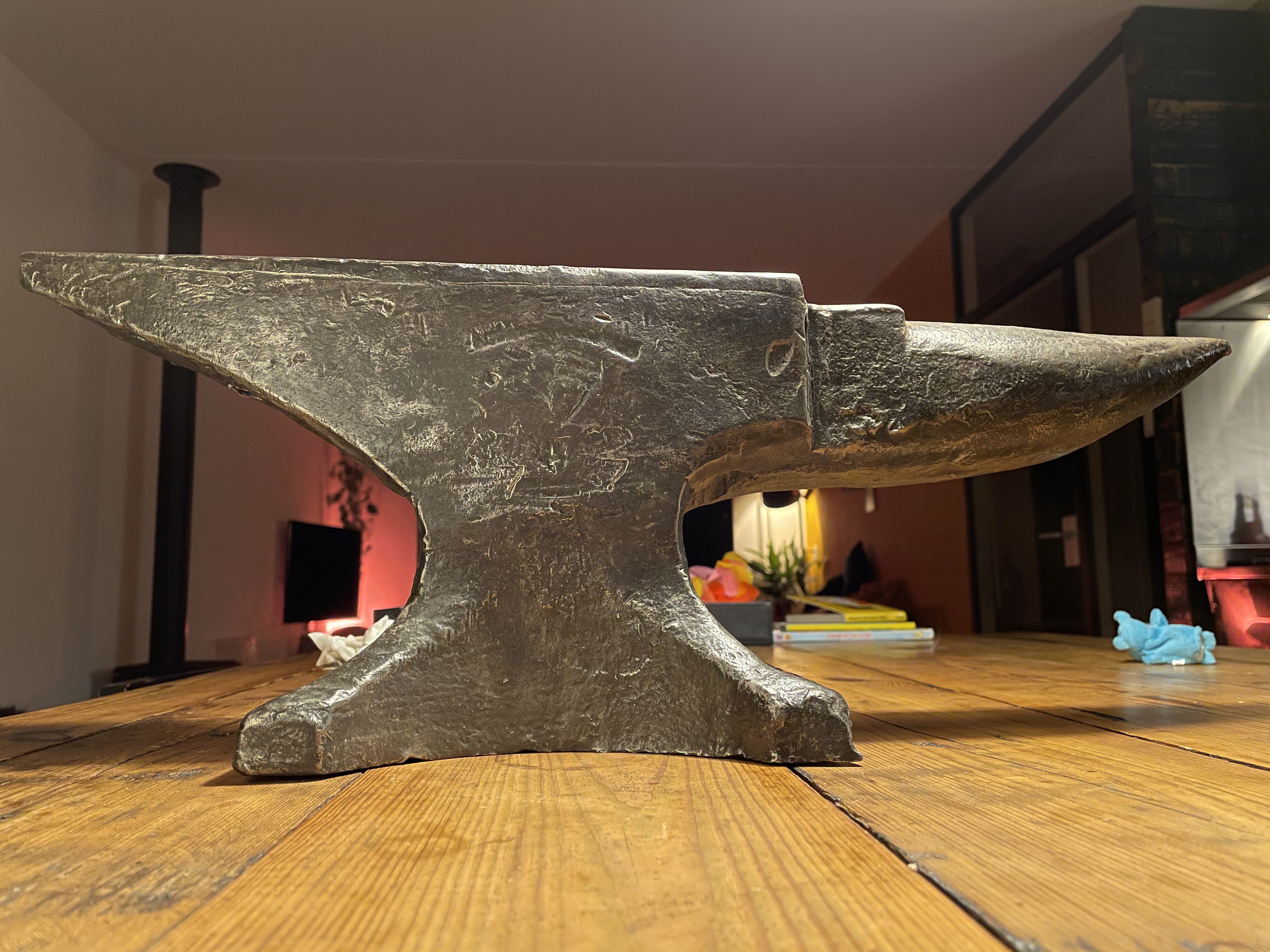
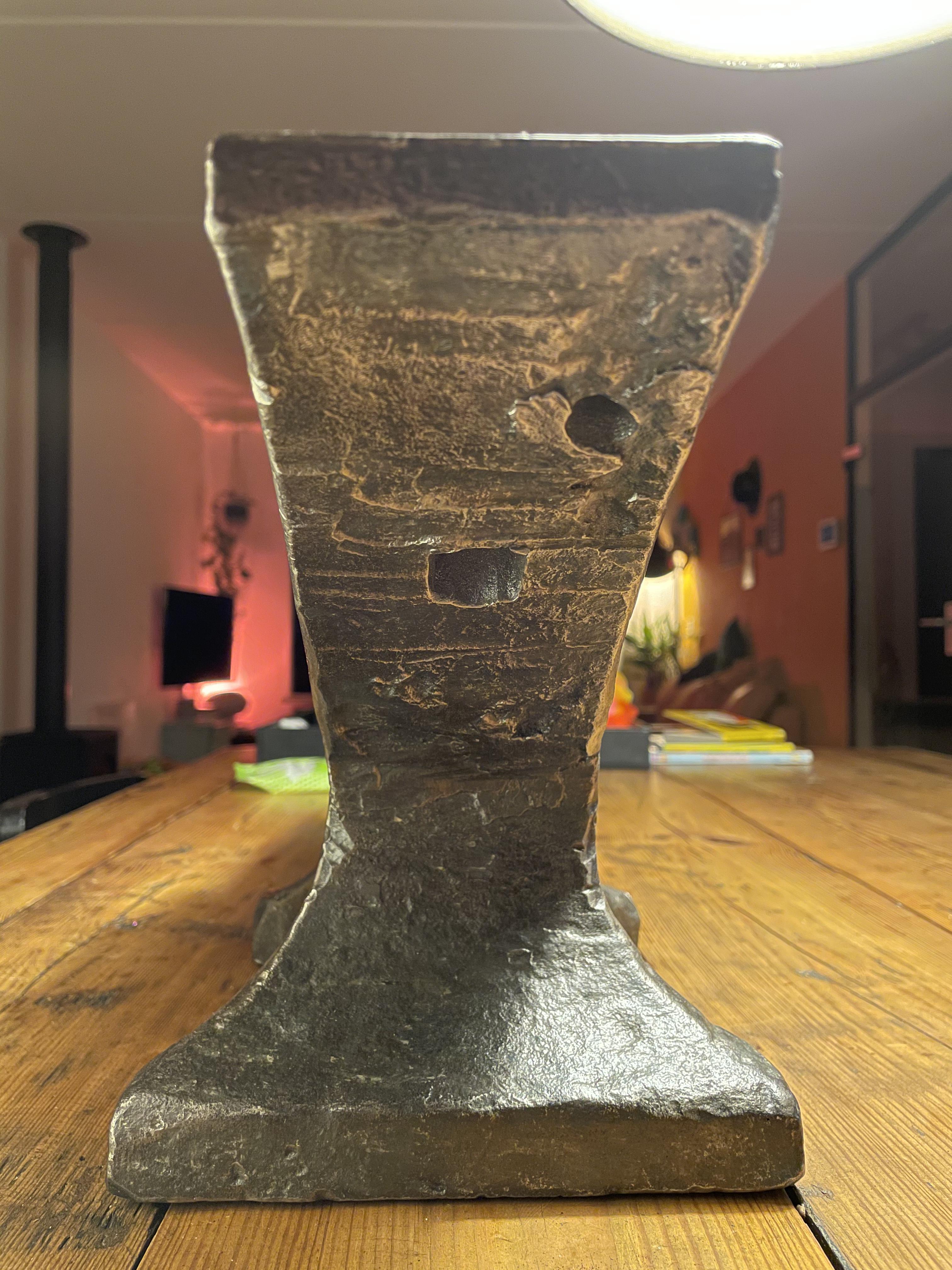
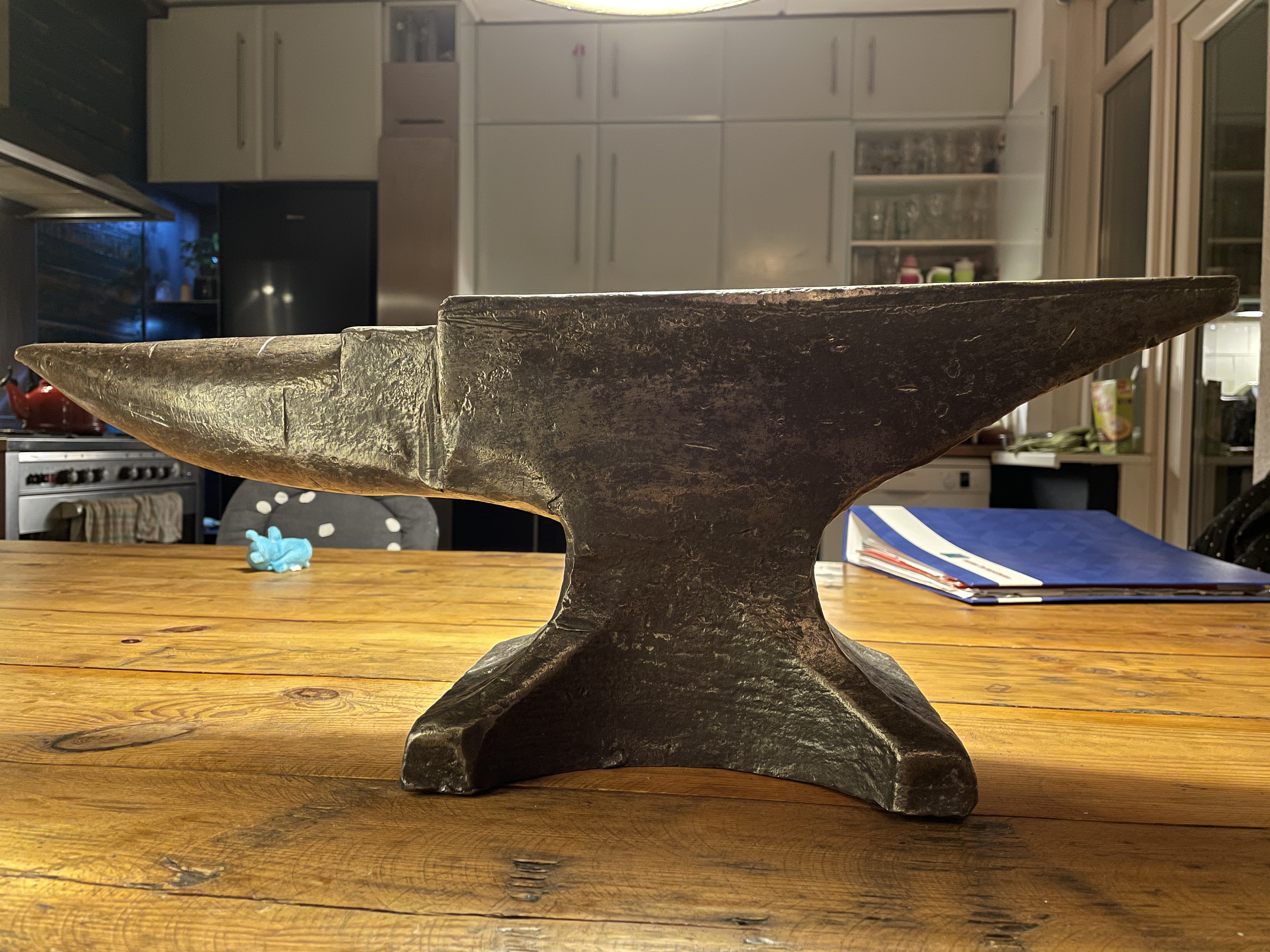
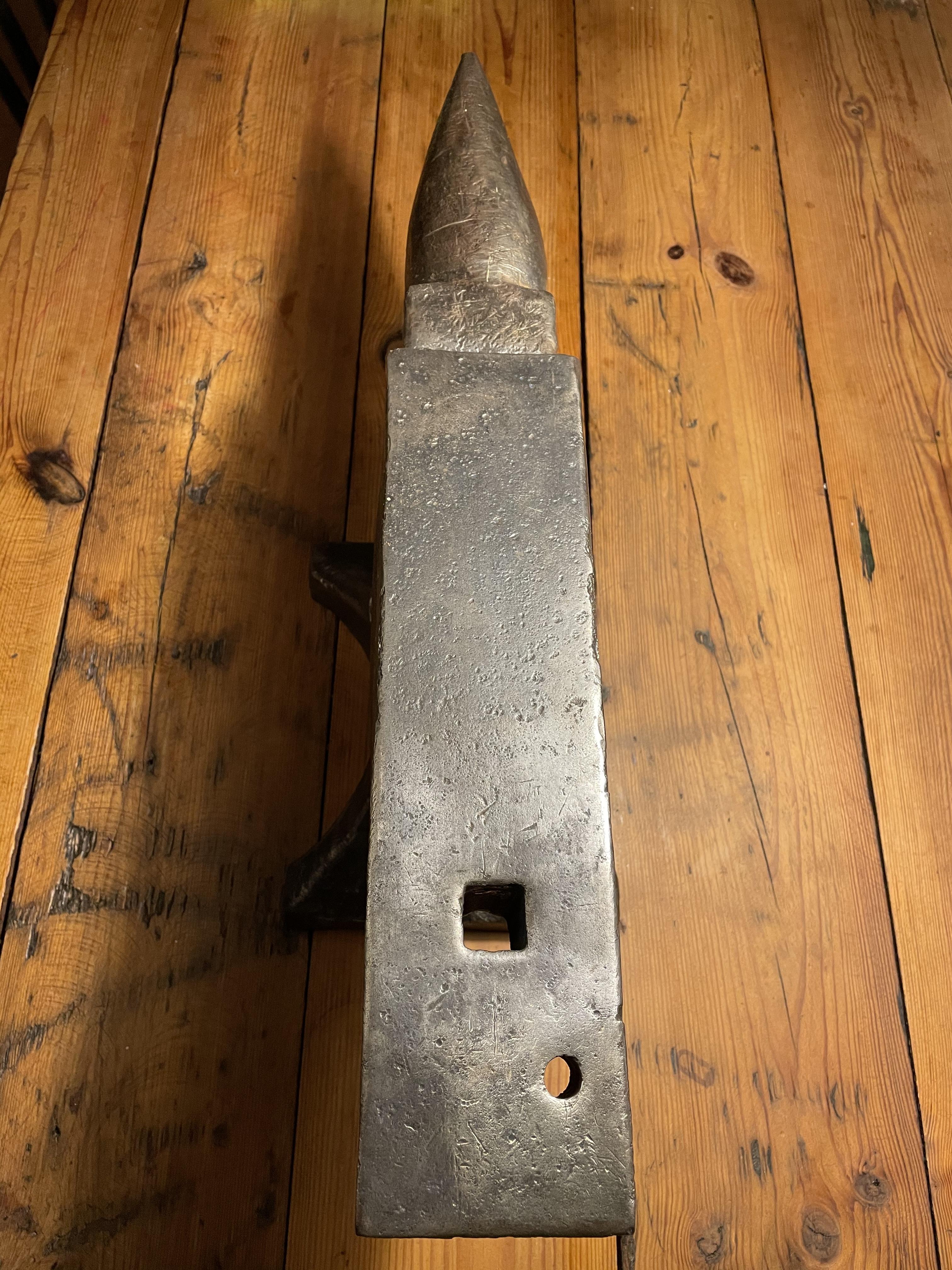
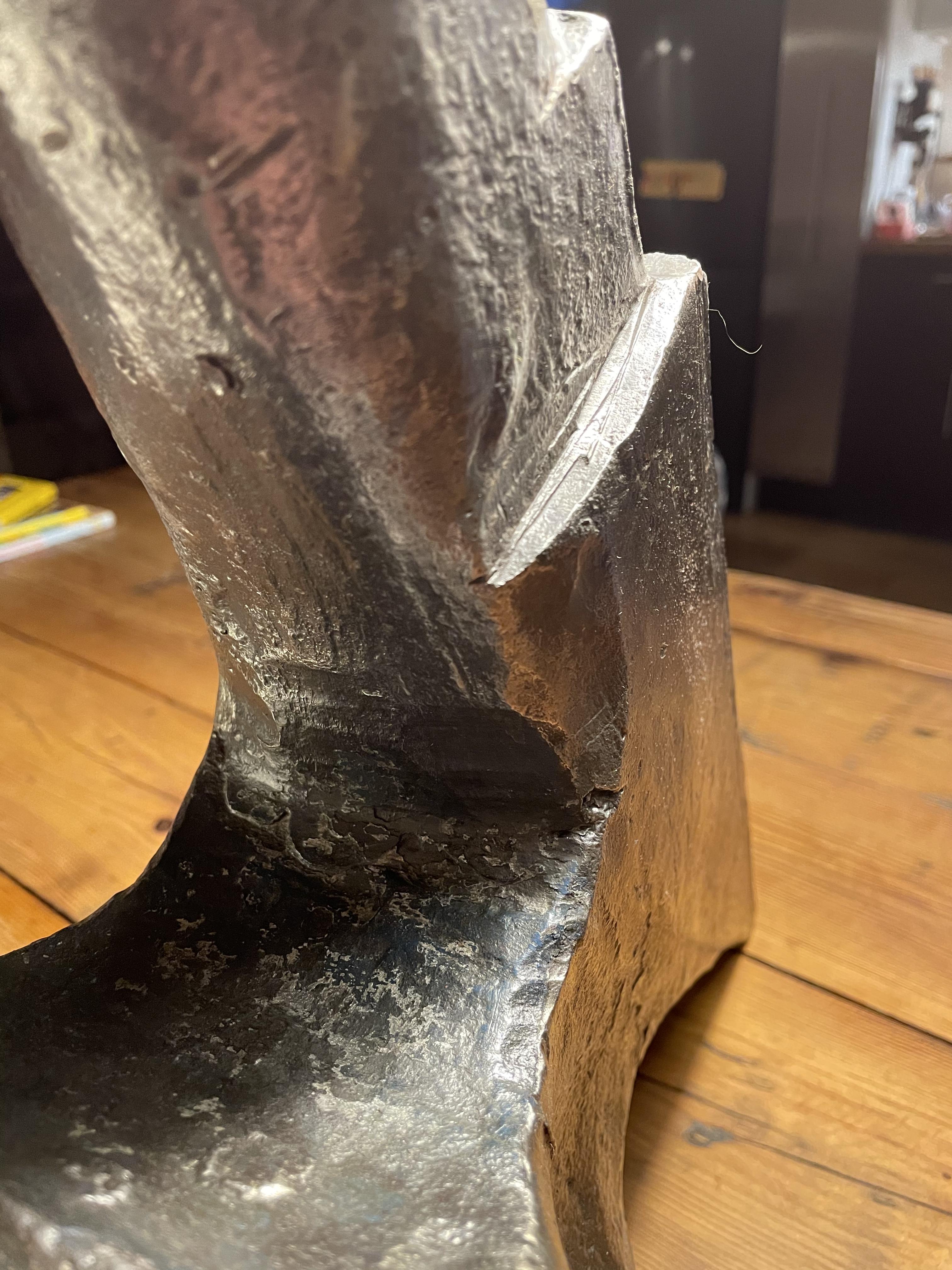
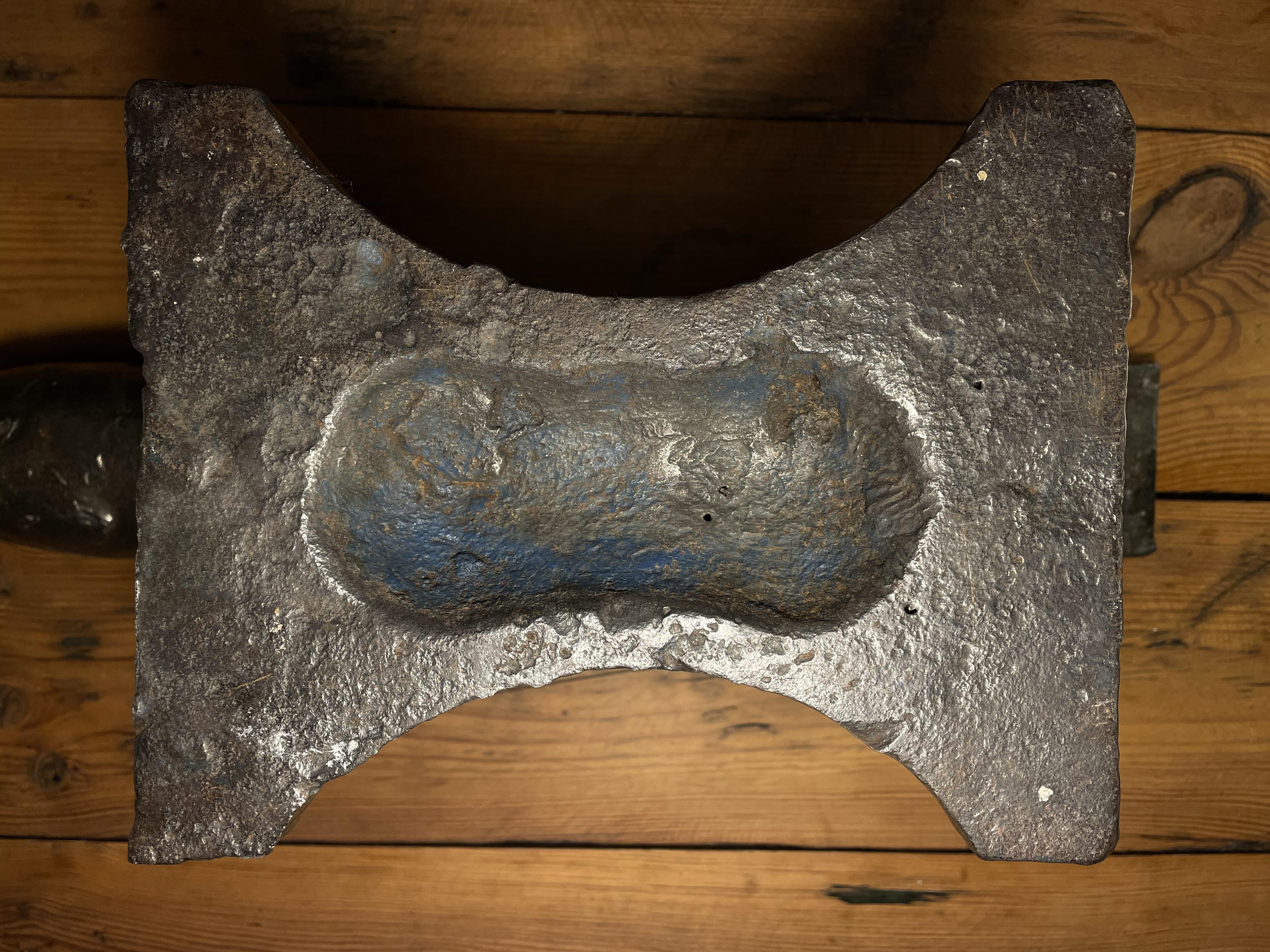
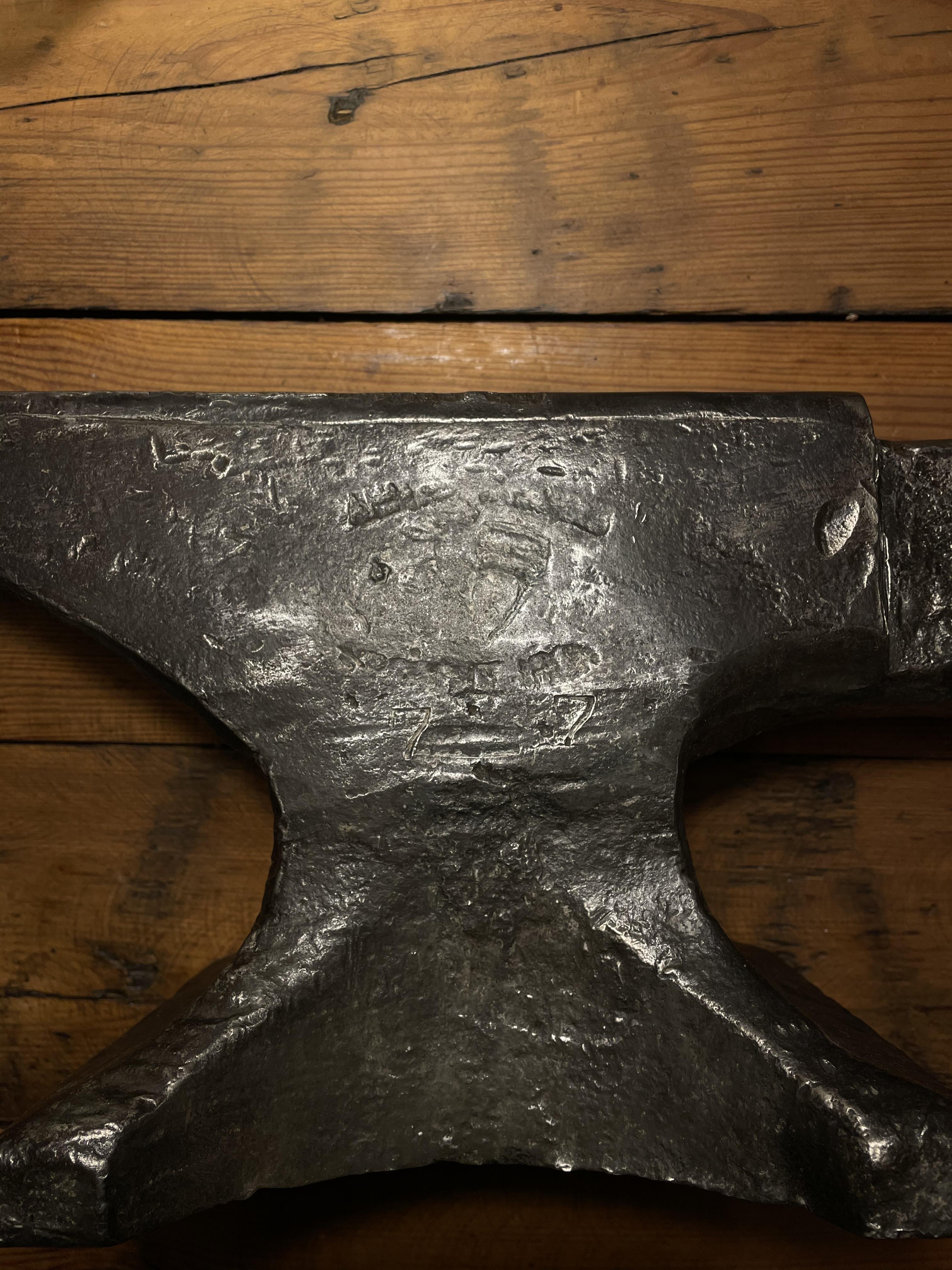
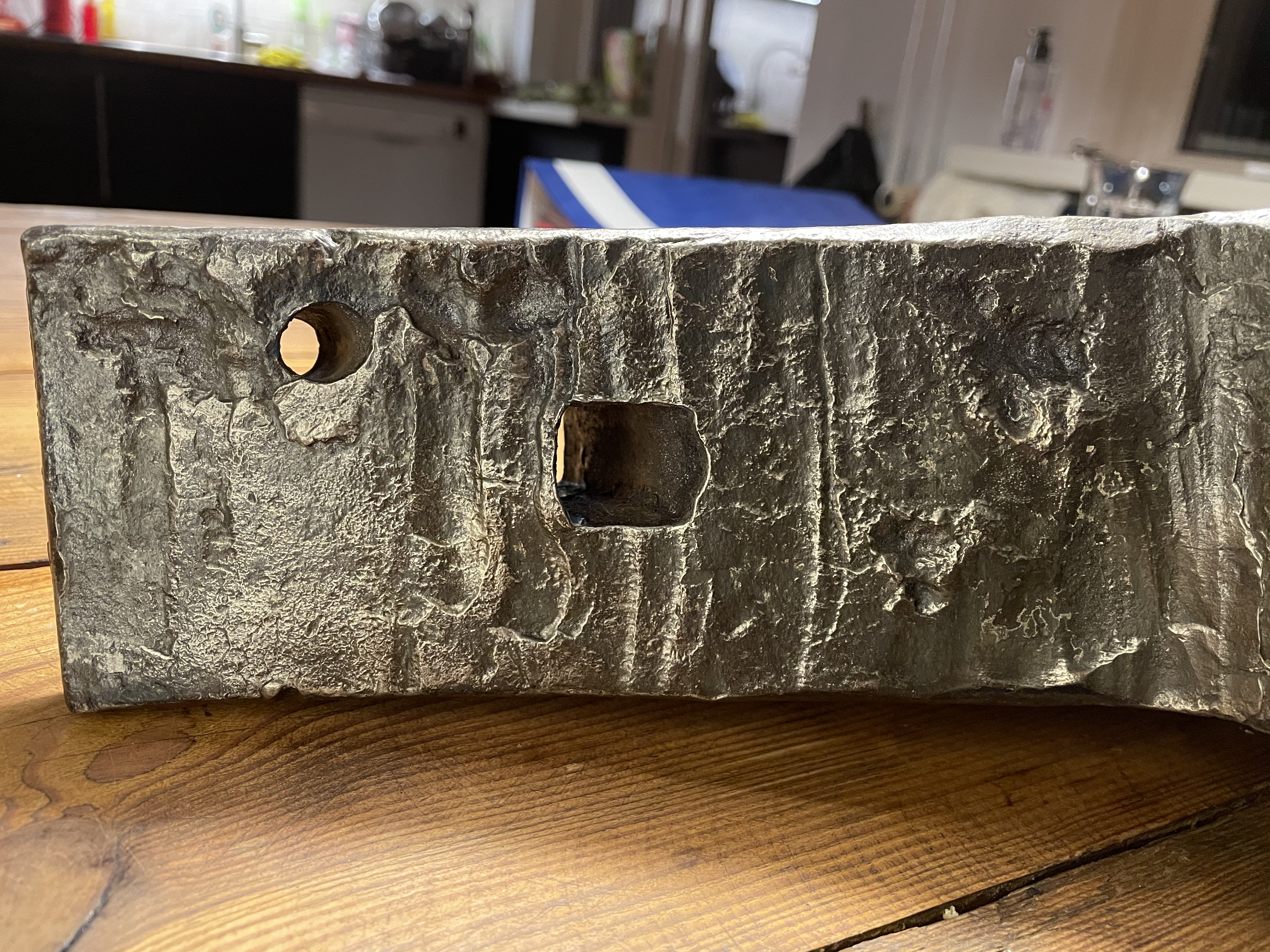
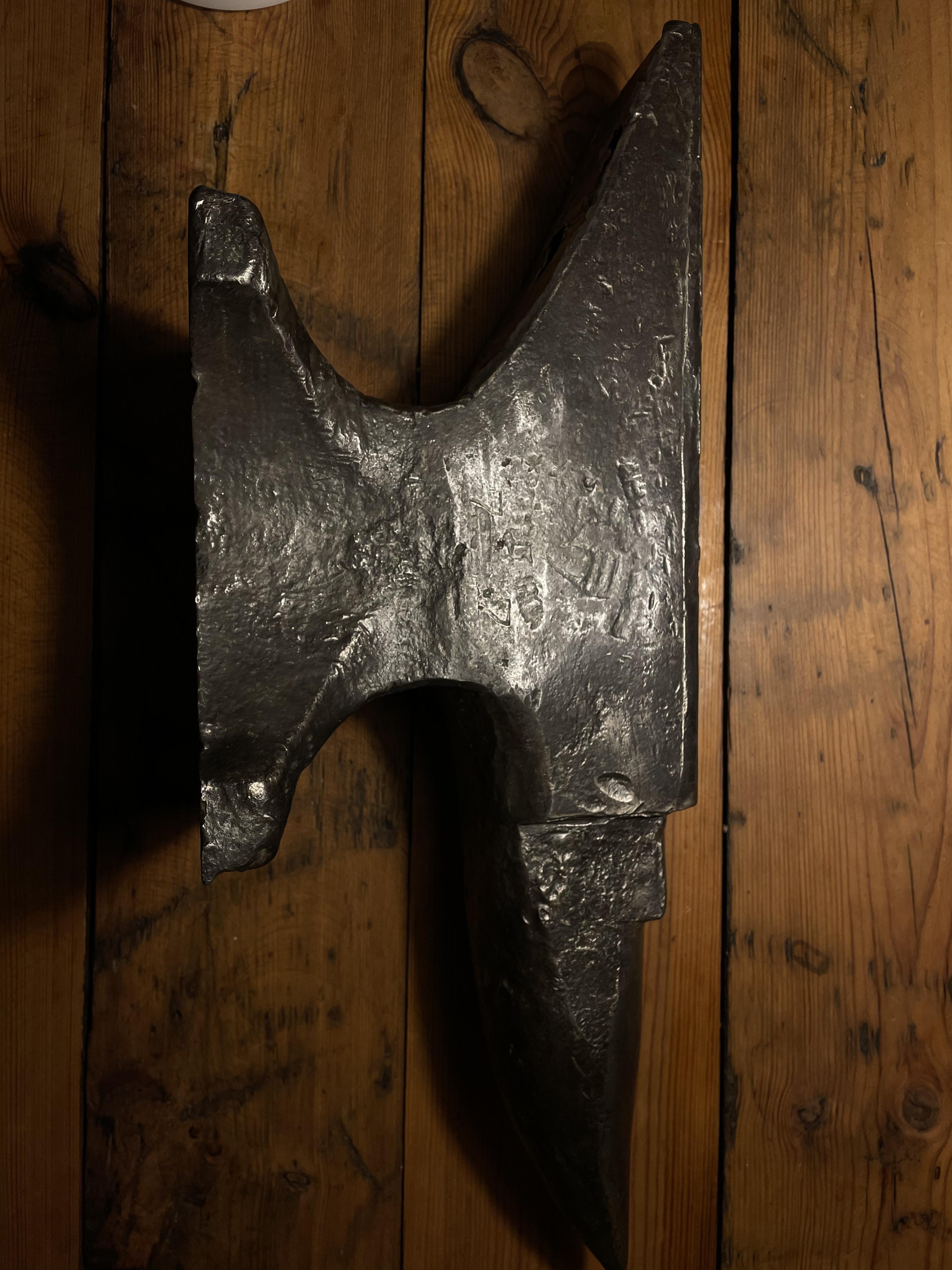
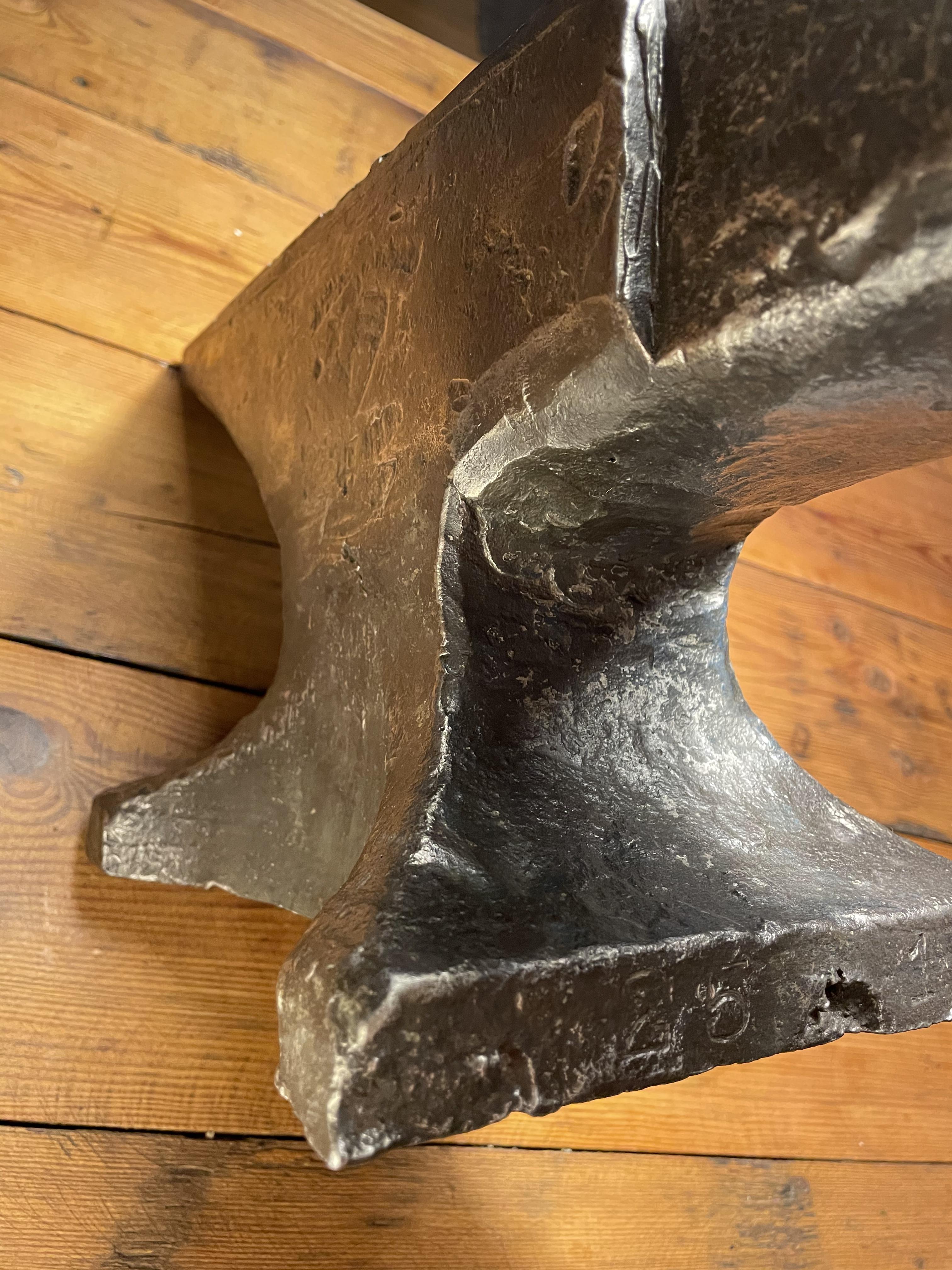
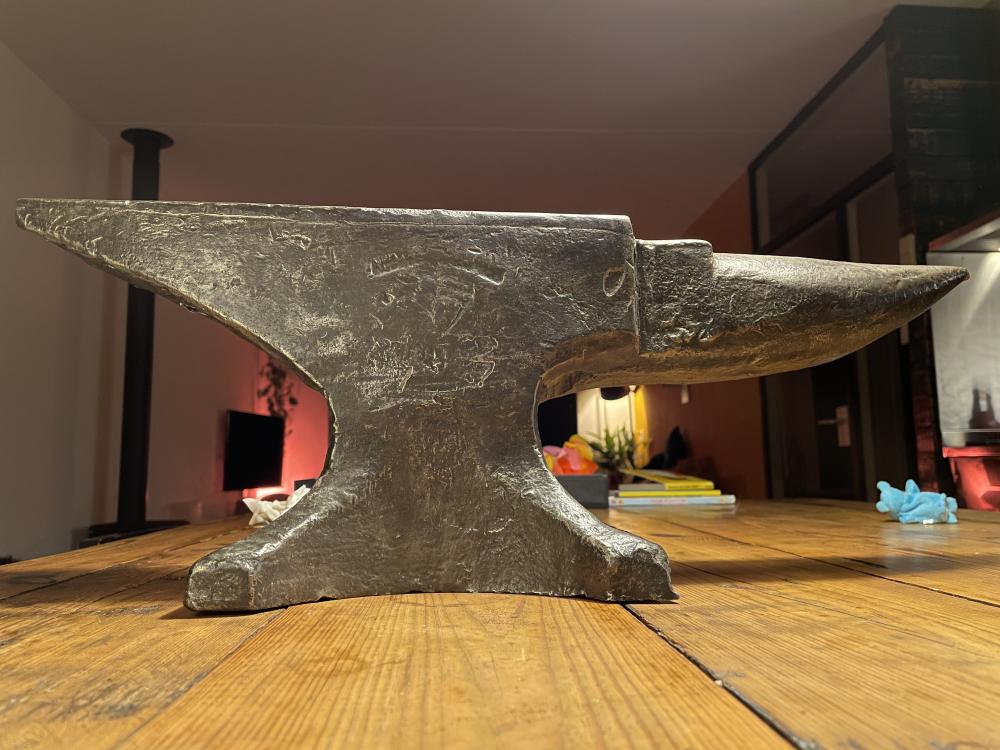
  4. Hi! I’m Johnny, a beginner blacksmith from the Netherlands. I recently picked up an old (I think) anvil and I hope someone can help me identify it:) Thanks in advance!!
Account

Navigation

Search

Search

Configure browser push notifications

Chrome (Android)
  1. Tap the lock icon next to the address bar.
  2. Tap Permissions → Notifications.
  3. Adjust your preference.
Chrome (Desktop)
  1. Click the padlock icon in the address bar.
  2. Select Site settings.
  3. Find Notifications and adjust your preference.