Skip to content
View in the app

A better way to browse. Learn more.

I Forge Iron

A full-screen app on your home screen with push notifications, badges and more.

To install this app on iOS and iPadOS
  1. Tap the Share icon in Safari
  2. Scroll the menu and tap Add to Home Screen.
  3. Tap Add in the top-right corner.
To install this app on Android
  1. Tap the 3-dot menu (⋮) in the top-right corner of the browser.
  2. Tap Add to Home screen or Install app.
  3. Confirm by tapping Install.

Tank Commander Bill

Members
  • Joined

  • Last visited

Everything posted by Tank Commander Bill

  1. Thank you. I had no idea.
  2. Thank you. I will make sure I keep a notebook for all this stuff. When I looked at the NWBA site it looked like everything was way down south. Plus some groups in the Tri Cities and Spokane. Frosty, I was thinking that I would need to finish tuning in the forge. Thank you for confirming it and letting me know I don't need to mess with it anymore until then. I can't wait to get the rest of the stuff so I can start hammering on some metal.
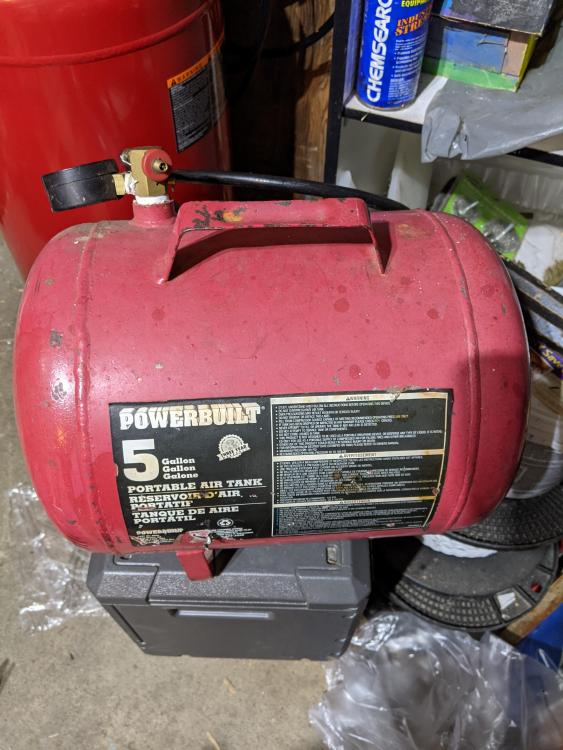
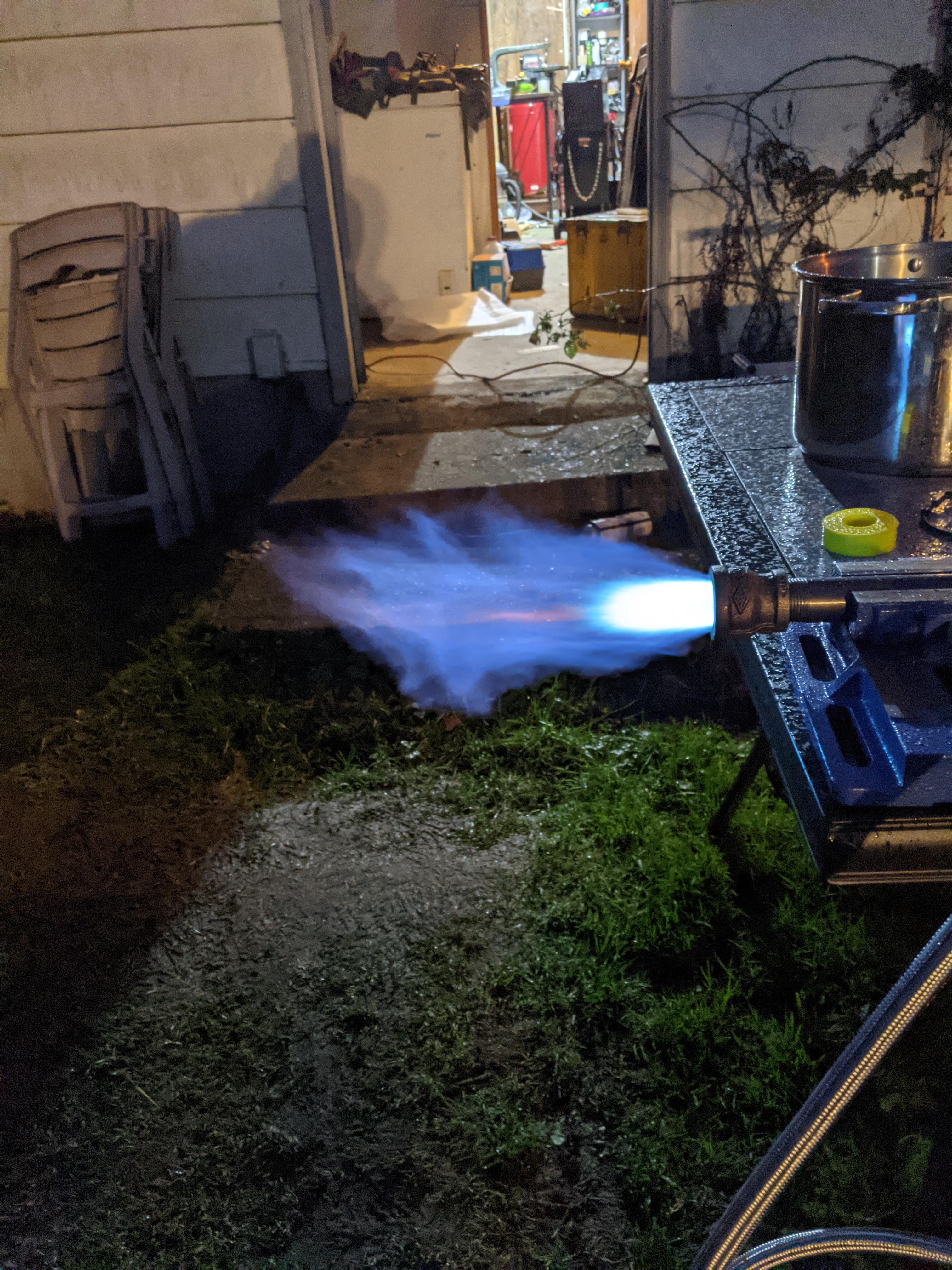
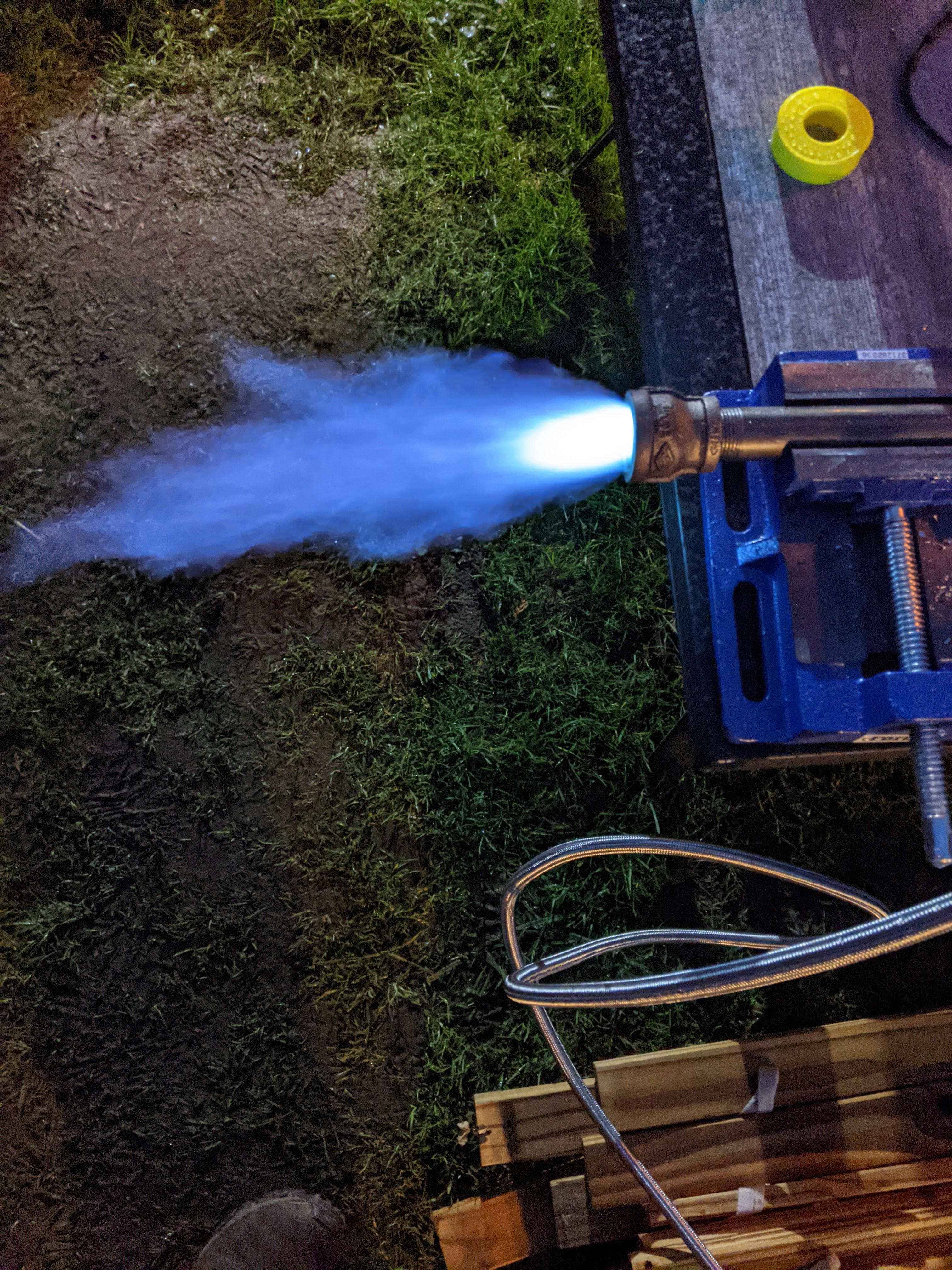
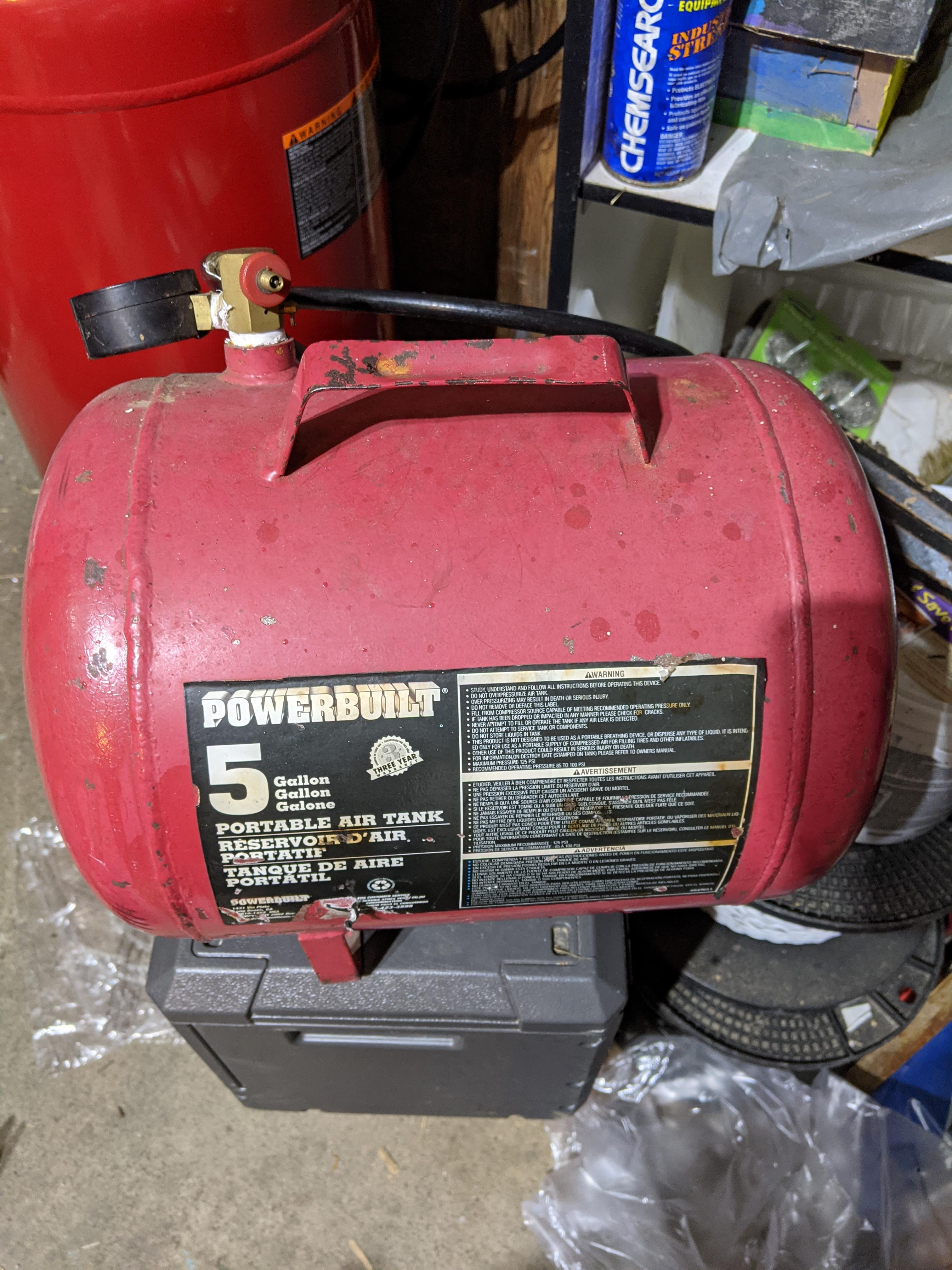
  3. Hello everyone. I've been lurking around absorbing as much info as I can on building my first forge. I got the Frosty T Burner built yesterday. I think I have it tuned pretty well. I have the innerds for the forge on the way thanks to Glenn. Here are a couple photos of the burner on action and what it will be going into.
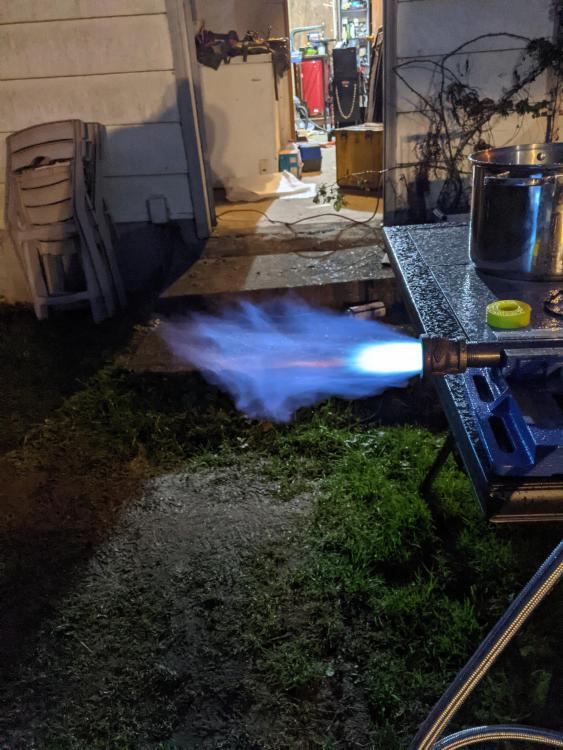
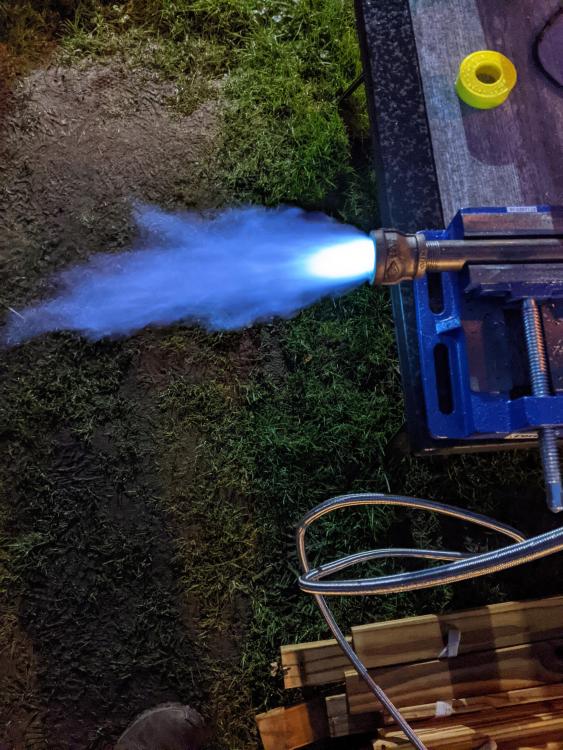
Account

Navigation

Search

Search

Configure browser push notifications

Chrome (Android)
  1. Tap the lock icon next to the address bar.
  2. Tap Permissions → Notifications.
  3. Adjust your preference.
Chrome (Desktop)
  1. Click the padlock icon in the address bar.
  2. Select Site settings.
  3. Find Notifications and adjust your preference.