Forginghappy
Members
-
Joined
-
Last visited
-
Thank you ThomasPowers!
-
Thank you ThomasPowers! Live and Learn :). How big of radius should I be trying to get, or am I simply trying to break the edges? Thank you!
-
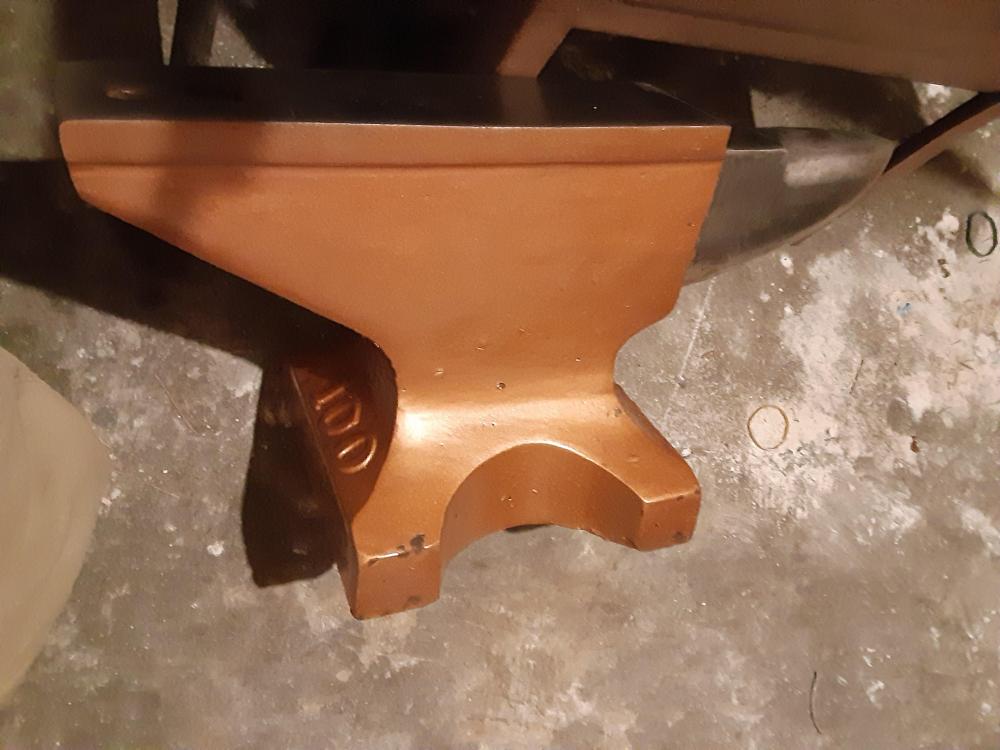
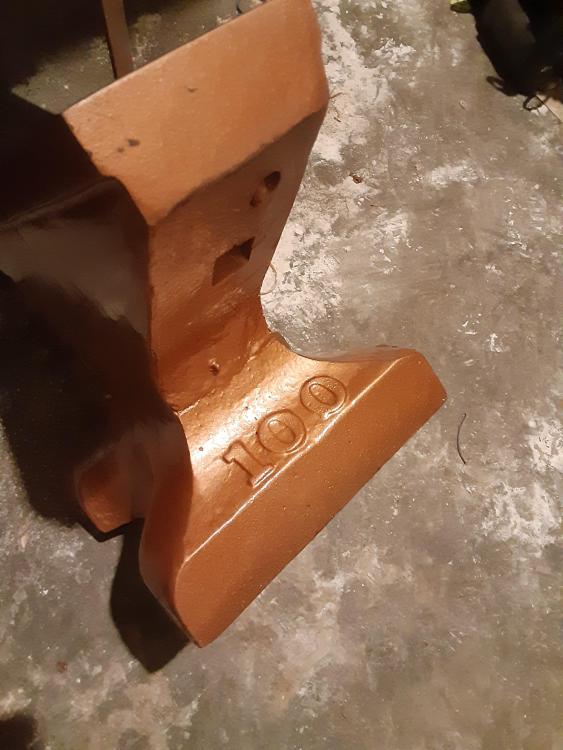
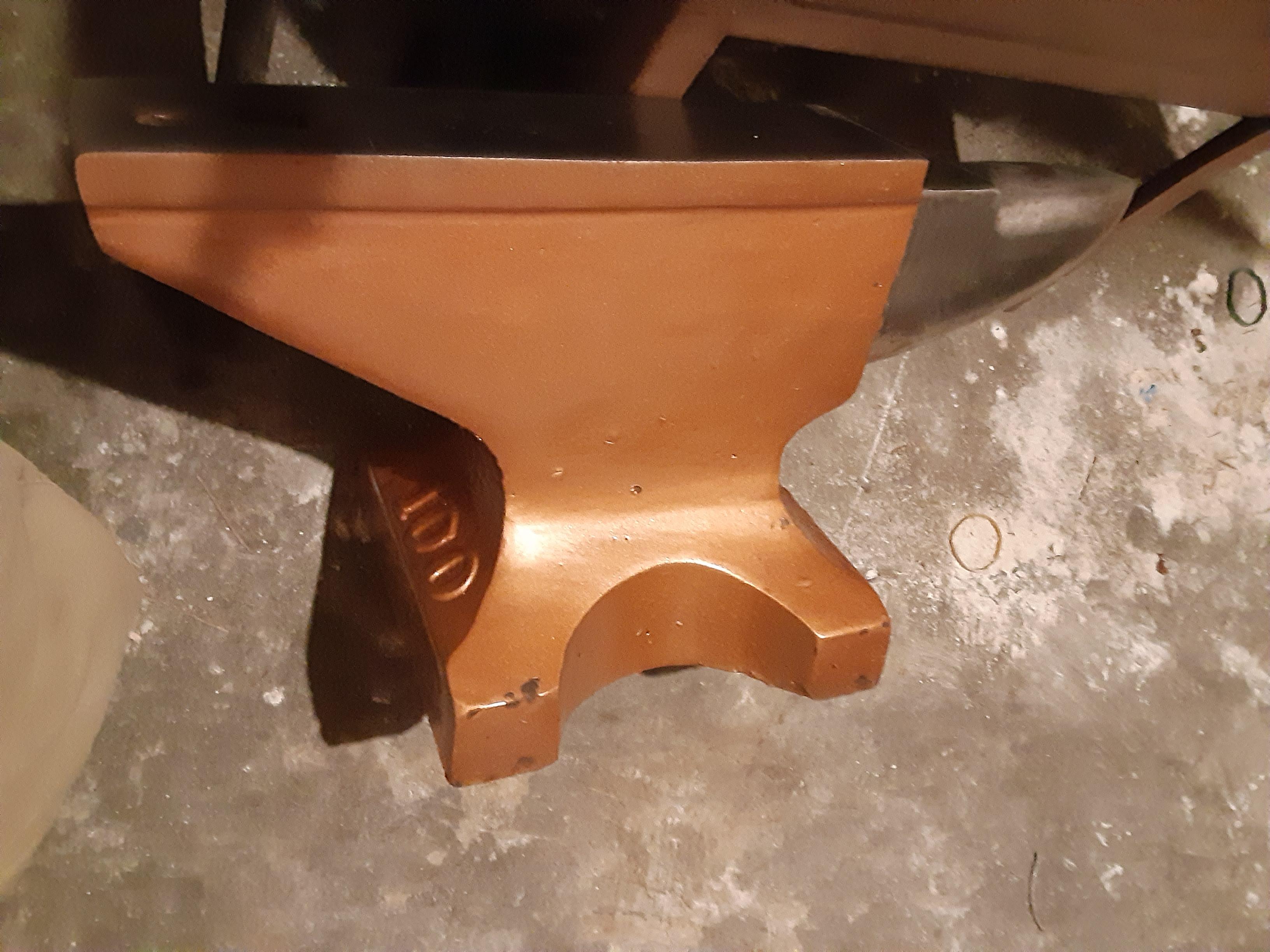
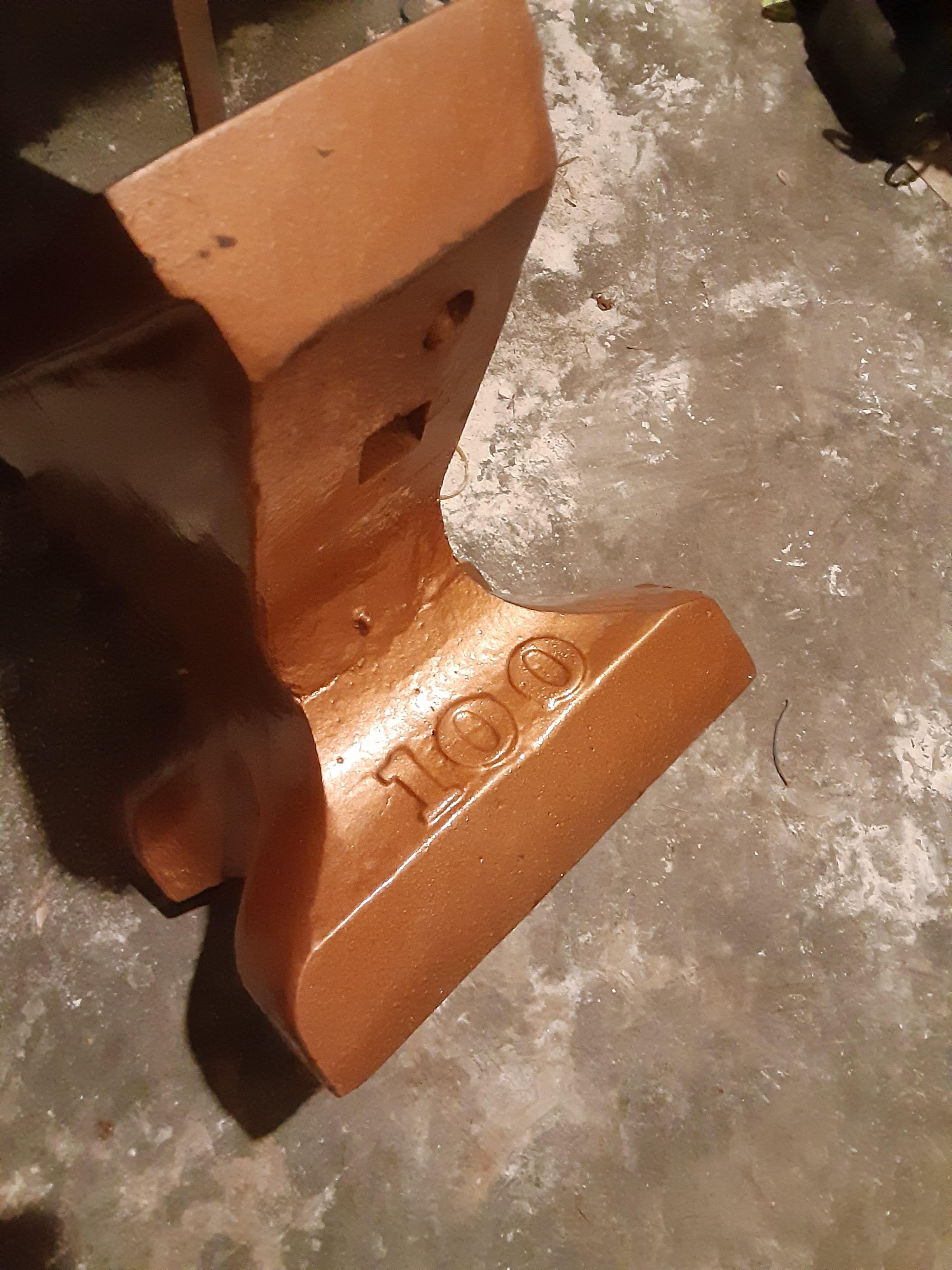
Thank you Irondragon and Thomaspowers. To be honest don't laugh to hard, but I bought it yesterday for $250 in Western Washington state. I thought $250 was a good deal for what a 100 pounder goes for here. How would you recommend rounding the top face edges? Thank you!
-
Hi Irondragon, Thank you for the reply! Interesting, here I thought I was getting a deal. It has a ~.5in top face that is very flat and no rounding, or gouges. Is it possible to do any smithing on it?
-
Hello, I just purchased a very similar anvil with the same identifying 100 marking. Did you ever learn any history about yours? I noticed that I could make small dents on the top surface when tapping it with a hammer. Is that normal? Thank you, Mike