Tyler H
Members
-
Joined
-
Last visited
-
Thanks for all the advice! I’m not one to give up on something when it looks bad so I’m going to clean it up best I can and see what I can do on it. I’ll update you with progress as it comes.
-
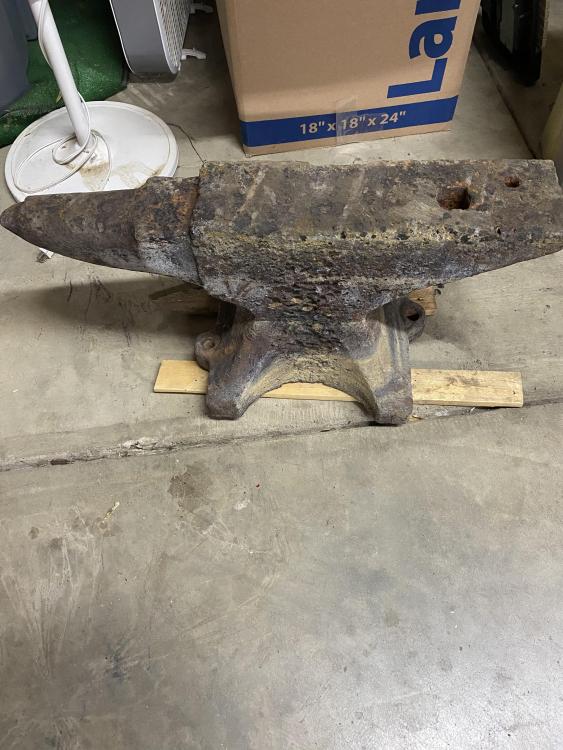
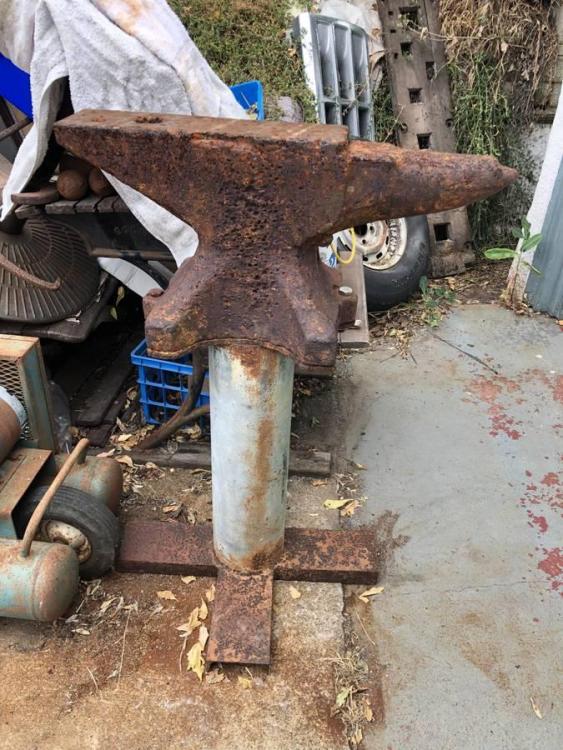
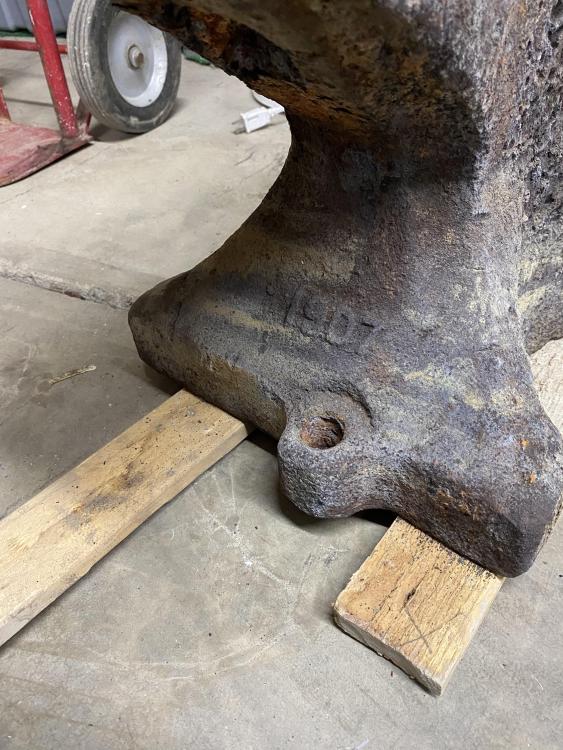
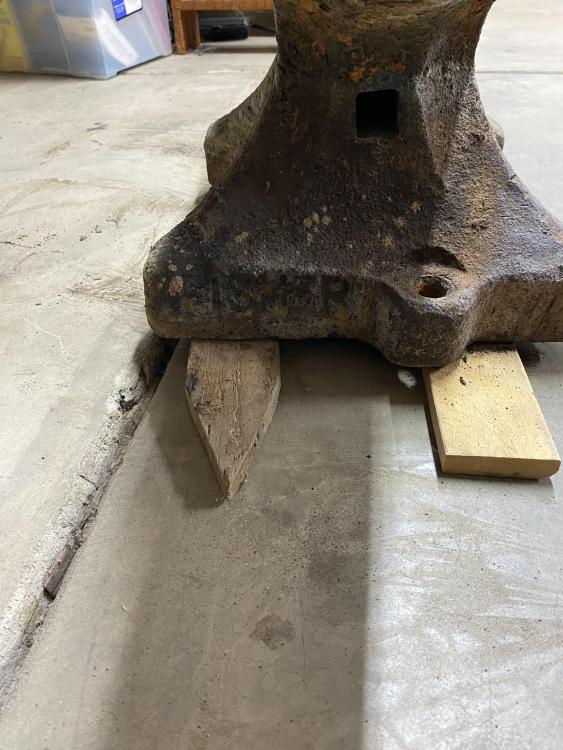
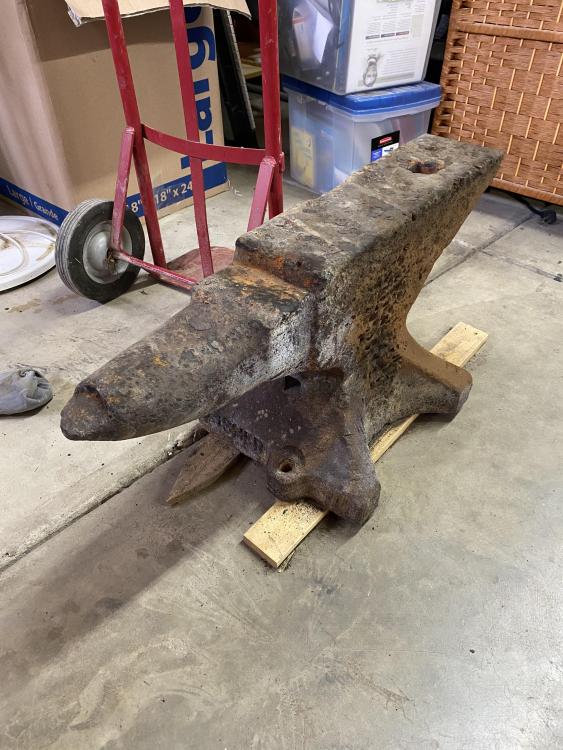
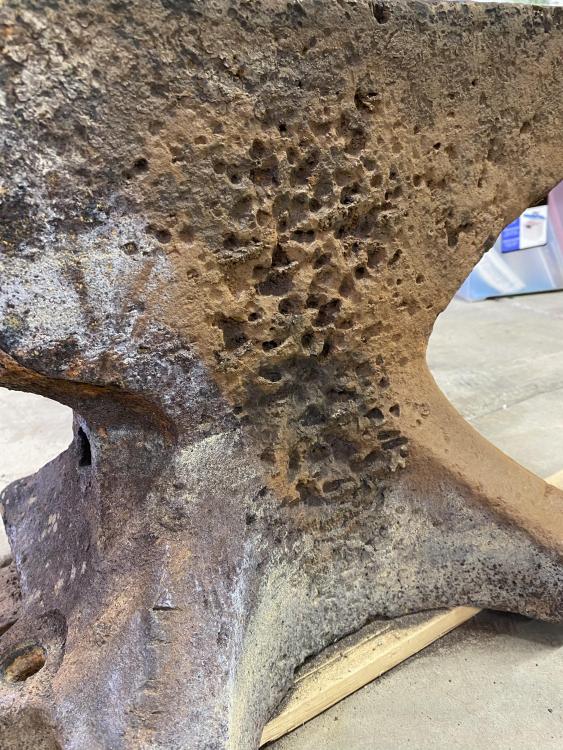
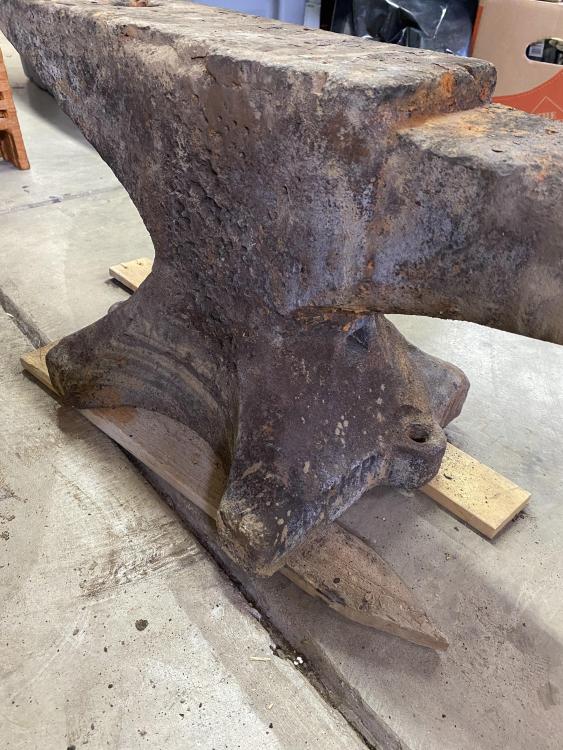
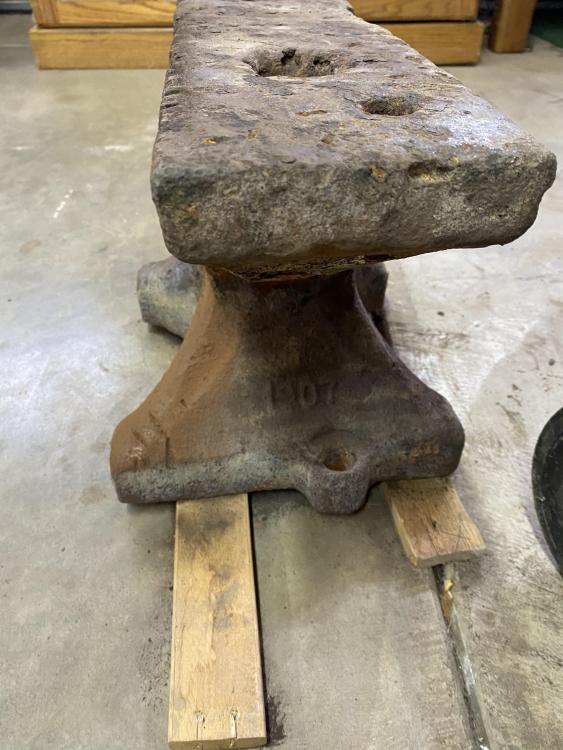
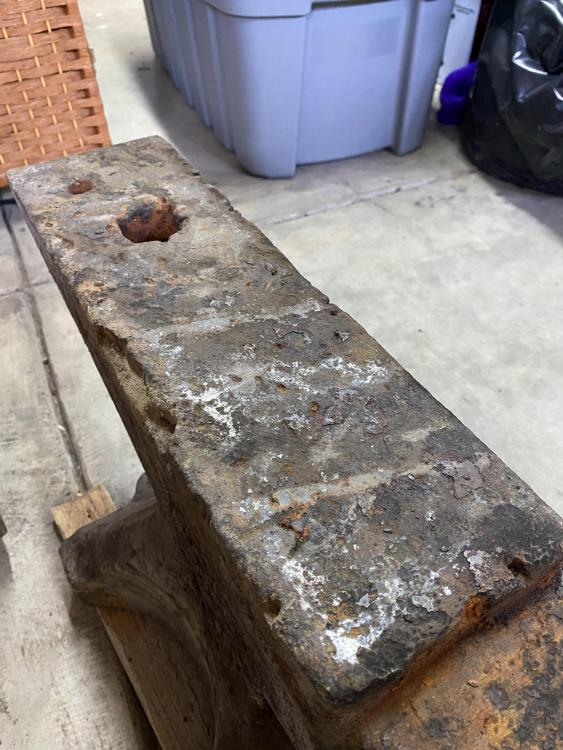
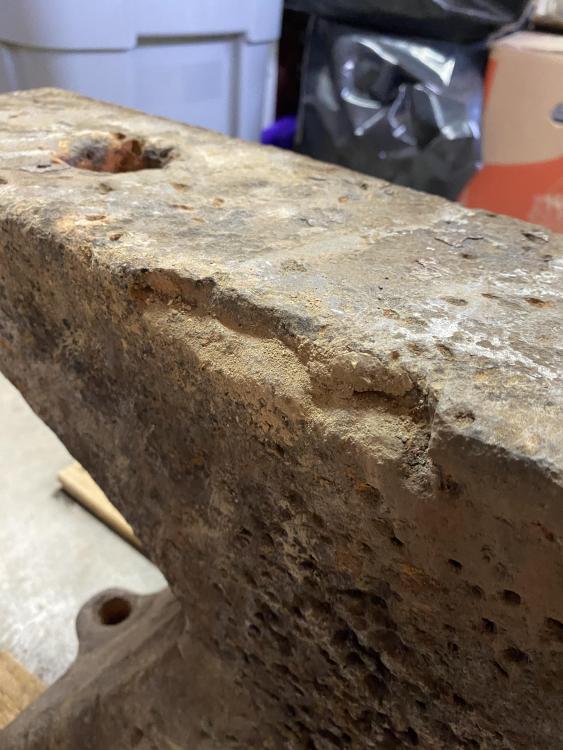
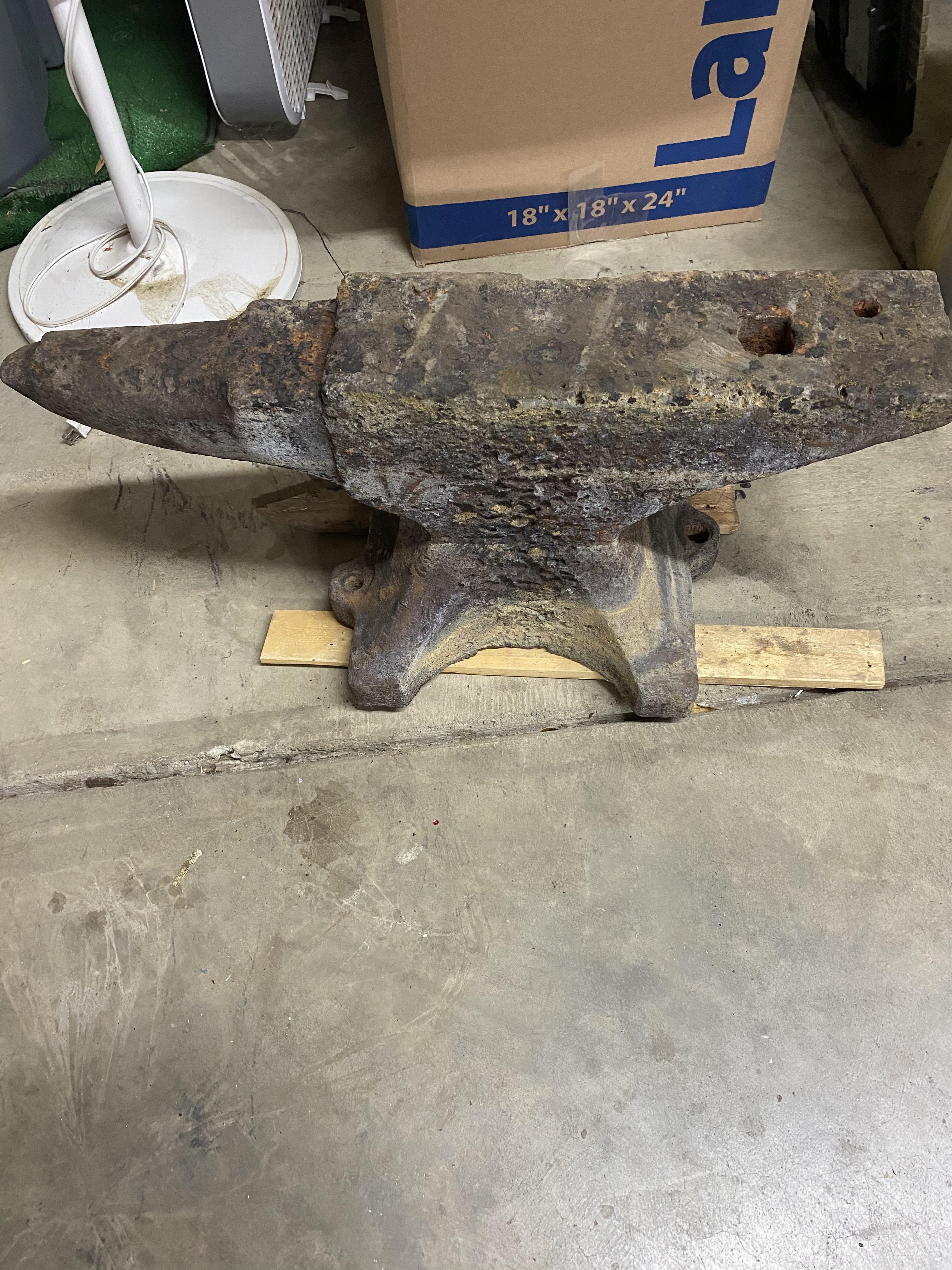
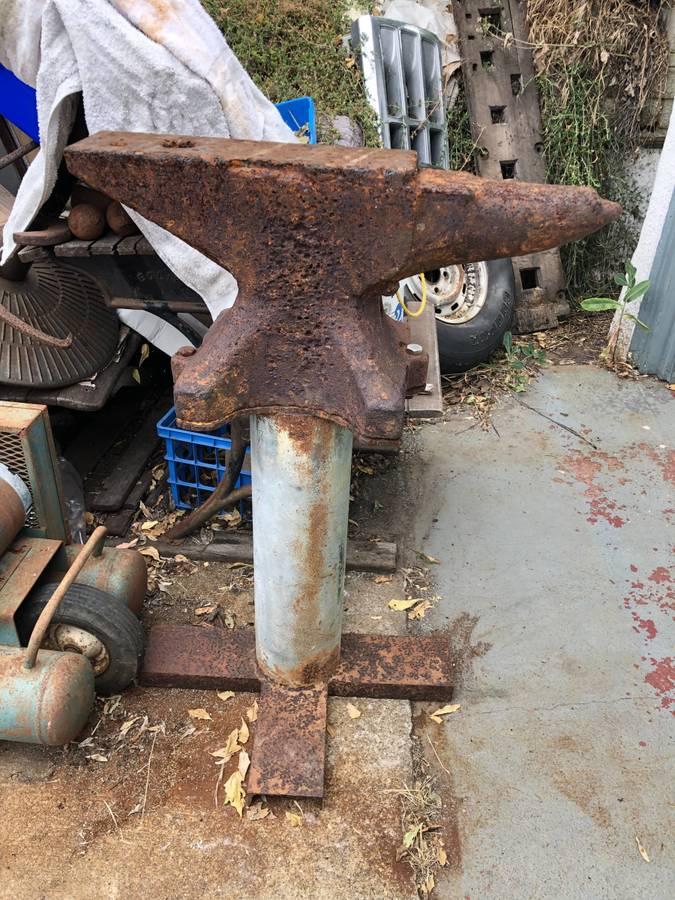
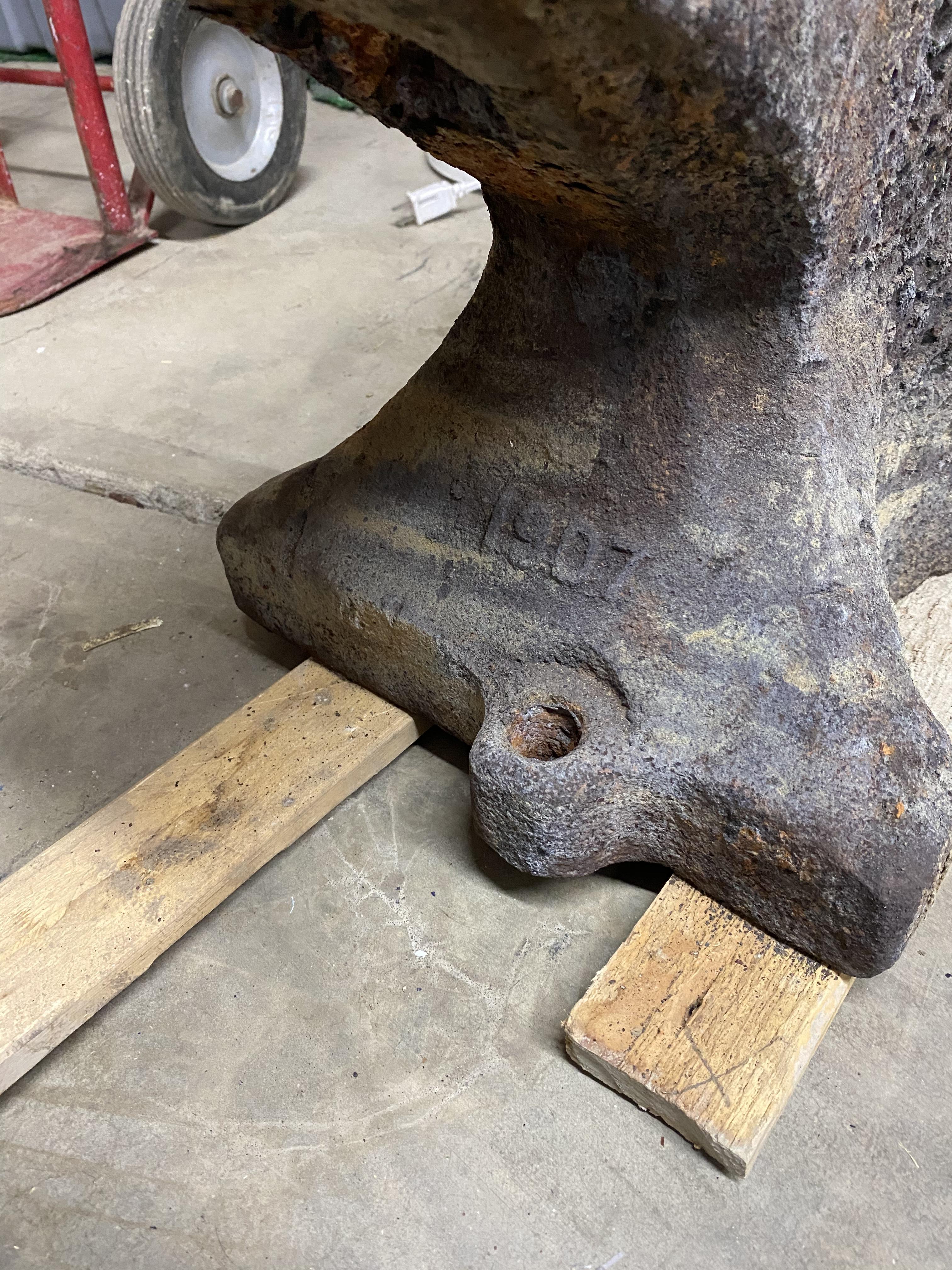
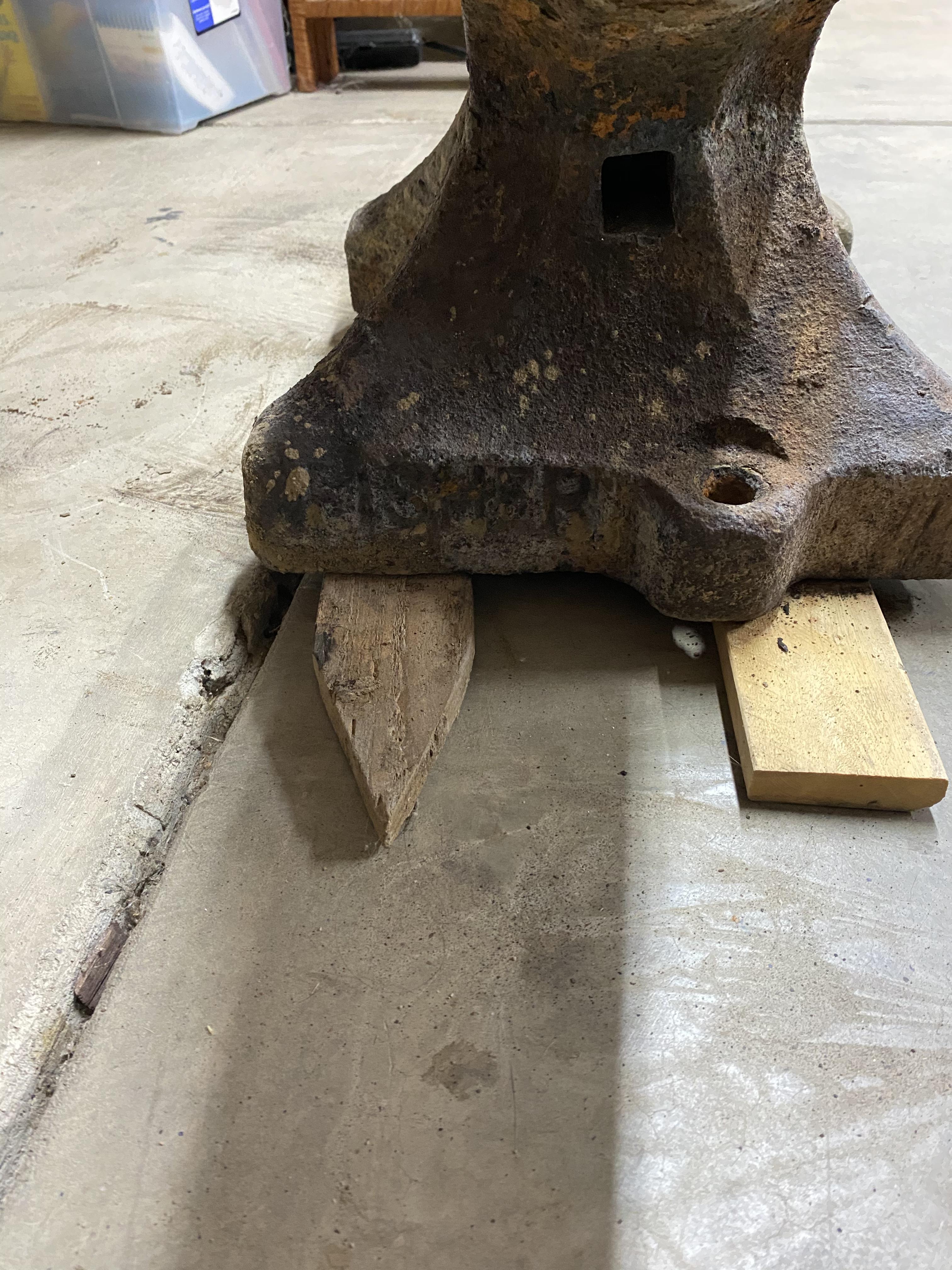
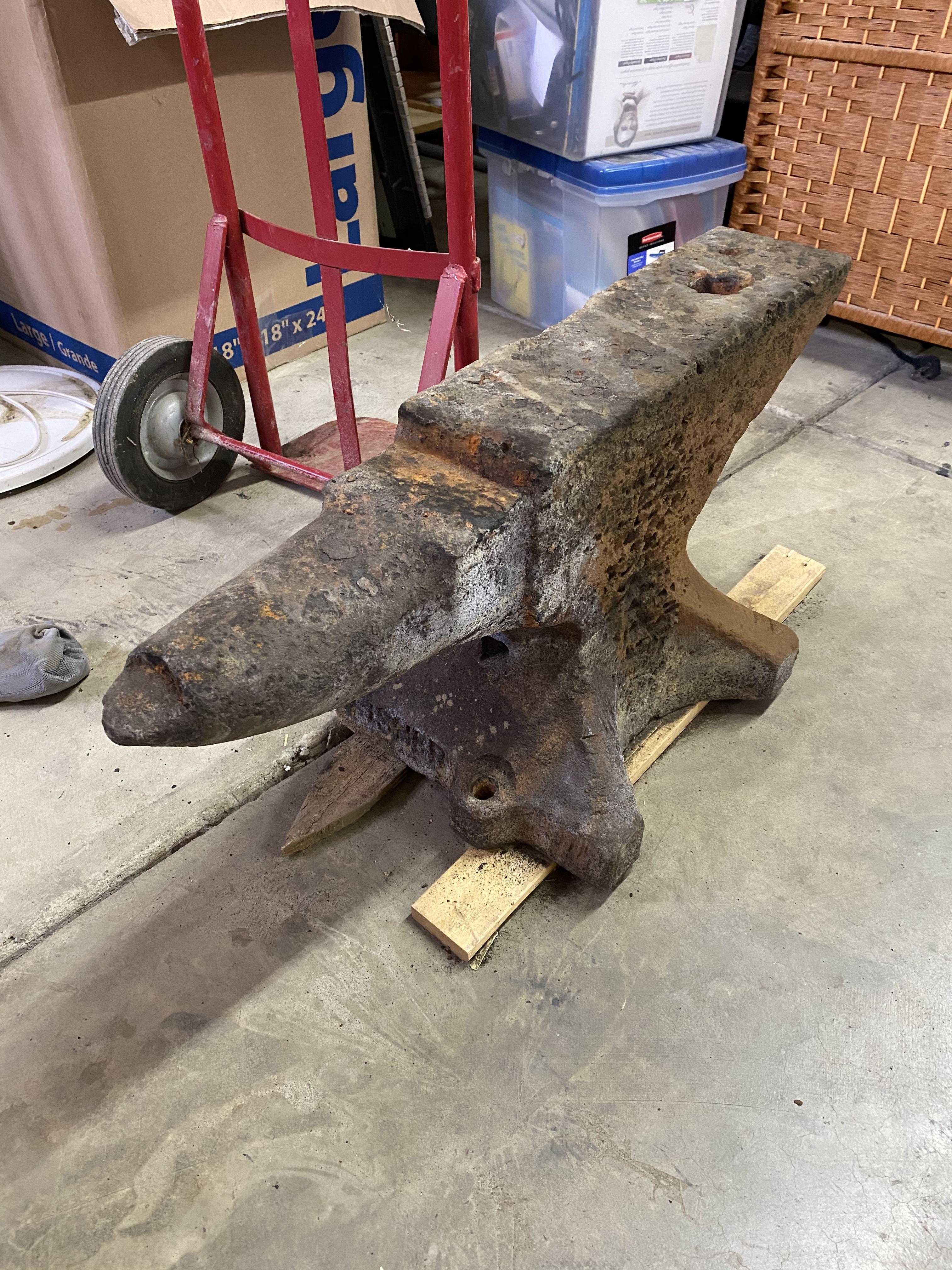
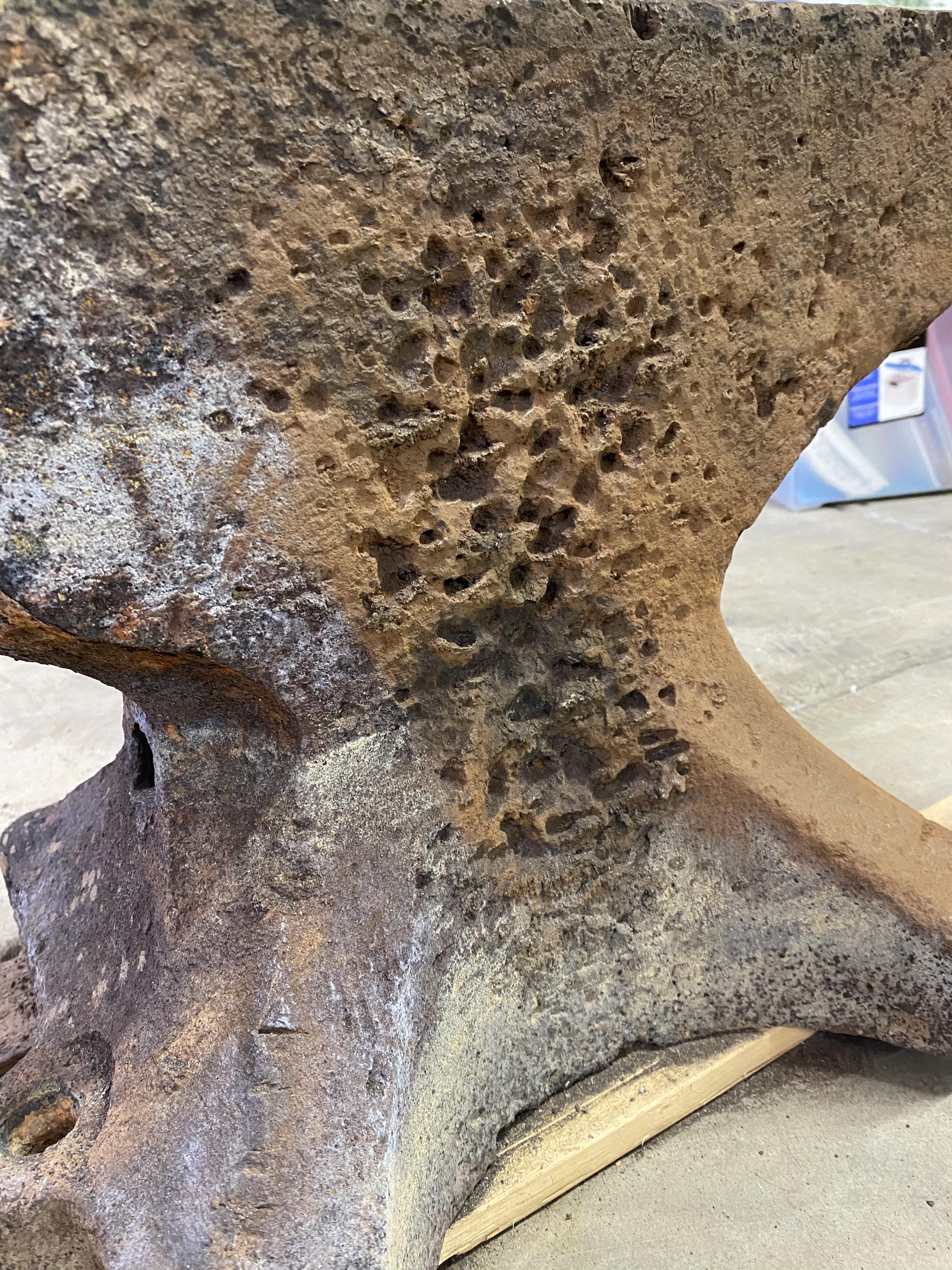
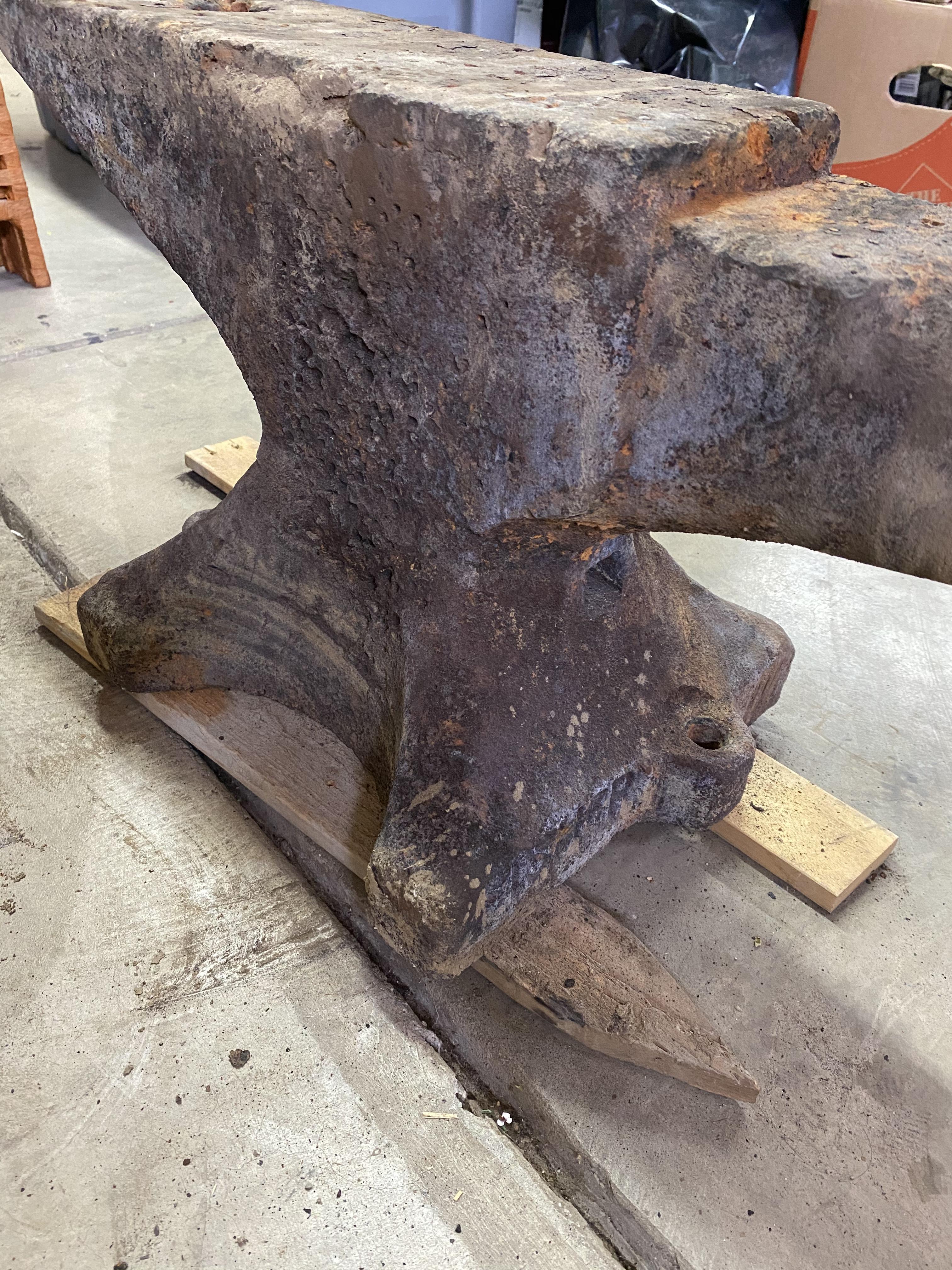
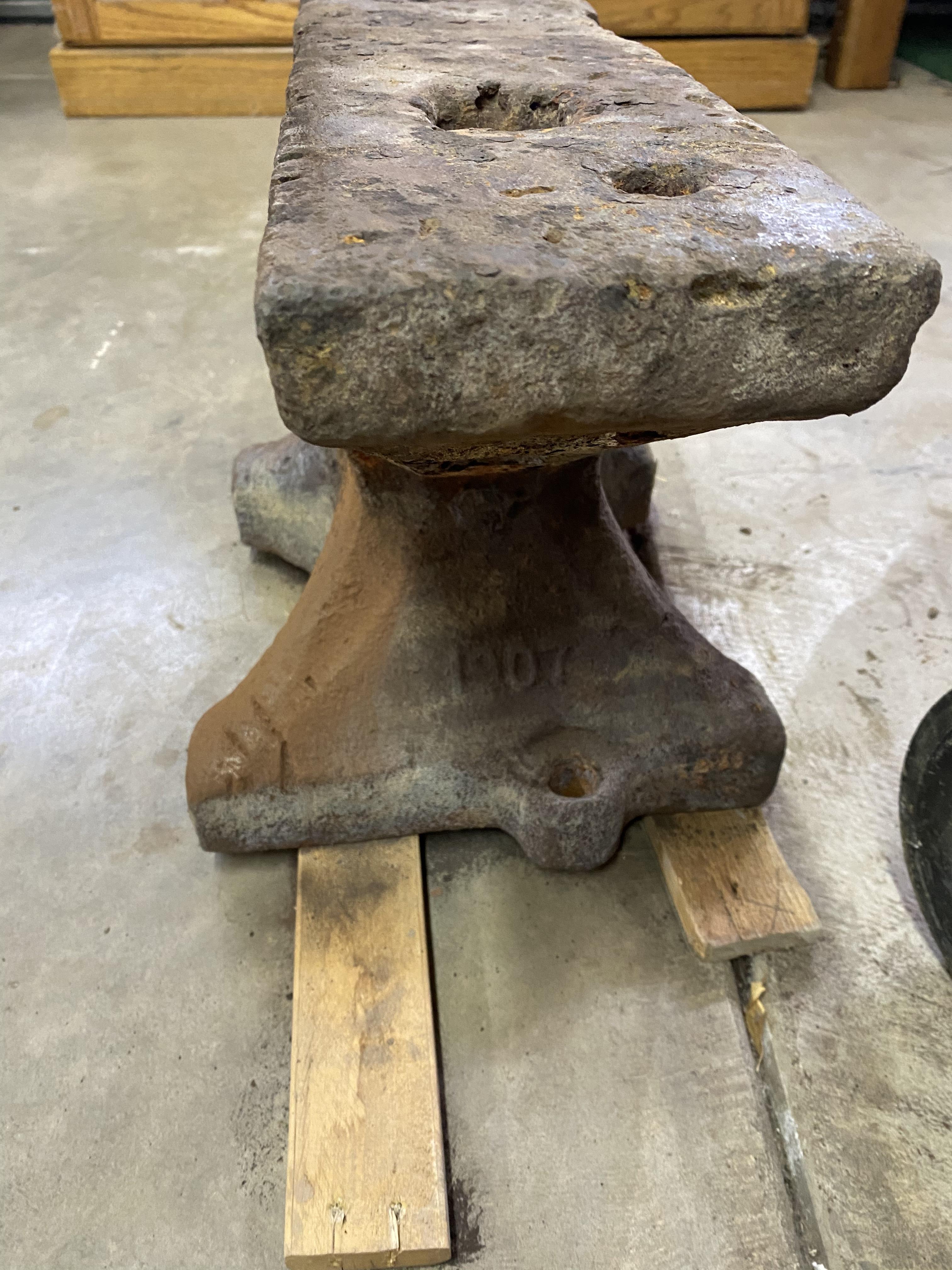
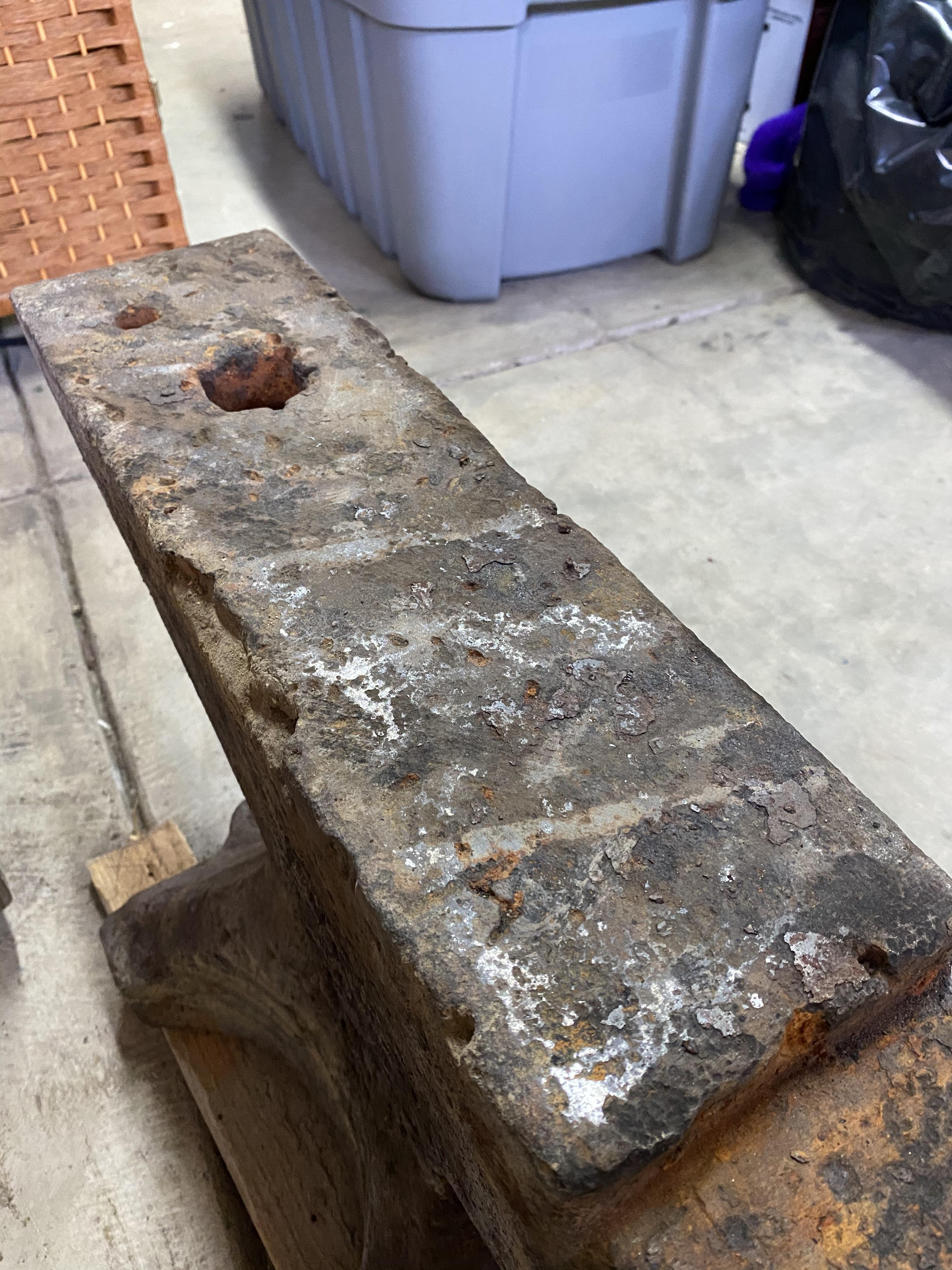
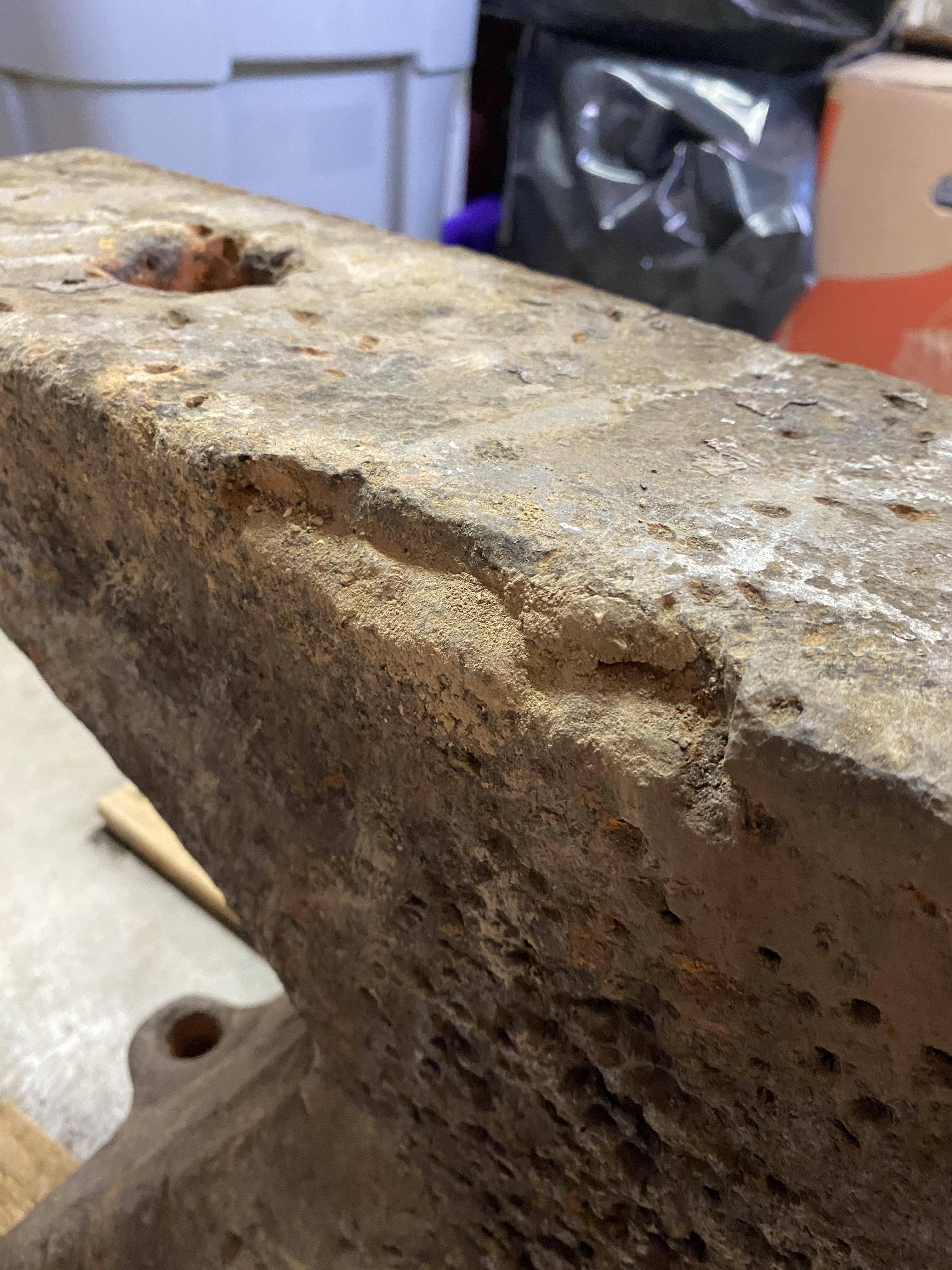
Hi there! I just bought an anvil over the past weekend and I was wondering if Anyone has any information about the state of the anvil and maybe if I can go ahead and start forging on it or if it needs some repairing before I can do so. From what I can tell it’s a 1907 Fisher. The eagle if there was one is certainly gone from the pitting. The guy I bought it from said it was buried in sand out in Louisiana. I haven’t put it on a scale or been able to find a weight marking but I’m assuming it weighs somewhere in 300 lbs range. It’s about 29” long and 14” tall. I’ve already put it through a 12 hr electrolysis with a weak lye solution just to get some of the rust off which did pretty well as you can see from the original picture on the stand but I don’t want to go any further without some good advice on what to do next. Thanks and cheers.