Skip to content
View in the app

A better way to browse. Learn more.

I Forge Iron

A full-screen app on your home screen with push notifications, badges and more.

To install this app on iOS and iPadOS
  1. Tap the Share icon in Safari
  2. Scroll the menu and tap Add to Home Screen.
  3. Tap Add in the top-right corner.
To install this app on Android
  1. Tap the 3-dot menu (⋮) in the top-right corner of the browser.
  2. Tap Add to Home screen or Install app.
  3. Confirm by tapping Install.

Ubanx75

Members
  • Joined

  • Last visited

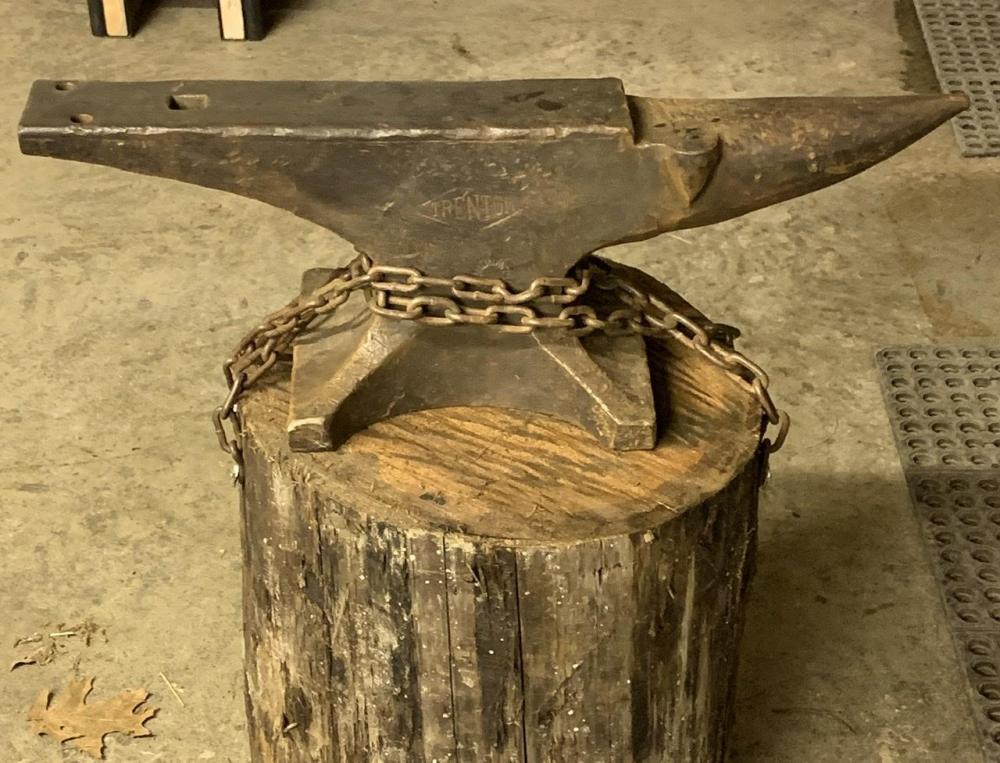
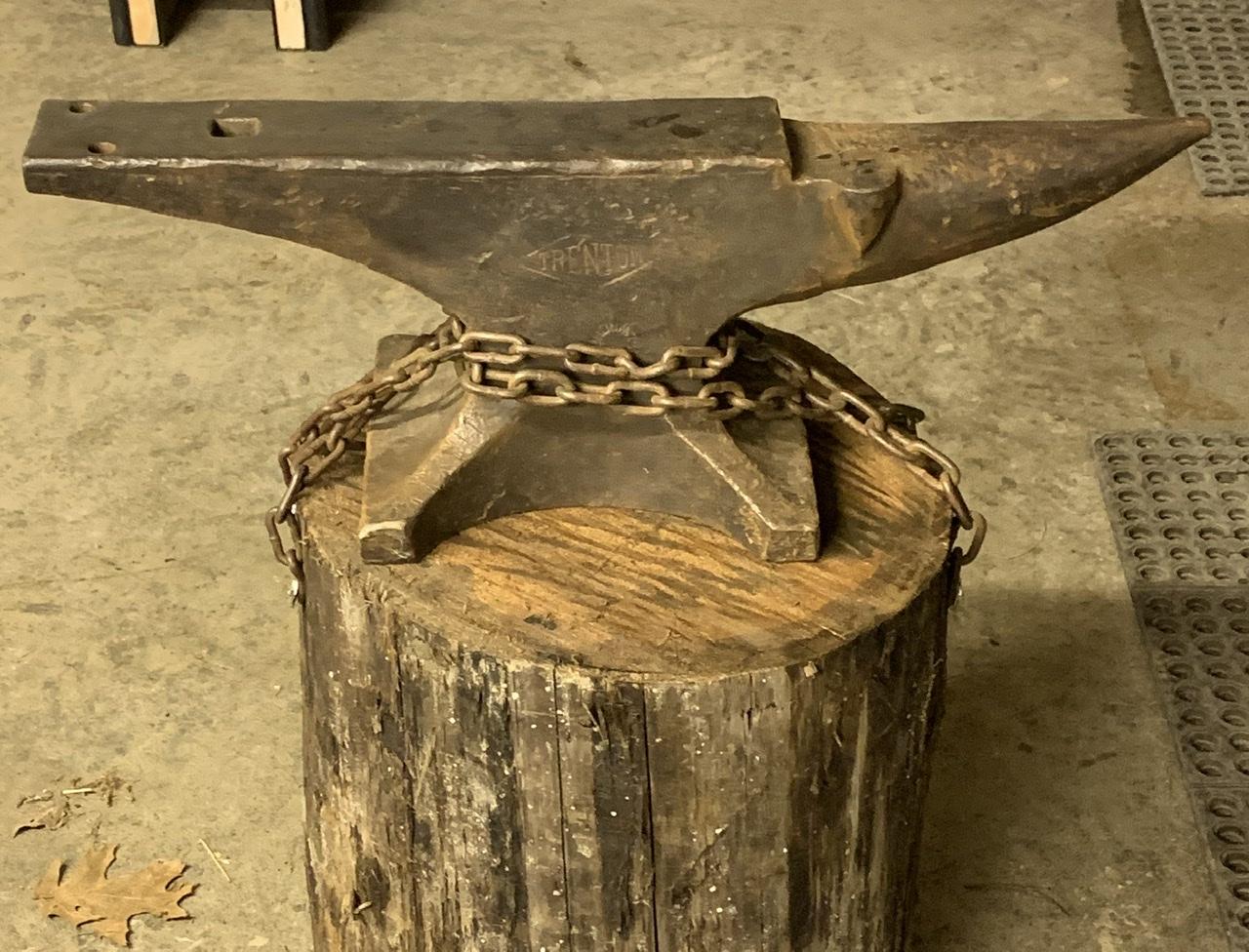
  1. Pretty new to all of this. I like it a lot. I tied it down because I was afraid the younger two boys would end up knocking it off there. Lol
  2. Mine is 156#. I bought it locally from a guy for just under $3.50 a pound. I feel as though that was a good deal. I can’t find the picture of the serial number but before I was a member here I browsed through this post until I pretty well had it figured to be made in 1903.
Account

Navigation

Search

Search

Configure browser push notifications

Chrome (Android)
  1. Tap the lock icon next to the address bar.
  2. Tap Permissions → Notifications.
  3. Adjust your preference.
Chrome (Desktop)
  1. Click the padlock icon in the address bar.
  2. Select Site settings.
  3. Find Notifications and adjust your preference.