Nathan3113
Members
-
Joined
-
Last visited
-
-
-
-
-
Thank you this was very helpful
-
Nathan3113 joined the community
-
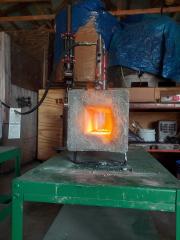
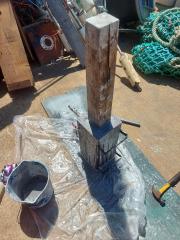
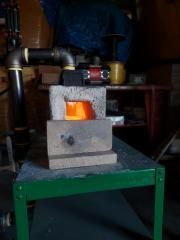
I'm thinking about making a new forge with my Dad, Brother and I I'm also thinking about using a ribbon burner because I heard it was more efficient and less loud than an atmospheric/venturi burner the forge that I've been using has an inch of kaowool and itc100 only nearly 1/16th inch of it so if it's even bumped into it will crack the forge is also loud and not very fuel-efficient (after my forge passes it's one year anniversary no reason I just want to get my monies worth)i will make my new forge with about 1 or 2 inches of kaowool or super wool and about 3/4 or 1/2 an inch of KastolightI have replaced the kaowool on my forge but I've never made a forge with castable refractory, and I've never used a ribbon burner so since most of you have more experience I would like to hear your suggestions.