Skip to content
View in the app

A better way to browse. Learn more.

I Forge Iron

A full-screen app on your home screen with push notifications, badges and more.

To install this app on iOS and iPadOS
  1. Tap the Share icon in Safari
  2. Scroll the menu and tap Add to Home Screen.
  3. Tap Add in the top-right corner.
To install this app on Android
  1. Tap the 3-dot menu (⋮) in the top-right corner of the browser.
  2. Tap Add to Home screen or Install app.
  3. Confirm by tapping Install.

kdekren

Members
  • Joined

  • Last visited

  1. I think some of you need to walk away from your anvils and go have a couple beers
  2. I thank you for your time sir Who said there was a problem,I feel like Peter Griffith walking backwards on egg shells
  3. Well first of all, I'm buying, not selling and no I dont need the money, xxxx xxxxits an anvil, you sound like a diamond broker, just wanted a guesstimate ,LMAO....luxuries???Have a great day
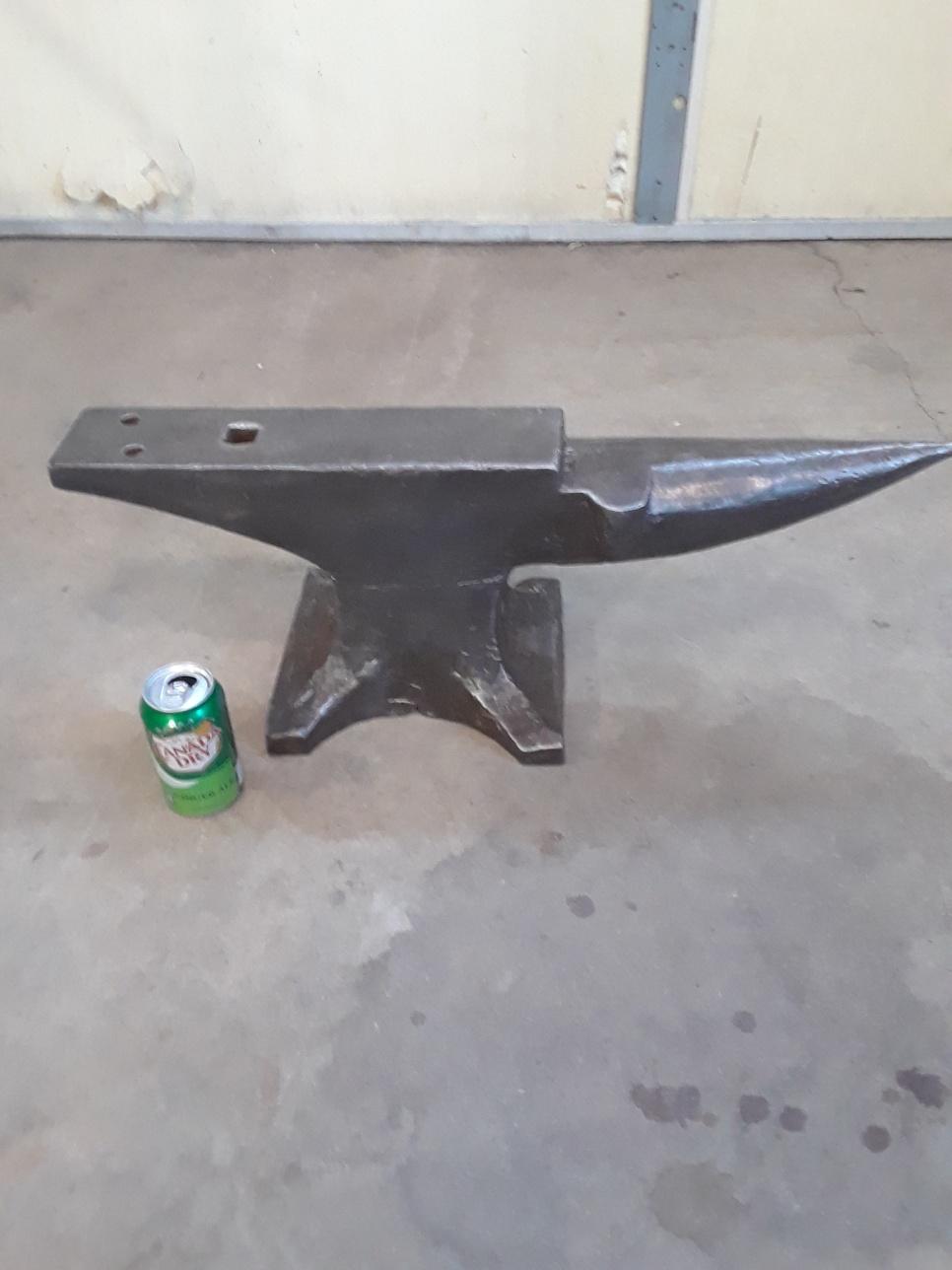
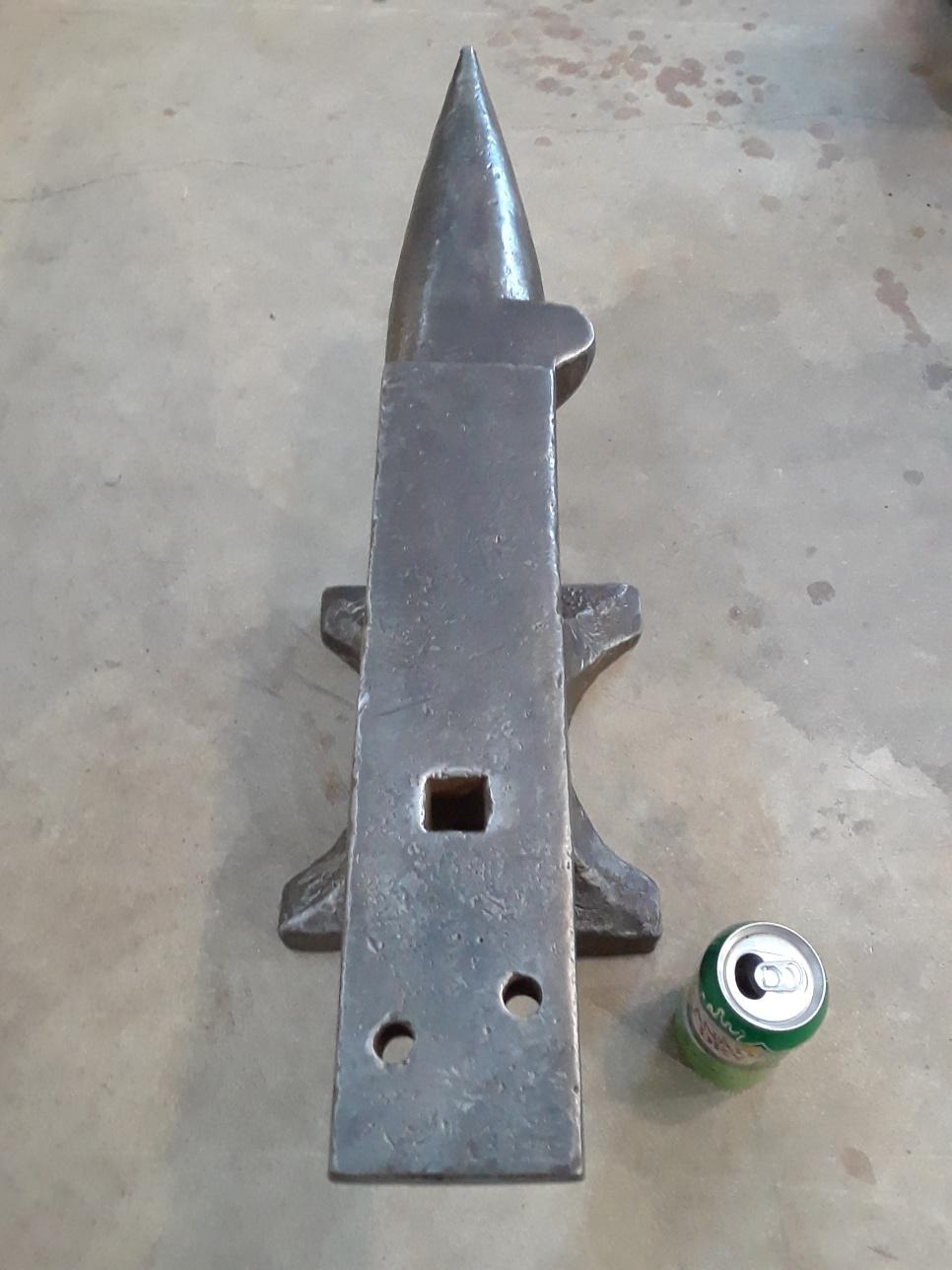
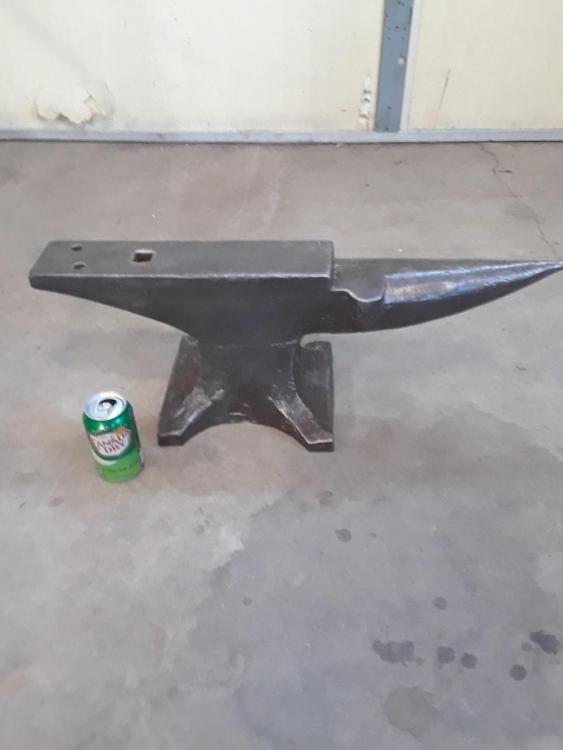
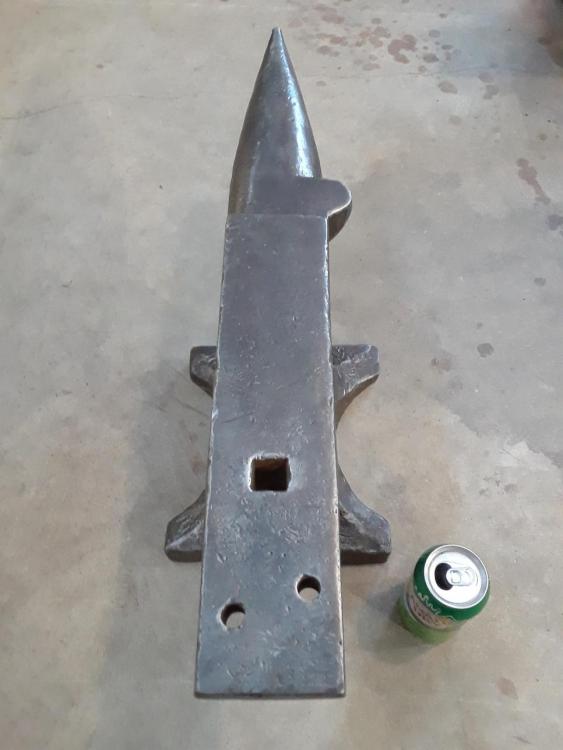
  4. Sorry,I live in North Dakota,it weighs 134 pounds,ball bearing test good
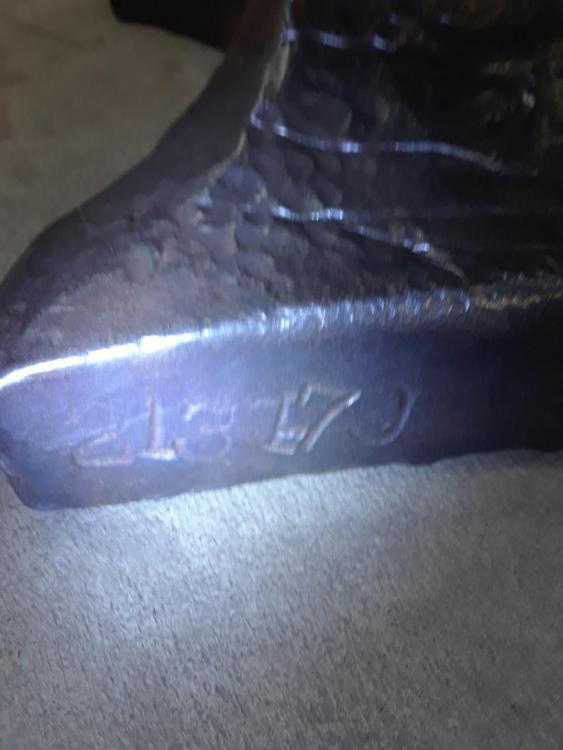
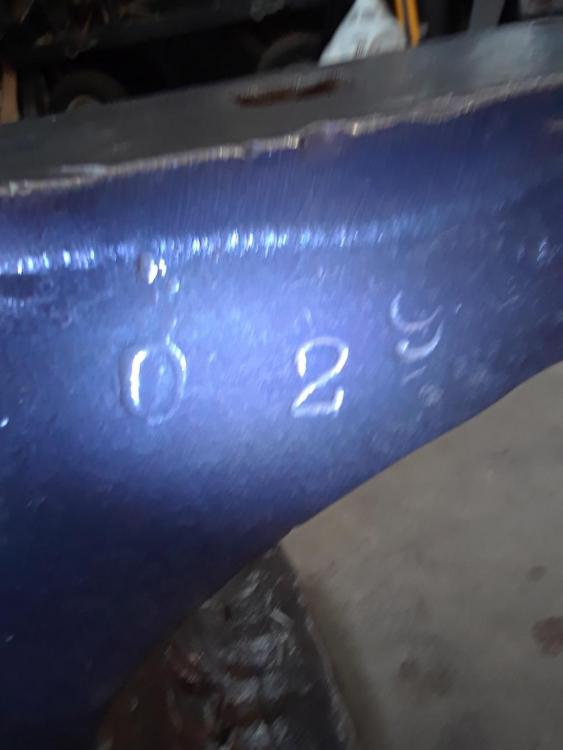
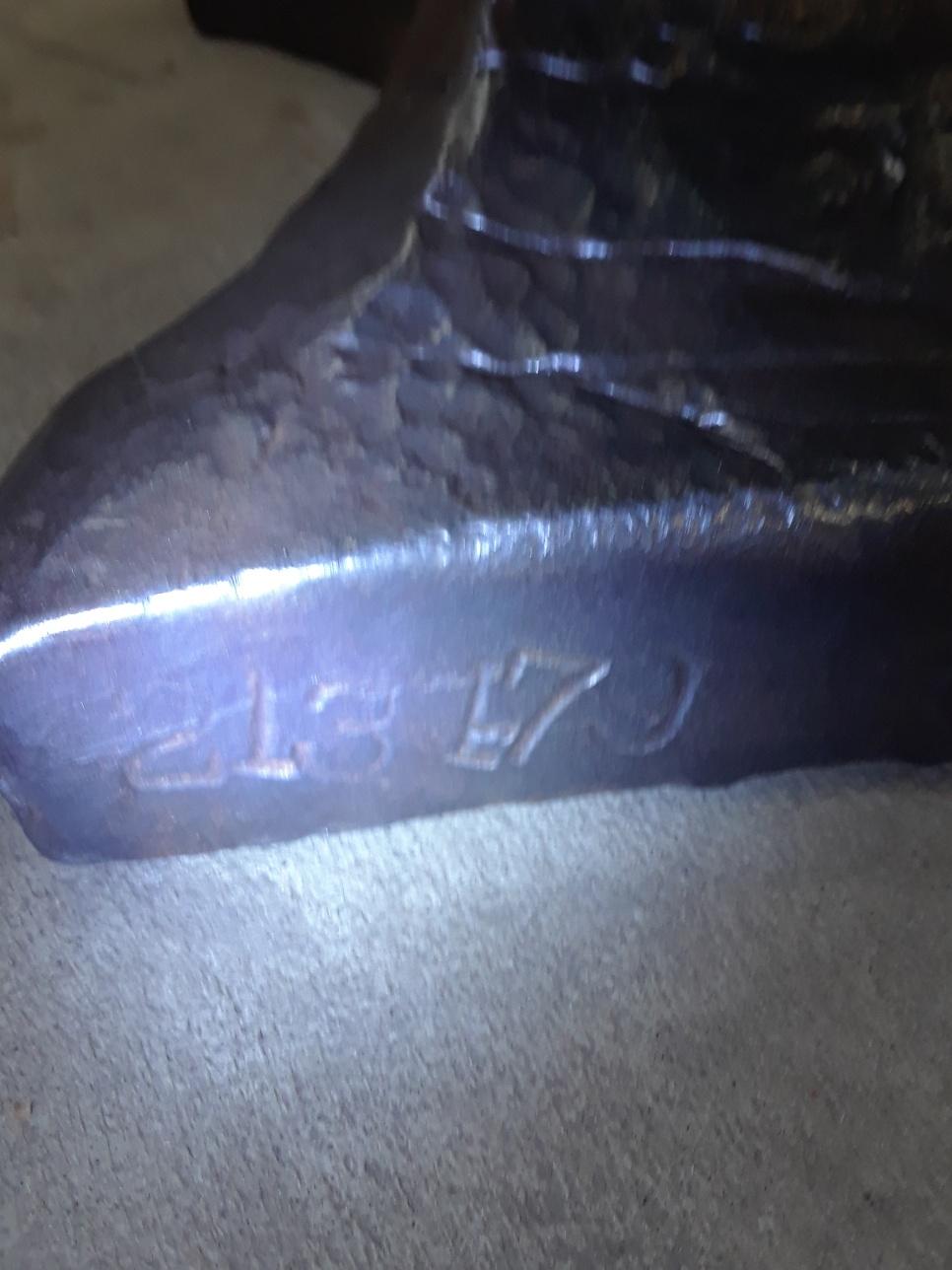
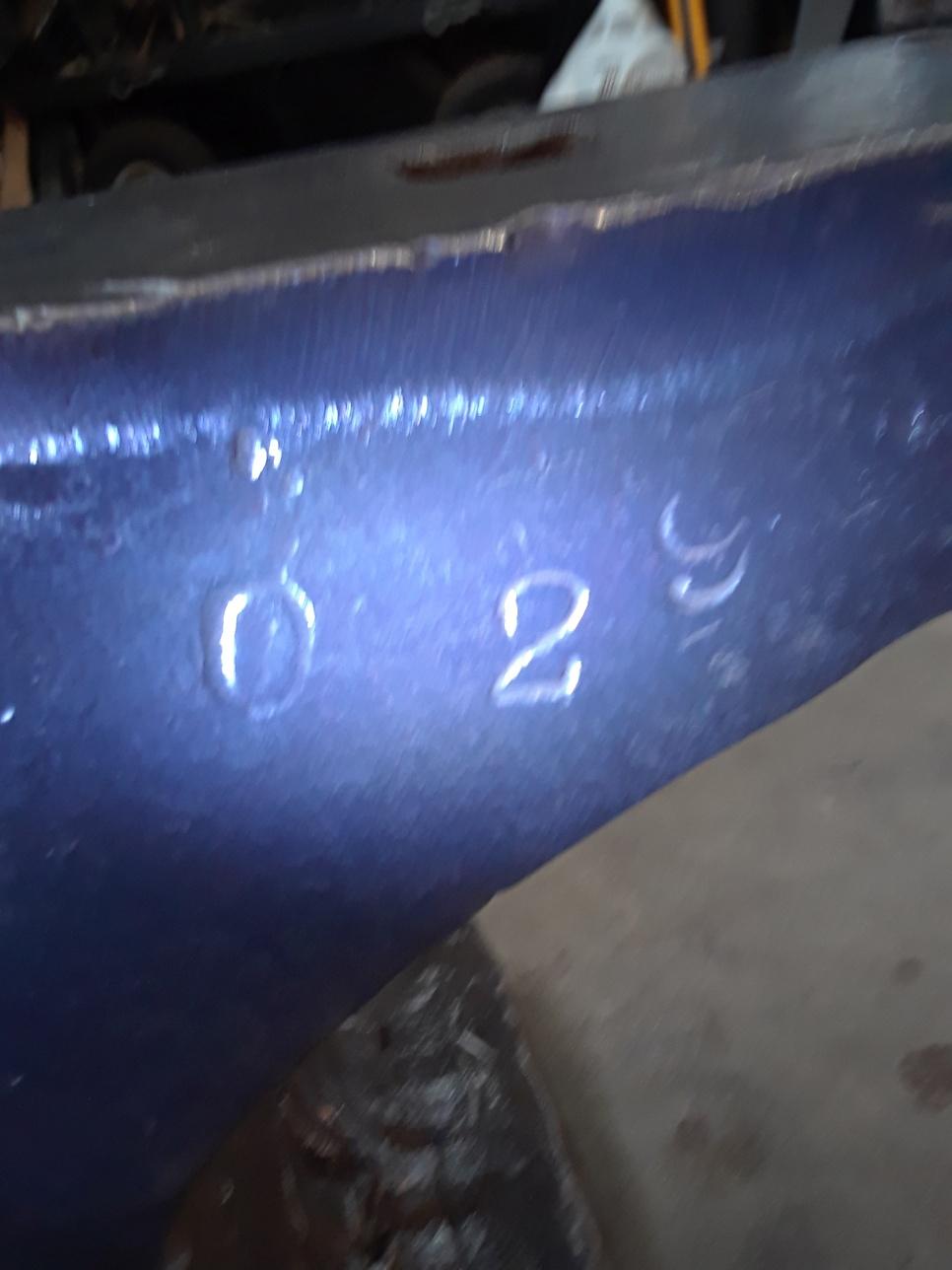
  5. Was wondering about any info and history on this anvil?What woulbe a fair price for it?THX in advance
Account

Navigation

Search

Search

Configure browser push notifications

Chrome (Android)
  1. Tap the lock icon next to the address bar.
  2. Tap Permissions → Notifications.
  3. Adjust your preference.
Chrome (Desktop)
  1. Click the padlock icon in the address bar.
  2. Select Site settings.
  3. Find Notifications and adjust your preference.