Skip to content
View in the app

A better way to browse. Learn more.

I Forge Iron

A full-screen app on your home screen with push notifications, badges and more.

To install this app on iOS and iPadOS
  1. Tap the Share icon in Safari
  2. Scroll the menu and tap Add to Home Screen.
  3. Tap Add in the top-right corner.
To install this app on Android
  1. Tap the 3-dot menu (⋮) in the top-right corner of the browser.
  2. Tap Add to Home screen or Install app.
  3. Confirm by tapping Install.

M.Griffin

Members
  • Joined

  • Last visited

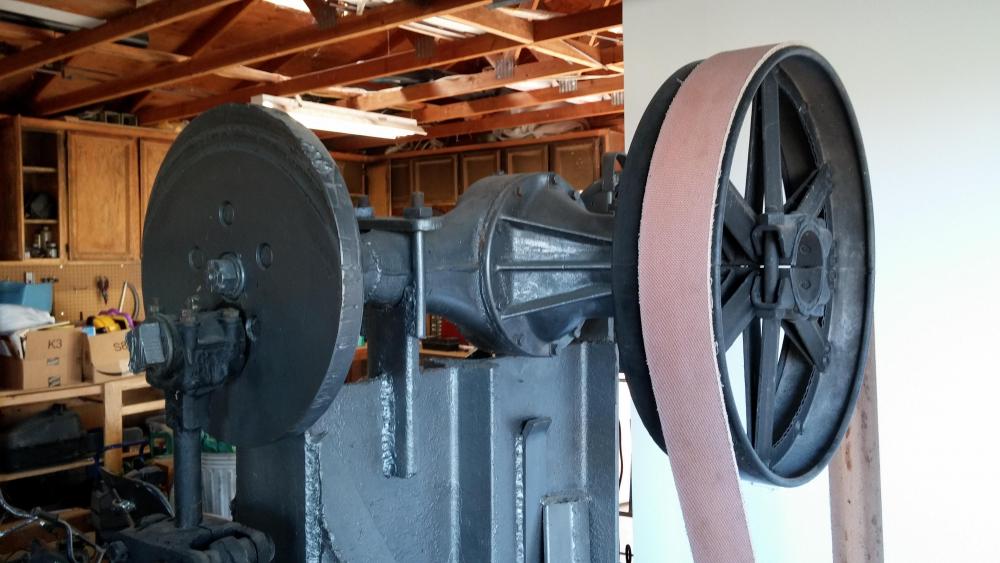
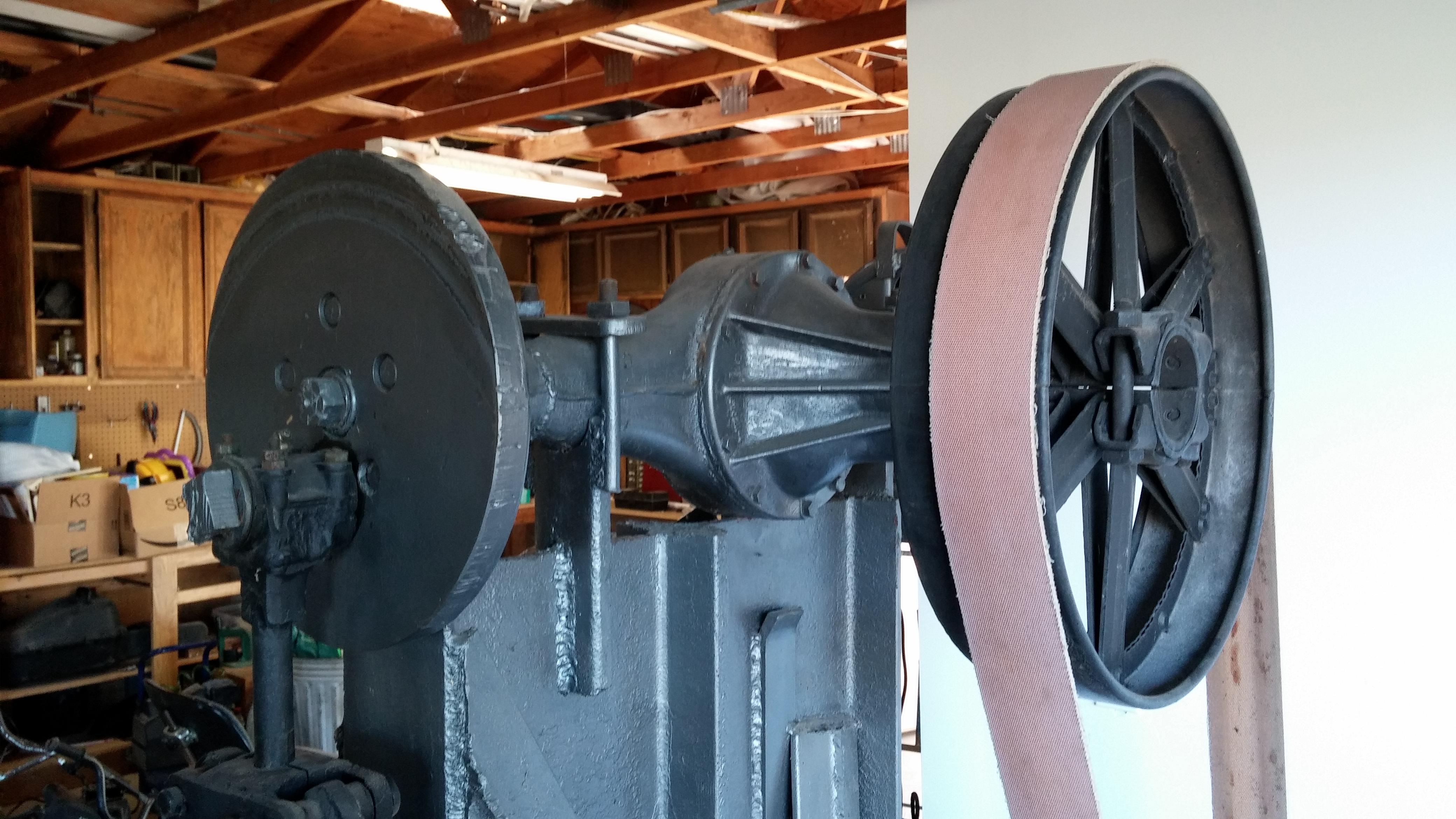
  1. I think I figured out how to post photos. One is from before I refurbished it and one from after. I dont have many pictures of the hammer, but you can sort of see how it worked. The treadle applied a brake to the off side which engaged the hammer. It was quite controllable and very simple. I regretted selling it for years. -Mike
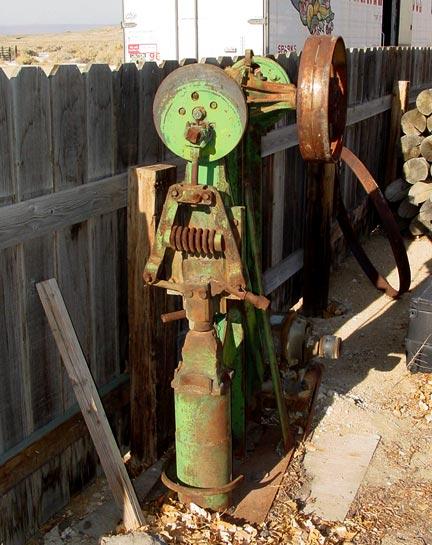
  2. I had a hammer based on this at one point. I was told it came from a blacksmith shop in Carson City, NV. I sold it years ago when I knew I was going to be moving several times. It was a pleasure to use and hit hard. It was around 60 lbs if I remember right. Mine was driven from a flat belt to a large wheel. I will try to post photos if I can. -Mike
Account

Navigation

Search

Search

Configure browser push notifications

Chrome (Android)
  1. Tap the lock icon next to the address bar.
  2. Tap Permissions → Notifications.
  3. Adjust your preference.
Chrome (Desktop)
  1. Click the padlock icon in the address bar.
  2. Select Site settings.
  3. Find Notifications and adjust your preference.