Skip to content
View in the app

A better way to browse. Learn more.

I Forge Iron

A full-screen app on your home screen with push notifications, badges and more.

To install this app on iOS and iPadOS
  1. Tap the Share icon in Safari
  2. Scroll the menu and tap Add to Home Screen.
  3. Tap Add in the top-right corner.
To install this app on Android
  1. Tap the 3-dot menu (⋮) in the top-right corner of the browser.
  2. Tap Add to Home screen or Install app.
  3. Confirm by tapping Install.

Burgersmith

Members
  • Joined

  • Last visited

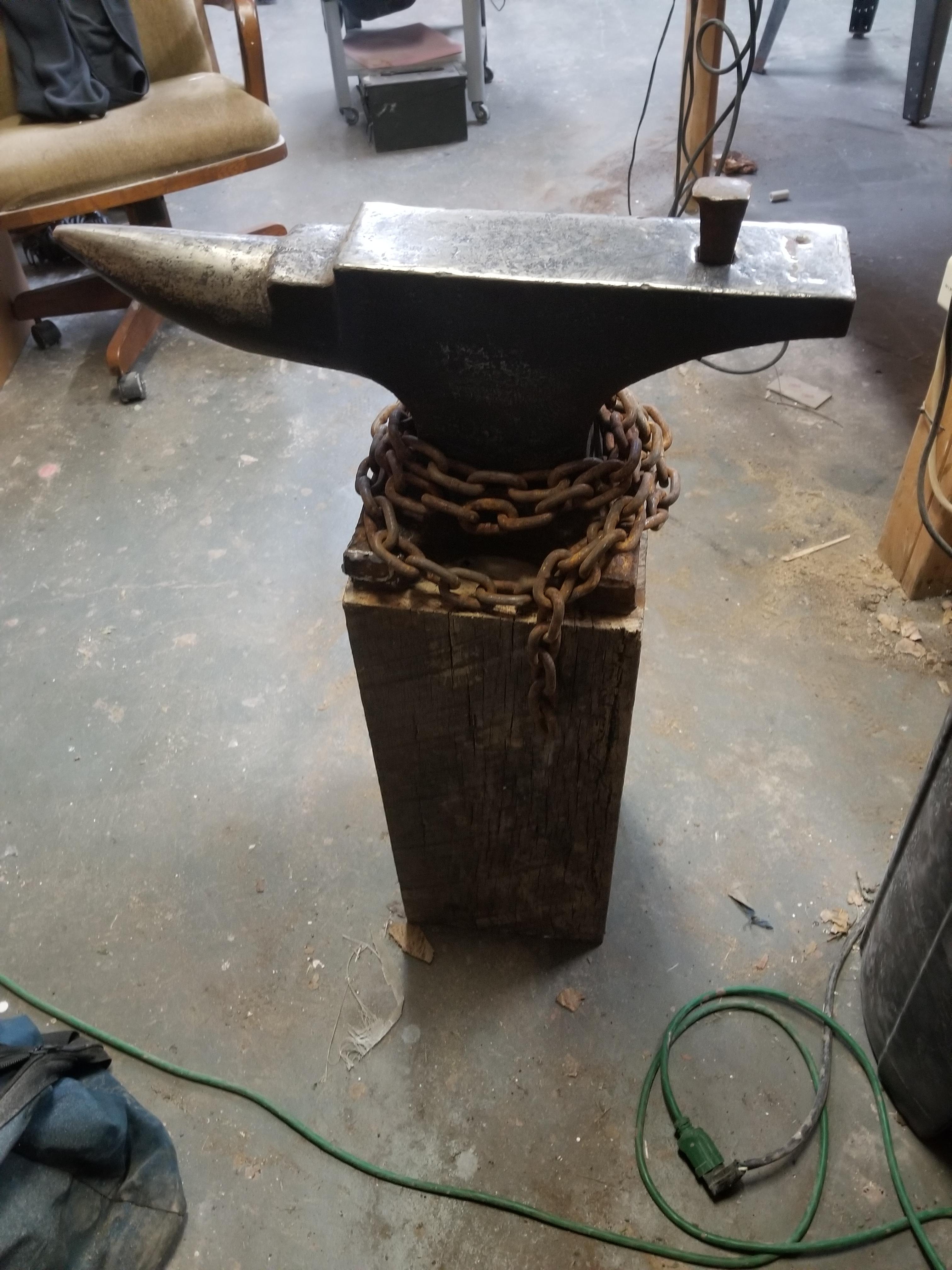
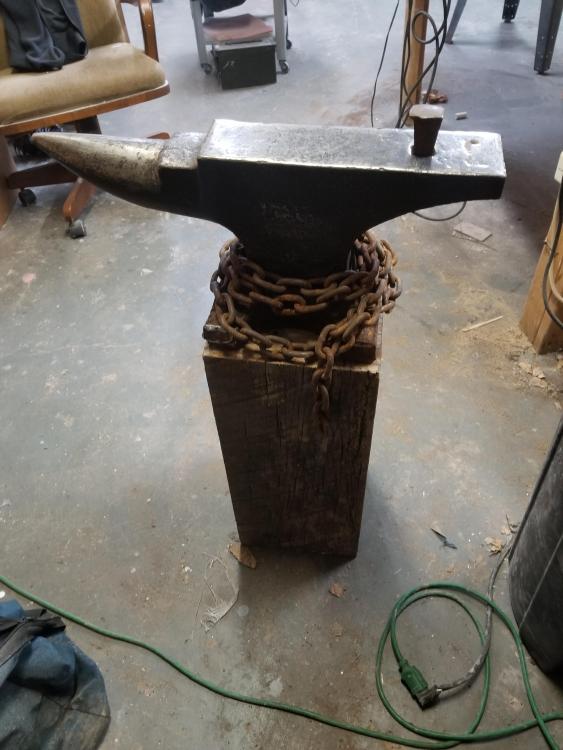
  1. Hey there, thanks for letting me know. I just put it there for the time being as a placeholder. No intention of driving it down. My dad had a bunch of old punches that I'm still sorting through.
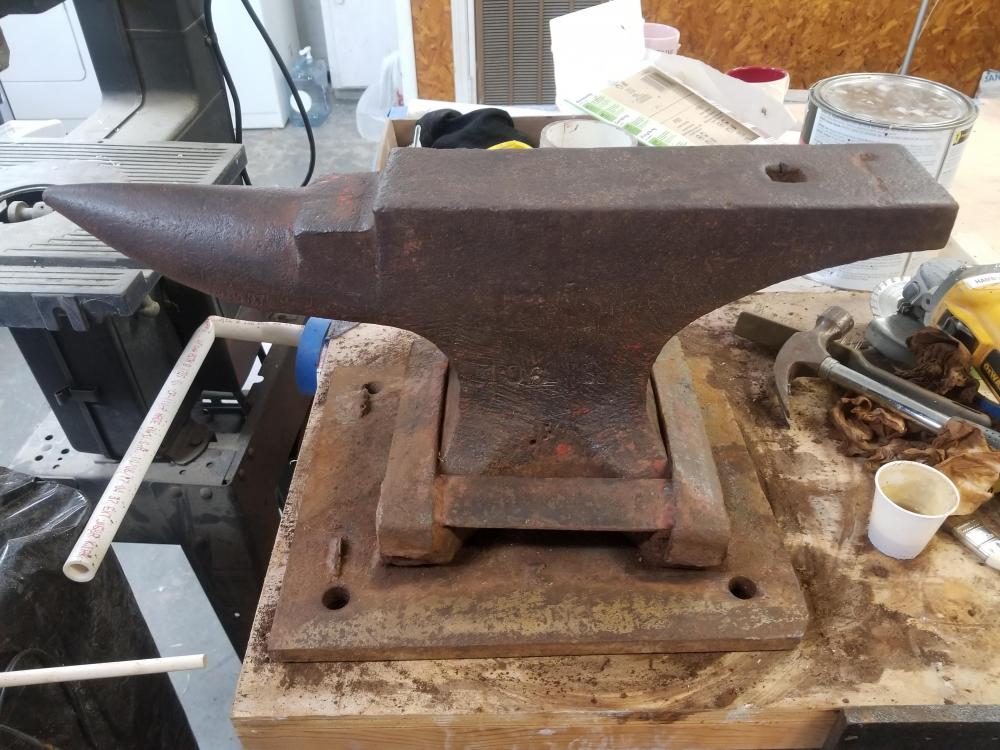
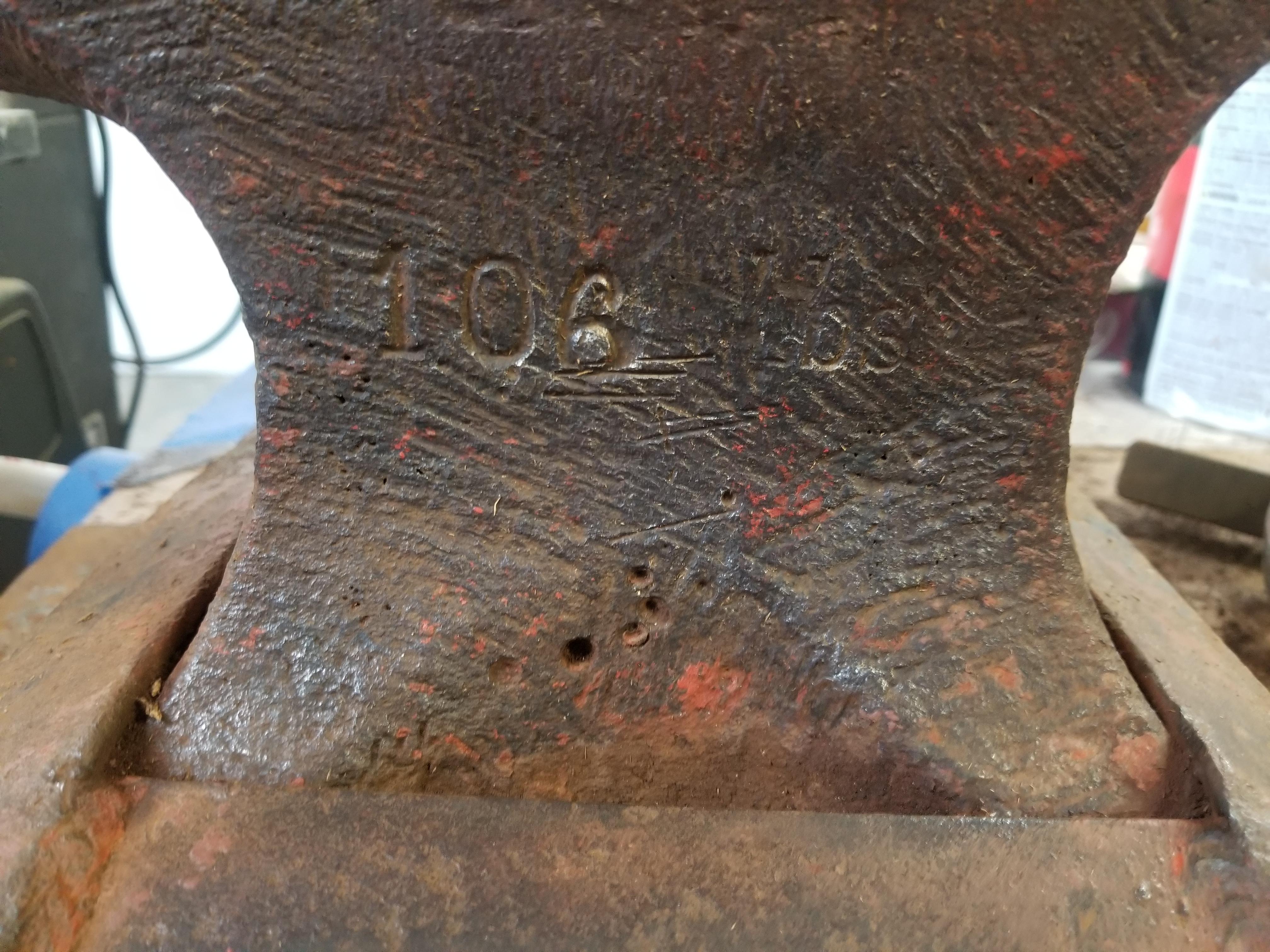
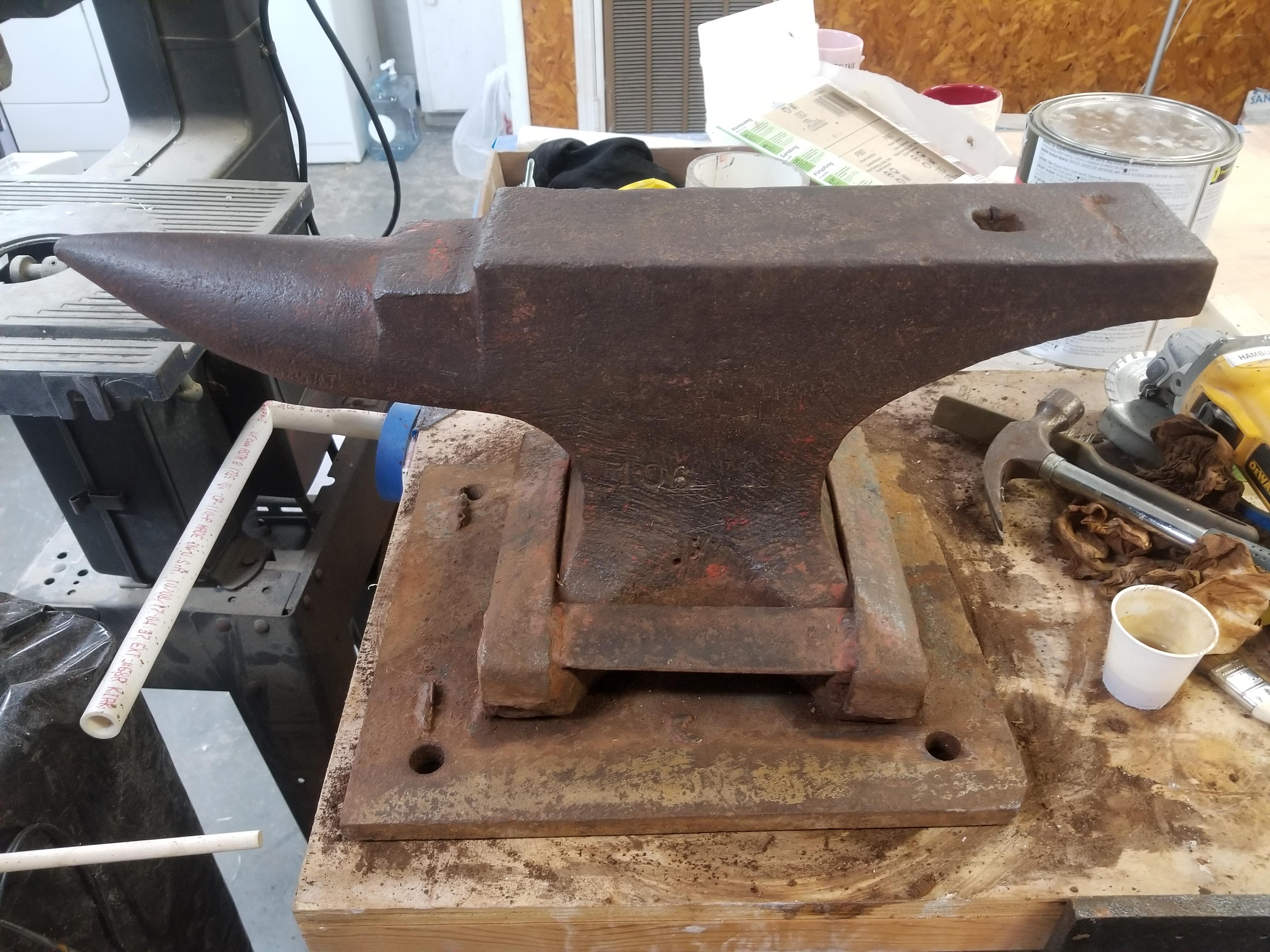
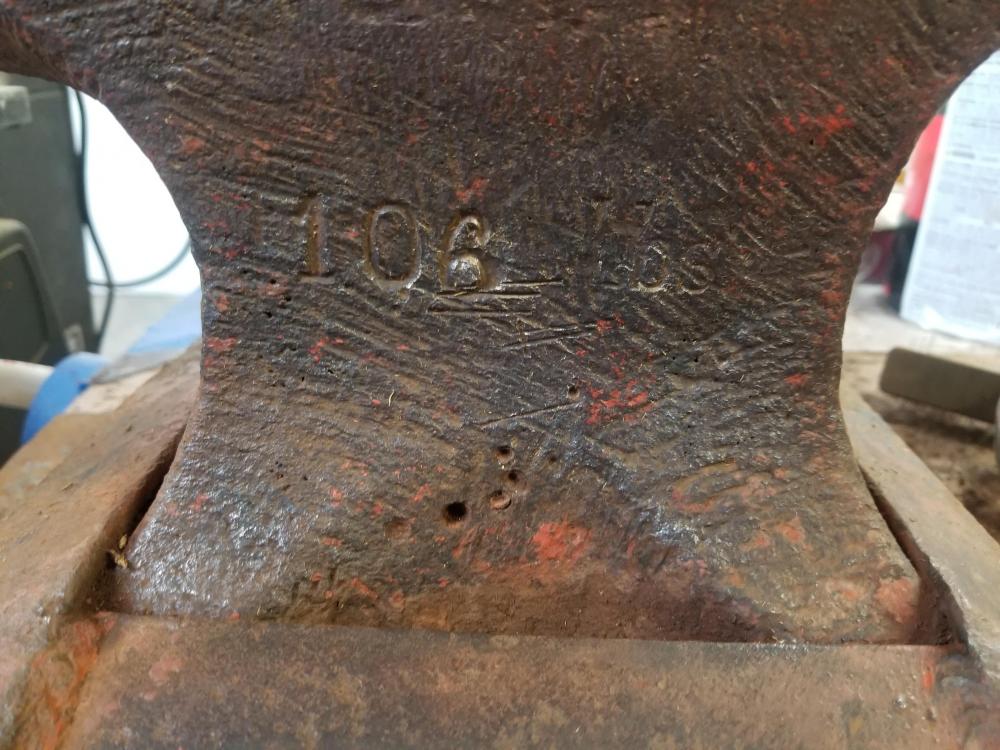
  2. Hey guys, New to the forums, but excited to be a part of it all! My dad was a metal worker back in the day and gave me his old anvil a couple years ago before he passed. Took a bit of digging, but I found out it's a 106 lb Swedish Northstar. Ground off the welded base and in the process of mounting it to it's new home. Also, I'm in the Baton Rouge area for anyone out there wondering.
Account

Navigation

Search

Search

Configure browser push notifications

Chrome (Android)
  1. Tap the lock icon next to the address bar.
  2. Tap Permissions → Notifications.
  3. Adjust your preference.
Chrome (Desktop)
  1. Click the padlock icon in the address bar.
  2. Select Site settings.
  3. Find Notifications and adjust your preference.