Skip to content
View in the app

A better way to browse. Learn more.

I Forge Iron

A full-screen app on your home screen with push notifications, badges and more.

To install this app on iOS and iPadOS
  1. Tap the Share icon in Safari
  2. Scroll the menu and tap Add to Home Screen.
  3. Tap Add in the top-right corner.
To install this app on Android
  1. Tap the 3-dot menu (⋮) in the top-right corner of the browser.
  2. Tap Add to Home screen or Install app.
  3. Confirm by tapping Install.

Crazy

Members
  • Joined

  • Last visited

Everything posted by Crazy

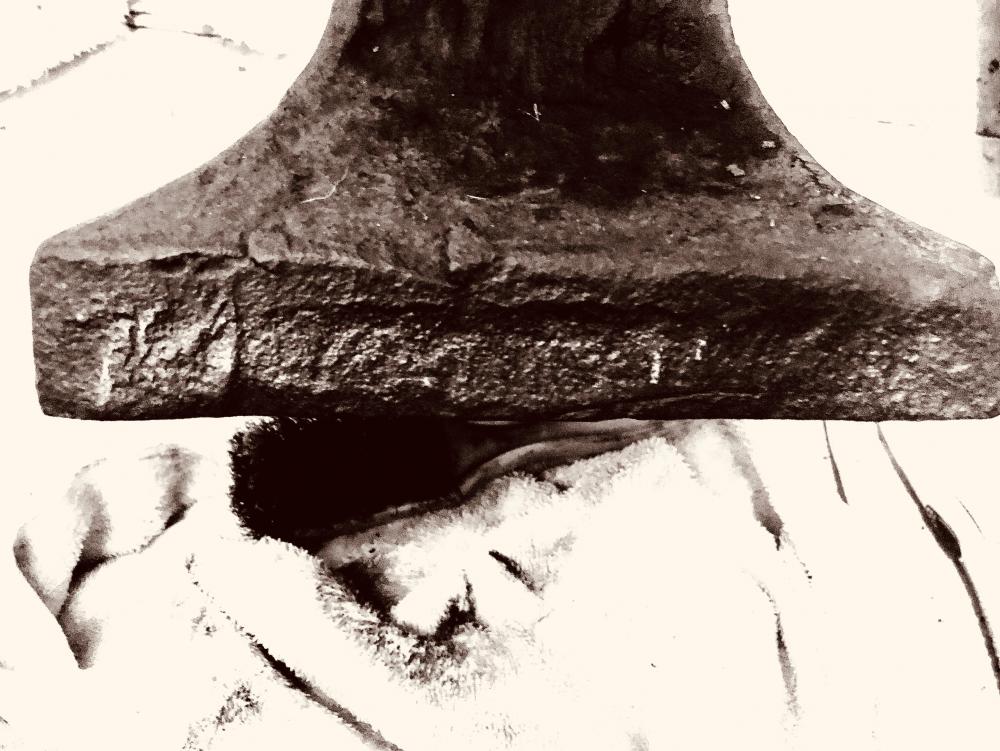
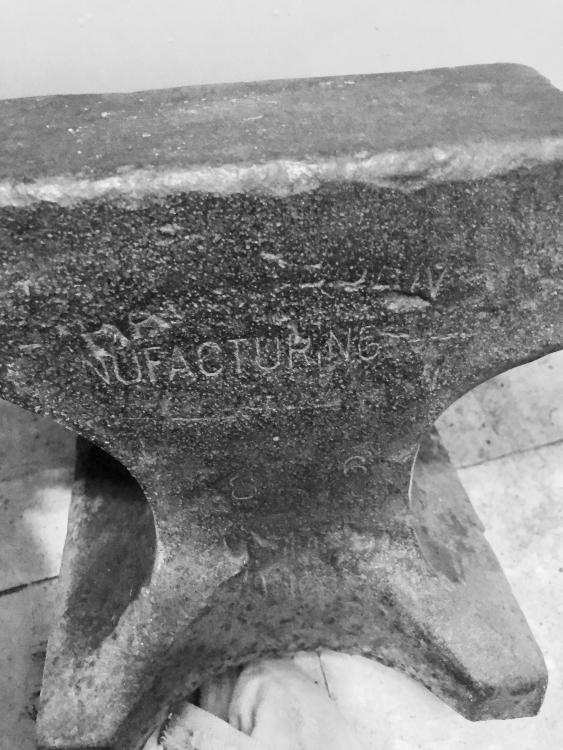
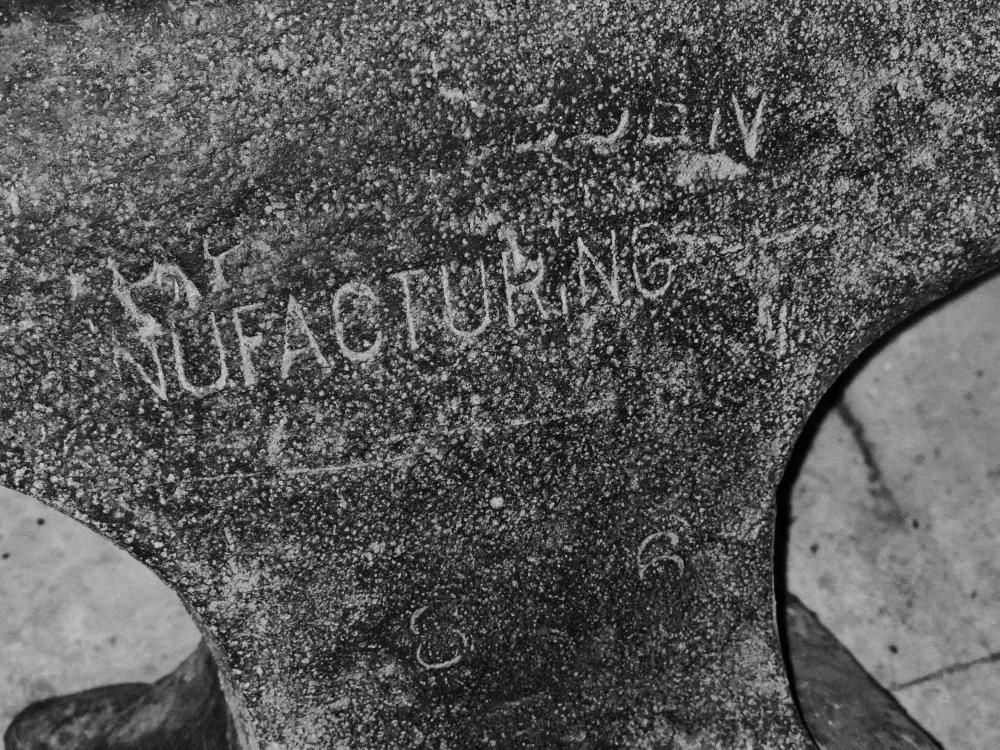
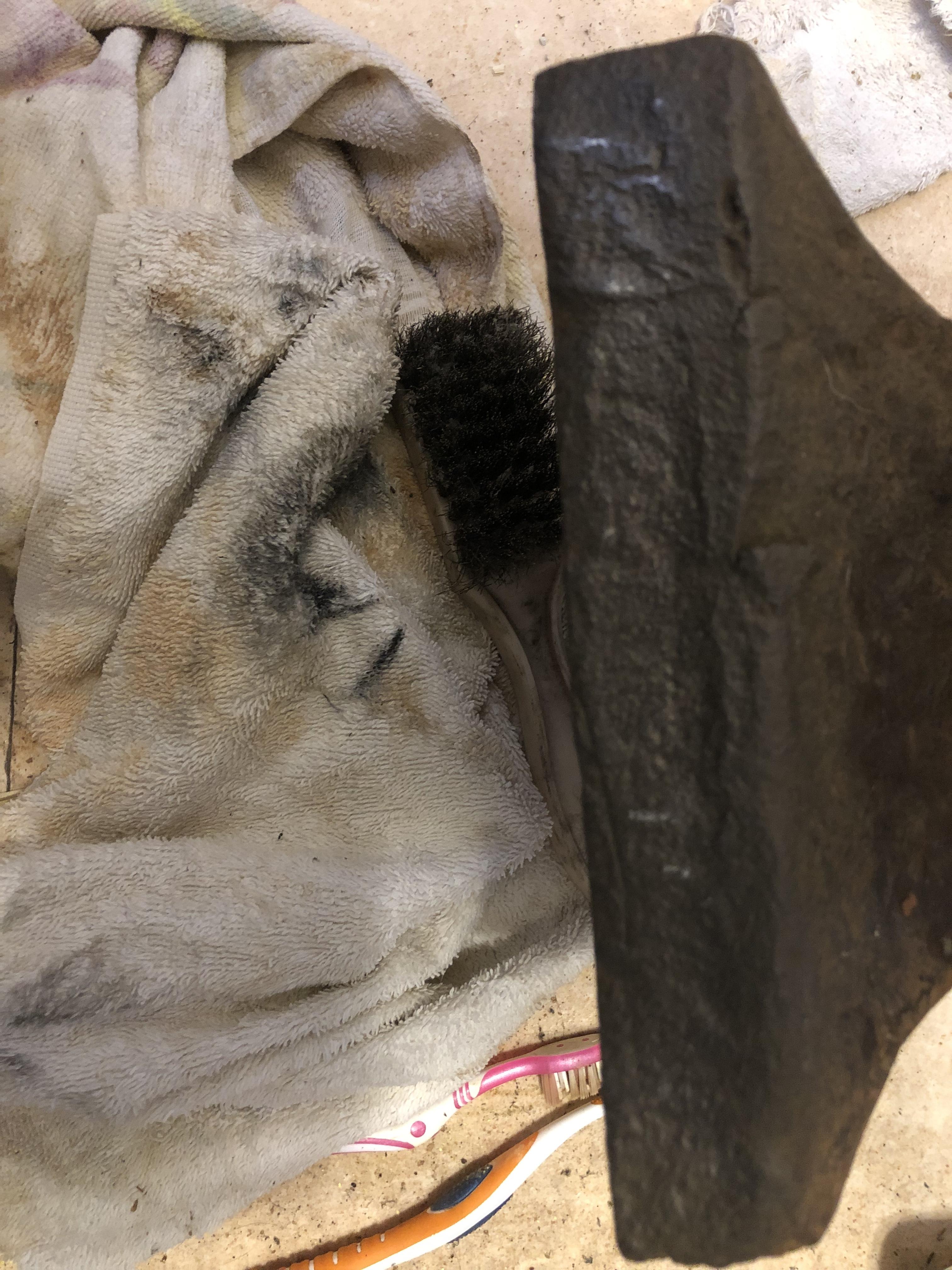
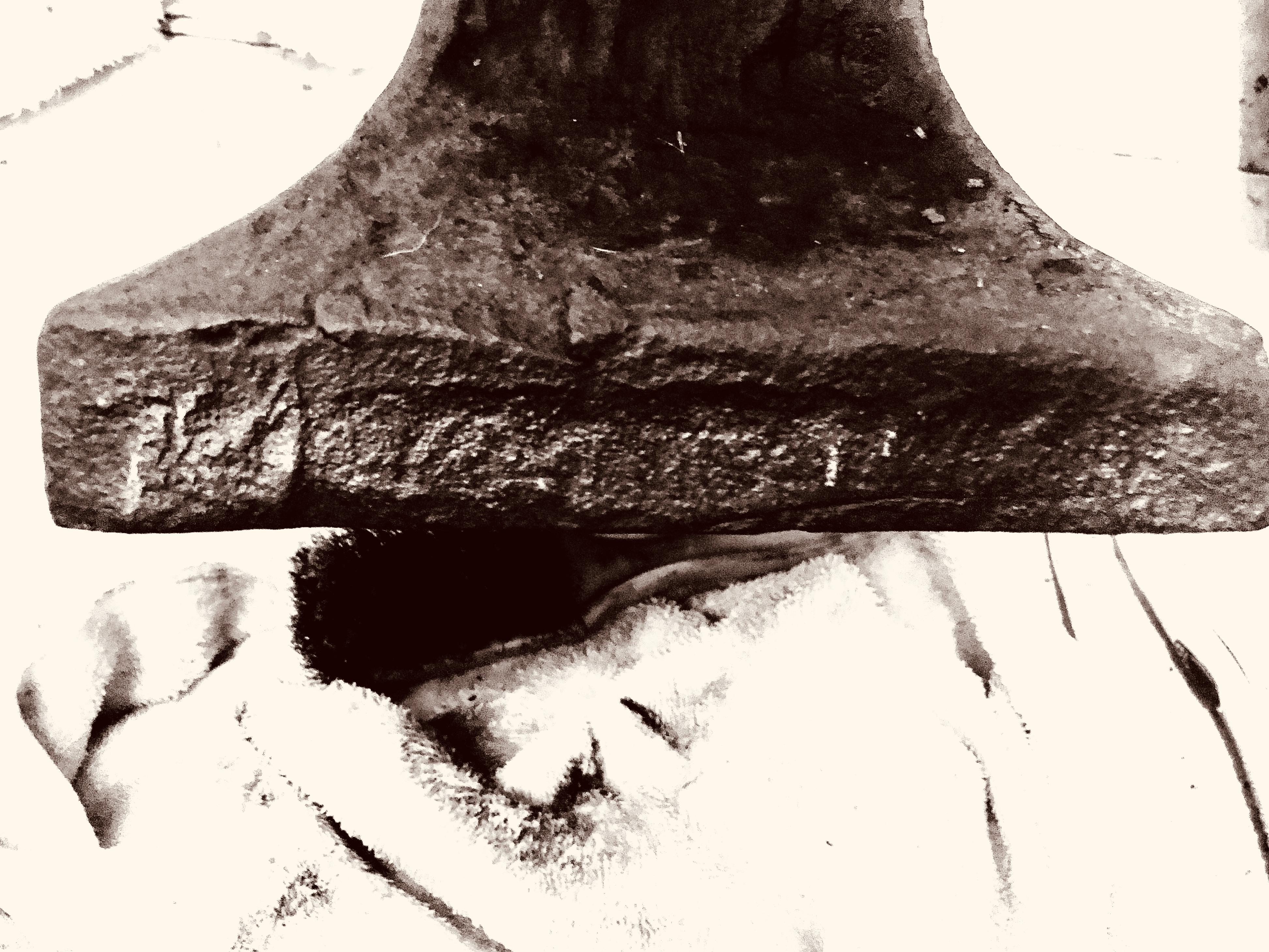
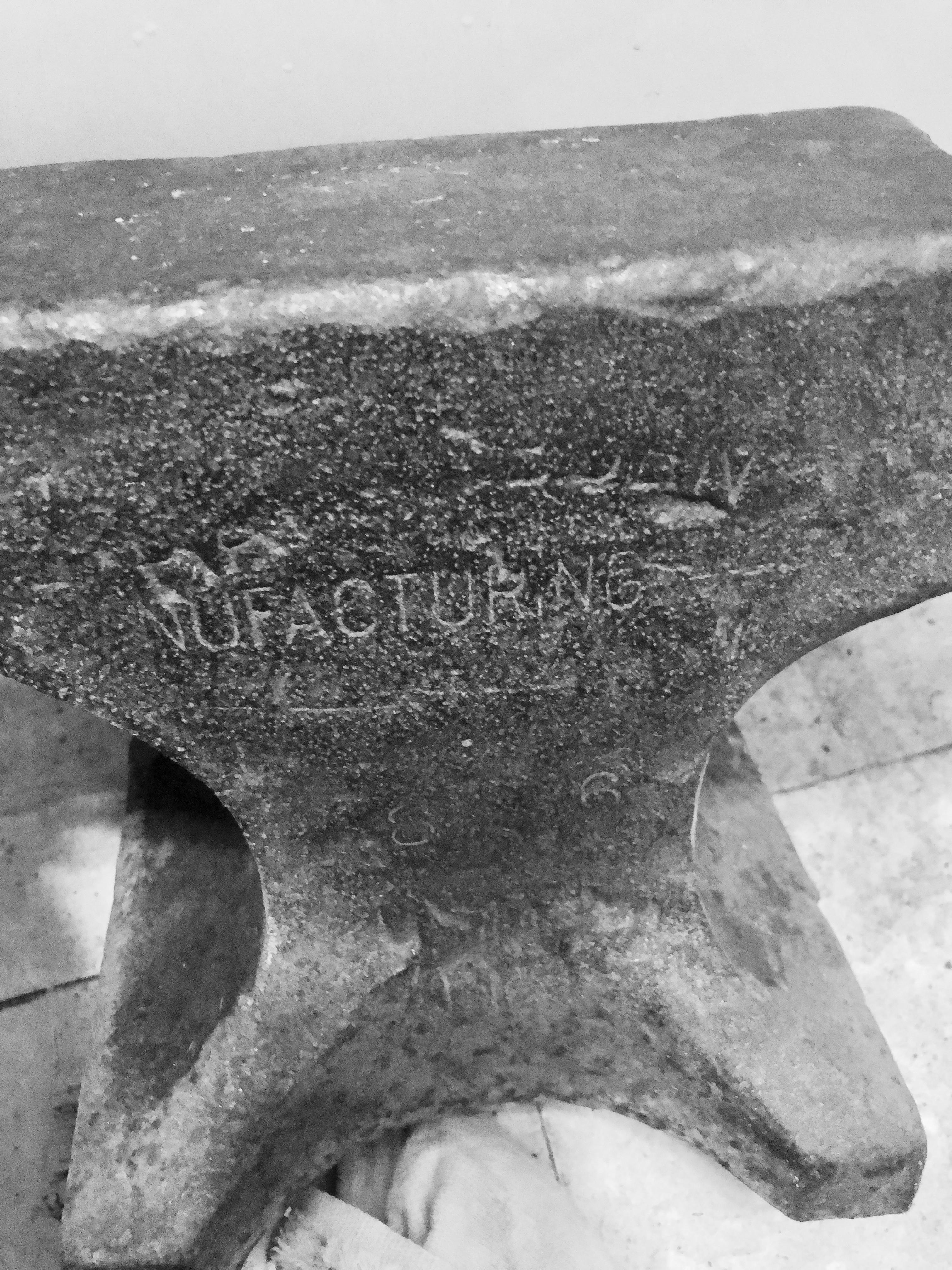
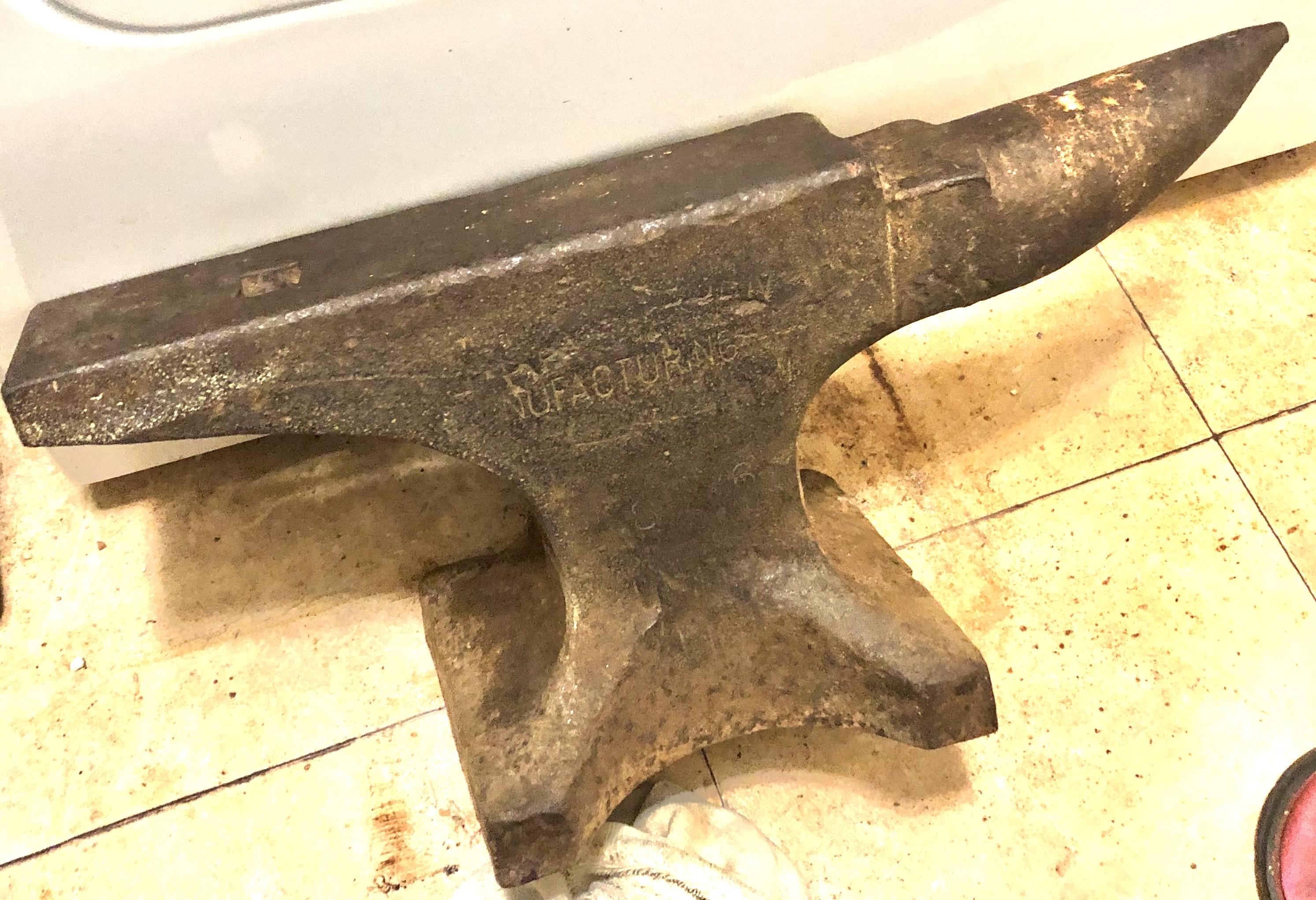
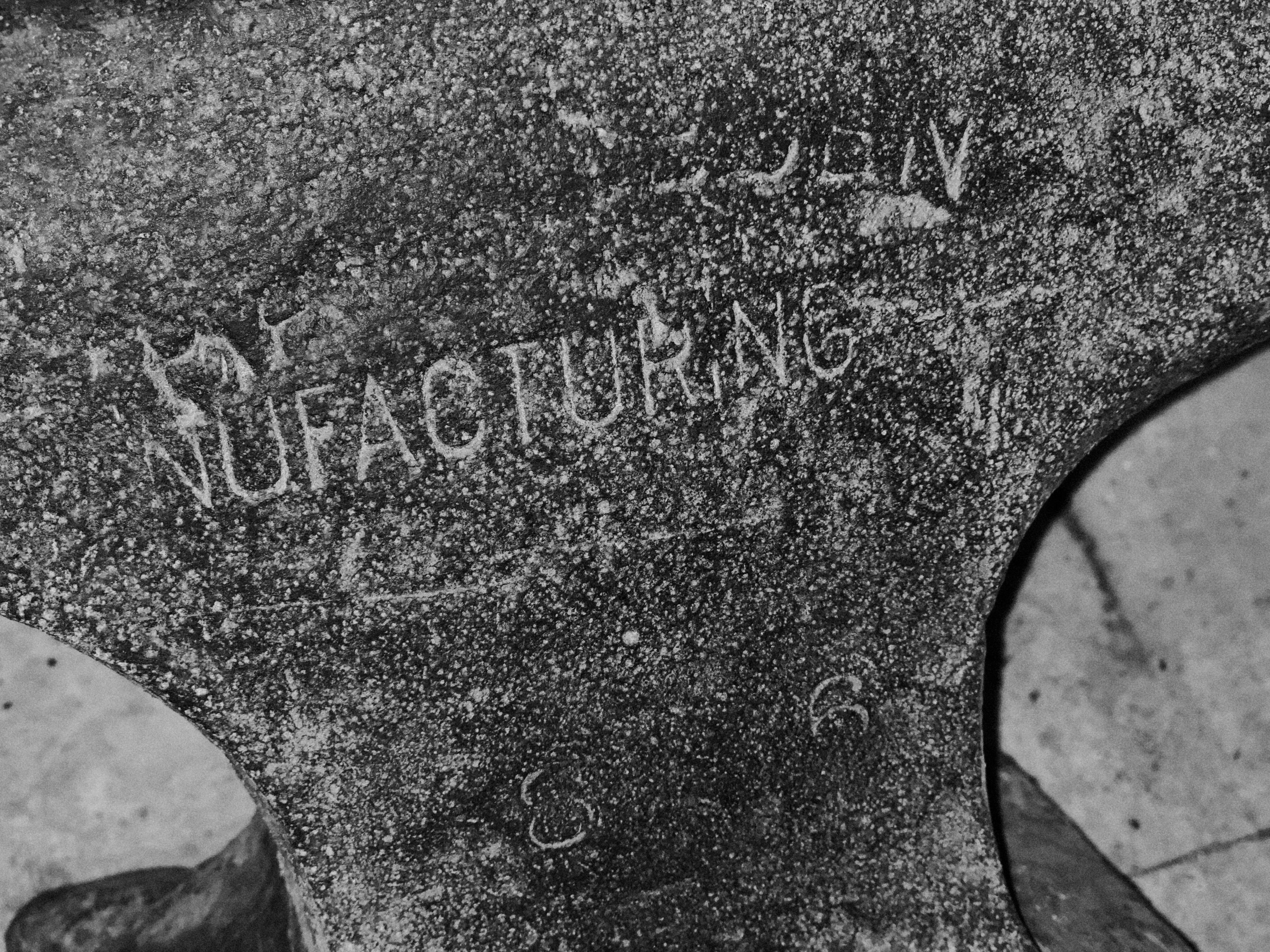
  1. thanks for all the replies I’ve tried to get the serial numbers where I can read them no luck one pic below is after wire brush and other is with effects on phone trying to get it to show better any ideas how to get them to show up thanks again
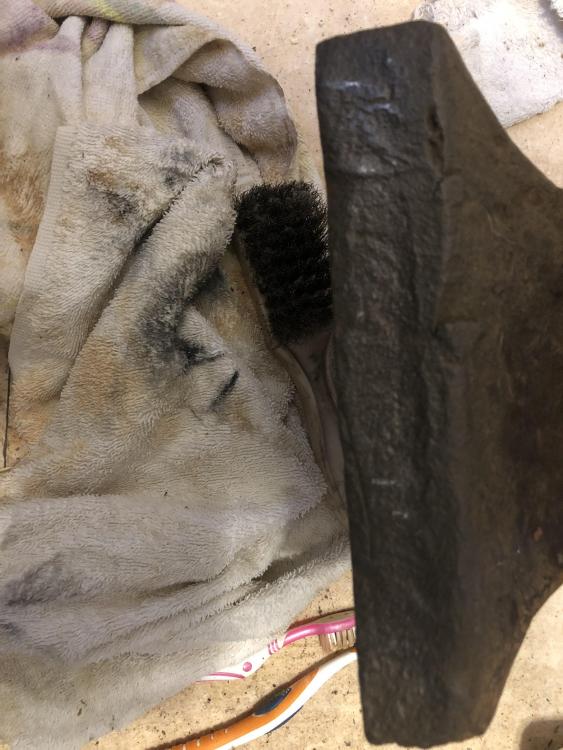
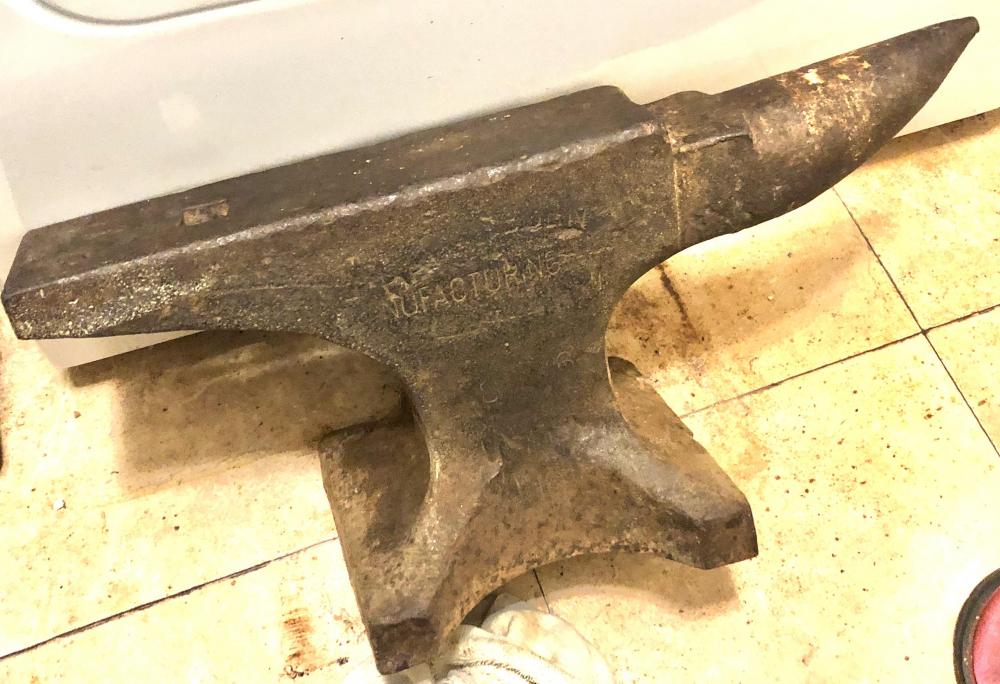
  2. I do remodeling work an got this off a job I done don’t know anything about blacksmith work just seen on eBay what some of anvils priced for it’s been setting at back door inside house wife not to happy
  3. How much are they worth and should I clean it up or leave it alone

Account

Navigation

Search

Search

Configure browser push notifications

Chrome (Android)
  1. Tap the lock icon next to the address bar.
  2. Tap Permissions → Notifications.
  3. Adjust your preference.
Chrome (Desktop)
  1. Click the padlock icon in the address bar.
  2. Select Site settings.
  3. Find Notifications and adjust your preference.