GrantA
Members
-
Joined
-
Last visited
Everything posted by GrantA
-
I got the sleeve (I'm using that word very loosely) out and the hardy is 1-1/4" so I'll make some drop-in reducers. Maybe later this evening I'll be able to work on a stand
-
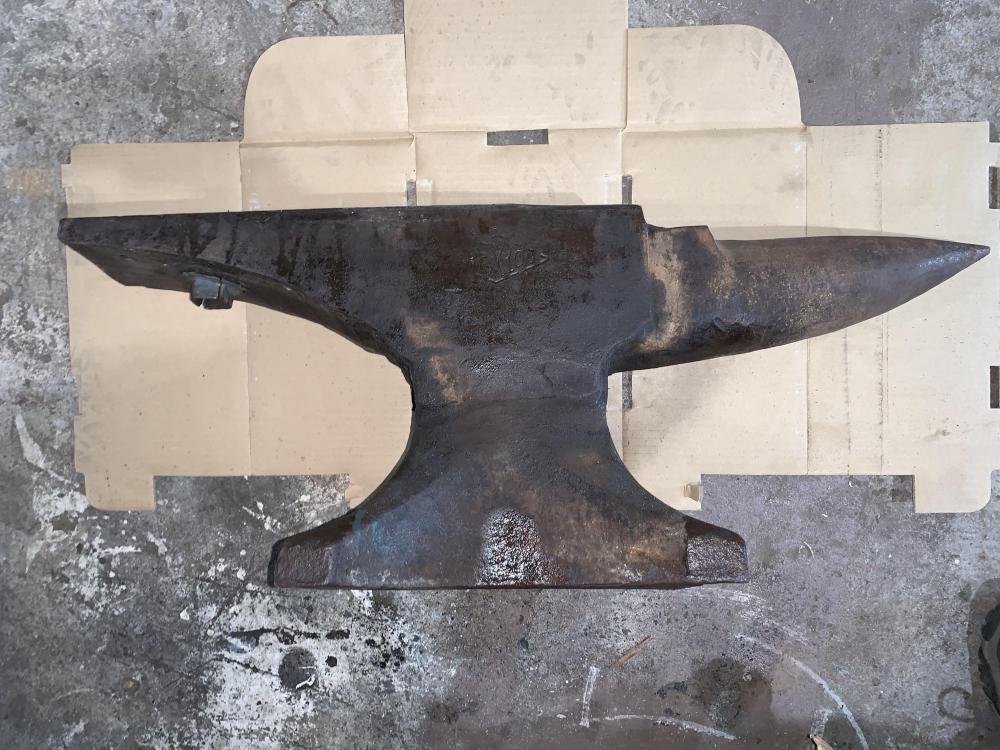
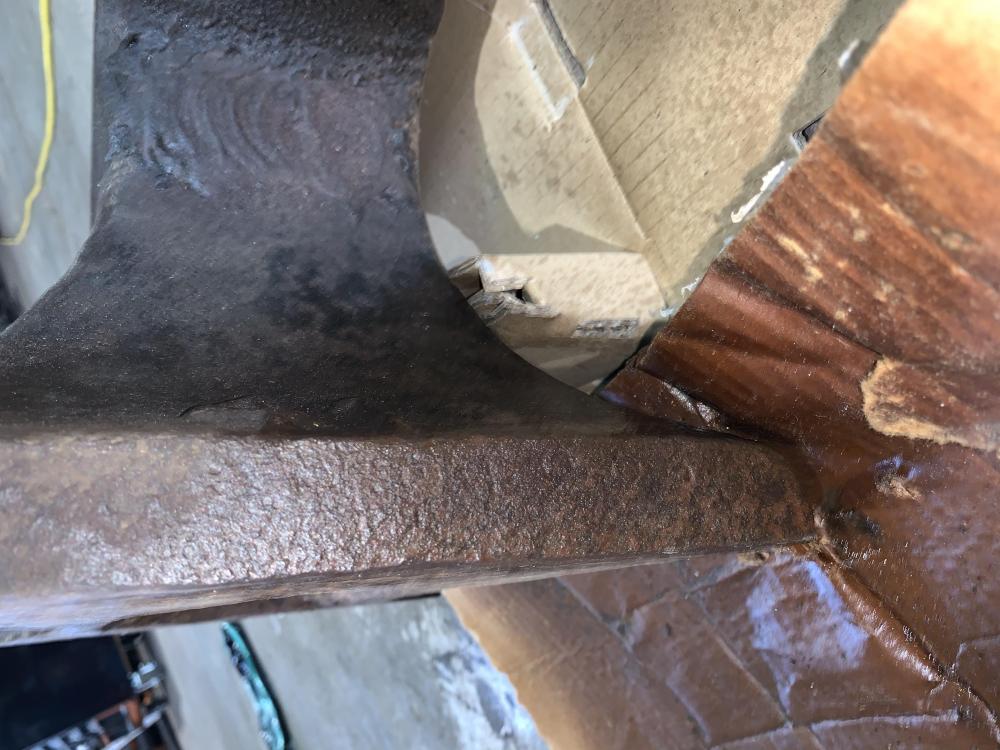
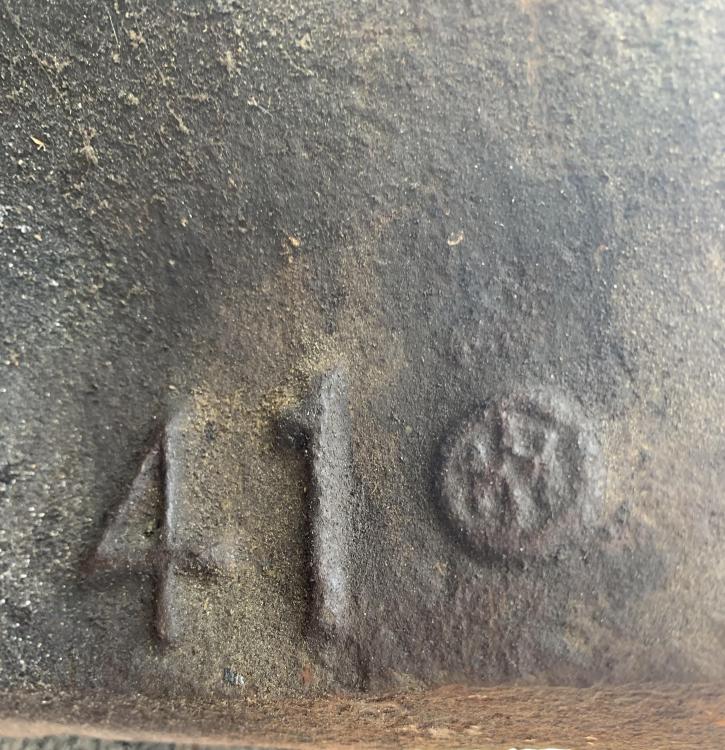
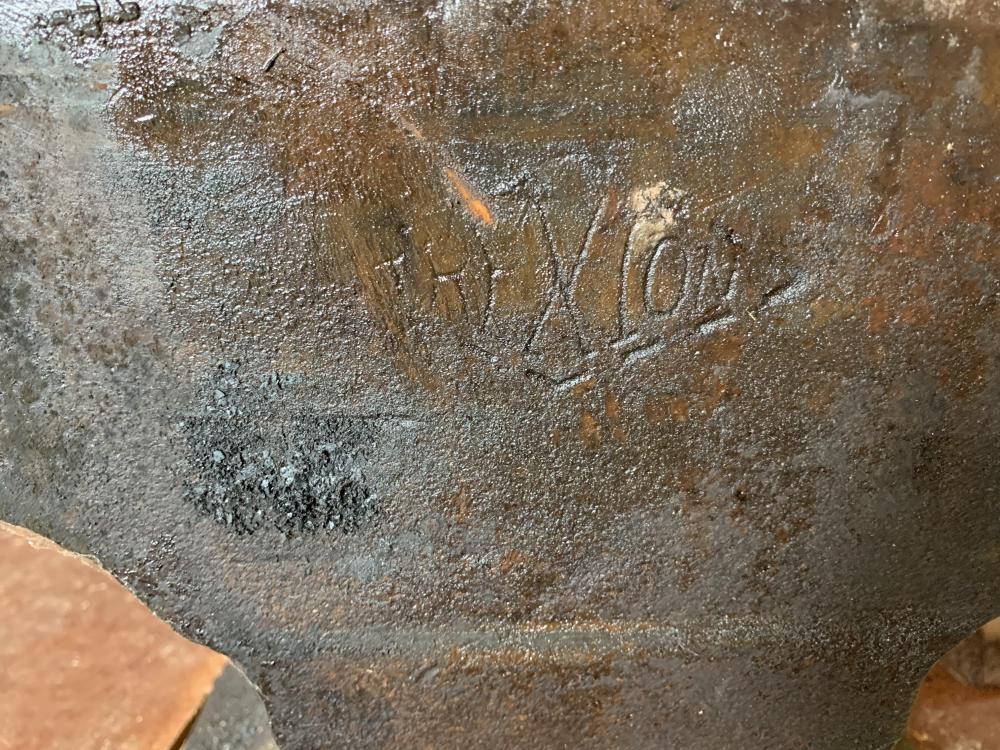
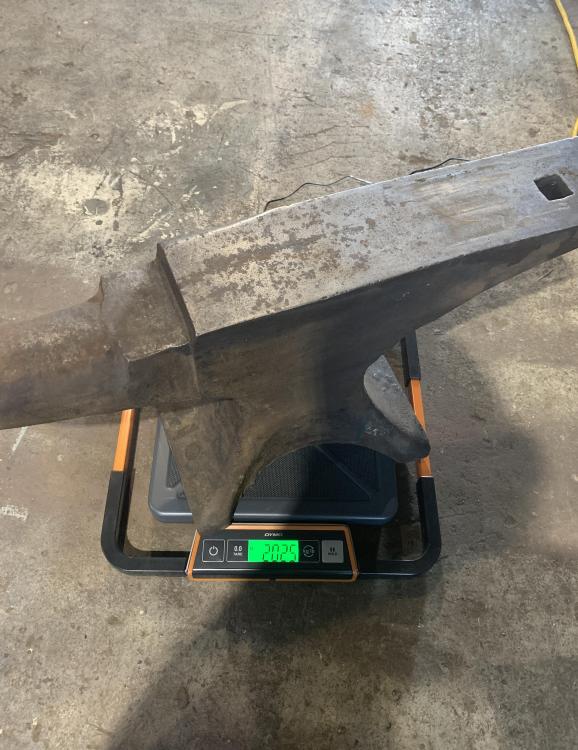
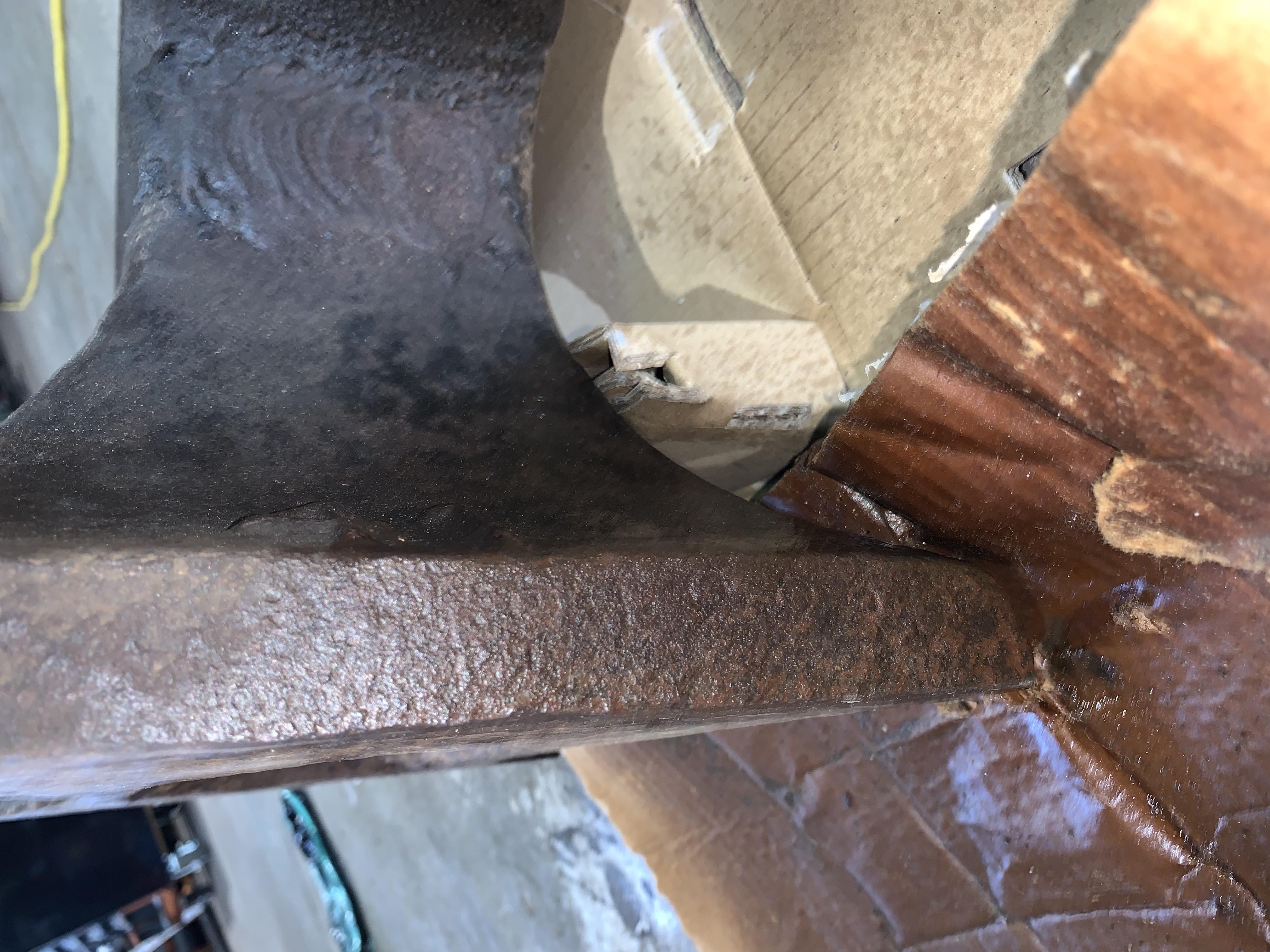
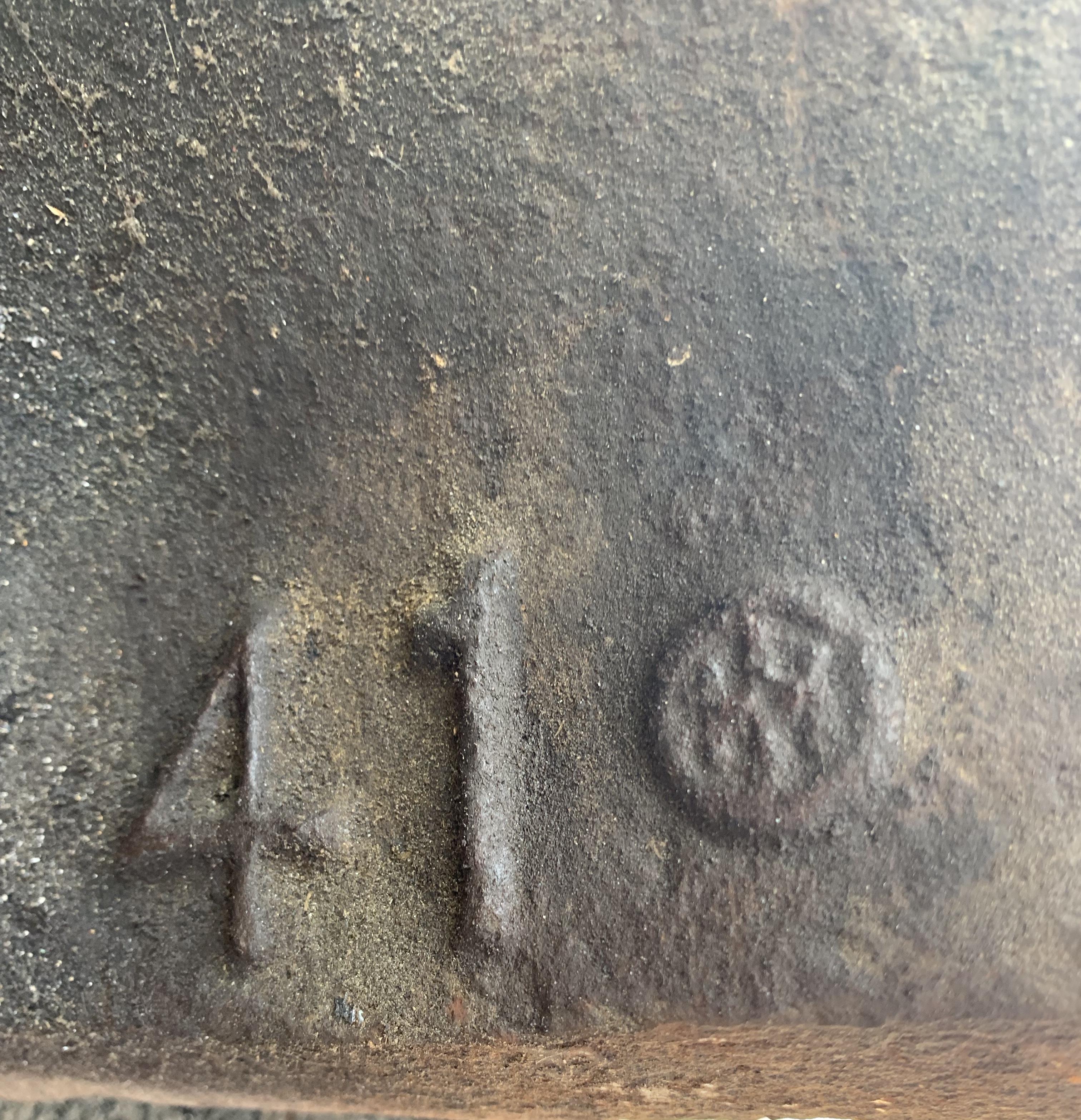
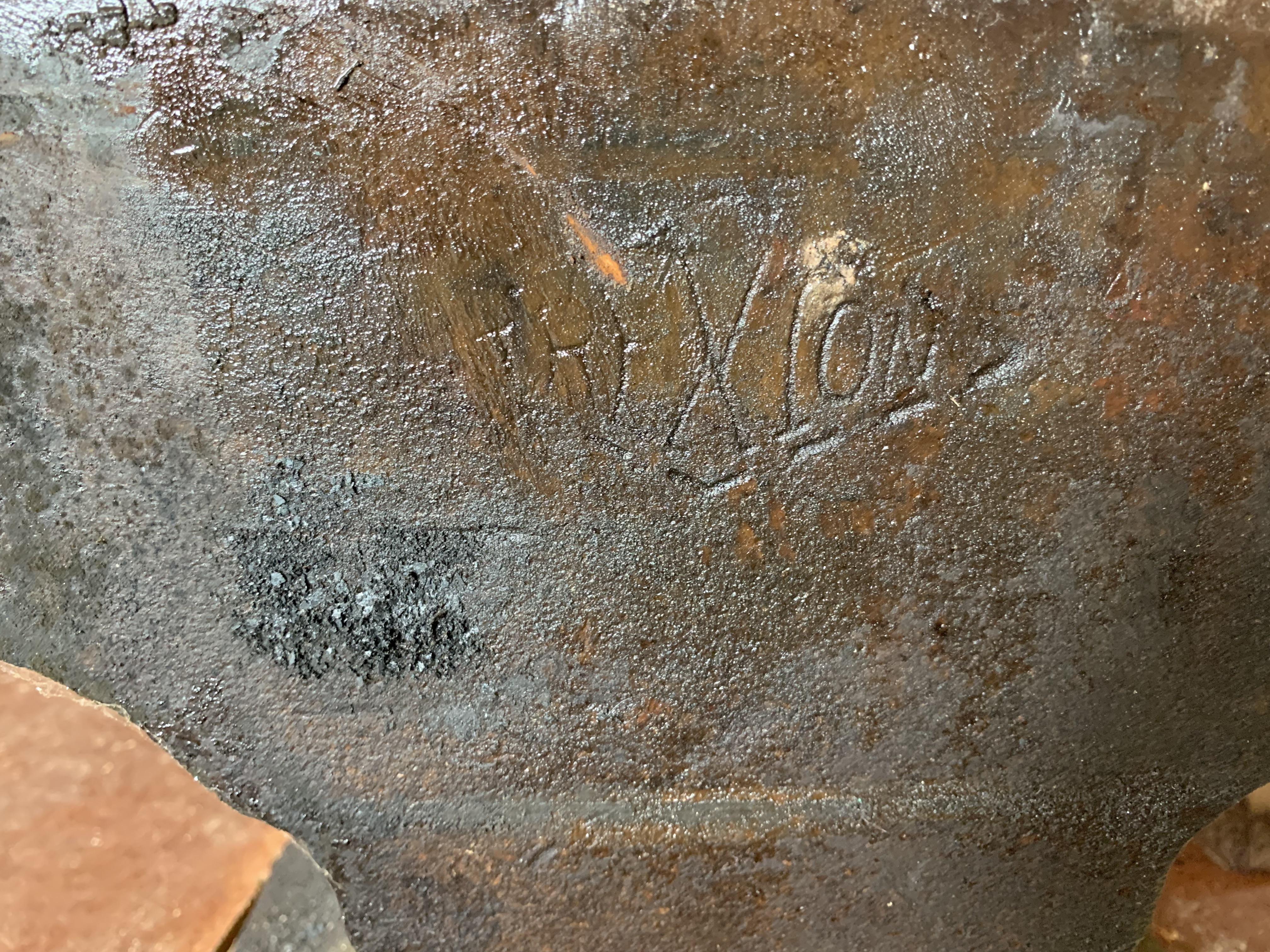
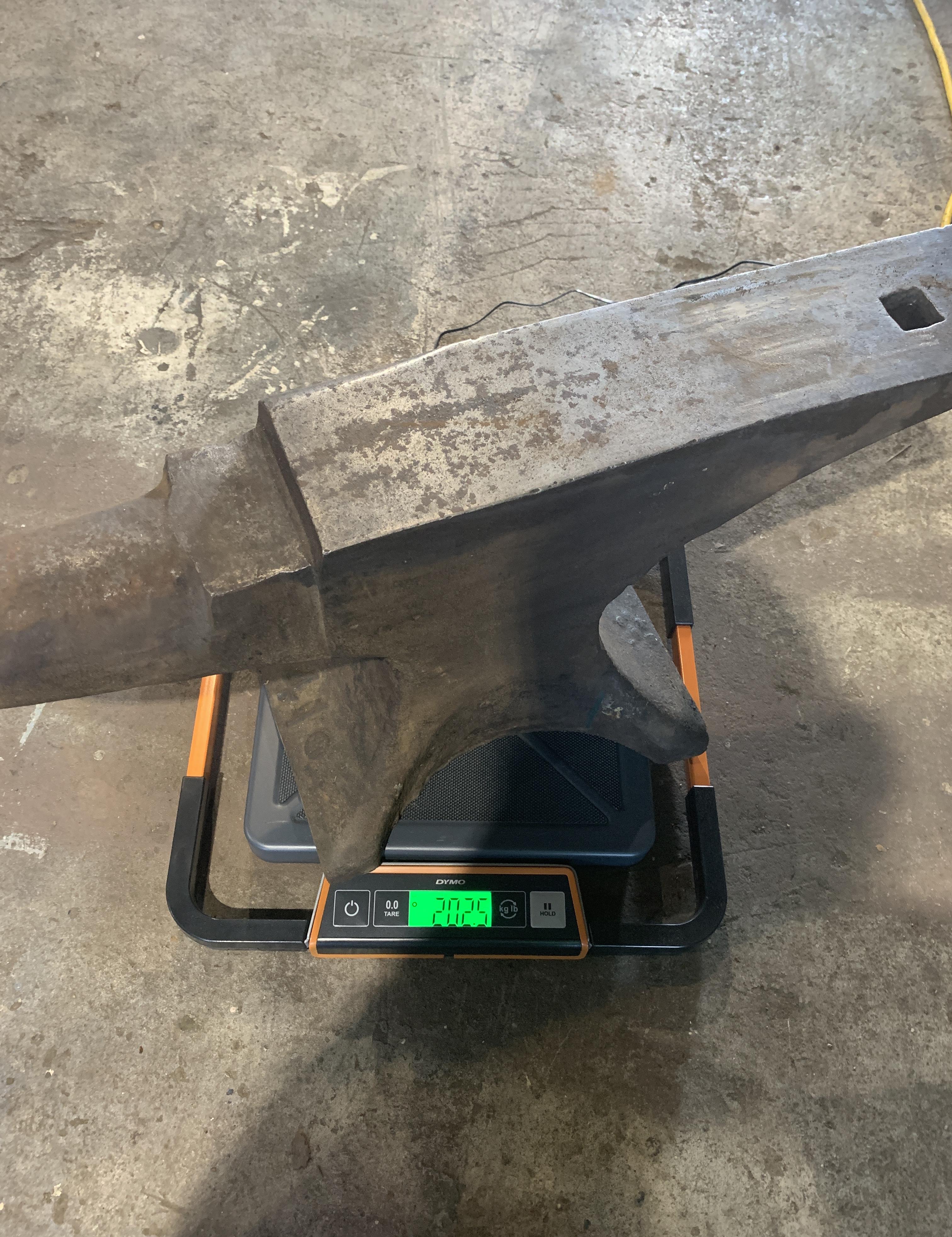
Good morning everyone! I figured this would be a good spot to make my first post. This is my first anvil and she looks to be a great user! I'm not sure what the previous owner did to the hardy hole but will check that out and make sure it's useable as I have a good bit of hardy tools too I wouldn't mind cleaning her up a bit more, I saw mention of a vinegar soak and that sounds tempting. I'm not sure I want to buy enough evaporust to soak it in. You can see the number 41 raised on the base under the horn and a symbol next to it. Weight is 202.5 on my scale. Across the front edge of the base I can make out the tops of some numbers- I thought briefly about trying some sandpaper to flatten that with hopes of being able to read it but decided against it for now at least. I'd appreciate any information and/or advice for cleanup. I'm looking forward to setting her on a suitable stand and moving some steel!