Skip to content
View in the app

A better way to browse. Learn more.

I Forge Iron

A full-screen app on your home screen with push notifications, badges and more.

To install this app on iOS and iPadOS
  1. Tap the Share icon in Safari
  2. Scroll the menu and tap Add to Home Screen.
  3. Tap Add in the top-right corner.
To install this app on Android
  1. Tap the 3-dot menu (⋮) in the top-right corner of the browser.
  2. Tap Add to Home screen or Install app.
  3. Confirm by tapping Install.

Marty78

Members
  • Joined

  • Last visited

Everything posted by Marty78

  1. Thank you, 1911... good year!
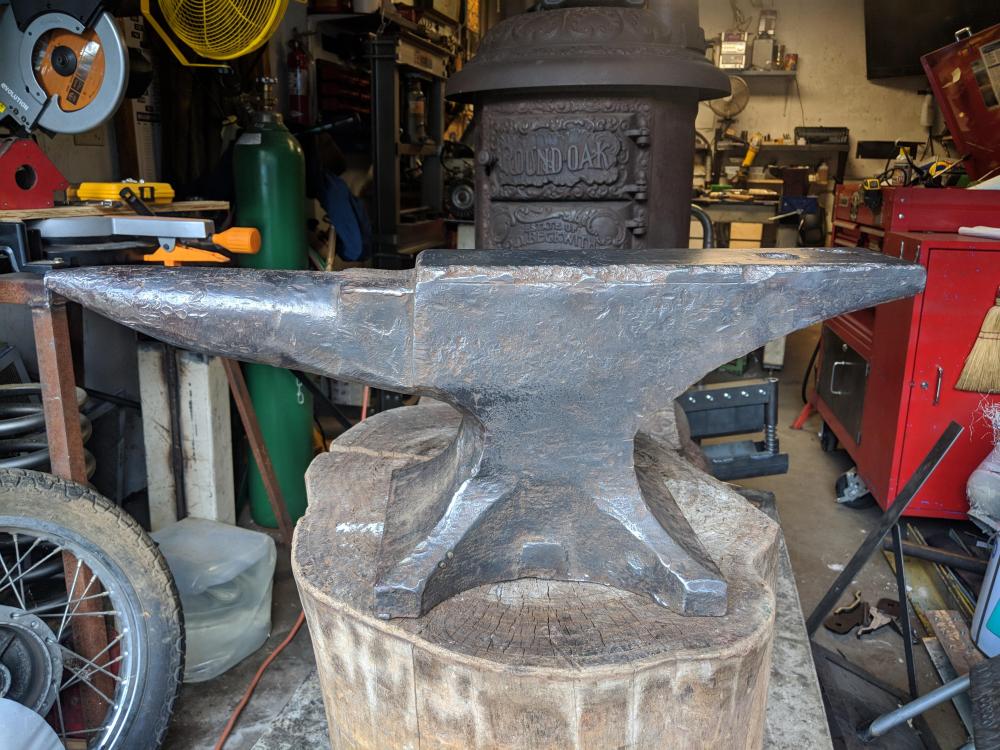
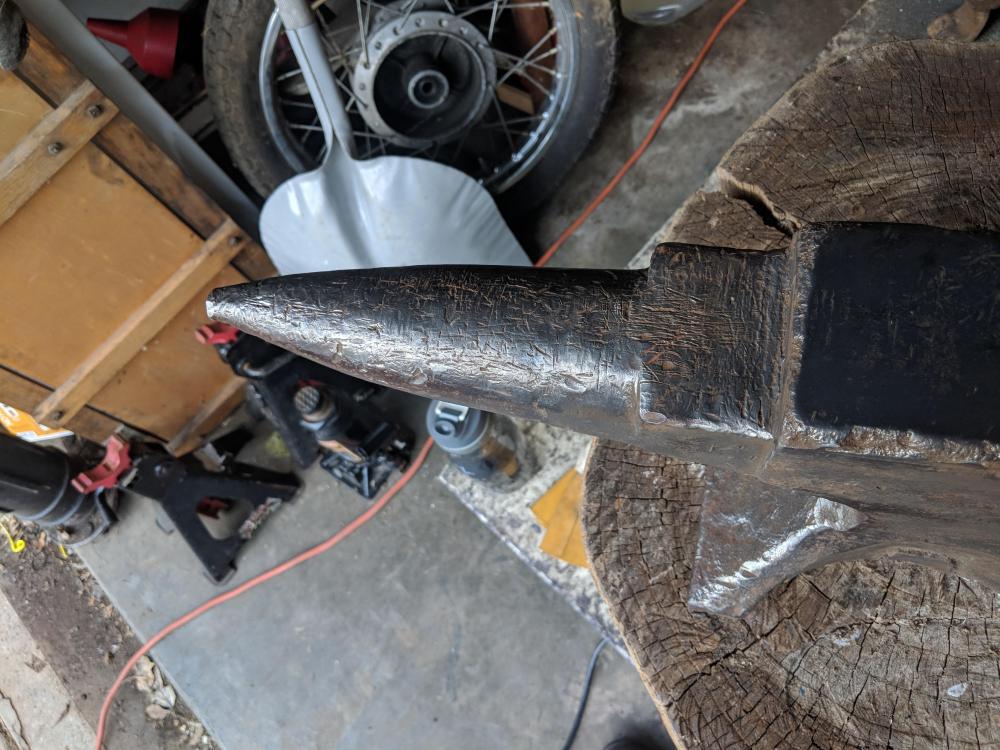
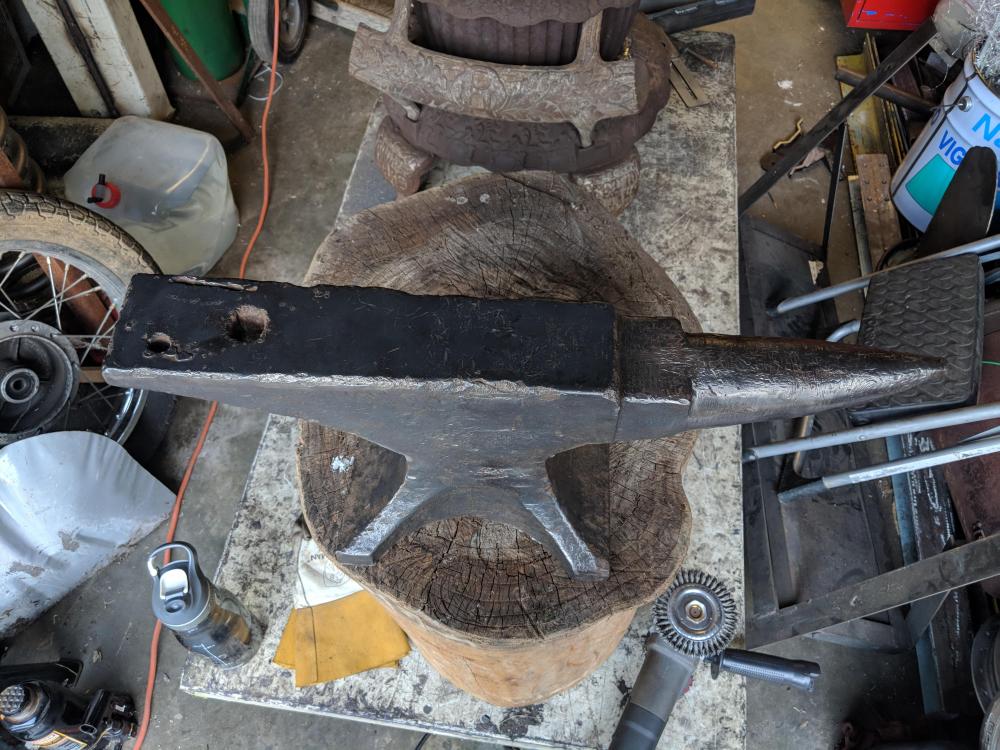
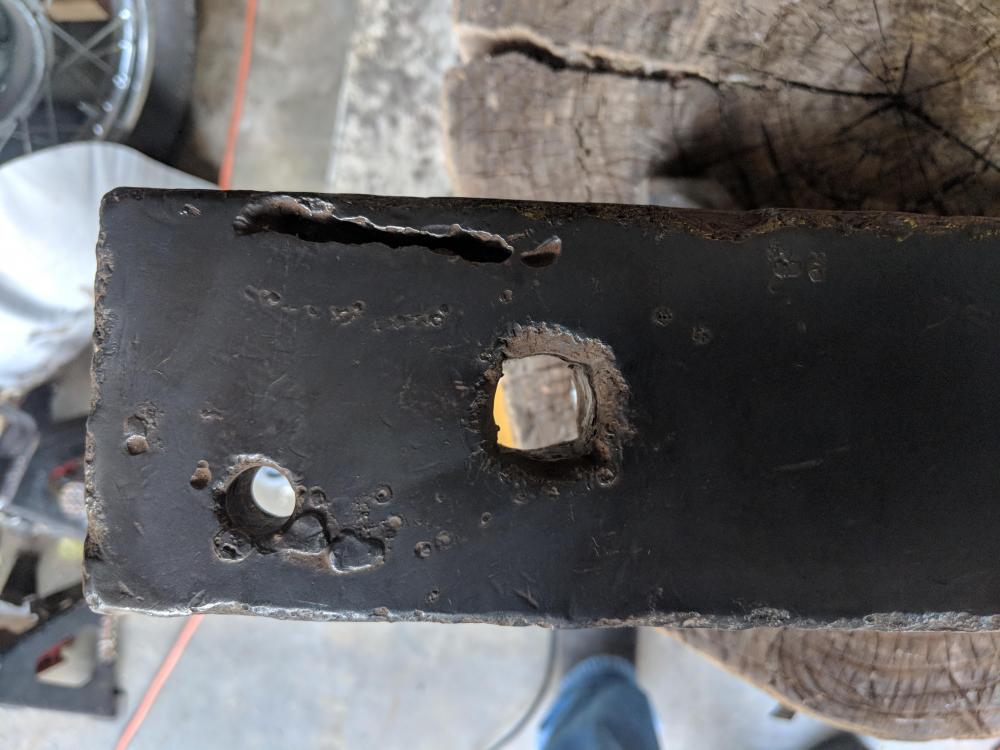
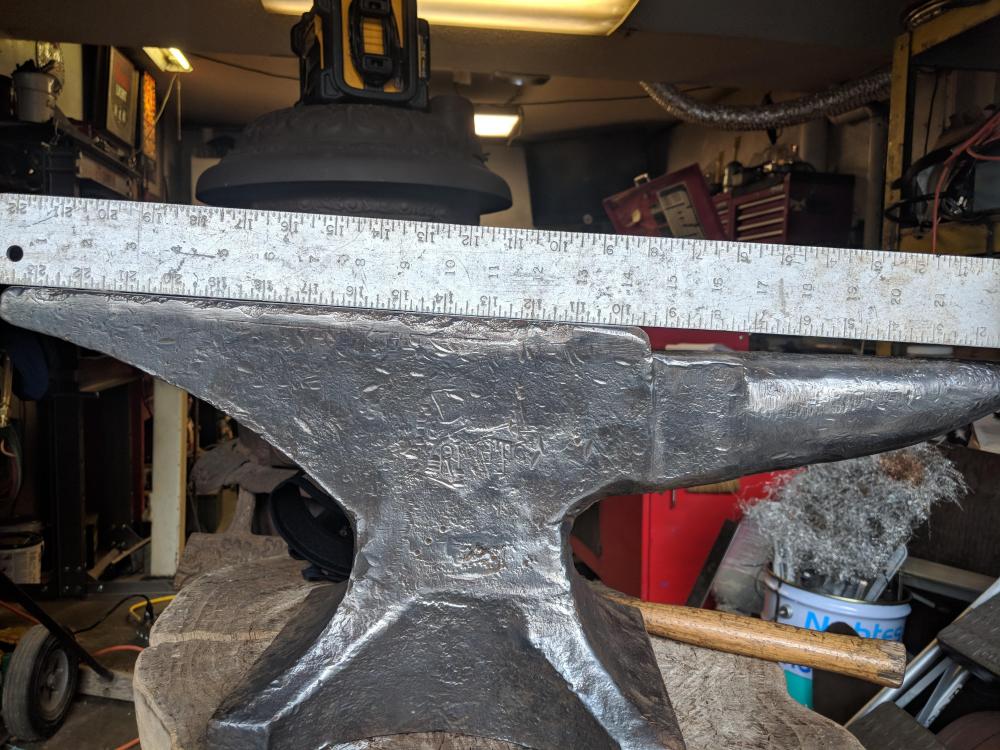
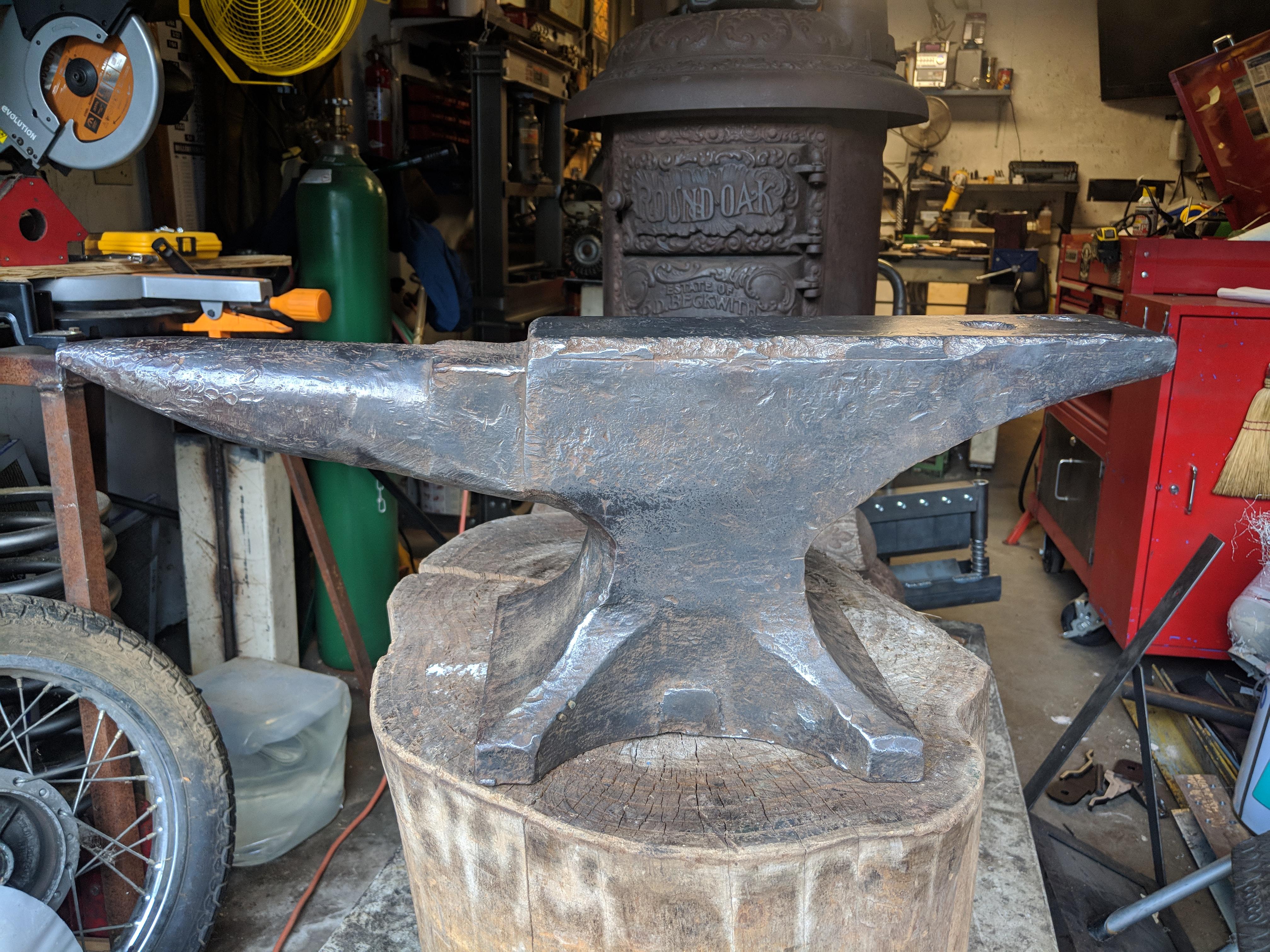
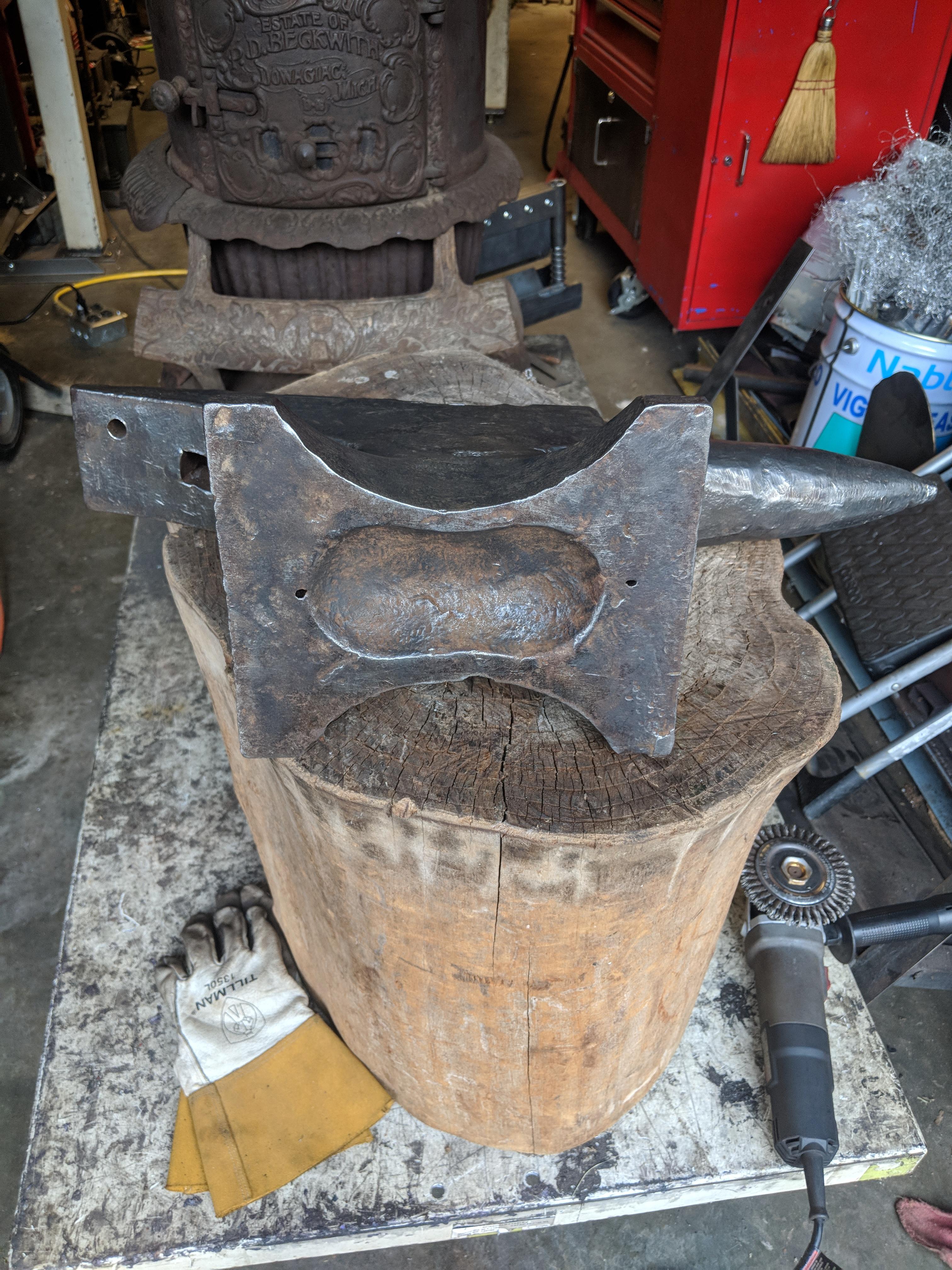
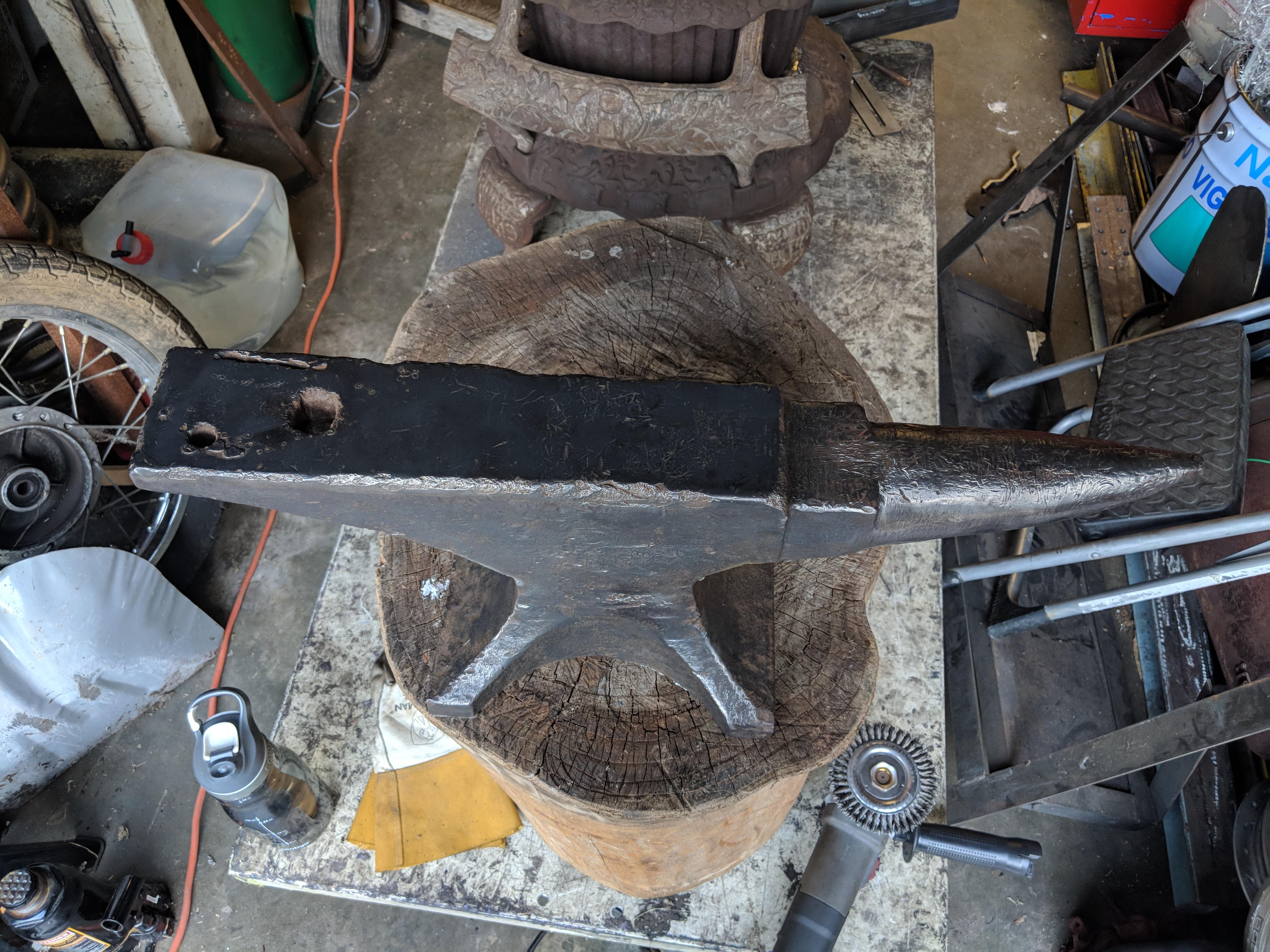
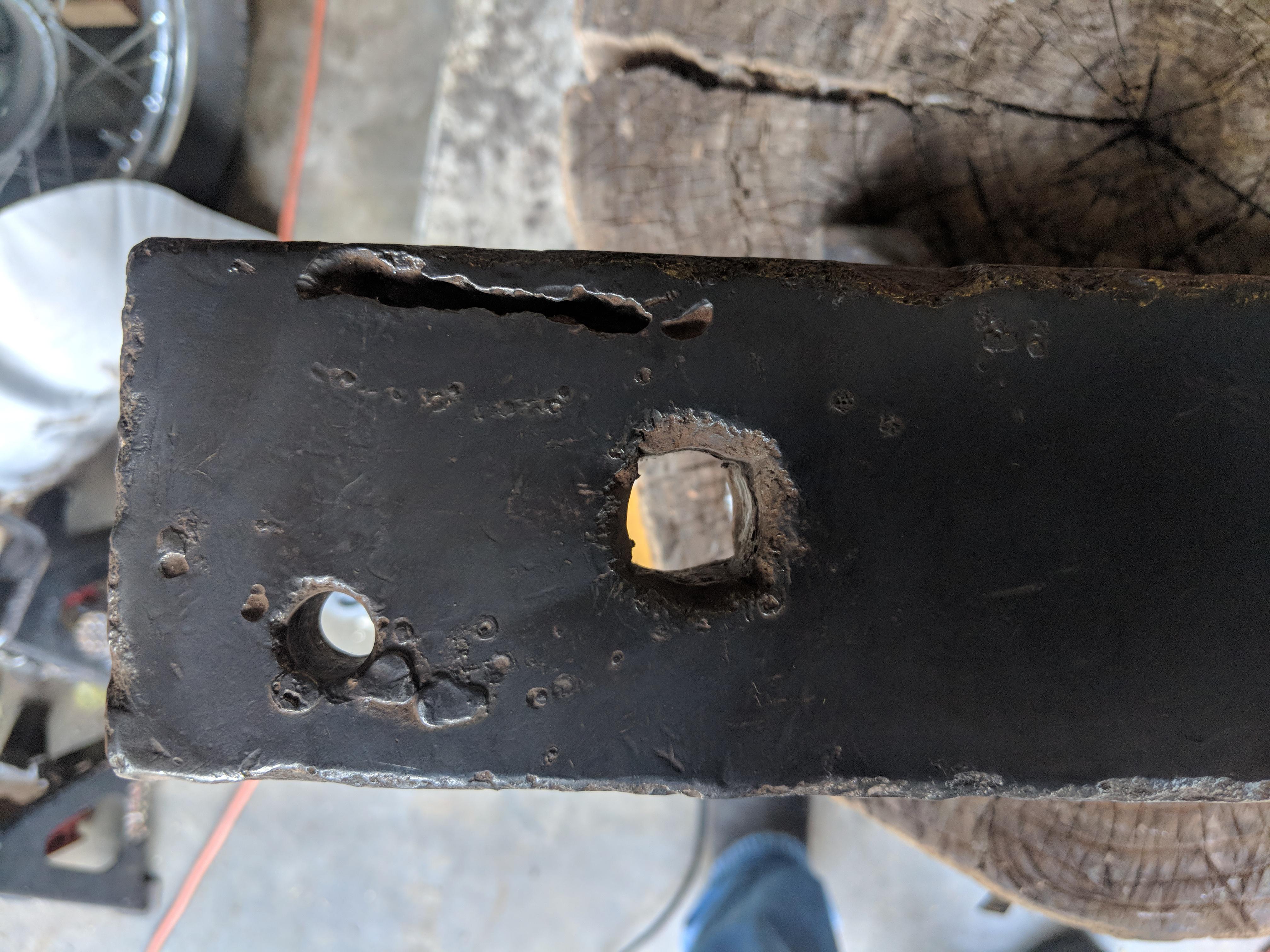
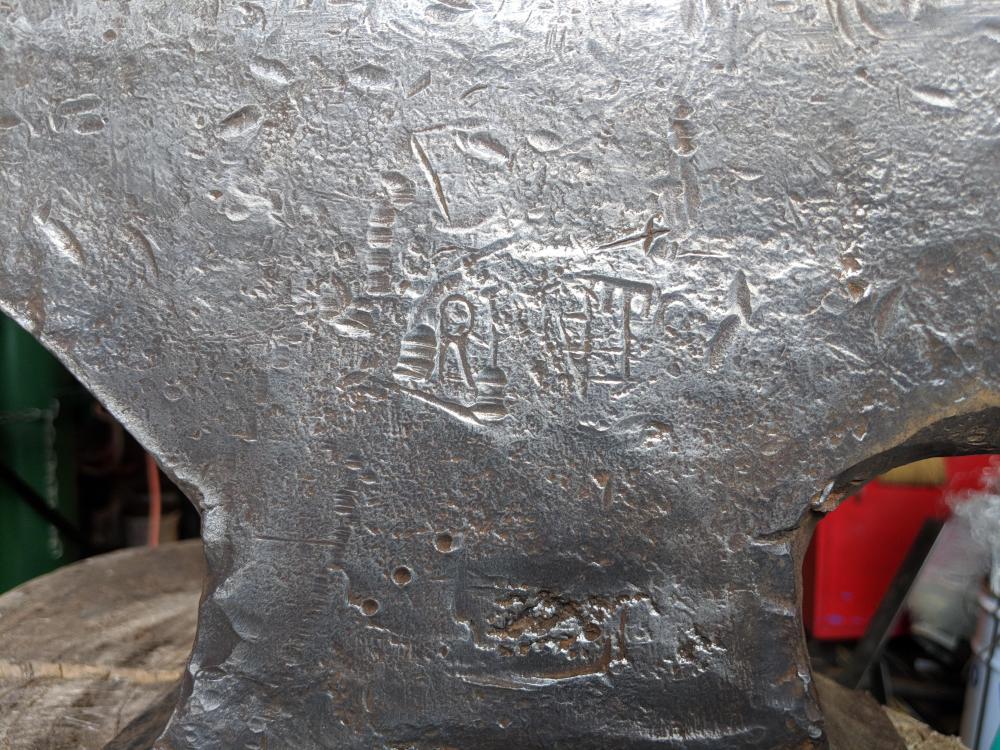
  2. Ah, yes resizing.. my apologies, and my thanks to the Mods for the resize. I am hoping to get a possible age on the anvil. She rings well, and will be doing a rebound test hopefully tomorrow. Good flat face, unfortunately a bunch of edge chipping and an oxy/acet gouge by the hardy. I just picked it up and don't plan on welding anything just yet....
  3. I did read it, did I miss something? Honestly I'm not very forum savy...
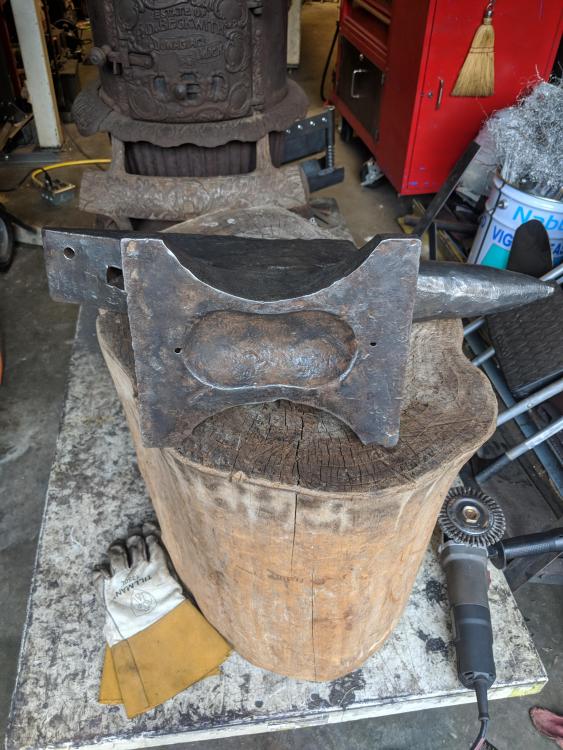
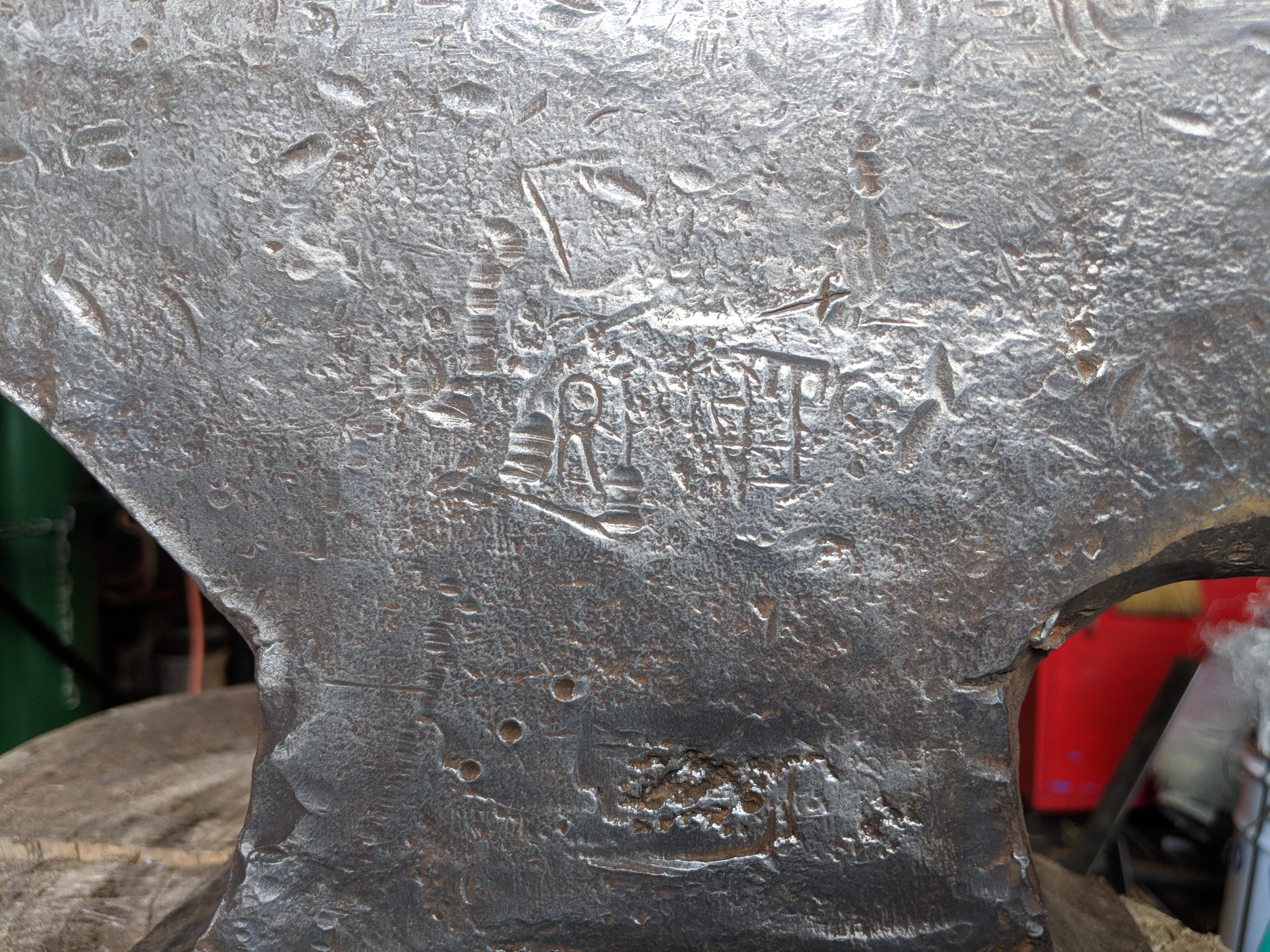
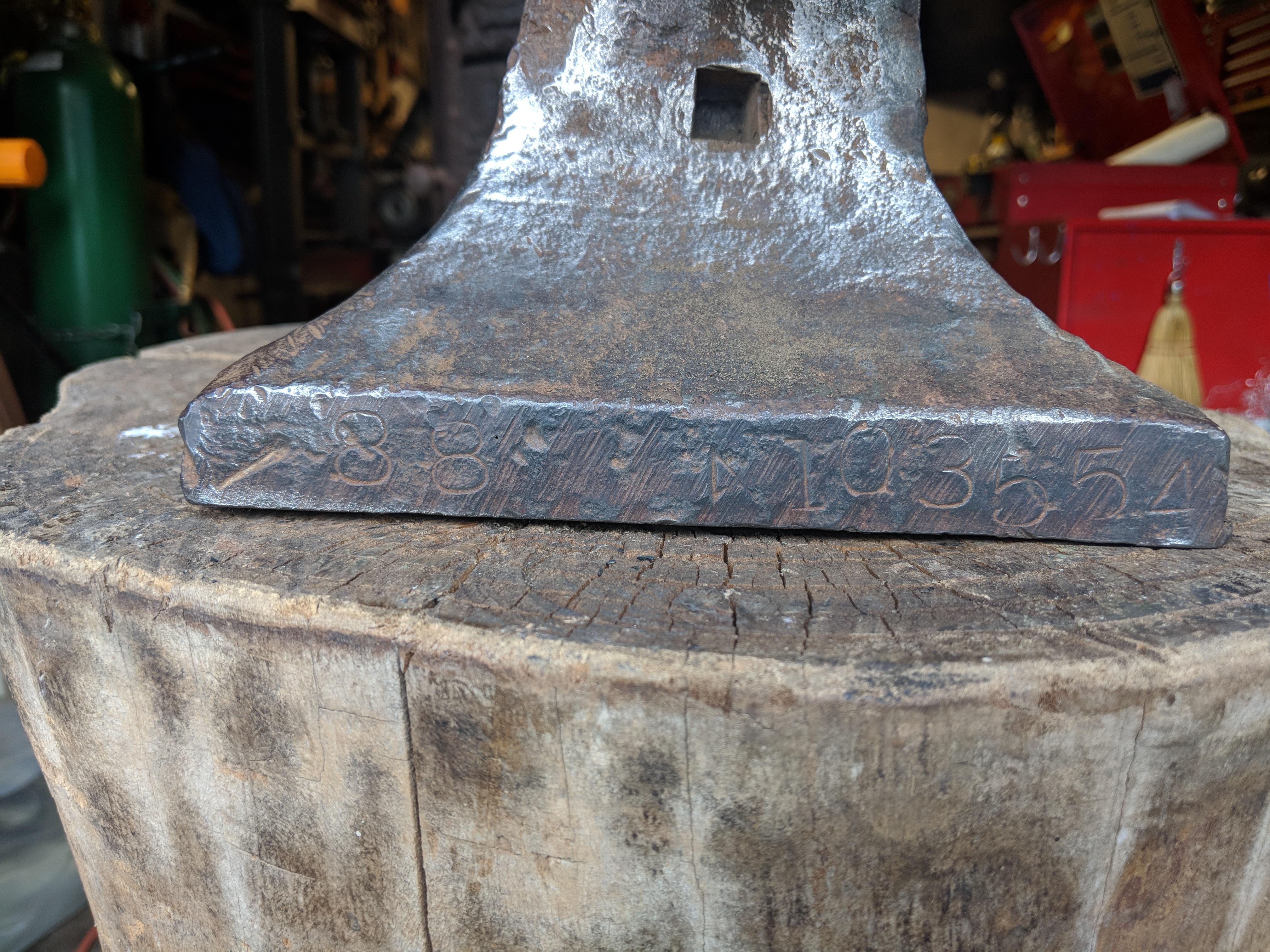
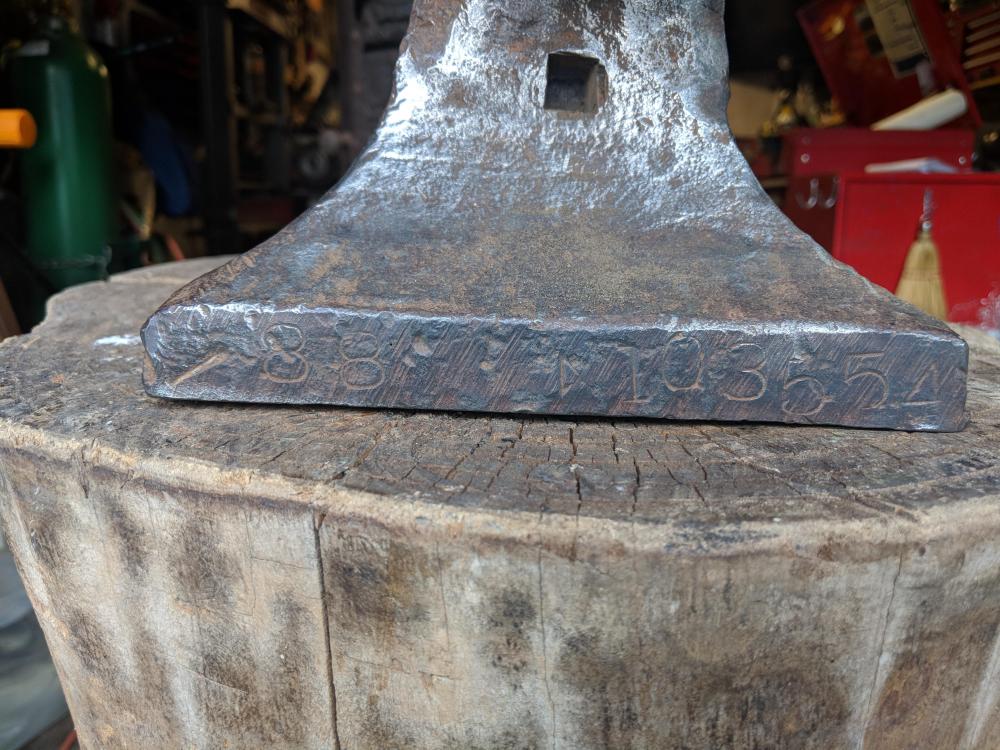
  4. Any chance I could get some info on this beat up old girl? Pretty sure its an 88# Trenton with what looks like an A followed by 103554 stamped in the foot. Thanks
Account

Navigation

Search

Search

Configure browser push notifications

Chrome (Android)
  1. Tap the lock icon next to the address bar.
  2. Tap Permissions → Notifications.
  3. Adjust your preference.
Chrome (Desktop)
  1. Click the padlock icon in the address bar.
  2. Select Site settings.
  3. Find Notifications and adjust your preference.