Skip to content
View in the app

A better way to browse. Learn more.

I Forge Iron

A full-screen app on your home screen with push notifications, badges and more.

To install this app on iOS and iPadOS
  1. Tap the Share icon in Safari
  2. Scroll the menu and tap Add to Home Screen.
  3. Tap Add in the top-right corner.
To install this app on Android
  1. Tap the 3-dot menu (⋮) in the top-right corner of the browser.
  2. Tap Add to Home screen or Install app.
  3. Confirm by tapping Install.

Grimace32

Members
  • Joined

  • Last visited

  1. Awesome - thank you very much
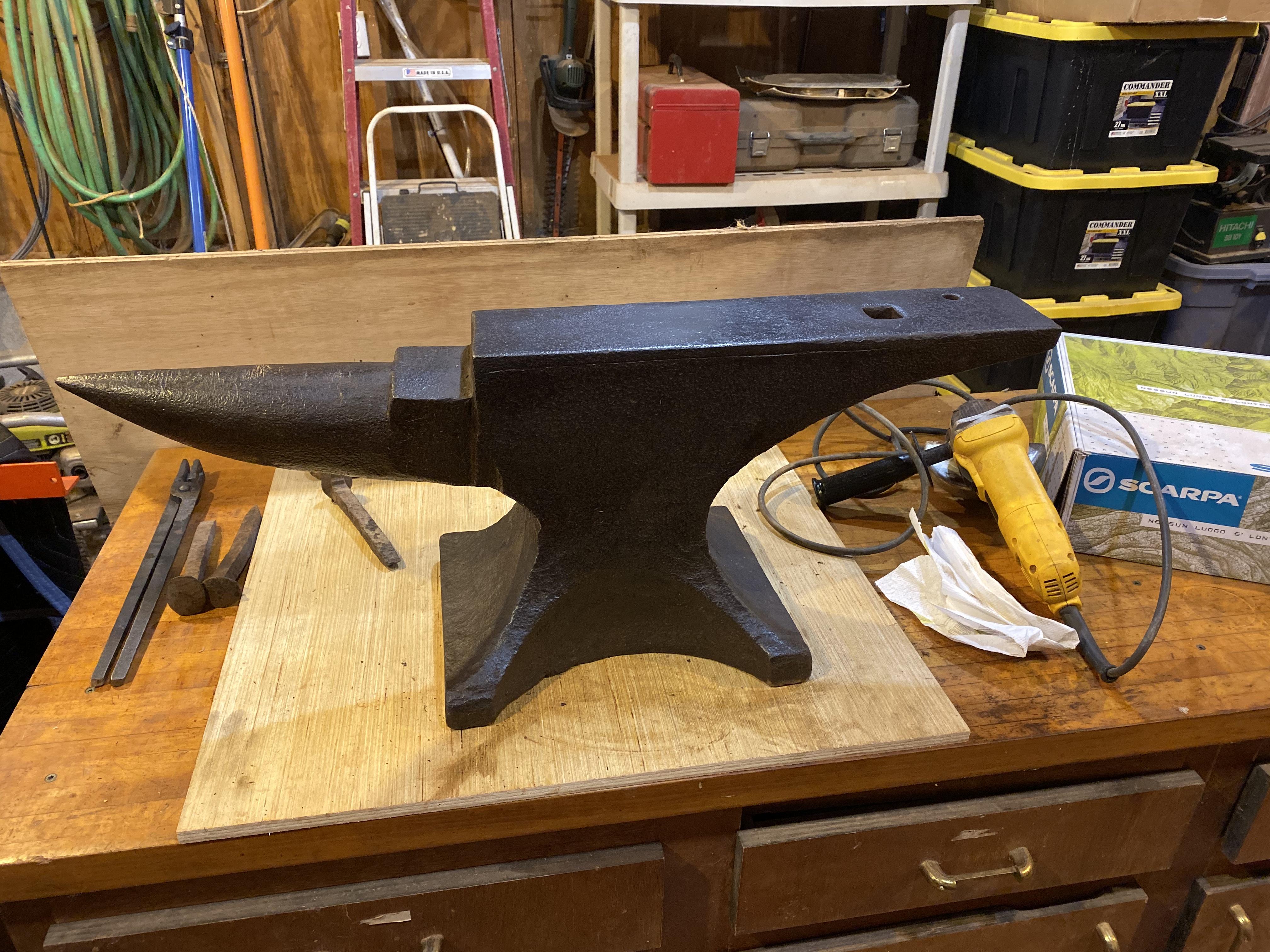
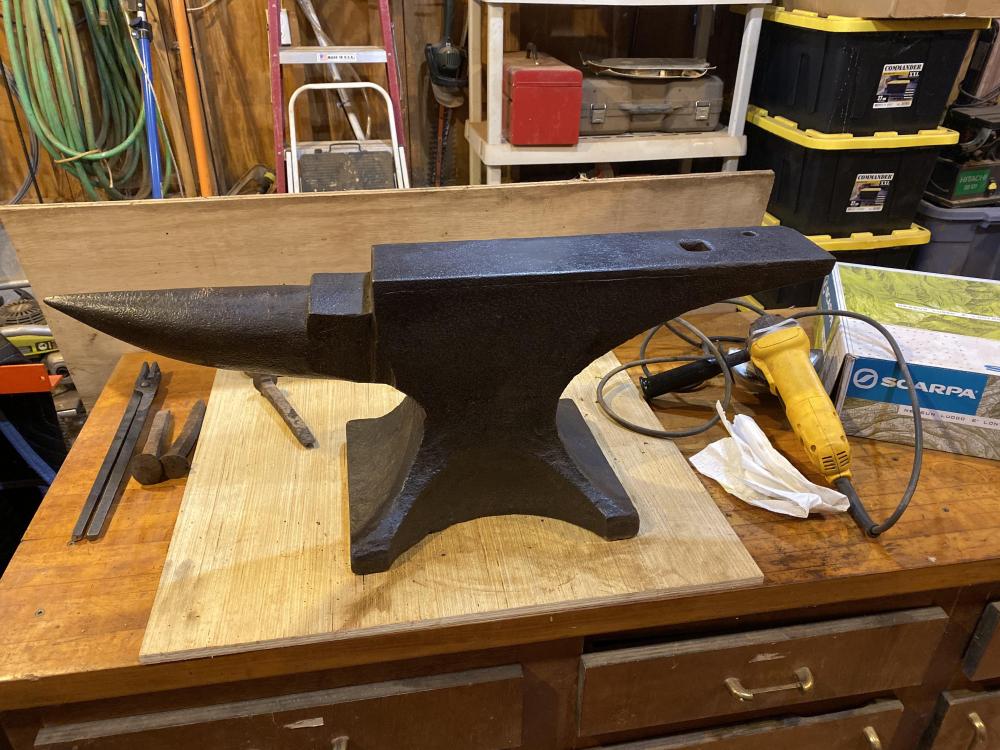
  2. Thank you Chris. I am very happy with it & double-bonus because I'm originally from Columbus, OH and so is it. Would love to get an exact date on it if anyone has the AiA book? It has clean edges and face, rings like a bell and rebound is 80%-90% over the entire face. I look forward to handing it down to a grandson or granddaughter one day.
  3. Sure - I haven't seen one yet, but when I get back home I will look more closely and try and get a pic
  4. Thank you - I had not seen that & I just updated my profile. I believe my question is still valid and good for this thread, correct?
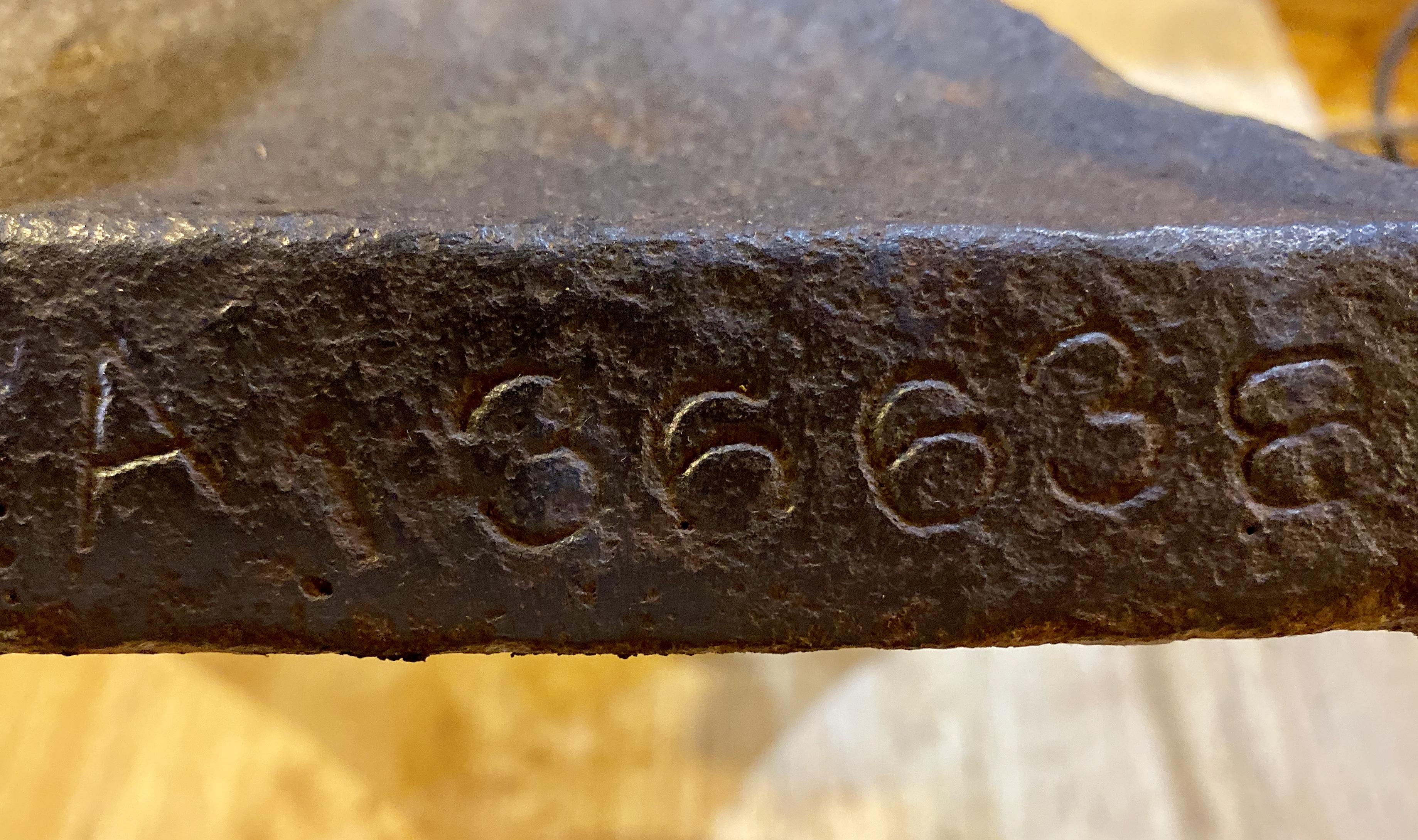
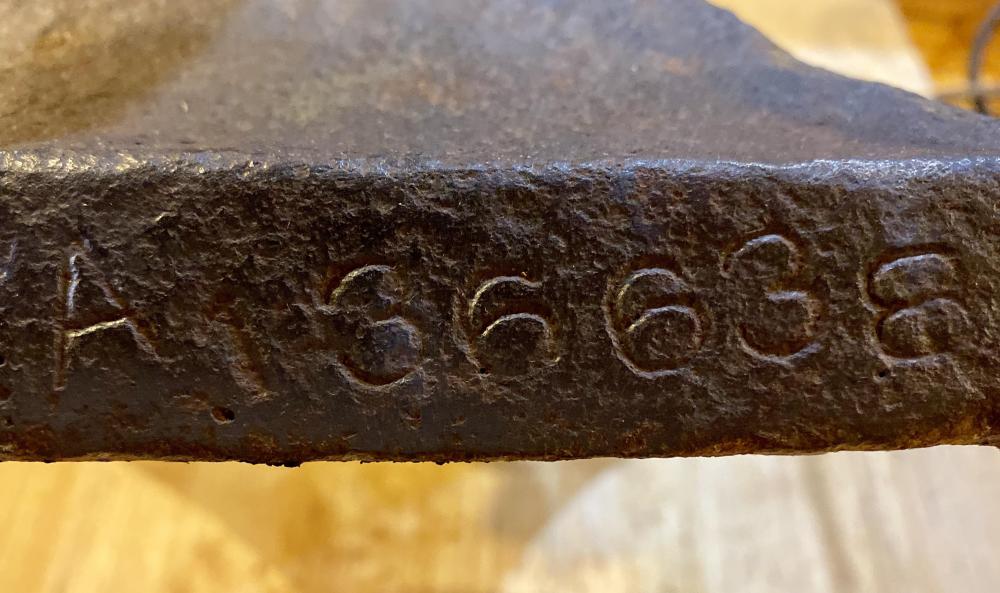
  5. I just bought a used Trenton and would like to know what year it was made. Would someone be willing to help me? Stamped 177 on the left foot under the horn and A136638 under the right foot. Thank you.
Account

Navigation

Search

Search

Configure browser push notifications

Chrome (Android)
  1. Tap the lock icon next to the address bar.
  2. Tap Permissions → Notifications.
  3. Adjust your preference.
Chrome (Desktop)
  1. Click the padlock icon in the address bar.
  2. Select Site settings.
  3. Find Notifications and adjust your preference.