
Skip to content
View in the app

A better way to browse. Learn more.

I Forge Iron

A full-screen app on your home screen with push notifications, badges and more.

To install this app on iOS and iPadOS
  1. Tap the Share icon in Safari
  2. Scroll the menu and tap Add to Home Screen.
  3. Tap Add in the top-right corner.
To install this app on Android
  1. Tap the 3-dot menu (⋮) in the top-right corner of the browser.
  2. Tap Add to Home screen or Install app.
  3. Confirm by tapping Install.

rbrjr1

Members
  • Joined

  • Last visited

Everything posted by rbrjr1

  1. I'm thinking about doing this.. Having a mobile post vise stand, that I can then "attach" to the anvil stand if I need "a little more ass" to stabilize it.. I just picked up my first post vise this weekend.. a 4-7/8" model that has what looks like a completely unused acme screw.. (needs a set of taper pins and a spring, though)
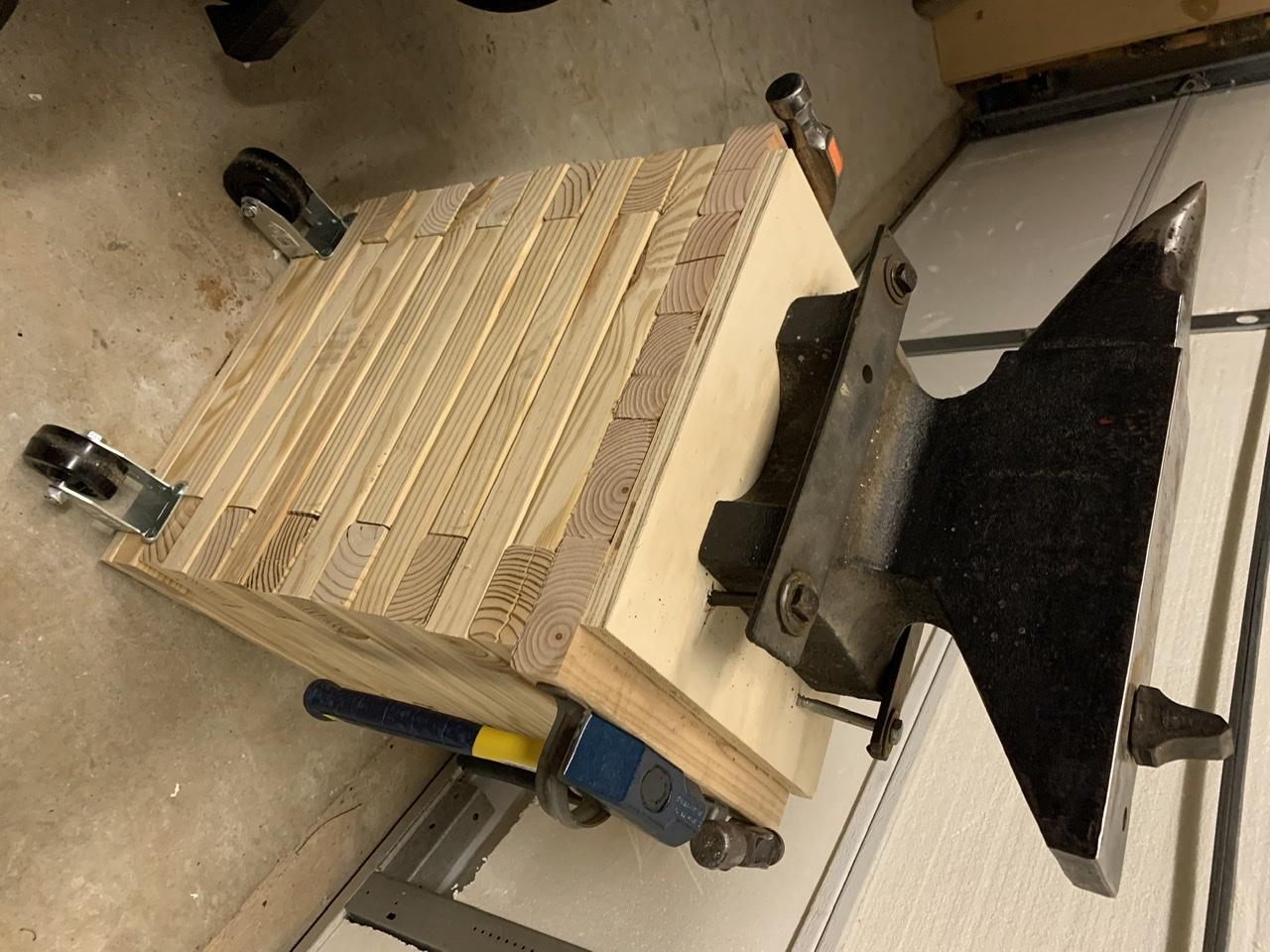
  2. I copied a build I saw on YouTube.. maybe I saw it here also, but I can’t remember. made with 2x3s and the center is filled with about 90# of sand..
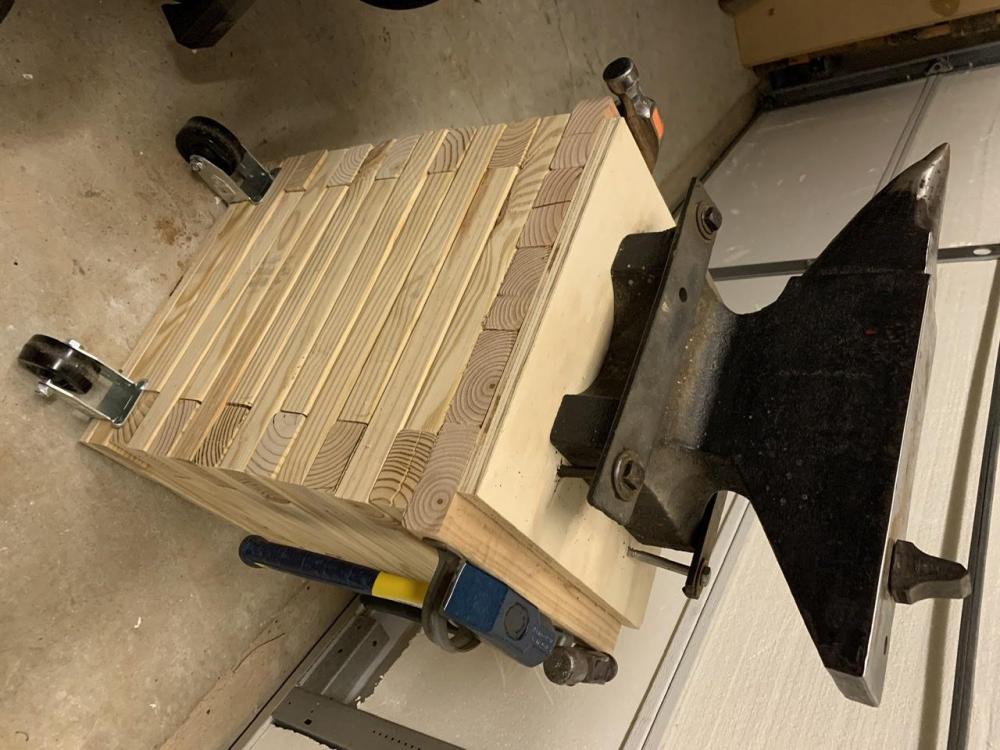
  3. I just purchased an anvil last night (103lb, 1943? Vulcan with the thick plate). I'm just here to steal everyone's good ideas.. lol, j/k..

Account

Navigation

Search

Search

Configure browser push notifications

Chrome (Android)
  1. Tap the lock icon next to the address bar.
  2. Tap Permissions → Notifications.
  3. Adjust your preference.
Chrome (Desktop)
  1. Click the padlock icon in the address bar.
  2. Select Site settings.
  3. Find Notifications and adjust your preference.