Skip to content
View in the app

A better way to browse. Learn more.

I Forge Iron

A full-screen app on your home screen with push notifications, badges and more.

To install this app on iOS and iPadOS
  1. Tap the Share icon in Safari
  2. Scroll the menu and tap Add to Home Screen.
  3. Tap Add in the top-right corner.
To install this app on Android
  1. Tap the 3-dot menu (⋮) in the top-right corner of the browser.
  2. Tap Add to Home screen or Install app.
  3. Confirm by tapping Install.

MetalBeard

Members
  • Joined

  • Last visited

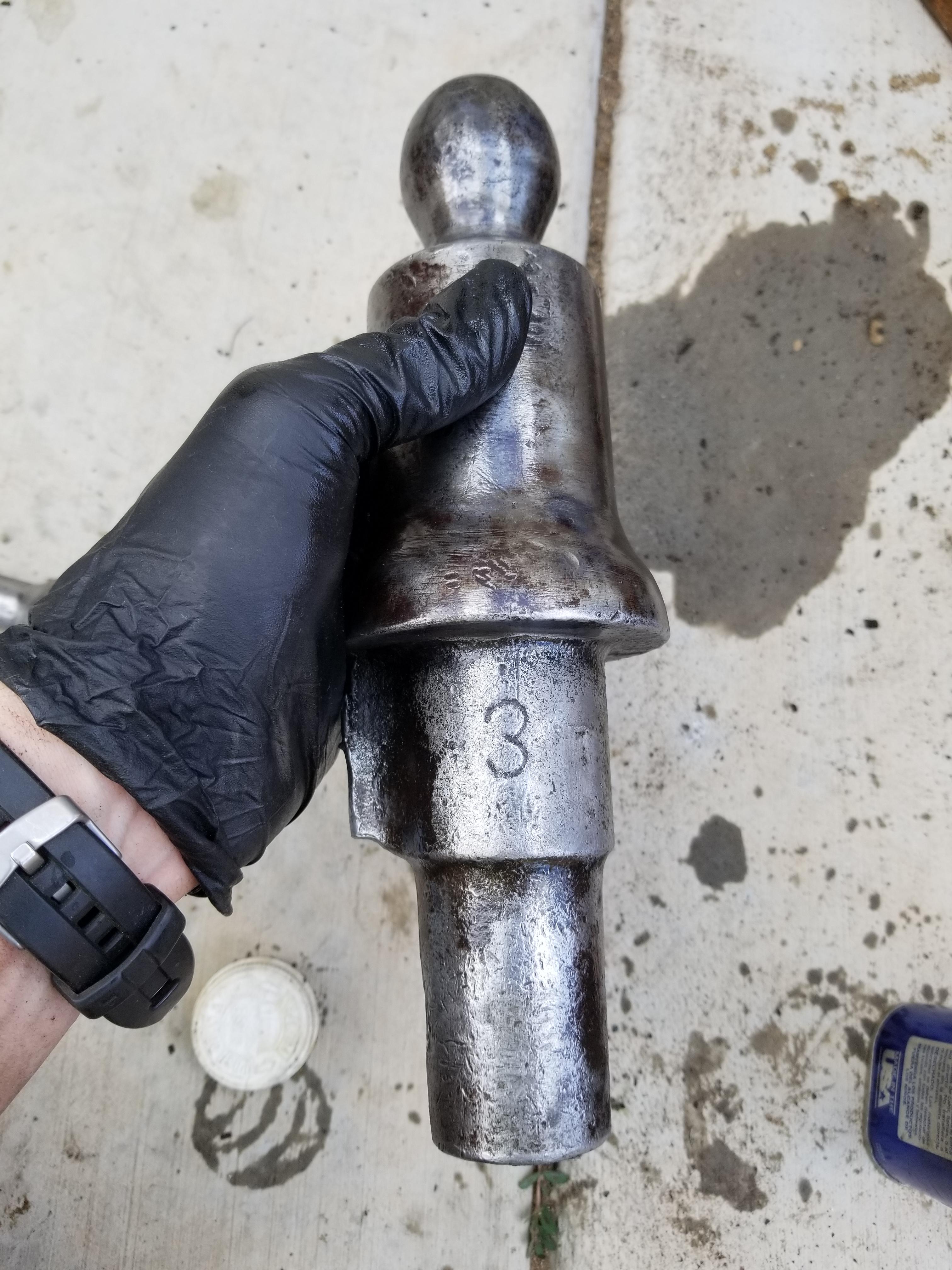
  1. Yep thats primarily what i used, then boiled linseed oil and greased it. I hope, that would be cool if it was that old while in that good of shape. Still wondering what the 3 means. Thanks for the reply!
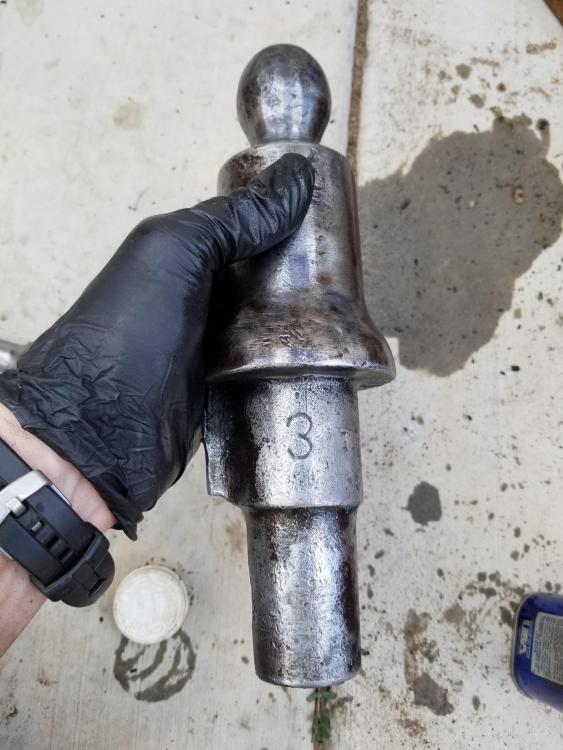
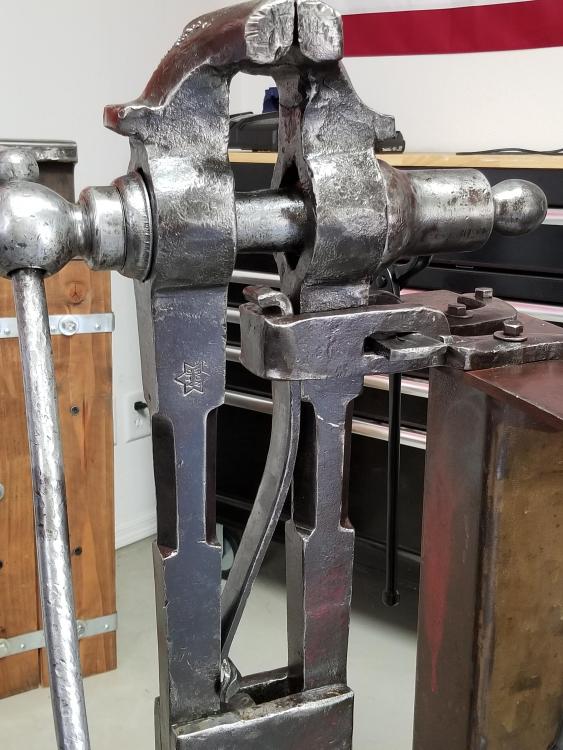
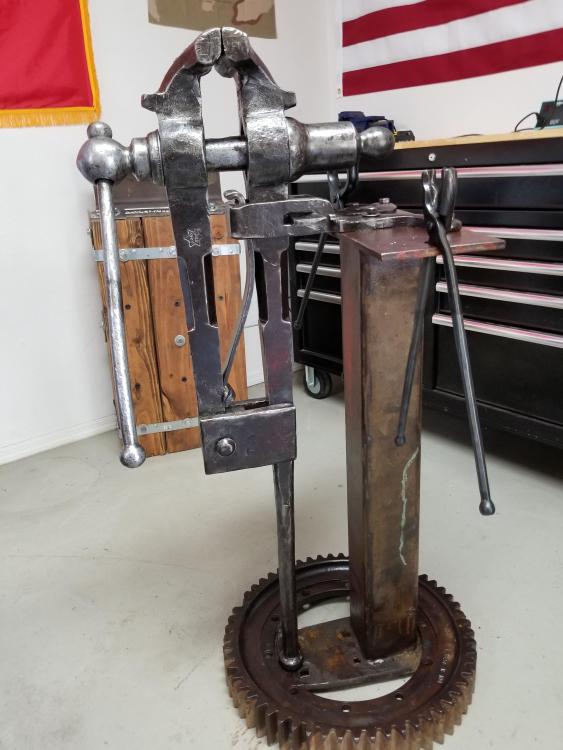
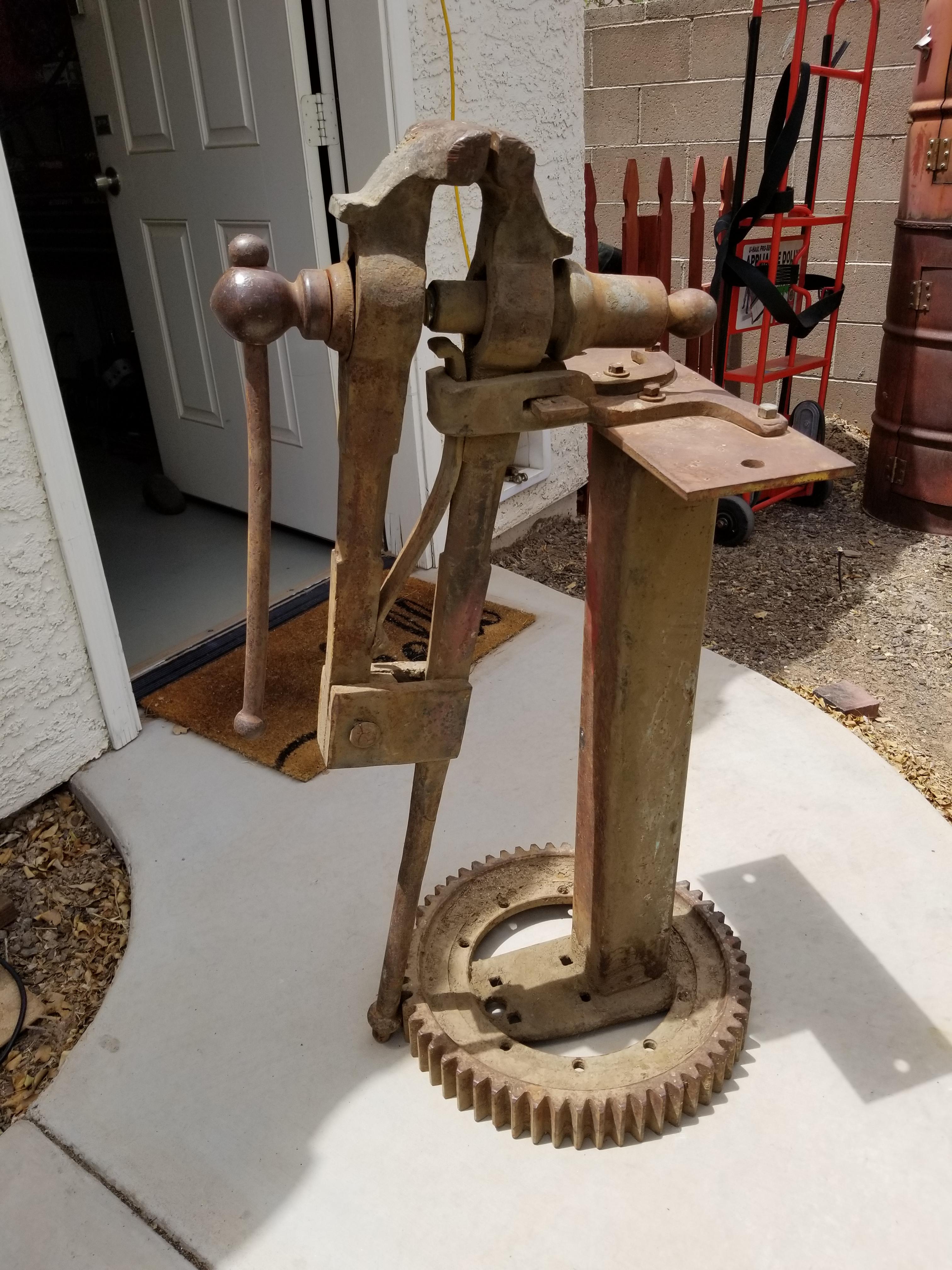
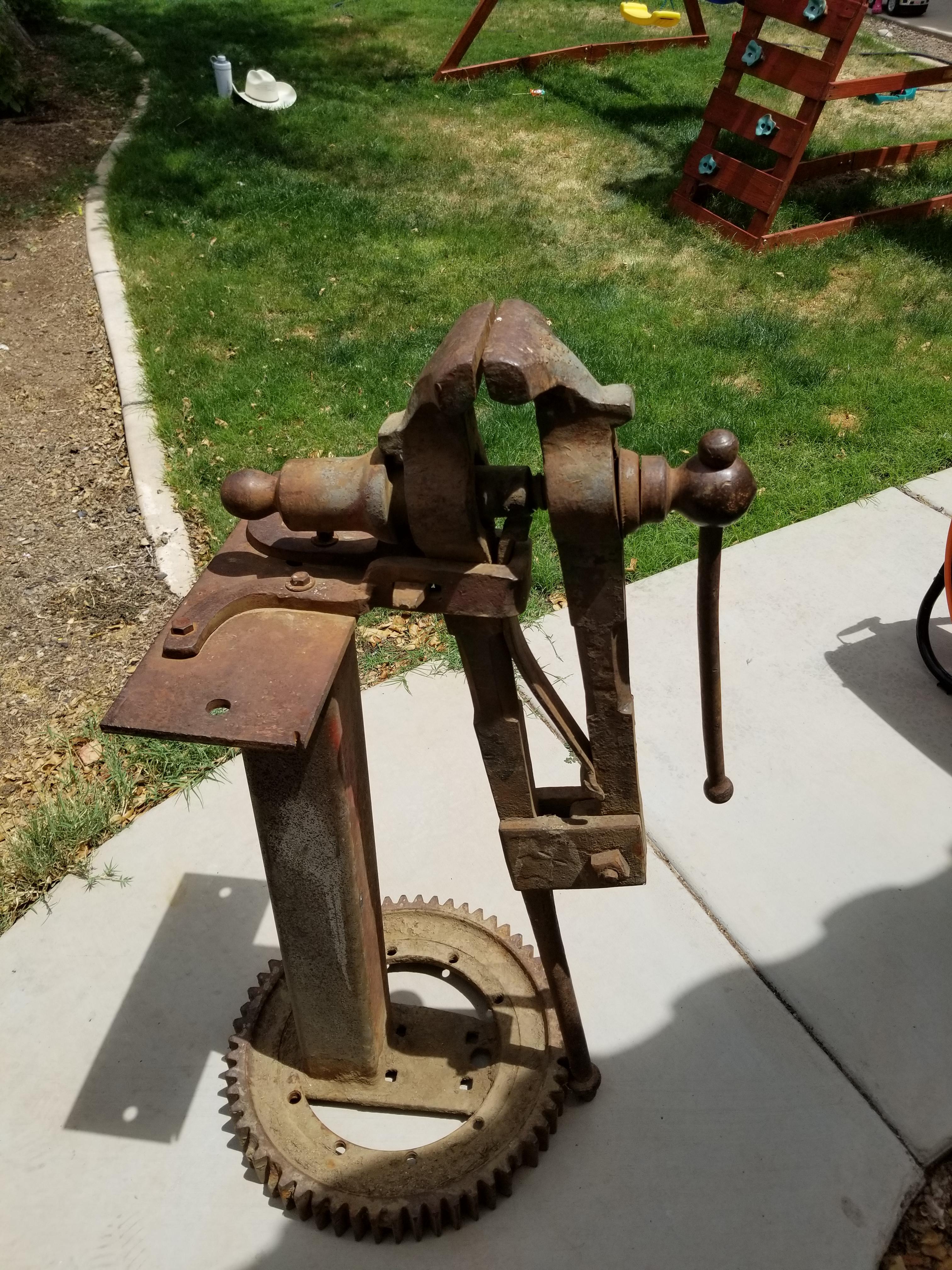
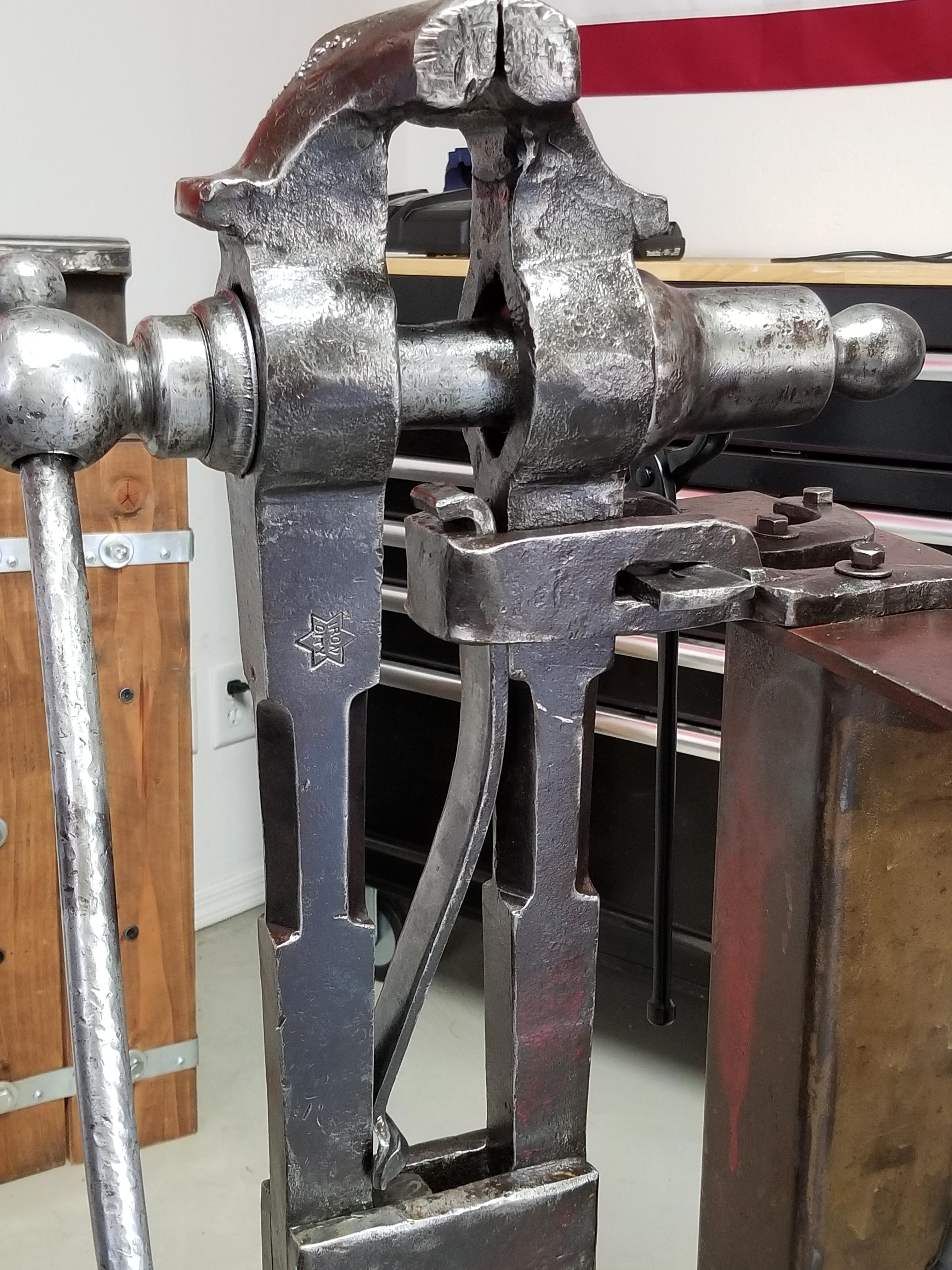
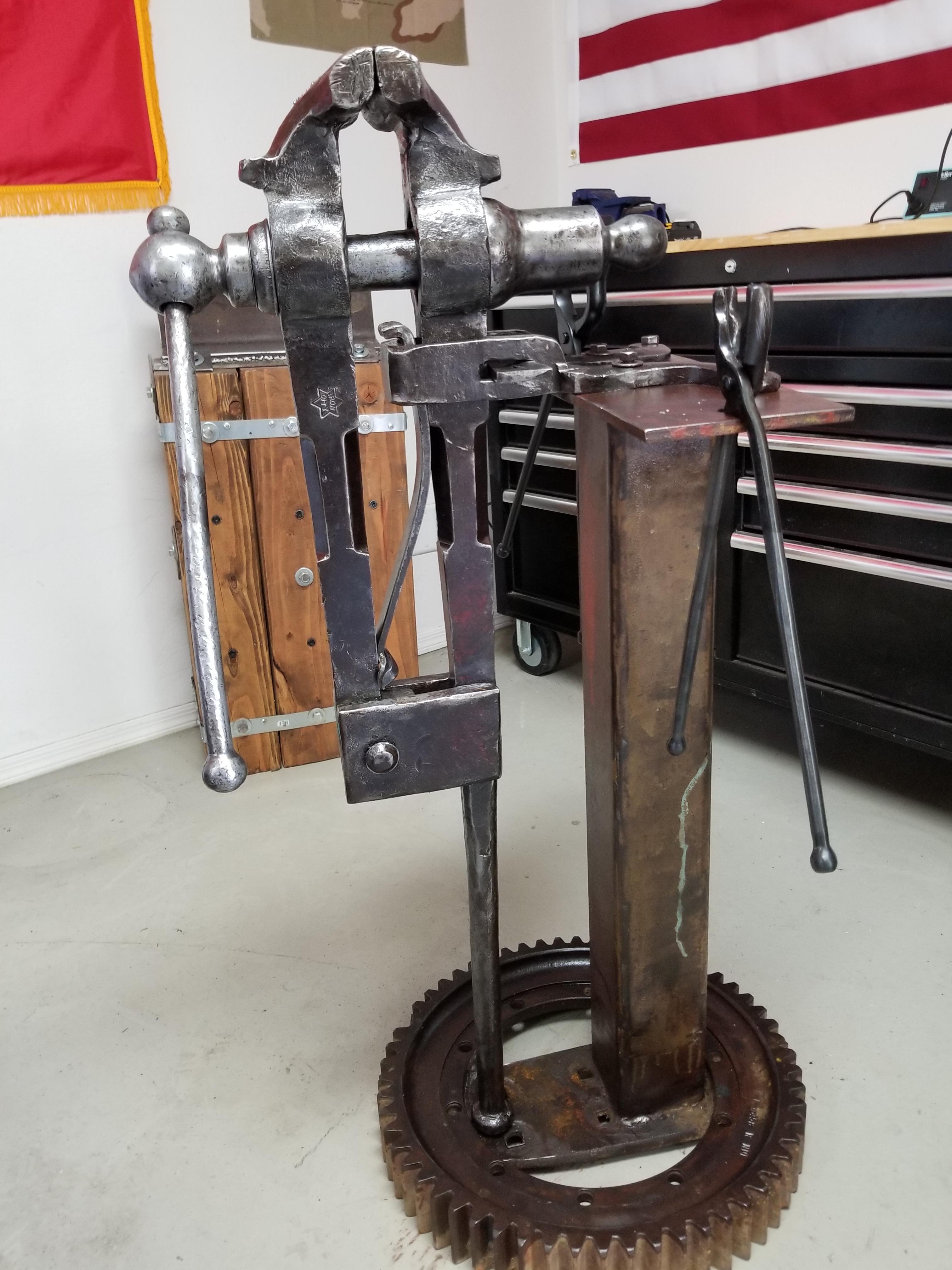
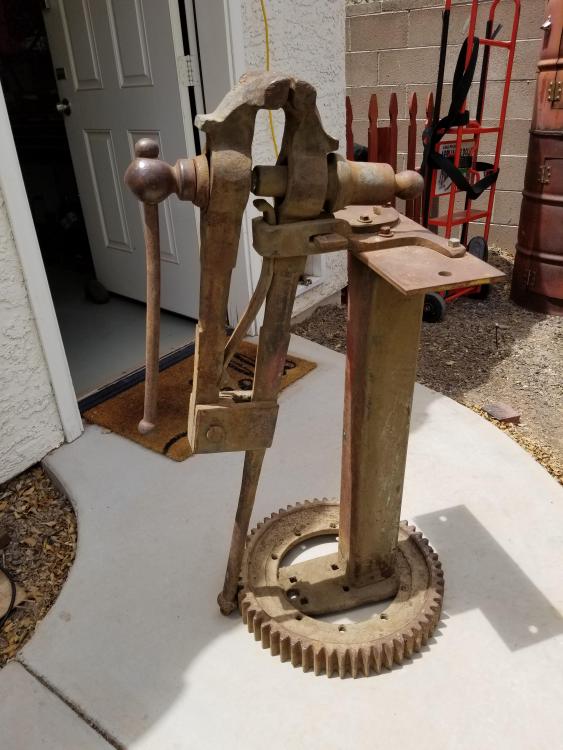
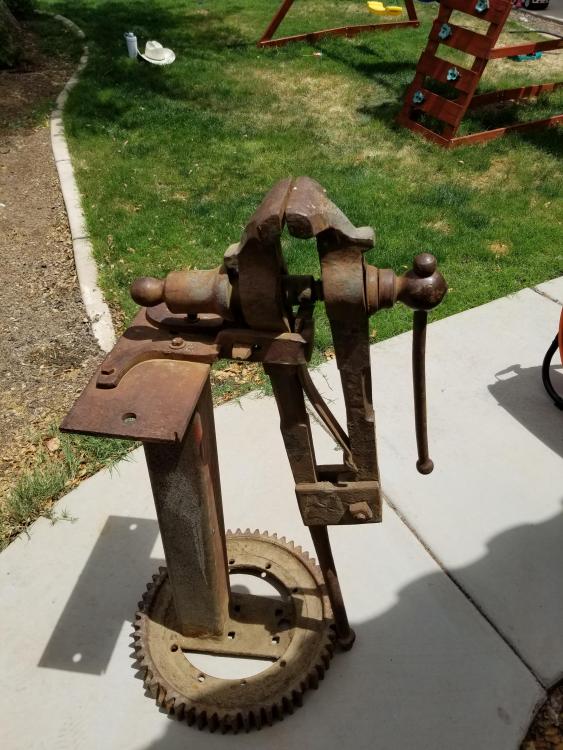
  2. Just trying to find some info about my recent addition to my shop. I have, im guessing a 5 in but it measures 5 1/2 in Iron city post vise. Just spent 5 hours today cleaning, lubing, and restoring it today. During the process i found it had iron city in a star on the leg along with on the solid screw box it had the number 3 pressed in it. Was hoping to learn any info i could about what that three means and whos the maker of this post vise. Thank you all for any info! Here are some before and after etc. Photos to help understand what im refering too. Thanks again for any info!
Account

Navigation

Search

Search

Configure browser push notifications

Chrome (Android)
  1. Tap the lock icon next to the address bar.
  2. Tap Permissions → Notifications.
  3. Adjust your preference.
Chrome (Desktop)
  1. Click the padlock icon in the address bar.
  2. Select Site settings.
  3. Find Notifications and adjust your preference.