Skip to content
View in the app

A better way to browse. Learn more.

I Forge Iron

A full-screen app on your home screen with push notifications, badges and more.

To install this app on iOS and iPadOS
  1. Tap the Share icon in Safari
  2. Scroll the menu and tap Add to Home Screen.
  3. Tap Add in the top-right corner.
To install this app on Android
  1. Tap the 3-dot menu (⋮) in the top-right corner of the browser.
  2. Tap Add to Home screen or Install app.
  3. Confirm by tapping Install.

Ronnied78

Members
  • Joined

  • Last visited

Everything posted by Ronnied78

  1. Thanks!!! I appreciate the help. Just cool to know a little about it!!
  2. Thanks blackfrog is there a date range for 15k?
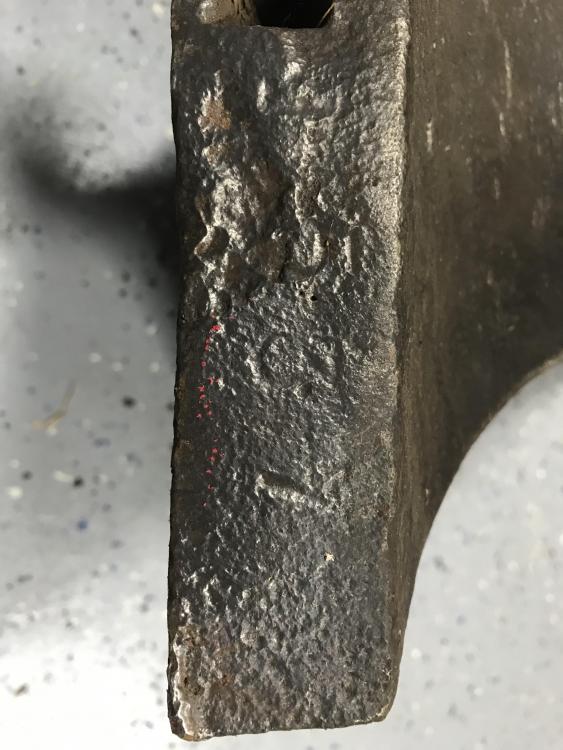
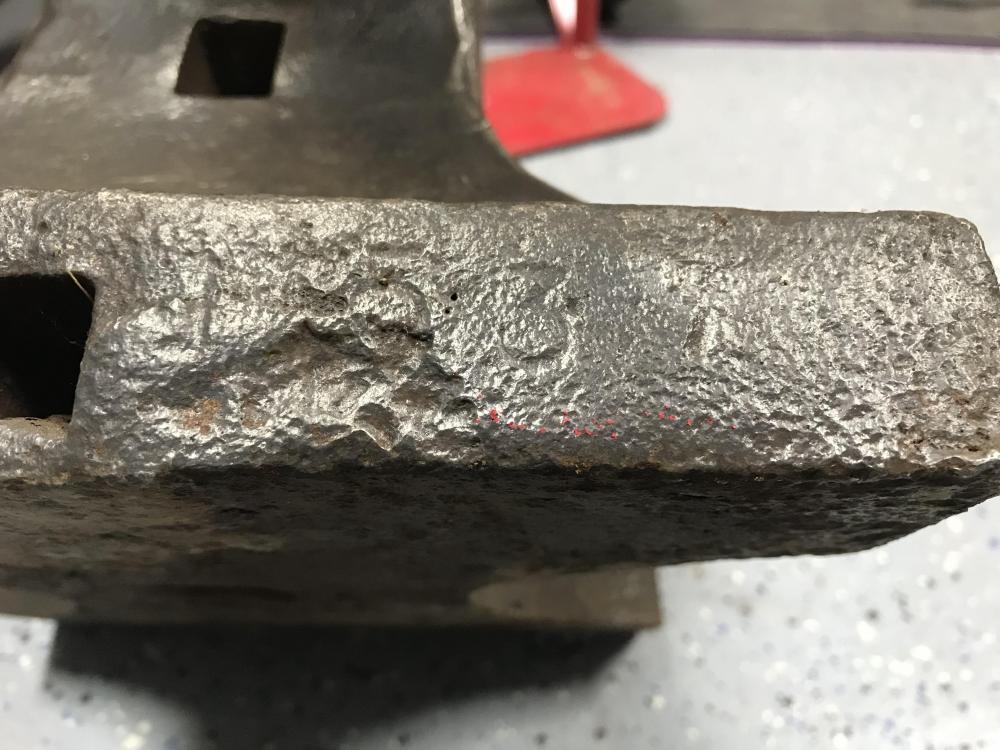
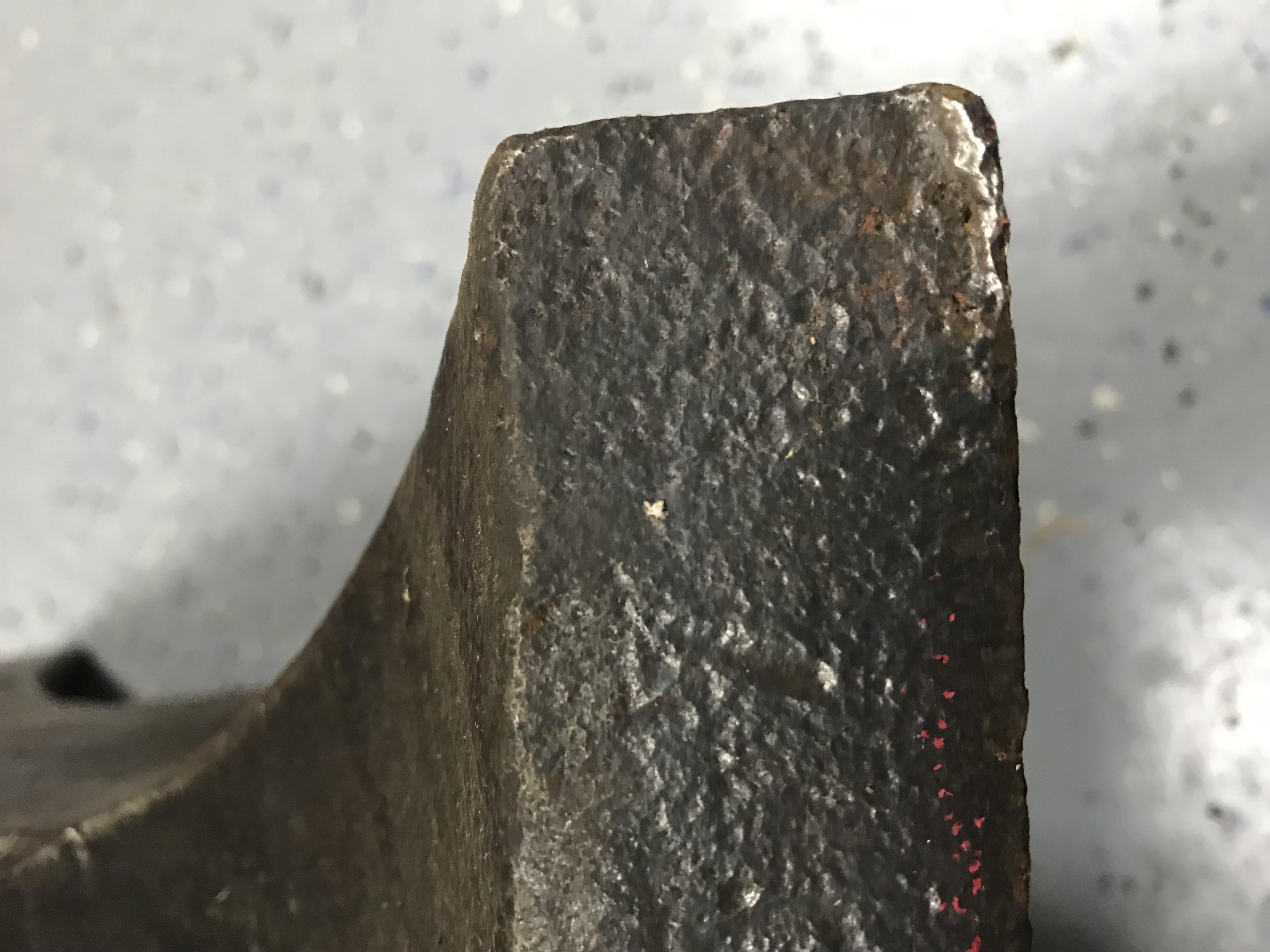
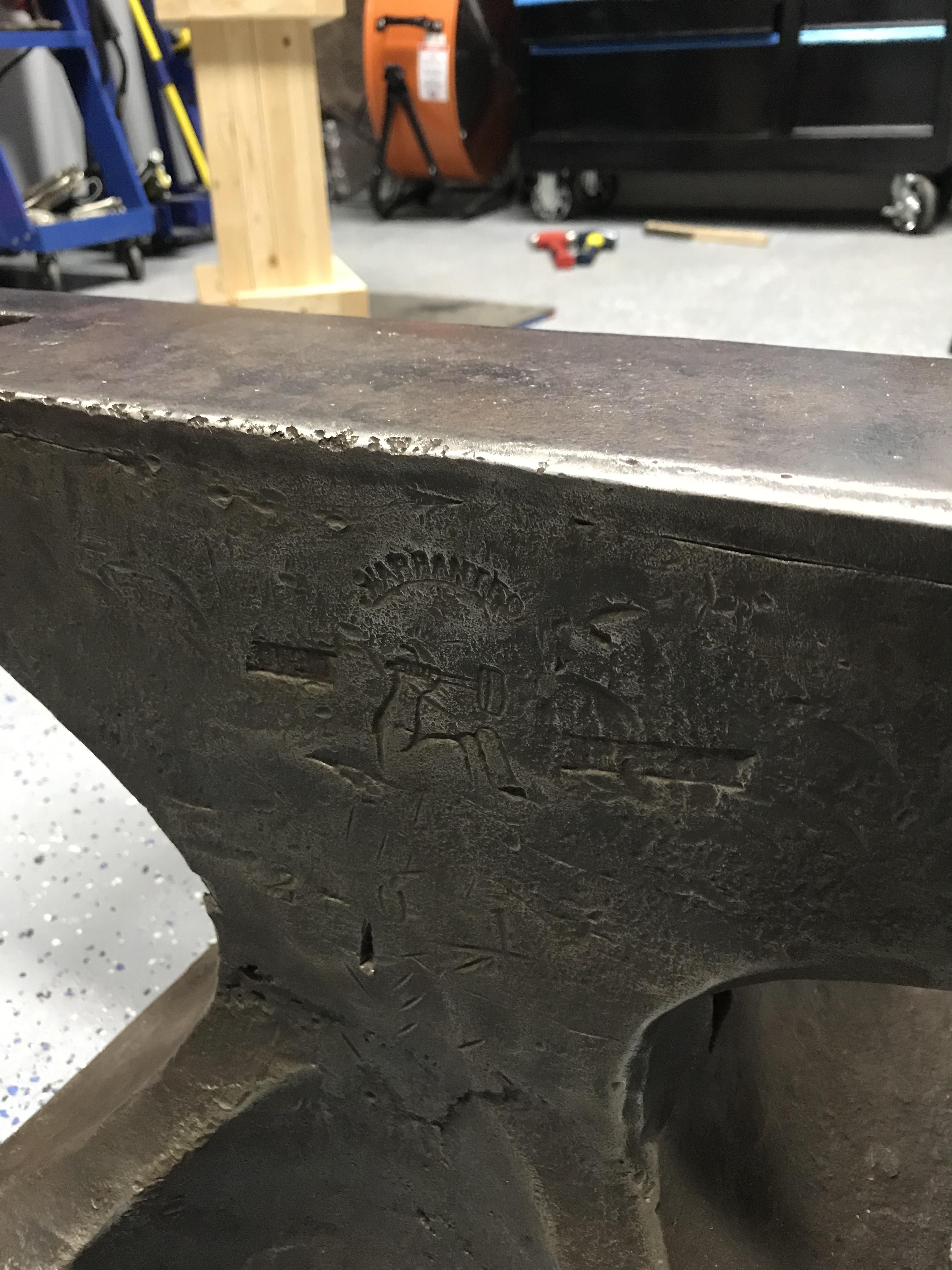
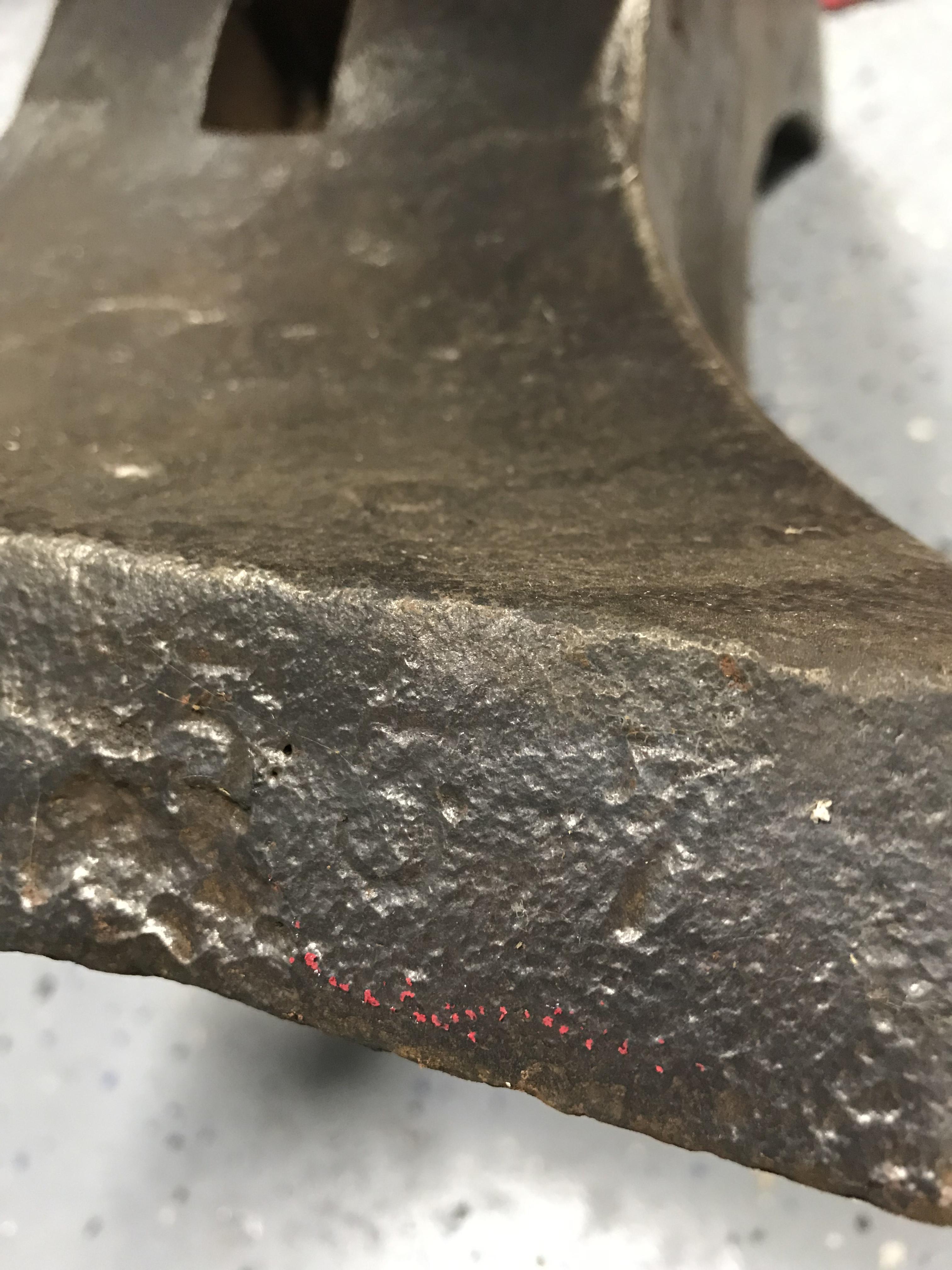
  3. Do you guys see any more numbers??? Maybe something before the 5?
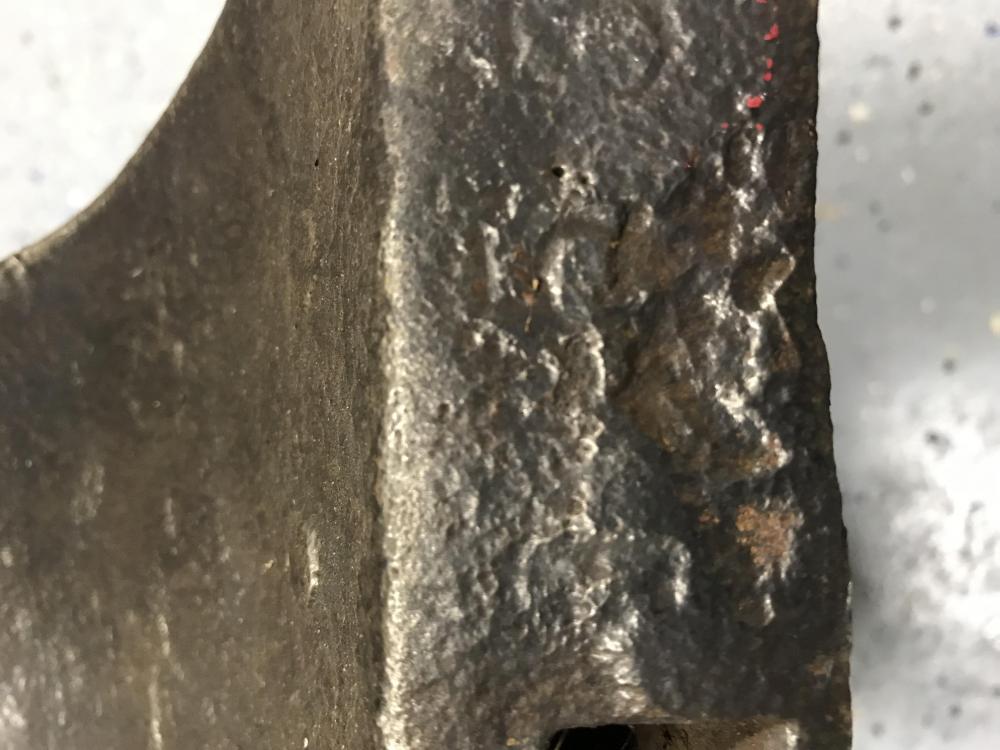
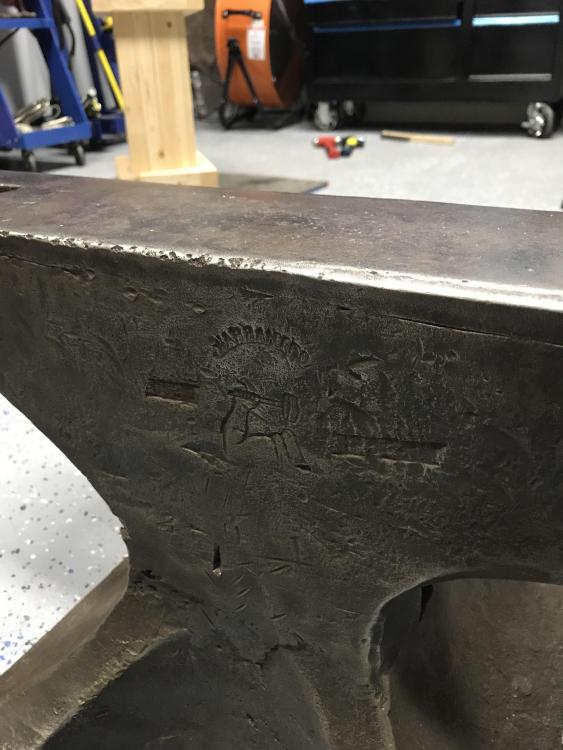
  4. I will check it out again tonight and see if I can find some more serial numbers... Black frog. Based on third logo do you have a date range for that version of logo?
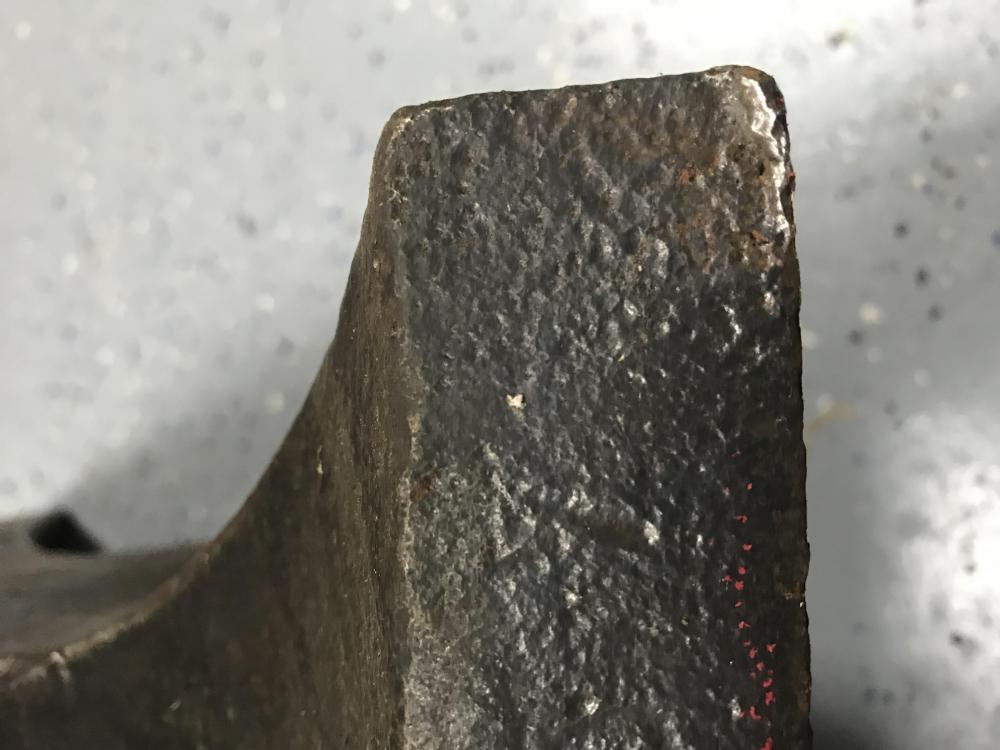
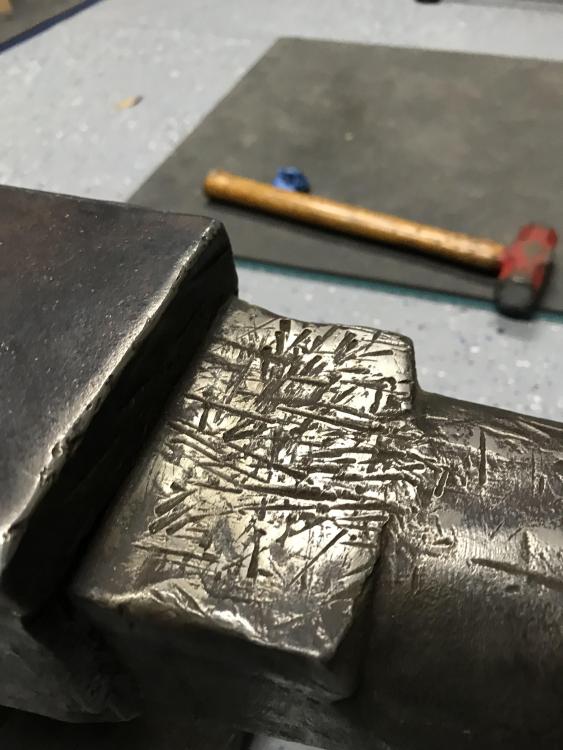
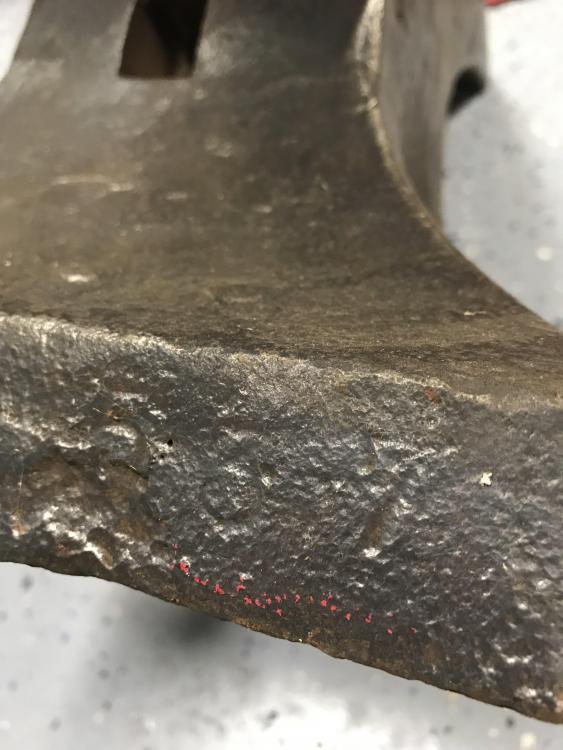
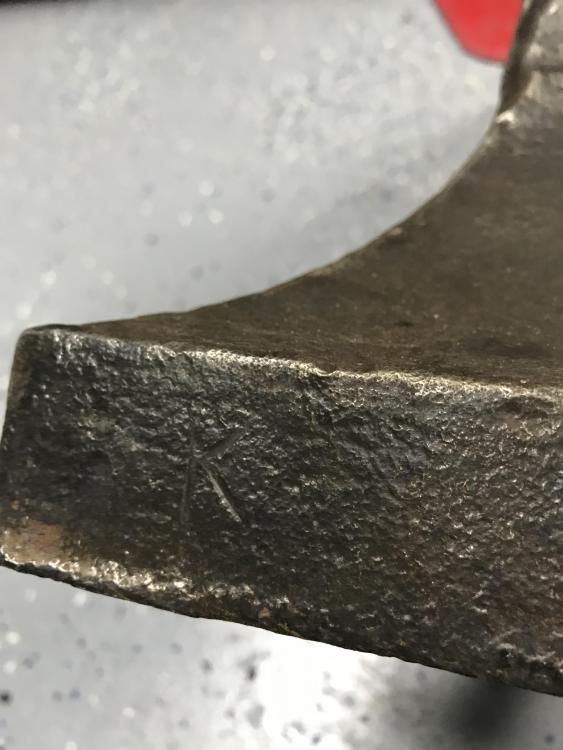
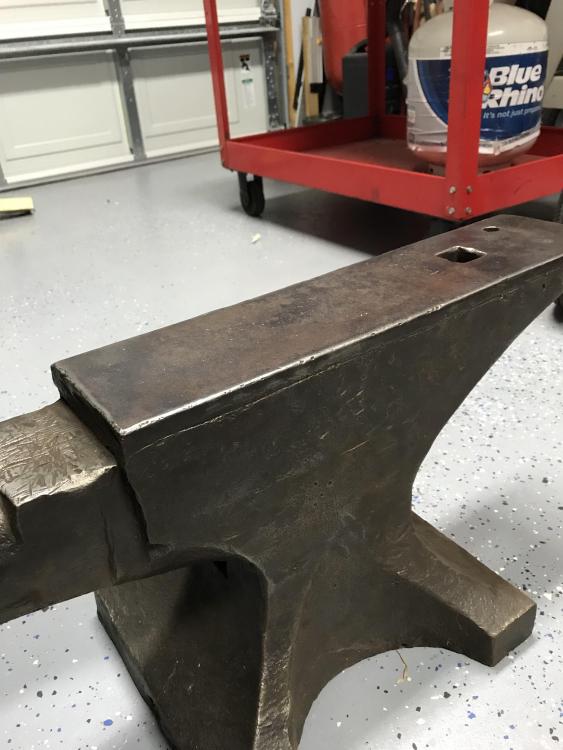
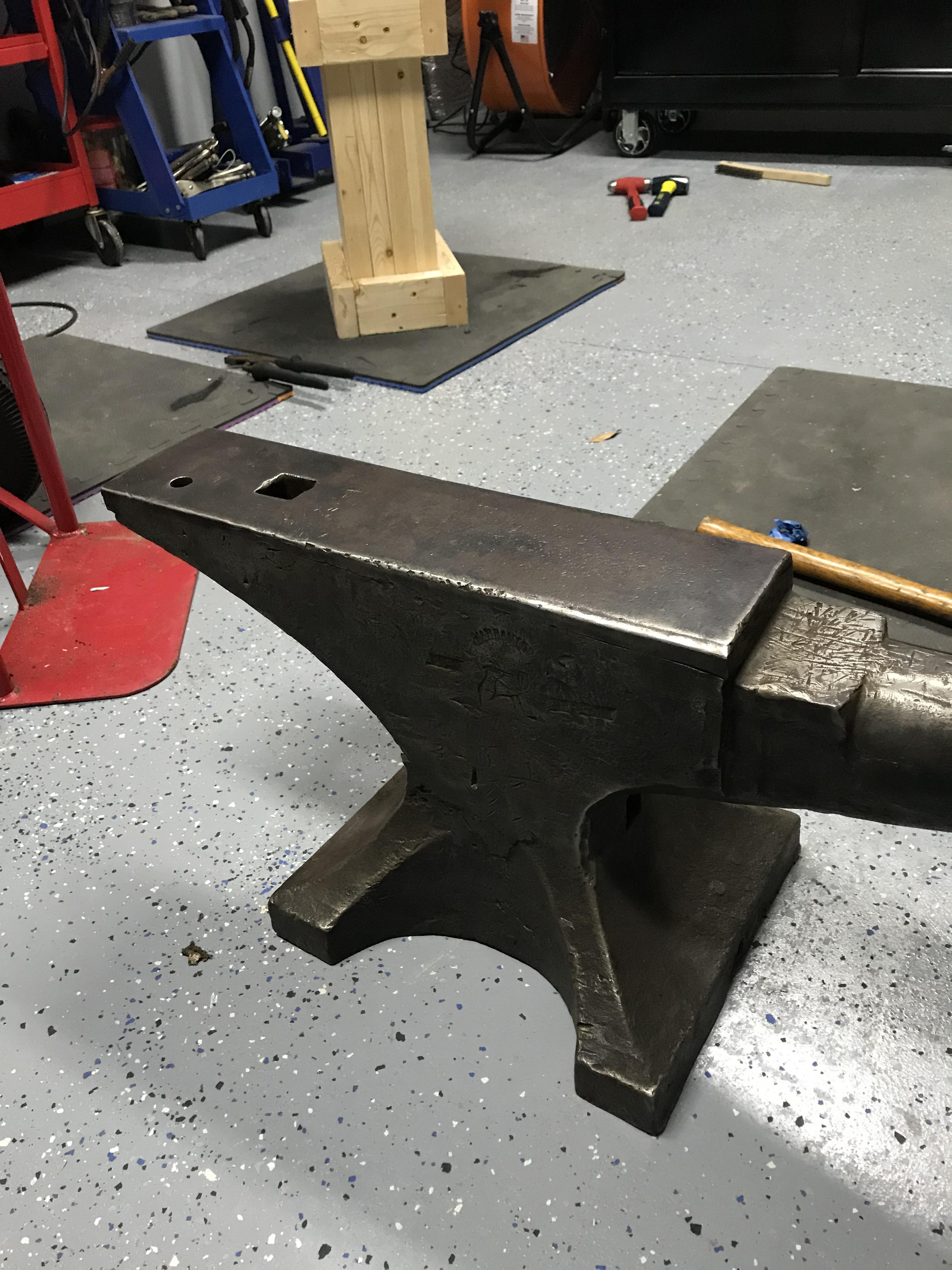
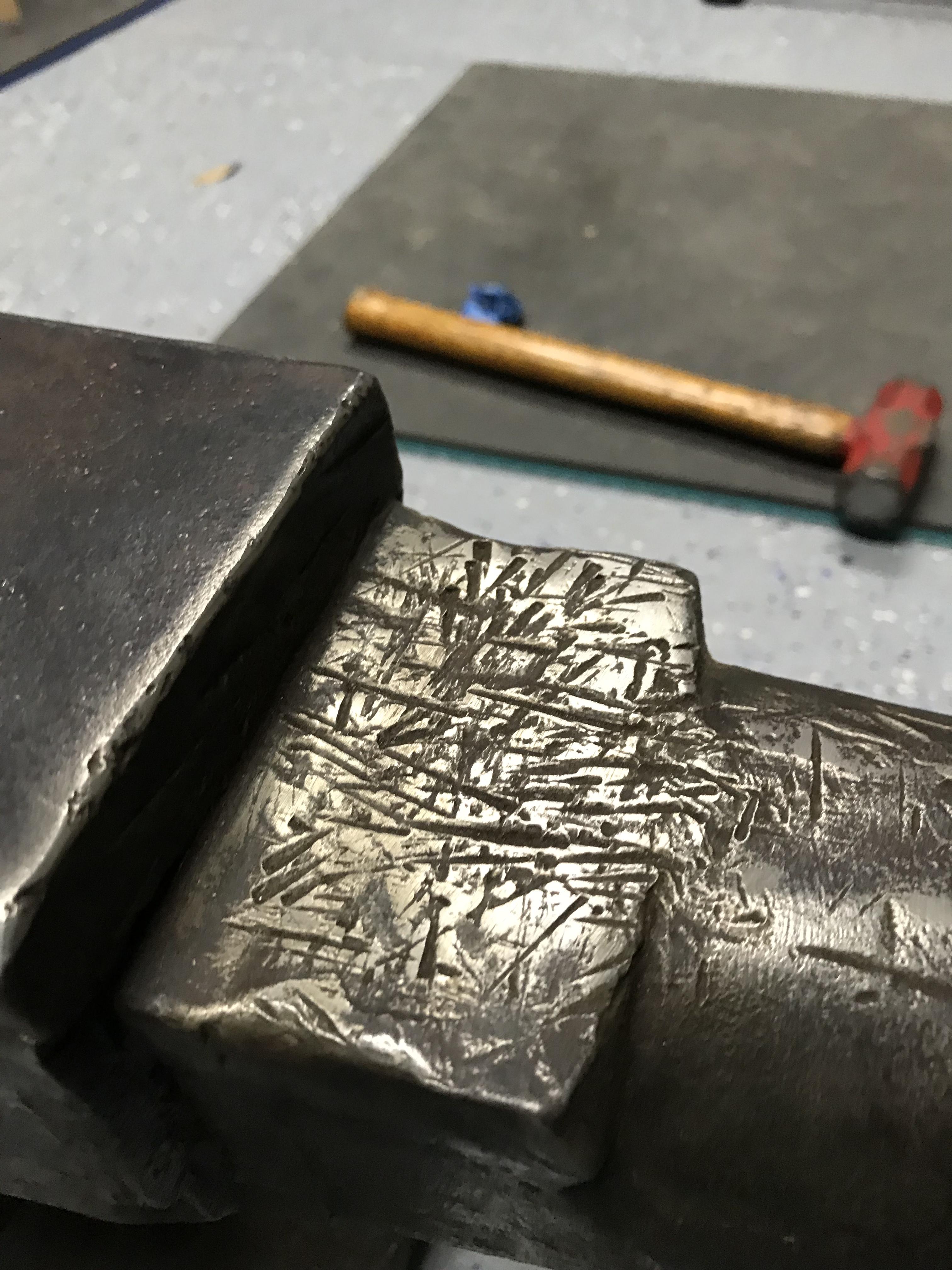
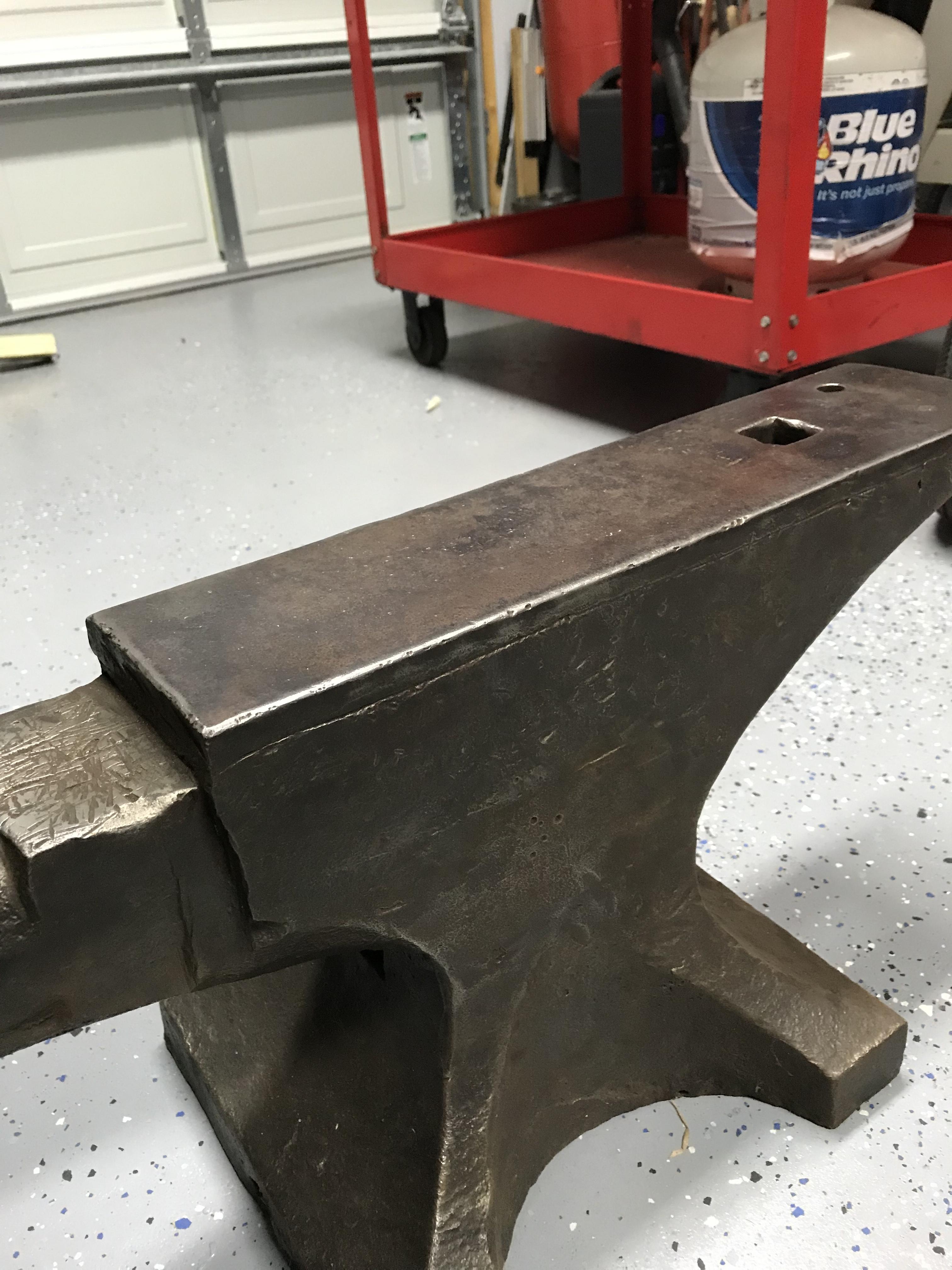
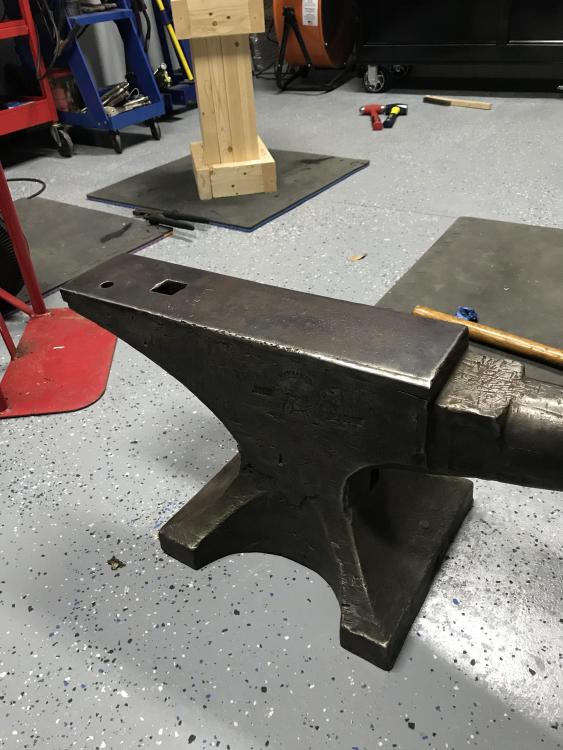
  5. Picked up this 201# arm and hammer to start making stuff with my young sons. Anyone have some date info or anything else on this one? Looks like number 537 with a K stamped on the left side
Account

Navigation

Search

Search

Configure browser push notifications

Chrome (Android)
  1. Tap the lock icon next to the address bar.
  2. Tap Permissions → Notifications.
  3. Adjust your preference.
Chrome (Desktop)
  1. Click the padlock icon in the address bar.
  2. Select Site settings.
  3. Find Notifications and adjust your preference.