Skip to content
View in the app

A better way to browse. Learn more.

I Forge Iron

A full-screen app on your home screen with push notifications, badges and more.

To install this app on iOS and iPadOS
  1. Tap the Share icon in Safari
  2. Scroll the menu and tap Add to Home Screen.
  3. Tap Add in the top-right corner.
To install this app on Android
  1. Tap the 3-dot menu (⋮) in the top-right corner of the browser.
  2. Tap Add to Home screen or Install app.
  3. Confirm by tapping Install.

mtucker

Members
  • Joined

  • Last visited

Everything posted by mtucker

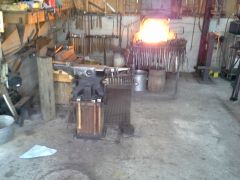
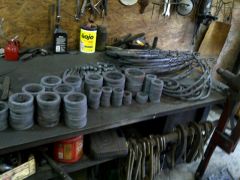
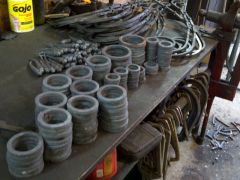
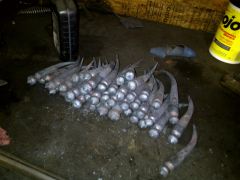
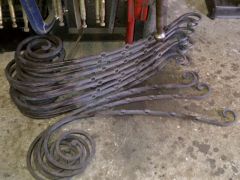
  1. mtucker commented on mtucker's gallery image in Members Gallery
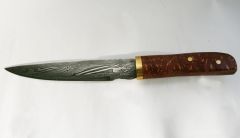
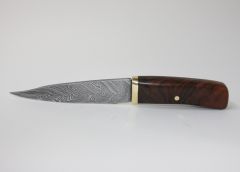
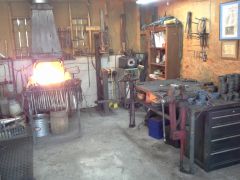
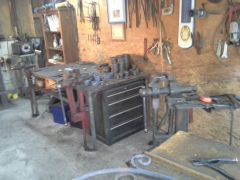
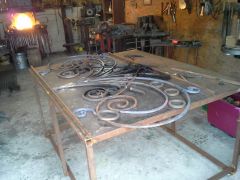
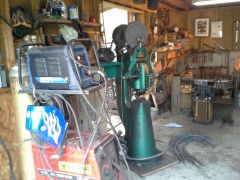
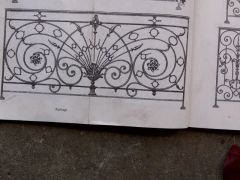
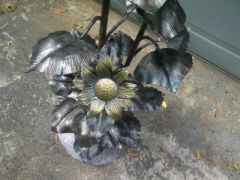
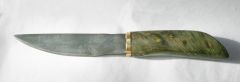
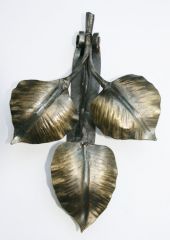
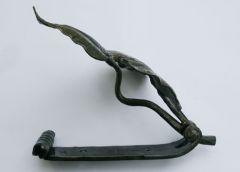
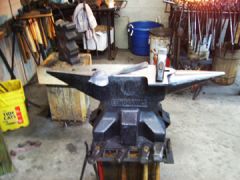
  2. mtucker posted a gallery image in Member Galleries
  3. mtucker posted a gallery image in Member Galleries
  4. mtucker replied to Steve Sells's topic in Everything Else
    Mr. Simmons past away Monday evening 6/22/09 in his sleep, we have lost a great one.
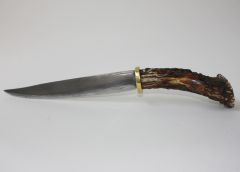
  5. mtucker posted a gallery image in Member Galleries
  6. mtucker posted a gallery image in Member Galleries
  7. Thanks to ever one who looked at my add and the good feed back I got
  8. mike if step in to the fire , I would find a small engine shop and ask old mower blades in most cases is 1080 and then go to welding shop and see if they have any used bandsaw blades or saw mill, this are mostly L6 or 15-20 this will give you good contrast and this will be good practice metal at no cost

Account

Navigation

Search

Search

Configure browser push notifications

Chrome (Android)
  1. Tap the lock icon next to the address bar.
  2. Tap Permissions → Notifications.
  3. Adjust your preference.
Chrome (Desktop)
  1. Click the padlock icon in the address bar.
  2. Select Site settings.
  3. Find Notifications and adjust your preference.