Dustin3176
Members
-
Joined
-
Last visited
Everything posted by Dustin3176
-
Thank you all for your comments. I couldn’t have done this project without y’all willing to share your experience. I did my research here at IFI for at least a month before starting this project.
-
Thank you for replying. I wasn’t sure if the flame was correct are not.
-
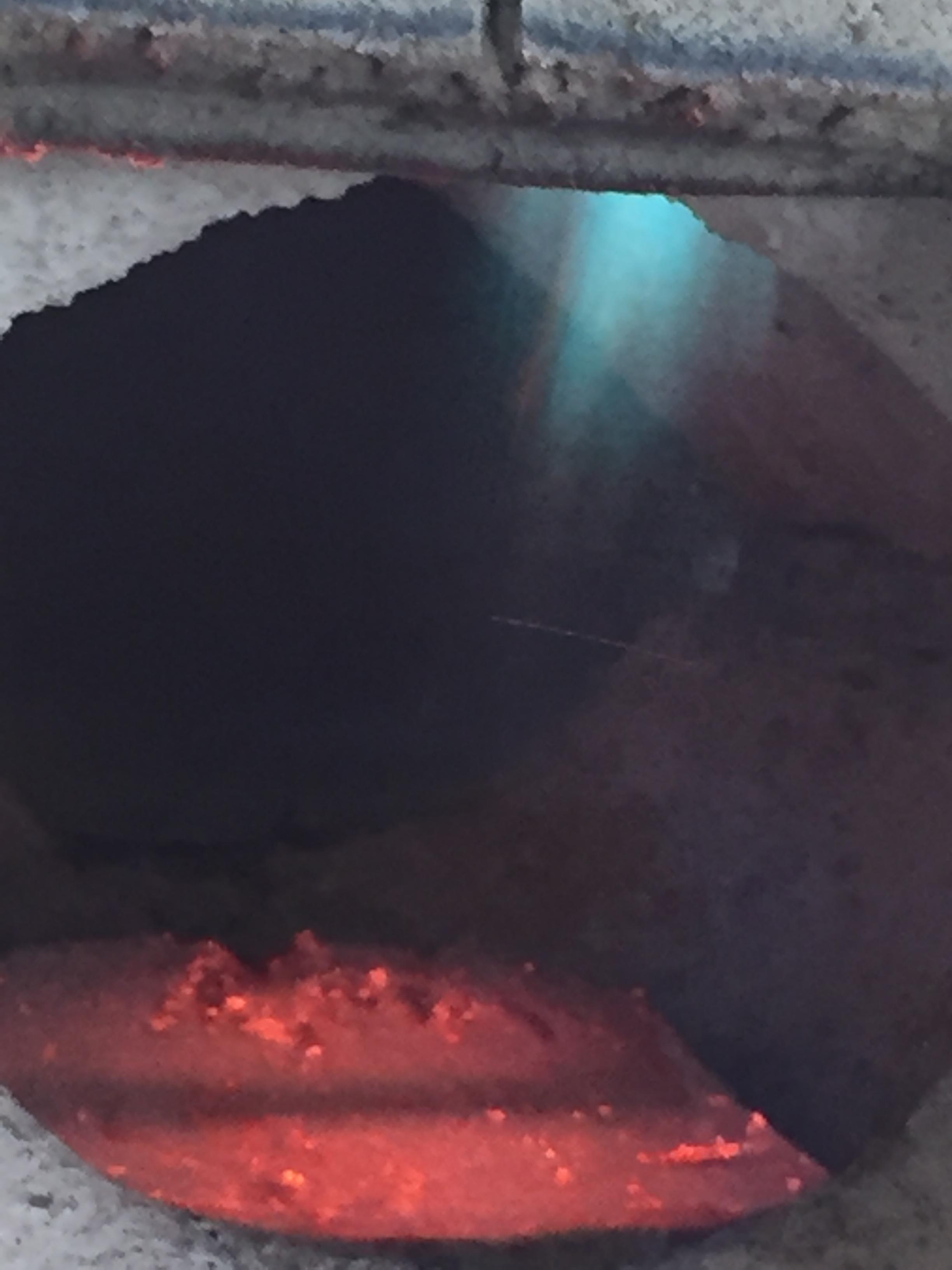
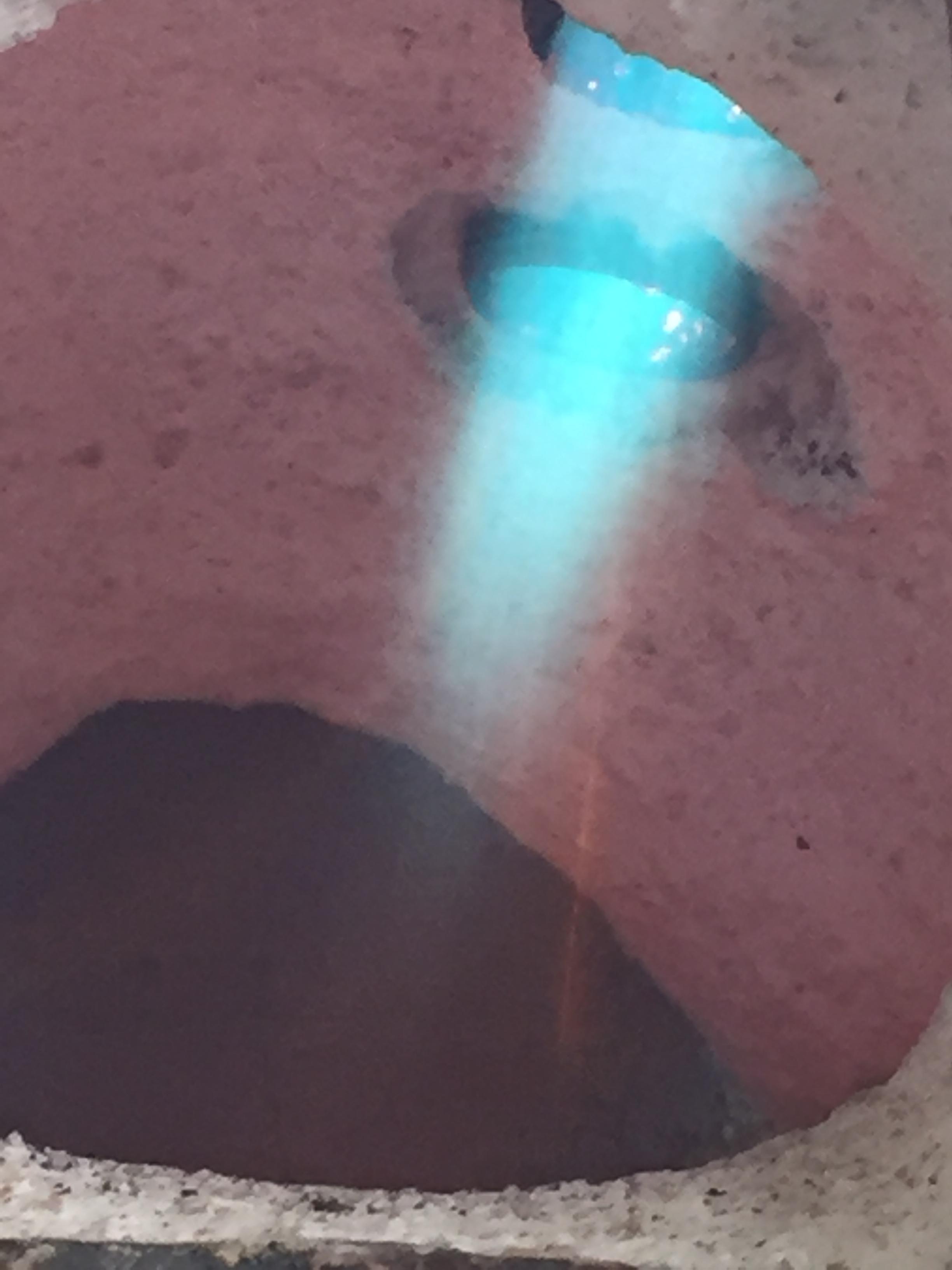
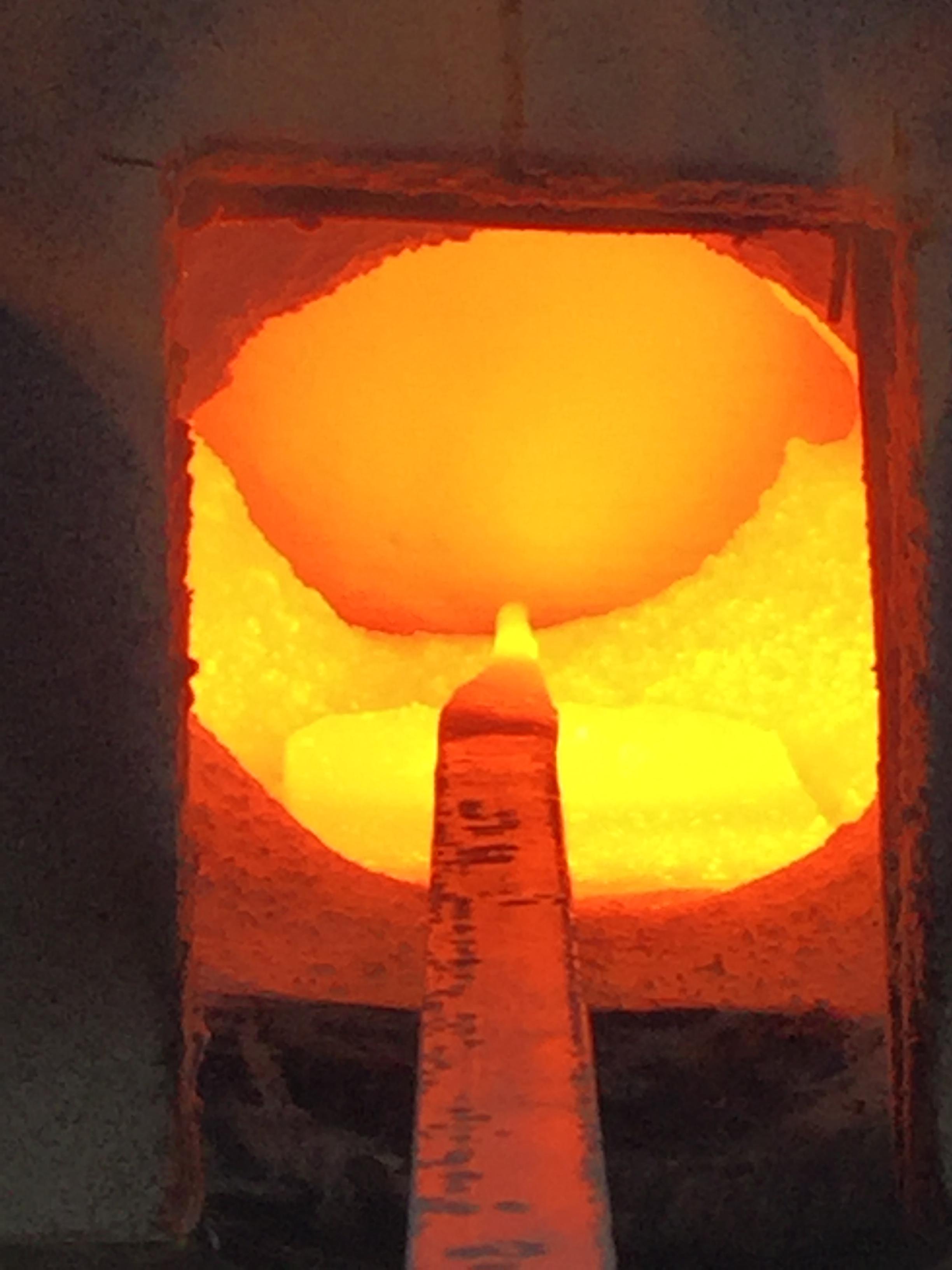
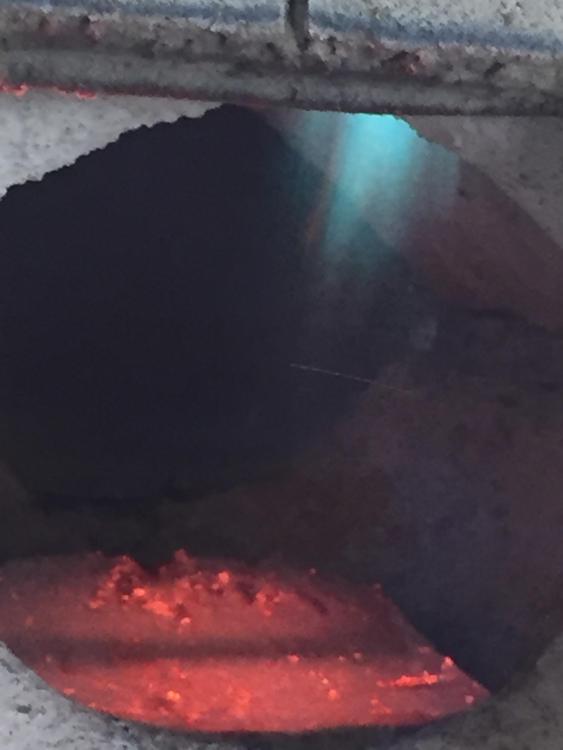
Sorry been a little while since I have been able to get back to the forge. Here are some pics of the flames and the forge once up to temp about 6 minutes into the session. Very nice Aubrey good job I am also just starting out also.
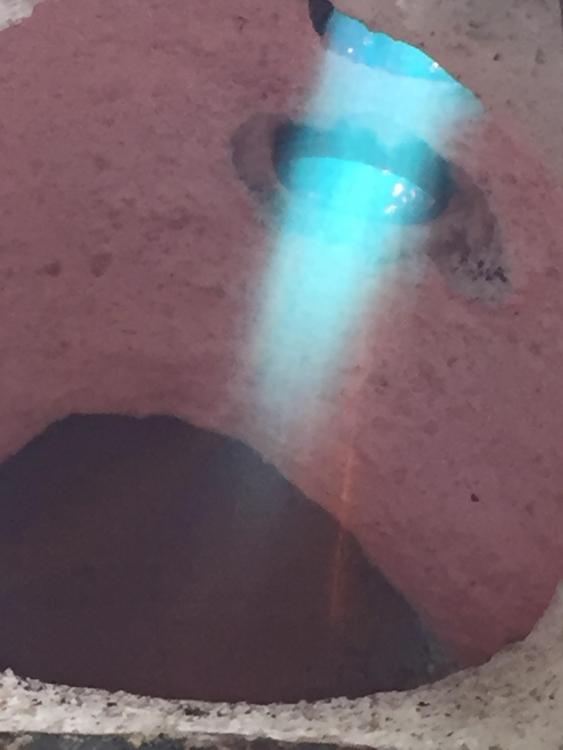
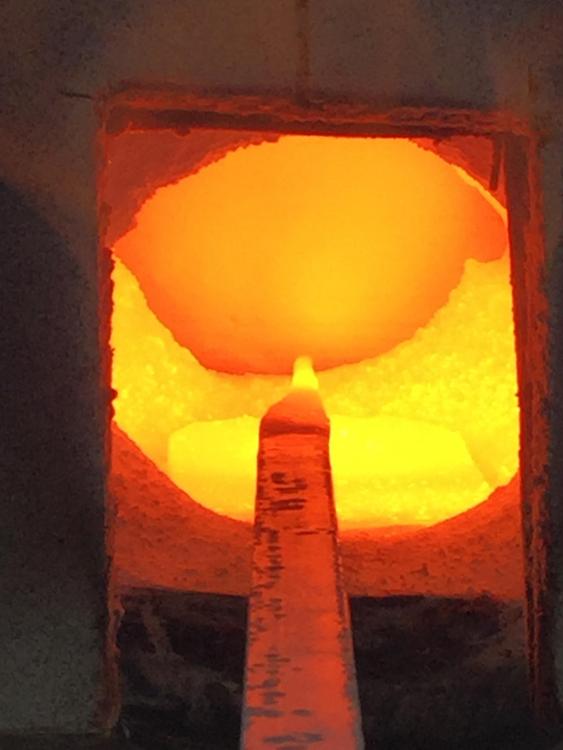
-
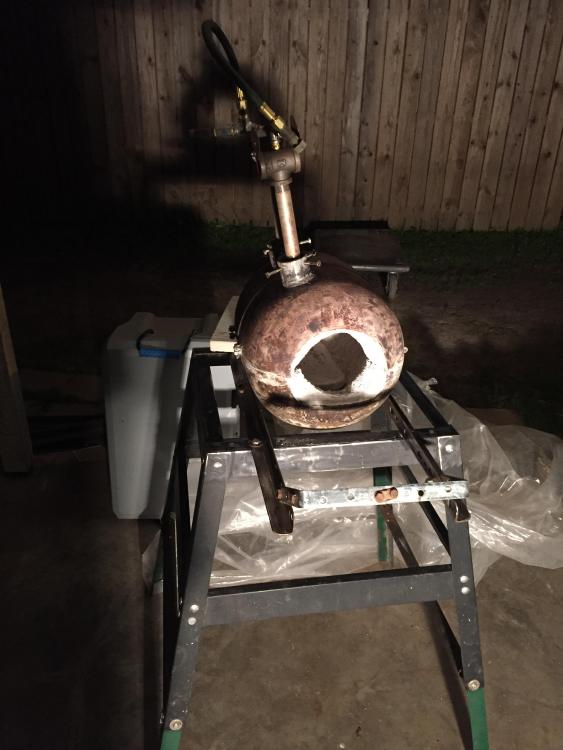
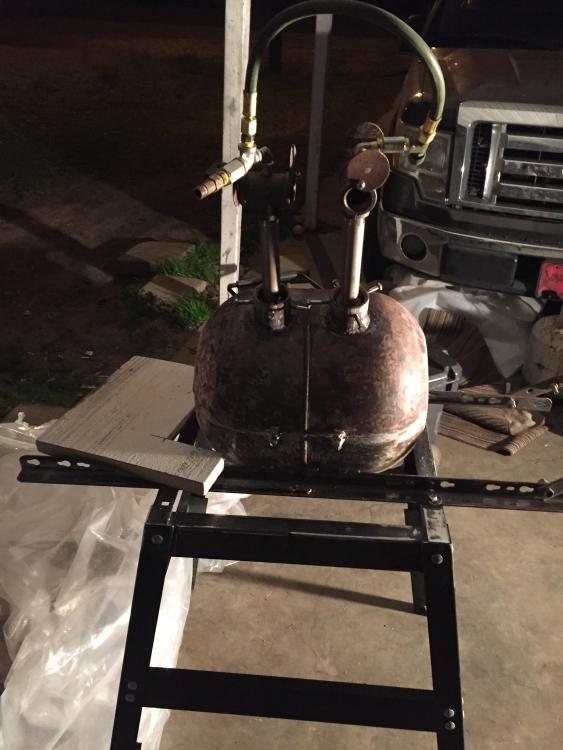
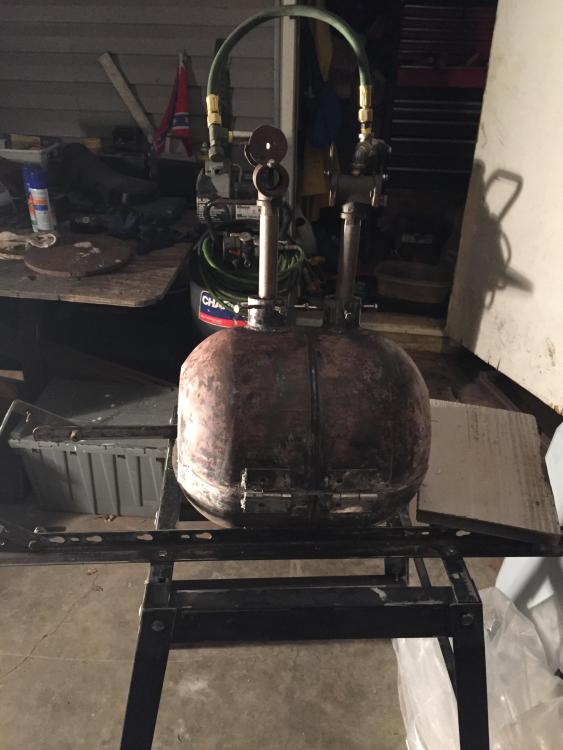
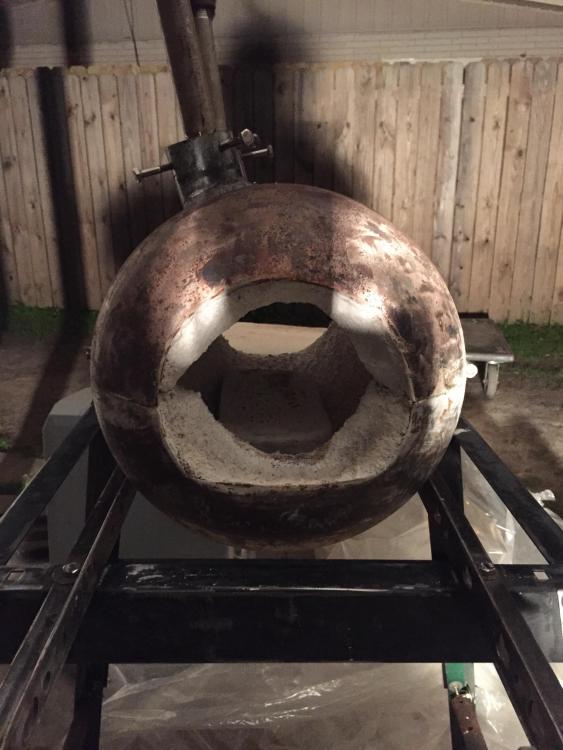
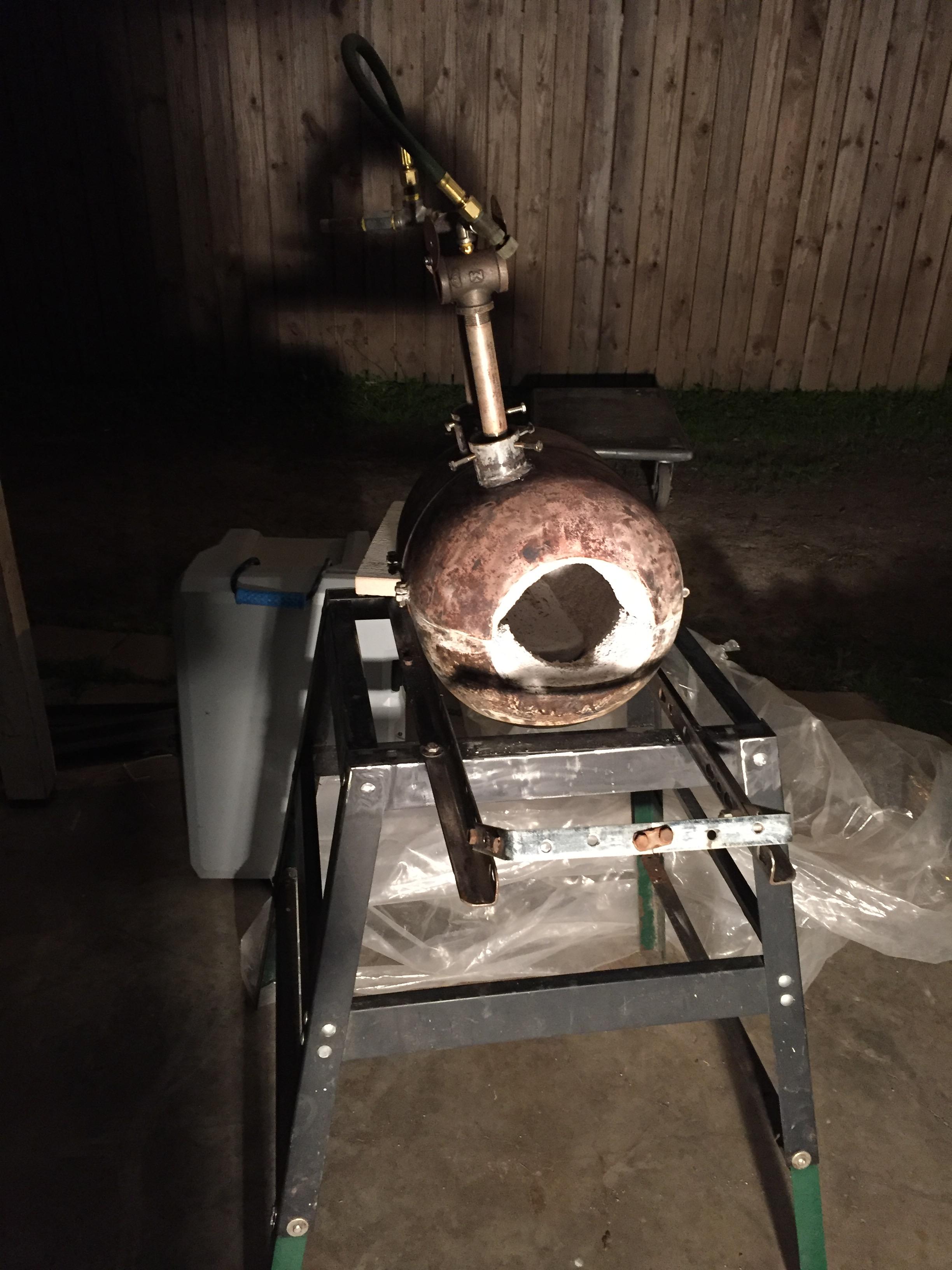
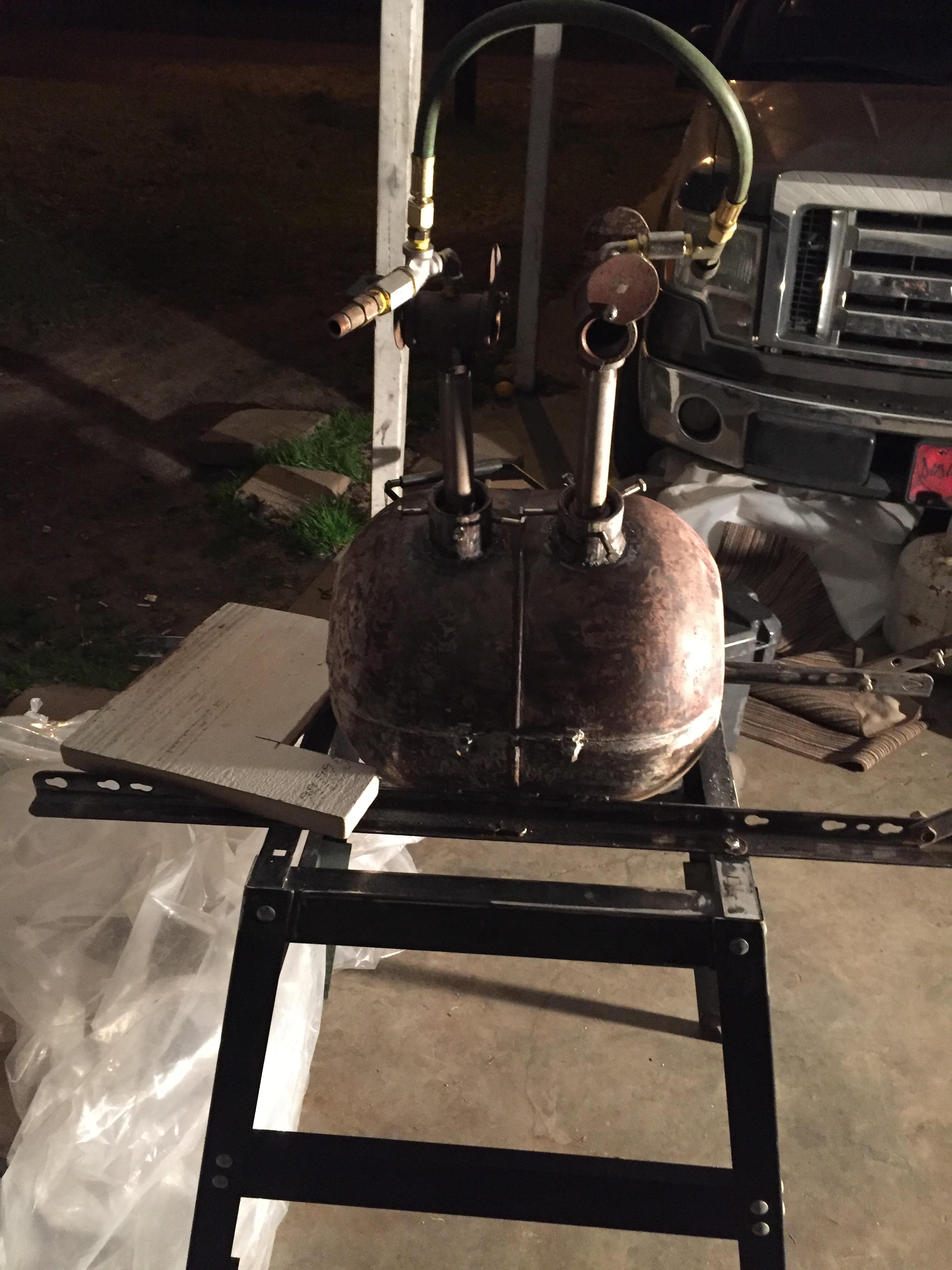
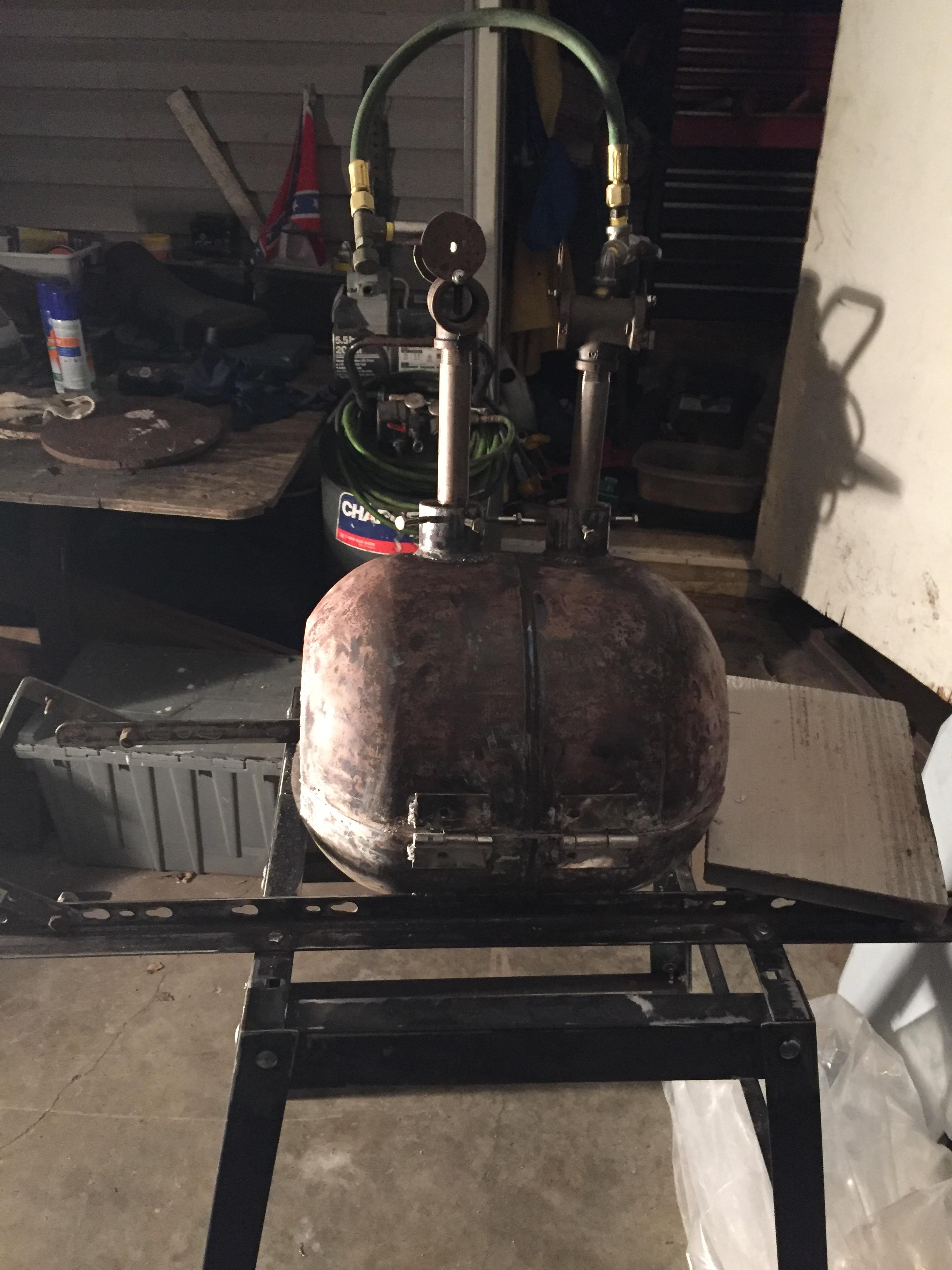
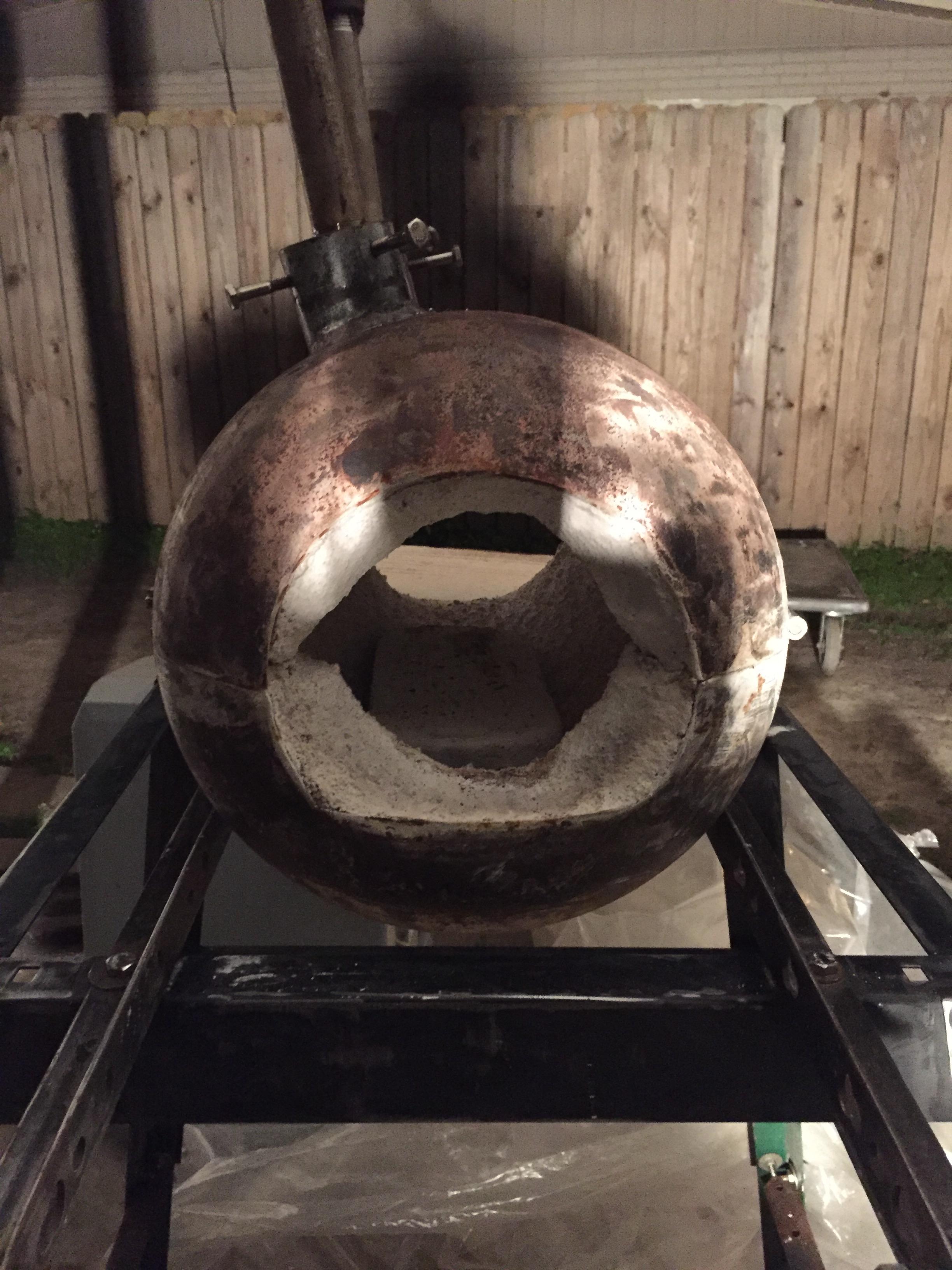
Finished my first propane forge today. Followed Mr. Wayne Coe forge plans and supplies. Kao wool, Kast-O-lite 3000 and plistix. Also followed Frostys t-burner plans. Two 3/4” T-burners. What do y’all think? Please critique and tell if I am missing anything. A 1” piece of square stock got to a good working temp (glowing orange) in around 7 minutes. Propane regulator was set at 6 psi. Will post pictures of the flame as soon as I can.