Skip to content
View in the app

A better way to browse. Learn more.

I Forge Iron

A full-screen app on your home screen with push notifications, badges and more.

To install this app on iOS and iPadOS
  1. Tap the Share icon in Safari
  2. Scroll the menu and tap Add to Home Screen.
  3. Tap Add in the top-right corner.
To install this app on Android
  1. Tap the 3-dot menu (⋮) in the top-right corner of the browser.
  2. Tap Add to Home screen or Install app.
  3. Confirm by tapping Install.

XQShaun

Members
  • Joined

  • Last visited

Everything posted by XQShaun

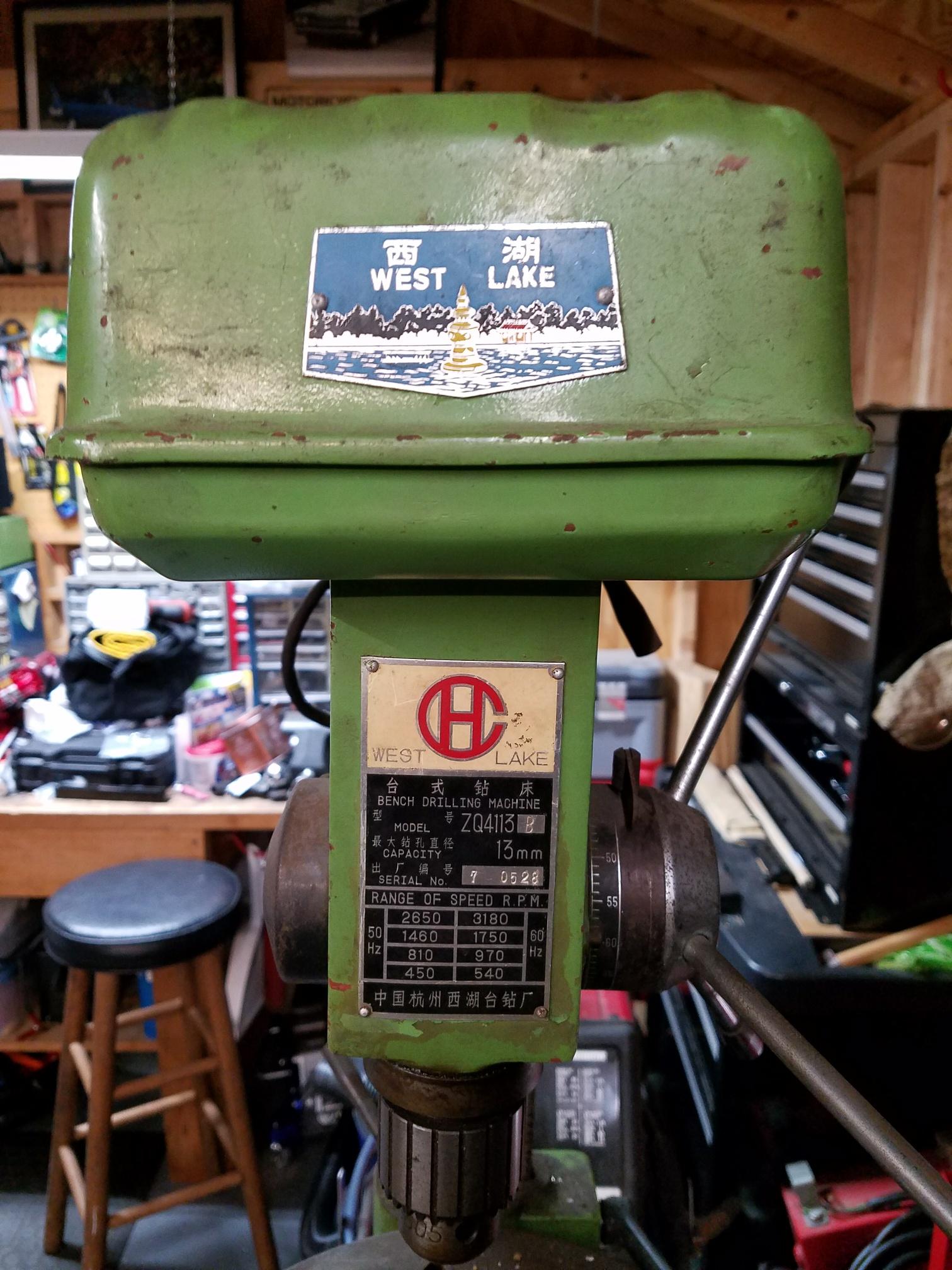
  1. Understood. Thanks for taking the time to reply. I'll try to go take a look at them after work today and get some better pictures.
  2. These are being sold in a local yard sale group. Most of the pictures are super blurry so I posted the ones that are clear. I doubt the lady would go through the hassle to post more pictures if I asked again. If you had to guess at a fair ballpark price what would you say?
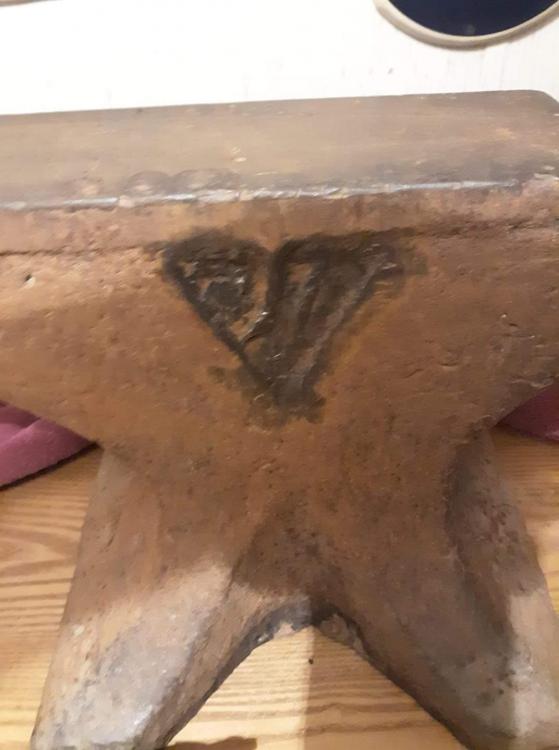
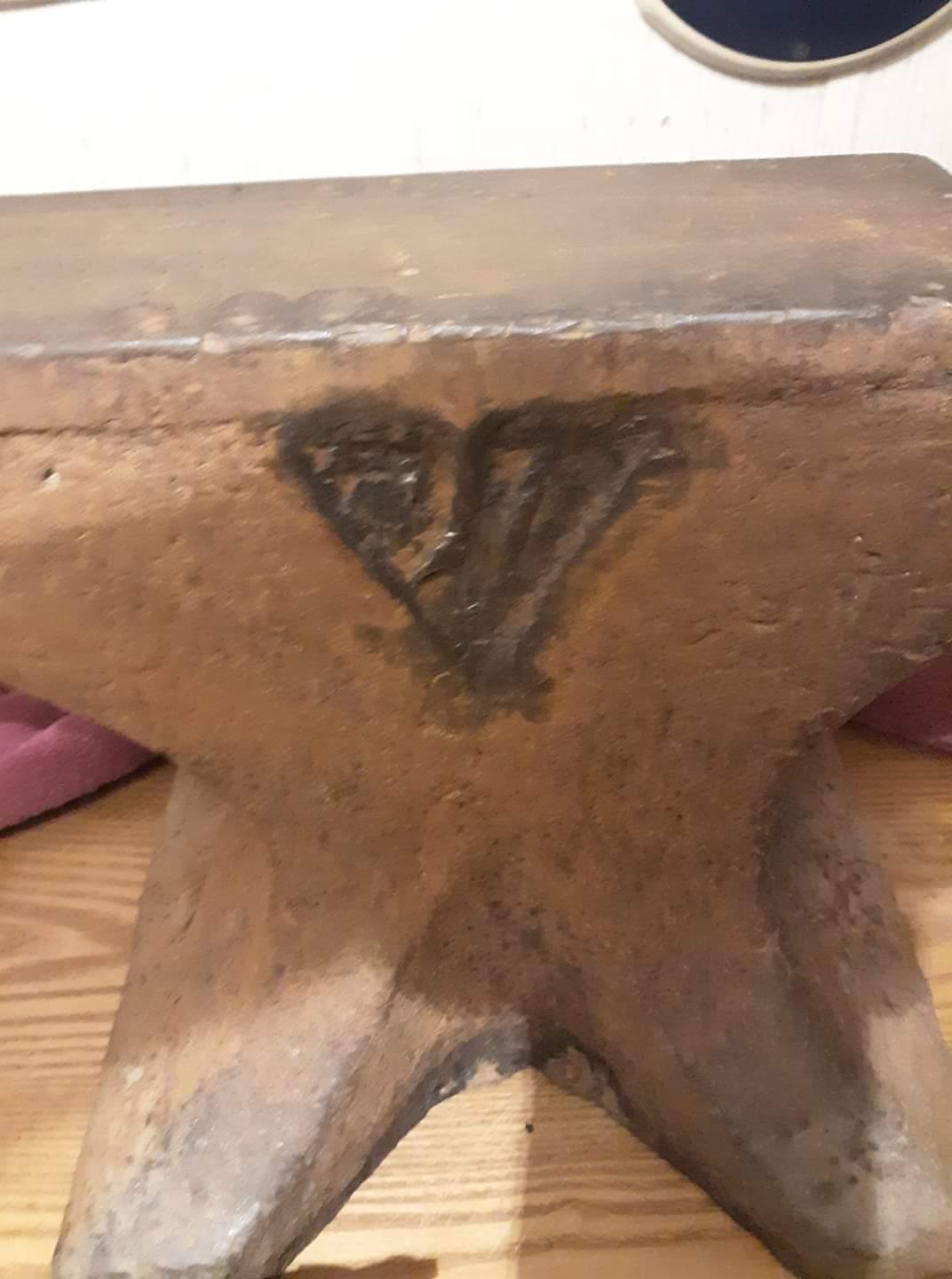
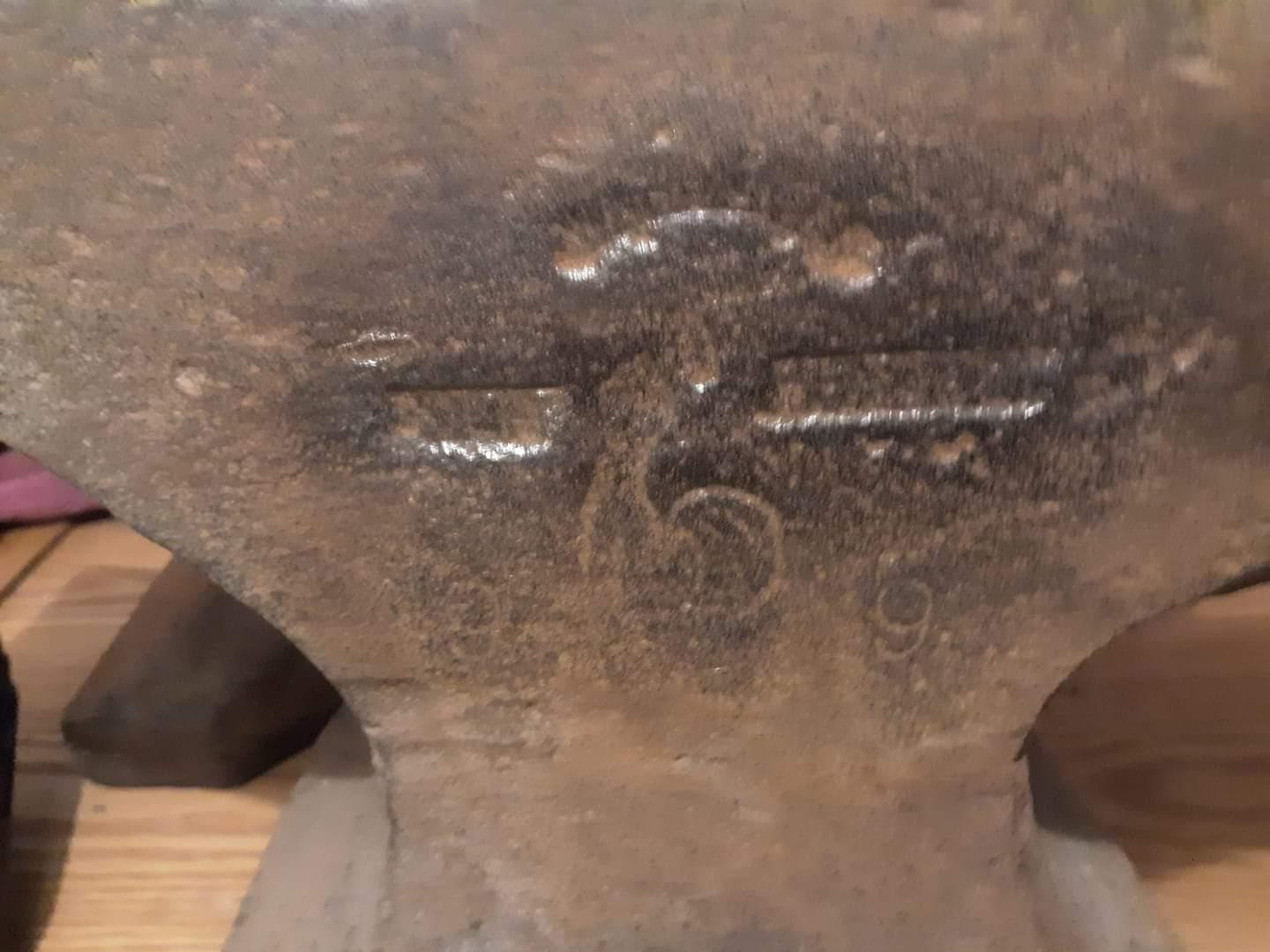
  3. Any help to ID these anvils would be much appreciated.
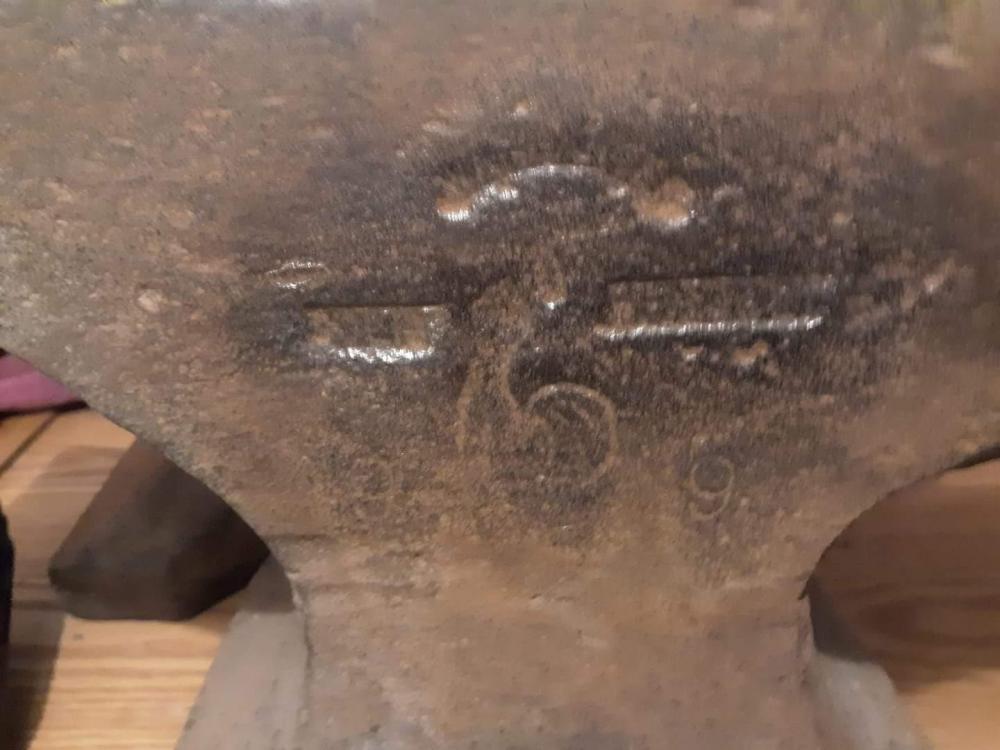
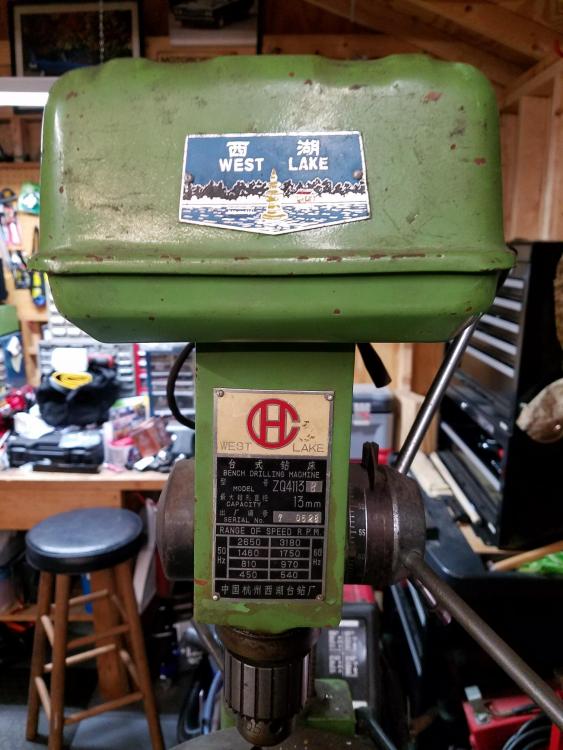
  4. A coworker of mine is selling this and he told me to make him an offer. What do you guys think? He thinks it's from the 50's.
Account

Navigation

Search

Search

Configure browser push notifications

Chrome (Android)
  1. Tap the lock icon next to the address bar.
  2. Tap Permissions → Notifications.
  3. Adjust your preference.
Chrome (Desktop)
  1. Click the padlock icon in the address bar.
  2. Select Site settings.
  3. Find Notifications and adjust your preference.