Skip to content
View in the app

A better way to browse. Learn more.

I Forge Iron

A full-screen app on your home screen with push notifications, badges and more.

To install this app on iOS and iPadOS
  1. Tap the Share icon in Safari
  2. Scroll the menu and tap Add to Home Screen.
  3. Tap Add in the top-right corner.
To install this app on Android
  1. Tap the 3-dot menu (⋮) in the top-right corner of the browser.
  2. Tap Add to Home screen or Install app.
  3. Confirm by tapping Install.

Mrkensei

Members
  • Joined

  • Last visited

Everything posted by Mrkensei

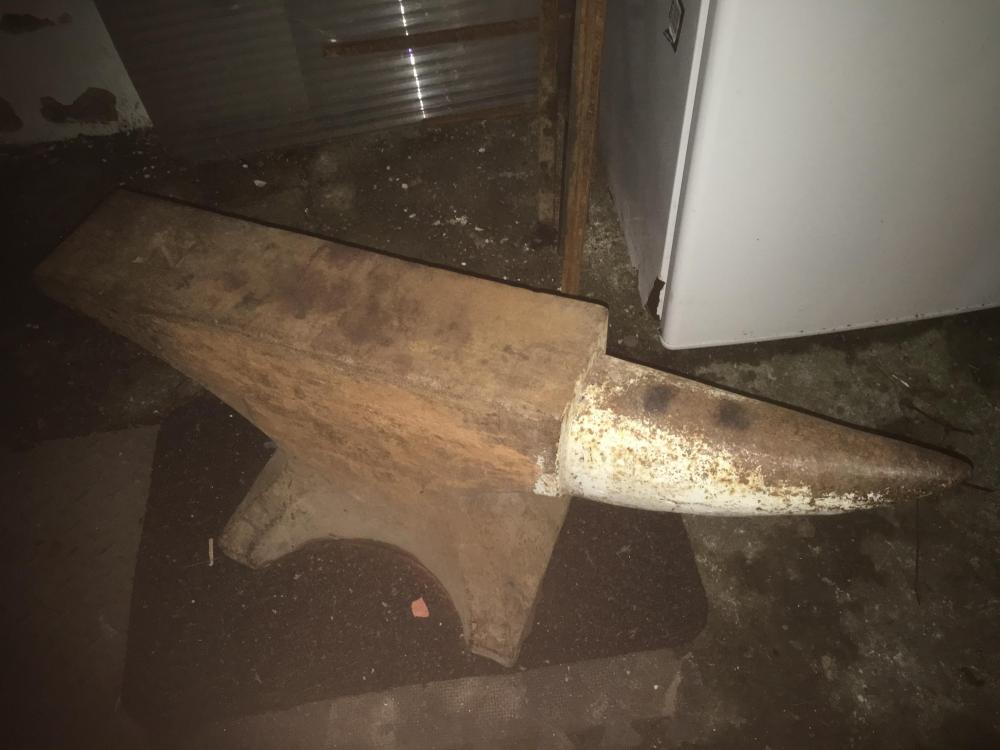
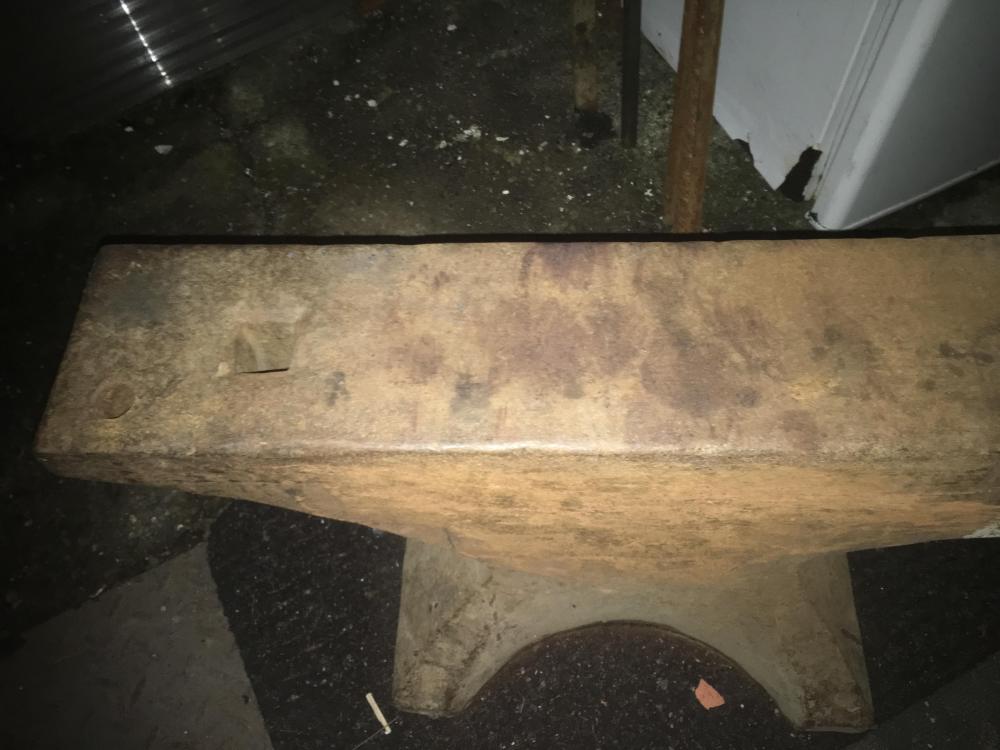
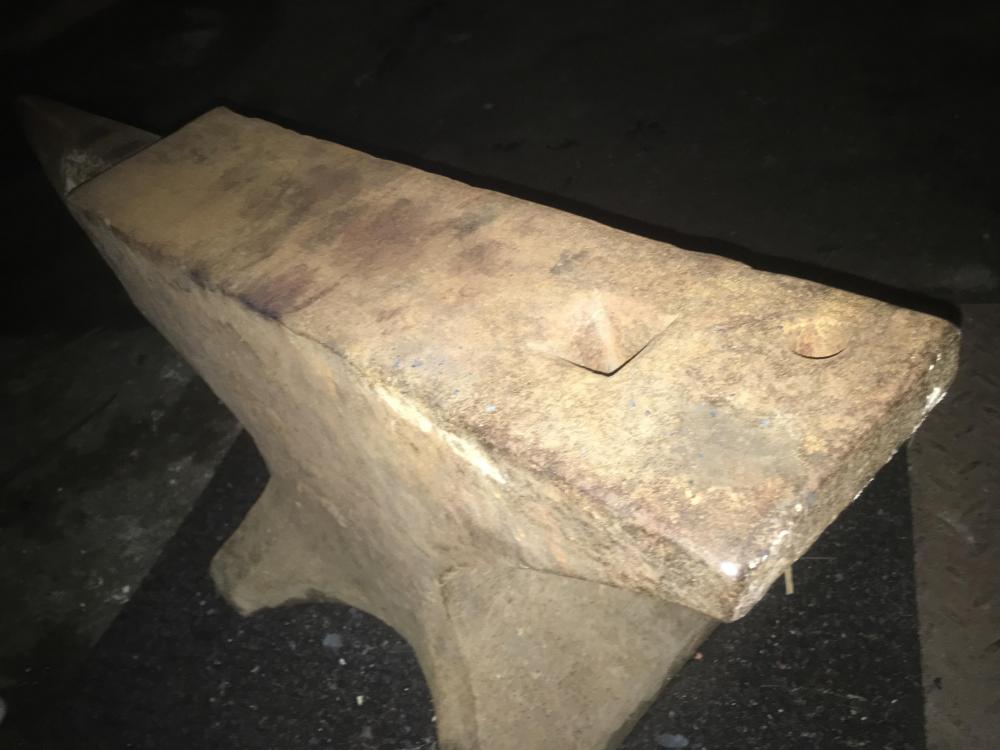
  1. I was hoping to get a better indivation of the age. It does aeem to be in surprisingly good shape for its age. I was looking at restoring it, but ive read that just oiling it and putting it tonwork are the best ways to bring it back to life.
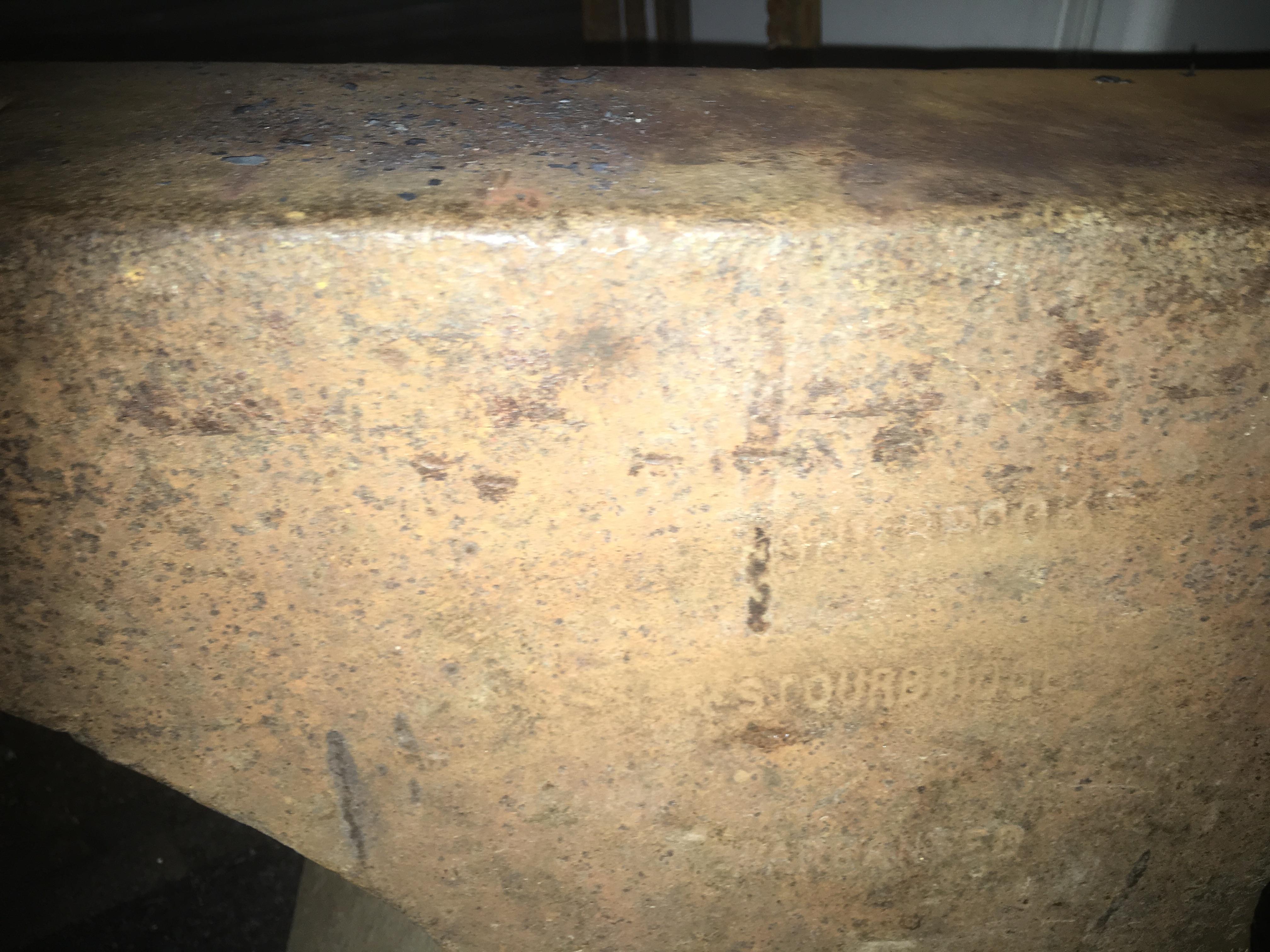
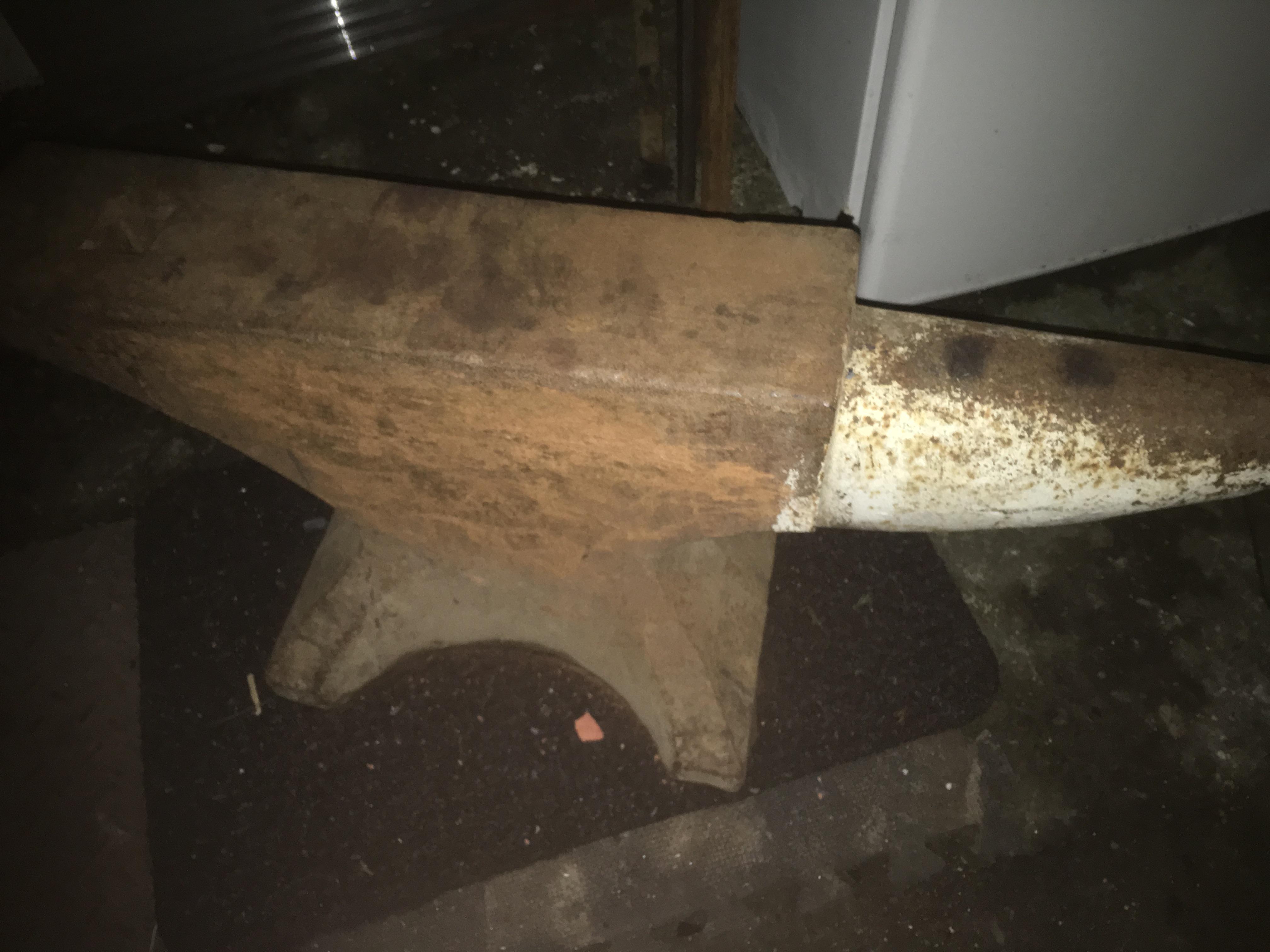
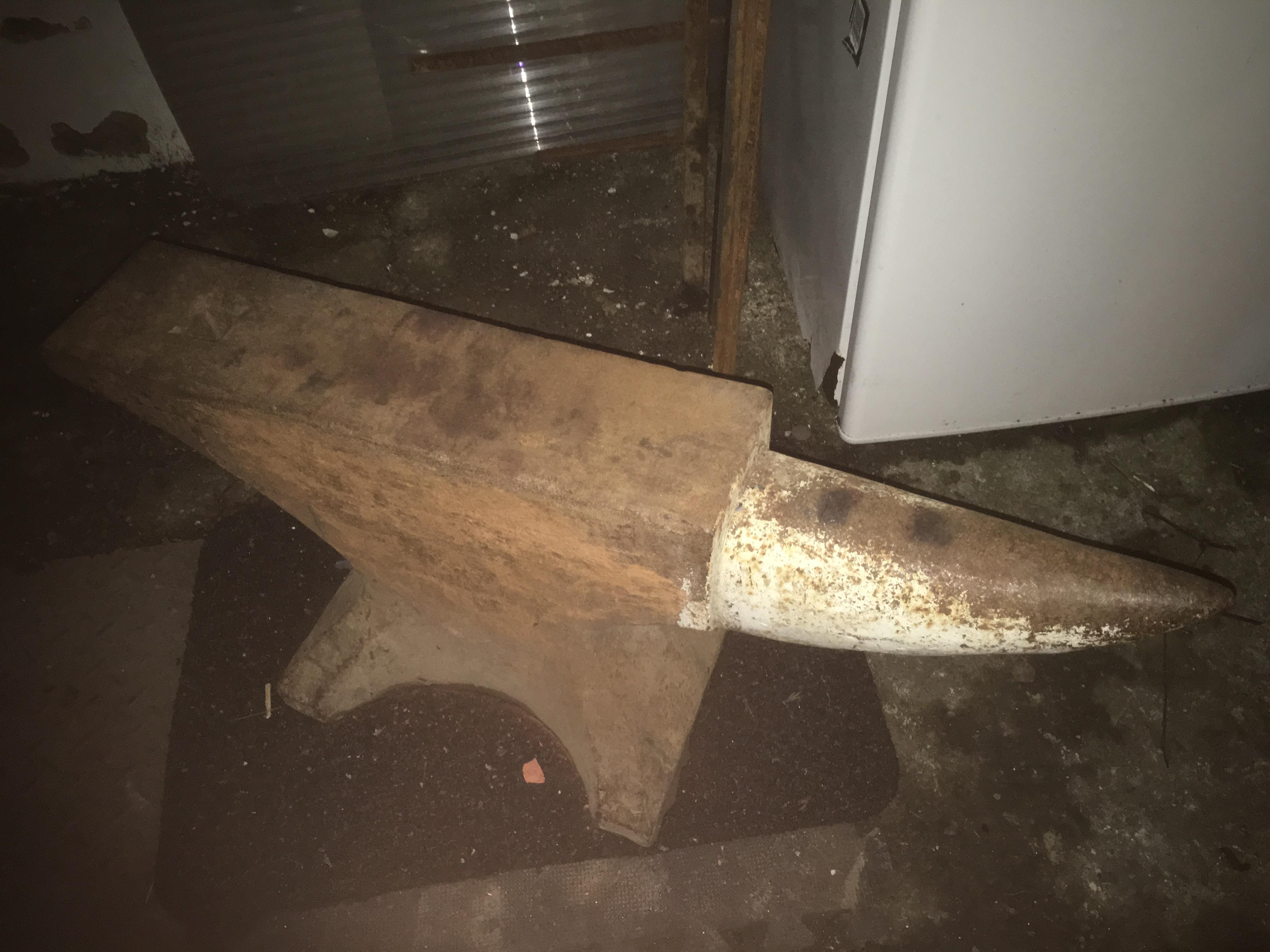
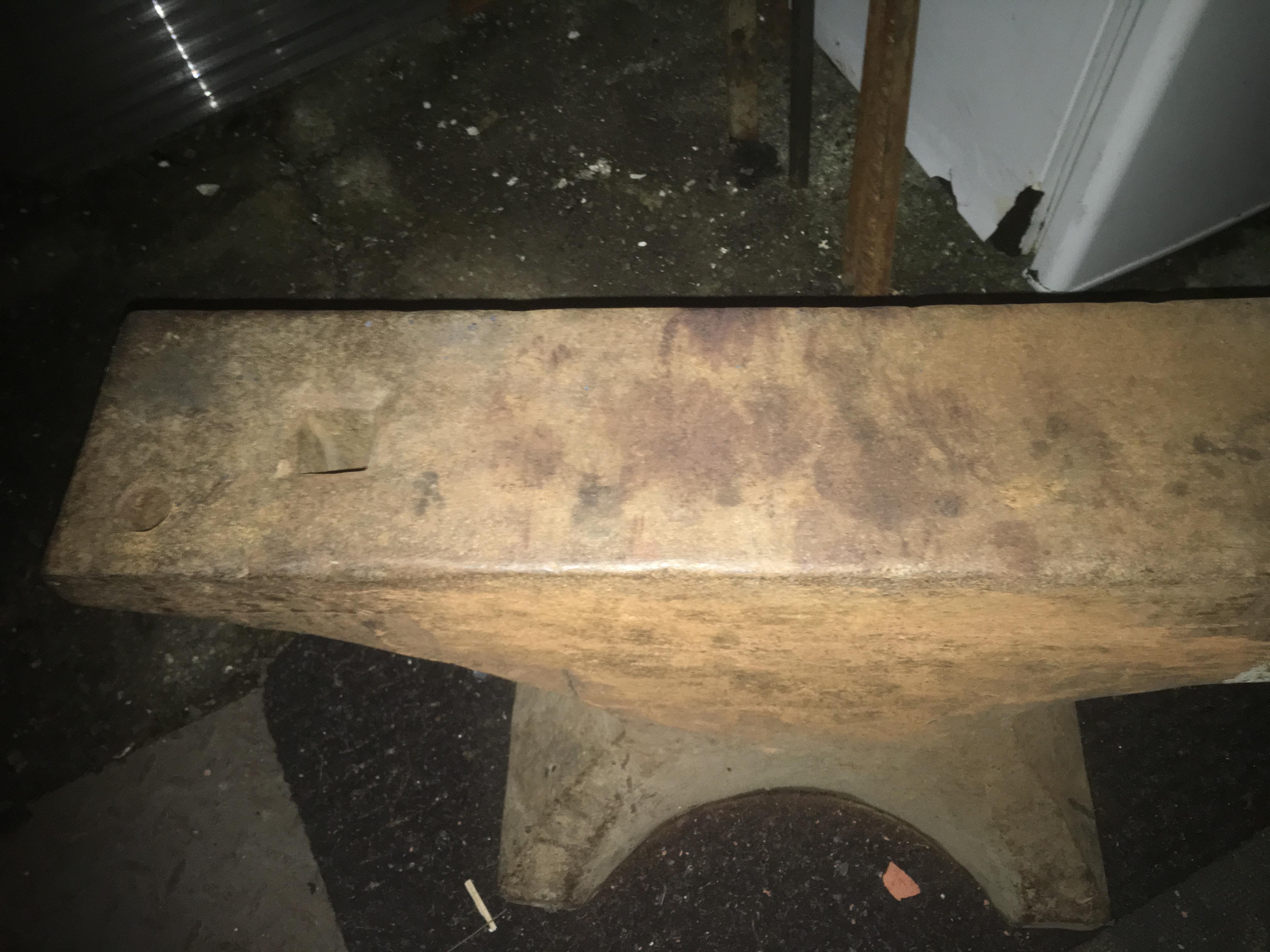
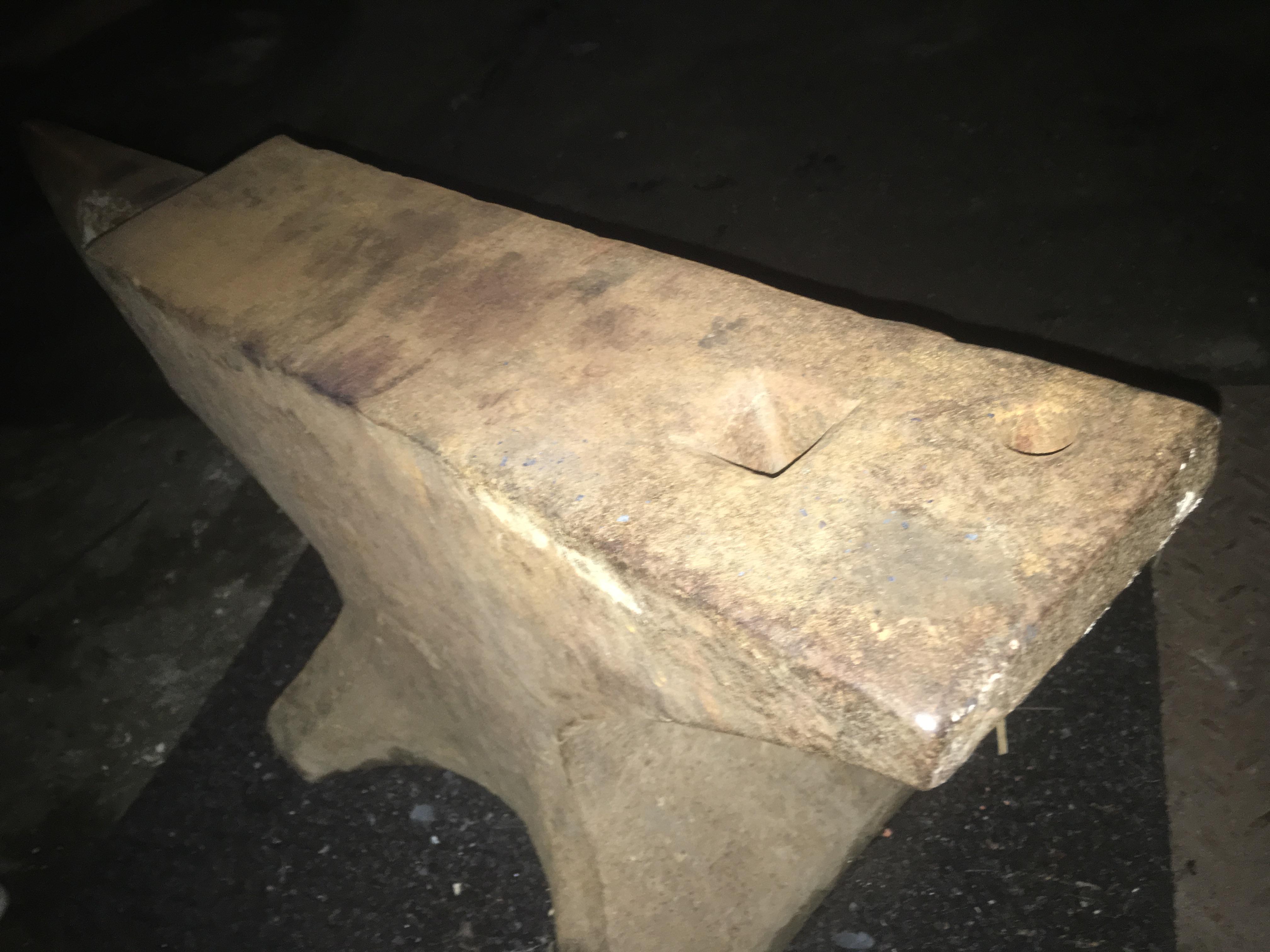
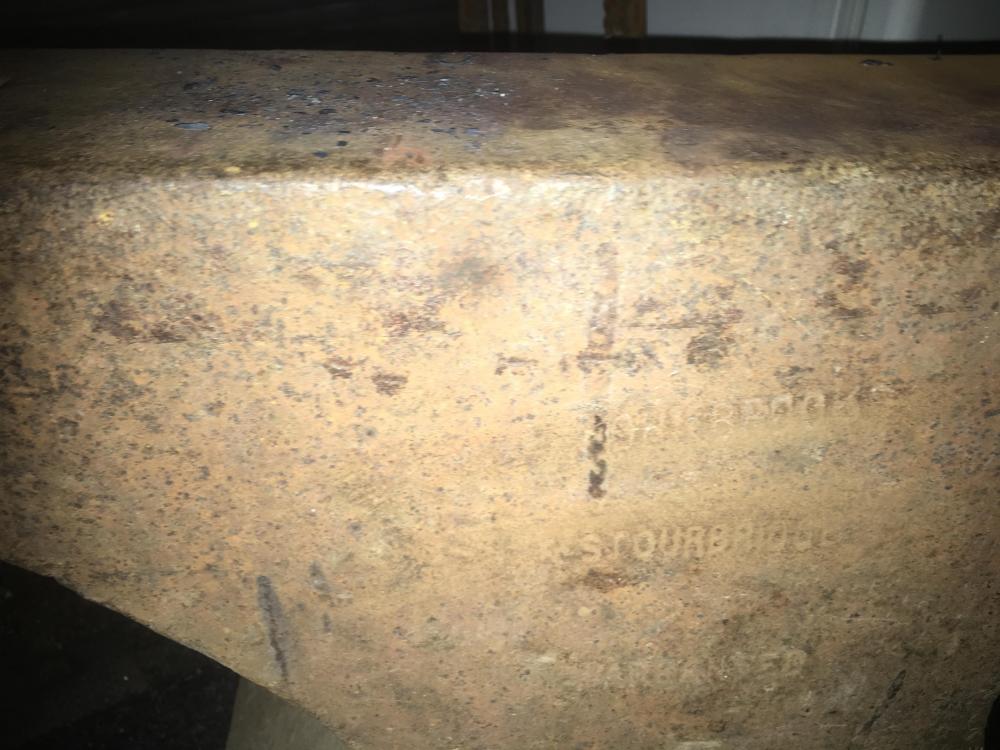
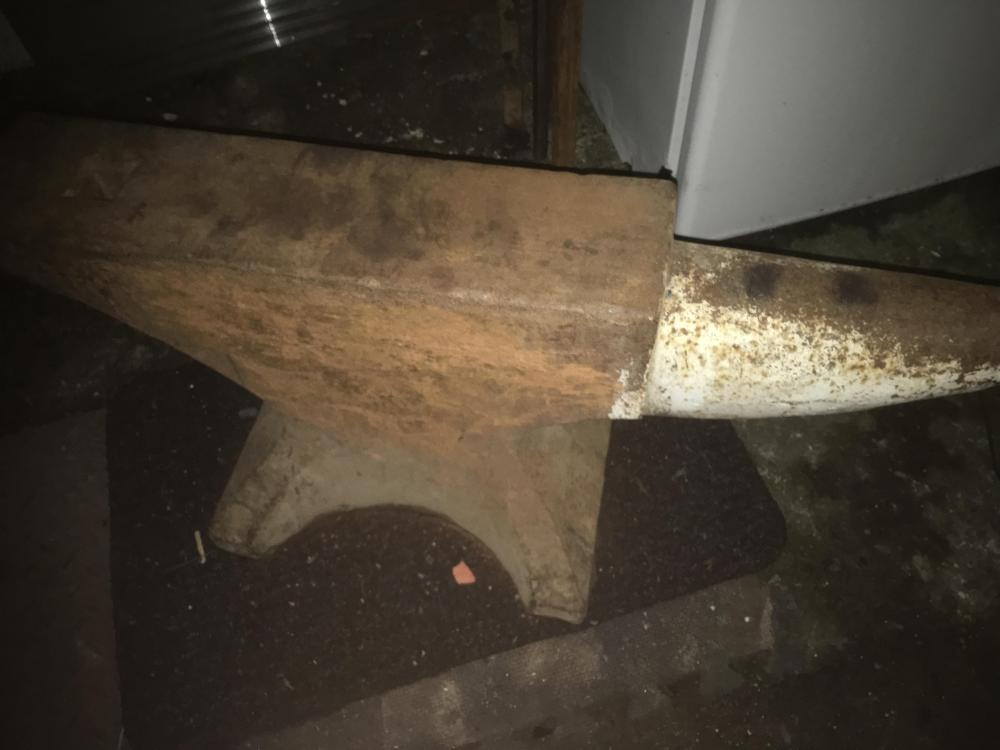
  2. Hi, new member here. Sorry for the massive necro on this thread but I was looking for info about my “new” anvil, and since its John Brooks this looks like the right place. the markings are almost worn off but its seems to be in great condition. My Dad, who gave it to me says its the best part of 200years old, tallying with the 1820s reference above. Can anyone shed any light on it for me?
Account

Navigation

Search

Search

Configure browser push notifications

Chrome (Android)
  1. Tap the lock icon next to the address bar.
  2. Tap Permissions → Notifications.
  3. Adjust your preference.
Chrome (Desktop)
  1. Click the padlock icon in the address bar.
  2. Select Site settings.
  3. Find Notifications and adjust your preference.