Skip to content
View in the app

A better way to browse. Learn more.

I Forge Iron

A full-screen app on your home screen with push notifications, badges and more.

To install this app on iOS and iPadOS
  1. Tap the Share icon in Safari
  2. Scroll the menu and tap Add to Home Screen.
  3. Tap Add in the top-right corner.
To install this app on Android
  1. Tap the 3-dot menu (⋮) in the top-right corner of the browser.
  2. Tap Add to Home screen or Install app.
  3. Confirm by tapping Install.

Scogand

Members
  • Joined

  • Last visited

Everything posted by Scogand

  1. Great information. Thanks Wyatt!
  2. Fantastic, thanks Black Frog. Understanding the origin adds a great story to the anvil.
  3. Thanks. Will do.
  4. Thanks for the note. I added location. I read through and did some searching first. I will be breaking out the wire wheel. guidance is appreciated
  5. Thanks Daswulf! I tried to identify age online but looks like I need Anvils in America book. Anyway to date? (I will fight urge to grind).
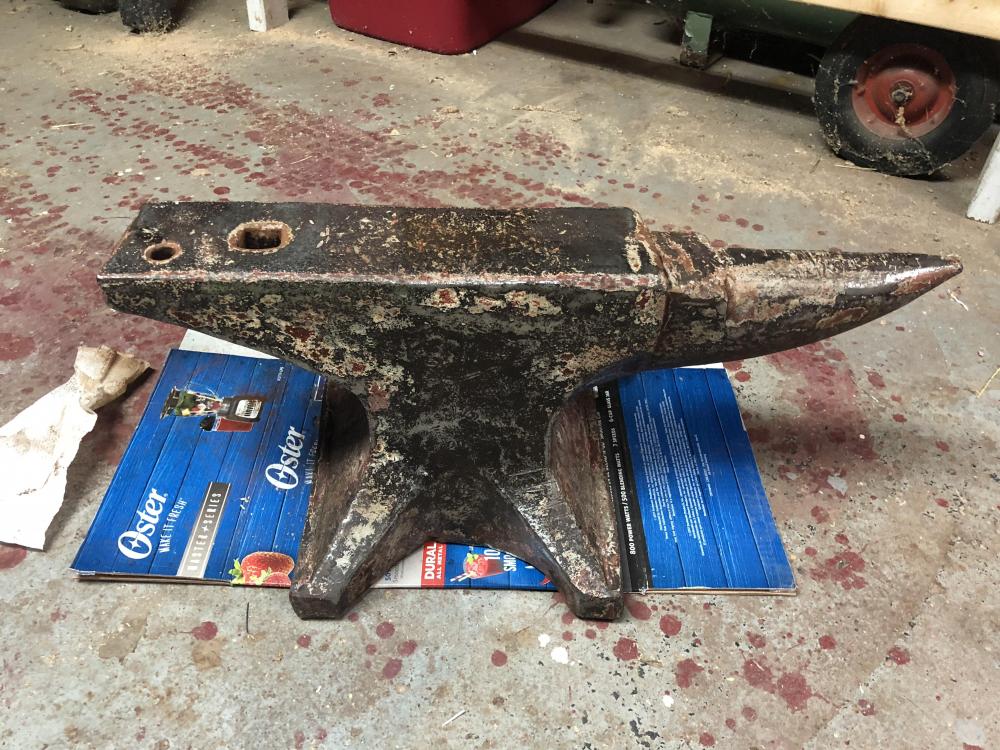
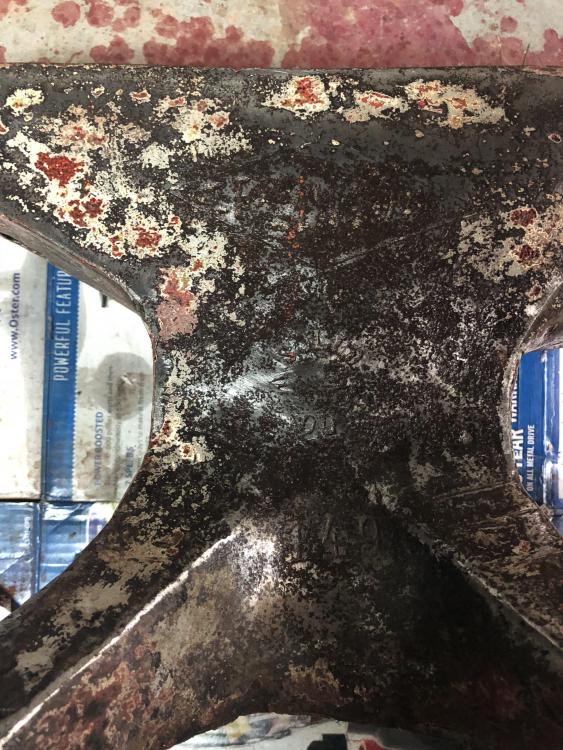
  6. Hi I just purchased an anvil. I believe it is a Trenton (faint letter in a diamond). It is stamped with “149”. The only other identifier is a “2” stamped off to the weight of the foot. Any details and manufacture information would be appreciated. Note: I paid $300. Thanks for help.
Account

Navigation

Search

Search

Configure browser push notifications

Chrome (Android)
  1. Tap the lock icon next to the address bar.
  2. Tap Permissions → Notifications.
  3. Adjust your preference.
Chrome (Desktop)
  1. Click the padlock icon in the address bar.
  2. Select Site settings.
  3. Find Notifications and adjust your preference.