BlackHillForge
Members
-
Joined
-
Last visited
Everything posted by BlackHillForge
-
I am going to do that, thanks
-
I will have to look into it, sounds like something I need
-
I have since added a set screw near the top, not in the video so you didn’t miss it. I need more welding practice, I also find it funny when things drop off, but not at the time!
-
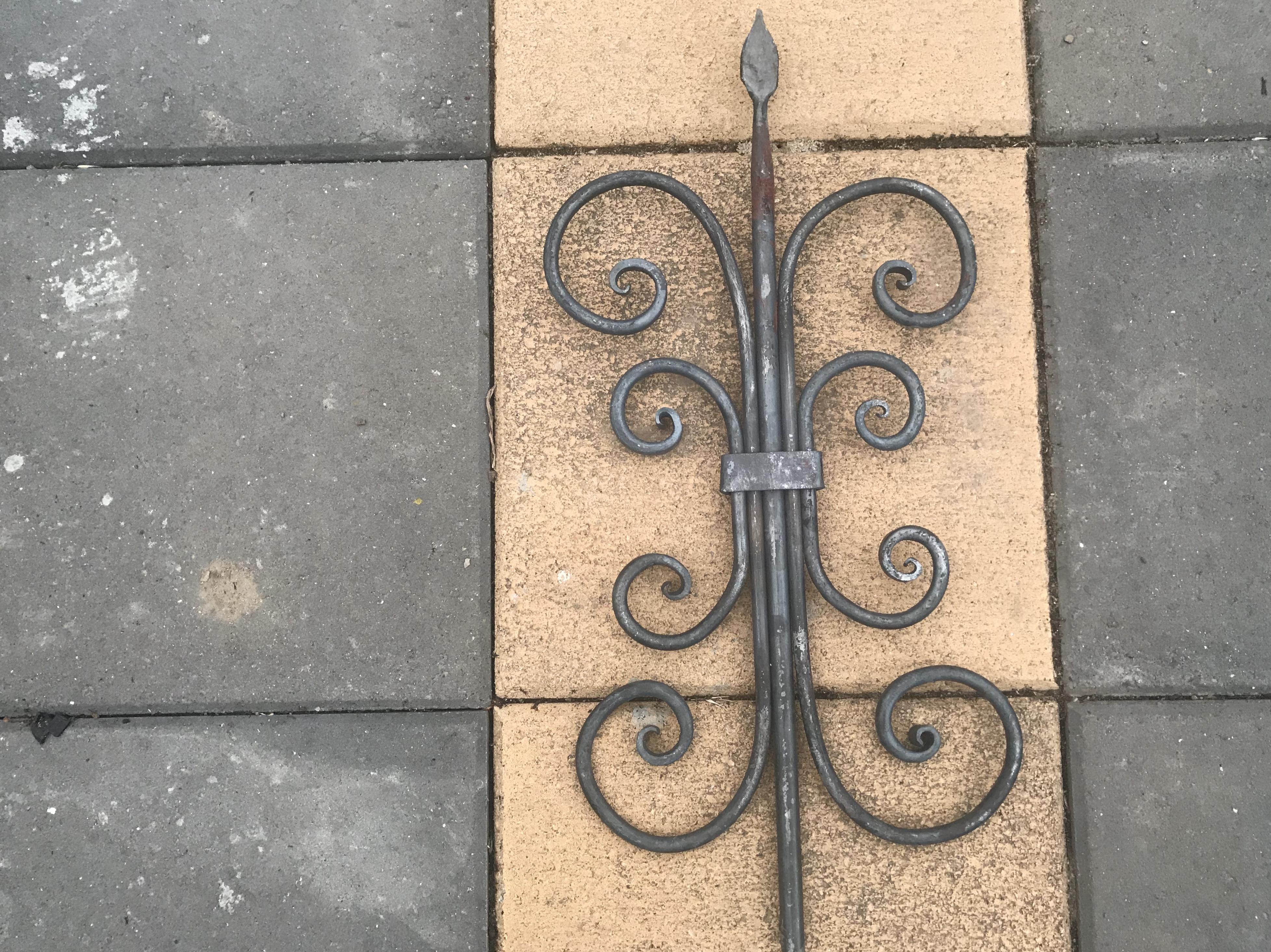
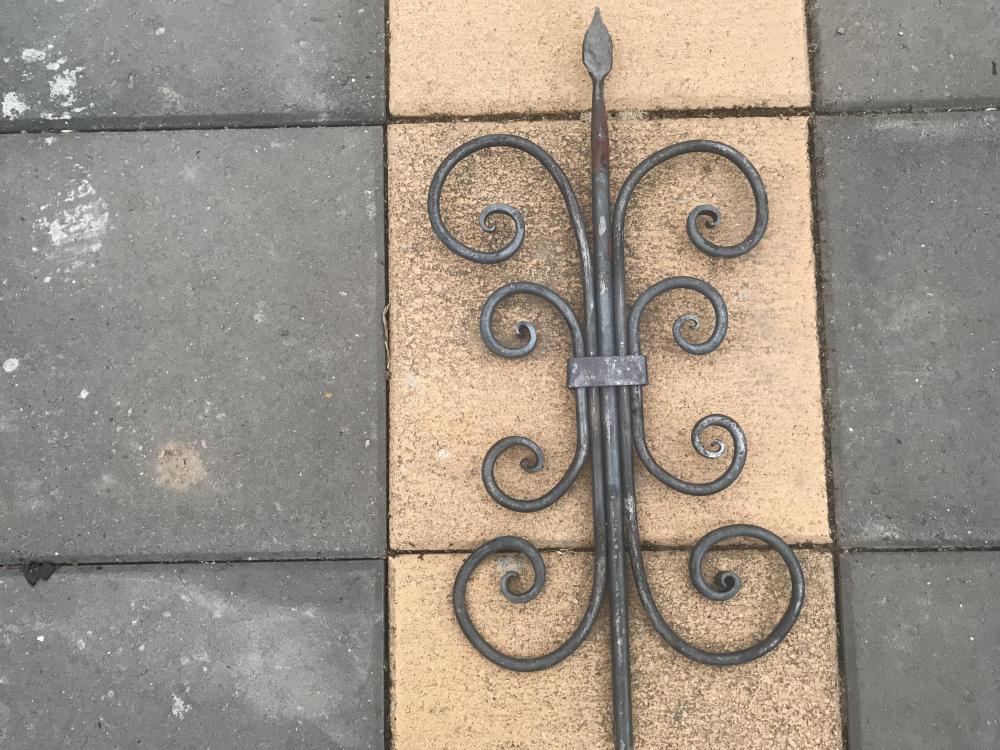
I wanted to practice collaring some scrolls together, I think the end result came out well, but using round bar made it really hard to get a tight fit. Next time with square. Build video:
-
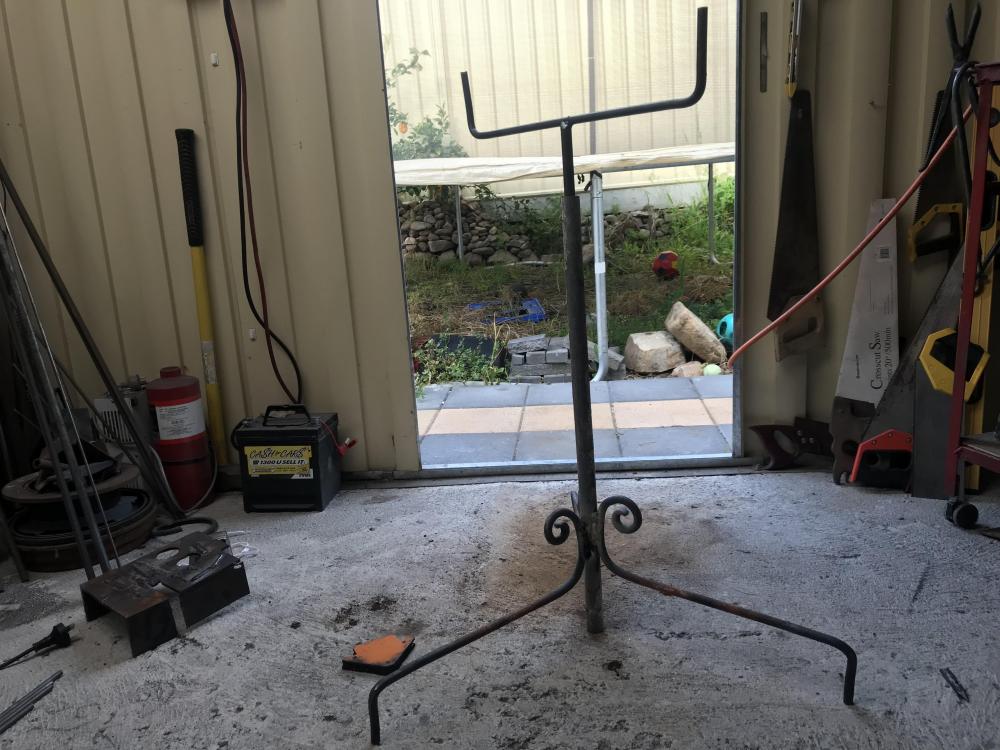
To support longer stock in the forge, I used to use plastic crates stacked up, which worked, but were bulky and made of plastic didn’t fare well with hot steel. I saw a simple support stand on a video on you tube and thought it should be fairly straightforward to make, and it turned out to be very useful so far. Here is the build video: https://www.youtube.com/watch?v=m1qYu8aNCiU&feature=share