Conrad.blacksmithing
Members
-
Joined
-
Last visited
Everything posted by Conrad.blacksmithing
-
My friend gave me his broken leaf springs from f350 and I used that.
-
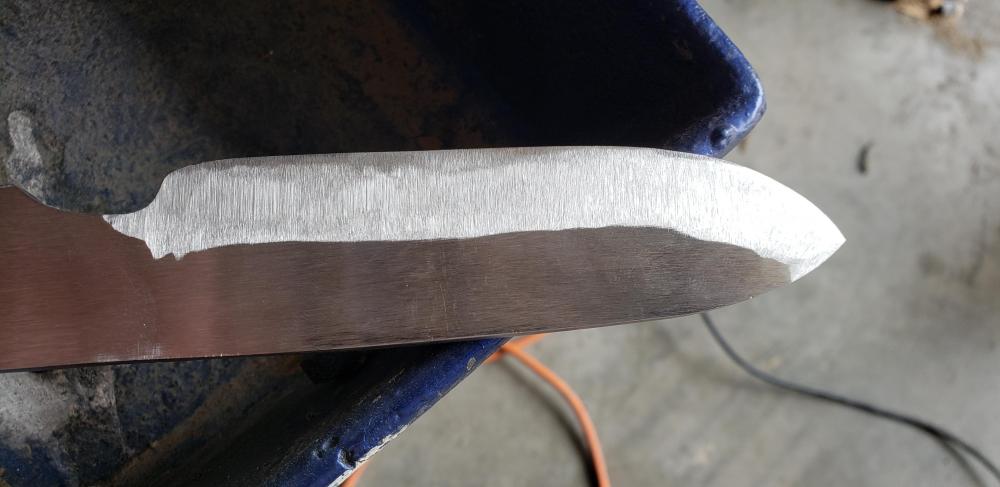
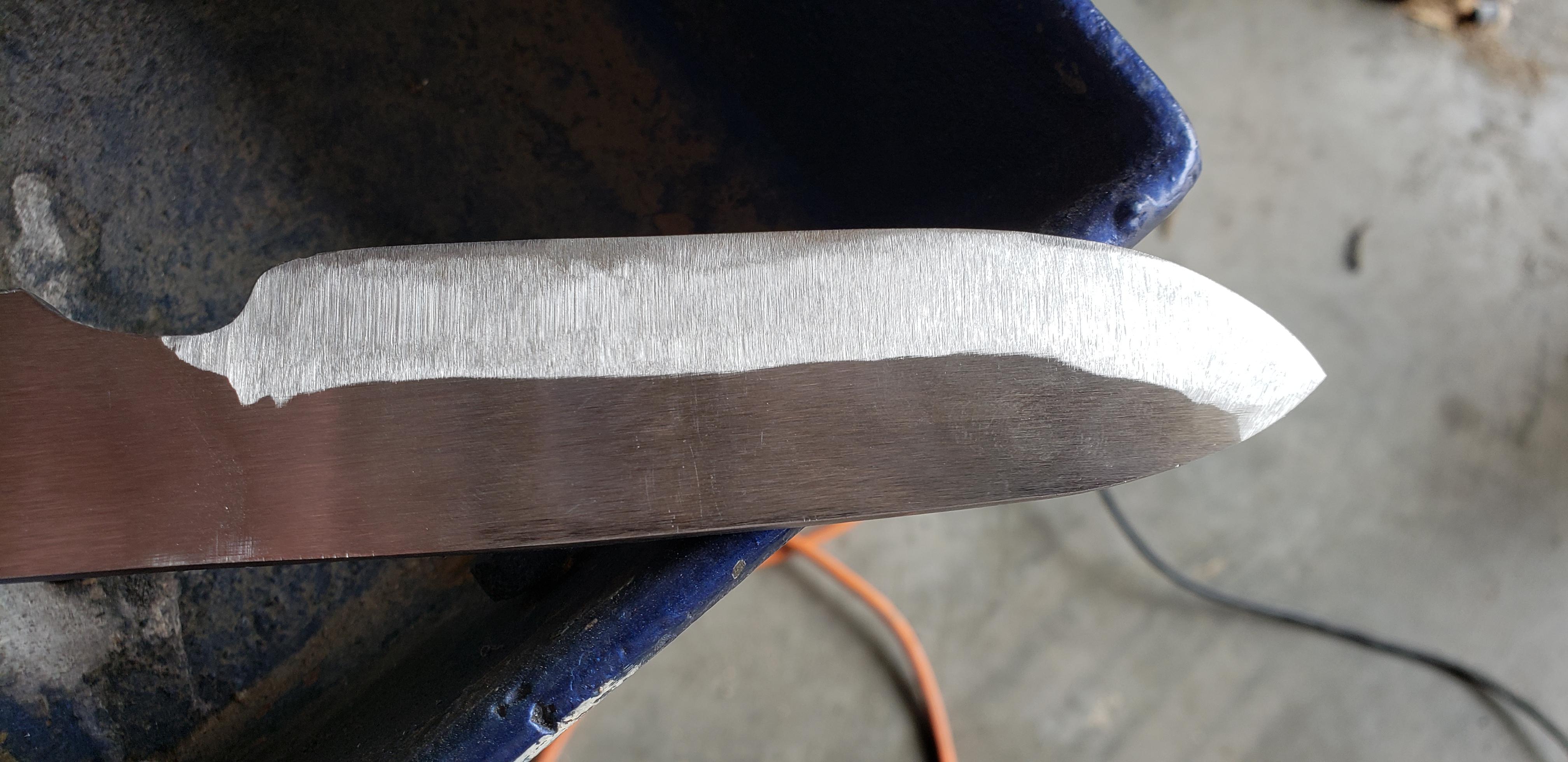
Thanks for the help guys. I will definitely keep practicing and hopefully improving. One more question I have is what grit do I get the knife before I heat treat? (I haven't heat treated and waiting to get some higher grit belts for sander.) Also do you guys recommend a solid fuel forge or a gas forge because at the moment I have a pretty nice portable coal forge and it heated the knife in the picture to white in 1 minute or less. Thanks in advance.
-
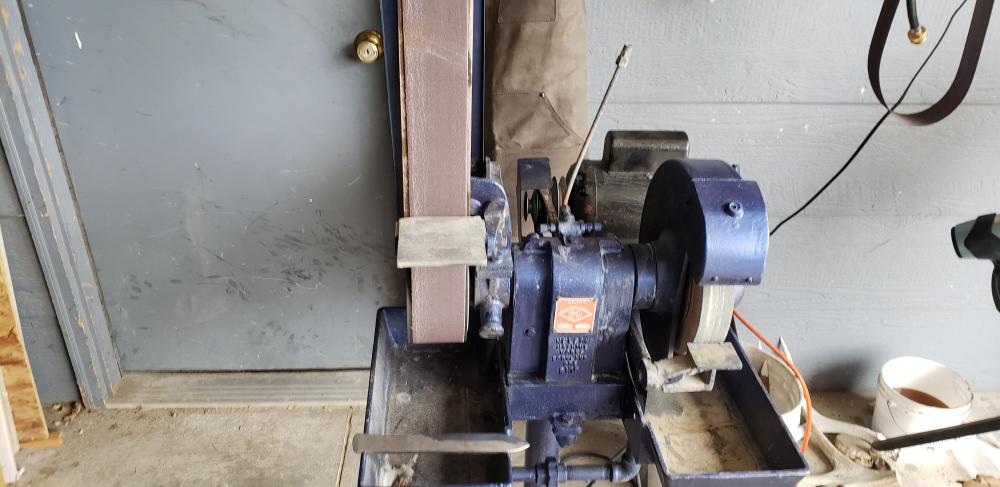
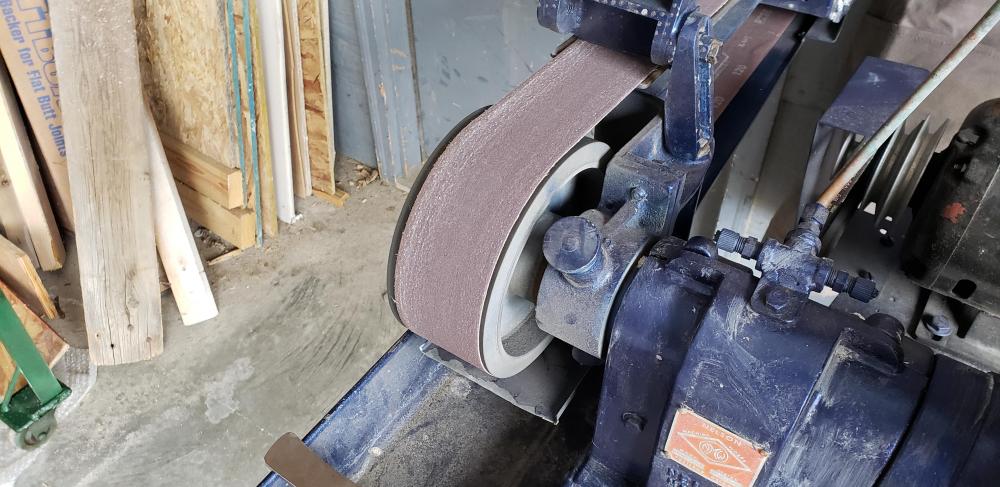
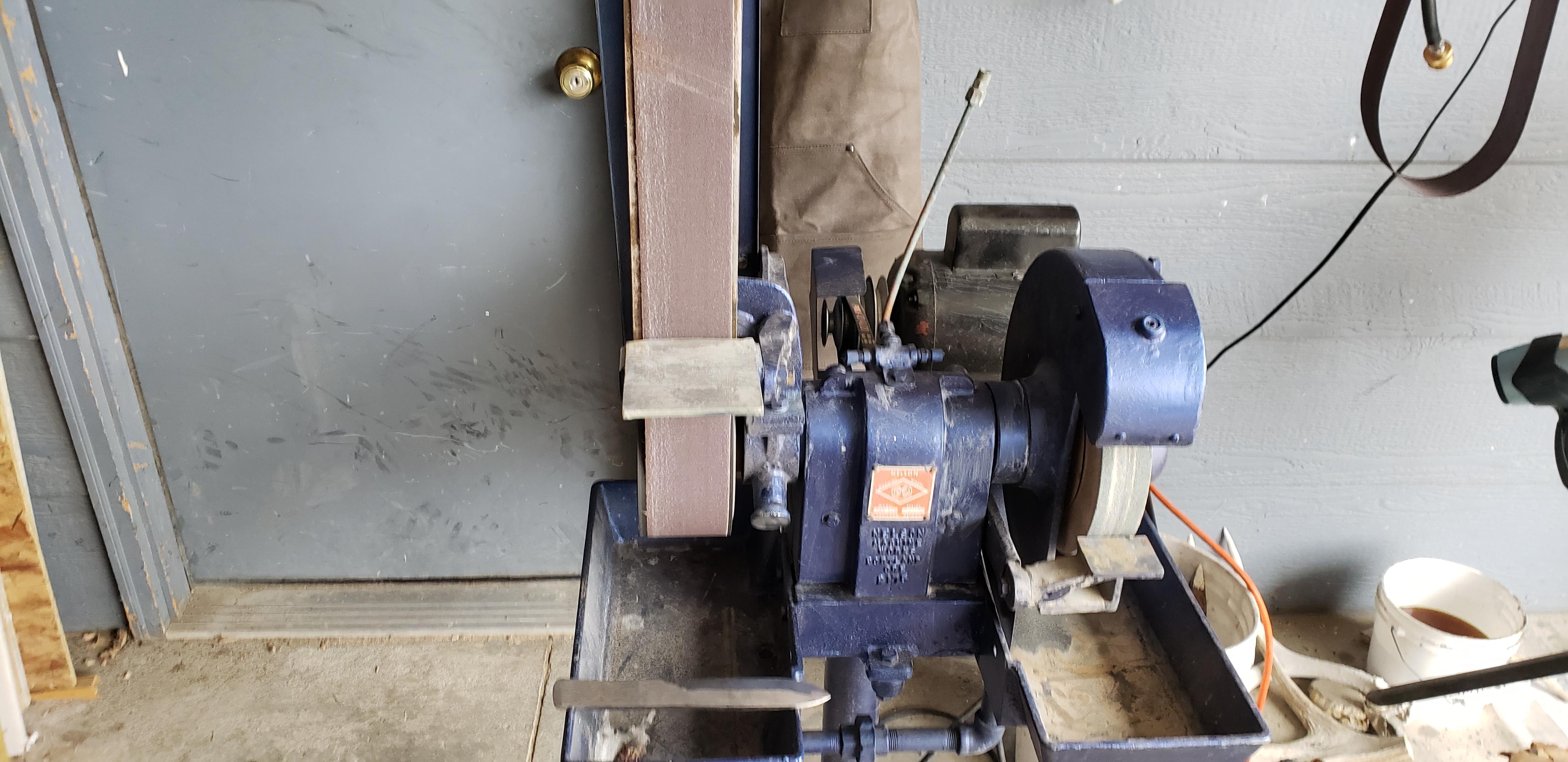
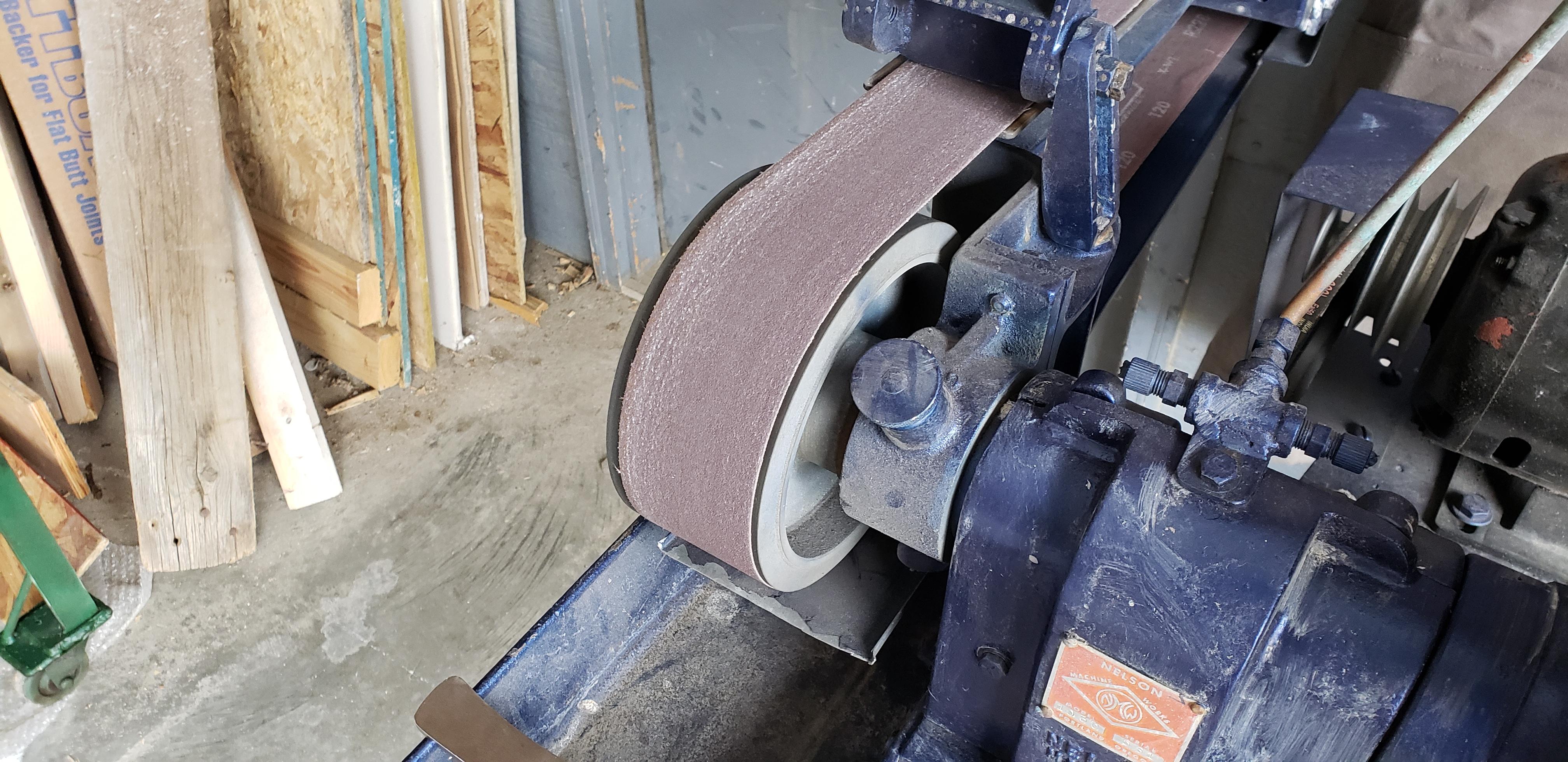
Ok, this is my first post I became a member because I am new to smithing and need some tips. I'm 14 and I just bought a 3"x 60" belt sander with a grinding wheel and made a diy jig for grinding bevels on knives. I also just forged my first knife out of spring steel and did a hollow grind for the bevel because it was kind of thick. Well, the platform on my sander to put the jig on does not go down to the wheel for doing hollow grinds. I attached some pictures. Does anybody have any tips on how to do hollow grinds freehand. Because I ended up with waves in my bevel and looks kind of bad. (If the sander pictures are confusing the arm tilts back for the wheel to be exposed.) Also if you have any tips on charcoal forges please feel free and riveting tongs. Thanks :)