Skip to content
View in the app

A better way to browse. Learn more.

I Forge Iron

A full-screen app on your home screen with push notifications, badges and more.

To install this app on iOS and iPadOS
  1. Tap the Share icon in Safari
  2. Scroll the menu and tap Add to Home Screen.
  3. Tap Add in the top-right corner.
To install this app on Android
  1. Tap the 3-dot menu (⋮) in the top-right corner of the browser.
  2. Tap Add to Home screen or Install app.
  3. Confirm by tapping Install.

JTS

Members
  • Joined

  • Last visited

Everything posted by JTS

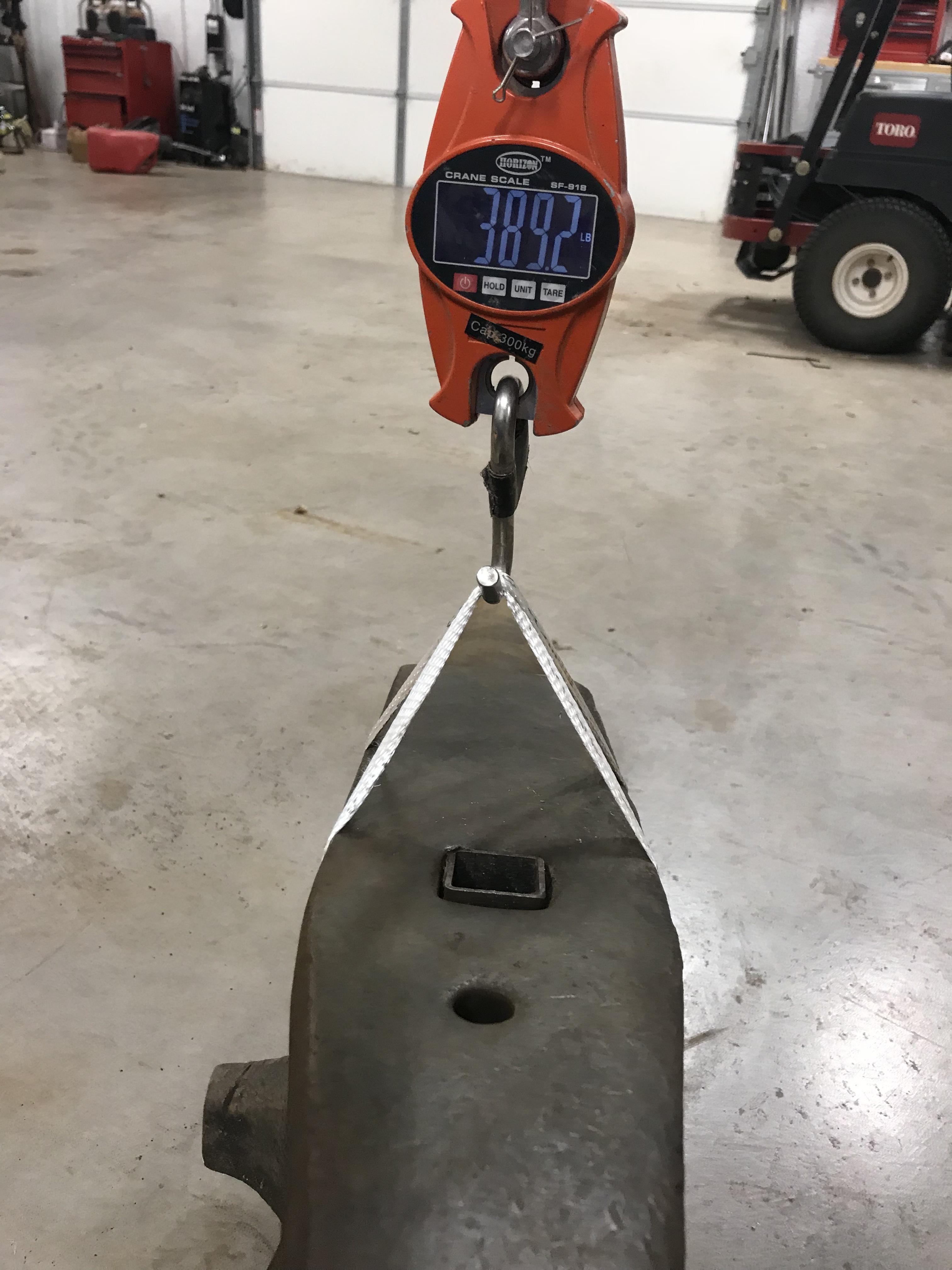
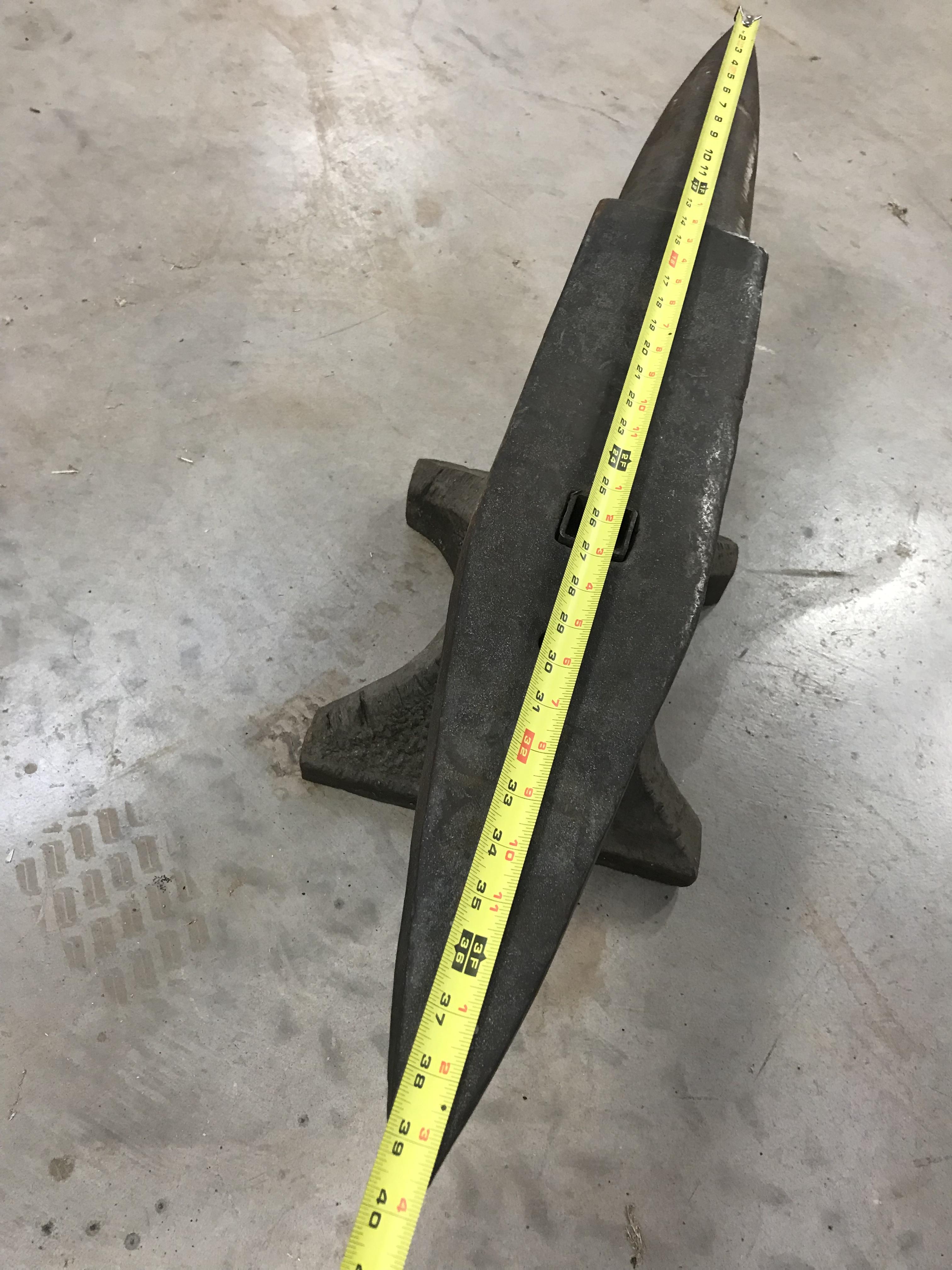
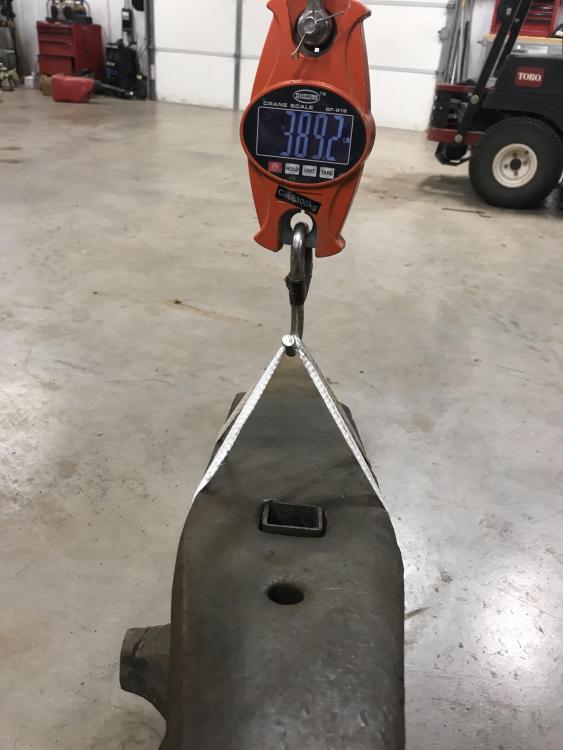
  1. I got a scale and weighed it. It came in at 389.2, but it wasn’t a high dollar scale.
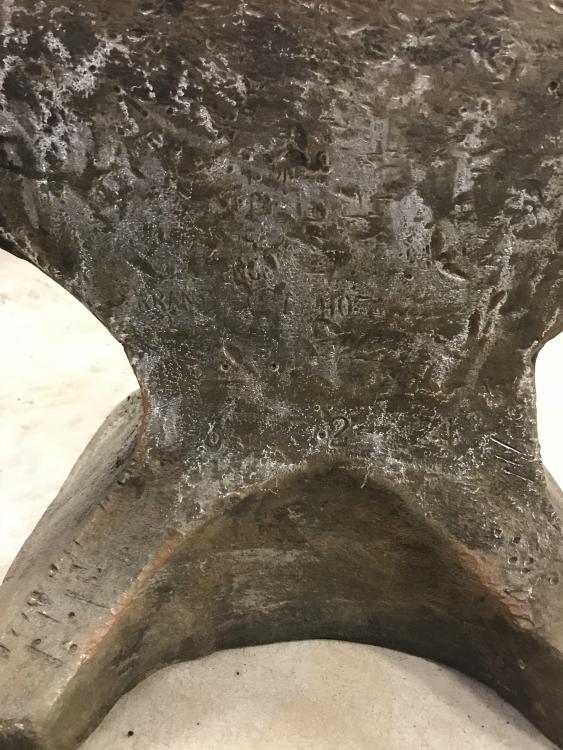
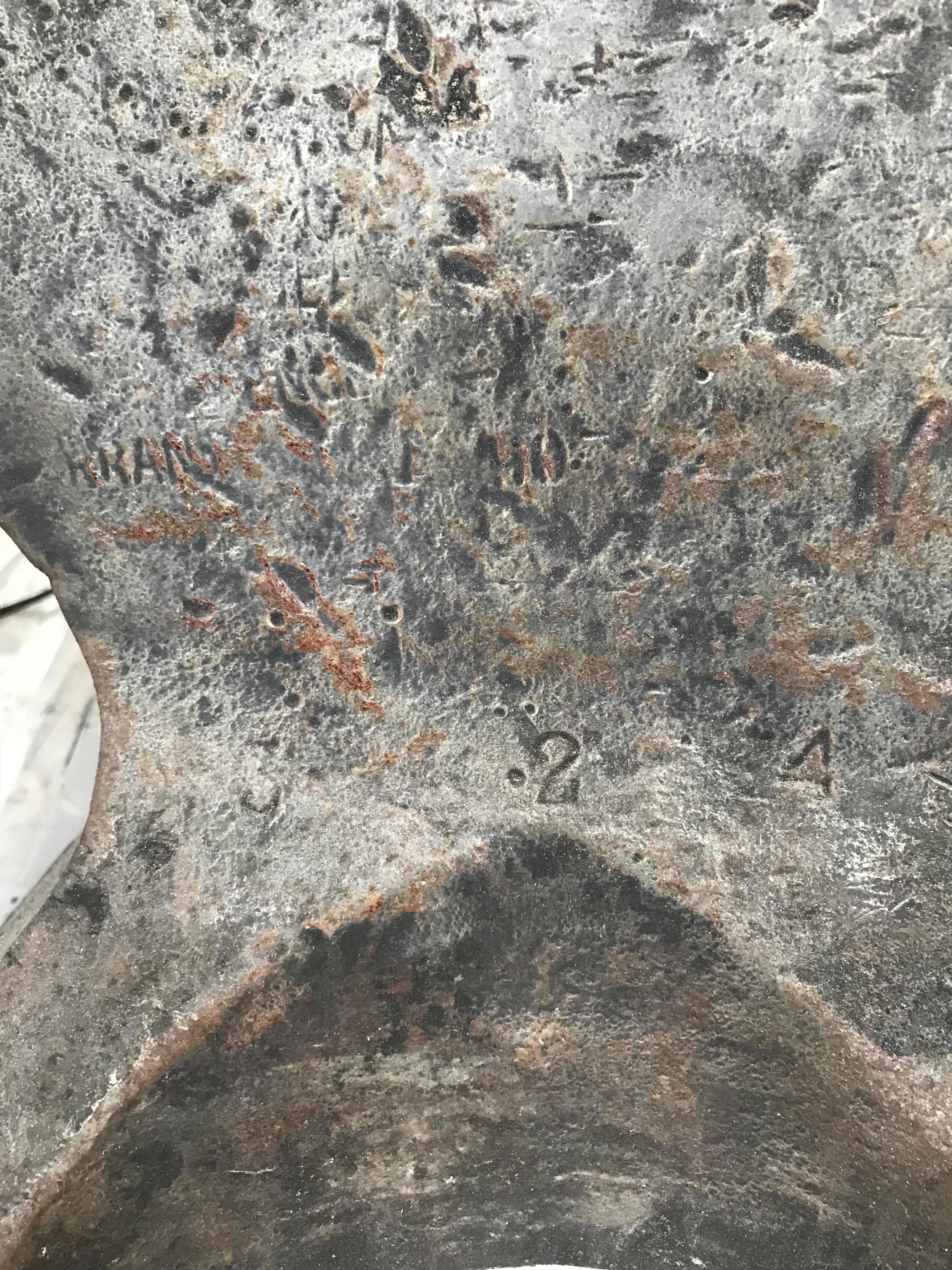
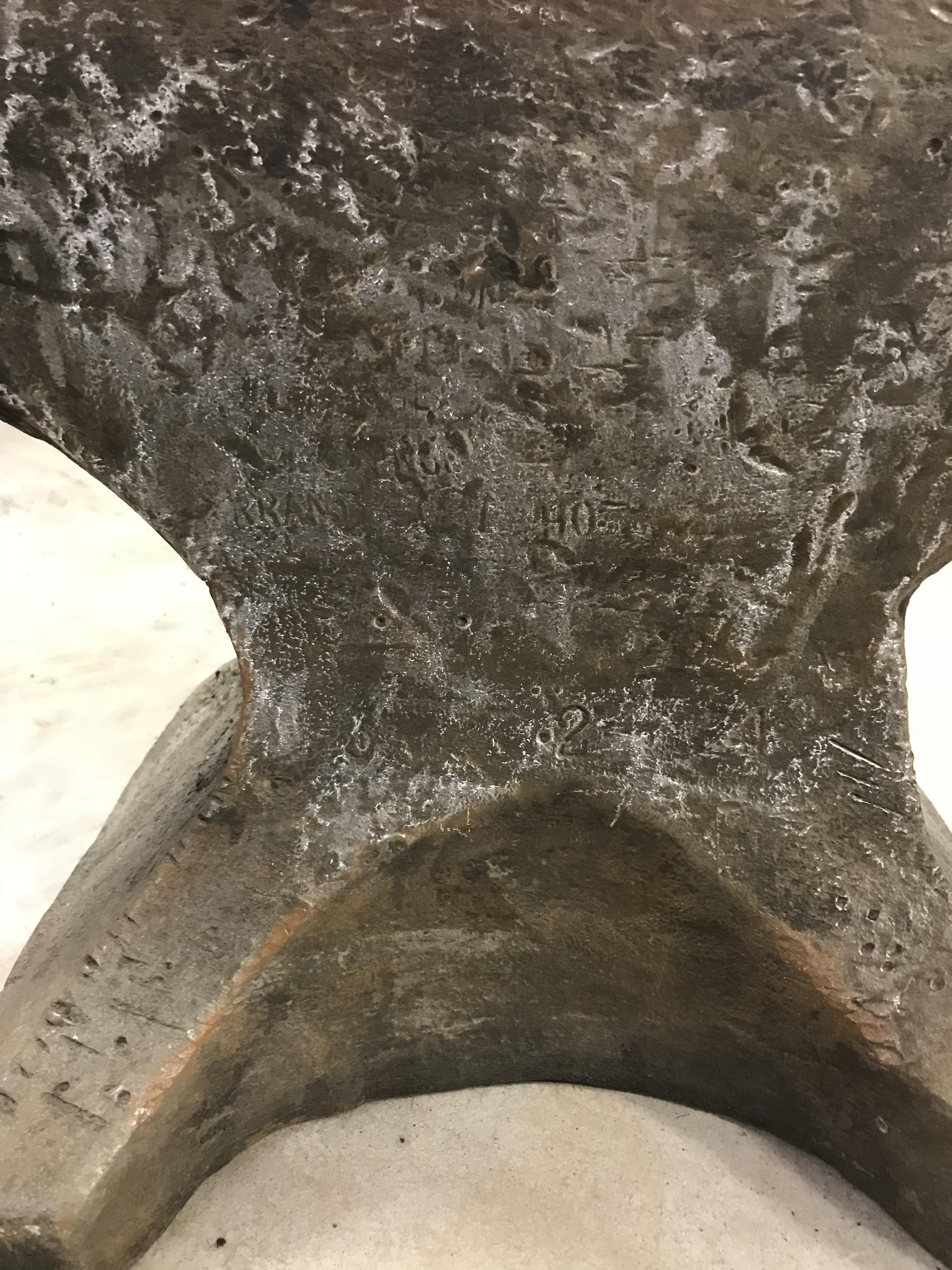
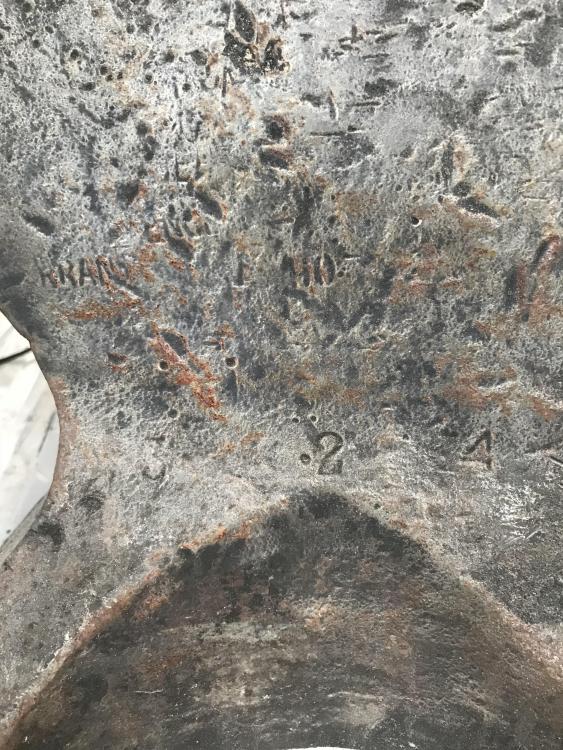
  2. Wow, I didn’t see any of those word. But I don’t know what I’m looking for either. Thanks.
  3. Yes, she has a nice ring from end to end.
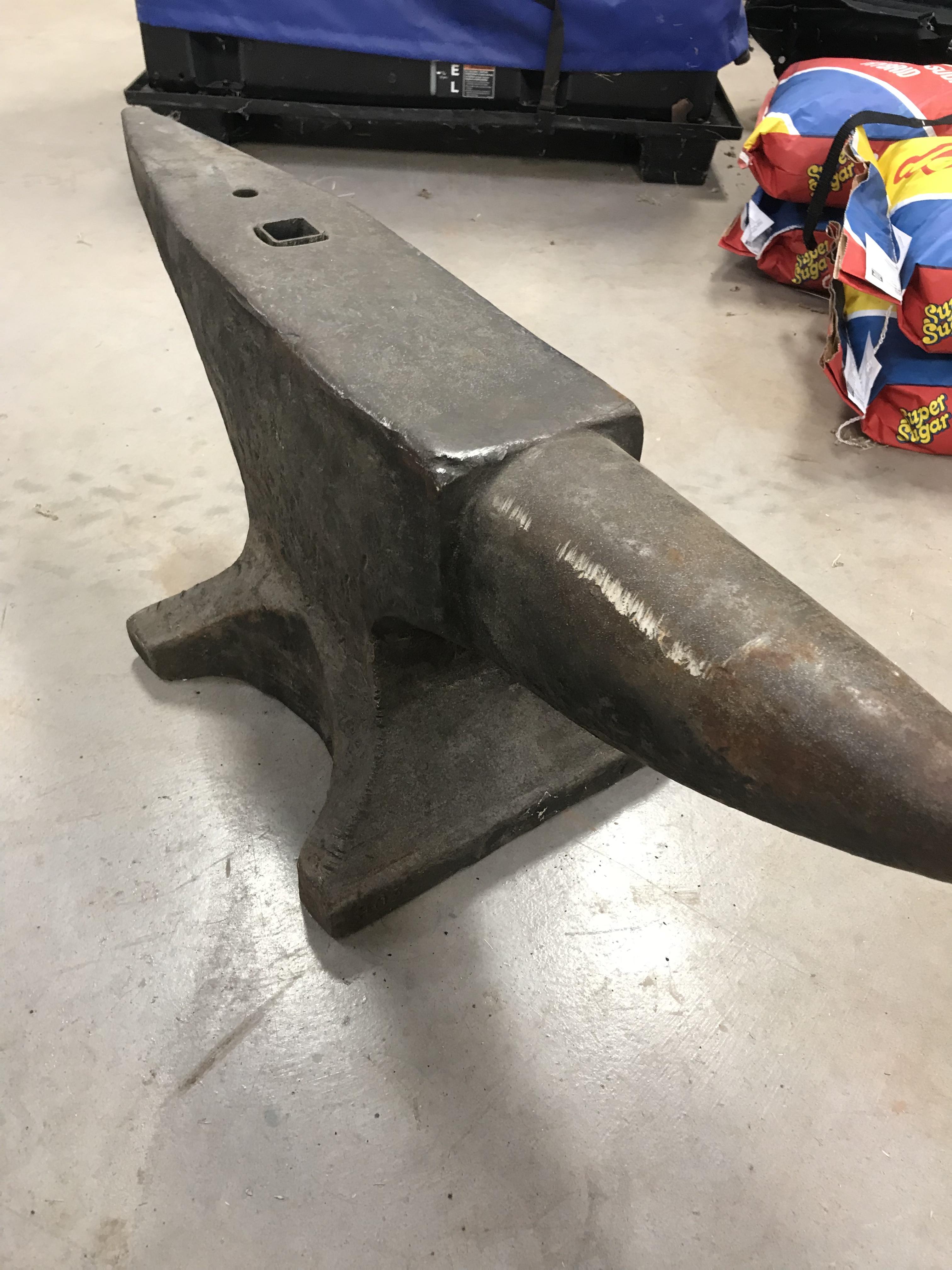
  4. I traded a rifle for it. I don't plan on getting rid of it I have been looking for a nice large anvil like this for a while. I figure I have around $1300 in it.
  5. Sorry I thought I did, but I had to use my phone to upload the pictures and it was a little difficult to navigate on my phone. I updated my location to show that I am from Wichita Falls, TX
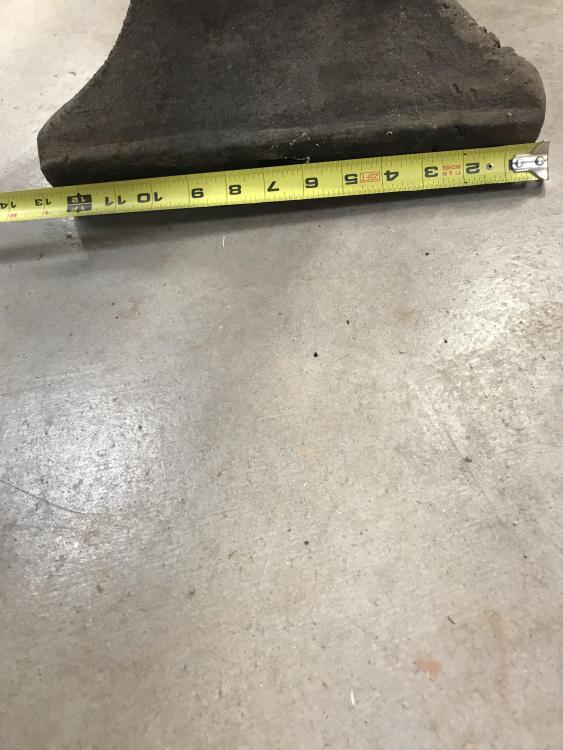
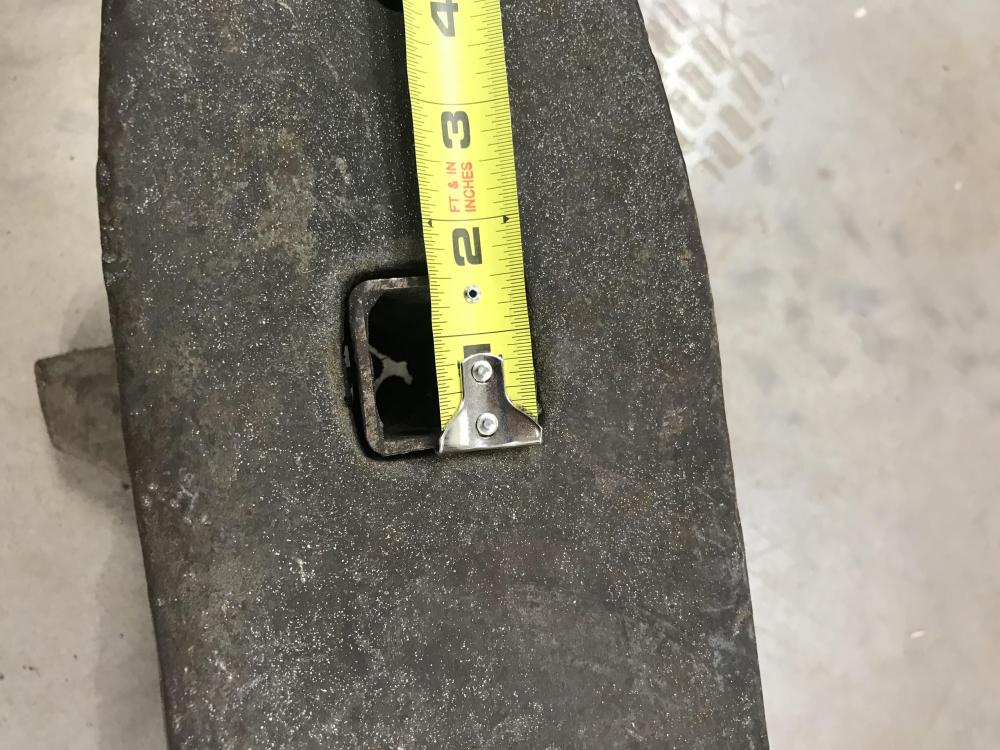
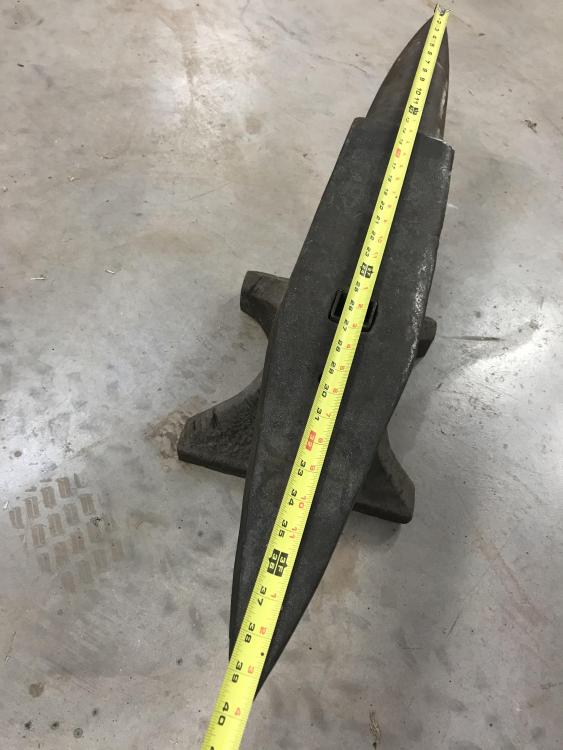
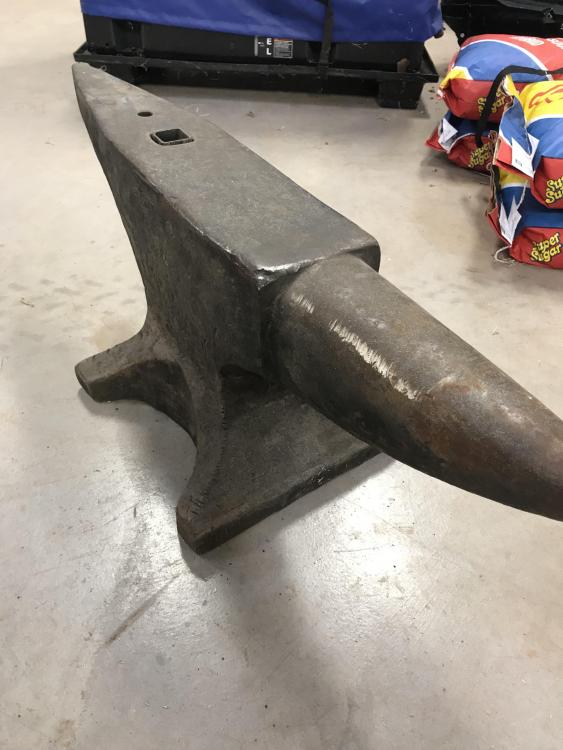
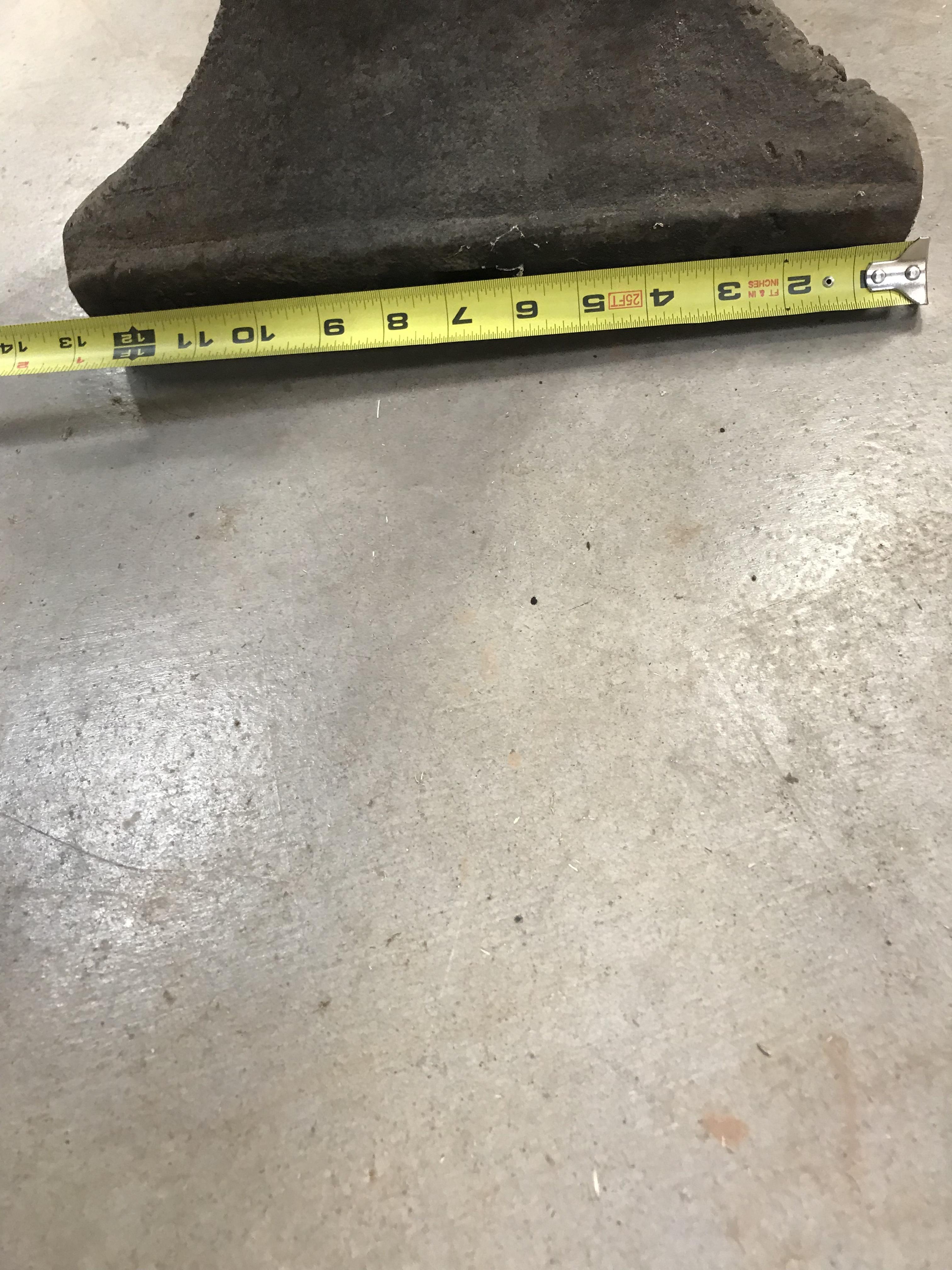
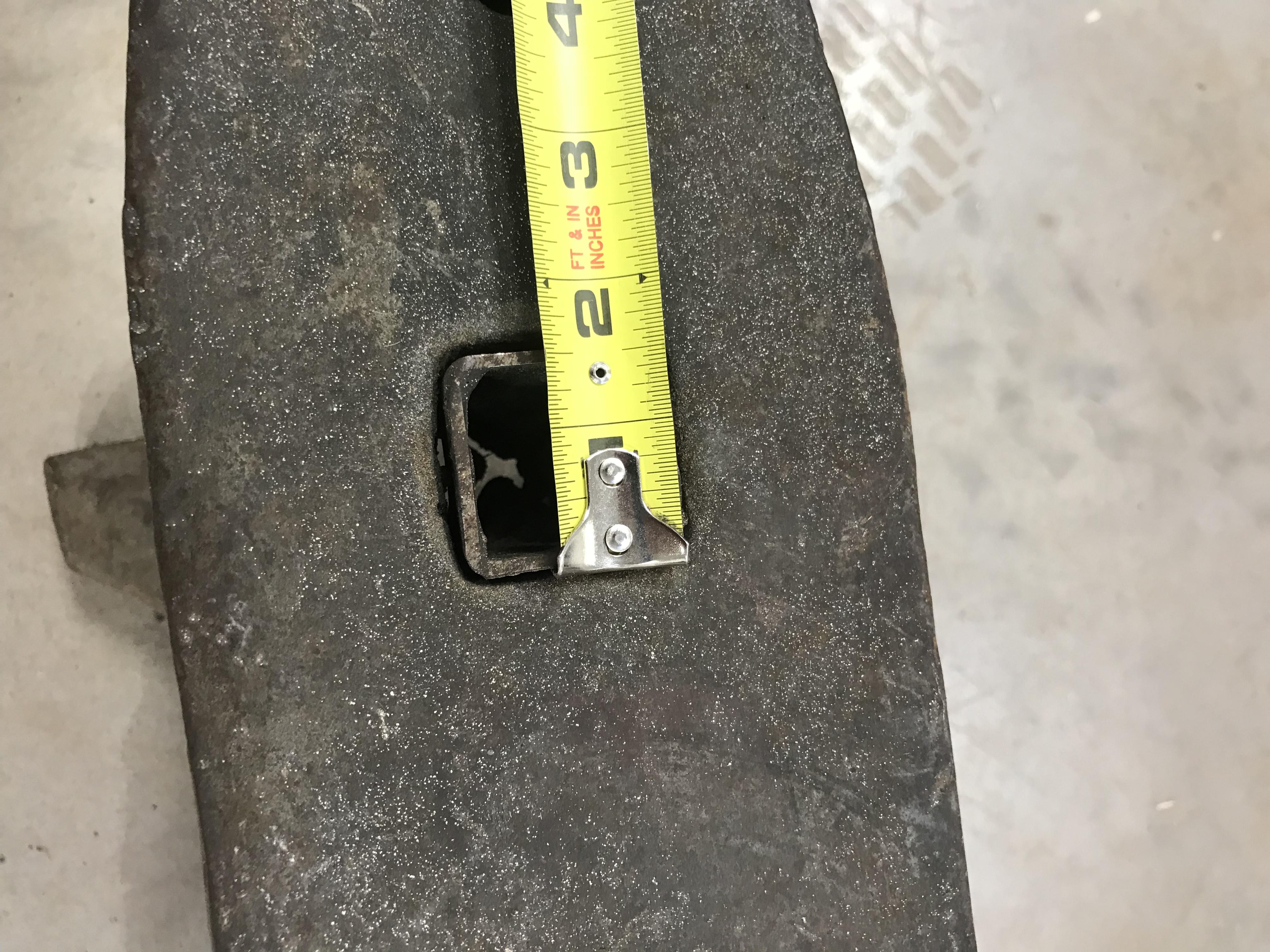
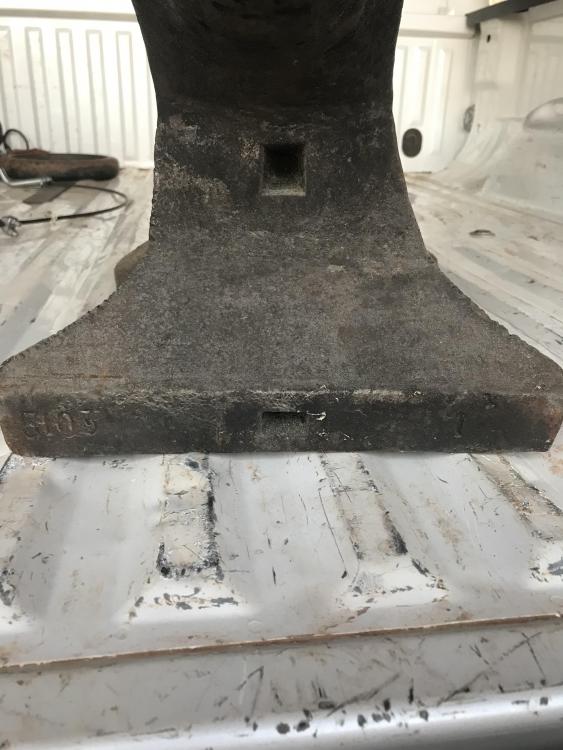
  6. I recently traded for a new to me anvil. I was wondering if you guys can tell me anything about it, maybe the manufacturer? I don’t see a name stamped on it.
Account

Navigation

Search

Search

Configure browser push notifications

Chrome (Android)
  1. Tap the lock icon next to the address bar.
  2. Tap Permissions → Notifications.
  3. Adjust your preference.
Chrome (Desktop)
  1. Click the padlock icon in the address bar.
  2. Select Site settings.
  3. Find Notifications and adjust your preference.