
Brenda Murray
Members
-
Joined
-
Last visited
Everything posted by Brenda Murray
-
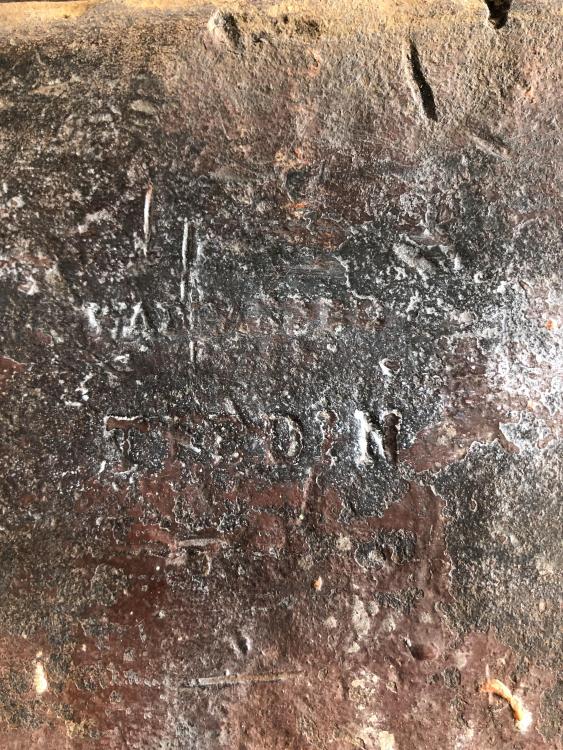
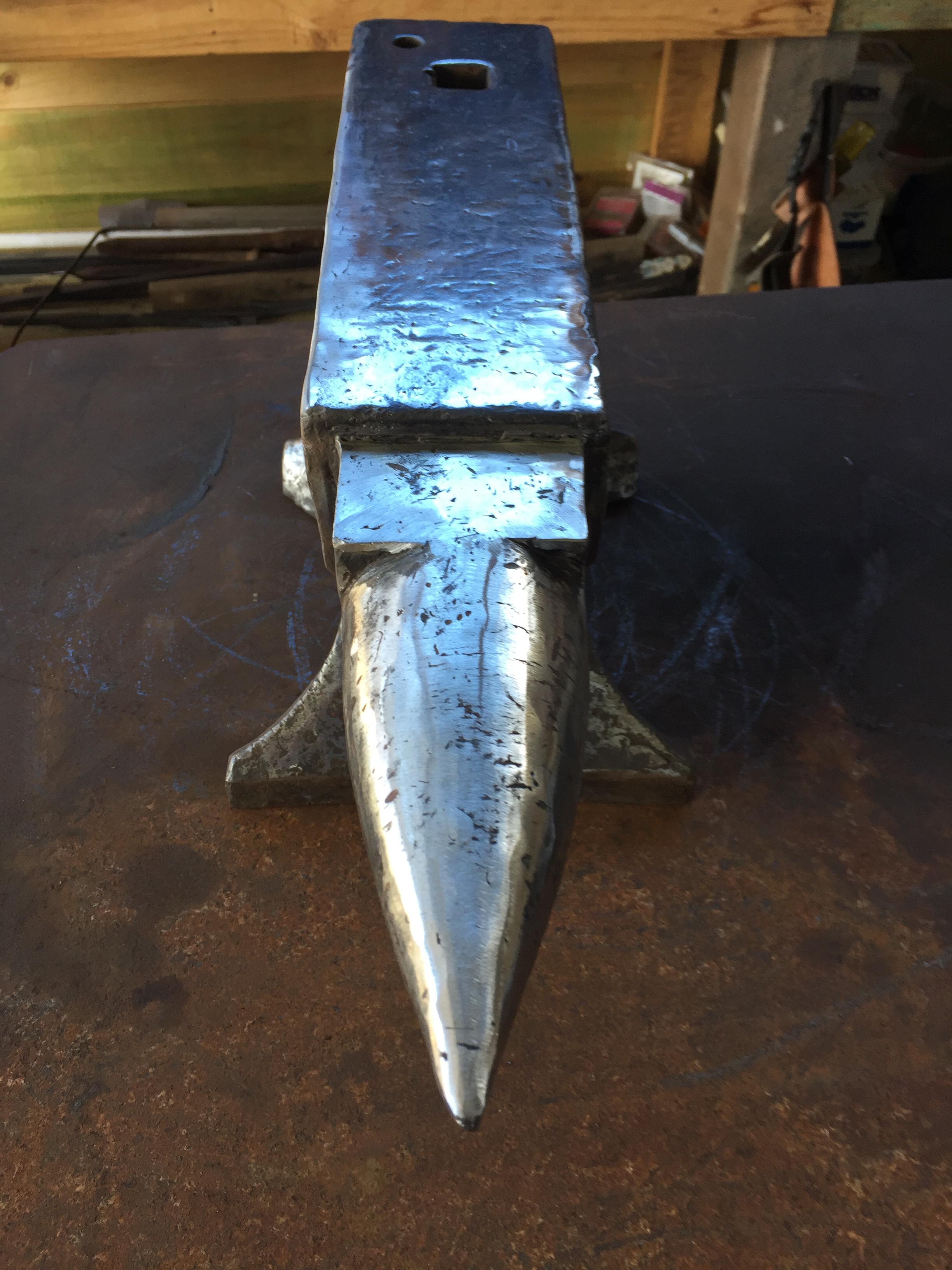
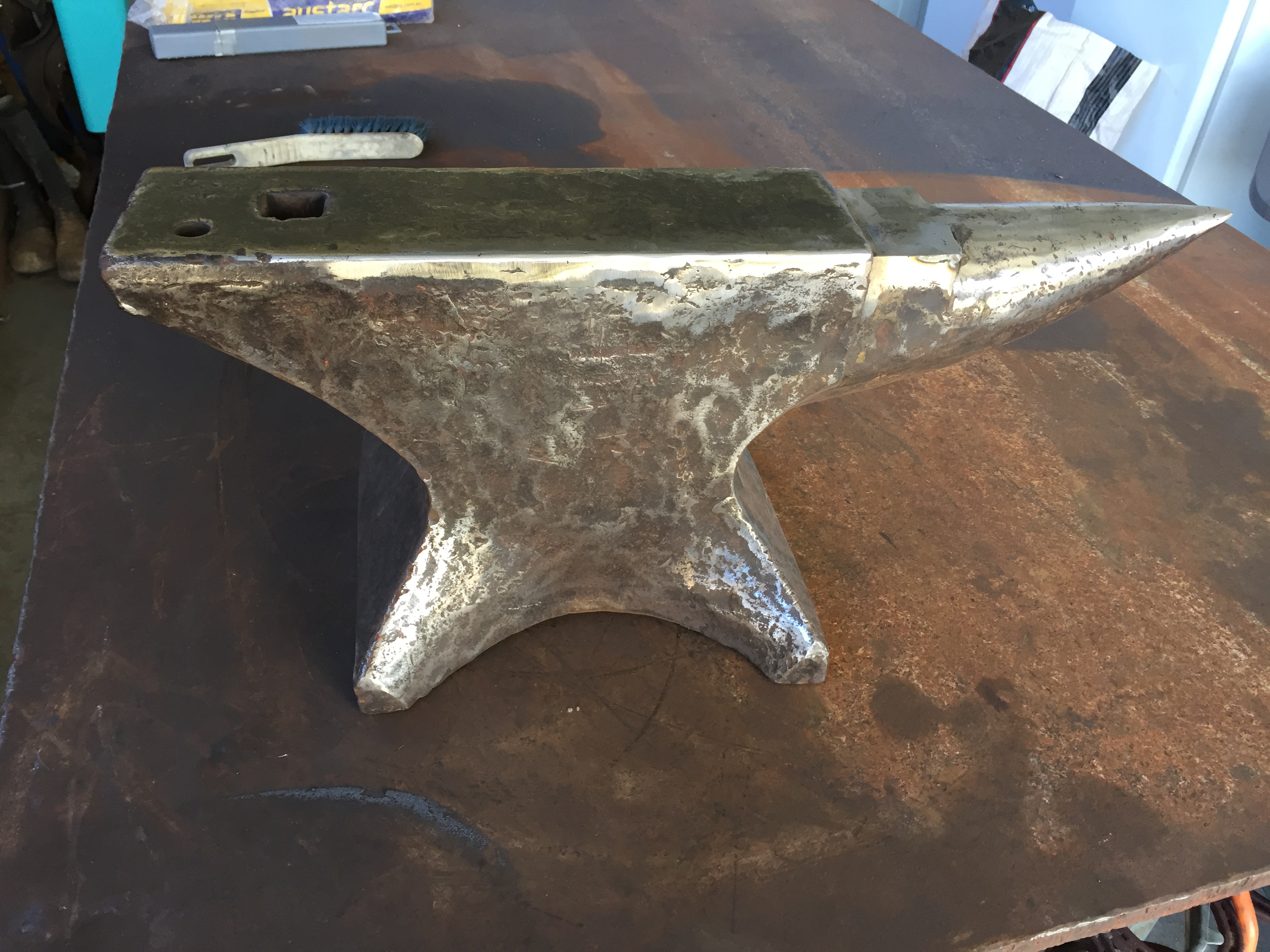
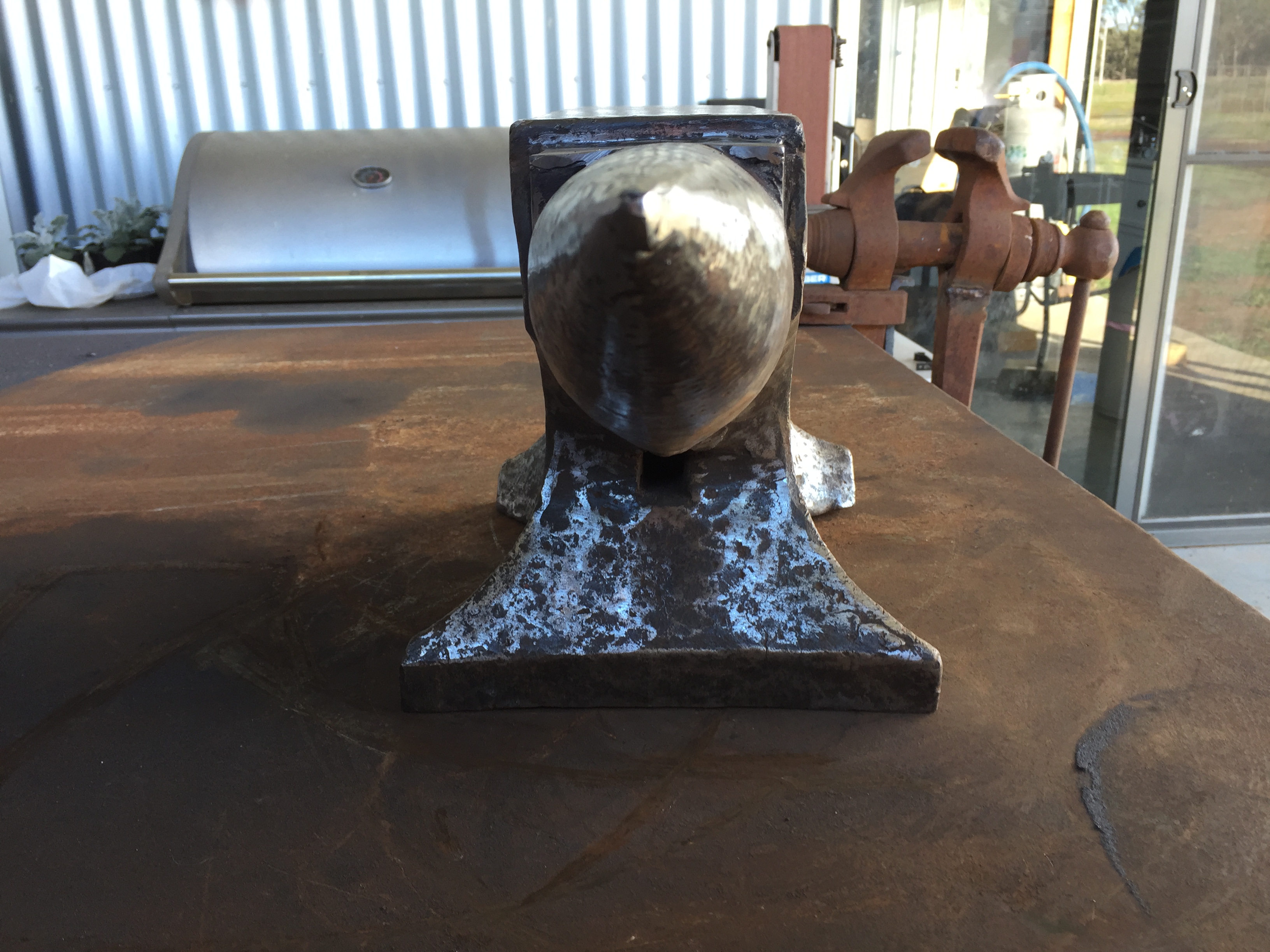
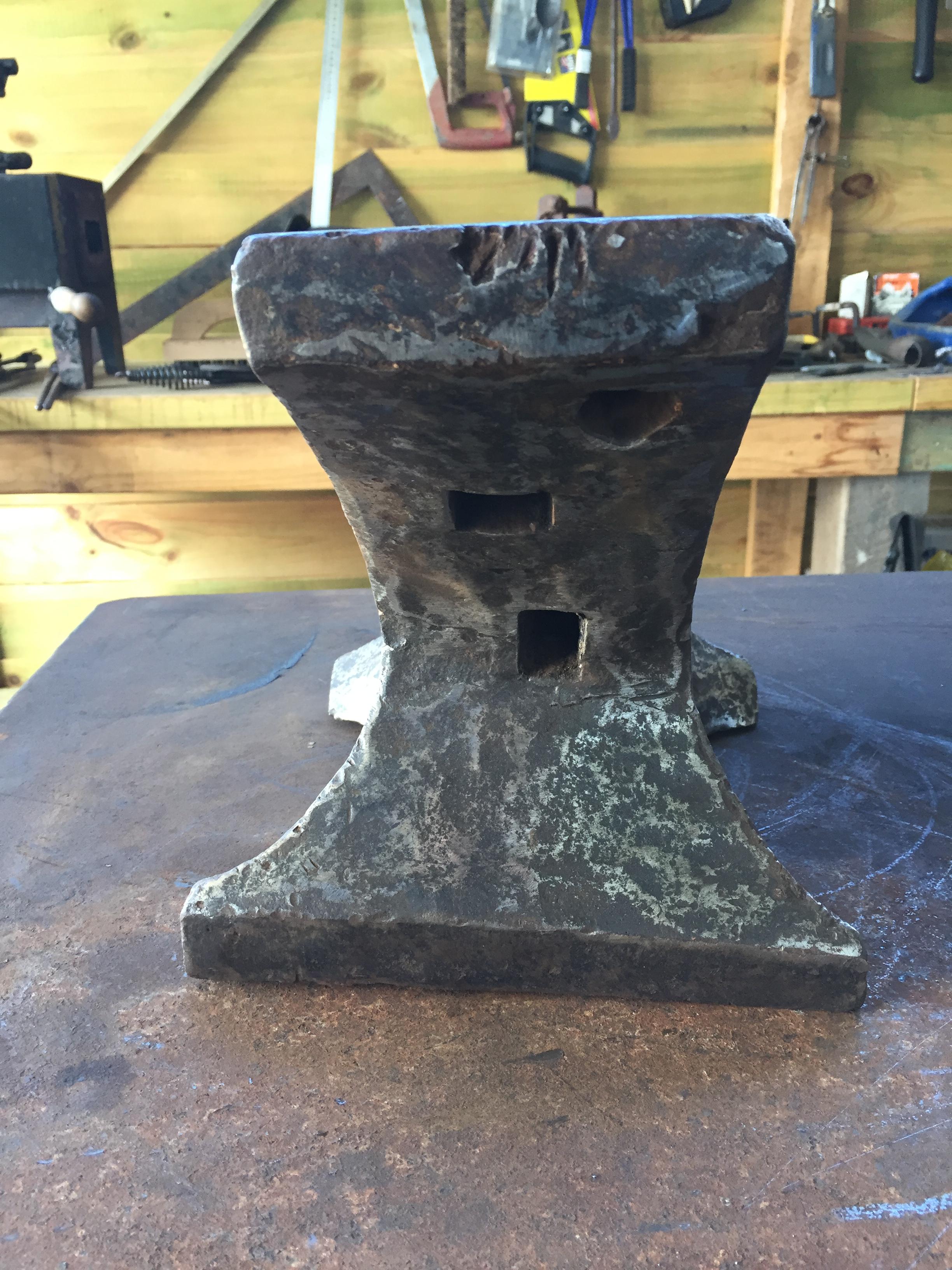
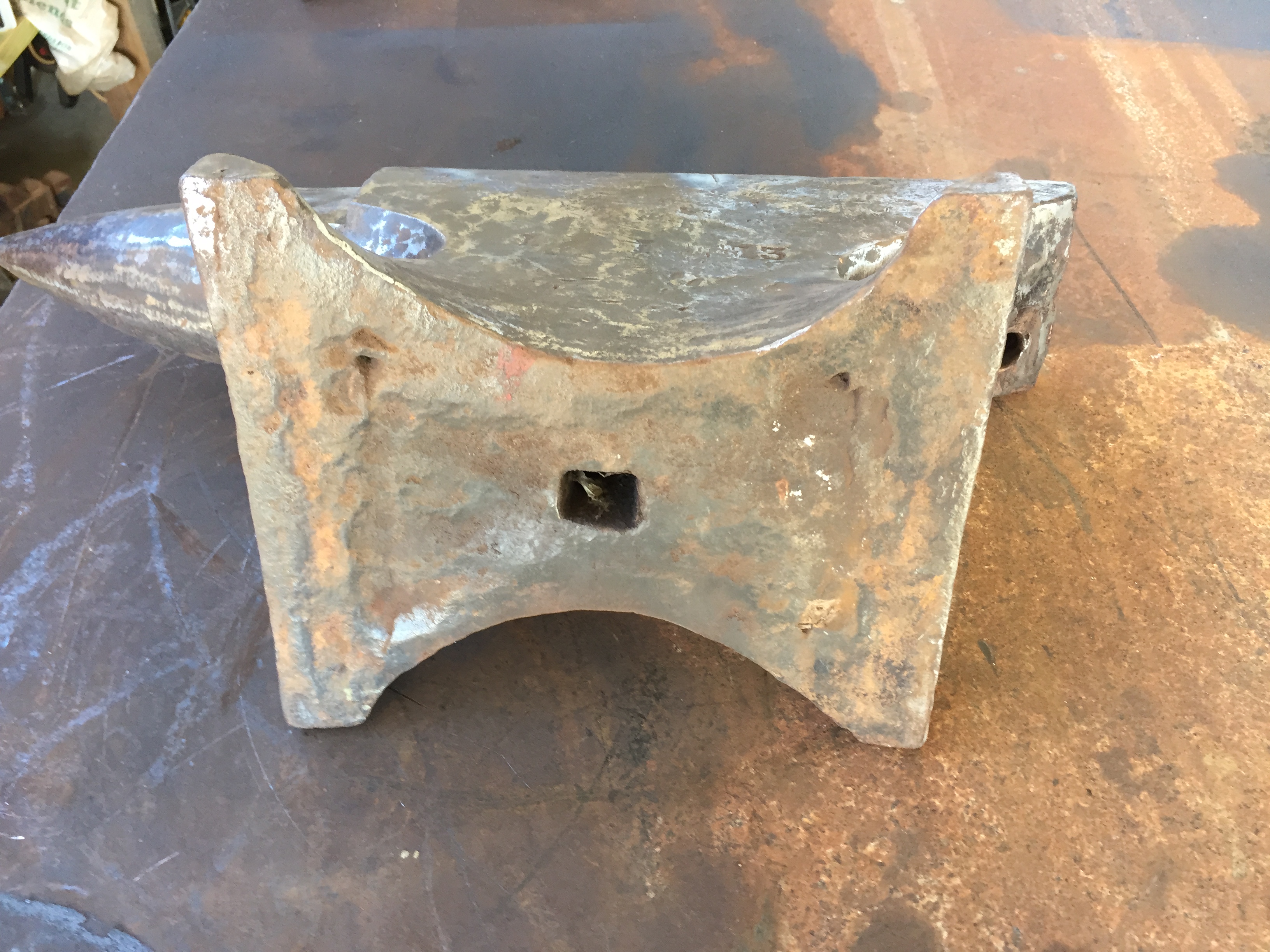
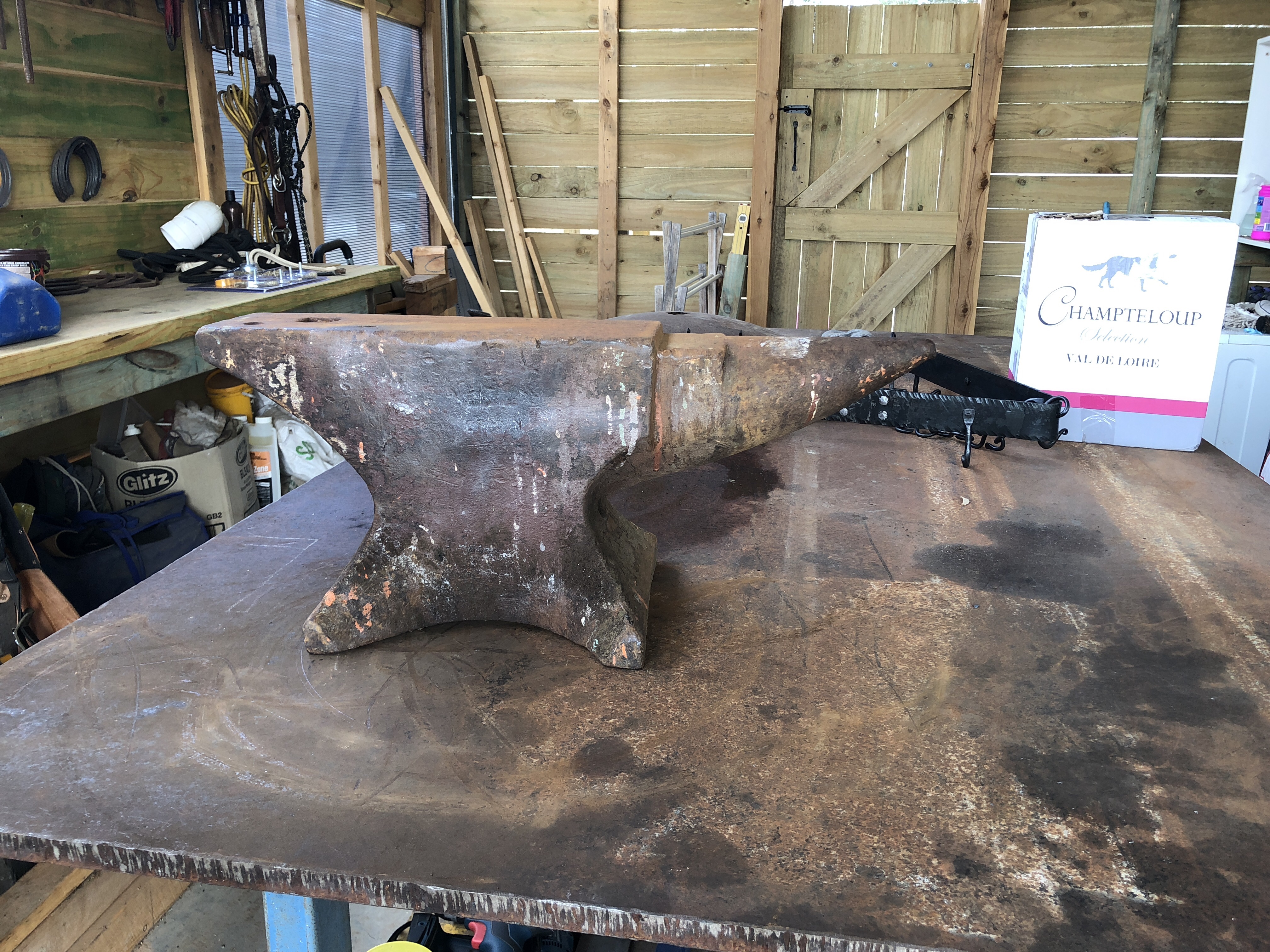
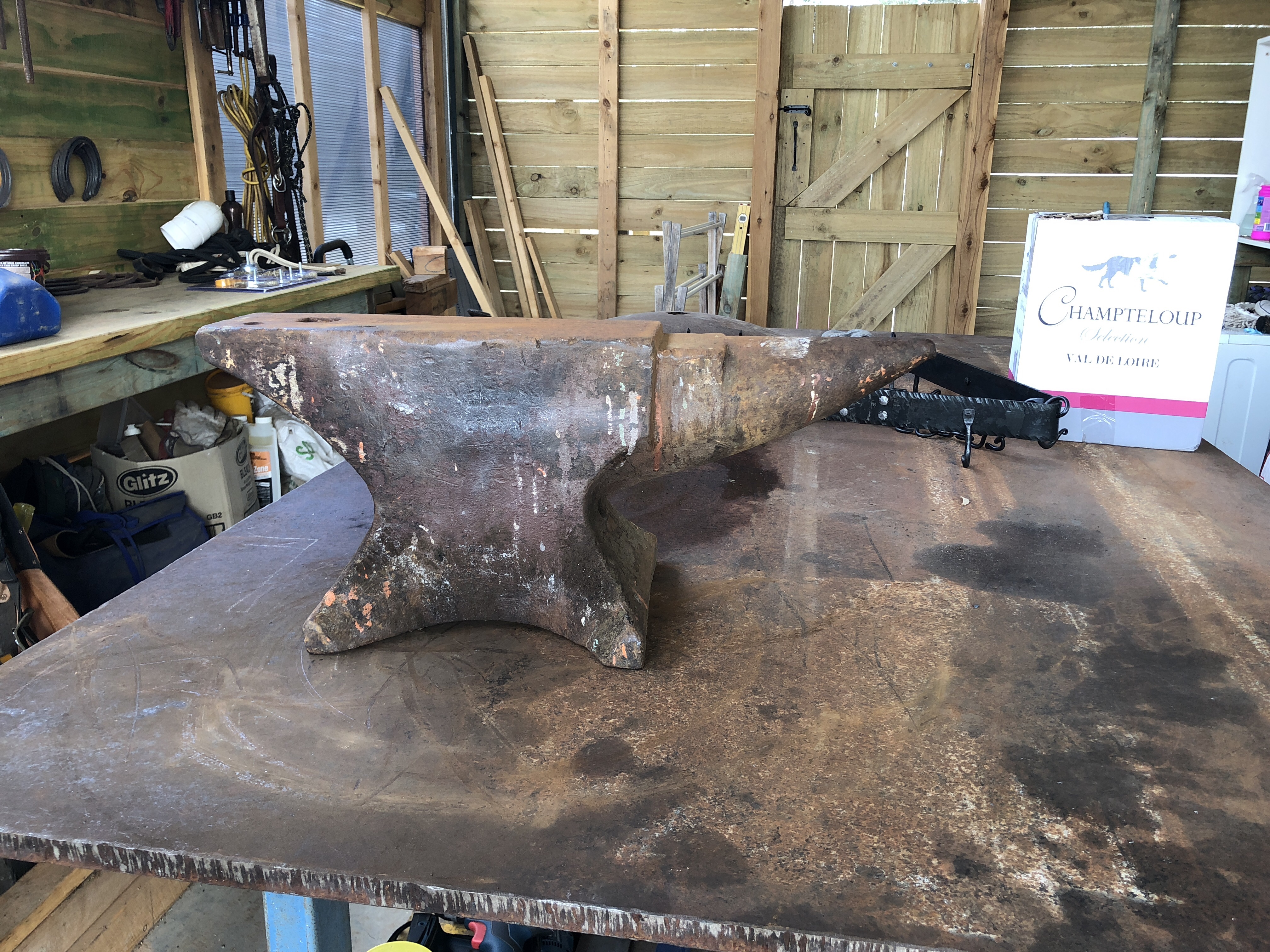
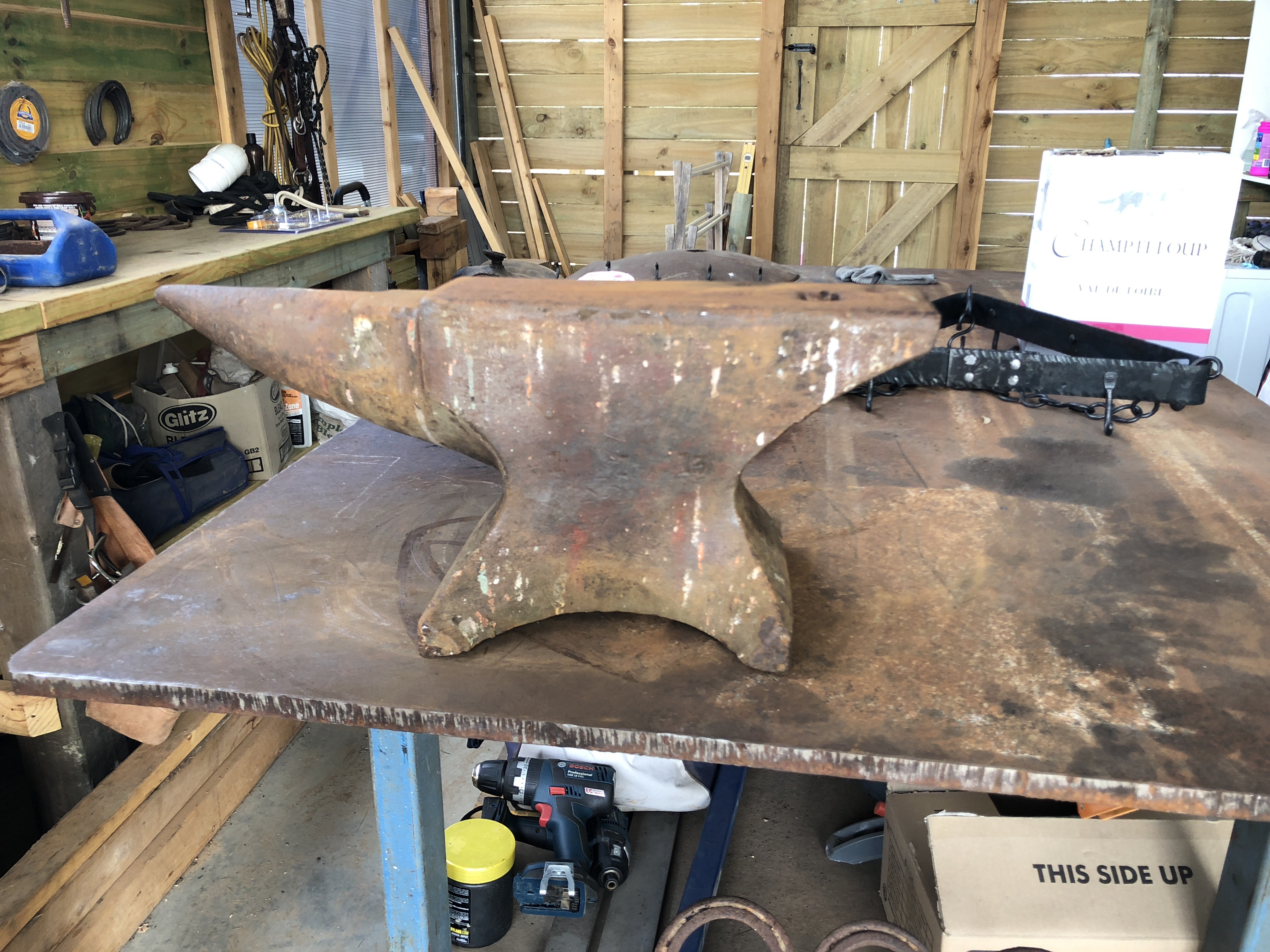
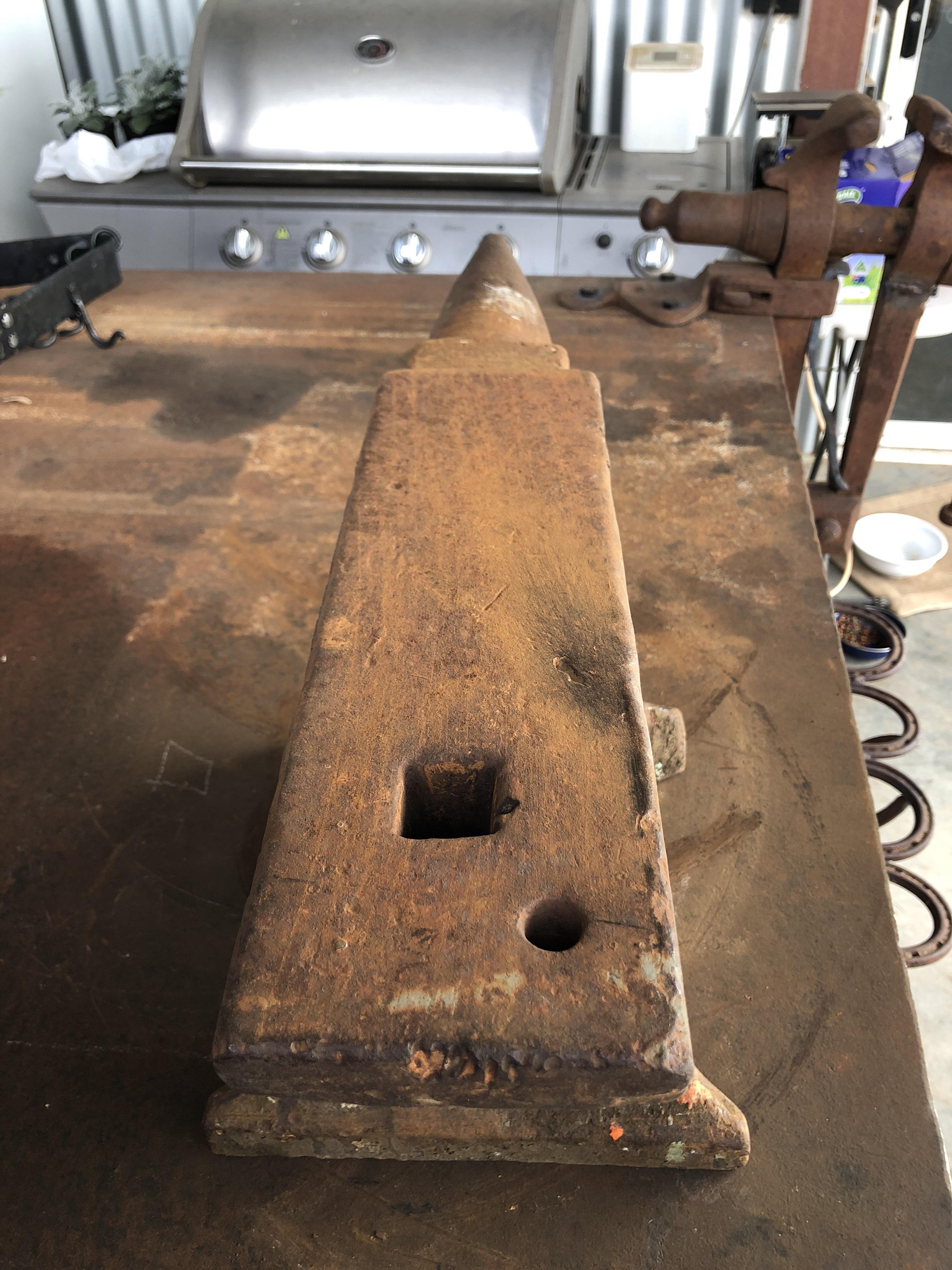
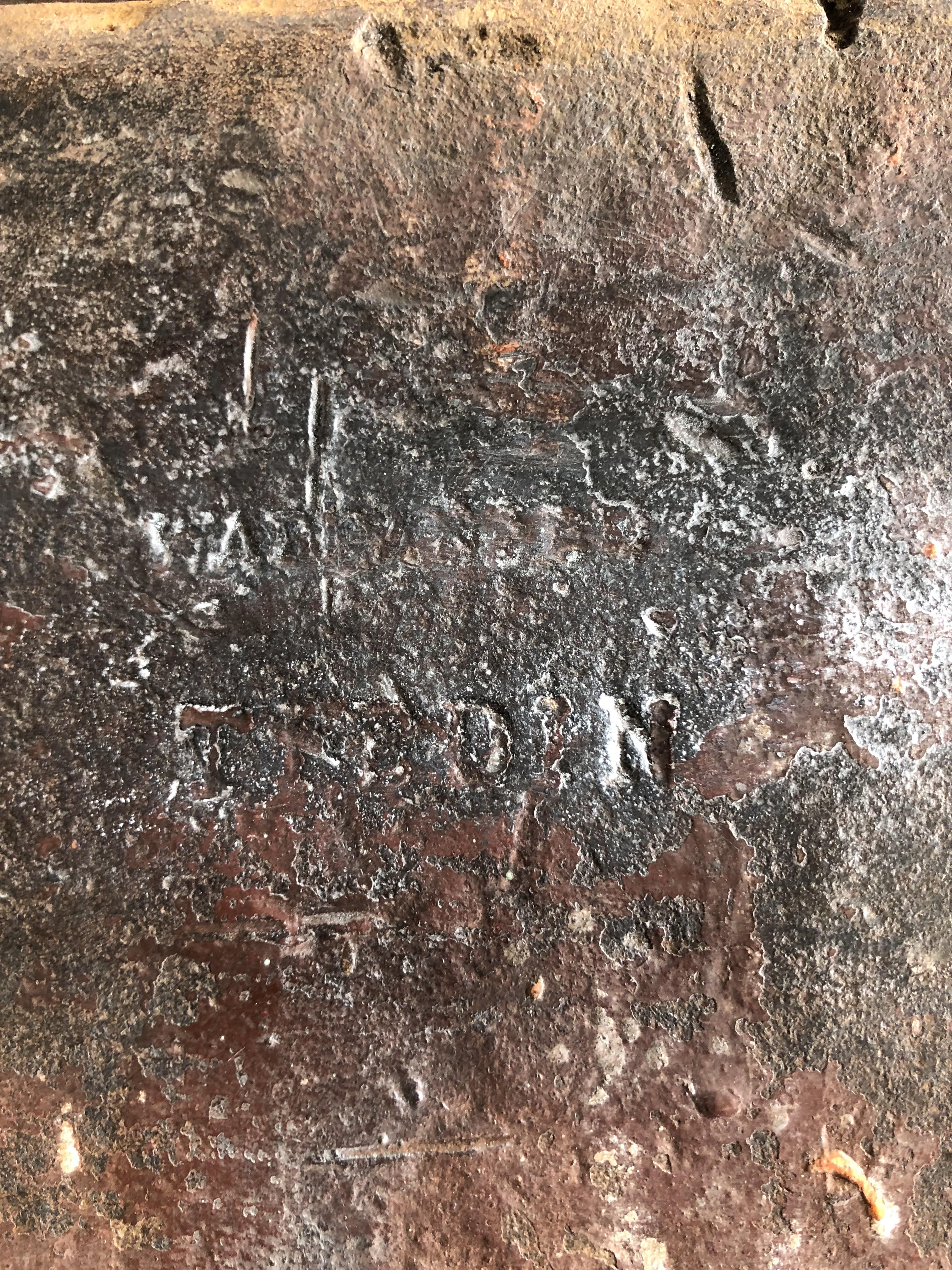
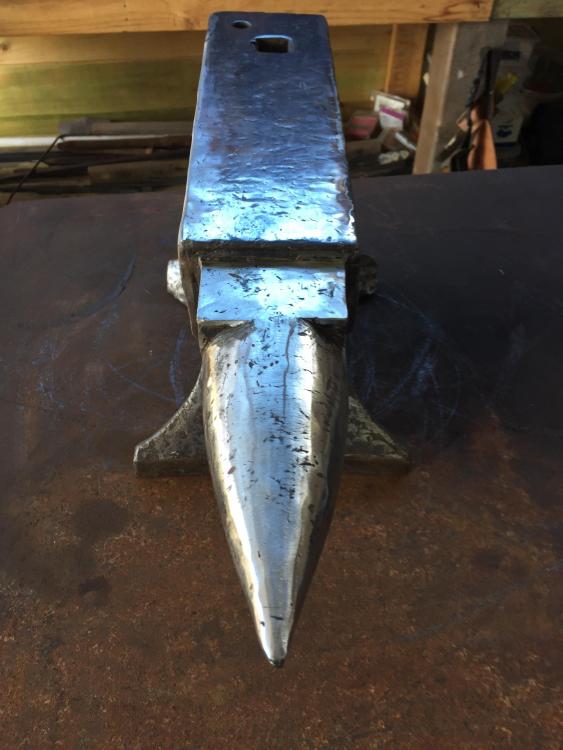
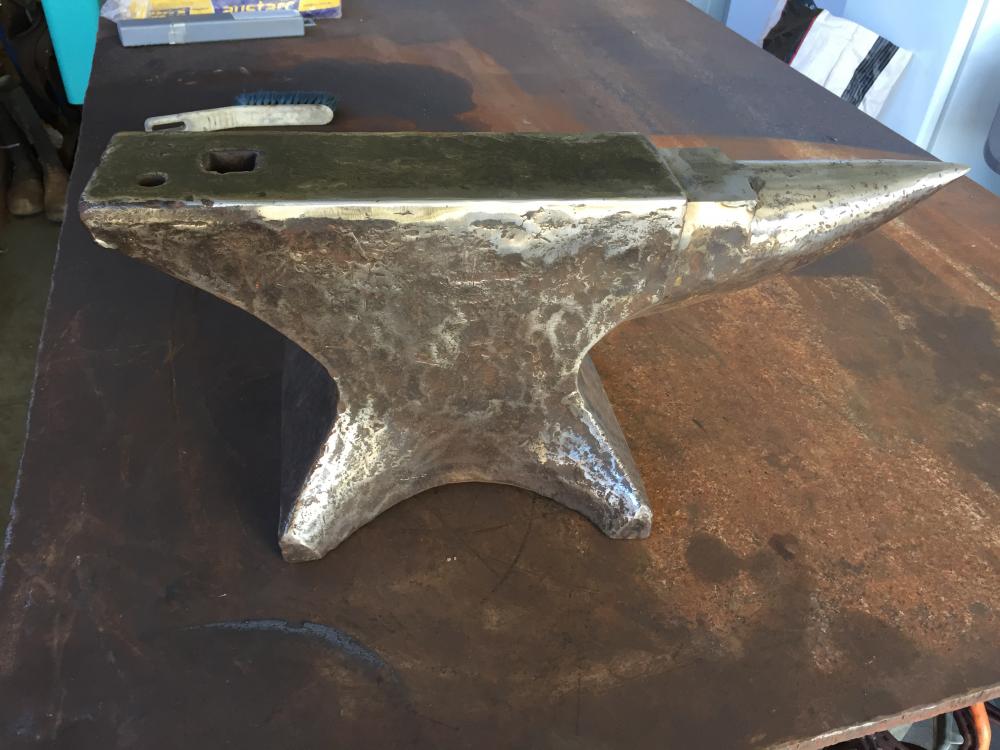
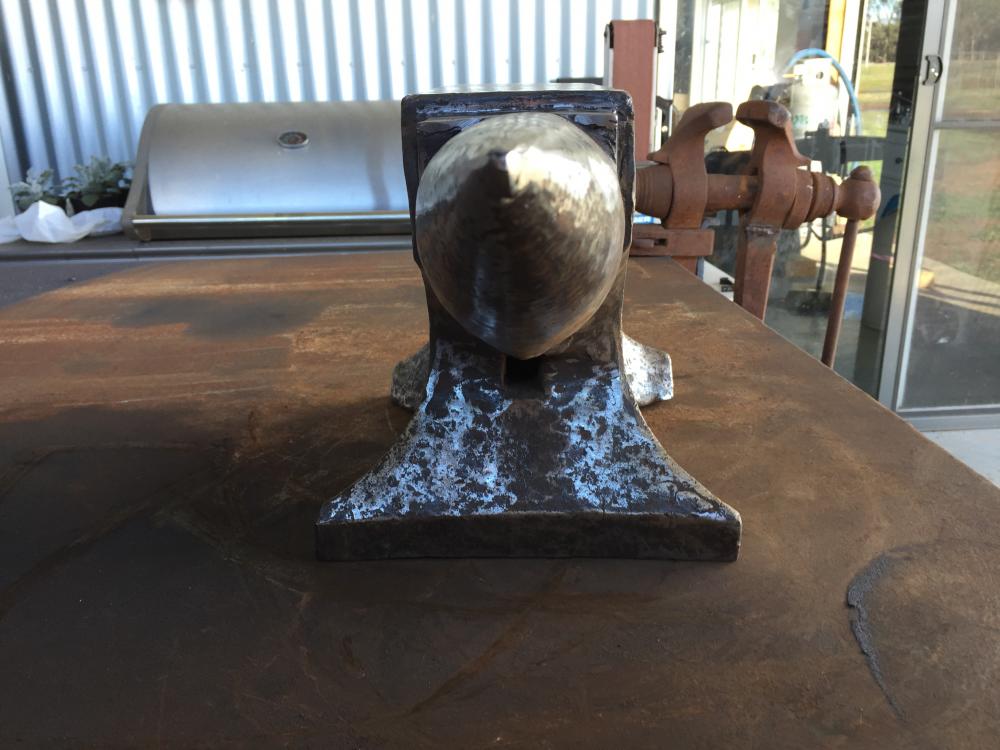
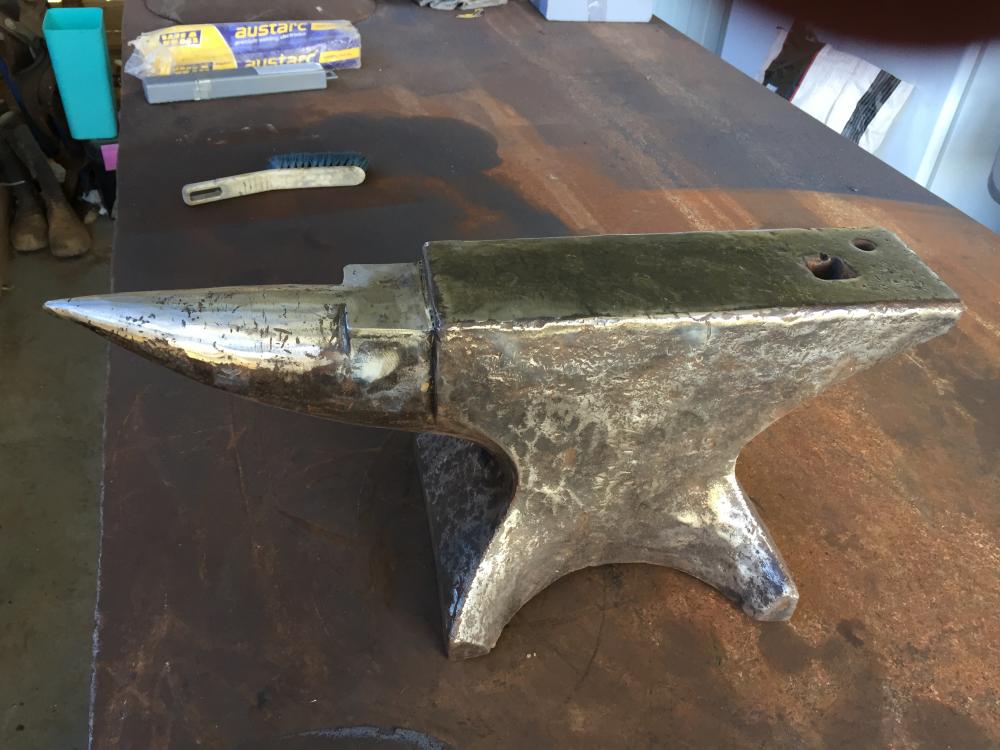
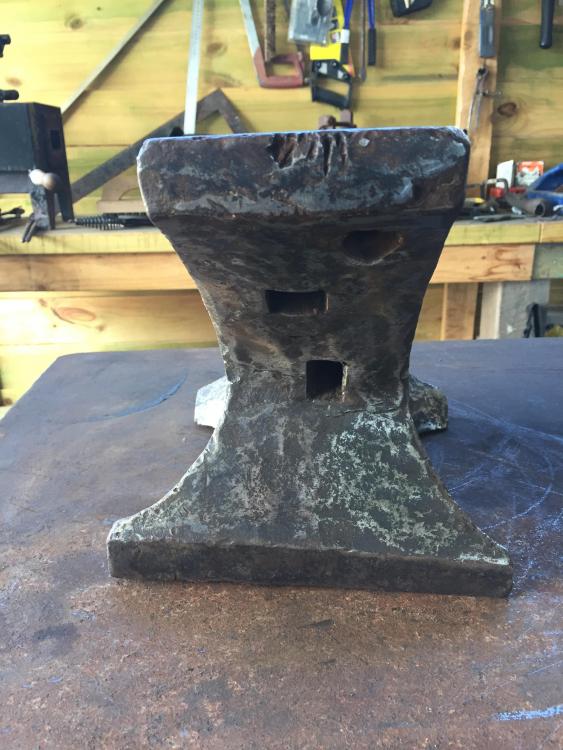
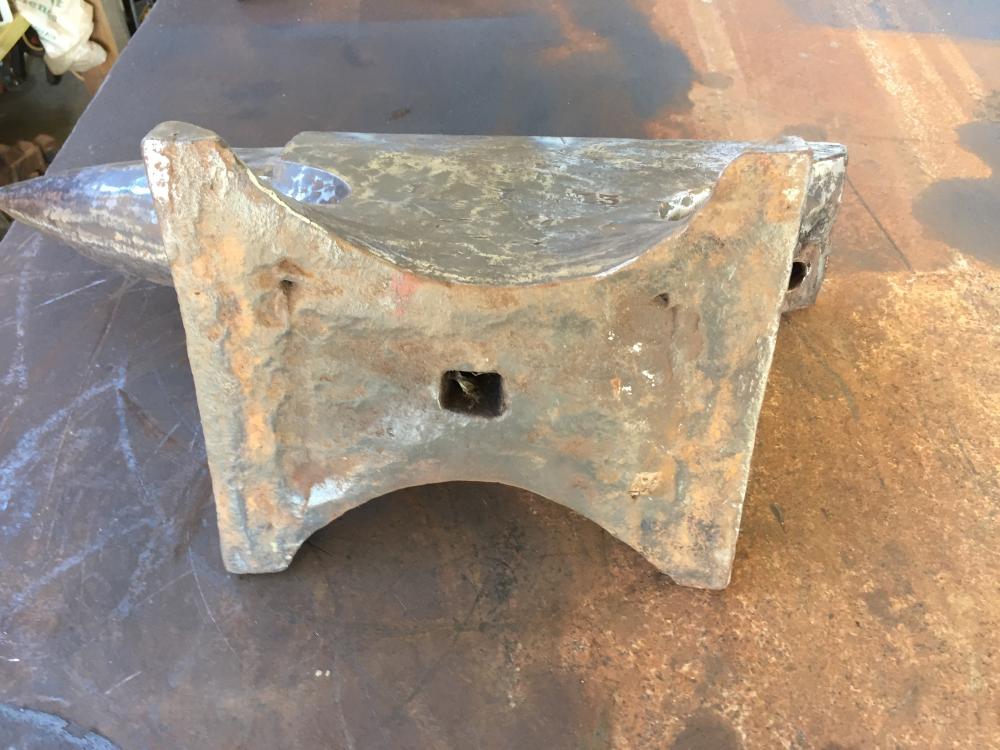
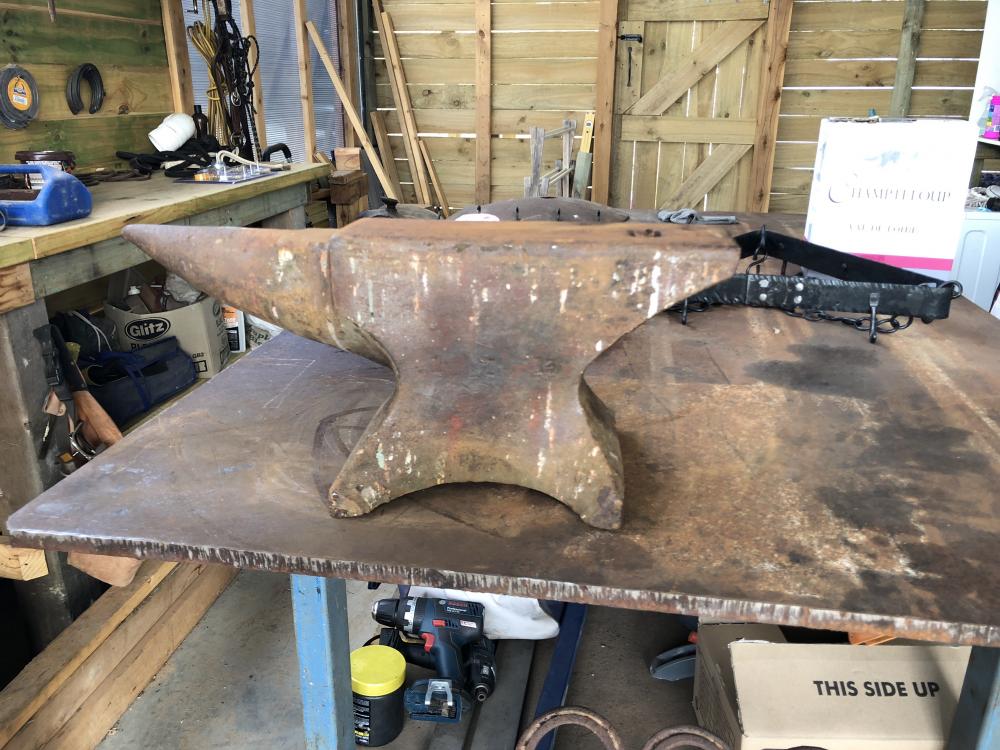
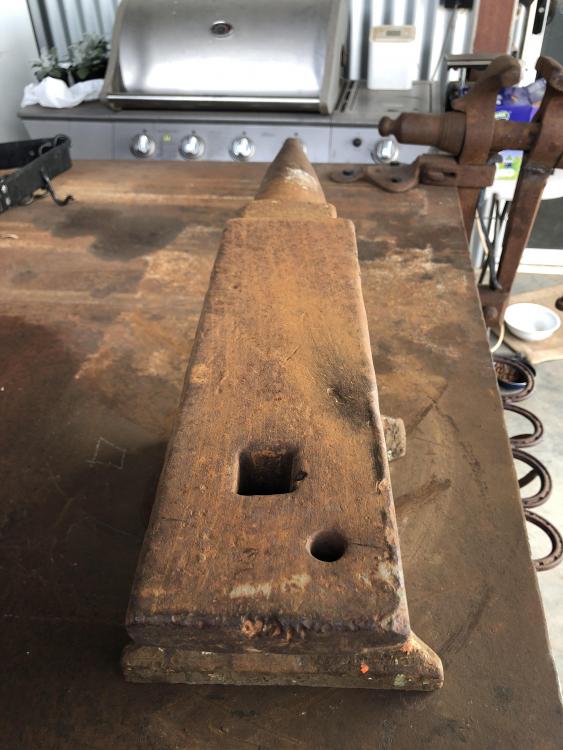
Thank you everyone! Please excuse my photographer, it ain't my strong suite. We tried the tracing over it with charcoal and paper, tracing over it, you name it. I'm pretty confident it says WARRANTED with "TREDIN" underneath. Yes we do have forges, a gas and a coal one. Here are updated photos, after a bit of a cleanup.
-
Thank you for that! If it is a Wilkinson, will there be any identifying marks to look out for?
-
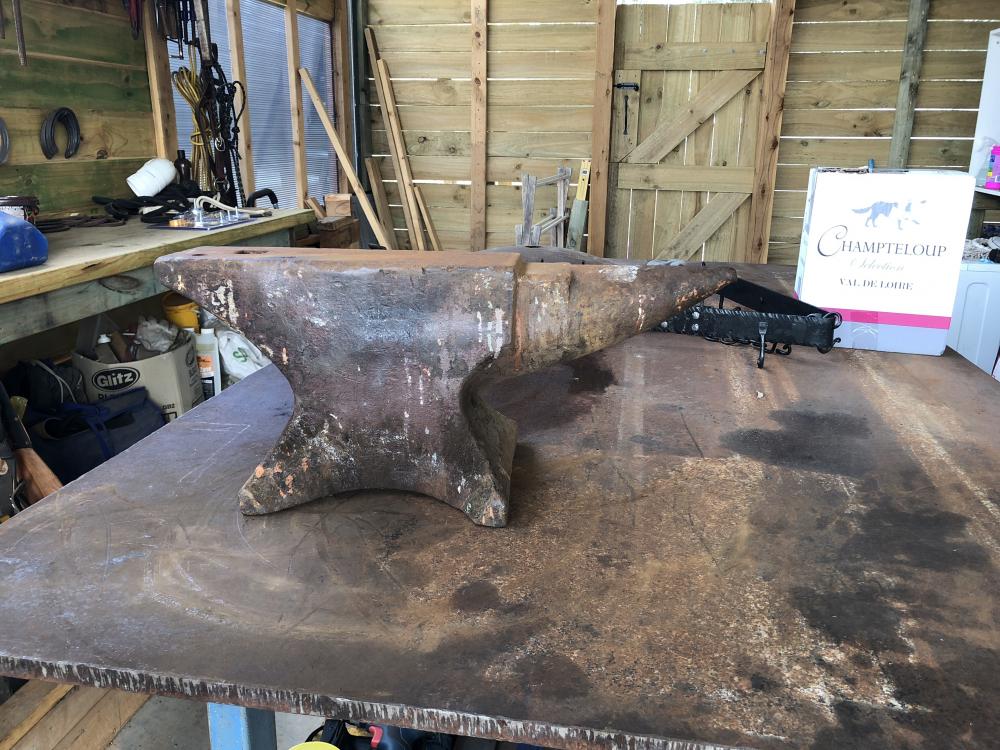
Thank you everyone! Navigating the site on an iPhone is not ideal. I'll fire up the computer and familiarise ourselves with the site. Needs a good clean up, job for this week
-
Will do! Sorry about that!
-
We purchased it off a buy/swap/sell site here in Australia. It has hundred weight markings on it also. I've googled "tredin" and found nothing so far... Will post more photos shortly
-
Hi, we recently purchased an anvil and the markings on the side are hard to distinguish. We have worked out the word "warranted" and we think the word "tredin" underneath it... Can anyone enlighten us further?? TIA