Skip to content
View in the app

A better way to browse. Learn more.

I Forge Iron

A full-screen app on your home screen with push notifications, badges and more.

To install this app on iOS and iPadOS
  1. Tap the Share icon in Safari
  2. Scroll the menu and tap Add to Home Screen.
  3. Tap Add in the top-right corner.
To install this app on Android
  1. Tap the 3-dot menu (⋮) in the top-right corner of the browser.
  2. Tap Add to Home screen or Install app.
  3. Confirm by tapping Install.

Aushin

Members
  • Joined

  • Last visited

Everything posted by Aushin

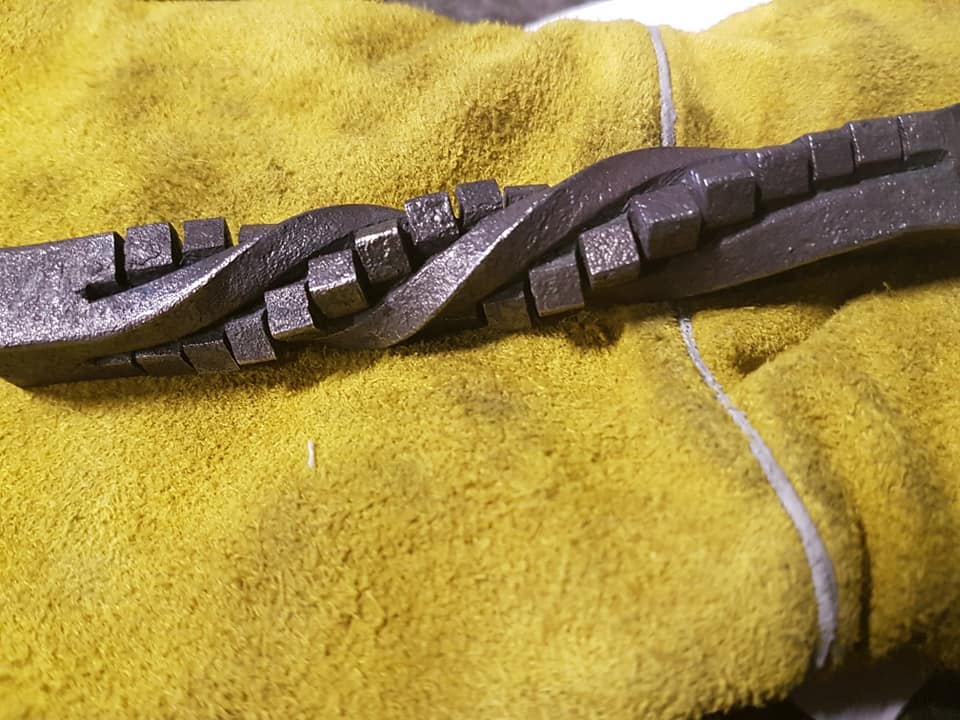
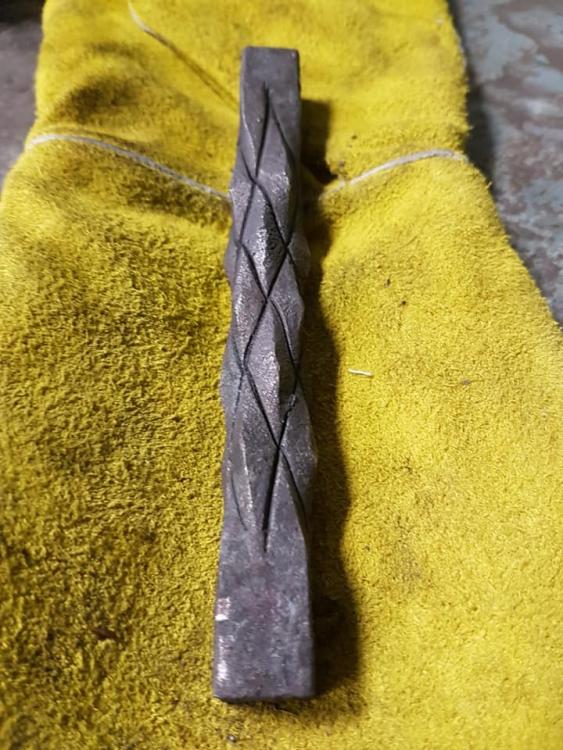
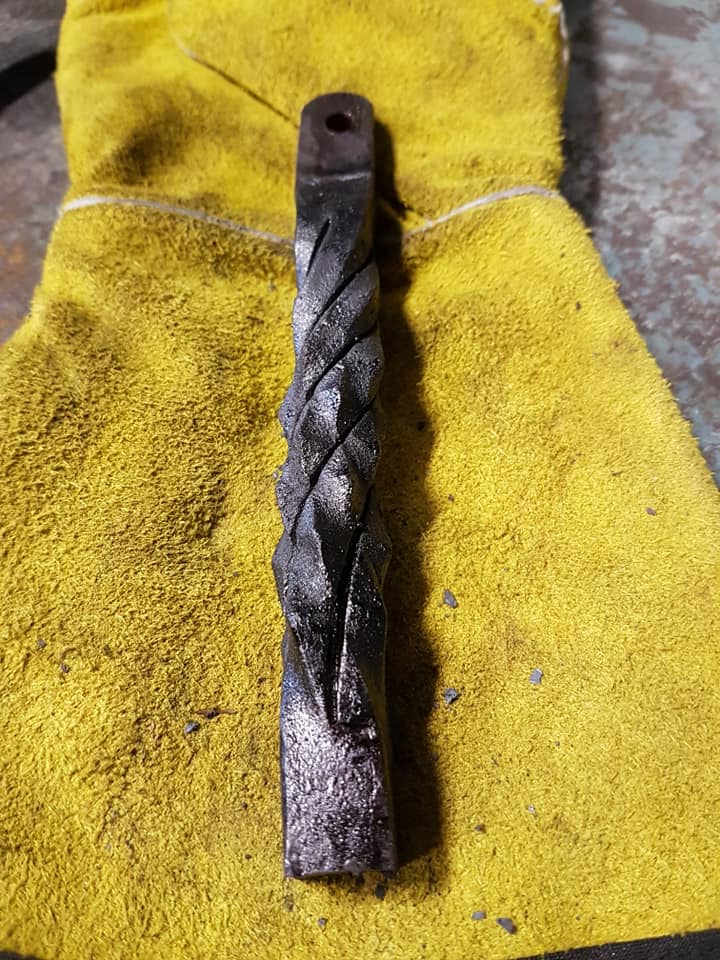
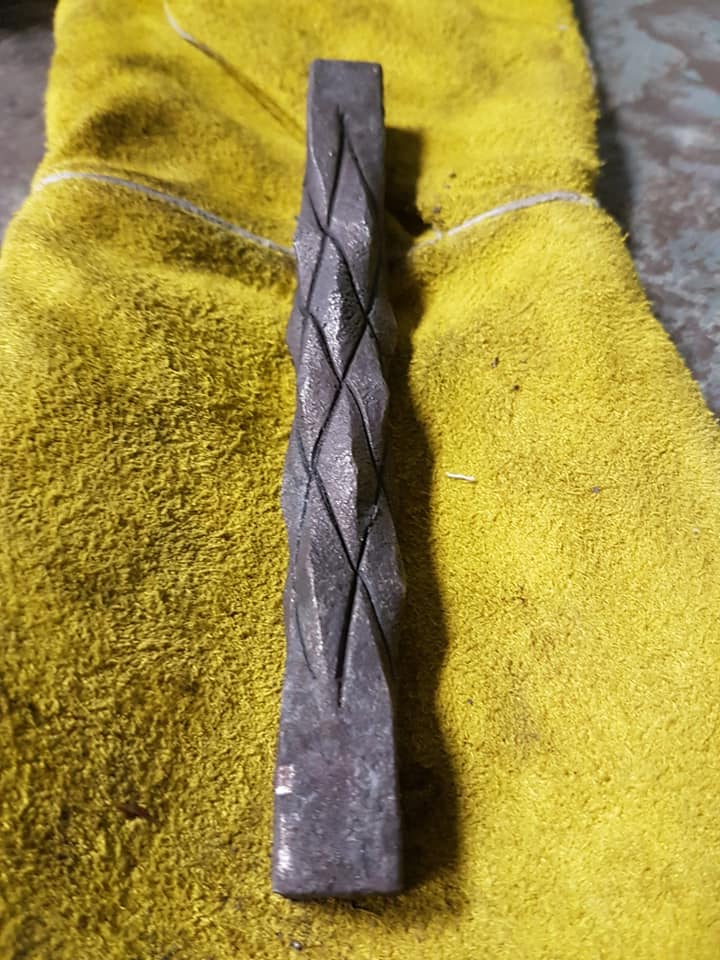
  1. Yeah you wouldn't want to use that as a handle. I like it because it kinda looks like scales. It would be really cool to have lika a dragon head at the end of it.
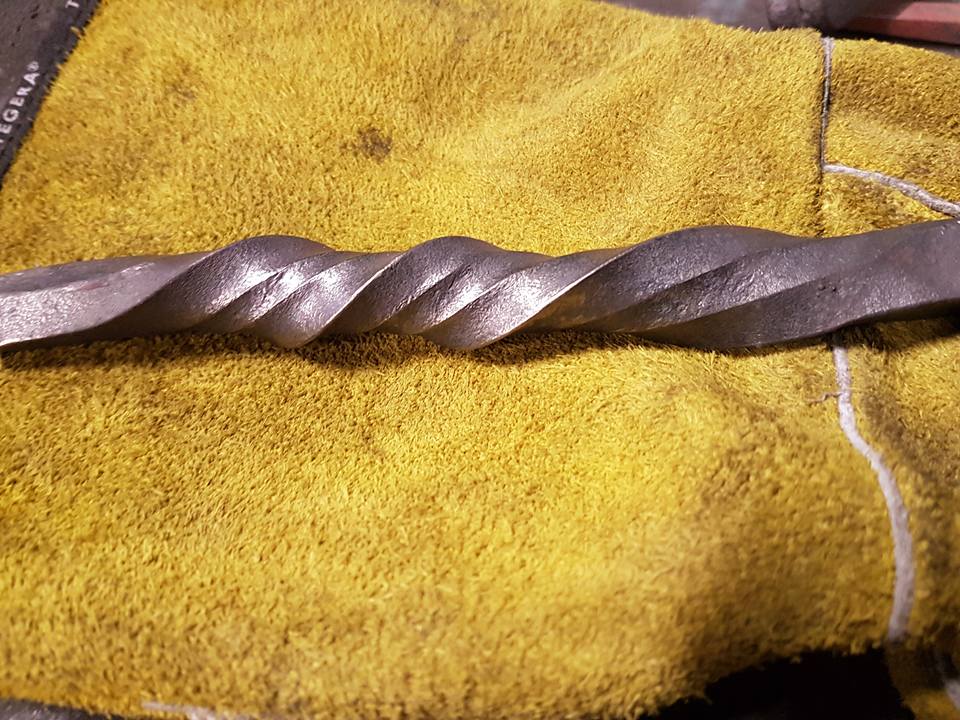
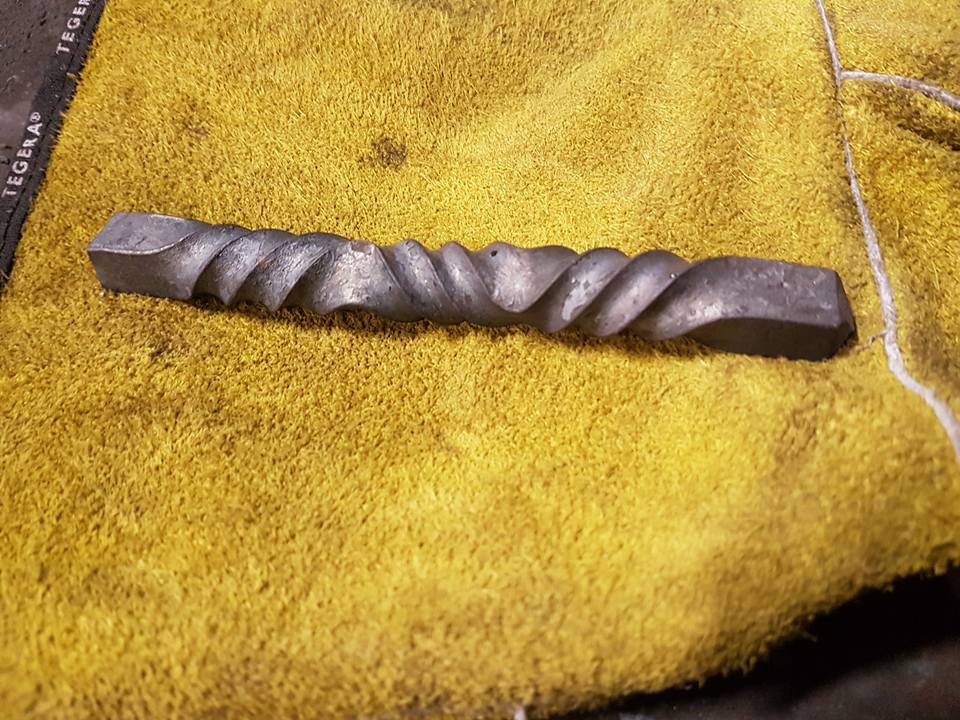
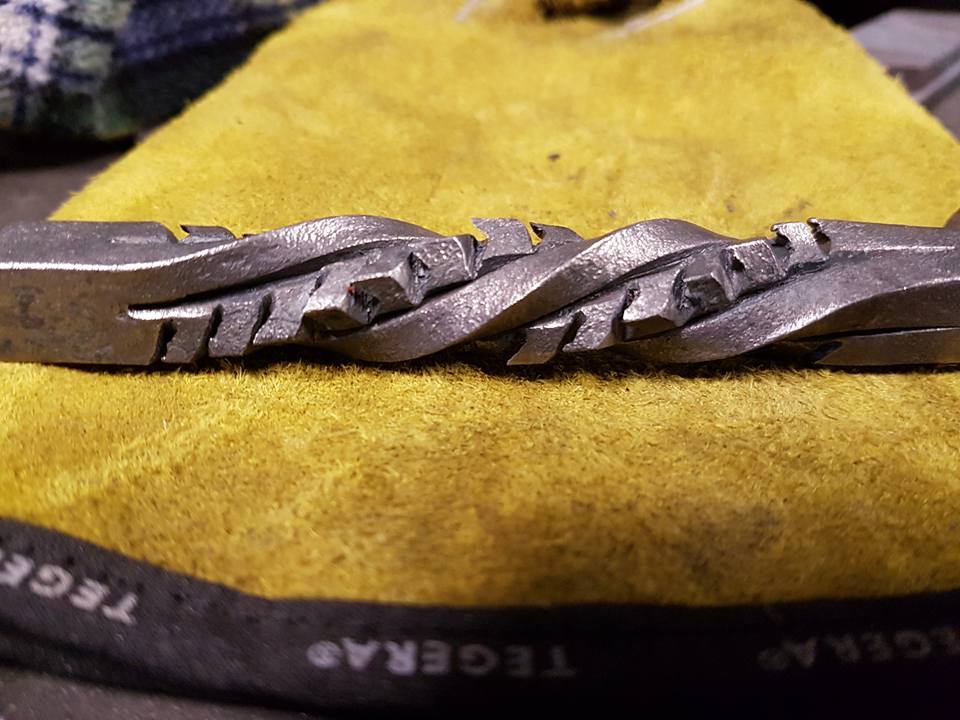
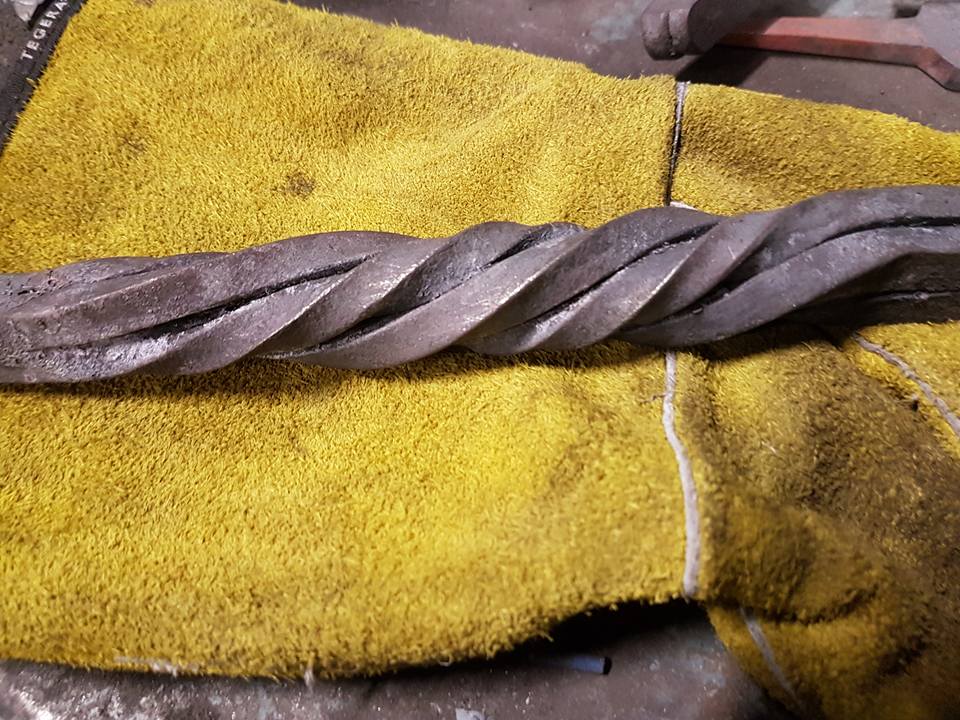
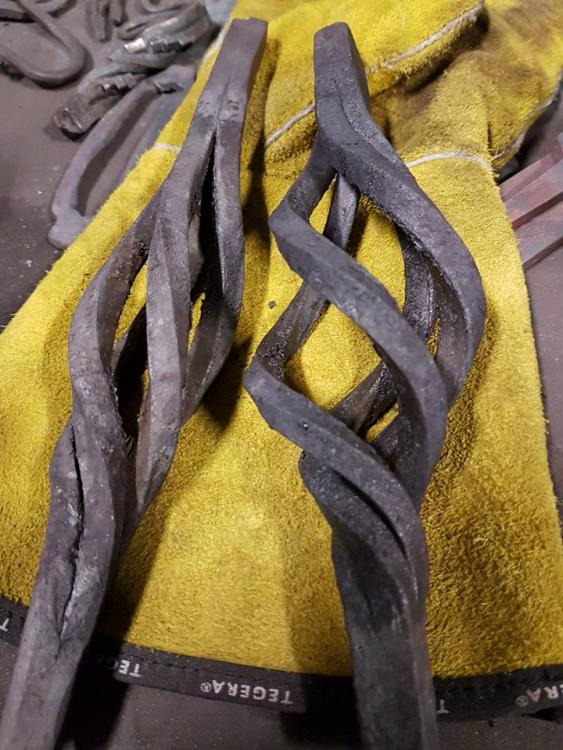
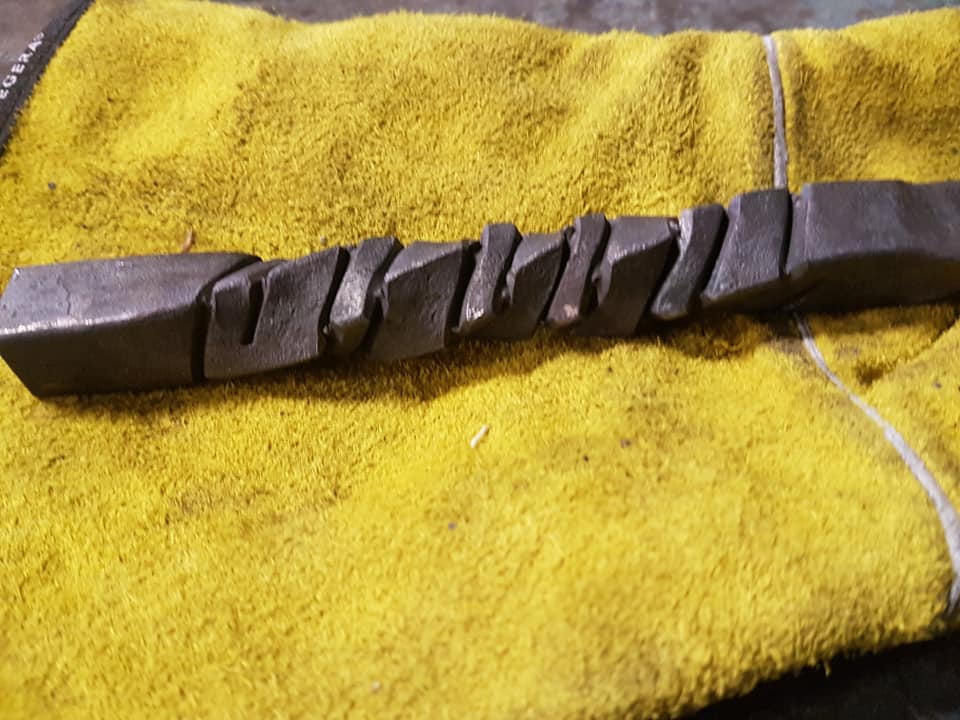
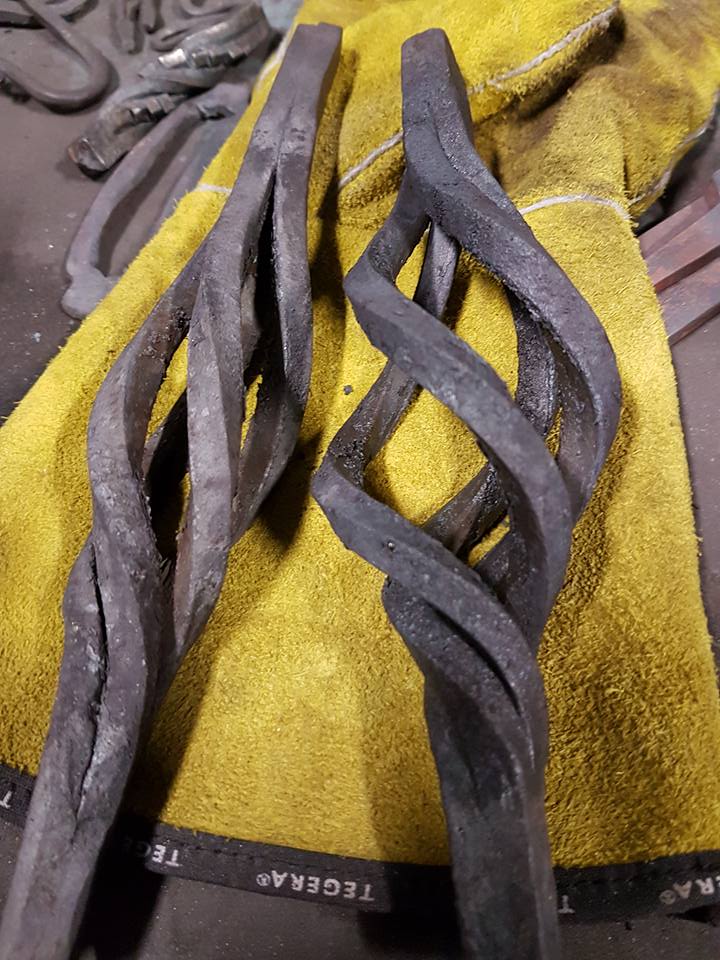
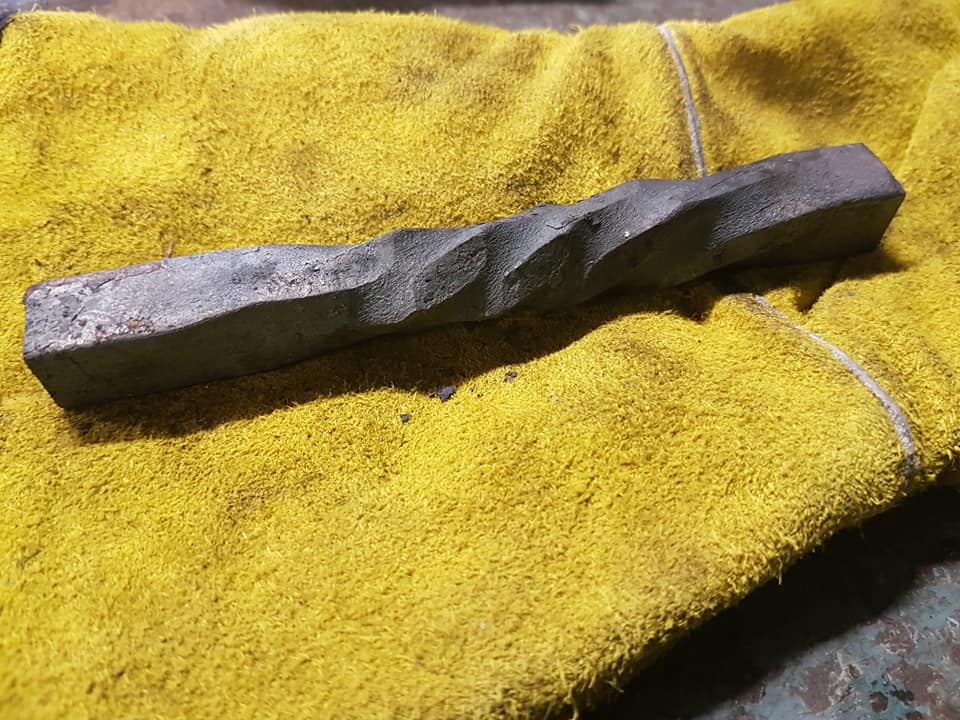
  2. Here's some more twists I've done.
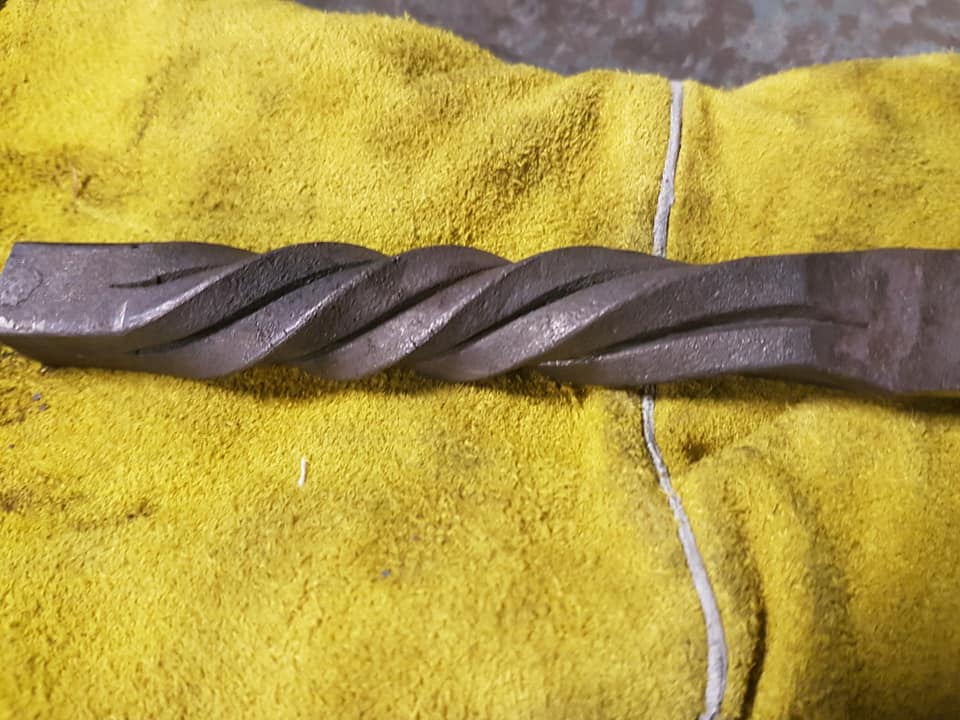
  3. Hello there! I'm a Swedish apprentice blacksmith. I'm currently making a project about blacksmithing twists. I'm trying to gather knowledge about twists but i find it difficult to find history of it. So it would be appreciated if i could get some help. (not sure if I'm in the right thread). Here is some of the Twists I've done.
Account

Navigation

Search

Search

Configure browser push notifications

Chrome (Android)
  1. Tap the lock icon next to the address bar.
  2. Tap Permissions → Notifications.
  3. Adjust your preference.
Chrome (Desktop)
  1. Click the padlock icon in the address bar.
  2. Select Site settings.
  3. Find Notifications and adjust your preference.