Brittany
Members
-
Joined
-
Last visited
Everything posted by Brittany
-
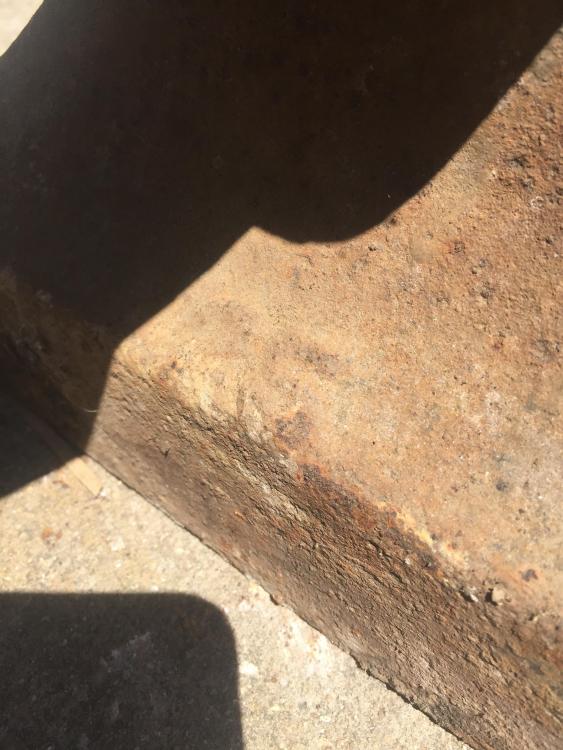
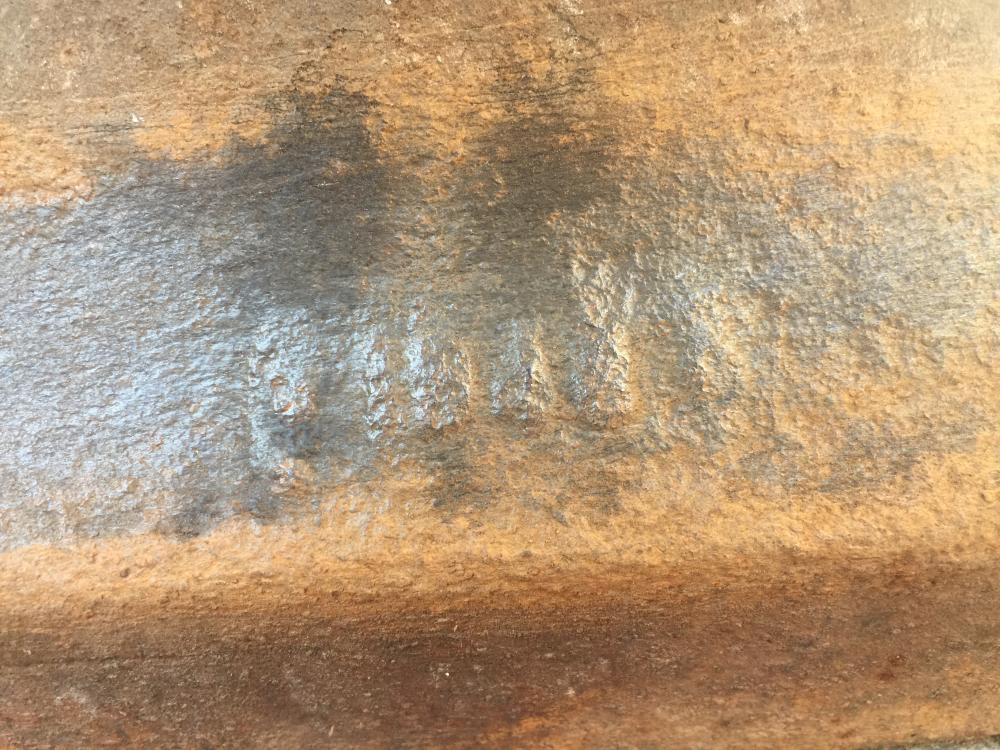
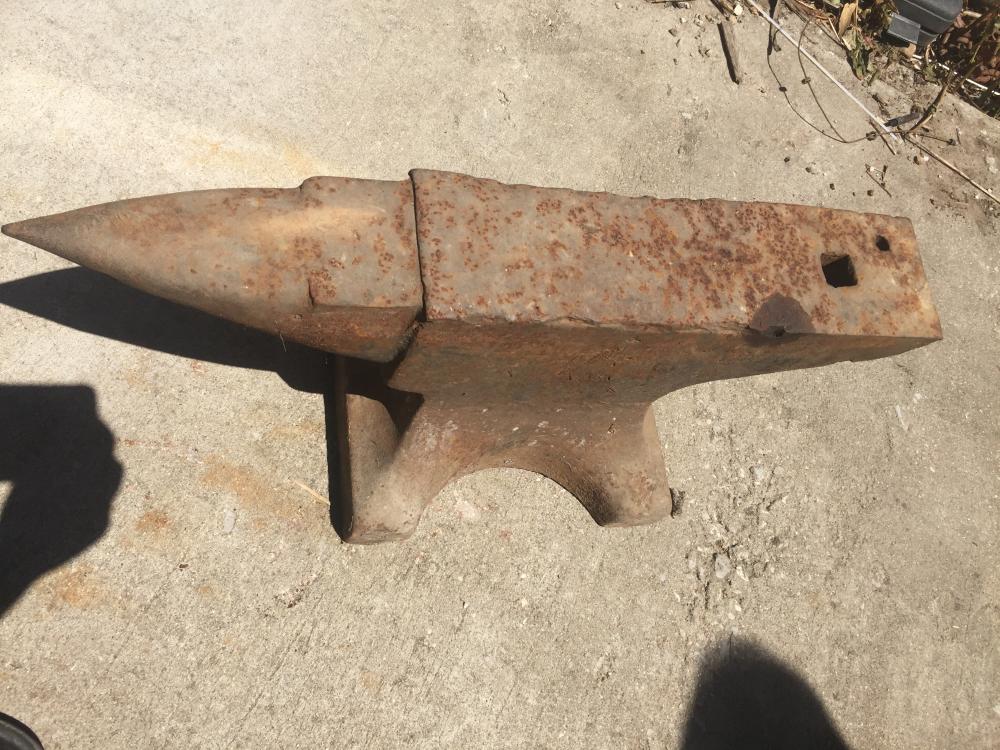
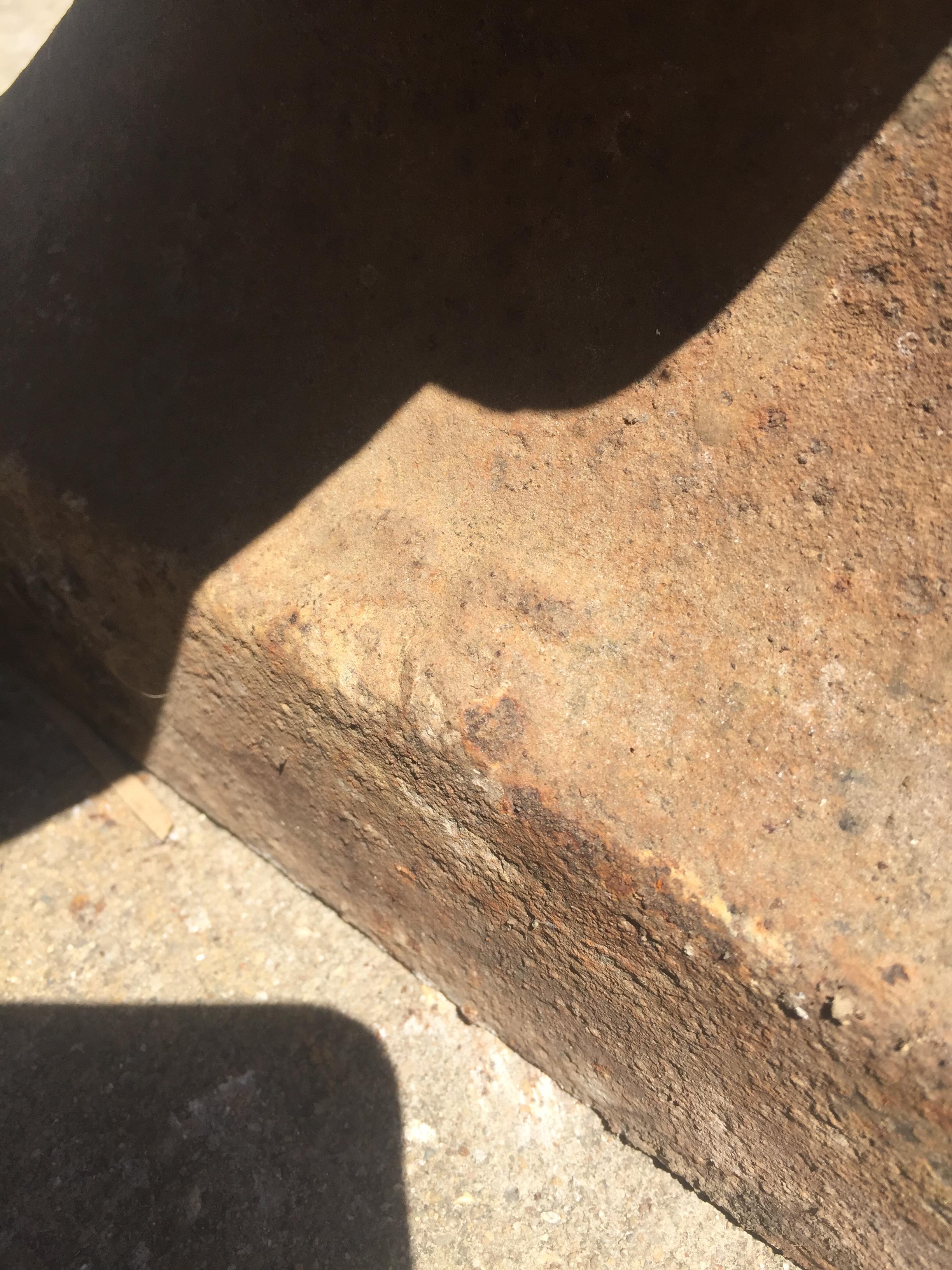
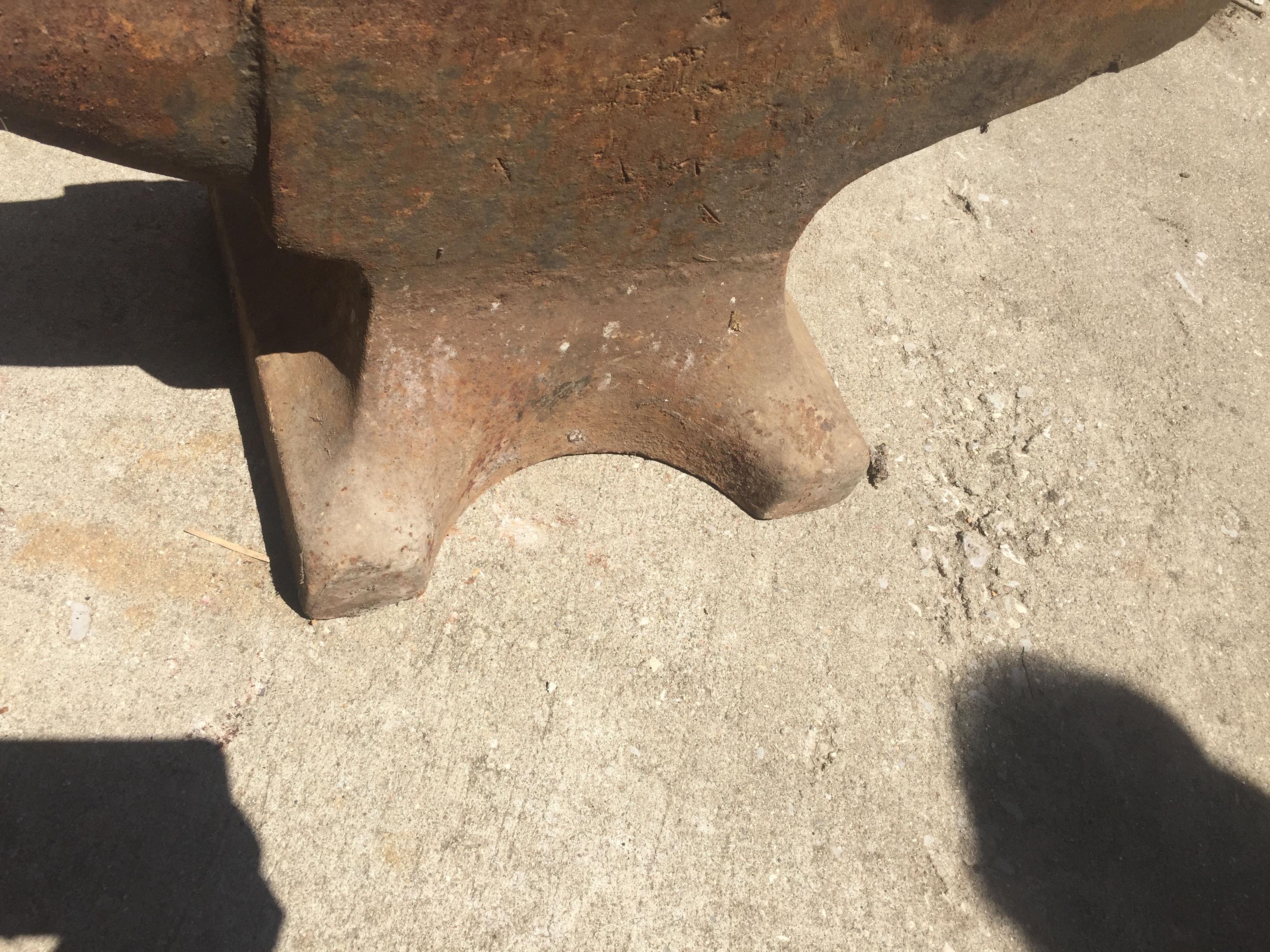
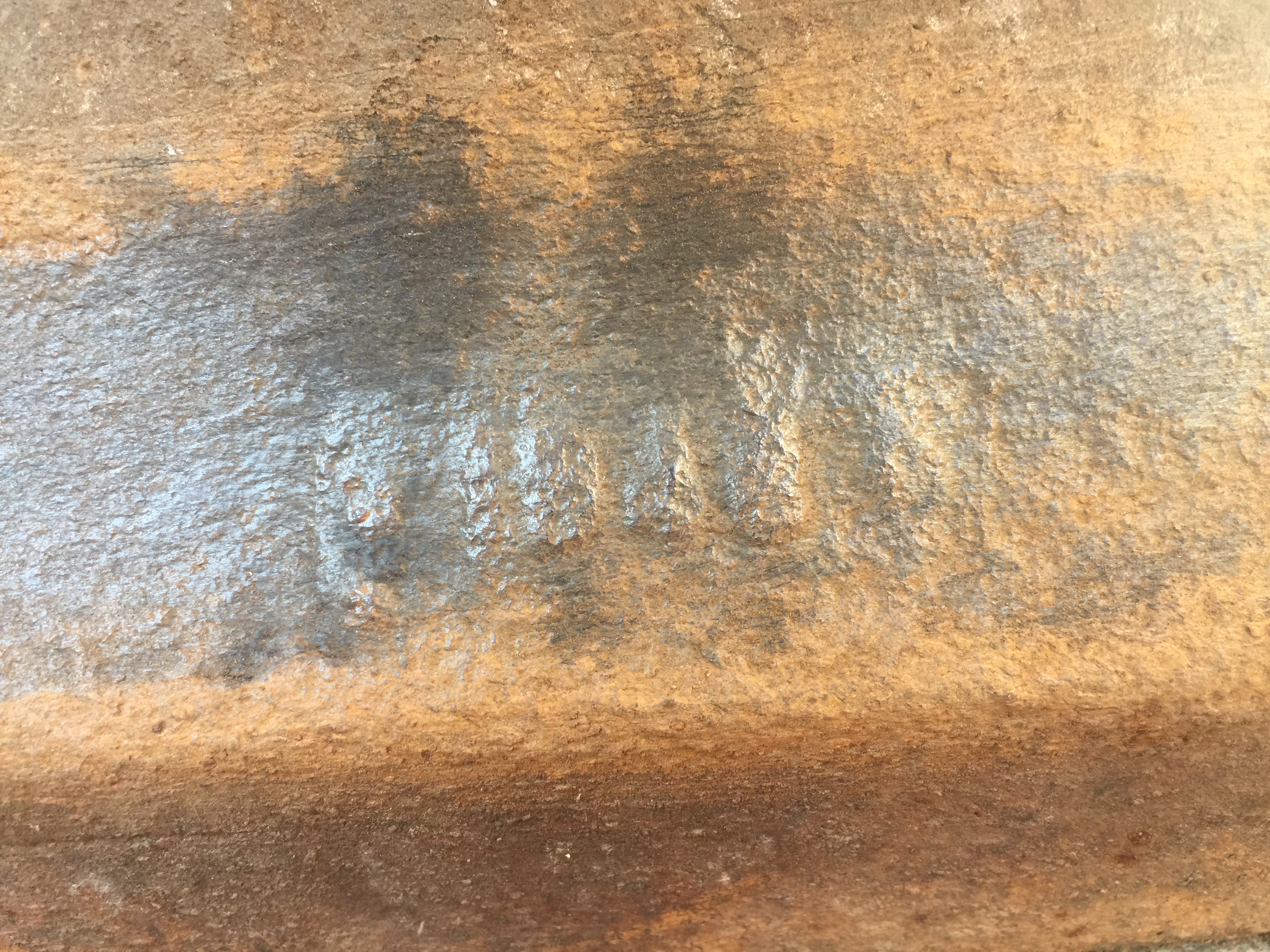
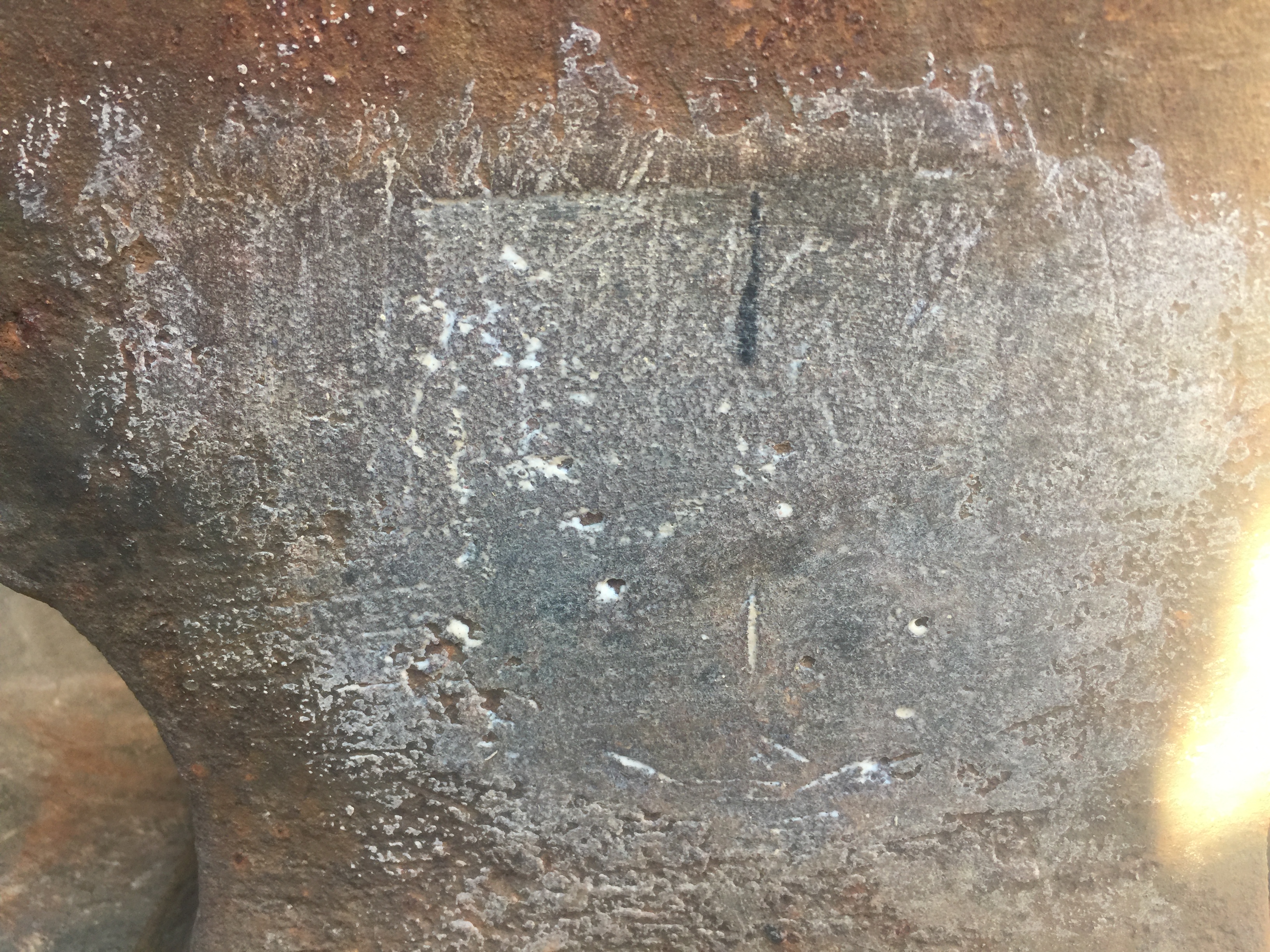
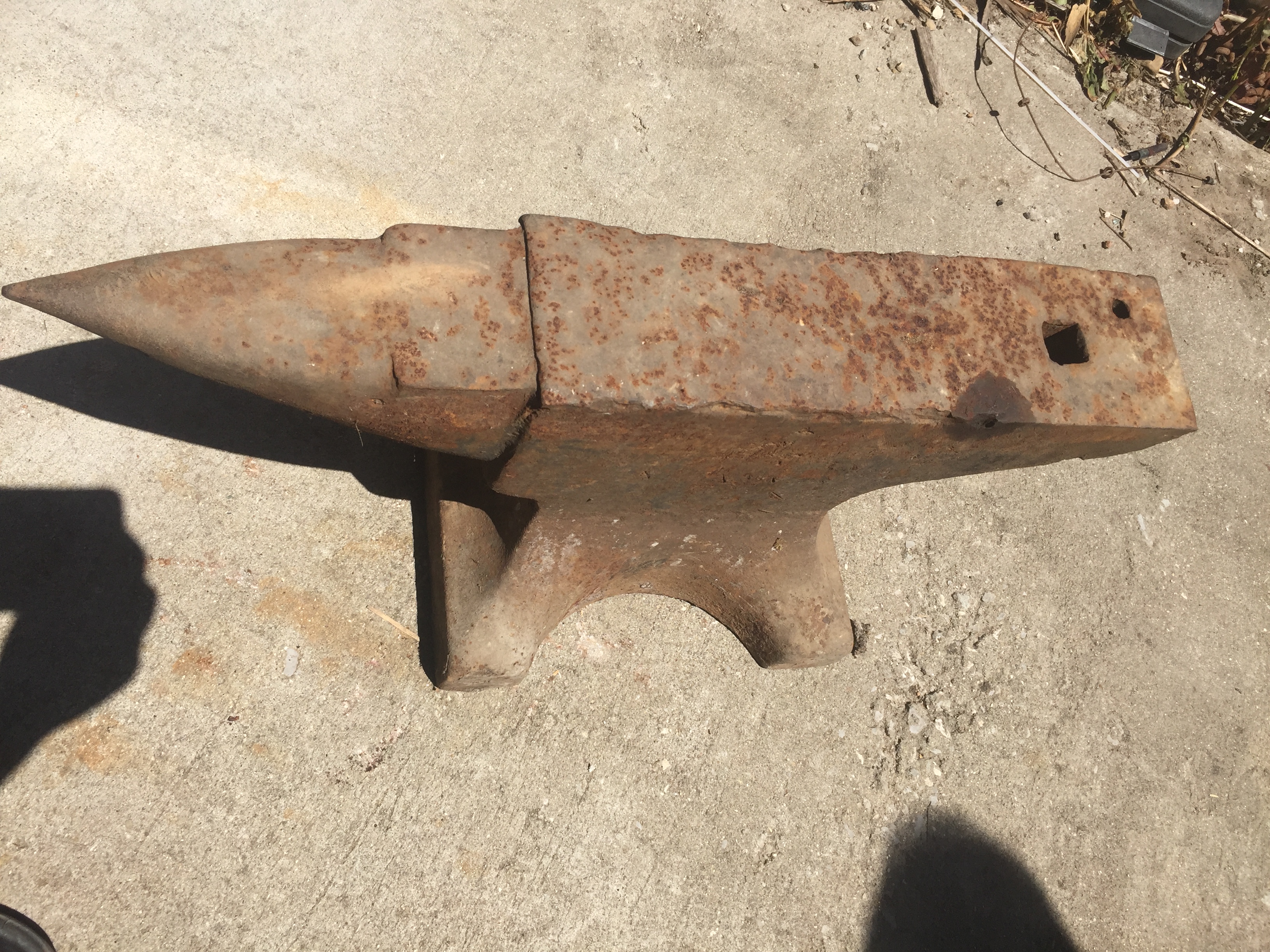
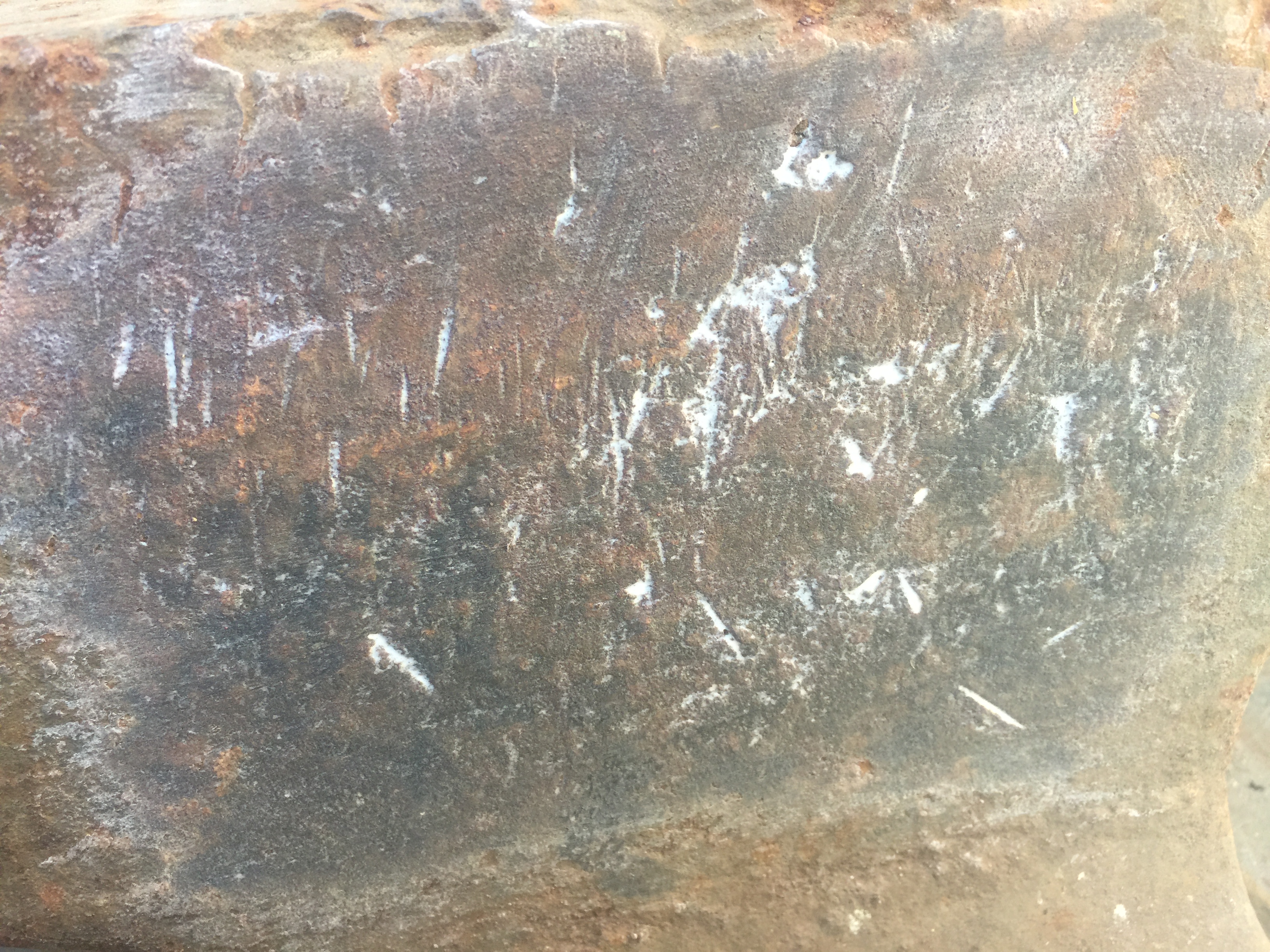
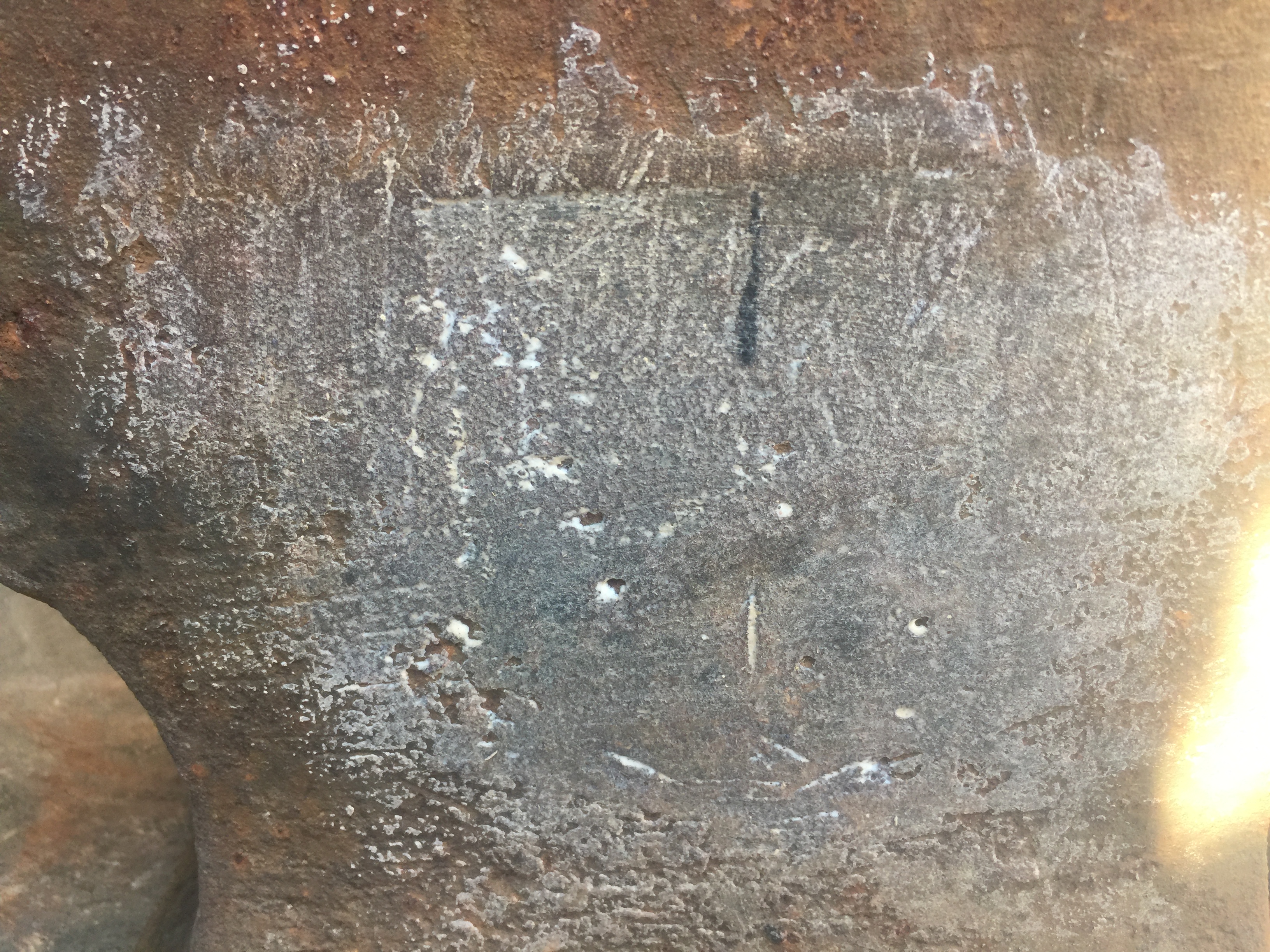
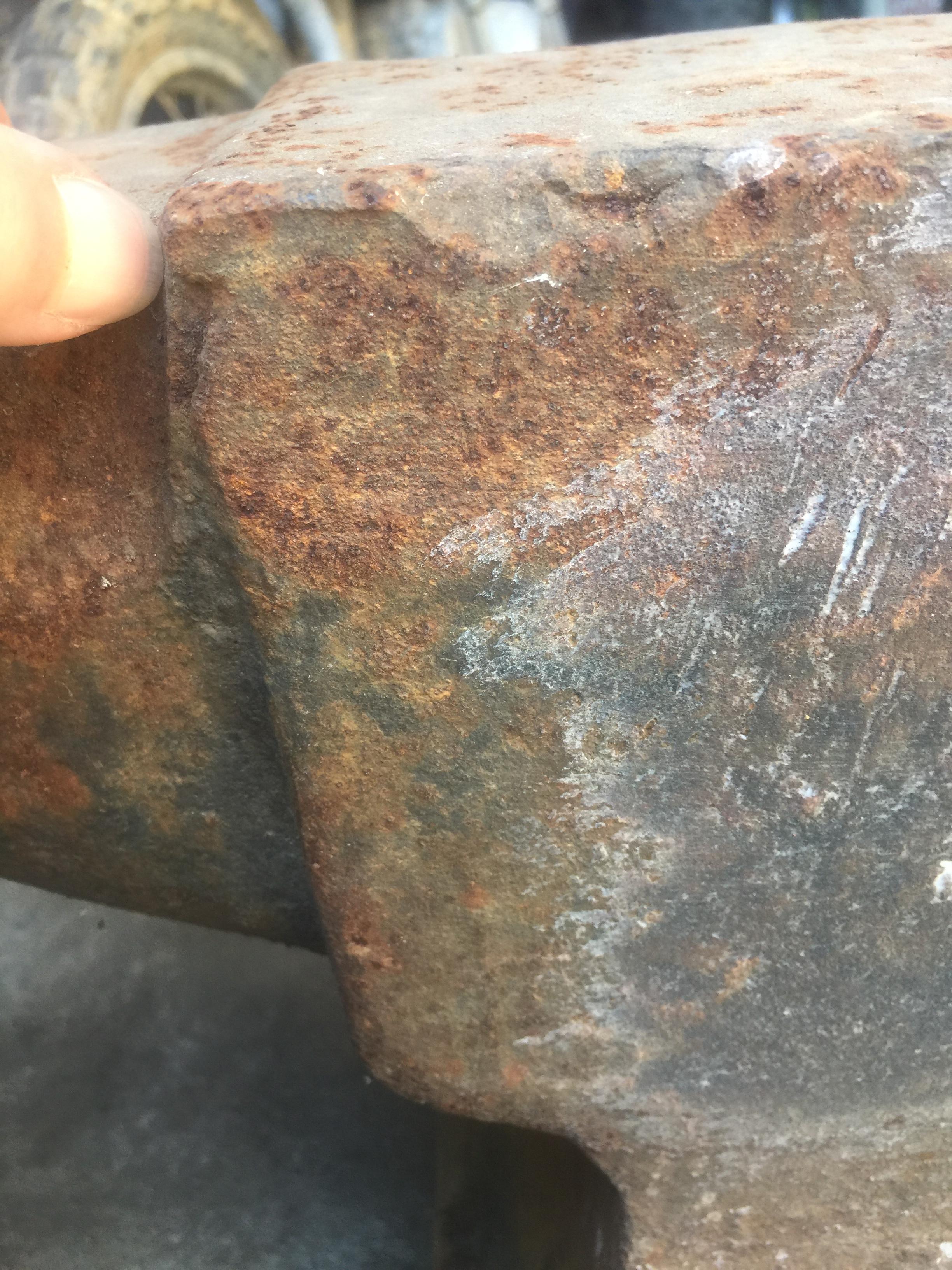
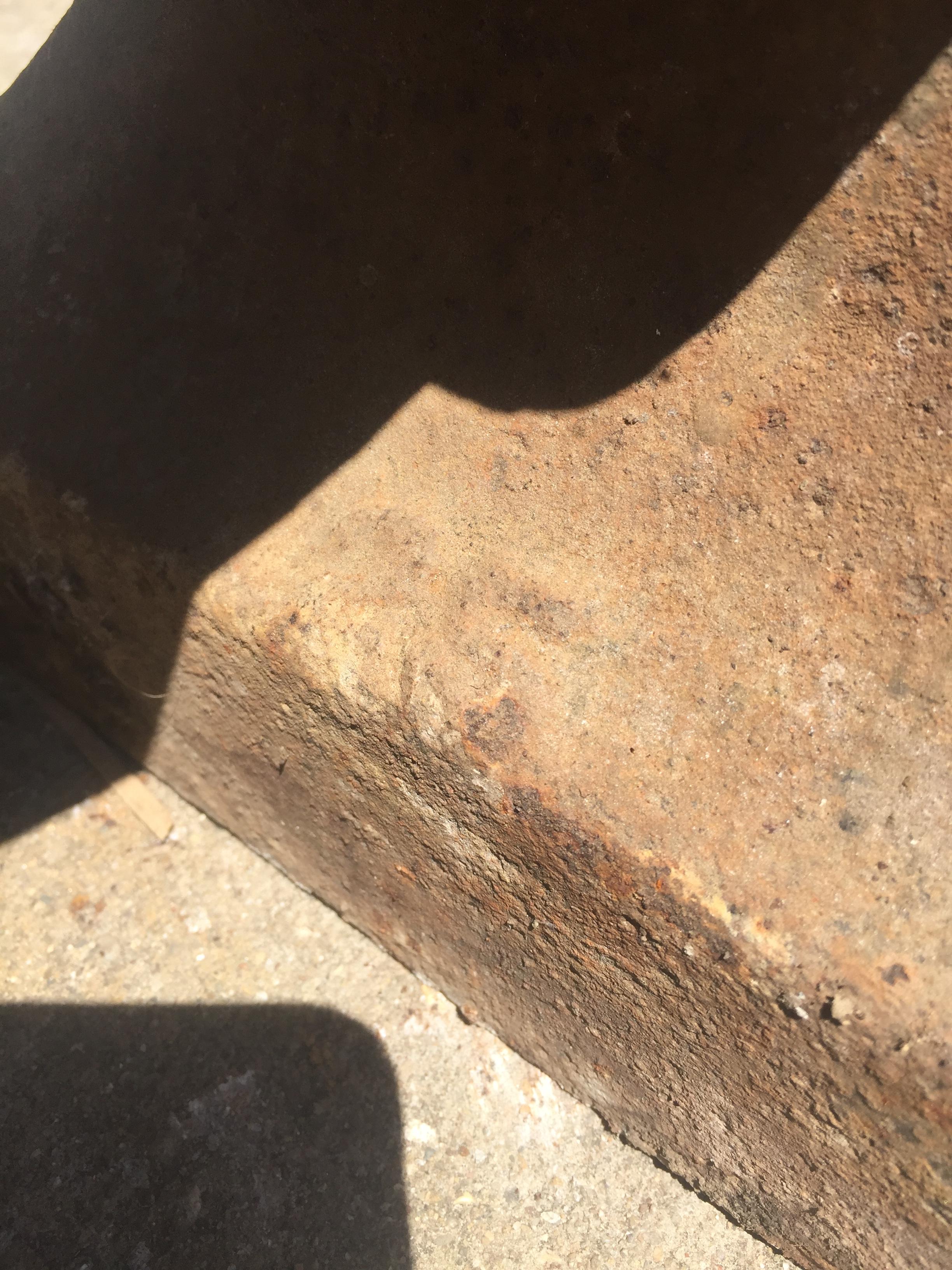
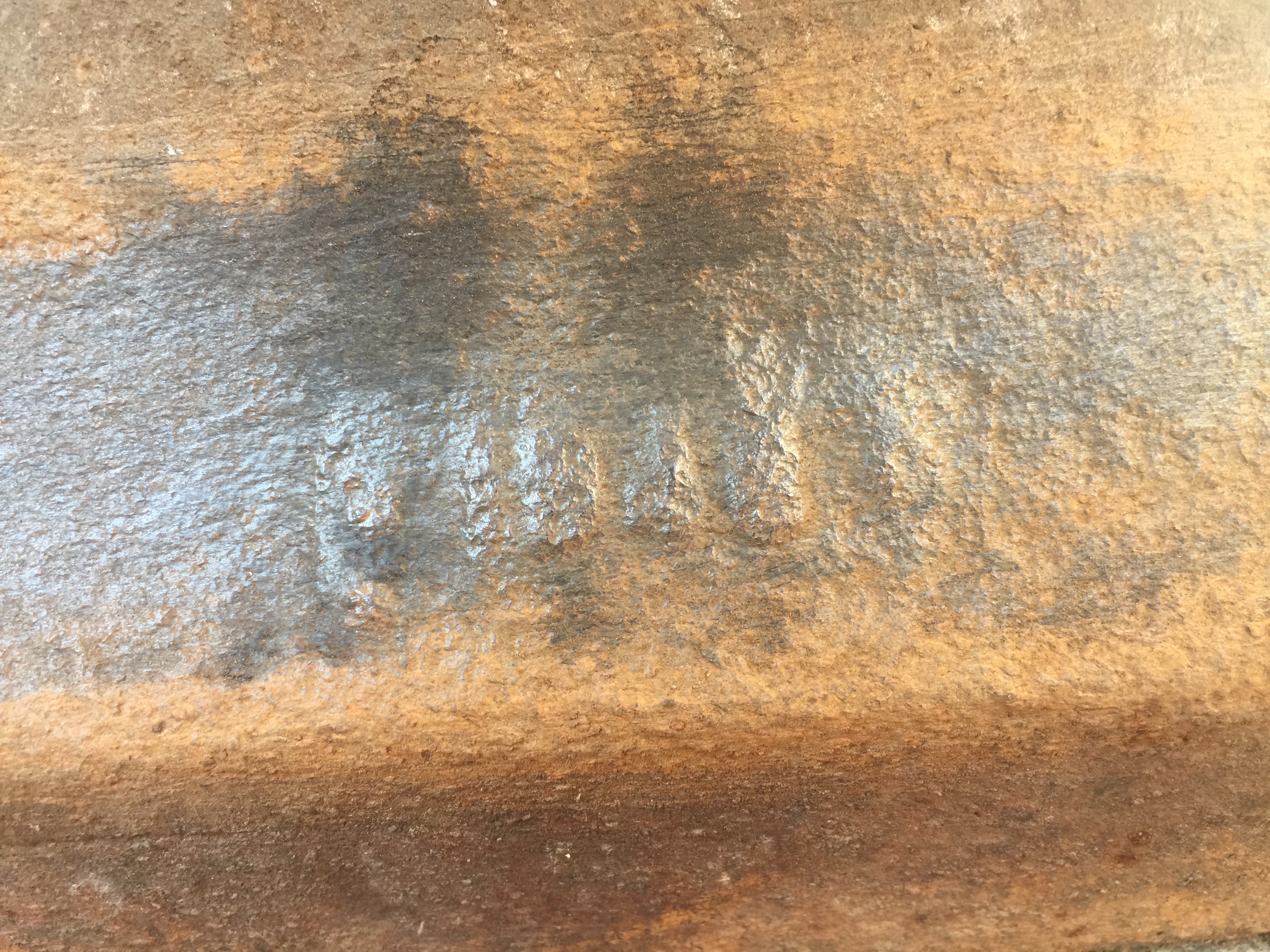
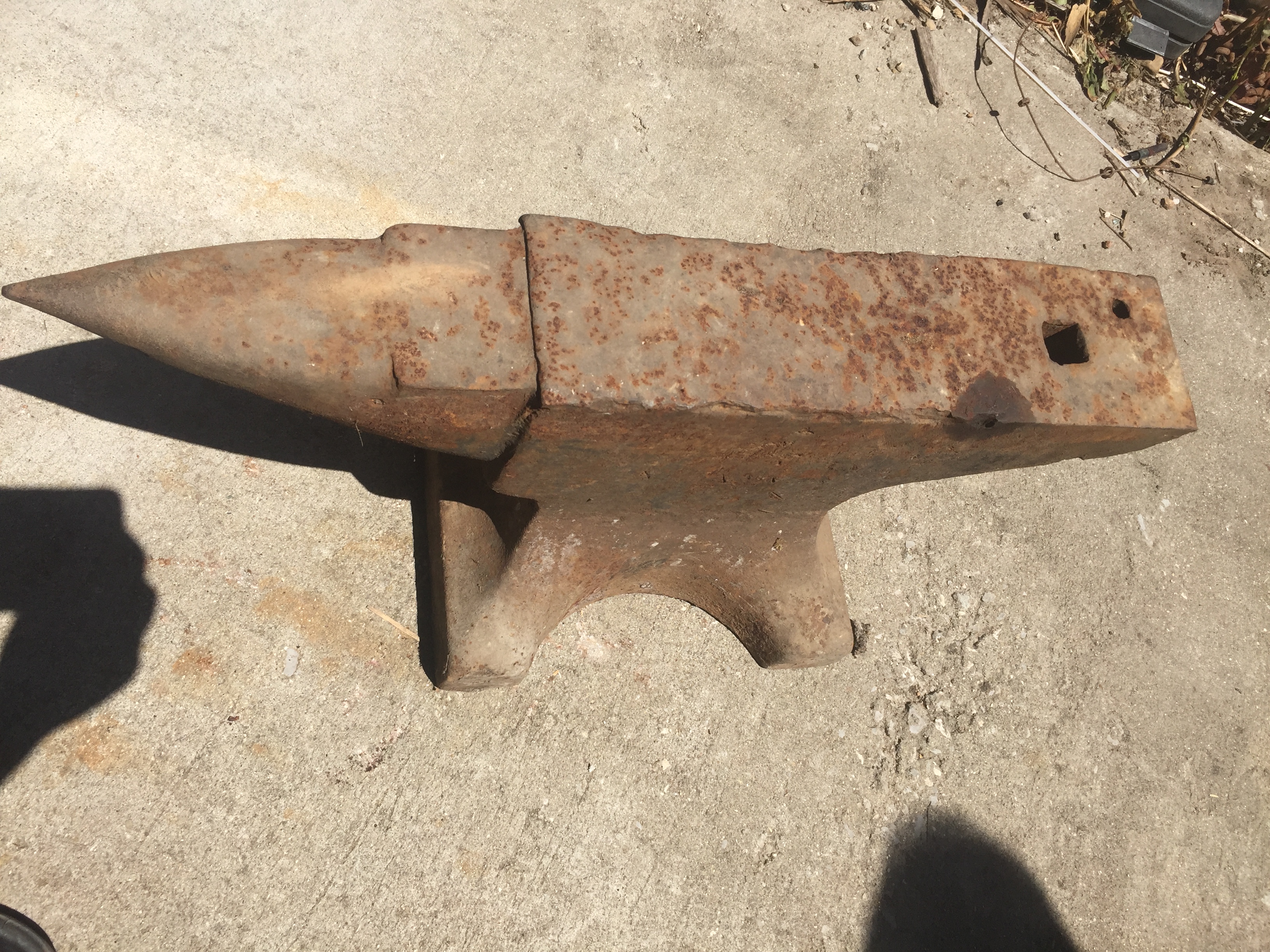
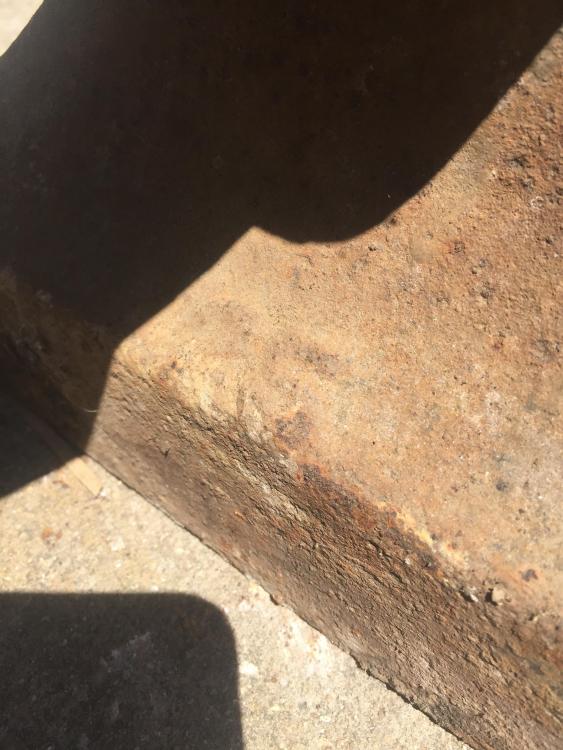
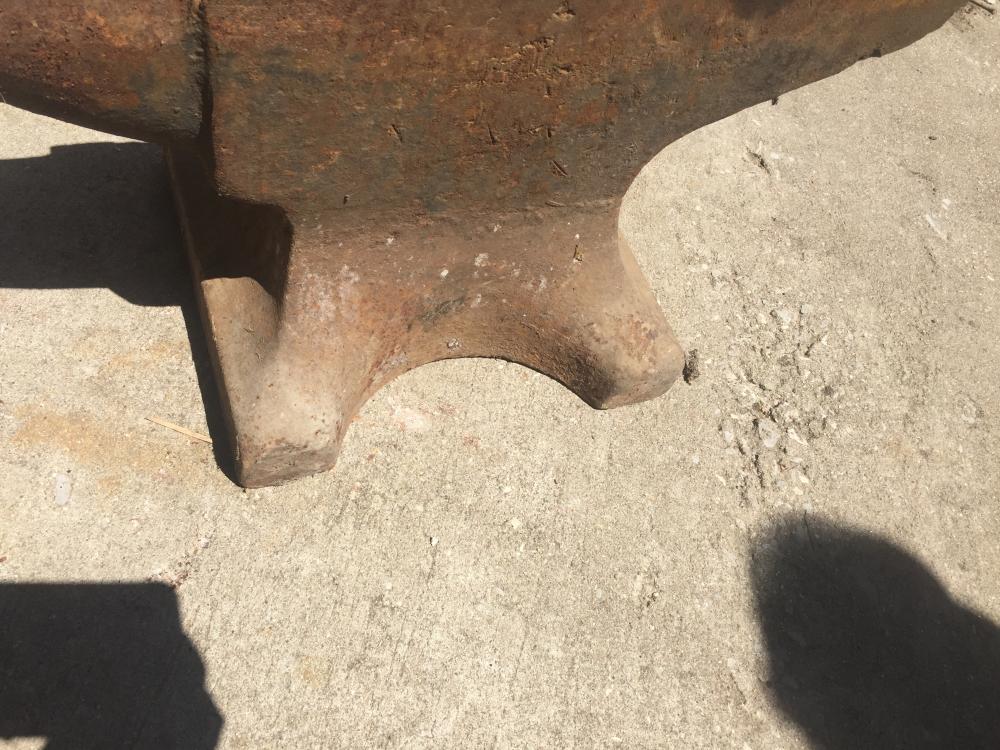
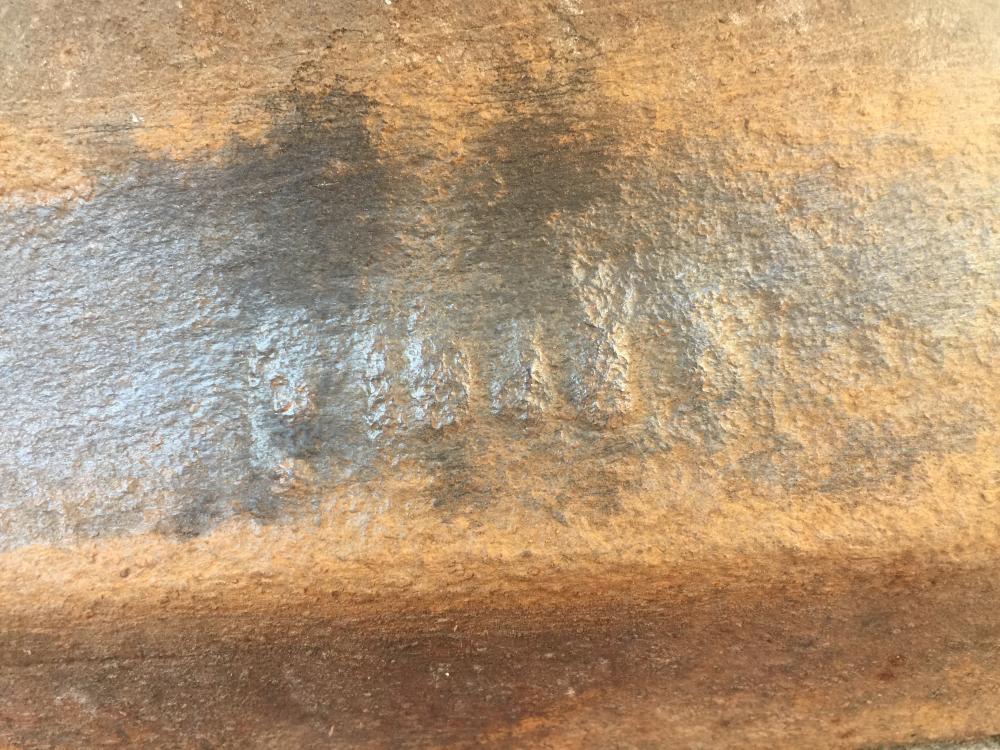
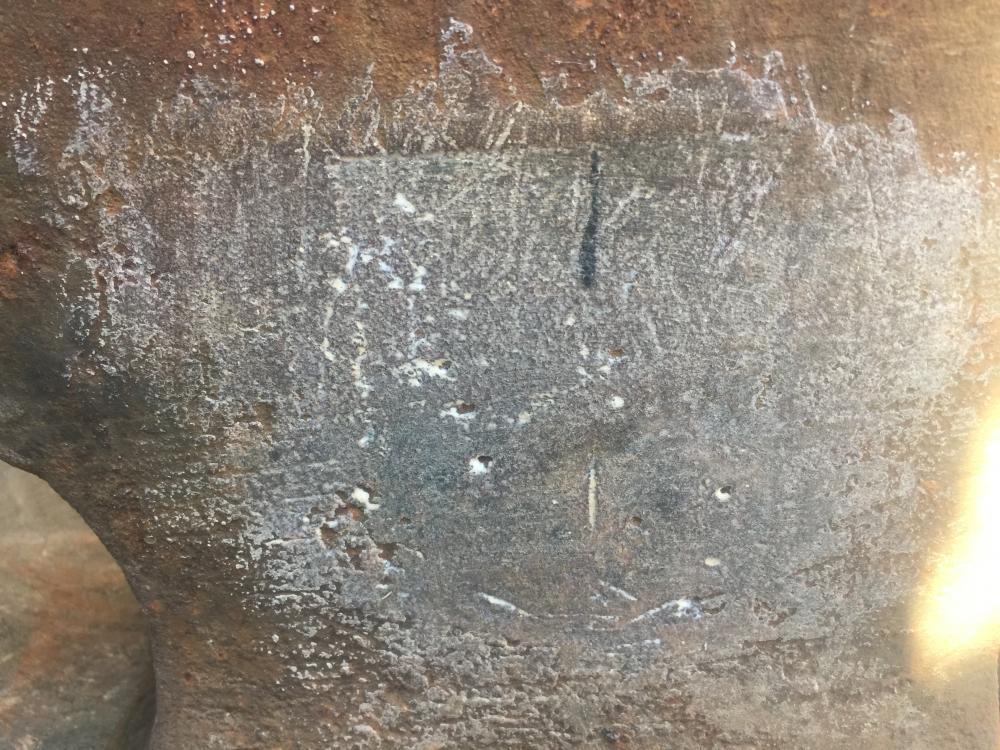
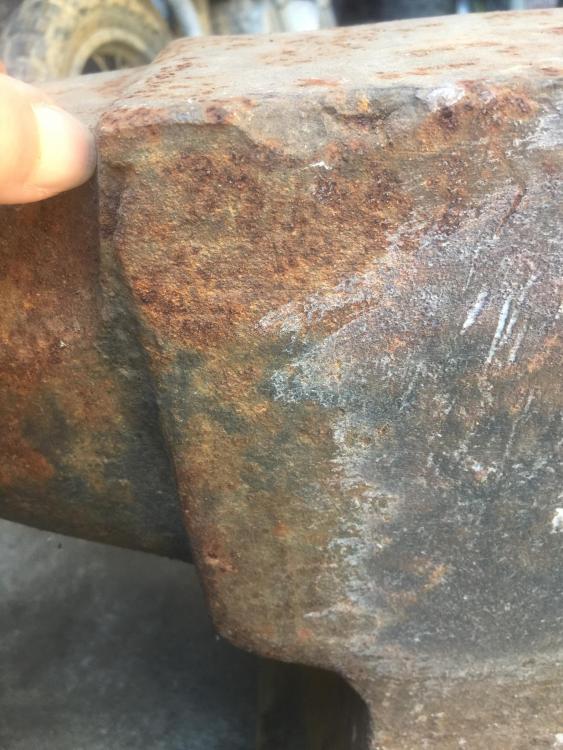
Trying to help my Dad identify this one. 250-300 pounds. Has a 25 on one end and what appears to be an 1800s stamp date on opposite end. It has a recessed square on one side but I can’t find any writing in it.
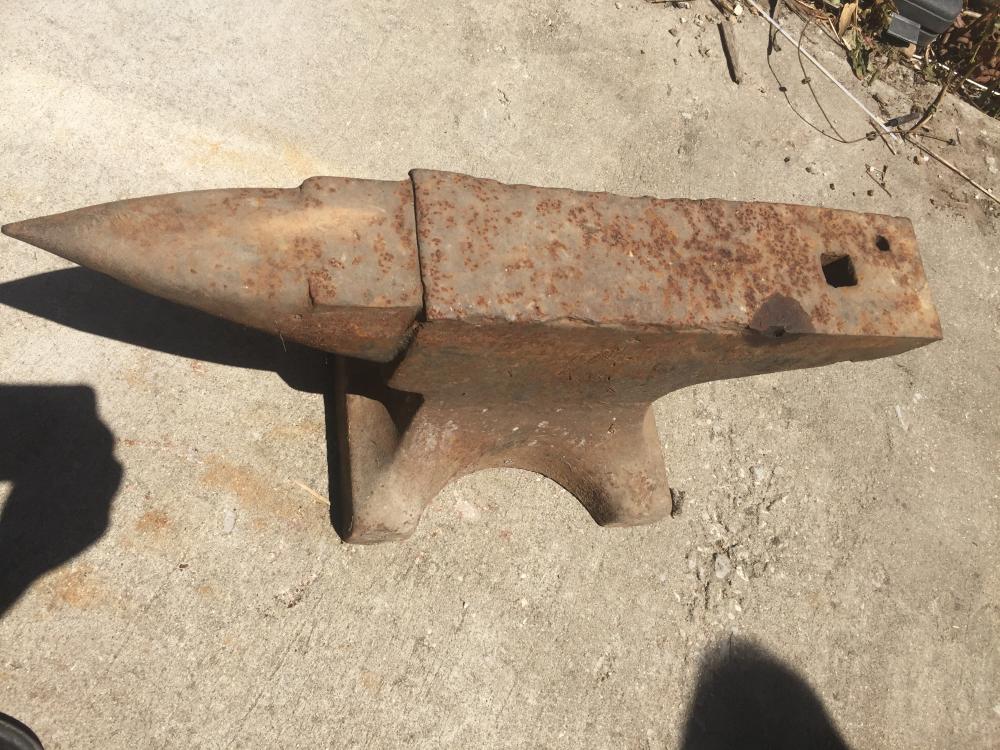
-
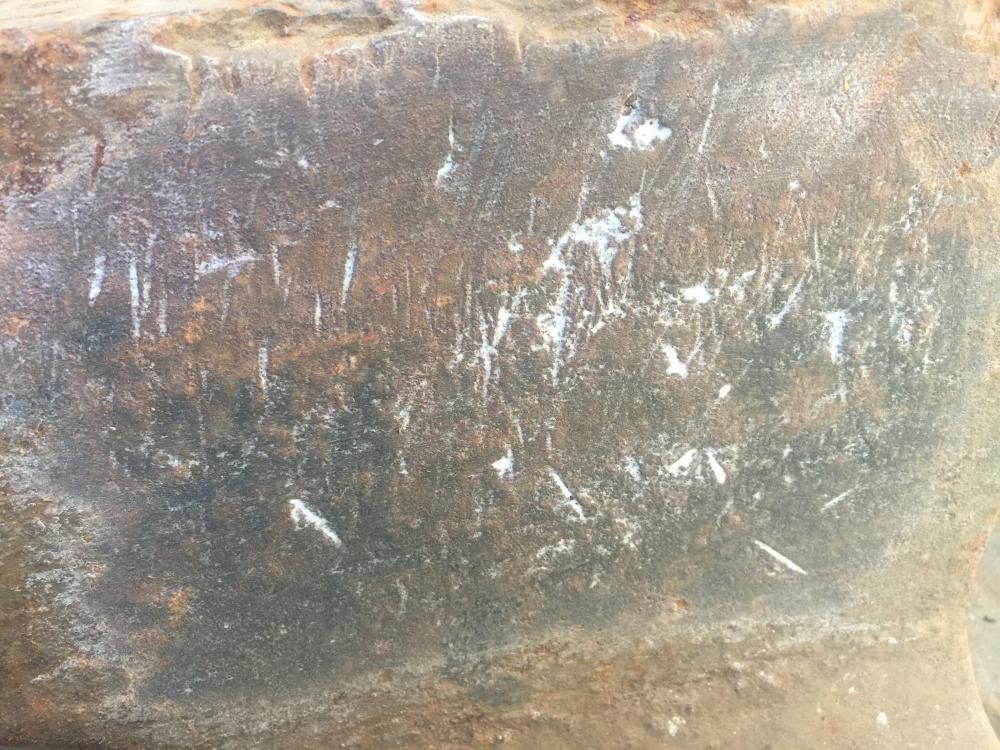
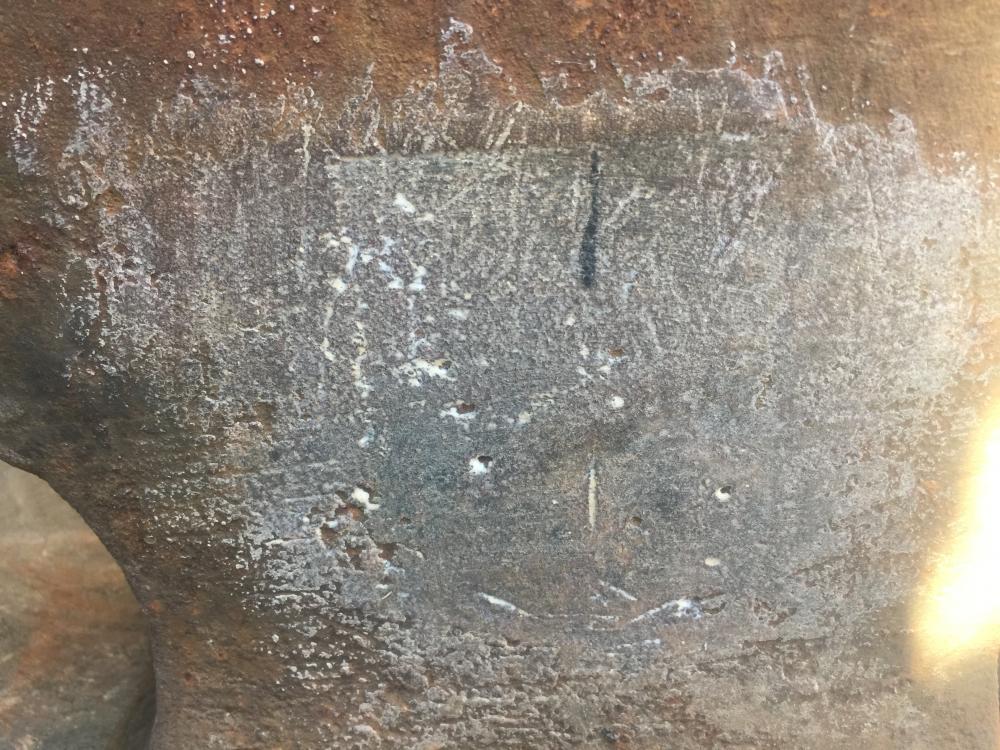
It has a recessed square on one side. Kinda looks like a 1 close to the bottom with holes on each side.
-
Thank you for your feedback. Definitely gonna try to clean it up a bit and search for more markings.
-
I’m researching info on antique anvils to try and help my Dad figure out some details on his. He bought it about 10 years ago. We live in an area where the coal industry in prominent, so that’s what we are guessing it was used for. It has a pretty clear 25 on the end under the horn. And something like a date stamp on the opposite end maybe with a symbol before the date. Maybe gonna try chalk or something to reveal other markings. Two men have to lift so we are guessing around 300 pounds.