Casper S
Members
-
Joined
-
Last visited
-
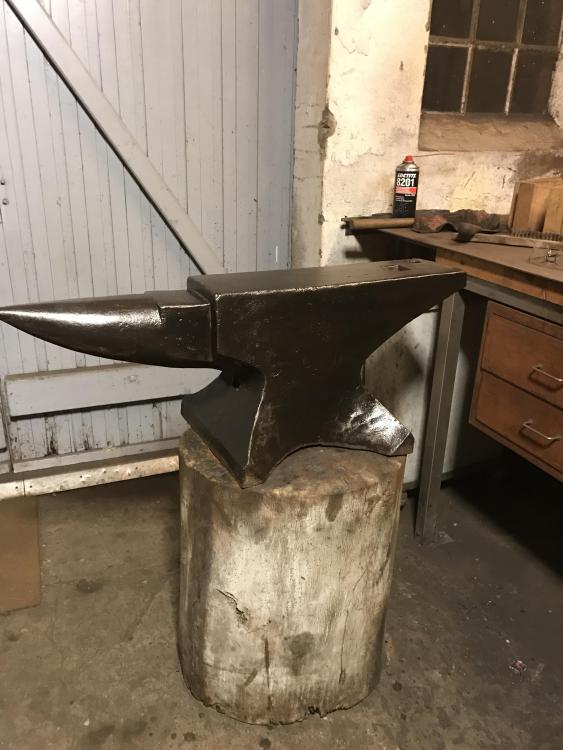
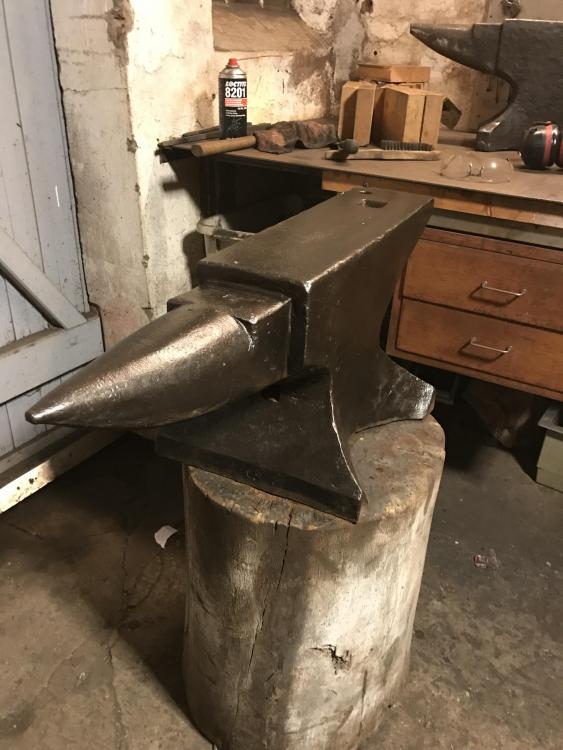
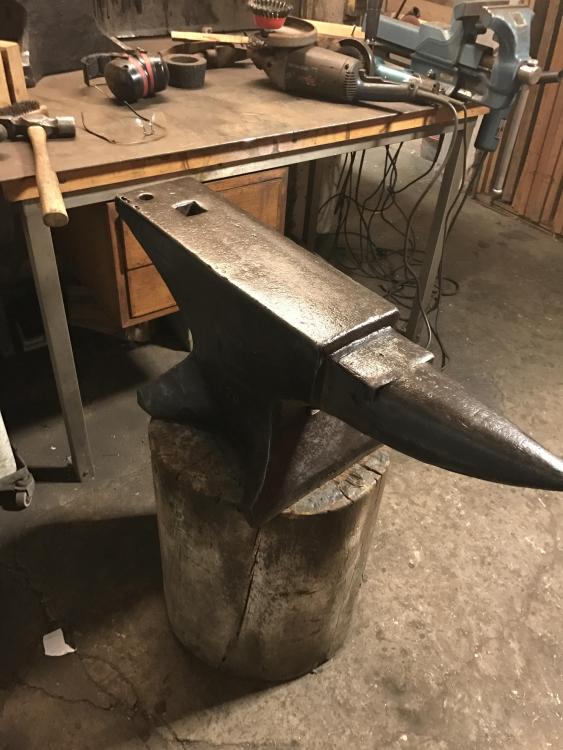
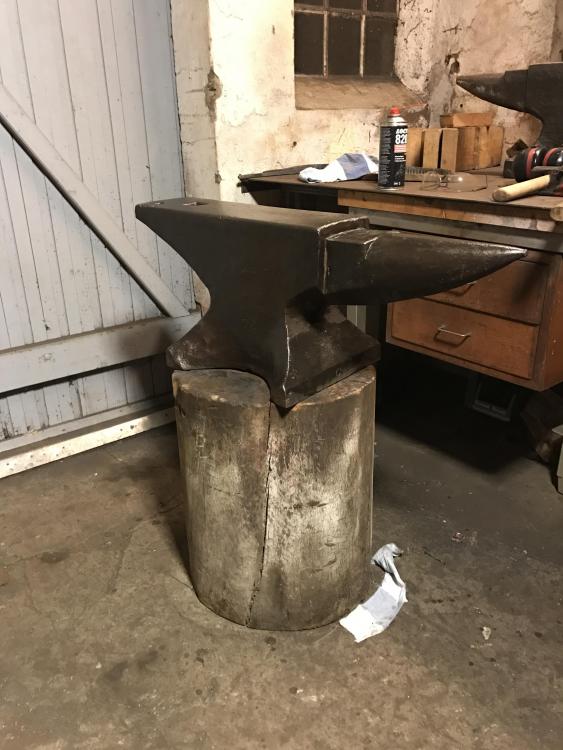
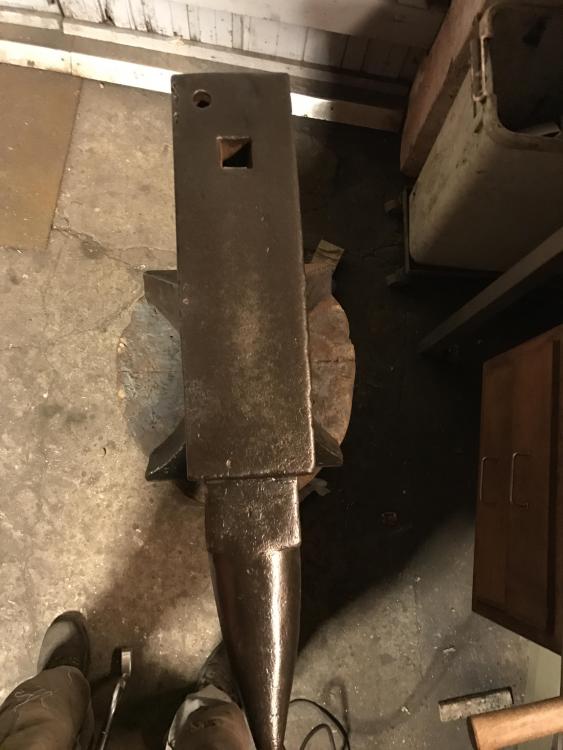
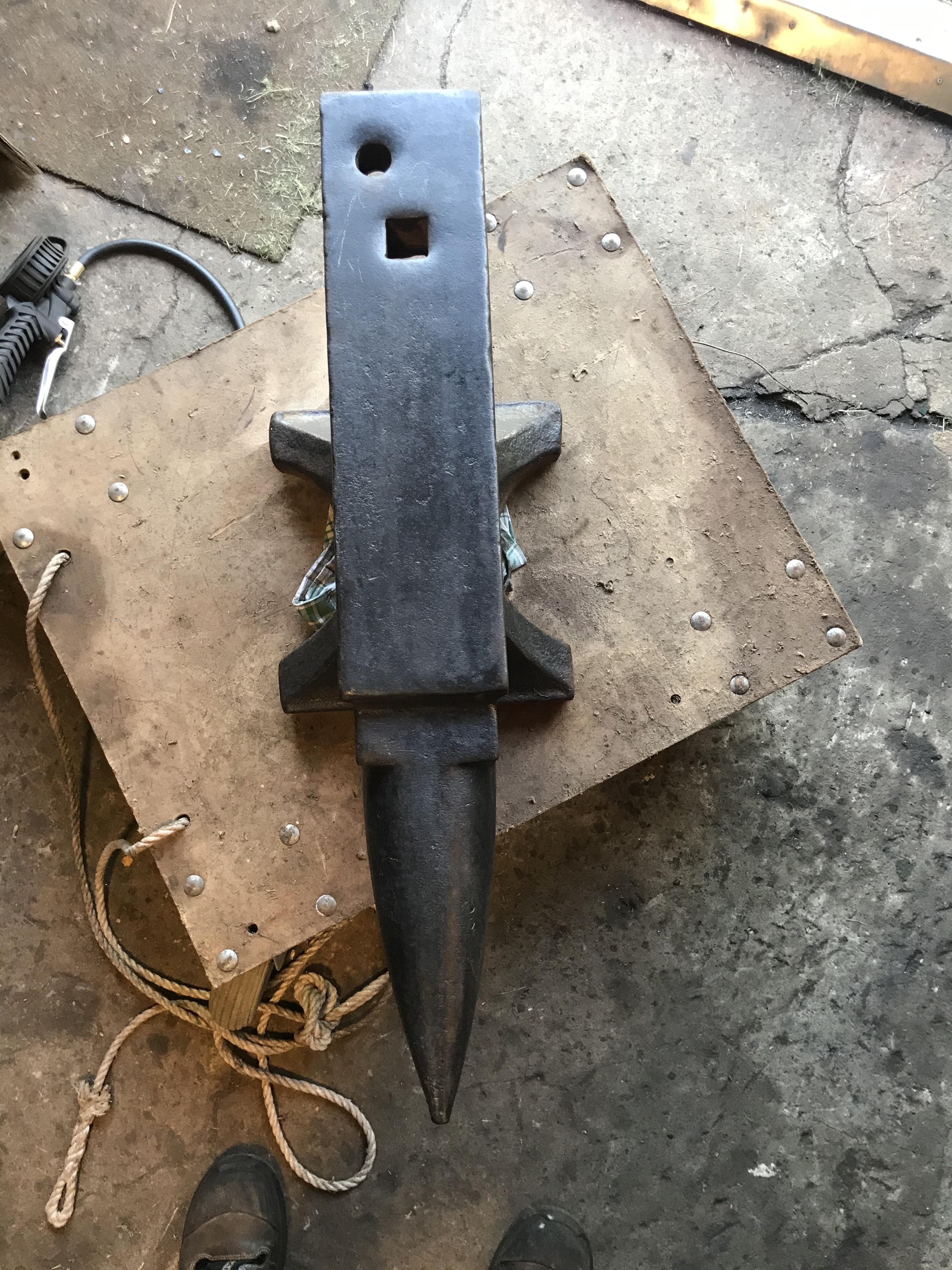
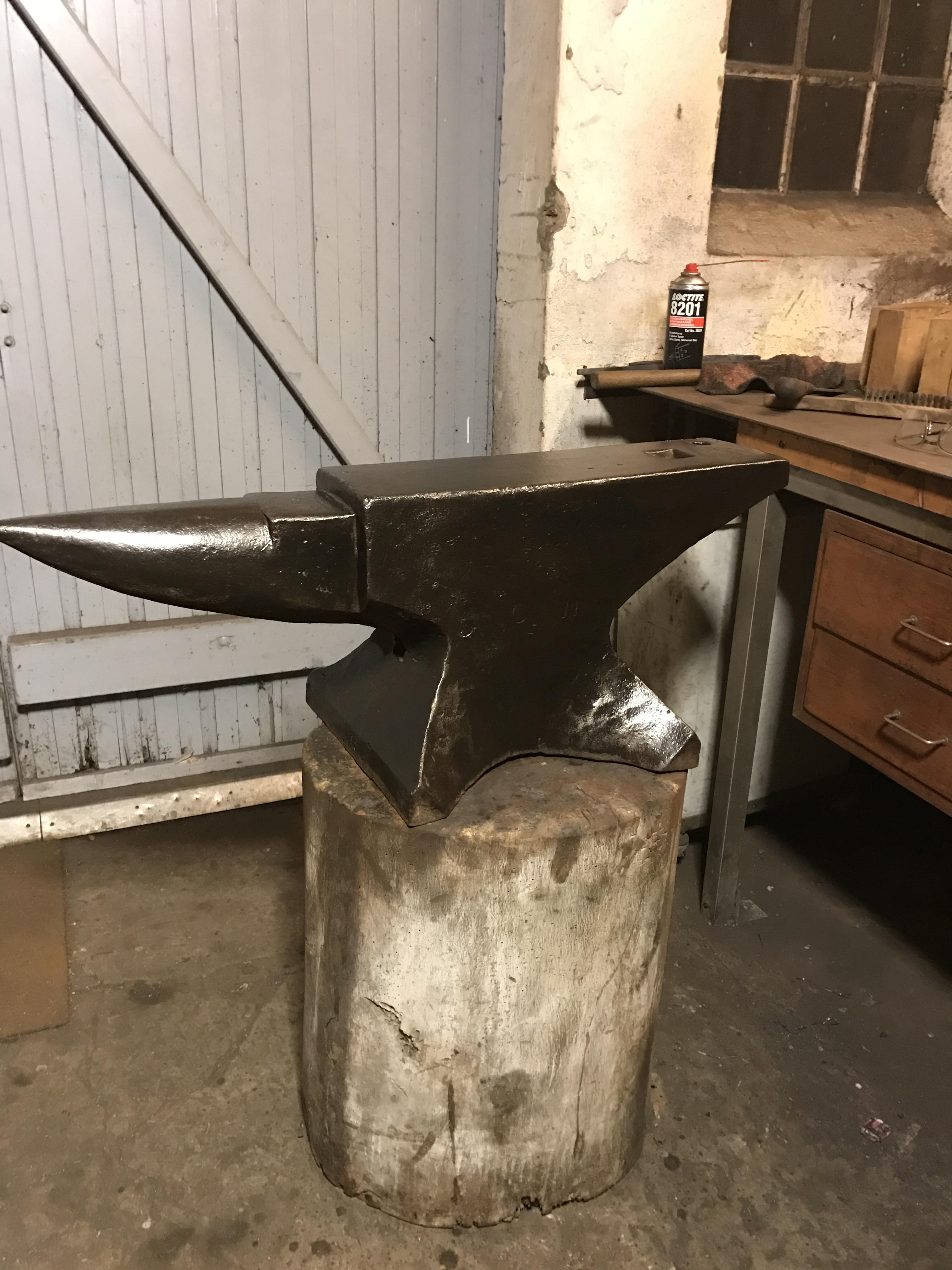
The file skates on the face nicely. Rebound is good, have uploaded a YouTube video of the anvil. Face is lightly pitted so rebound might be reduced a bit due to this. Another thing that separates this one from a soderfors is the chamfer from the bench to the face.
-
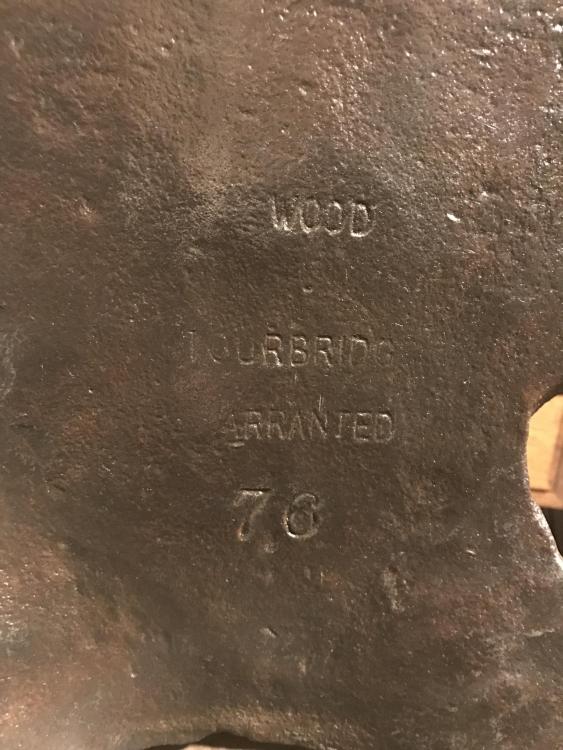
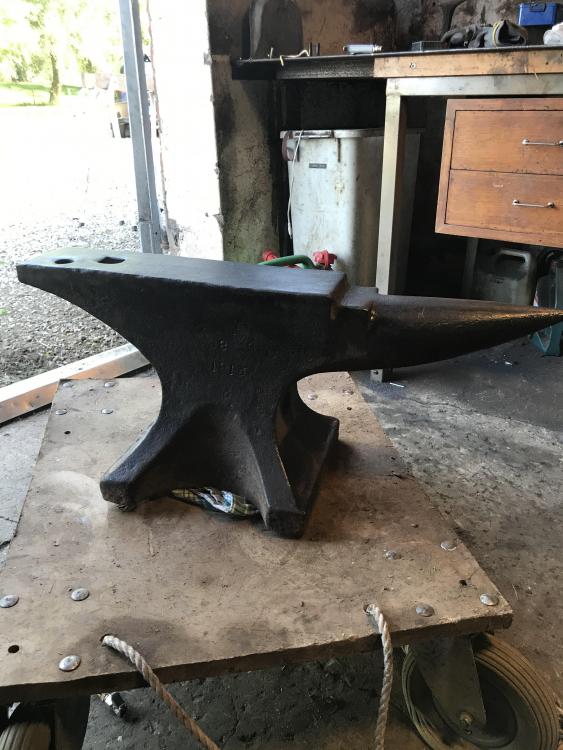
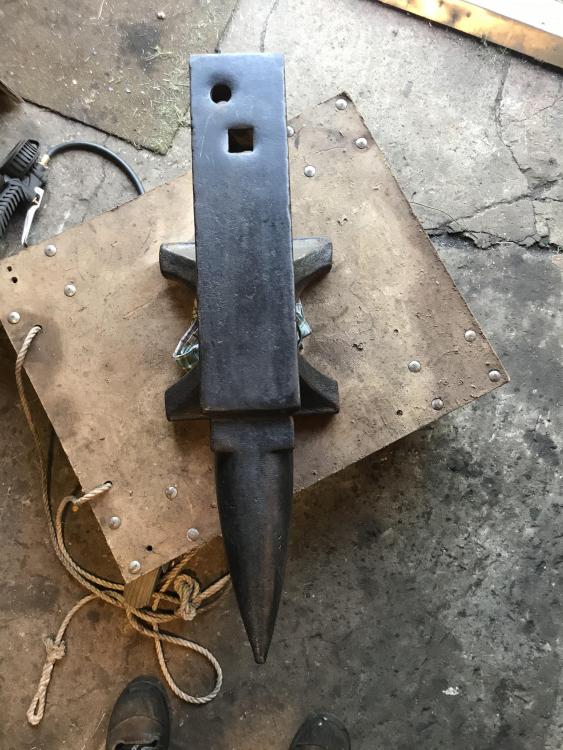
Hi out there I was lucky to pick up a nice looking anvil at a fair price the other day. But I’m having trouble identifying the manufacturer. Im located in Denmark. The anvils we see the most often here is Kohlswa, soderfors, and a variety of German manufacturers. It is marked 1913 and 98kg. There are no other markings. It has handling holes in both ends and a round small hole in the Center of the bottom At first glance it resembles a Soderfors, but in that case it would have been marked differently judging by the look of all other soderfors anvils i have seen. Any in here who can help me on identifying this beauty?
-
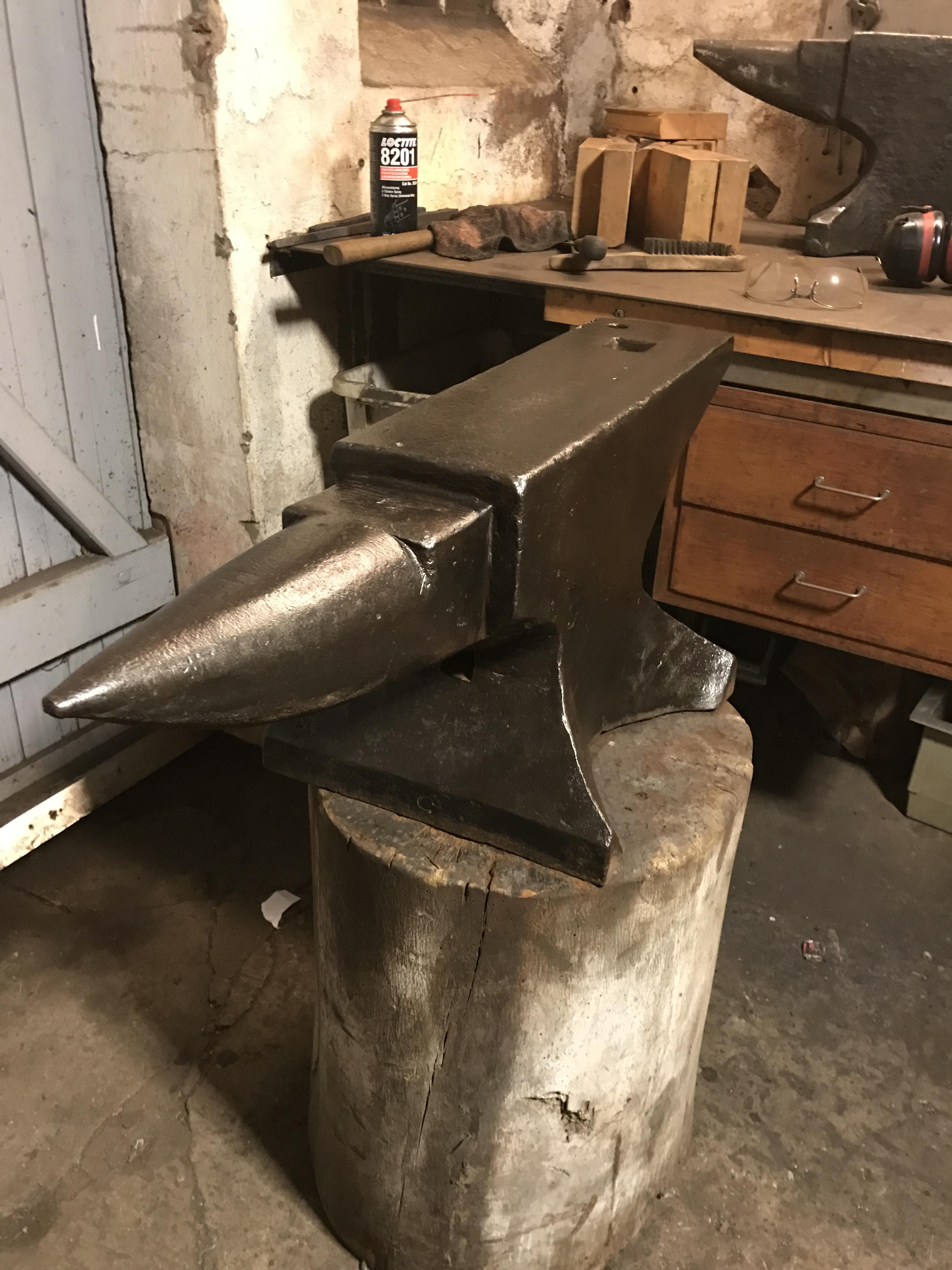
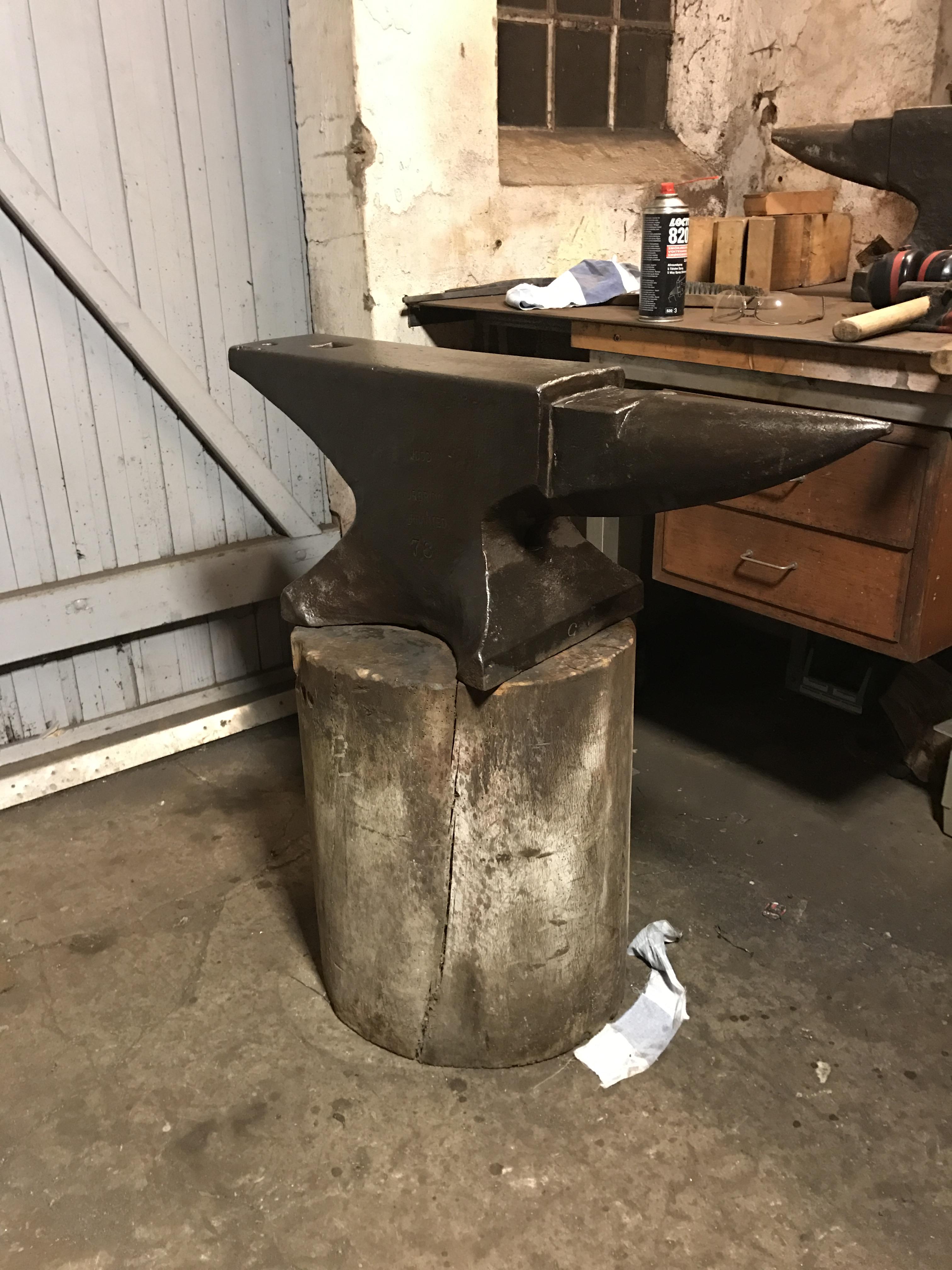
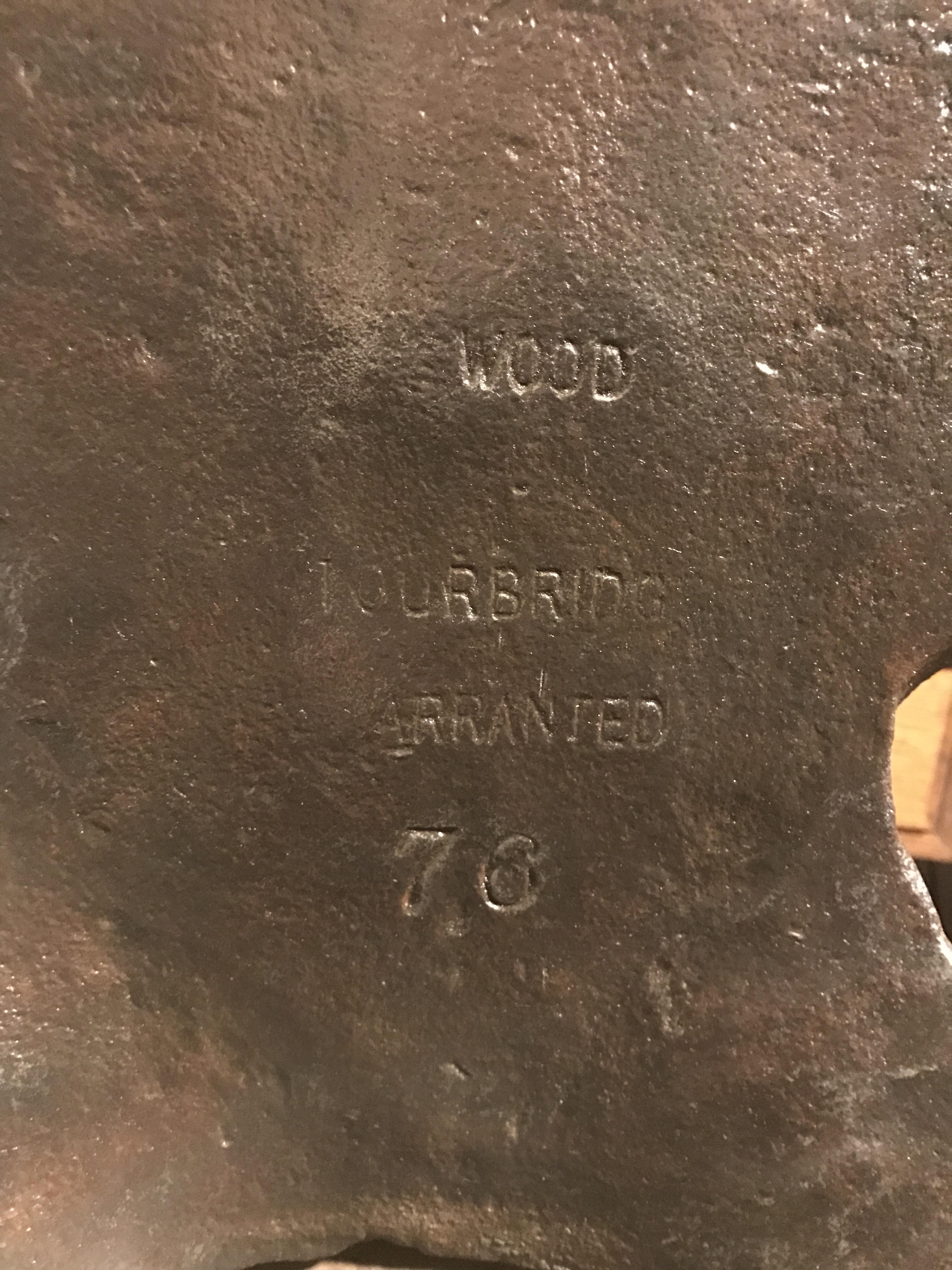
I recently aquired this magnificent anvil. And wanted to show it to fellow enthousiast. It has been used at Helsingor shipyard, Denmark. The condition is very Nice, only issues are minor pitting in the face and a little kiss from a torch at the heel. Maybe somebody Can help me age this anvil? Also interrested in more info about the manufacturer The stand is not for this anvil! Greetings from Denmark