Skip to content
View in the app

A better way to browse. Learn more.

I Forge Iron

A full-screen app on your home screen with push notifications, badges and more.

To install this app on iOS and iPadOS
  1. Tap the Share icon in Safari
  2. Scroll the menu and tap Add to Home Screen.
  3. Tap Add in the top-right corner.
To install this app on Android
  1. Tap the 3-dot menu (⋮) in the top-right corner of the browser.
  2. Tap Add to Home screen or Install app.
  3. Confirm by tapping Install.

huntin269

Members
  • Joined

  • Last visited

Everything posted by huntin269

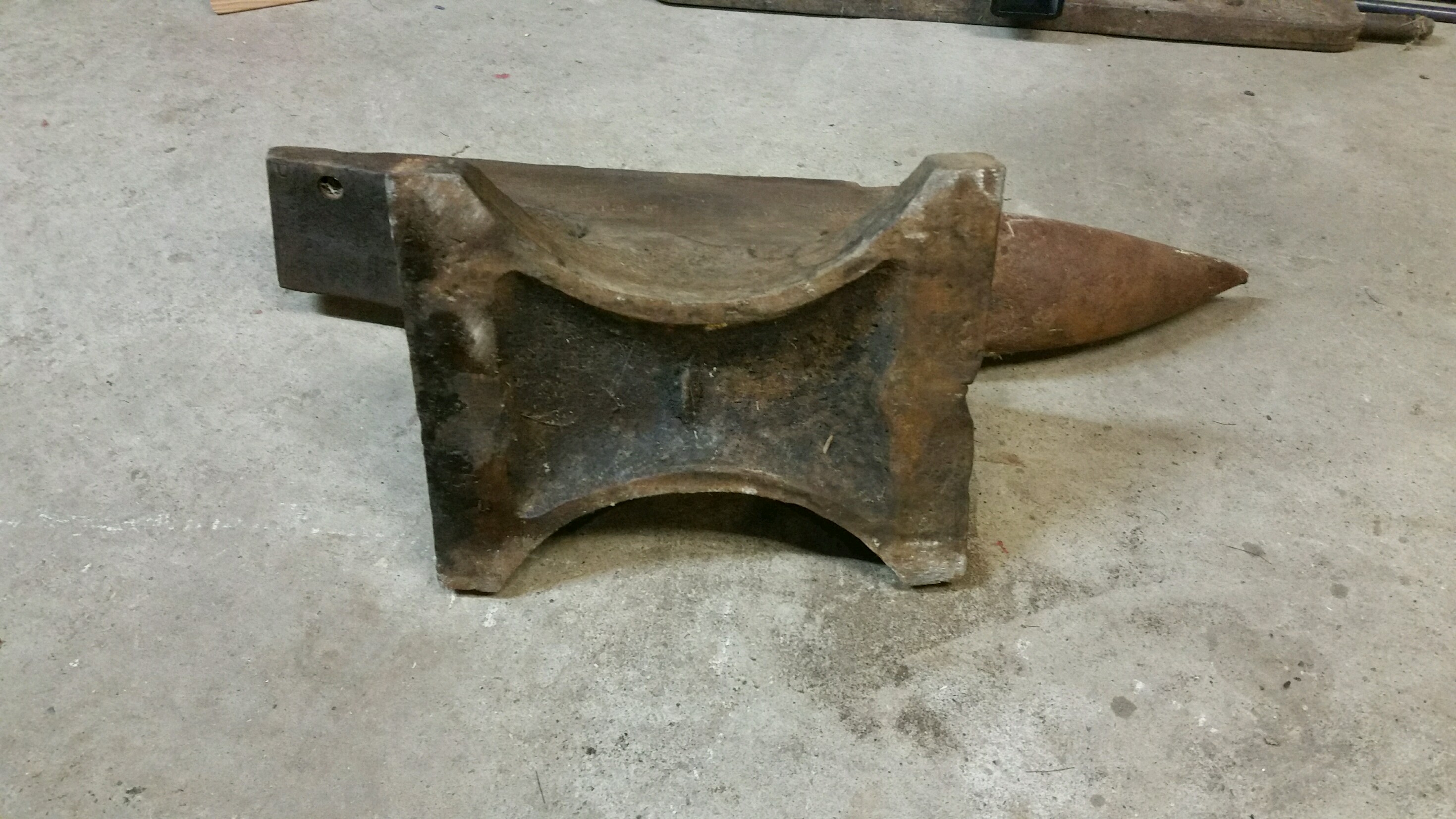
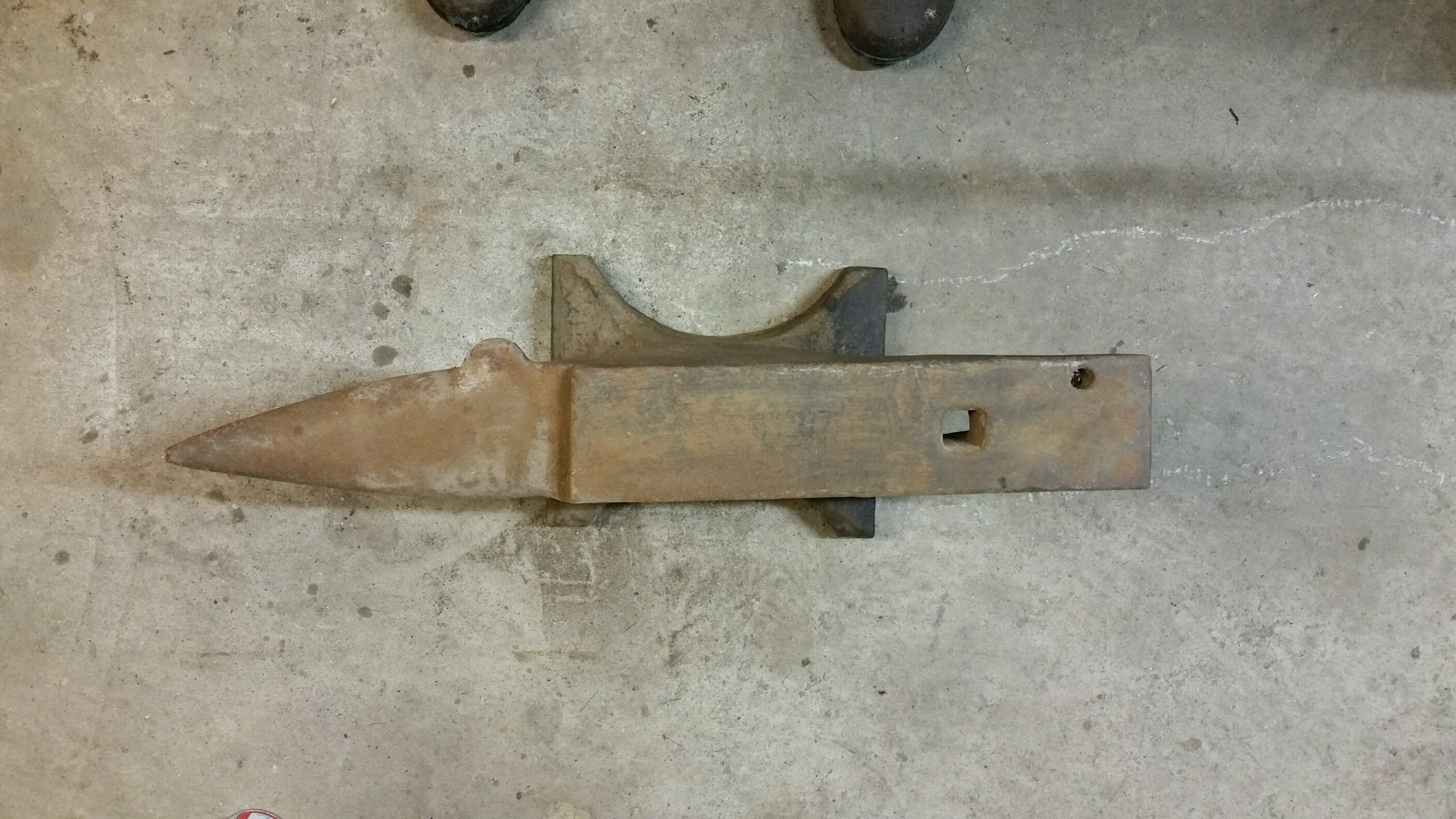
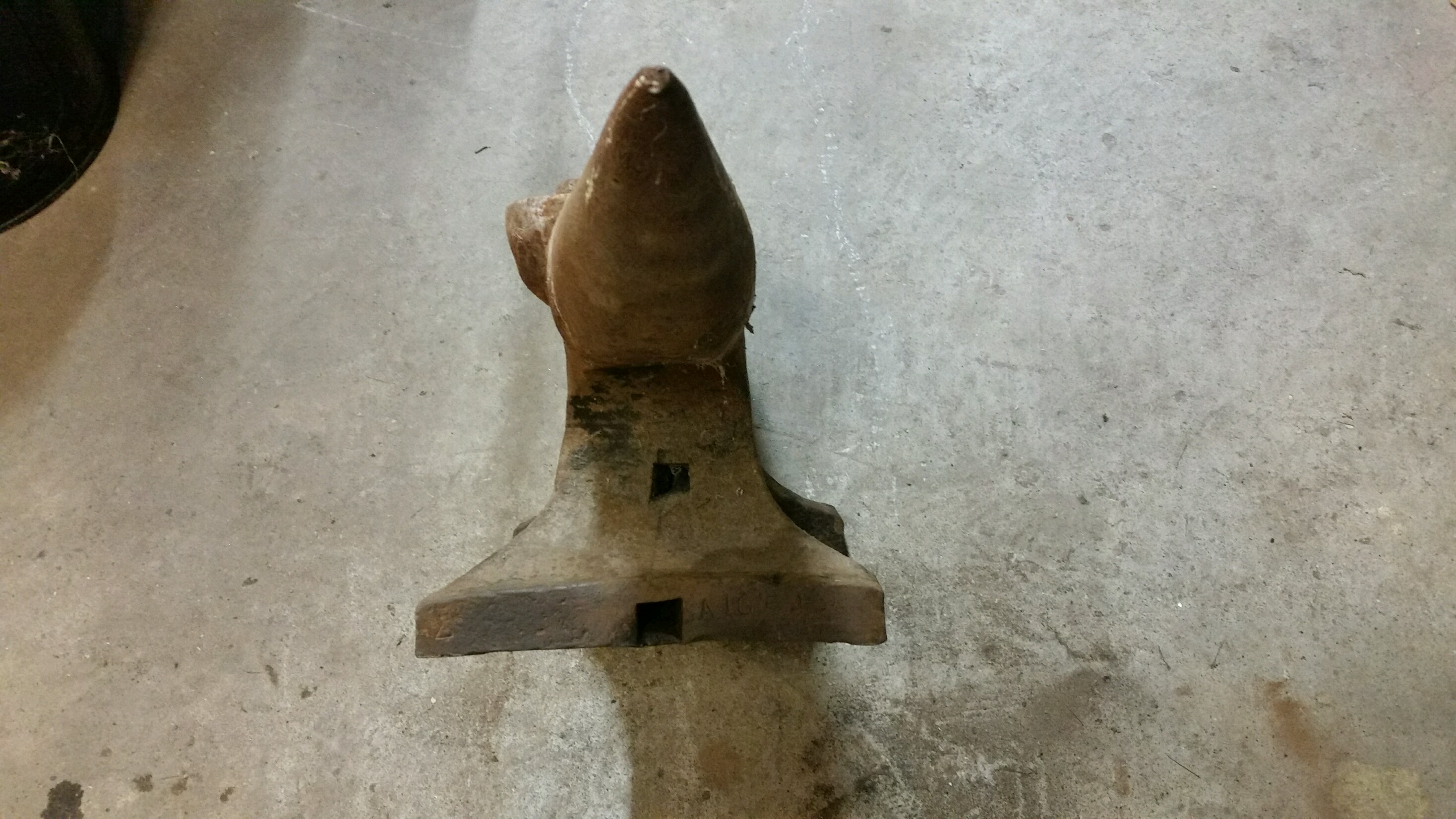
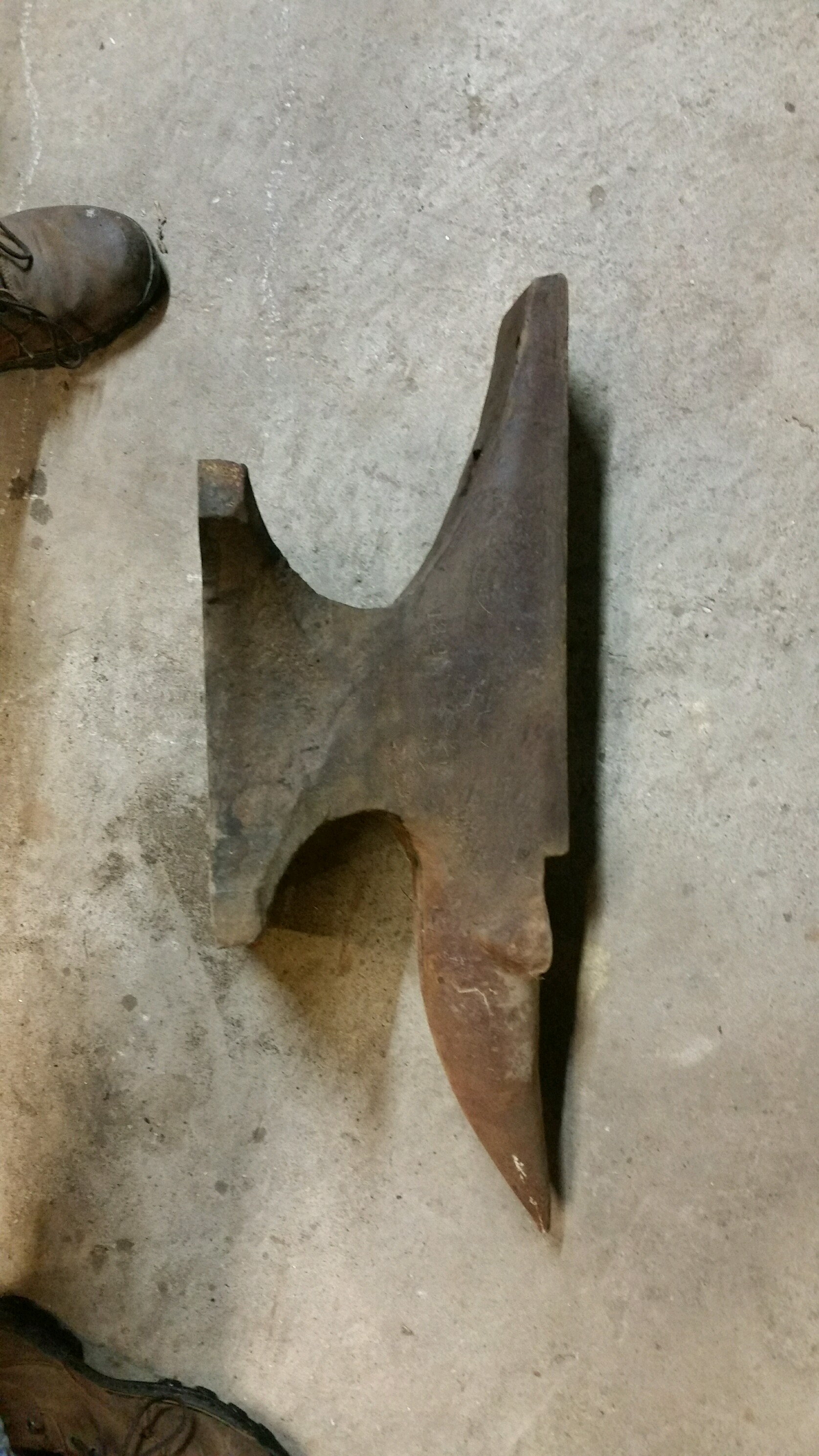
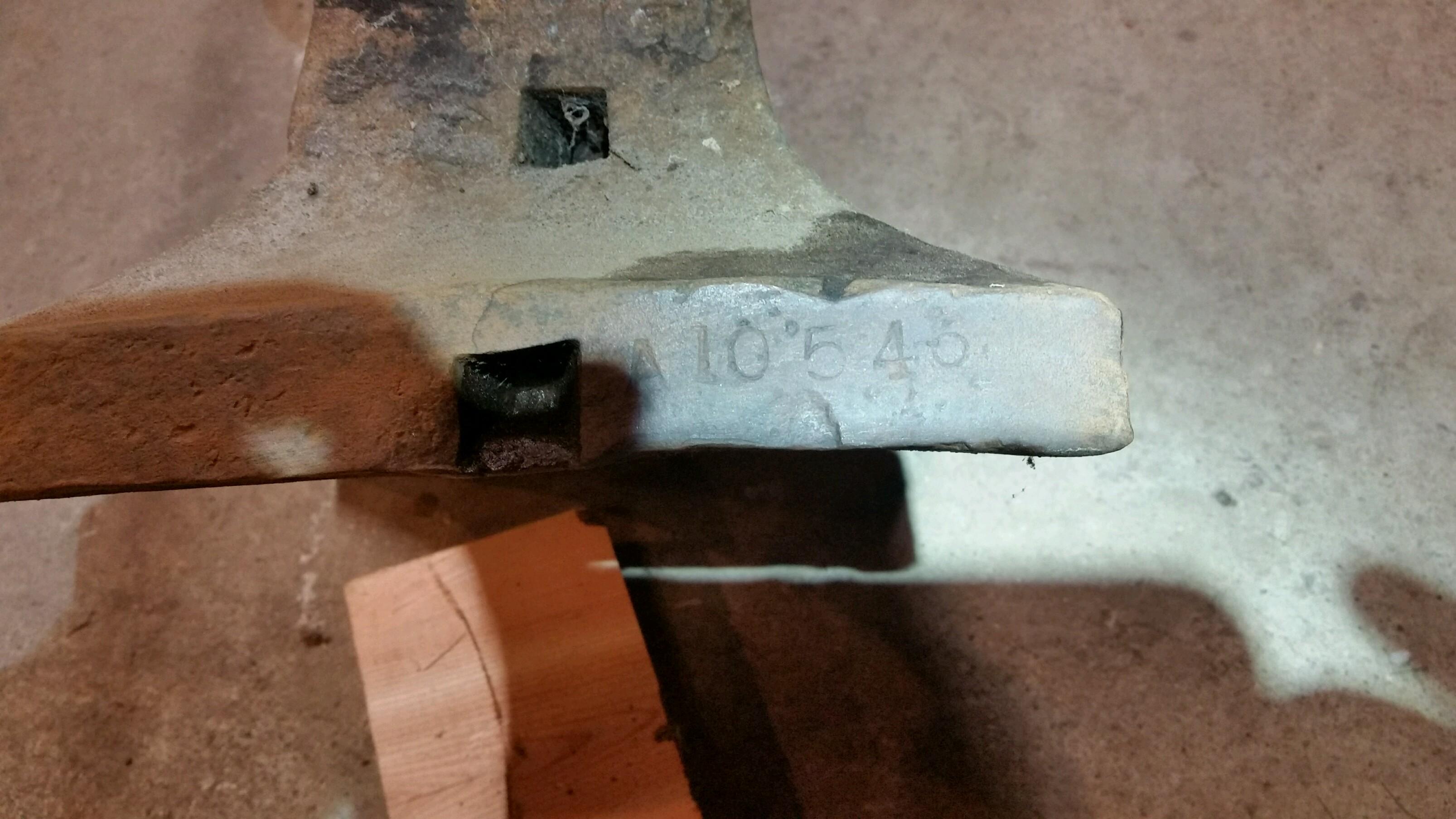
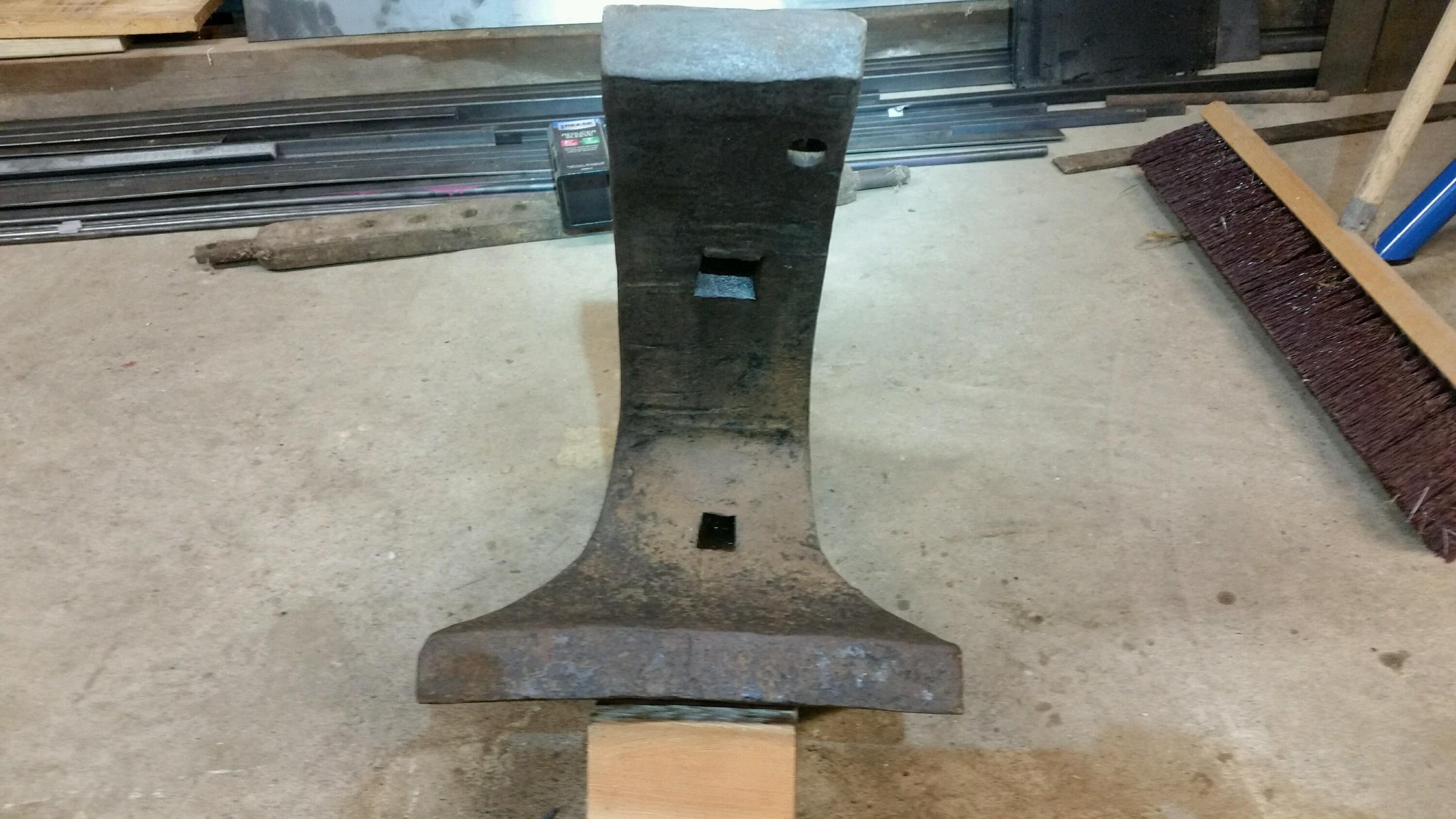
  1. Ya definitely farrier anvil. Numbers I see for weight is 129. Almost looks like a decimal between 2 and 9. I'm able to move it pretty easy so I'm guessing that its not using the "hundreth" scale or it would be upwards of 180. Not going to go crazy but I will give it a cleaning.
  2. Thanks you guys! I should have some more pics in a little bit. I'll post em soon thereafter
  3. Came across an old anvil on my family's farm. Found a couple Maker's Marks. Maybe someone here can make more out than I can. Fyi if the horn is pointing north the marks are on the east side. Thanks. Can get more pics if needed
Account

Navigation

Search

Search

Configure browser push notifications

Chrome (Android)
  1. Tap the lock icon next to the address bar.
  2. Tap Permissions → Notifications.
  3. Adjust your preference.
Chrome (Desktop)
  1. Click the padlock icon in the address bar.
  2. Select Site settings.
  3. Find Notifications and adjust your preference.