Skip to content
View in the app

A better way to browse. Learn more.

I Forge Iron

A full-screen app on your home screen with push notifications, badges and more.

To install this app on iOS and iPadOS
  1. Tap the Share icon in Safari
  2. Scroll the menu and tap Add to Home Screen.
  3. Tap Add in the top-right corner.
To install this app on Android
  1. Tap the 3-dot menu (⋮) in the top-right corner of the browser.
  2. Tap Add to Home screen or Install app.
  3. Confirm by tapping Install.

ronjorgenson

Members
  • Joined

  • Last visited

  1. That is interesting! Thanks!
  2. By the way, thank you very much for taking the time to look up the age of my anvil. My Grandfather homesteaded in Western Minnesota in the early 1890's, so the time seems to fit.
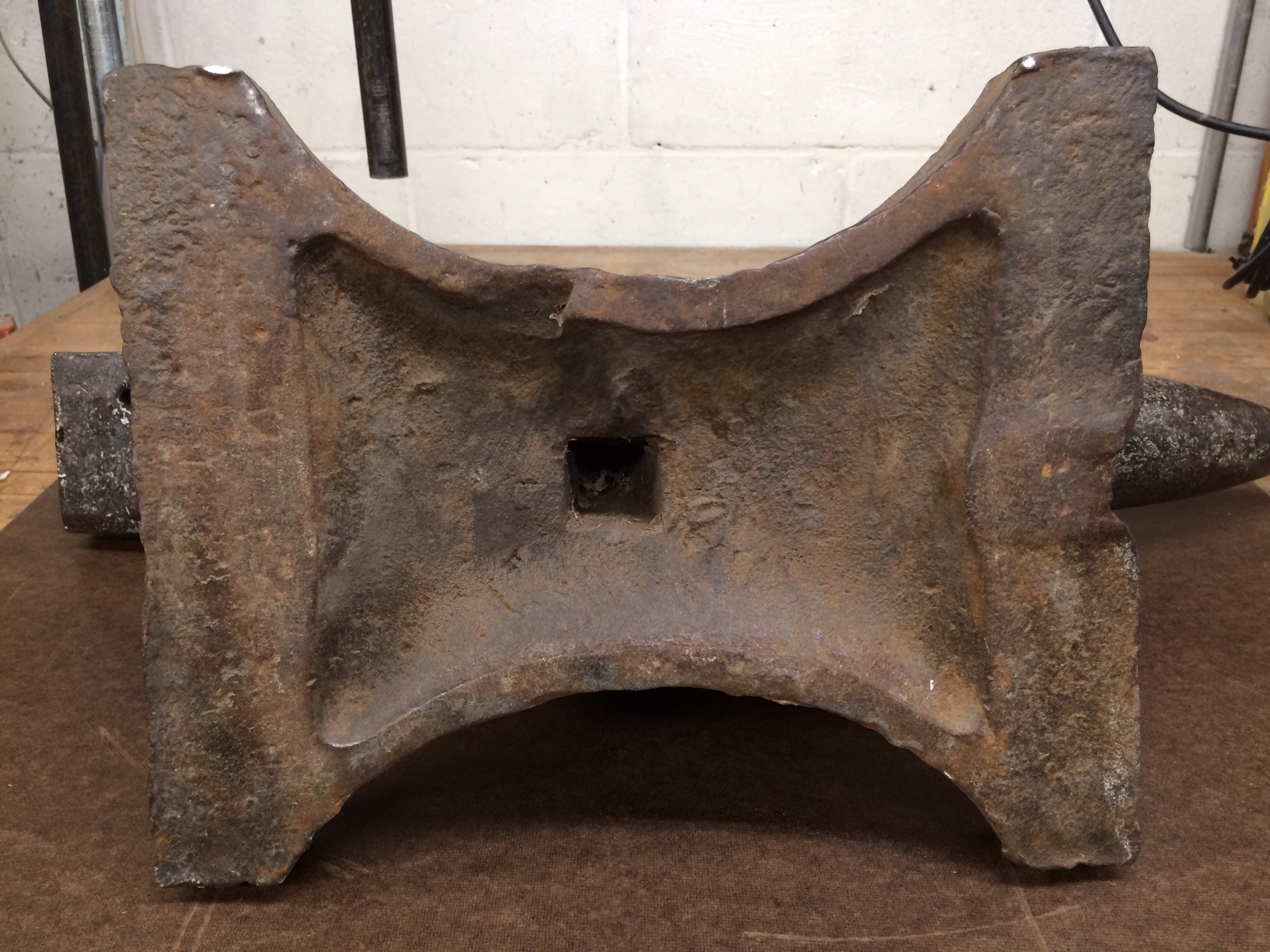
  3. Glad to post a photo. The spider webs were an optional extra!
  4. Here you go, glad to do so.
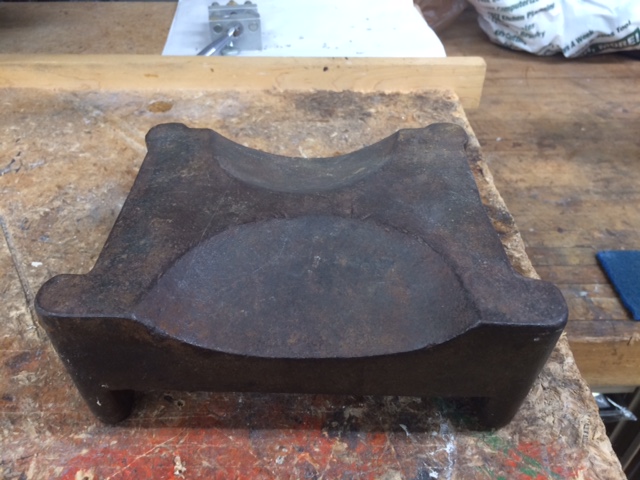
  5. Thanks for the tip, I did update my profile. I have a second question - I have another item that I have always assumed came from a blacksmith or tin shop. Can anyone help me out with identifying the item and explaining its use? See photo, it is about 3 inches high, 6 X 7.5 inches. Any help would be appreciated!
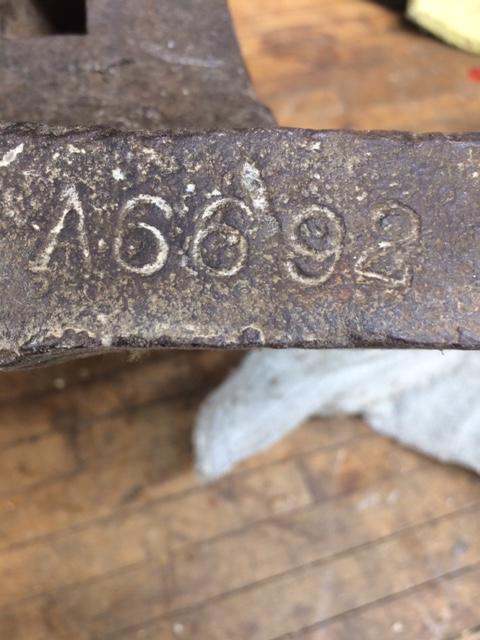
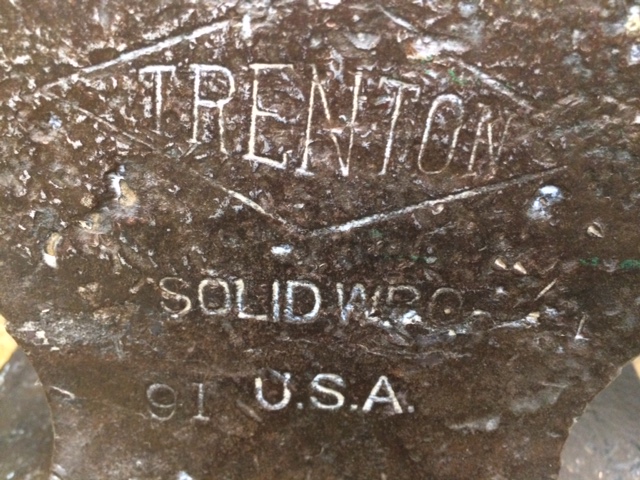
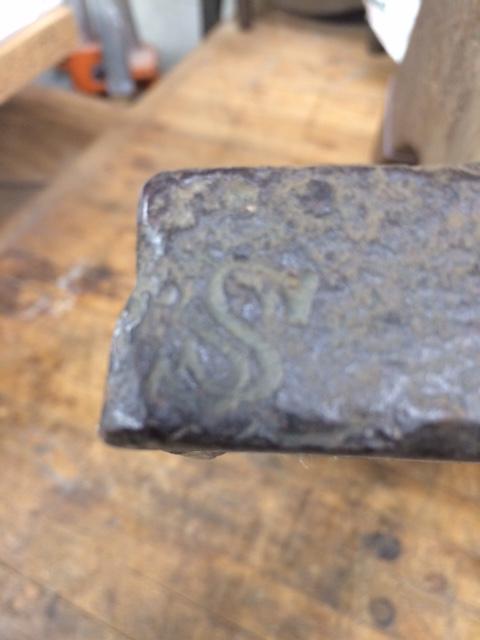
  6. I am not a blacksmith, but I have a Trenton anvil that came from my Grandfather's farm. Below the Trenton logo it says 91, which I assume is the weight. The serial number is A6692, and located to the far edge left of the number is an "S". Is there a resource that would tell me the approximate age?
Account

Navigation

Search

Search

Configure browser push notifications

Chrome (Android)
  1. Tap the lock icon next to the address bar.
  2. Tap Permissions → Notifications.
  3. Adjust your preference.
Chrome (Desktop)
  1. Click the padlock icon in the address bar.
  2. Select Site settings.
  3. Find Notifications and adjust your preference.