Skip to content
View in the app

A better way to browse. Learn more.

I Forge Iron

A full-screen app on your home screen with push notifications, badges and more.

To install this app on iOS and iPadOS
  1. Tap the Share icon in Safari
  2. Scroll the menu and tap Add to Home Screen.
  3. Tap Add in the top-right corner.
To install this app on Android
  1. Tap the 3-dot menu (⋮) in the top-right corner of the browser.
  2. Tap Add to Home screen or Install app.
  3. Confirm by tapping Install.

Andre Krainik

Members
  • Joined

  • Last visited

Everything posted by Andre Krainik

  1. and I just found the advice to use "google" and not the search bar. Found the prior topic now. sorry guys.. Thanks for the reply.
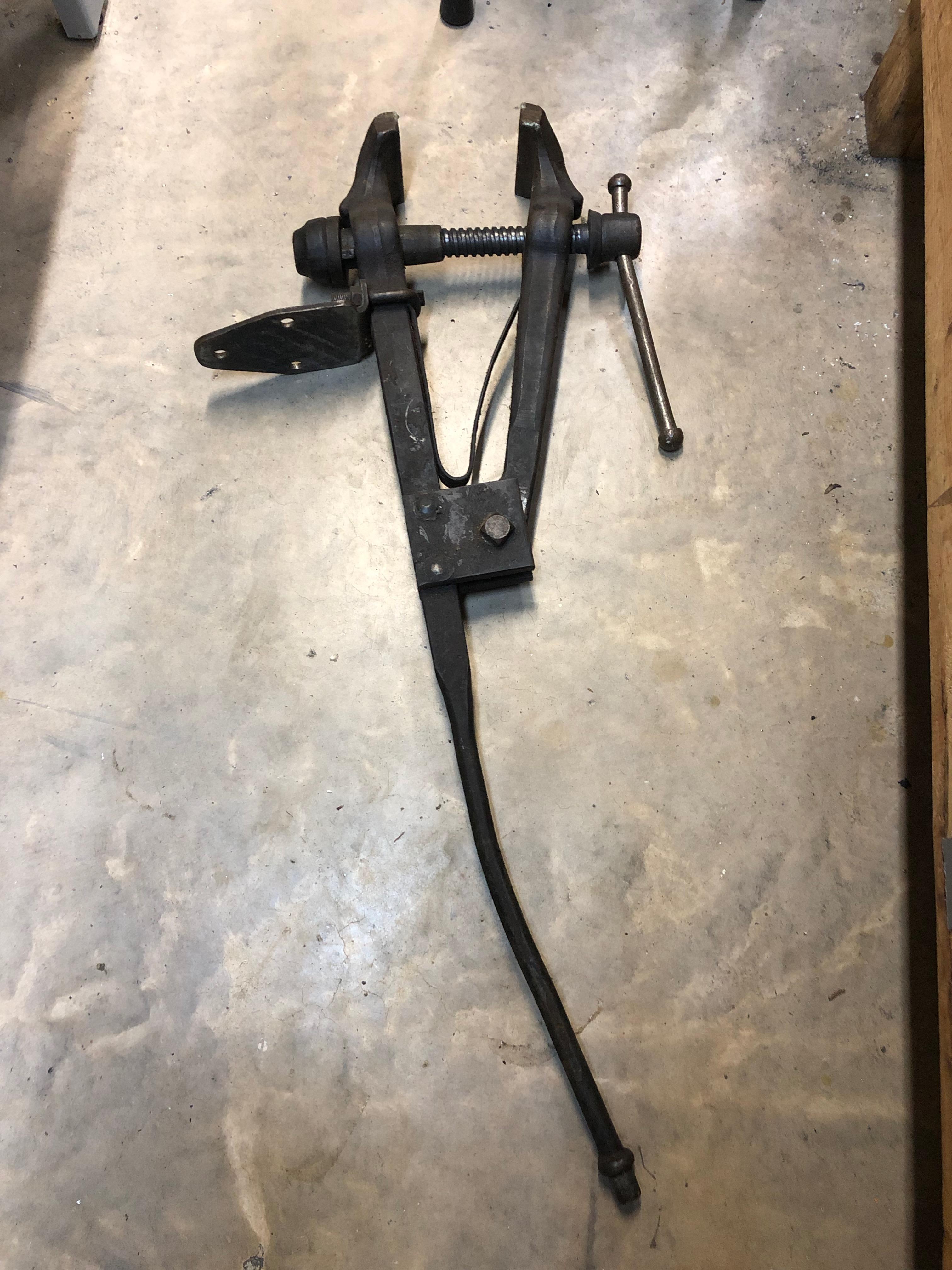
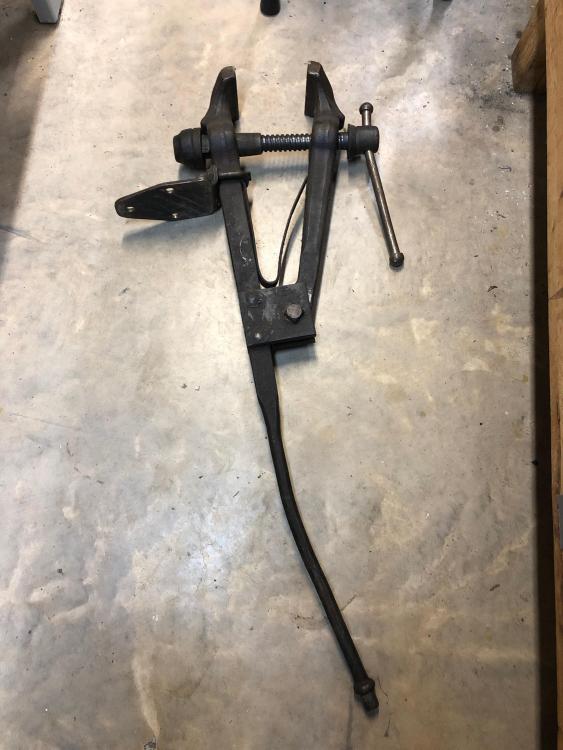
  2. Hi all, I'm brand new, in the process of just setting up my workshop, and was lucky enough to come across this post vice locally for a great price. Jaws, screw and nut are all in really good condition but the seller informed me his dad at some point backed the car into it. My question is: Should I, and any advice how to go about straightening this out? I realize the answer might just be heat it up and straighten it. However wanted to seek some guidance to make sure I wouldn't need to temper it somehow that is beyond my experience at this point.

Account

Navigation

Search

Search

Configure browser push notifications

Chrome (Android)
  1. Tap the lock icon next to the address bar.
  2. Tap Permissions → Notifications.
  3. Adjust your preference.
Chrome (Desktop)
  1. Click the padlock icon in the address bar.
  2. Select Site settings.
  3. Find Notifications and adjust your preference.