Skip to content
View in the app

A better way to browse. Learn more.

I Forge Iron

A full-screen app on your home screen with push notifications, badges and more.

To install this app on iOS and iPadOS
  1. Tap the Share icon in Safari
  2. Scroll the menu and tap Add to Home Screen.
  3. Tap Add in the top-right corner.
To install this app on Android
  1. Tap the 3-dot menu (⋮) in the top-right corner of the browser.
  2. Tap Add to Home screen or Install app.
  3. Confirm by tapping Install.

Dreath

Members
  • Joined

  • Last visited

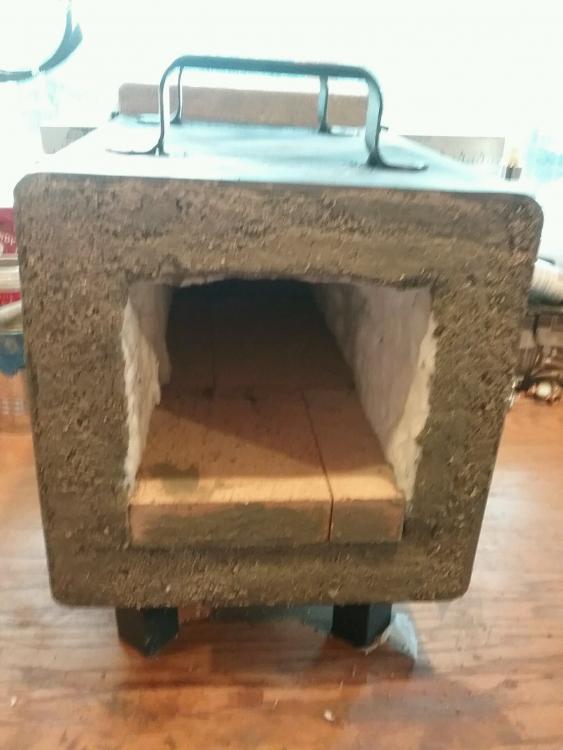
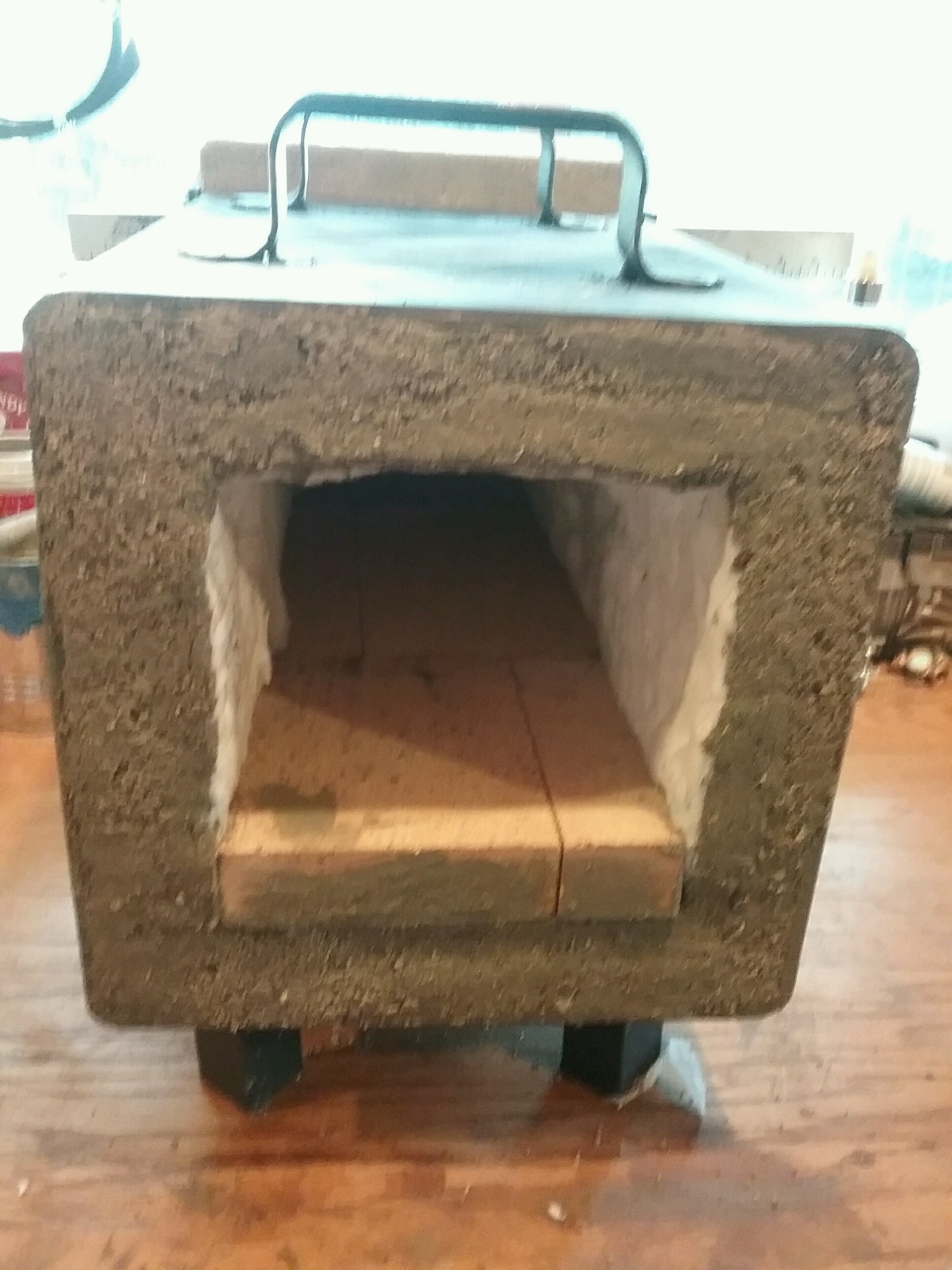
  1. I just finished my first Forge and wanted to make sure that it will be OK with the heat blanket by itself or if I had to use refractory coating on the inside as well. I did use high temperature cement on the front I don't know if I need it on the inside .also do you guys think I need a front door or can I leave it open. I built a slide on the back that I could put a large fire brick to close off the back just wasn't sure if I needed something in the front as well thx marc
Account

Navigation

Search

Search

Configure browser push notifications

Chrome (Android)
  1. Tap the lock icon next to the address bar.
  2. Tap Permissions → Notifications.
  3. Adjust your preference.
Chrome (Desktop)
  1. Click the padlock icon in the address bar.
  2. Select Site settings.
  3. Find Notifications and adjust your preference.