HSC ///
Members
-
Joined
-
Last visited
-
mine does not have a brake, the one I was learning with at another local knife-maker does have a brake that he put on, so I'm familiar with the brake concept. btw I'm Harbeer and a little about me here - https://www.instagram.com/hsc3.knives/ ok I understand working with knife making grinders that use 3 phase motors and VFD, I ;learned that you can only yield 1.5 HP from a 2 HP motor due to efficiency loss in the phase conversion. I think the first step is to get the pulley off and confirm the shaft and pulley diameters then order the motor with hopefully the correct shaft dia and length or see about some sort of shaft adapter. thanks
-
thanks, I updated it oh wow, even a 1/2 HP is enough?
-
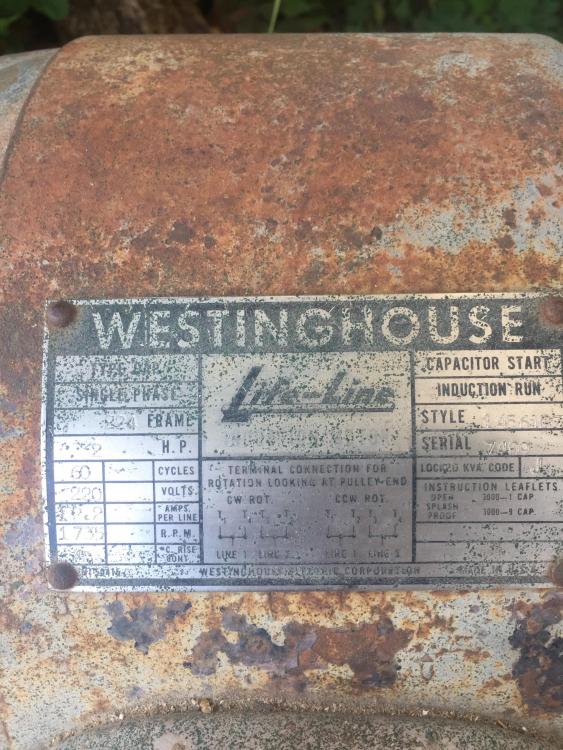
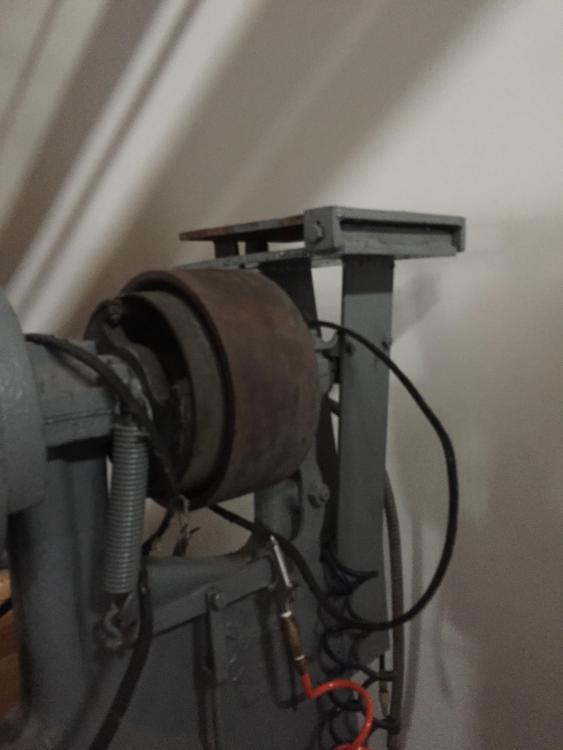
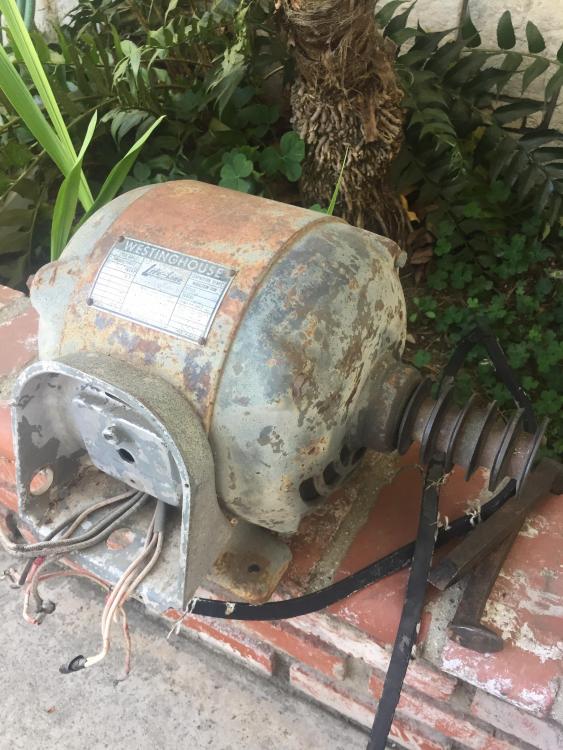
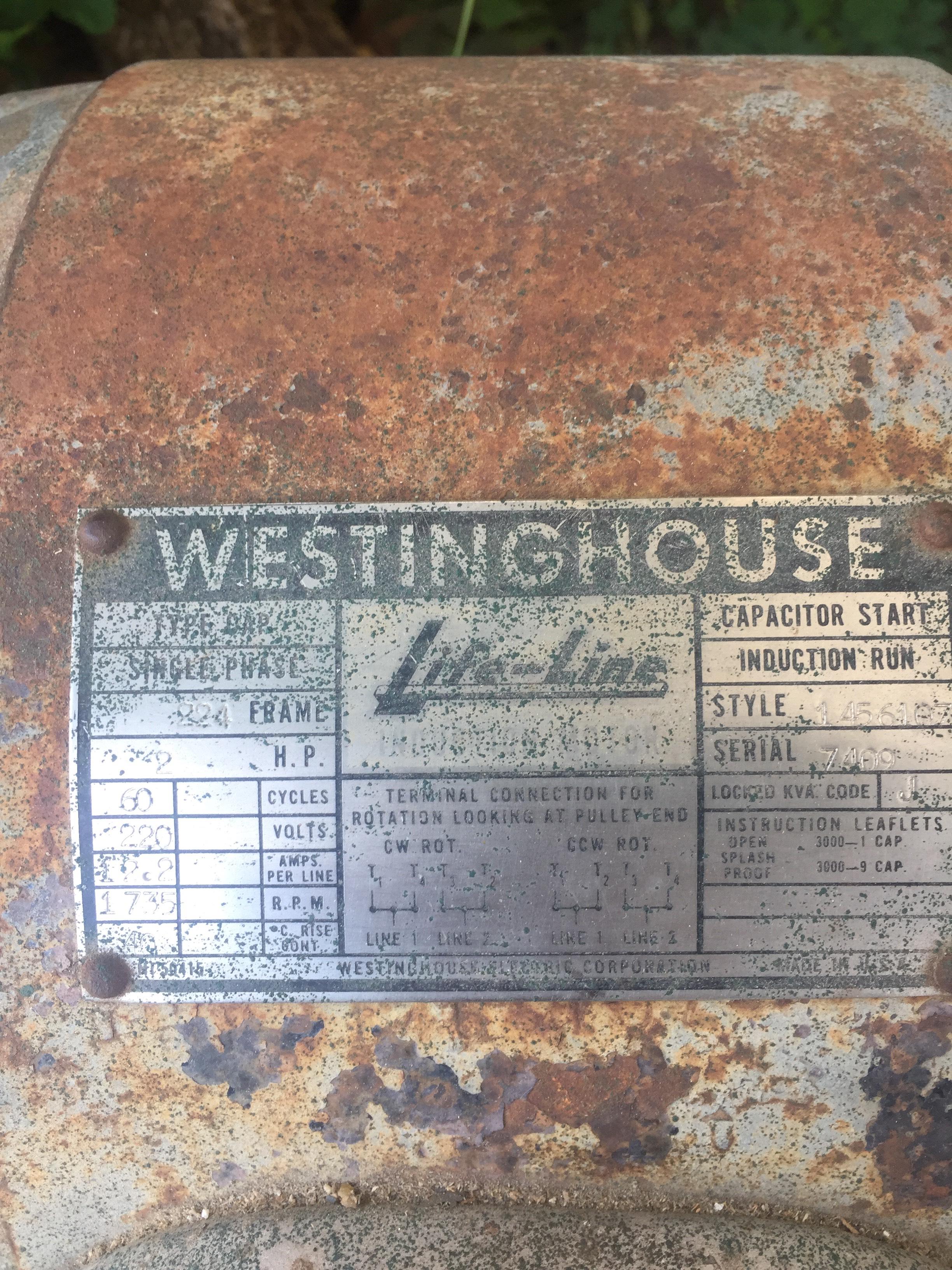
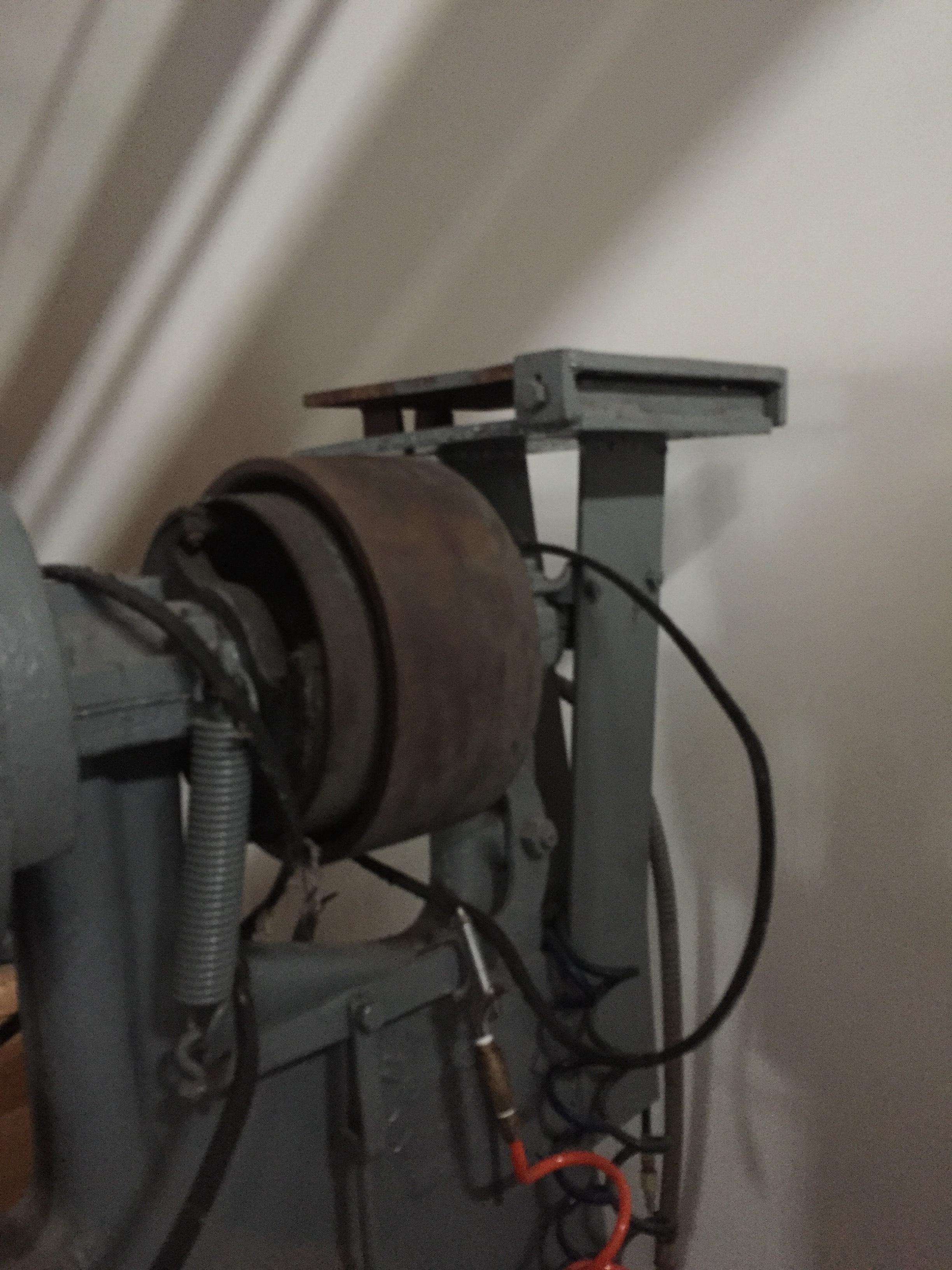
hi, new member here just purchased a 50 lb LG. comes with Westinghouse 2HP 220V motor with 4v pulley, this thing is a beast of a motor and must weigh 80lbs motor doesn't work and I don't have 220 currently available. I can get 220 service wired but don't want to incur electrical upgrade costs. question, will a 2hp motor on 110V be sufficient to get this hammer going? I will just need to sort out the shaft length pulley is 4 belts, about 3.5" long and 1" ID From what I'm reading here in this thread, a few of you use a 110 V motor successfully to drive your hammers. I'm not a motor expert :-) thank you