Riverdweller
Members
-
Joined
-
Last visited
Everything posted by Riverdweller
-
JT thanks for the heads up. I will check that tomorrow. I appreciate your input. Swedefiddle if it ain't broke don't fix it. If it's broke, you should man up and see what you can do.
-
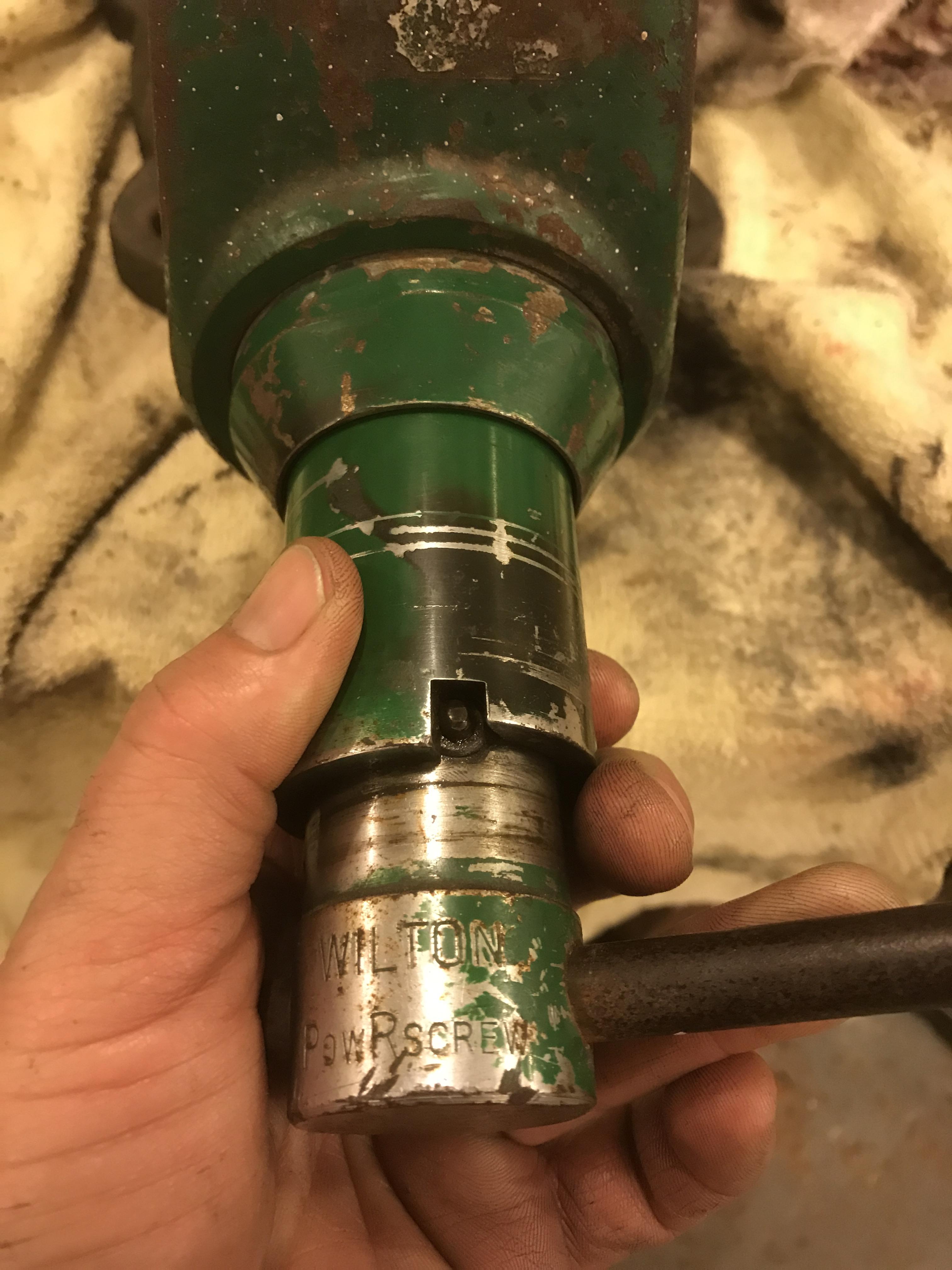
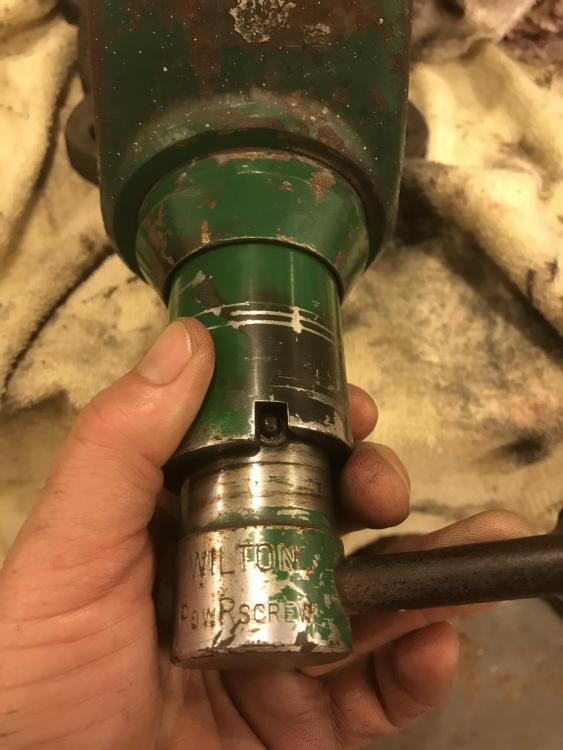
I tore it all apart. Except for the seals and fancy bits near the handle. There are a couple set screws there. One is to (apparently) add hydraulic fluid. Upon further www investigation, I have learned this is a rare PowRscrew vise from Wilton. Lucky me. Haha. It has a hydraulic front end assist. Made in the late 60's to 70 or so. Apparently they stopped production for a reason. Does anyone have any knowledge of the PowRscrew? Everything is cleaned and lubed/oiled. Still will not open the jaws when I loosen the crank. I am able to manually open the jaws. Interested in any input and feedback! Here is a shot of the hydraulic aspect. See the video in my original post to see it in action.
-
Hey guys thanks for the replies. I will check out those YouTube vids. Also will clean the internals. Meant to do that anyways. In the middle of my workweek, but will keep you posted on any results when I get back to it. Mahalo.
-
Just acquired a Wilton. Jaws close fine, but won't open. Probably a simple solution, but I am simple-minded.. ahem. Any suggestions? Thanks in advance! IMG_4683.MOV