Skip to content
View in the app

A better way to browse. Learn more.

I Forge Iron

A full-screen app on your home screen with push notifications, badges and more.

To install this app on iOS and iPadOS
  1. Tap the Share icon in Safari
  2. Scroll the menu and tap Add to Home Screen.
  3. Tap Add in the top-right corner.
To install this app on Android
  1. Tap the 3-dot menu (⋮) in the top-right corner of the browser.
  2. Tap Add to Home screen or Install app.
  3. Confirm by tapping Install.

Matt de Tour

Members
  • Joined

  • Last visited

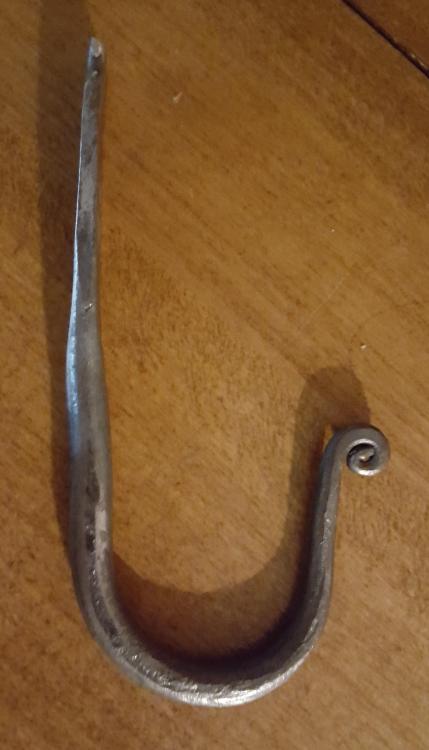
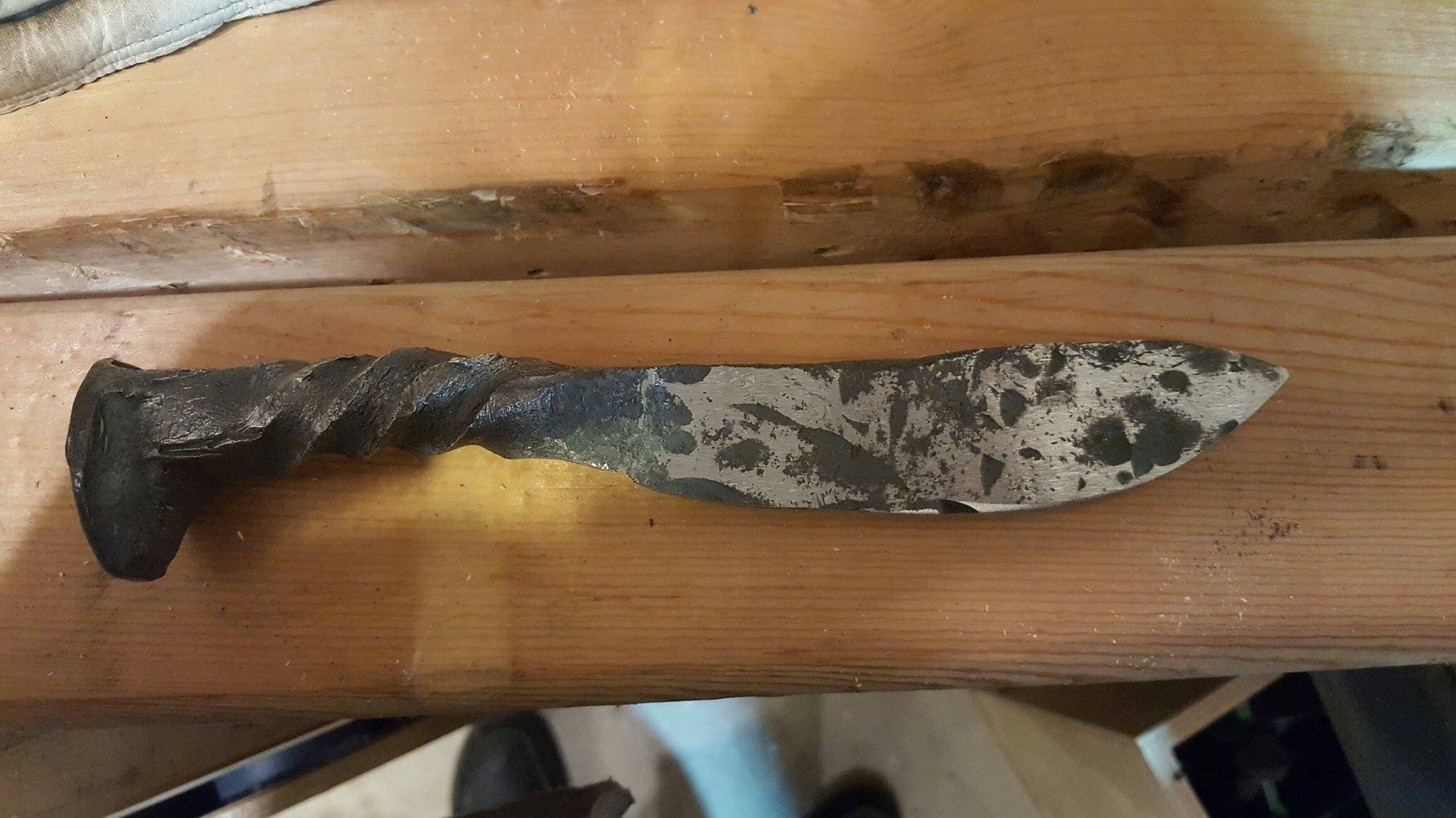
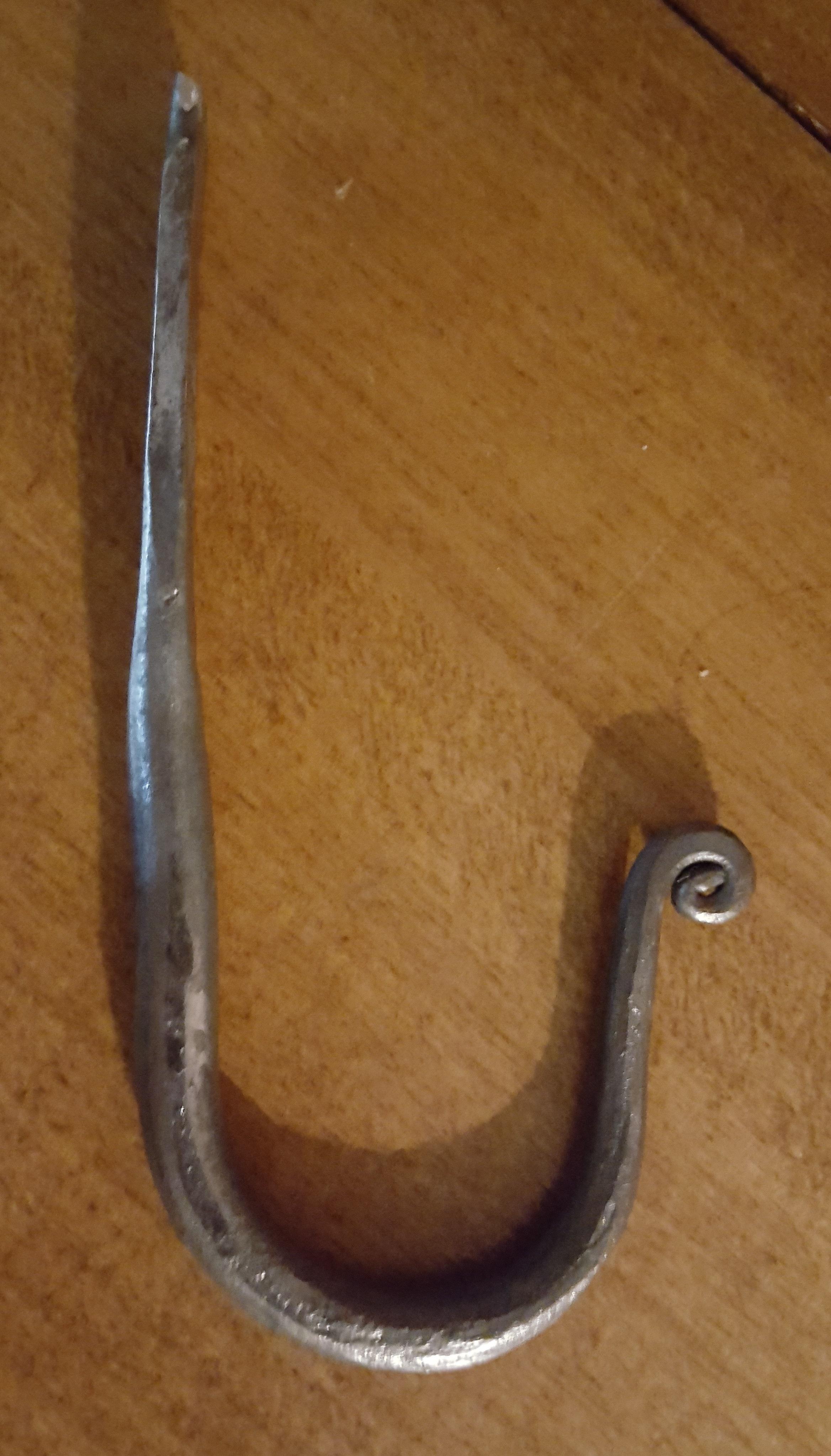
  1. This is my first attempt at forging. The knife was first and the hook was second. I should have done the hook first and then done a thousand more, then tried the knife first. The videos made it look so easy.... I hope to spend many years perfecting the art.
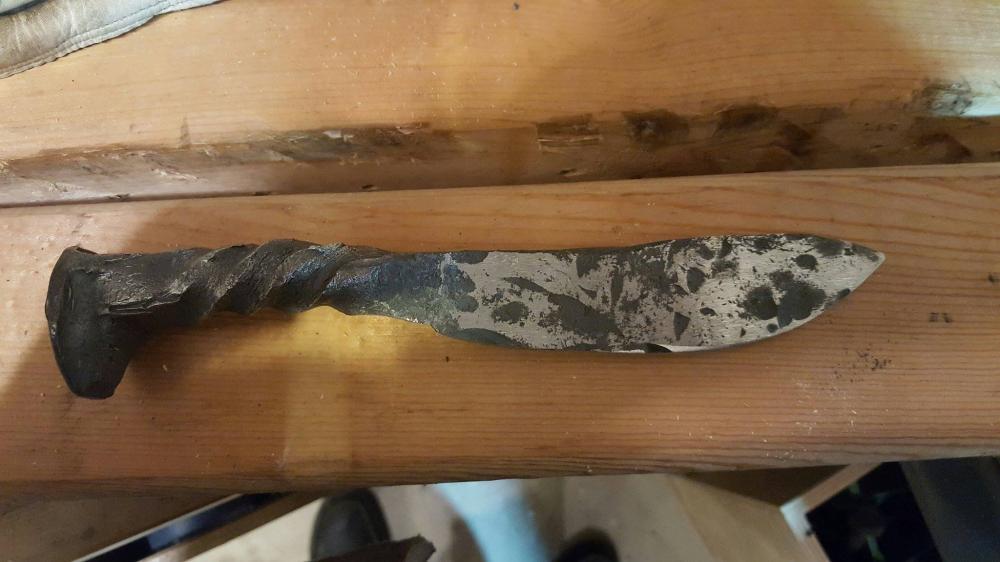
  2. Thanks for the encouragement C-1 Tool Steel. I would love to. How do I go about doing that?
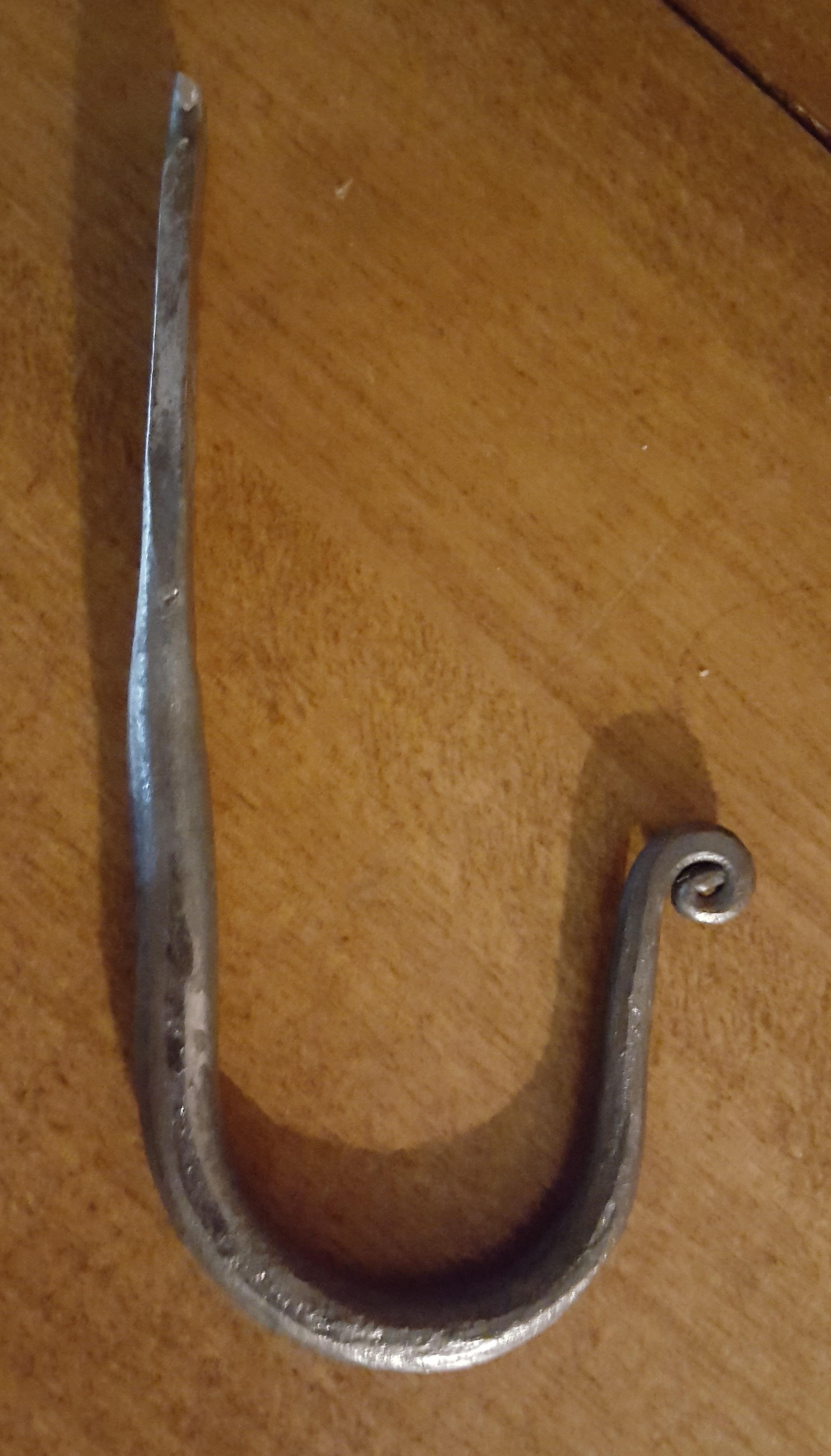
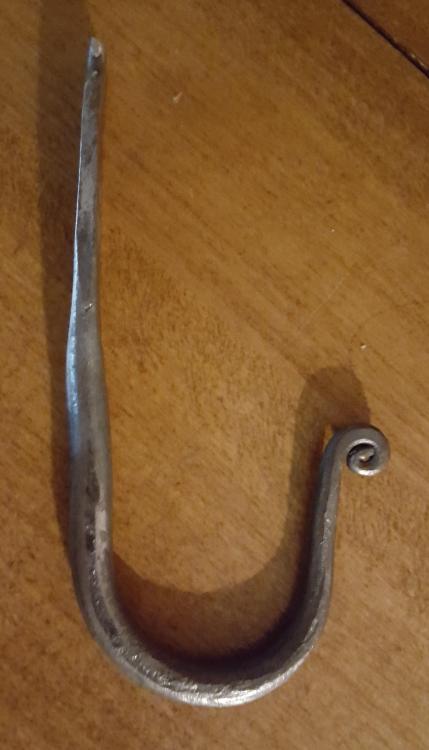
  3. I have looked at this site for a while now. I have really enjoyed the topics and the great information. This is a picture of my very first hook. I made it last night. I think I am in love.

Account

Navigation

Search

Search

Configure browser push notifications

Chrome (Android)
  1. Tap the lock icon next to the address bar.
  2. Tap Permissions → Notifications.
  3. Adjust your preference.
Chrome (Desktop)
  1. Click the padlock icon in the address bar.
  2. Select Site settings.
  3. Find Notifications and adjust your preference.