
Skip to content
View in the app

A better way to browse. Learn more.

I Forge Iron

A full-screen app on your home screen with push notifications, badges and more.

To install this app on iOS and iPadOS
  1. Tap the Share icon in Safari
  2. Scroll the menu and tap Add to Home Screen.
  3. Tap Add in the top-right corner.
To install this app on Android
  1. Tap the 3-dot menu (⋮) in the top-right corner of the browser.
  2. Tap Add to Home screen or Install app.
  3. Confirm by tapping Install.

Clemson tiger

Members
  • Joined

  • Last visited

  1. You don't know what that is?!
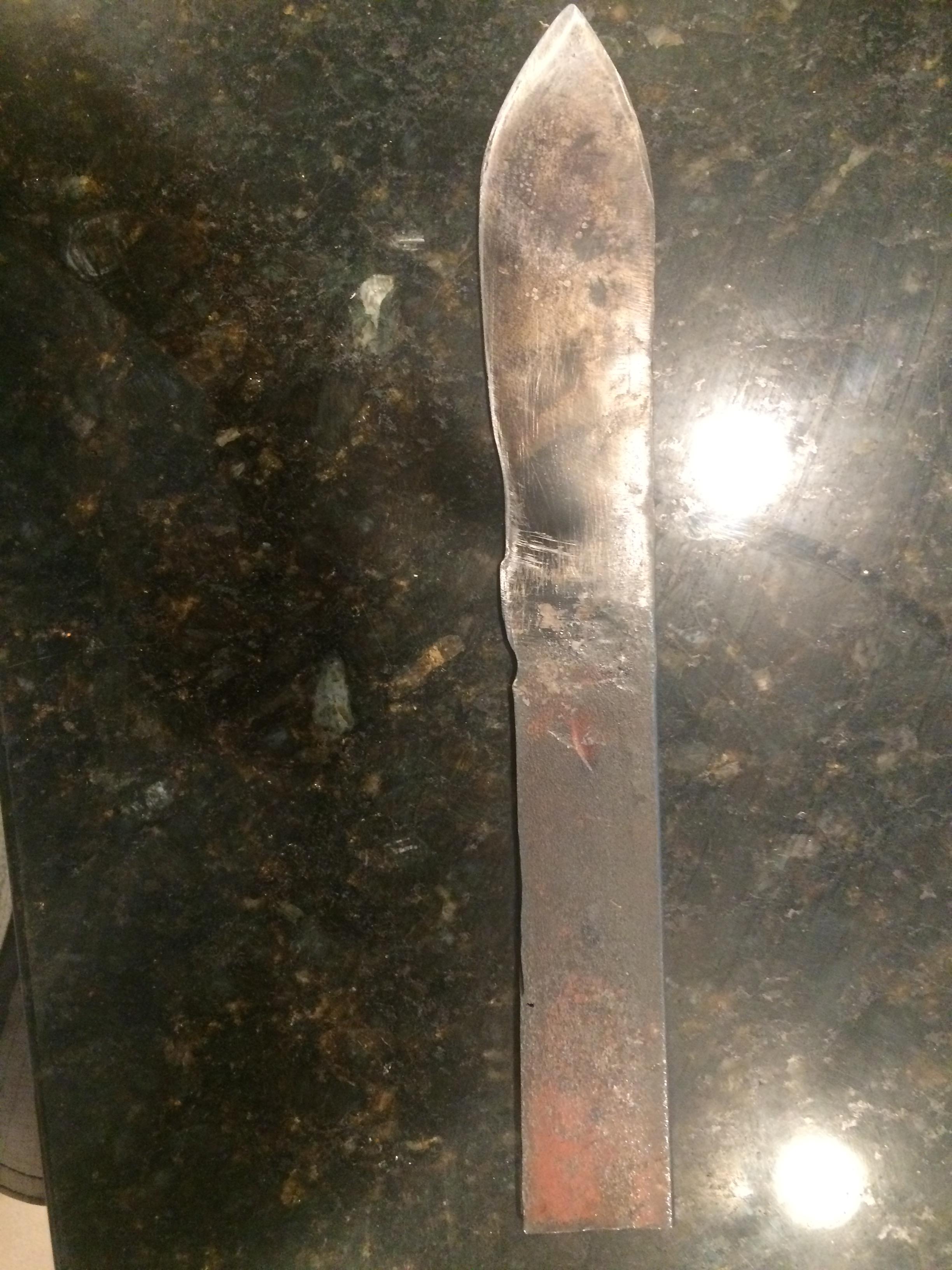
  2. I used bed frame.... I used bed frame.... it passed a spark and quench test with flying colors...
  3. Is it just me, or is this knife begging for a clip point?
  4. Hello, I'm a 14 yr old from South Carolina. I have read and watched LOTS about forging, but have only done a couple knives. I only have the basics as far as tools go, but I know you only need those to begin. Thanks in advance for any advice!
  5. Clemson tiger posted a topic in Knife Making
    Hello, I am a newbie and have only made two knives. I was wondering where you all get your steel. Any tips/suggestions are greatly appreciated!

Account

Navigation

Search

Search

Configure browser push notifications

Chrome (Android)
  1. Tap the lock icon next to the address bar.
  2. Tap Permissions → Notifications.
  3. Adjust your preference.
Chrome (Desktop)
  1. Click the padlock icon in the address bar.
  2. Select Site settings.
  3. Find Notifications and adjust your preference.