Percivalfab
Members
-
Joined
-
Last visited
-
Thank you vary much
-
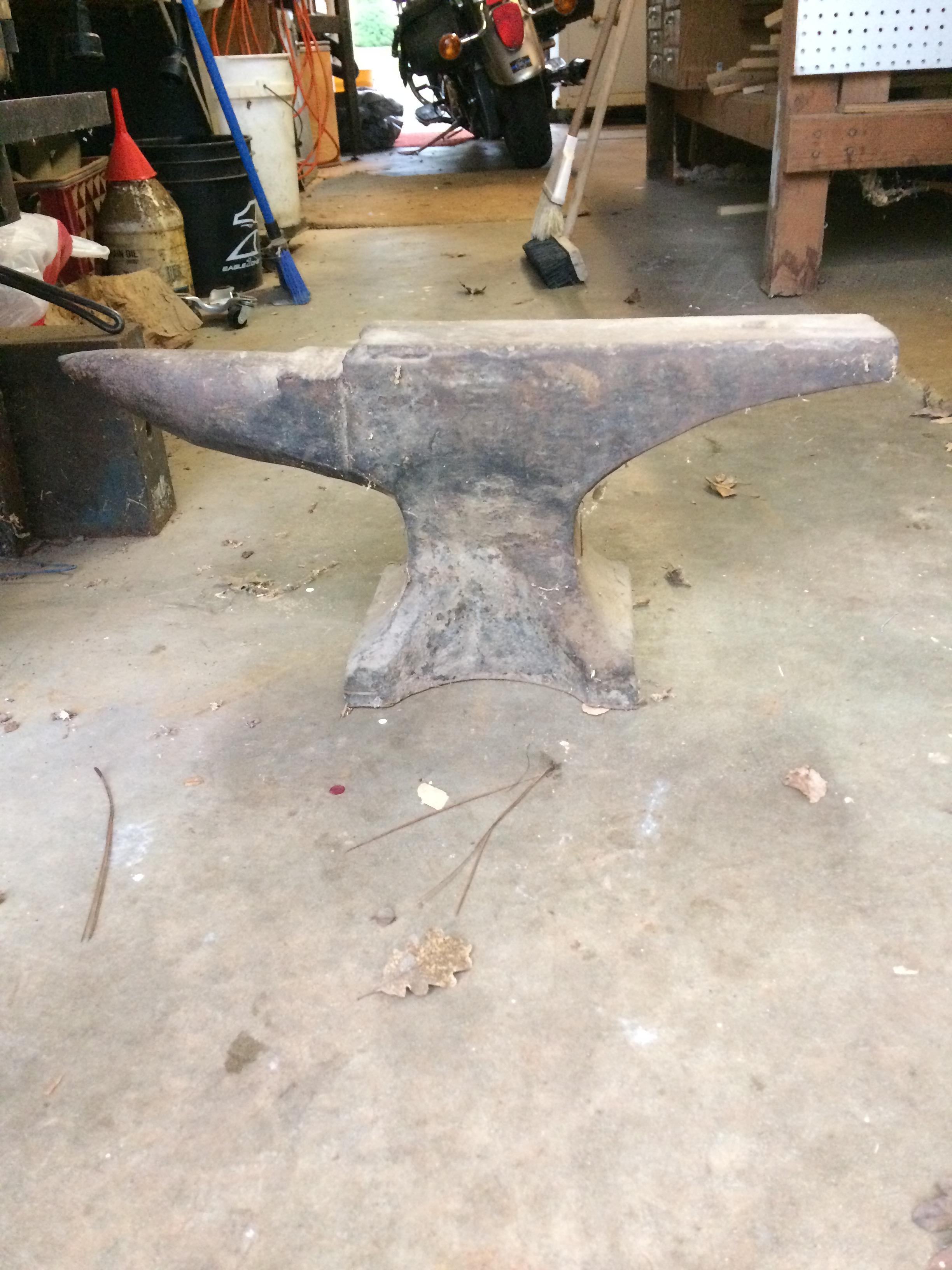
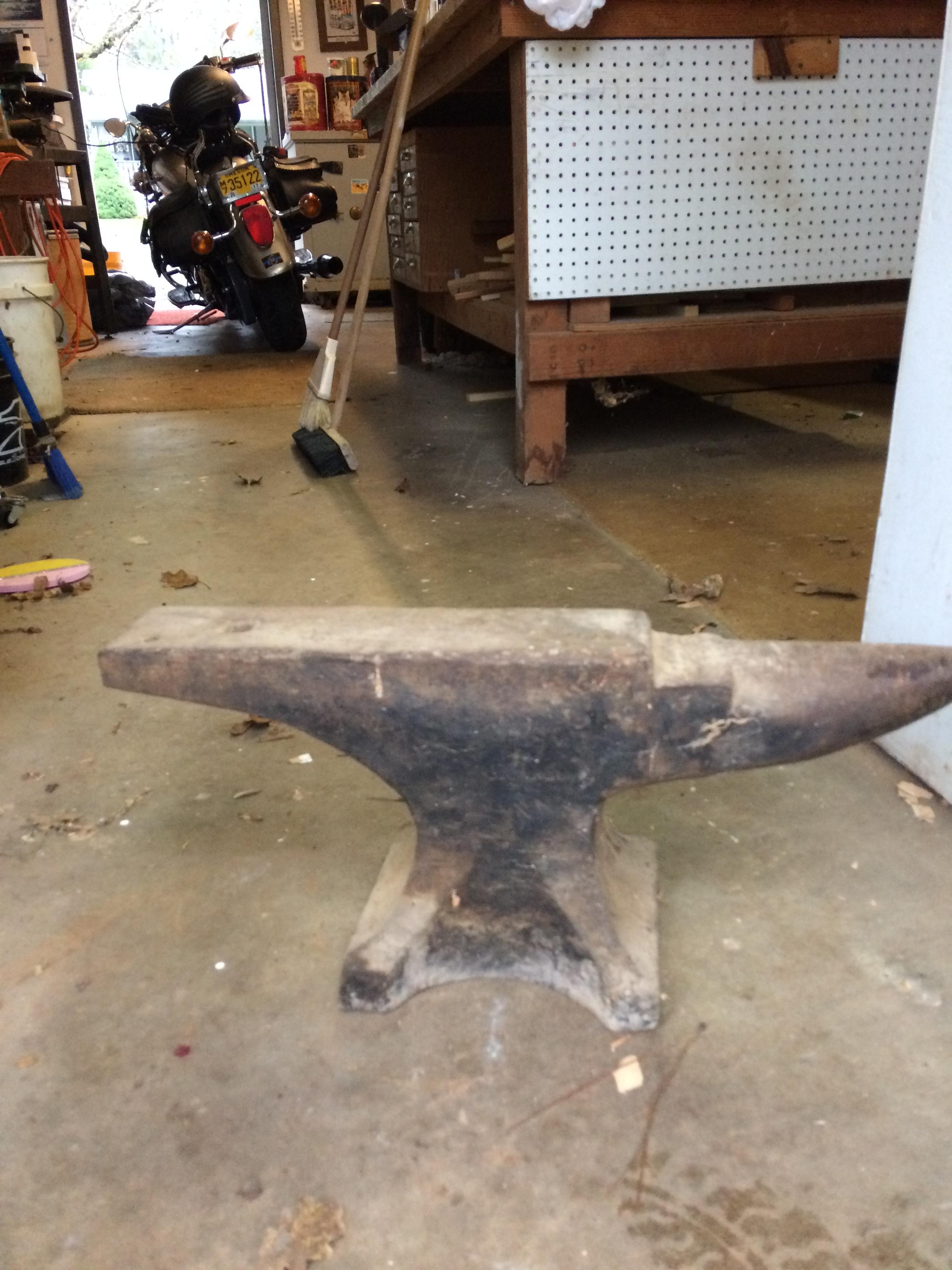
My grandfather just gave me a hay budden anvil and i would like to find out some more info on it it has a number 3 stanped under the horn it has 2 upside down 1s and a 4 under the name the sn is 87475 the 8 could be a 3 and the 4 is really unclear
-
I have no idea just go the two pics of it and thats it
-
My grandfather found this anvil i have not yet put eyes on due to him living out of state but i would like to try and ID it if anyone could help that would be helpful
-
I have added a video if that helps IMG_1209.MOV
-
Thank you for the input i have checked the jet and removed the burner and worked fine. My forge is made of brick 6.5"x6.5"x14" and i have a single burner i wouldn't think that the forge would be to small, the forge is open on both sides and i have bricks on either side to act as doors the the burner works fine with both doors open and as soon as i close one side it starts acting up and goes completely out if i shut both sides
-
I have built a zoller style burner with a fire brick forge and got it all tuned in the vice and when i put the burner in the forge and put a brick over the opening to get some heat going the burner starts to sputter and i have tryed everything adjusting pressure, choke and tip location if anyone has any input that would be helpful