chestnuttreeforge
Members
-
Joined
-
Last visited
Everything posted by chestnuttreeforge
-
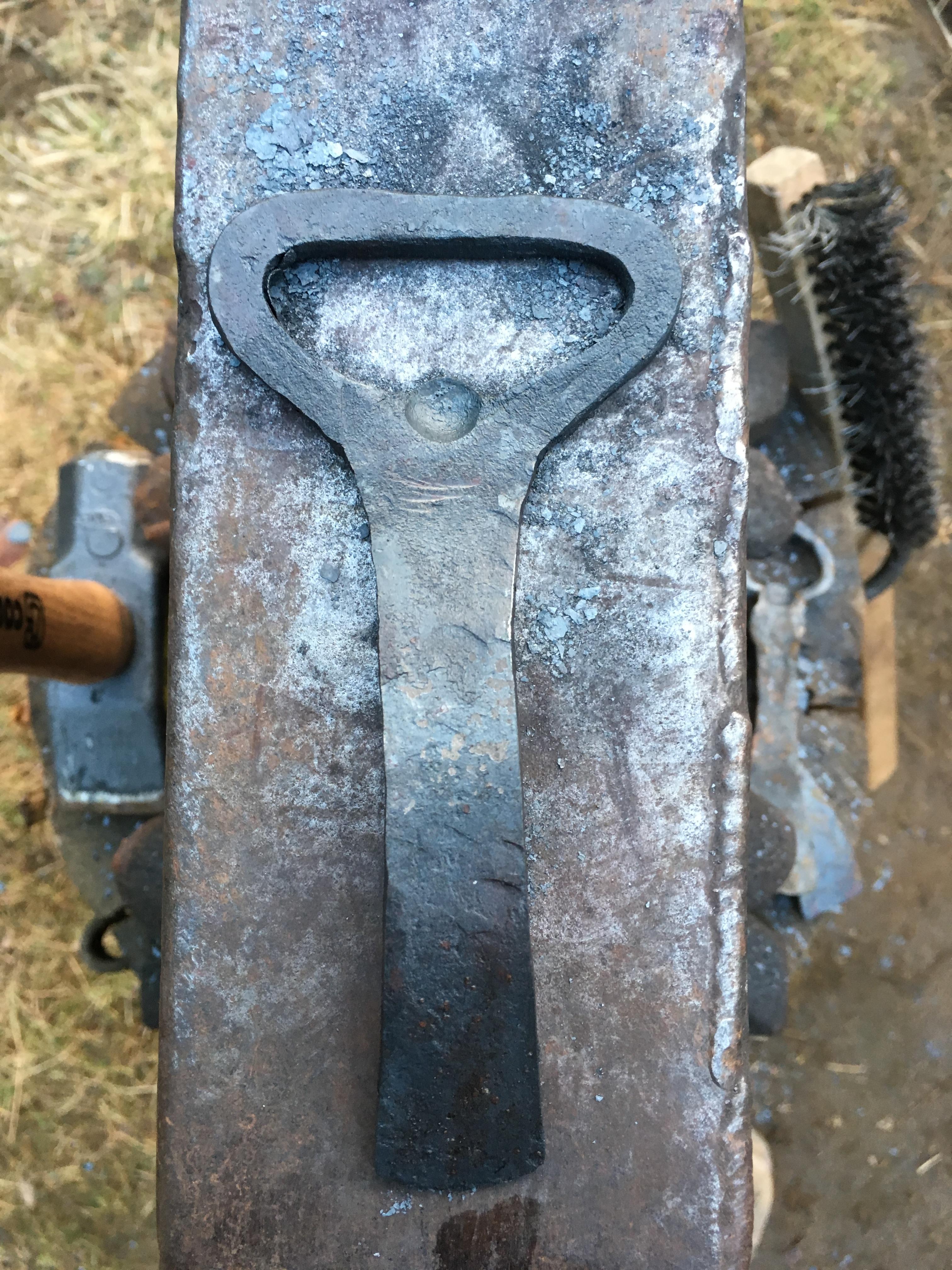
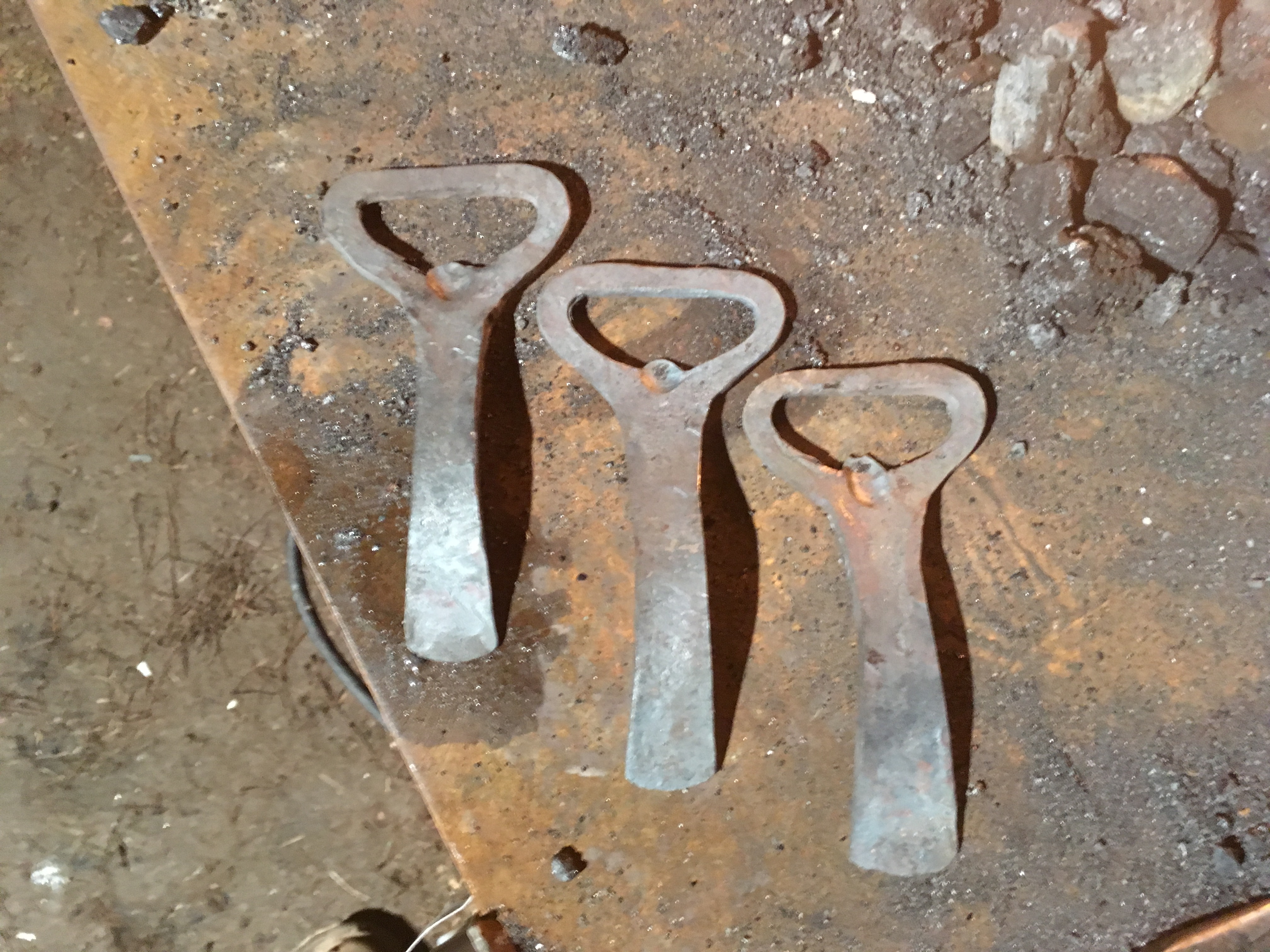
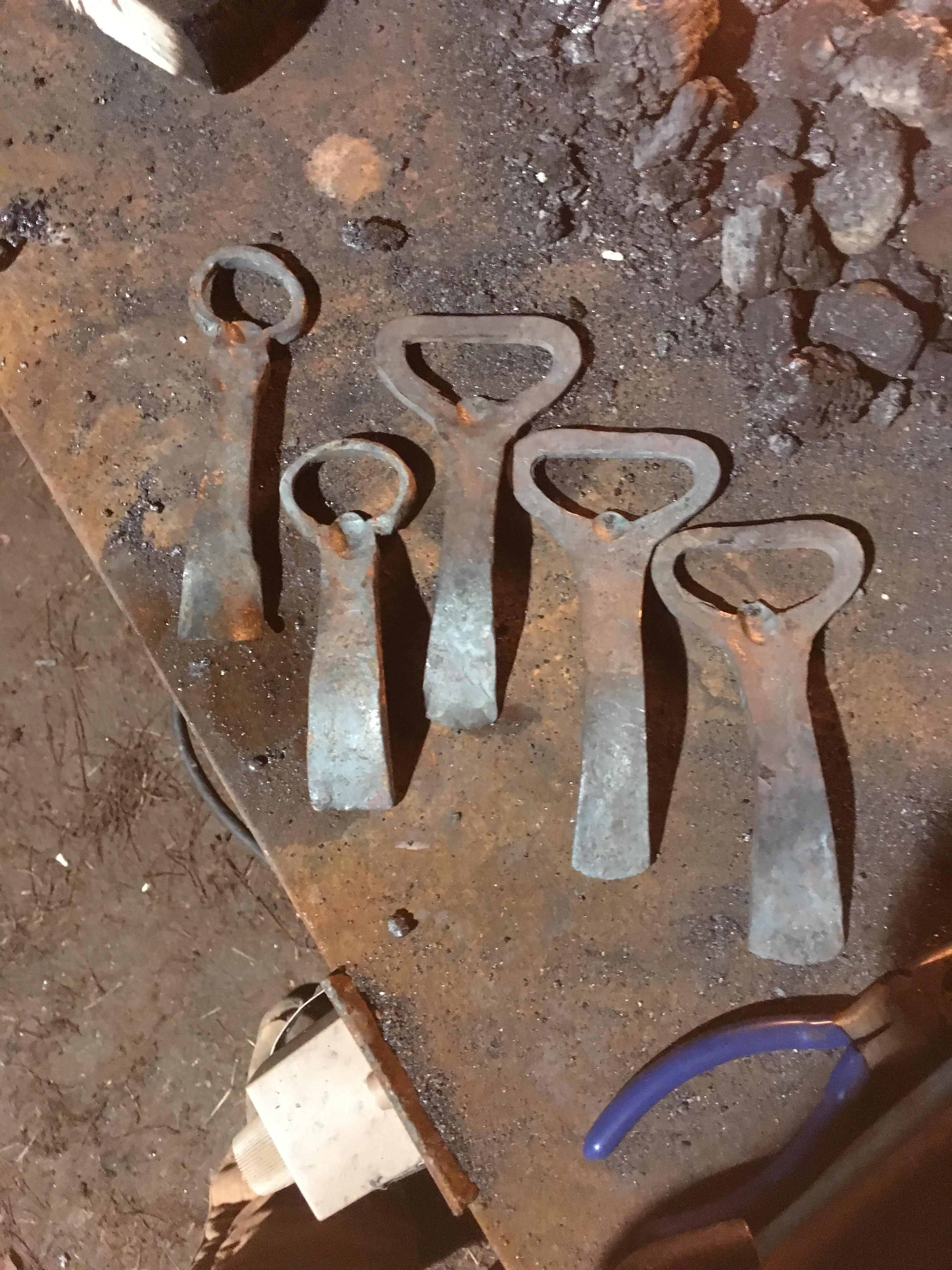
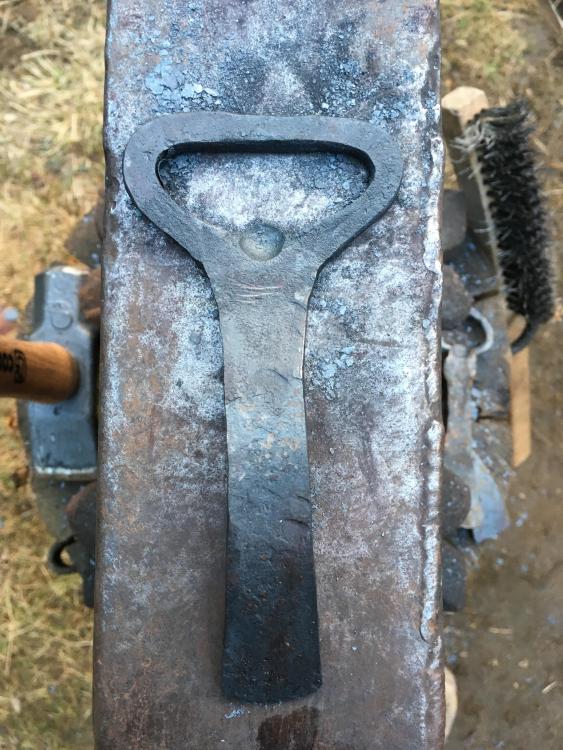
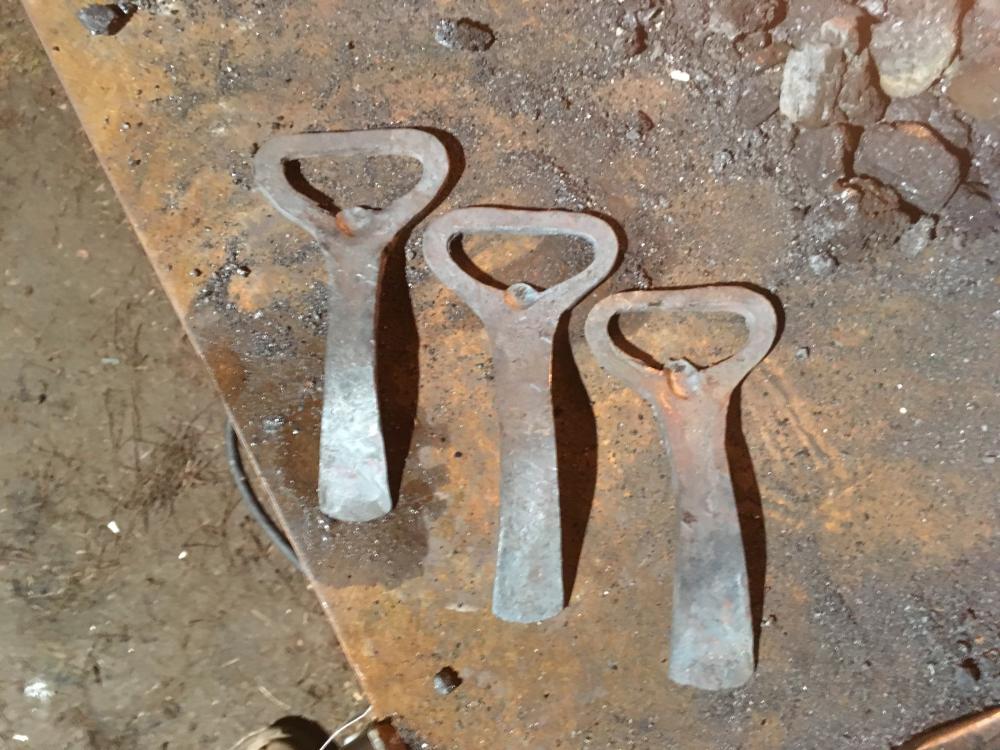
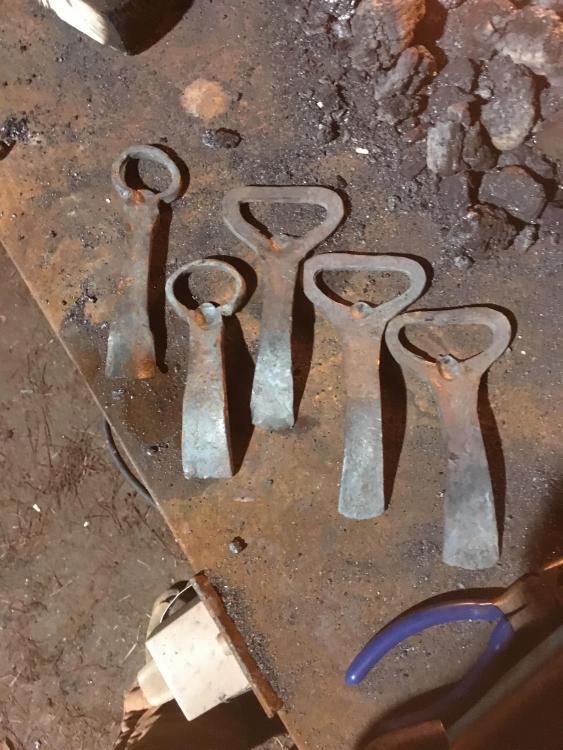
Made some openers over the weekend out of some flat stock. Tried a different technique then the first 2 that I made after watching some vids on the YouTube. Let me know what you think. Still need to be cleaned up and put some sort of finish on them.
-
Hello All My name is Zack and I am just starting out blacksmithing up in Templeton MA. Got into it from a great friend earlier this summer and have been loving it since. We built a forge, got some coal, borrowed an anvil from another buddy and started making things. I have met some great folks already in the area who have helped me learn some important skills. I was introduced to IFI and have to say it is a great site. I'm interested in making some bottle openers for Christmas gifts and have seen some really nice designs on here. I'm currently working on forging out some hooks and am making a coat rack for my parents as a gift. I will try and get some pics up soon. Happy Thanksgiving everyone TTFN.