Skip to content
View in the app

A better way to browse. Learn more.

I Forge Iron

A full-screen app on your home screen with push notifications, badges and more.

To install this app on iOS and iPadOS
  1. Tap the Share icon in Safari
  2. Scroll the menu and tap Add to Home Screen.
  3. Tap Add in the top-right corner.
To install this app on Android
  1. Tap the 3-dot menu (⋮) in the top-right corner of the browser.
  2. Tap Add to Home screen or Install app.
  3. Confirm by tapping Install.

Smitse

Members
  • Joined

  • Last visited

Everything posted by Smitse

  1. yes thats a good way to do it, but i don't own a belt grinder.... its on the list of things i want to buy....
  2. Thanks for the info!! it helps me very much!
  3. Thank you very much for the kind words todd, I was planning on getting a 4 pound hammer and practice to make the round face on there. ( I needed a 4 pound rounding hammer) I understand that it was hard to explain but in get it:) PS. You can call me Jeroen, thats my real name, maybe a little hard to pronounce:) Jeroen (aka Smitse)
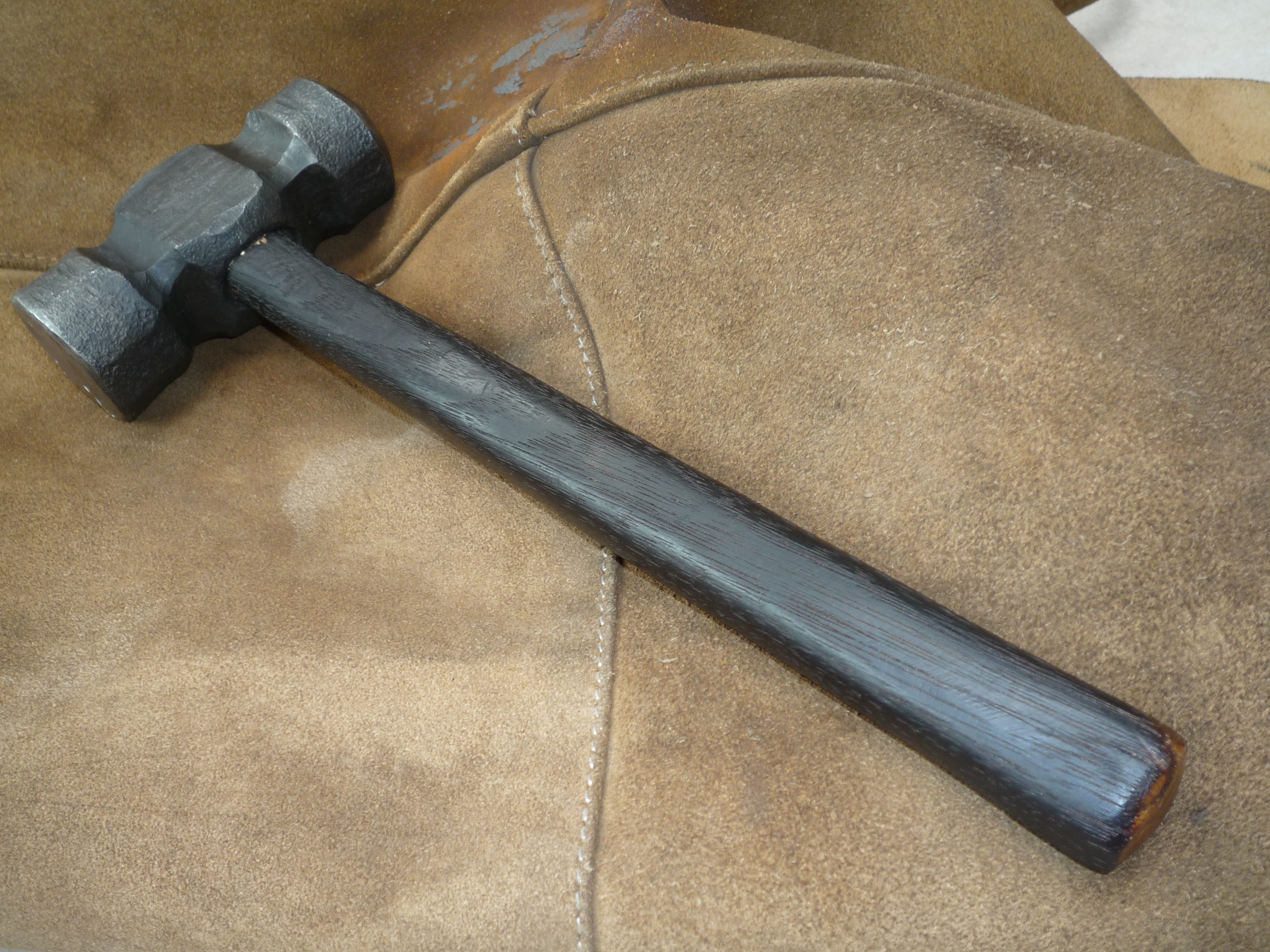
  4. Thank you very much! the thing i struggled with was that it shouldn't be a half round "ball" but it should have different radii... but i kept getting a flat spot in the middle i don't know how to get it out in the picture you don't see a half round ball but neither a flat spot. how would i remove the flat spot????
  5. I know I was at his shop some time ago. He helped me make this hammer and gave me some valuable tips. It was a lot of fun working with him! I am also familiar with his videos, but thanks a lot for the tip! -Smitse
  6. Im from The Netherlands, Maastricht Nebreska in quite a trip But thank you very much for the offer!!
  7. Thanks again!!! I made it this year just not so lang after my 14th birthday!!
  8. I recently started making hammers myself, i've made a rounding hammer but struggled grinding the round dye ( in don't have a belt sander only an angle grinder) Any tips? thanks!!

Account

Navigation

Search

Search

Configure browser push notifications

Chrome (Android)
  1. Tap the lock icon next to the address bar.
  2. Tap Permissions → Notifications.
  3. Adjust your preference.
Chrome (Desktop)
  1. Click the padlock icon in the address bar.
  2. Select Site settings.
  3. Find Notifications and adjust your preference.