Skip to content
View in the app

A better way to browse. Learn more.

I Forge Iron

A full-screen app on your home screen with push notifications, badges and more.

To install this app on iOS and iPadOS
  1. Tap the Share icon in Safari
  2. Scroll the menu and tap Add to Home Screen.
  3. Tap Add in the top-right corner.
To install this app on Android
  1. Tap the 3-dot menu (⋮) in the top-right corner of the browser.
  2. Tap Add to Home screen or Install app.
  3. Confirm by tapping Install.

Robert J. Bender

Members
  • Joined

  • Last visited

Everything posted by Robert J. Bender

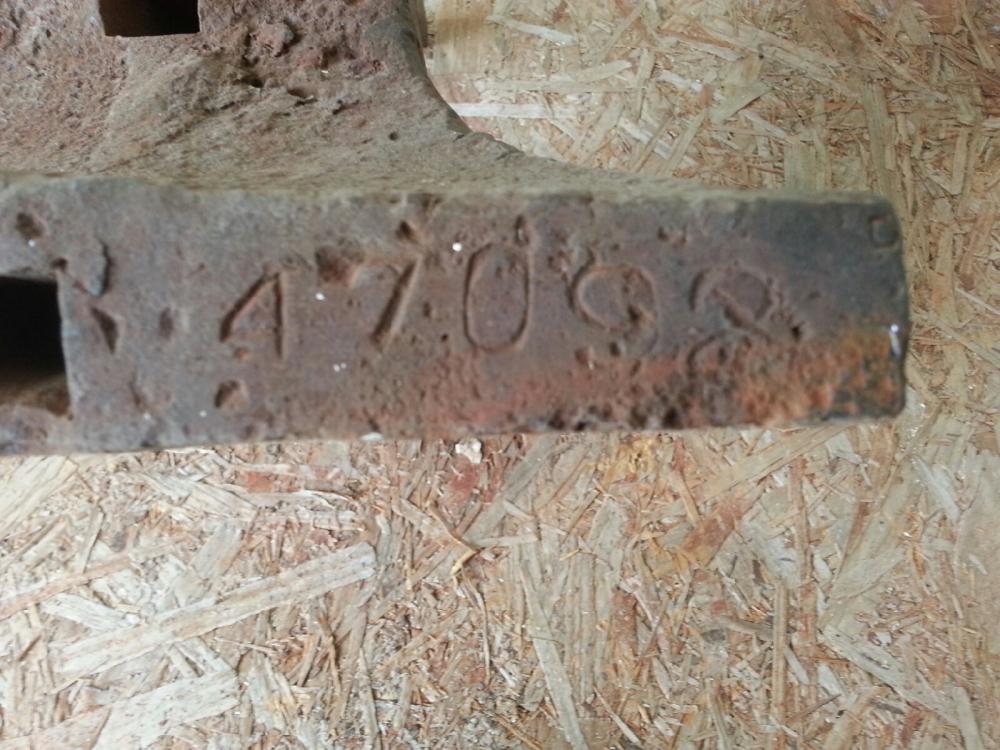
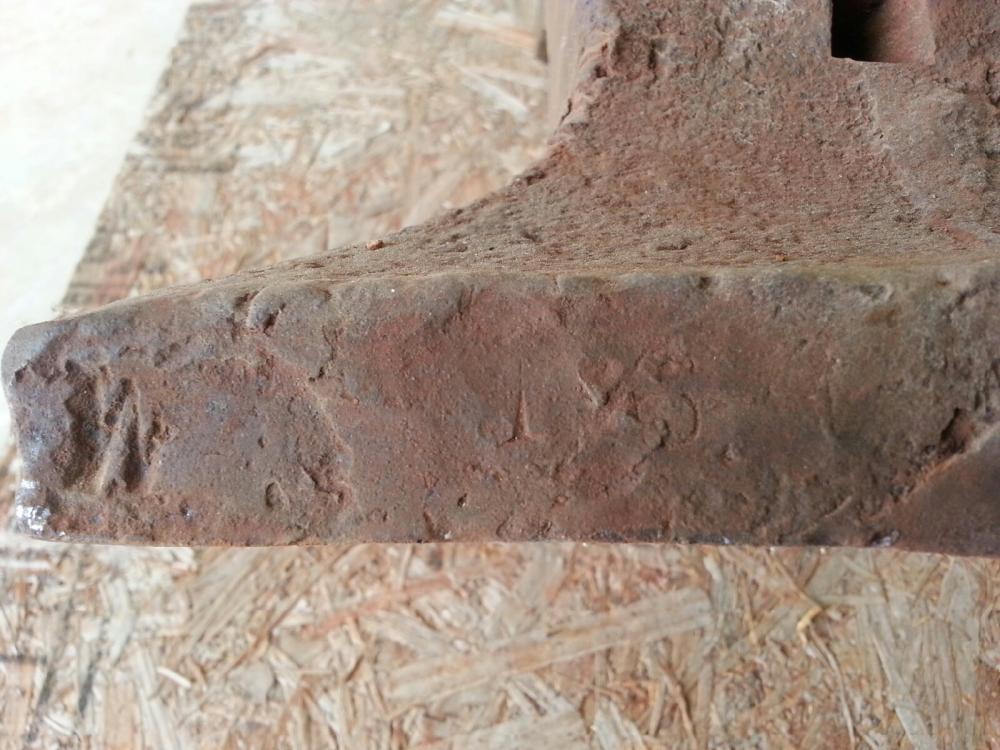
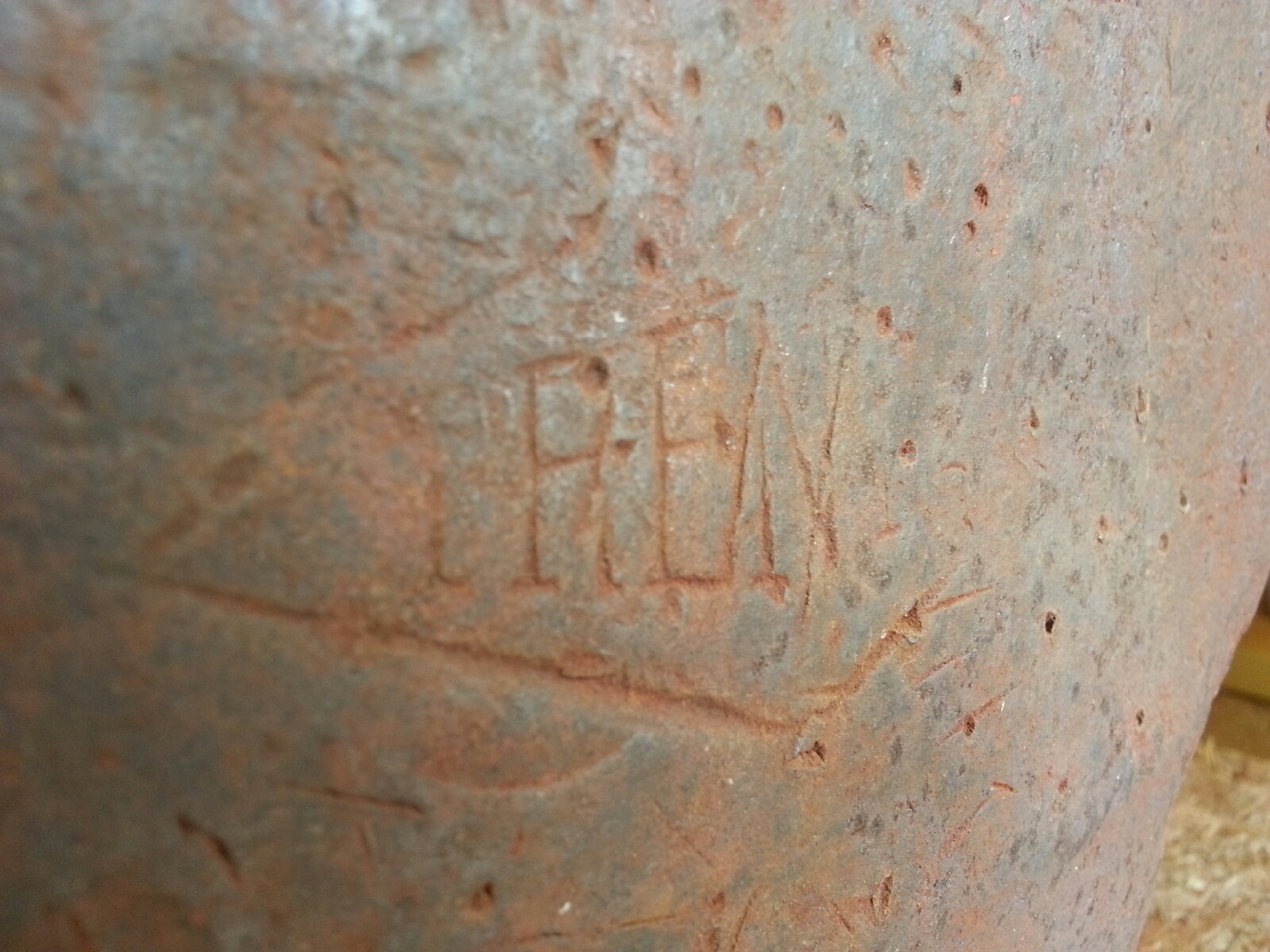
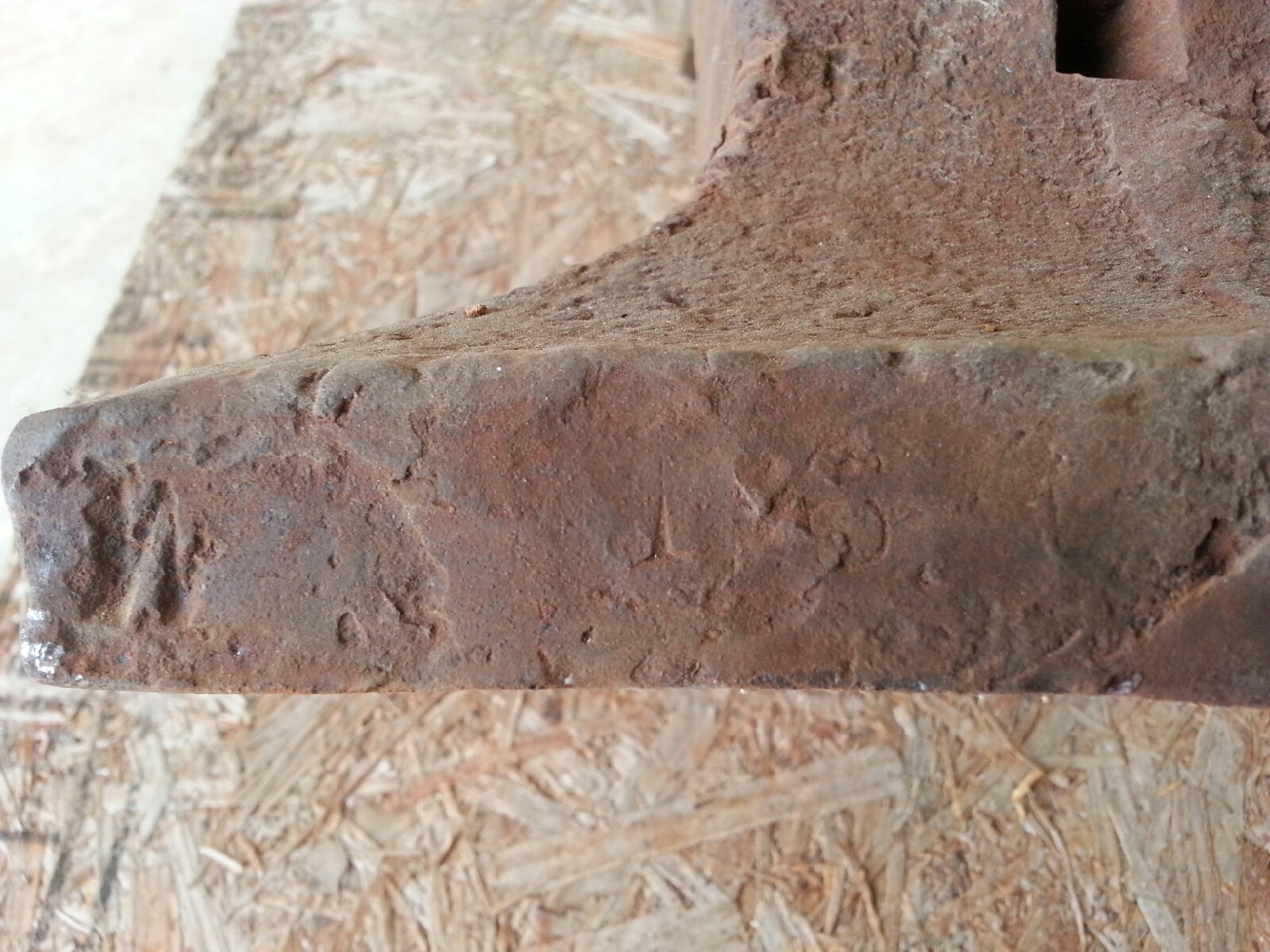
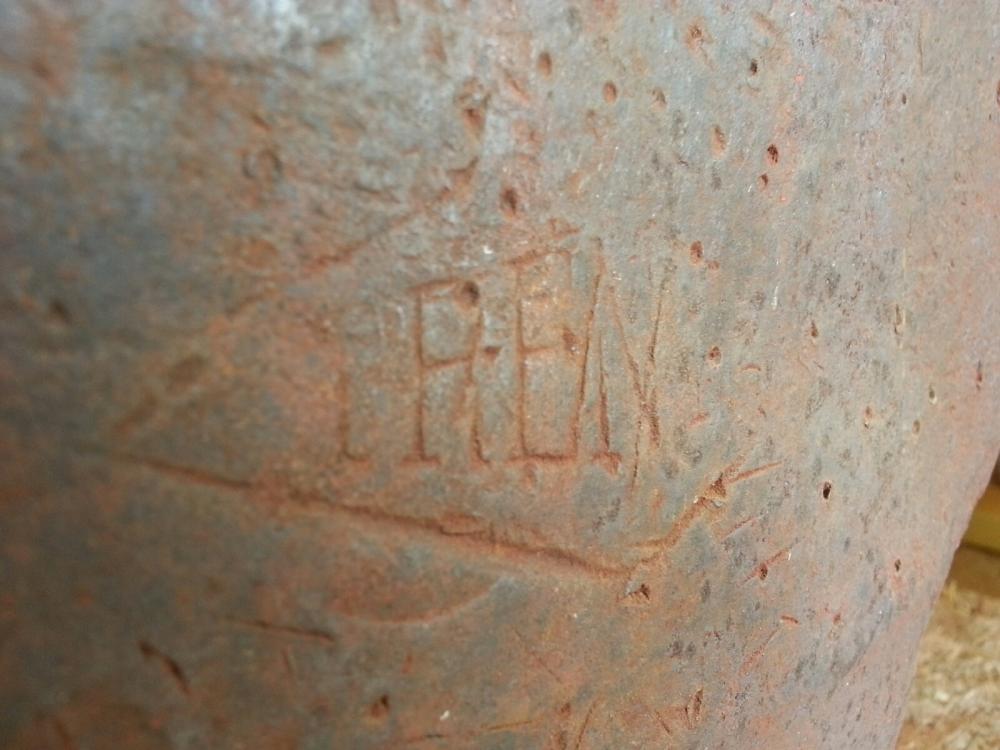
  1. Thank you for your information. I was wondering what the W and not quit so visible S on the left front foot meant. And where would I look for a weight? Can you explain the numbers that are visible? I will have to take more pictures but what is the best way to test for a solid or cast with a steal plate.
  2. I need help. My wife bought me an anvil and I'm trying to identify as much as I can about it.
Account

Navigation

Search

Search

Configure browser push notifications

Chrome (Android)
  1. Tap the lock icon next to the address bar.
  2. Tap Permissions → Notifications.
  3. Adjust your preference.
Chrome (Desktop)
  1. Click the padlock icon in the address bar.
  2. Select Site settings.
  3. Find Notifications and adjust your preference.